DIY & Hardware - Bulk vs. Unit - The Silent Space Invader |
Short Opening Summary |
The DIY and hardware industry is the kingdom of the bulky. Nails, screws, bolts, washers, and hundreds of other small parts are sold in boxes, in bags, on strips, and in bulk bins. But the packaging is often far larger than the product itself, creating a massive volume of air that must be stored, moved, and managed. Traditional inventory management treats each SKU as a uniform item, ignoring the physical reality that a box of 100 screws occupies 10 times the space of a single screw. This leads to inefficient storage, wasted cubic volume, and higher operating costs. Artificial intelligence now offers a solution: dynamic bulk-to-unit optimisation. By analysing the sales velocity, the packaging dimensions, and the storage constraints, AI can recommend the optimal unit of sale for each product, and the optimal storage method, ensuring that space is used efficiently and that waste is minimised. |

|
Chapter 31: DIY & Hardware - Bulk vs. Unit |
Imagine a large hardware store. You walk down the aisle of fasteners. There are hundreds of bins, each filled with a different type of screw, bolt, or nut. Some bins are large, containing thousands of screws. Others are small, containing only a few dozen. The packaging is just as varied. Some screws are sold in small cardboard boxes. Others are sold in plastic bags. Others are sold on strips, which are hung on pegs. The variety is staggering, but there is a common thread: the packaging is often much larger than the product. A box of 100 screws is typically 10 to 20 times the volume of the screws themselves. The rest is air. |
This is the bulk vs. unit problem. The product is small, but the packaging is large. The packaging is necessary for protection, for branding, and for convenience, but it also consumes valuable space. In a large warehouse, this wasted space can be enormous. A warehouse that stores 10,000 boxes of fasteners might have 80 percent of its volume occupied by air. This is not just a physical problem; it is a financial problem. The space must be paid for, the packaging must be paid for, and the transport must be paid for. The cost of the packaging and the space is often greater than the cost of the product itself. |

|
The traditional approach to managing this is to use a simple SKU-based system. Each product has a SKU, which is assigned a storage location. The product is stored in its original packaging. When the inventory level drops below a threshold, a new order is placed. This is a simple and effective system, but it is also inefficient. It ignores the physical characteristics of the product and the packaging. A box of 100 screws is treated the same as a box of 10 screws, even though the first occupies much more space. |
AI solves this by using a dynamic, multi-dimensional approach. The AI does not just look at the SKU; it looks at the physical dimensions, the sales velocity, the packaging cost, and the storage constraints. It then recommends the optimal unit of sale for each product, and the optimal storage method. |

|
Let us look at the factors that the AI considers. The first is the sales velocity. This is the most important factor. A fast-moving product, such as a popular screw, should be stored in bulk, in large bins, so that it is easy to access. A slow-moving product, such as an obscure bolt, should be stored in smaller quantities, to save space. |
The second factor is the packaging dimensions. The AI uses the length, the width, and the height of each package to calculate its volume. It then calculates the storage density, which is the volume of the product divided by the volume of the package. |
The third factor is the storage constraints. The AI knows the dimensions of the warehouse, the height of the racks, and the capacity of the bins. It also knows the weight of the product, which affects the handling. |
The fourth factor is the cost of the packaging. The AI knows the cost of each type of packaging, and it uses this to optimise the trade-off between the packaging cost and the storage cost. |
The fifth factor is the demand variability. A product with a highly variable demand requires a larger safety stock, which might be better stored in bulk. |

|
Now, let us look at how this works in practice. A DIY retailer has a product line of screws. The screws are sold in boxes of 10, 25, 50, and 100. The AI analyses the sales velocity. It finds that the most popular size is the box of 50. The AI recommends that the retailer stock the majority of the screws in boxes of 50, and that they be stored in a large bin, close to the picking area. The boxes of 10 and 25 are slow-moving, so the AI recommends that they be stored in smaller bins, in a less accessible area. The boxes of 100 are also slow-moving, so the AI recommends that the retailer consider discontinuing that SKU. |
The AI also recommends the storage method. For the fast-moving items, it recommends the use of a gravity-fed bin, which allows the items to be picked from the front, and the bin to be refilled from the back. For the slow-moving items, it recommends the use of a standard shelving unit. |
|
Now, let us consider the role of the barcode. The barcode on each package is the anchor that ties the physical product to its digital twin. It is essential for tracking the inventory, the sales, and the movement. It also enables traceability. |
Now, let us look at the financial and operational impact. The bulk vs. unit optimisation can reduce the storage space required by 20 to 30 percent. This can save a significant amount on the rent or the cost of the warehouse. It can also reduce the handling time, because the fast-moving items are stored in the most accessible locations. |
|
Let us look at a real-world example. A large DIY retailer implemented an AI system to manage its fastener inventory. The system analysed the sales velocity, the packaging dimensions, and the storage constraints. It recommended a new storage layout and a new packaging strategy. The retailer reported a 25 percent reduction in the storage space required for the fasteners. It also reported a 15 percent reduction in the picking time. |
Another example is an industrial distributor that used a similar system. The distributor supplied fasteners to manufacturers. The AI system recommended that the distributor stock the fasteners in bulk bins, rather than in small boxes, for the high-volume customers. The distributor reduced its warehouse footprint by 30 percent and its packaging cost by 20 percent. |
|
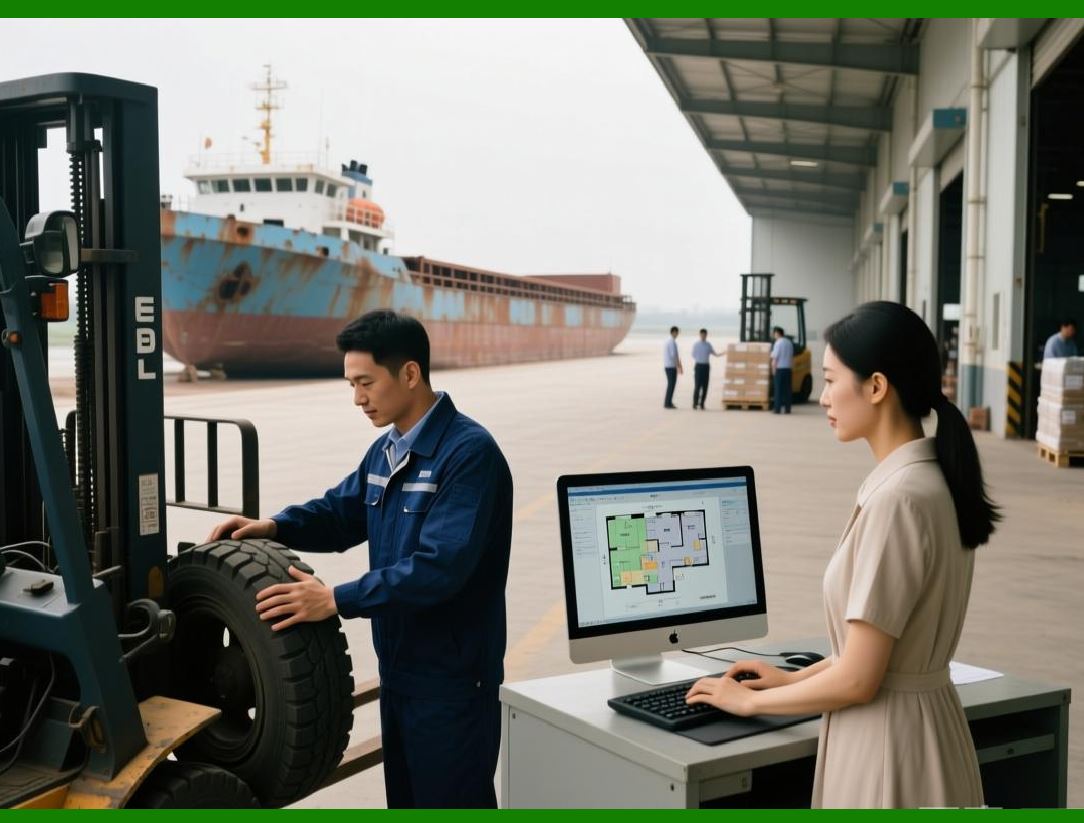
Now, let us look at the future of DIY and hardware inventory management. One trend is the use of automated storage and retrieval systems, or ASRS, for the small parts. The ASRS can store the parts in compact bins, and it can retrieve them automatically, optimising the space and the time. |
Another trend is the use of 3D printing for on-demand production. The retailer can print the parts on demand, rather than storing them in inventory. |
Another trend is the use of bulk dispensing systems. The customer can buy the exact quantity they need, rather than a fixed box. |
|
Now, let us address the human factors. The store managers and the warehouse staff are accustomed to the traditional system. They might be resistant to a change in the packaging or the storage. The AI must provide clear visualisation and simple recommendations. It should also provide the rationale, such as 'The box of 100 screws has a low sales velocity and a high storage cost. We recommend discontinuing this SKU.' This builds trust. |
Now, let us discuss the environmental impact. The packaging of the small parts is often made of plastic or cardboard. By reducing the packaging, the AI reduces the waste and the environmental footprint. |
Now, let us look at the broader context of the retail industry. The same principles can be applied to other categories, such as craft supplies, jewellery, and even food items. |
|
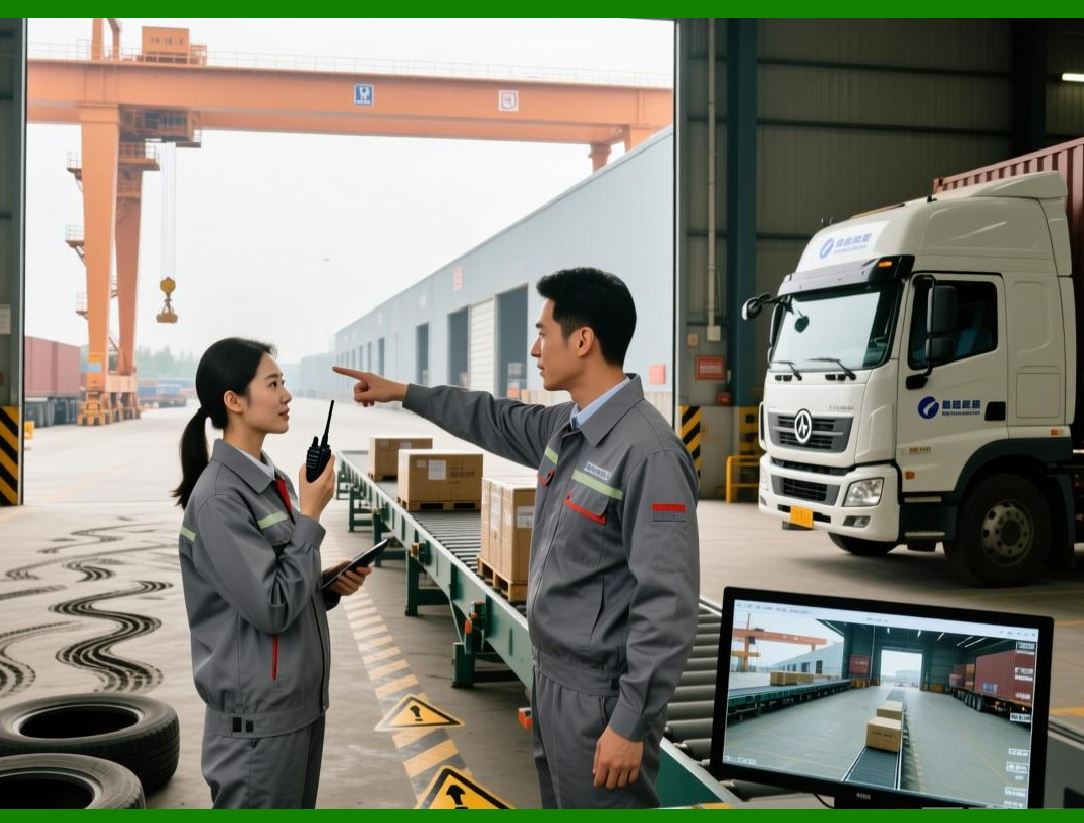
In summary, the DIY and hardware industry is the kingdom of the bulky, where the packaging often consumes more space than the product. Traditional SKU-based management is insufficient. AI solves this by using a dynamic approach that optimises the unit of sale and the storage method, based on the sales velocity, the dimensions, the storage constraints, and the cost. The barcode is the data anchor. The future is ASRS, 3D printing, and bulk dispensing, ensuring that the space is used efficiently and the waste is minimised. |
|
Detailed Closing Summary |
We have now completed an in-depth exploration of Chapter 31, DIY & Hardware - Bulk vs. Unit. Let us synthesise all the key points into a comprehensive closing summary. |
We began by establishing that the DIY and hardware industry has a unique problem: the packaging of small parts, such as screws and bolts, often occupies much more space than the product itself. Traditional SKU-based management treats each package uniformly, leading to wasted cubic volume and higher costs. |
We introduced the AI-driven solution: dynamic bulk-to-unit optimisation. The AI analyses the sales velocity, the packaging dimensions, the storage constraints, the packaging cost, and the demand variability to recommend the optimal unit of sale and the optimal storage method for each product. |
We detailed the five main factors the AI considers: sales velocity, packaging dimensions, storage constraints, packaging cost, and demand variability. |
We described the practical workflow. The AI analyses the data, generates recommendations for the SKU mix, the packaging size, and the storage location. It recommends that fast-moving items be stored in bulk in accessible bins, and that slow-moving items be stored in smaller quantities in less accessible areas. |
We highlighted the role of the barcode as the anchor for the digital twin, enabling tracking and management. |
We looked at the financial and operational impact, showing that AI can reduce storage space by 20 to 30 percent, reduce handling time, and reduce packaging costs. We provided a real-world example of a retailer that reduced space by 25 percent and picking time by 15 percent, and an industrial distributor that reduced footprint by 30 percent and packaging cost by 20 percent. |

|
We explored future trends, including ASRS for automated storage, 3D printing for on-demand production, and bulk dispensing systems for precise quantities. |
We addressed the human factors, noting the need for clear visualisation and rationales to build trust. |
We discussed the environmental impact, highlighting the reduction in packaging waste. |
We placed this in the broader context of retail, noting that the same principles apply to other categories. |
The key takeaway from Chapter 31 is that the bulk vs. unit problem is a solvable optimisation challenge. AI provides the precision and intelligence to match the packaging and the storage to the sales velocity, ensuring that space is used efficiently and waste is minimised. |

|
To summarise the practical recommendations for a DIY or hardware retailer: |
1. Implement a barcode system for every SKU, encoding the product, the packaging size, and the dimensions. |
2. Measure and record the dimensions of each package, and calculate the storage density. |
3. Collect and analyse the sales velocity data for each SKU. |
4. Develop or purchase an optimisation engine that recommends the optimal unit of sale and storage method for each product. |
5. Use the AI to generate a storage layout plan and a packaging strategy. |
6. Train your warehouse and store staff to follow the AI's recommendations. |
7. Monitor the results, measuring space utilisation, picking time, and packaging costs. |
8. Explore advanced technologies, such as ASRS and bulk dispensing, to further improve the system. |
|
By following these steps, any DIY or hardware retailer can turn the silent space invader of packaging into a manageable, optimised process. The air is no longer wasted; it is saved. |
 cs@easiersoft.com