The Application of Barcode Technology in Electronic Factory Material Management - A Deep Dive into Chapter 9: Kitting for Production - The Pick List |
Executive Summary (Chapter 9 Preview) |
Kitting is the critical bridge between the warehouse and the production line. It is the process of gathering all the components required for a specific work order and assembling them into a ready-to-use kit, delivered to the shop floor just as production begins. This chapter explores how barcode technology transforms kitting from a manual, error-prone chore into a systematic, verified, and efficient operation. We will examine the concept of the pick list, the system-generated instruction set that guides the kitting process, and how operators use barcode scanning to verify every component against the bill of materials (BOM), the job order, and the approved supplier list (ASL). We will explore real-world examples from American and Chinese manufacturers, illustrating how barcode-based kitting prevents incorrect components from ever reaching the assembly line, reduces waste, improves traceability, and accelerates production ramp-up. |

|
Chapter 9: Kitting for Production - The Pick List |
9.1 The Critical Moment Before Assembly |
Imagine a busy SMT assembly line in a factory outside Austin, Texas, preparing to run a high-priority work order for a medical device manufacturer. The pick-and-place machines are set up, the solder paste is fresh, and the production team is ready to go. But before the first board can be produced, the components must be kitted - gathered from their storage locations, verified against the bill of materials, and delivered to the line. This seemingly simple step is one of the most critical in the entire production process. |
Kitting errors are a primary source of production delays, rework, and scrap. A wrong resistor, a mislabeled reel, or an outdated revision can halt an entire production line, causing costly downtime. In high-mix, low-volume environments, where changeovers are frequent and the variety of components is immense, the risk of kitting errors is even higher. Kitting errors are small upstream mistakes with large downstream impact. |
This chapter explores how barcode technology addresses this challenge. By digitizing the pick list, enforcing barcode-based verification, and integrating with the Manufacturing Execution System (MES) and Enterprise Resource Planning (ERP) system, barcode-enabled kitting transforms a risky manual process into a reliable, auditable, and efficient operation. |

|
9.2 The Pick List: The System's Instruction to the Kitter |
The kitting process begins with the pick list. The pick list is a system-generated document, digital or printed, that specifies exactly which components, in what quantities, from which lots, must be gathered for a specific work order. It is derived from the Bill of Materials (BOM) and the production order. |
In a modern, barcode-enabled factory, the pick list is not a static piece of paper. It is a dynamic, digital instruction set that is integrated with the MES and ERP systems. When a production planner releases a work order, the MES generates a pick list that is transmitted to the kitting area. The pick list may be displayed on a screen, sent to a handheld scanner, or printed on a barcode label that will be attached to the kit for tracking throughout the assembly process. |
The pick list is more than just a list of part numbers. It encodes the specific requirements of the work order: the correct component revisions, the approved supplier sources, the moisture sensitivity levels, and any special handling instructions. By providing this level of detail, the system ensures that the kitter gathers exactly the right components for that specific job. |

|
9.3 The Kitting Workflow: Scan, Pick, Verify, Kit |
The kitting process in a barcode-enabled factory follows a structured workflow. This process is designed to ensure accuracy, traceability, and efficiency. |
9.3.1 Receiving the Pick List |
The kitter receives the digital pick list on their handheld scanner or workstation screen. The scanner may display the pick list in a sequence, showing the next component to be picked and its location in the warehouse. This guided picking process reduces the need for the kitter to memorize part numbers or search for components. |
9.3.2 Scanning the Component |
The kitter goes to the designated storage location, retrieves the component - a reel of capacitors, for example - and scans its barcode. The scanner transmits the barcode data to the MES. |
9.3.3 System Verification |
The MES performs a series of critical checks: |
BOM Verification: Does the scanned component match the part number specified on the pick list for this work order |
Revision Check: Does the component revision match the engineering revision specified for the work orderUsing an incorrect revision can cause compatibility issues. |
Lot and Date Code Verification: Is the component's lot number and date code acceptable for this work order |
Supplier Verification: Is the supplier of this component on the approved supplier list (ASL) for this part number |
Quantity Check: Is the quantity of components on the reel or in the tray sufficient for the work orderIf not, the system may alert the kitter to pull multiple reels or trays. |
MSL and Shelf Life Check: Is the component within its moisture sensitivity level (MSL) floor lifeHas it expired |
If any check fails - for example, if the scanned component is from an unapproved supplier or if the revision level is wrong - the system immediately alerts the kitter with an error message. The scanner may beep red, and the screen may display a message such as 'Incorrect Component' or 'Revision Mismatch.' The kitter cannot proceed without resolving the issue, preventing the wrong component from ever entering the kit. |
9.3.4 Completing the Pick |
If all checks pass, the system updates the pick list, marking the component as 'picked.' The kitter moves to the next item on the list, following the same process. |
9.3.5 Assembling the Kit |
Once all components on the pick list have been picked and verified, the kitter assembles them into a kit. The kit may be placed on a carrier, in a designated bin, or on a cart. |
9.3.6 Kitting Completion and Labeling |
The kitter scans a 'kit completion' barcode, which may be printed on a label attached to the kit. This scan signals to the MES that the kit is complete and ready for production. The system may then print a kit label, including a barcode that will be scanned at the assembly line to initiate the work order. |
This entire process creates a complete record of every component that went into the kit, when it was picked, and who picked it, providing a robust foundation for traceability. |
|
9.4 The Critical Importance of System Verification |
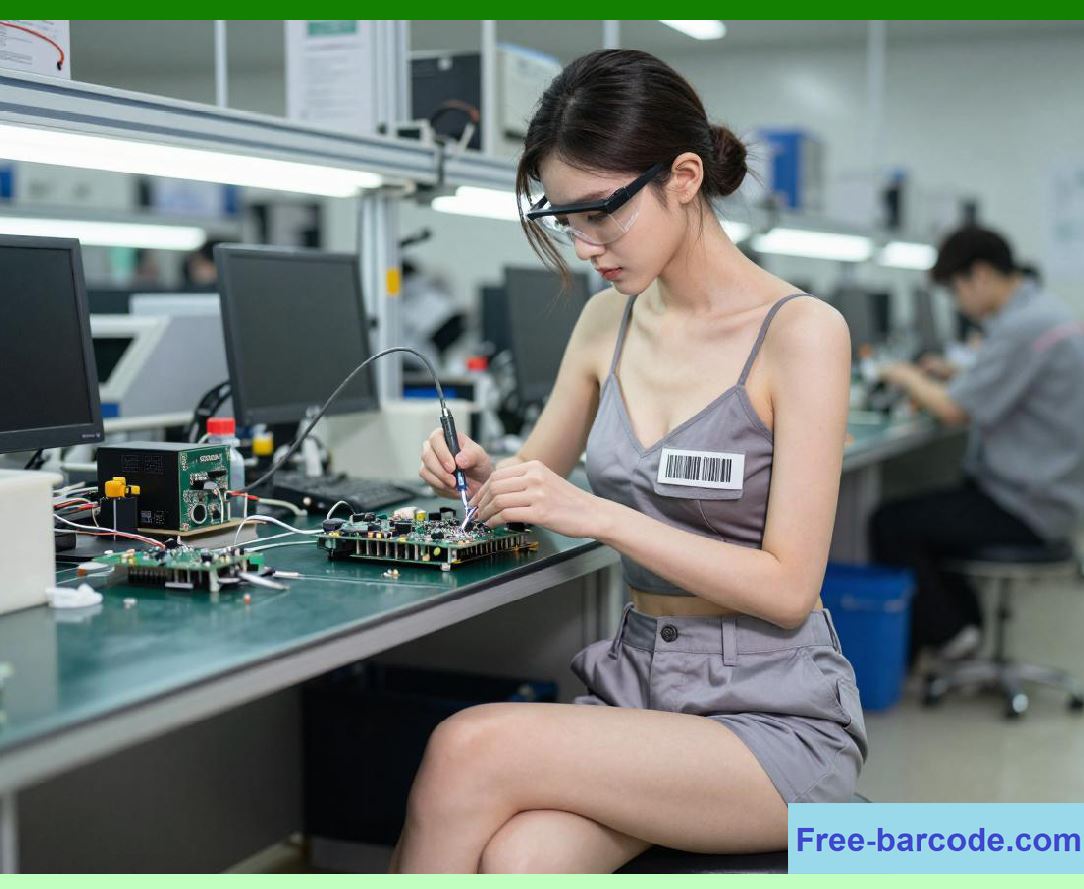
The system verification step is the heart of barcode-based kitting. It is the point at which the system enforces error-proofing, preventing incorrect components from reaching the production line. The system verification step is not optional; it is enforced. It eliminates the risk of human error in material identification, which is the most common cause of kitting mistakes. |
This approach is particularly important in high-reliability industries such as medical devices, aerospace, and automotive. As described in a detailed article on MES traceability for medical device manufacturing, 'unverified material kitting' is one of the top root causes of regulatory audit failures and field reliability issues. In these industries, the cost of a kitting error is not just financial; it can be a matter of patient safety. |
|
9.5 The Risk of Manual Kitting |
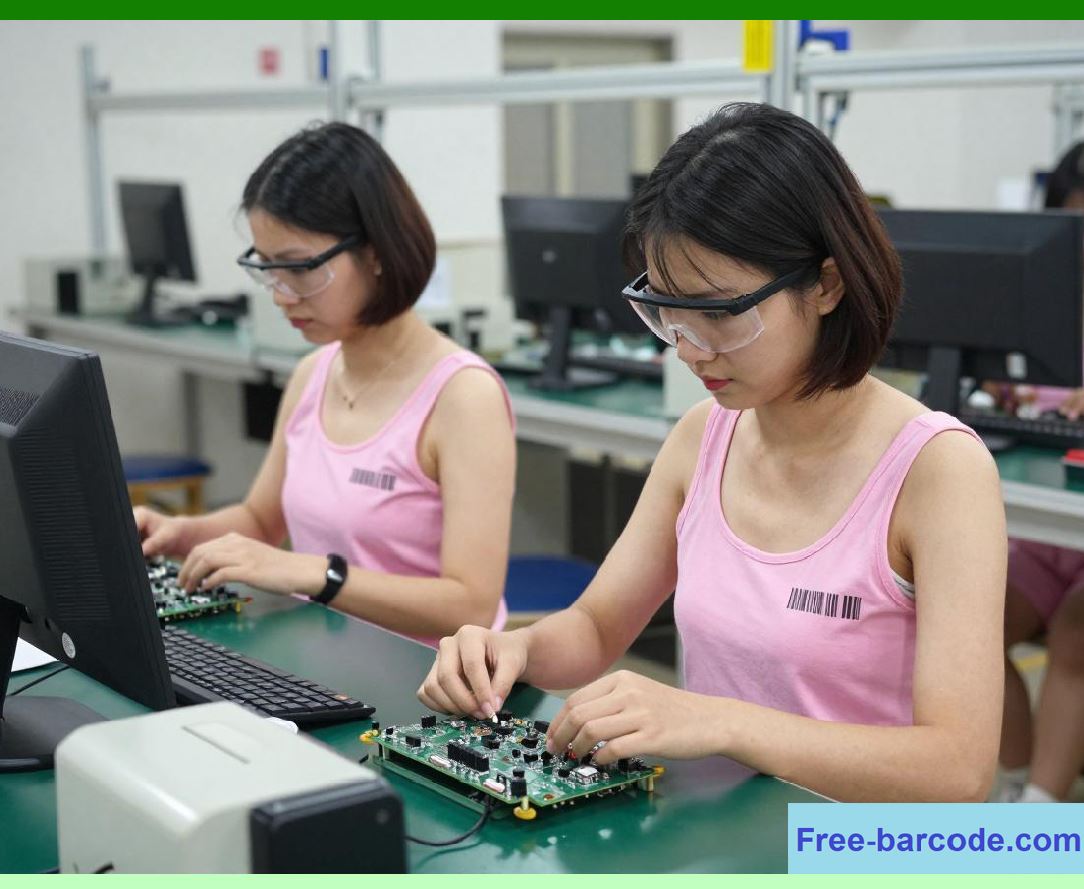
To appreciate the value of barcode-based kitting, it is useful to understand the risks of manual kitting. In the pre-barcode era, kitting was a manual process. Kitters relied on printed pick lists, visual part number matching, and their own memory. This approach is fraught with risk, particularly in high-SKU environments. |
9.5.1 Similar-Looking Parts |
Many electronic components look identical to the untrained eye. Two capacitors from different suppliers may appear the same but have different electrical characteristics, tolerances, or temperature coefficients. Even components from the same supplier but with different revision levels may look identical. |
9.5.2 Data Entry Errors |
Manual data entry is error-prone. A kitter may misread a part number, mis-enter a quantity, or forget to record a lot number. These errors can propagate through the system, leading to inventory discrepancies and production issues. |
9.5.3 Missing Components |
In a manual system, it is easy to miss a component on a pick list, especially if the list is long or the components are stored in different locations. The kit may be delivered to the line incomplete, causing a production stoppage. |
9.5.4 Loss of Traceability |
Manual kitting often fails to record which specific lots were used. This breaks the traceability chain and makes it difficult or impossible to conduct a recall or quality investigation. |
These issues are not hypothetical. A real-world SMT manager described the 'ongoing issue' of 'parts/reels' that are 'not all in their inventory location,' causing 'wasted time trying to find them' because they are 'in saved setups, currently running, tore down and waiting to be placed back in inventory shelf'. Barcode-based kitting, integrated with a warehouse management system, solves this problem by ensuring that every component is tracked to its exact location at all times, allowing the system to guide the kitter to the correct stock. |
|
9.6 Advanced Kitting with AI and Digital Pick Lists |
While traditional barcode-based kitting is a significant improvement over manual methods, the integration of AI is taking error prevention to a new level. AI-native digital kitting workflows are emerging as a next-generation solution. |
9.6.1 AI-Native Digital Kitting |
AI-native digital kitting integrates artificial intelligence into the kitting process. The system uses AI to generate and manage digital pick lists, verify components through barcode scanning and vision validation, and cross-check every component against the BOM and production order in real time. If a mismatch is detected, the system generates an immediate alert and, if necessary, can prevent the kit from being closed. |
9.6.2 Custom Scan Sequences |
For complex kitting jobs involving dozens or even hundreds of parts, custom scan sequences streamline the process. Each item in the kit has a unique barcode. The scanning system is programmed with the sequence in which the parts should be scanned, ensuring that no item is missed. If an item is scanned out of order or if a part is missing, the system alerts the operator, preventing the kit from being completed incorrectly. |
9.6.3 Benefits of AI-Enabled Kitting |
The benefits of AI-enabled kitting are substantial. Companies that have adopted AI-native digital kitting report significant reductions in assembly time, decreases in defective kits, and improved traceability. By preventing upstream errors before they reach the assembly line, these systems eliminate a major source of production disruption and waste. |
|
9.7 Real-World Example: PCBCart's Smart MES Kitting |
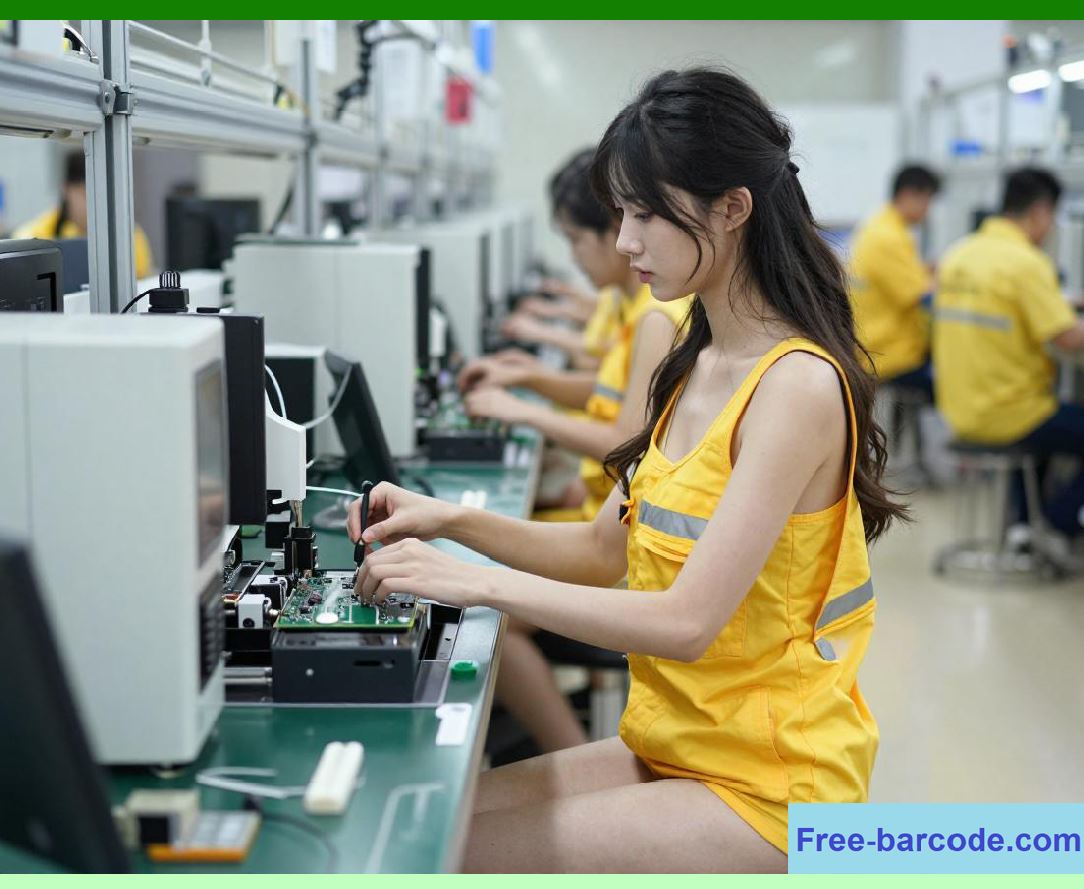
PCBCart, an IATF 16949-certified EMS provider focused on high-reliability PCBA for the medical instrumentation industries, provides a compelling example of advanced, barcode-based kitting in a regulated environment. Their smart MES architecture is designed to eliminate data silos and deliver fully audit-ready records. |
9.7.1 Component UID Generation |
In PCBCart's system, all electronic components are assigned a unique UID barcode at incoming inspection. This UID is permanently bound to the component's lot number, manufacturing date code, supplier qualification documents, and incoming QC inspection records. This creates a 'standardized digital genealogy' that anchors all subsequent production and quality data to a verified material identity. |
9.7.2 BOM Cross-Reference |
The MES platform automatically cross-references component UID data against customer-approved BOMs and Gerber stackup specifications. It proactively flags part number mismatches, unqualified substitute components, expired inventory, and non-compliant materials, preventing defective material kitting. |
9.7.3 SMT Feeder Scanning |
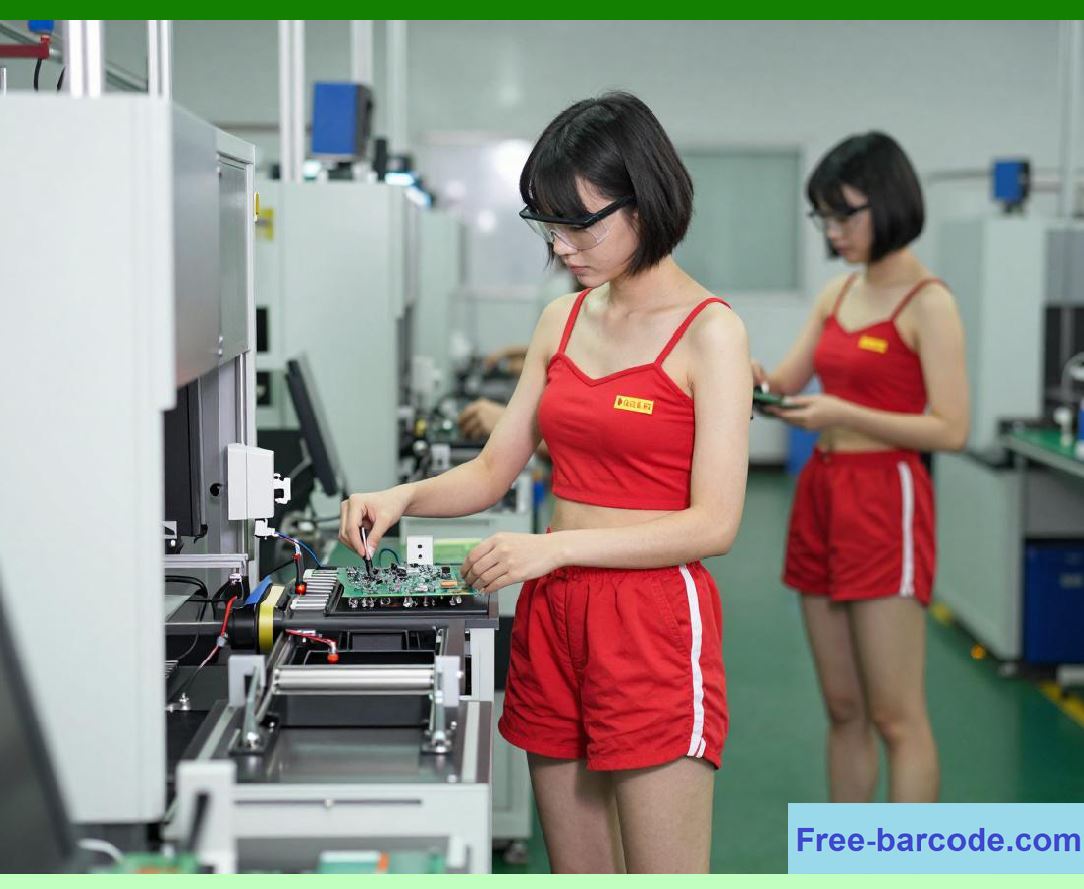
In the SMT production area, operators scan component reel UIDs and feeder ID codes before every production run. The MES executes instantaneous database comparisons between loaded materials and approved BOM datasets. Any parameter mismatch triggers an automatic production lockout, halting the line until the correct components are installed and verified. This 'closed-loop locking mechanism' eliminates 100% of manual misloading errors. |
This level of traceability is not just a competitive advantage; it is a compliance requirement. As PCBCart's article states, modern life science manufacturing audits require 'verifiable, unit-level proof that all materials match approved BOM specifications'. PCBCart's system ensures that this proof is readily available, supporting rigorous compliance audits for global clients. |
|
9.8 Real-World Example: The Kanban System in SMT |
A 2016 academic paper by researchers from the Beijing Institute of Technology provides another valuable perspective on kitting in SMT production. The paper describes the 'technology of material management and control of the production preparation execution in SMT production line based on digital recognition'. |
9.8.1 Barcoding and RFID Integration |
The system uses barcode and RFID technology for material management. Barcodes are used to track materials and create 'correlation relationship of orders - material - barcode - batch - quantity'. For PCBs, RFID tags are used to push information automatically, enabling high-speed flow of information collection. |
9.8.2 Kanban System |
A key component of the system is a Kanban system for execution monitoring. The Kanban system is used to monitor production status and refine process control. This 'SMT-MES monitor Kanban' reflects production schedules in real time, helping staff make corresponding decisions and improving production efficiency. |
9.8.3 Material Property Management |
The system also includes an 'experience base' for material property management. This technology helps staff carry out material property setting and management, effectively avoiding the lack of property caused by personnel errors. |
This research demonstrates that barcode-based kitting, integrated with other digital tools like RFID and Kanban, is a mature and proven approach to material management in Chinese SMT production lines. |
|
9.9 The Kitting Area: The Physical Hub of Preparation |
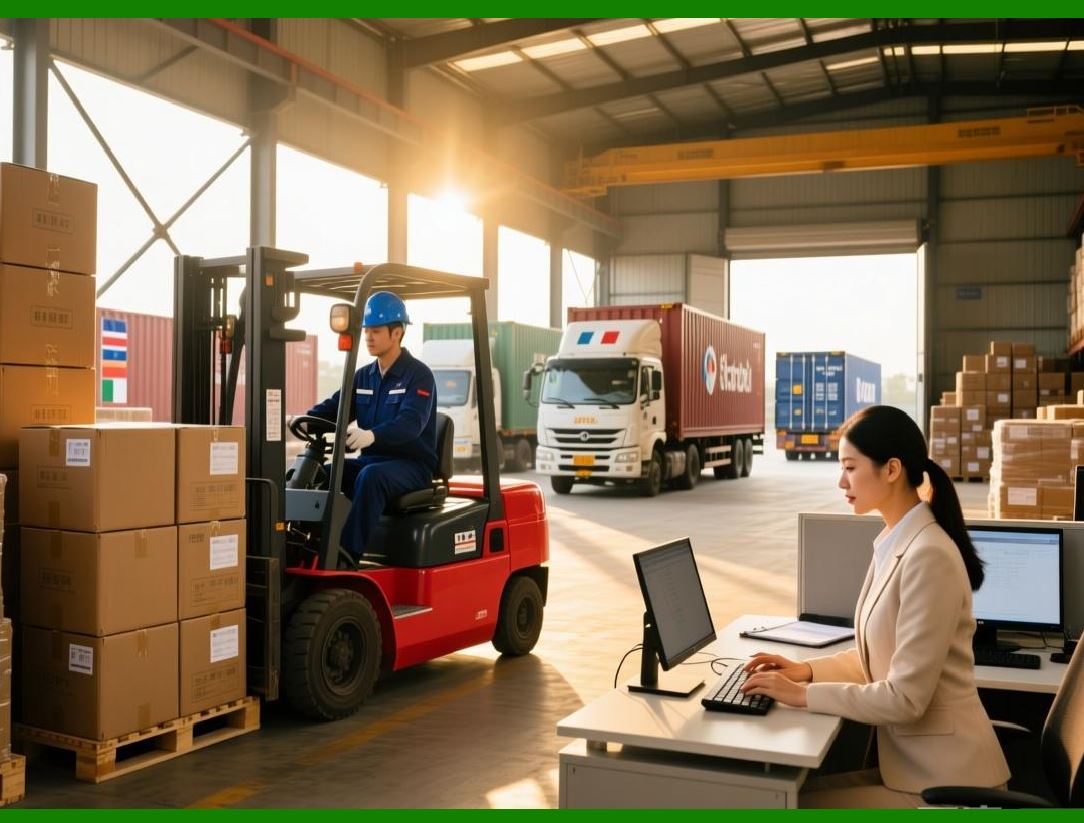
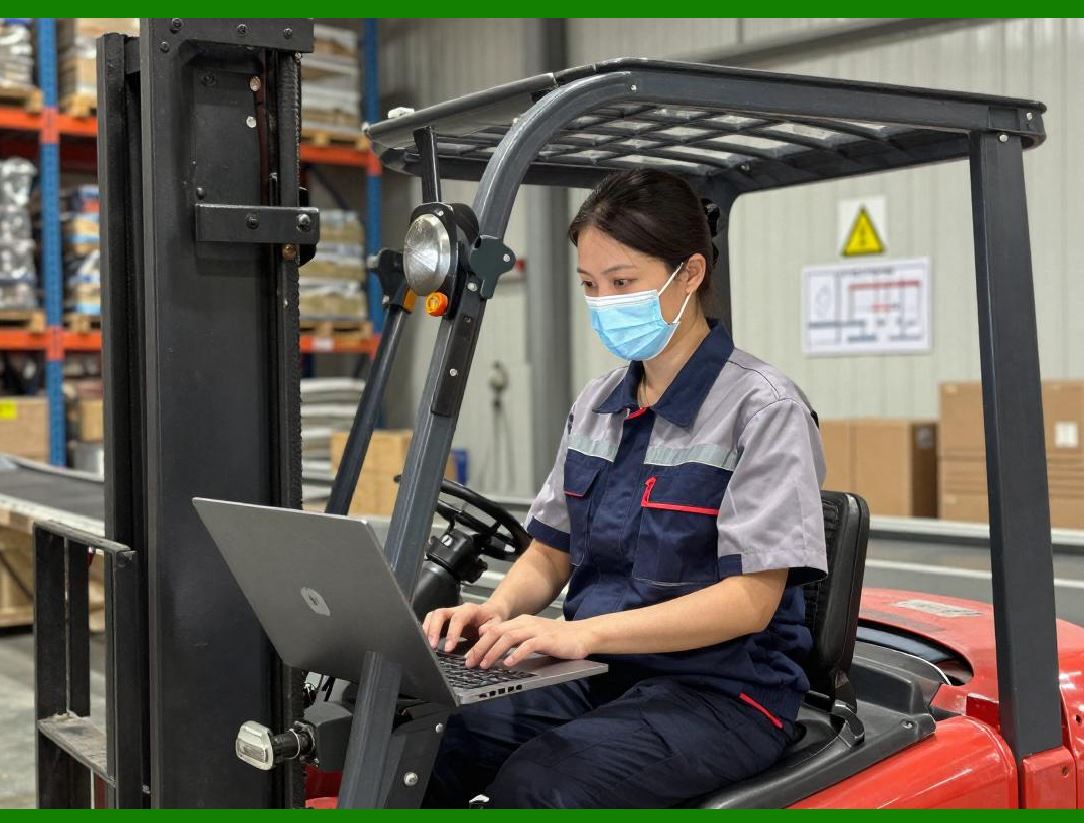
The kitting process takes place in a dedicated area of the factory, known as the kitting area or kitting zone. This area is where components are gathered, verified, and assembled into kits before being delivered to the production line. |
9.9.1 The Kitting Area Layout |
A well-designed kitting area is organized for efficiency. Components are stored in easily accessible locations. Workstations are set up with scanners, printers, and computer terminals. The layout is designed to minimize travel time and maximize throughput. In some operations, the kitting area is connected to the production line by an automated conveyor or guided vehicle, creating a seamless flow. |
9.9.2 Pick-to-Light Systems |
In high-volume environments, pick-to-light systems are often used to guide kitters to the correct locations. In a pick-to-light system, each storage bin is equipped with a light and a display. When a component is needed for a kit, the light next to the correct bin flashes, and the display shows the quantity to pick. The kitter picks the component, presses a button to confirm the pick, and the light turns off. This system eliminates the need for the kitter to read part numbers or search for components, reducing errors and increasing speed. |
9.9.3 Kitting in the Real World: Ross Video |
A job posting from Ross Video, a Canadian manufacturer of broadcast equipment, provides a real-world description of a kitting role. The 'Inventory Processor' is responsible for preparing, kitting, and delivering accurate component kits to the manufacturing floor. Specific tasks include: |
- 'Pull parts using pick lists and kit materials according to Manufacturing Work Instructions.' |
- 'Prepare components for WIP by counting, labeling, and organizing into appropriate bins.' |
- 'Print barcodes, labels, and manuals for work orders.' |
- 'Transfer components to correct containers, including moisture-sensitive materials requiring proper resealing.' |
- 'Deliver completed kits and work orders to designated manufacturing areas.' |
The job requires 'ability to read part numbers, labels, and basic electronic component values,' and the kitter uses the company's ERP/MES system, MAX, to view inventory, check shortages, and access kit lists. This description demonstrates that barcode-based kitting is a hands-on, detailed, and critical function in a real-world electronics factory. |

|
9.10 Kitting and Traceability |
Kitting is not just about preparing materials; it is also a key traceability event. By recording exactly which components, from which lots, went into each kit, the system creates a link between the incoming materials and the final product. |
This traceability is essential for several reasons: |
Quality Investigations: If a field failure is traced to a specific component, the factory can use the kitting records to identify which products used that component lot. |
Recalls: If a component lot is found to be defective, the factory can use the kitting records to identify all products that contain that lot and initiate a targeted recall. |
Regulatory Compliance: In regulated industries such as medical devices and aerospace, traceability is a legal requirement. Kitting records provide the audit trail needed to demonstrate compliance. |
Process Improvement: By analyzing kitting data, the factory can identify patterns, such as which components or suppliers are more prone to errors, and take corrective action. |

|
9.11 Common Kitting Challenges and How Barcodes Address Them |
| Challenge | How Barcodes Solve It | |
| : | : | |
| Wrong part picked | System verification prevents incorrect part from being added to kit | |
| Wrong revision picked | MES checks part revision against BOM, blocks mismatches | |
| Unapproved supplier used | System verifies component supplier against approved supplier list | |
| Expired or moisture-susceptible component used | System checks date code, MSL floor life, and shelf life | |
| Missing components | Digital pick list ensures all components are scanned before kit completion | |
| Loss of traceability | Each scan logs component lot, kitter ID, timestamp, and work order | |
| Slow kitting | Guided picking and pick-to-light systems speed up process | |
| Inventory discrepancies | Real-time system updates after each pick maintain accurate records | |

|
9.12 The Benefits of Barcode-Based Kitting |
The benefits of implementing a barcode-based kitting system are substantial and measurable. |
9.12.1 Error Reduction |
Barcode-based verification eliminates the risk of human error in material identification. The system verification step prevents incorrect components, wrong revisions, and unapproved suppliers from entering the kit. |
9.12.2 Increased Speed |
Guided picking and digital pick lists reduce the time kitters spend searching for components or reading part numbers. This increases throughput and reduces labor costs. |
9.12.3 Improved Traceability |
Every component that goes into a kit is recorded in the system, creating a complete record for traceability and recall. |
9.12.4 Reduced Waste |
By preventing errors before they reach the assembly line, barcode-based kitting reduces scrap, rework, and production delays. |
9.12.5 Enhanced Compliance |
For regulated industries, barcode-based kitting provides the audit trail needed to demonstrate compliance with FDA, ISO, and other regulatory requirements. |
9.12.6 Real-Time Inventory Visibility |
As components are picked, the system updates inventory in real time, providing accurate visibility into stock levels and enabling better planning and replenishment. |

|
9.13 Comparing American and Chinese Approaches to Kitting |
Both American and Chinese electronics factories have embraced barcode-based kitting. However, some differences in emphasis and implementation are apparent. |
American factories, particularly in regulated industries like medical devices and aerospace, often place a strong emphasis on traceability and compliance. Systems like those implemented by PCBCart are designed to provide 'audit-ready' records that satisfy rigorous regulatory inspections. The focus is on preventing errors that could compromise product safety. |
Chinese factories, as described in the academic research from the Beijing Institute of Technology, often emphasize integration with other digital tools such as RFID and Kanban systems. The focus is on achieving high efficiency and throughput in high-volume SMT production, while also maintaining control over material properties and execution. |
9.14 The Future of Kitting: AI and Autonomous Kitting |
The future of kitting is moving toward even greater intelligence and automation. AI-native digital kitting is already emerging, and the next step is autonomous kitting, where the process is entirely handled by machines. |
In the future, autonomous mobile robots (AMRs) may retrieve components from the warehouse and deliver them to kitting stations. Vision systems may automatically identify and verify components without human scanning. AI may optimize the kitting sequence to minimize travel time and maximize efficiency. |
The core principle, however, will remain the same: every component that enters a kit will be verified against the system's record, ensuring that the right parts go to the right production line at the right time. |

|
Detailed Summary of Chapter 9 |
This chapter has provided a comprehensive examination of the kitting process, the critical link between the warehouse and the assembly line in electronics manufacturing. We began by establishing kitting as the process of gathering all components required for a specific work order and assembling them into a kit. Kitting errors are a primary source of production delays, rework, and scrap, making the process a critical control point. |
We introduced the pick list, the system-generated instruction set that guides the kitter. In modern, barcode-enabled factories, the pick list is a dynamic, digital instruction set integrated with the MES and ERP systems, providing detailed information on the specific requirements of the work order, including correct revisions, approved suppliers, and handling instructions. |
We then described the structured kitting workflow: the kitter receives the digital pick list, goes to the designated storage location, scans the component barcode, and the MES performs a series of system verification checks. These checks ensure that the component matches the BOM, has the correct revision, is from an approved supplier, has not expired, and meets all requirements. The system enforces error-proofing, preventing incorrect components from entering the kit. If all checks pass, the system updates the pick list, and the process continues until the kit is complete. The entire process is recorded, providing traceability. |
We contrasted the efficiency and accuracy of barcode-based kitting with the significant risks of manual kitting. These risks include human error in part identification, the difficulty of handling similar-looking components, data entry errors, missing components, and the loss of traceability. We highlighted the critical role of 'system verification' in eliminating the risk of human error, which is the most common cause of kitting mistakes. |
We then explored advanced kitting techniques, including AI-native digital kitting. AI systems generate and manage digital pick lists, use barcode and vision validation to verify components in real-time, and can lock the kit closure process if any mismatch is detected. Custom scan sequences streamline complex kitting jobs with dozens or hundreds of parts, ensuring every item is scanned in the correct order. |
The chapter profiled real-world examples of barcode-based kitting. PCBCart, an IATF 16949-certified EMS provider, uses a smart MES that assigns unique UID barcodes to all incoming components and performs automatic BOM and feeder verification, creating a 'closed-loop locking mechanism' that eliminates manual misloading errors. A 2016 academic paper described the integration of barcode and RFID technology with Kanban systems in Chinese SMT production lines to improve material management and execution monitoring. A job posting from Ross Video described the day-to-day reality of a kitter's role, including pulling parts using pick lists, preparing components, printing barcodes, and delivering kits to the assembly line, using an ERP/MES system to manage inventory. |
We also discussed the physical layout of the kitting area, including the use of pick-to-light systems to speed up the process and reduce errors. The chapter concluded by listing the key benefits of barcode-based kitting: error reduction, increased speed, improved traceability, reduced waste, enhanced compliance, and real-time inventory visibility. |
|
The bottom line is that barcode-based kitting is an essential element of modern electronics manufacturing. By integrating barcode scanning with the MES and ERP systems, the factory gains a powerful tool for eliminating upstream errors, improving traceability, and accelerating production ramp-up. It is a foundational capability for Lean manufacturing and a prerequisite for achieving the high levels of quality and compliance demanded by today's electronics industry. |
 cs@easiersoft.com