Part 11 |
Technical Architecture of Integrated Cloud Database + Barcode + POS Systems in Chain Stores |
1. Introduction to System Architecture in Modern Retail Platforms |
1.1 |
The integration of cloud databases, barcode technology, and POS systems in chain stores is not a single application but a complex distributed system architecture. It combines hardware, software, networking, data synchronization, and real-time processing layers into a unified retail computing ecosystem. Understanding this architecture is essential for designing scalable, reliable, and high-performance retail systems. |
1.2 |
In traditional retail IT environments, POS systems were often standalone applications installed locally on store computers. Inventory systems were separate, membership databases were isolated, and reporting tools were manually consolidated. This created fragmentation, data duplication, and delayed decision-making. |

|
1.3 |
Modern architectures replace isolated systems with cloud-native distributed platforms. Every barcode scan, POS transaction, inventory update, and customer interaction becomes part of a real-time data pipeline flowing into centralized or hybrid cloud databases. |
1.4 |
The architectural goal is to ensure that all retail operations hether occurring in physical stores, warehouses, or online channels are synchronized, consistent, and immediately available for analytics and decision-making. |
1.5 |
This part provides a deep technical breakdown of how these systems are structured, how components communicate, and how data flows across the retail enterprise. |

|
2. High-Level System Architecture Overview |
2.1 |
The integrated retail system can be conceptually divided into four major architectural layers: edge layer, application layer, data layer, and intelligence layer. |
2.2 |
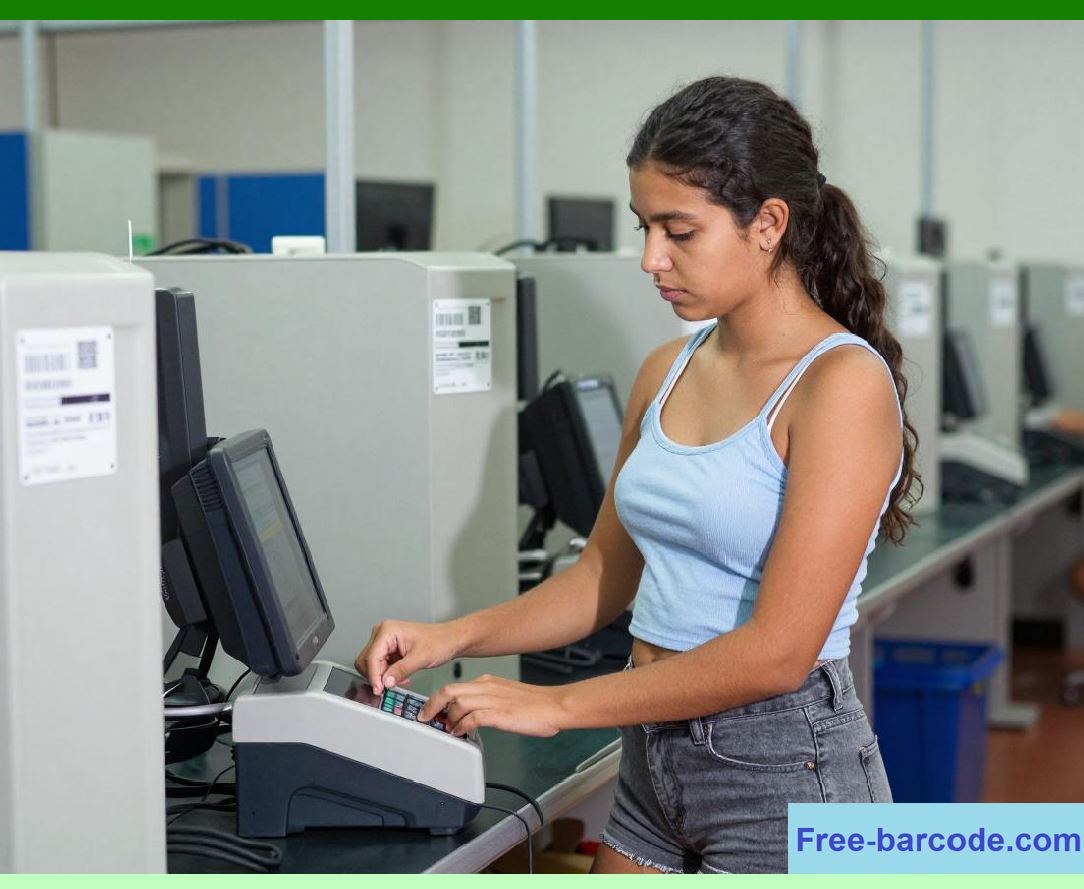
The edge layer consists of physical devices located in stores and warehouses. These include barcode scanners, POS terminals, mobile devices, self-checkout kiosks, RFID readers, and IoT sensors. |
2.3 |
The application layer includes POS software, inventory management applications, membership systems, procurement systems, and store management interfaces. |
2.4 |
The data layer consists of cloud databases, distributed storage systems, caching systems, and real-time data synchronization services. |
2.5 |
The intelligence layer includes analytics engines, AI models, reporting dashboards, and business intelligence systems that transform raw data into actionable insights. |
2.6 |
Communication between layers occurs through APIs, message queues, event streaming platforms, and secure network protocols. |
2.7 |
This layered architecture ensures scalability, fault tolerance, modularity, and operational flexibility across large retail networks. |
2.8 |
Each layer can evolve independently while maintaining compatibility with the overall system ecosystem. |

|
3. Edge Layer: Barcode Devices and POS Terminals |
3.1 |
The edge layer represents the physical interface between customers, employees, and the digital retail system. |
3.2 |
Barcode scanners operate as high-speed data capture devices that convert printed or digital barcode patterns into structured product identifiers. |
3.3 |
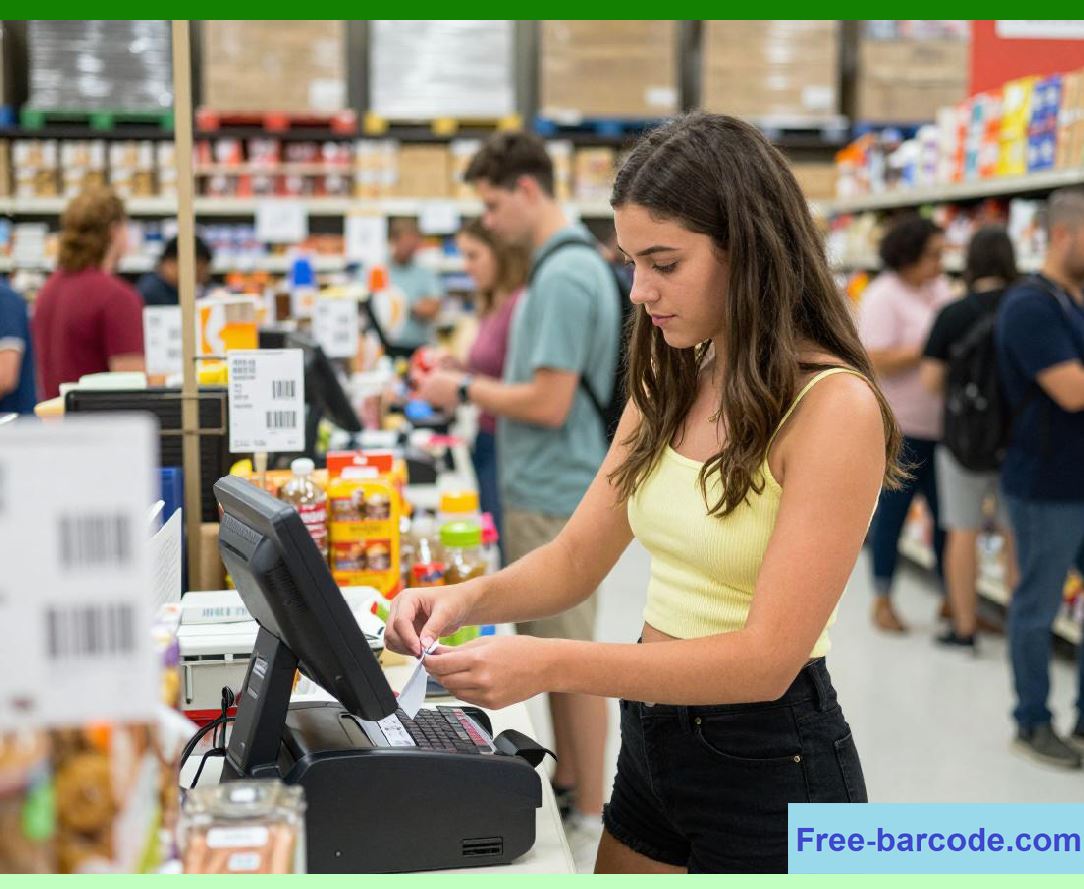
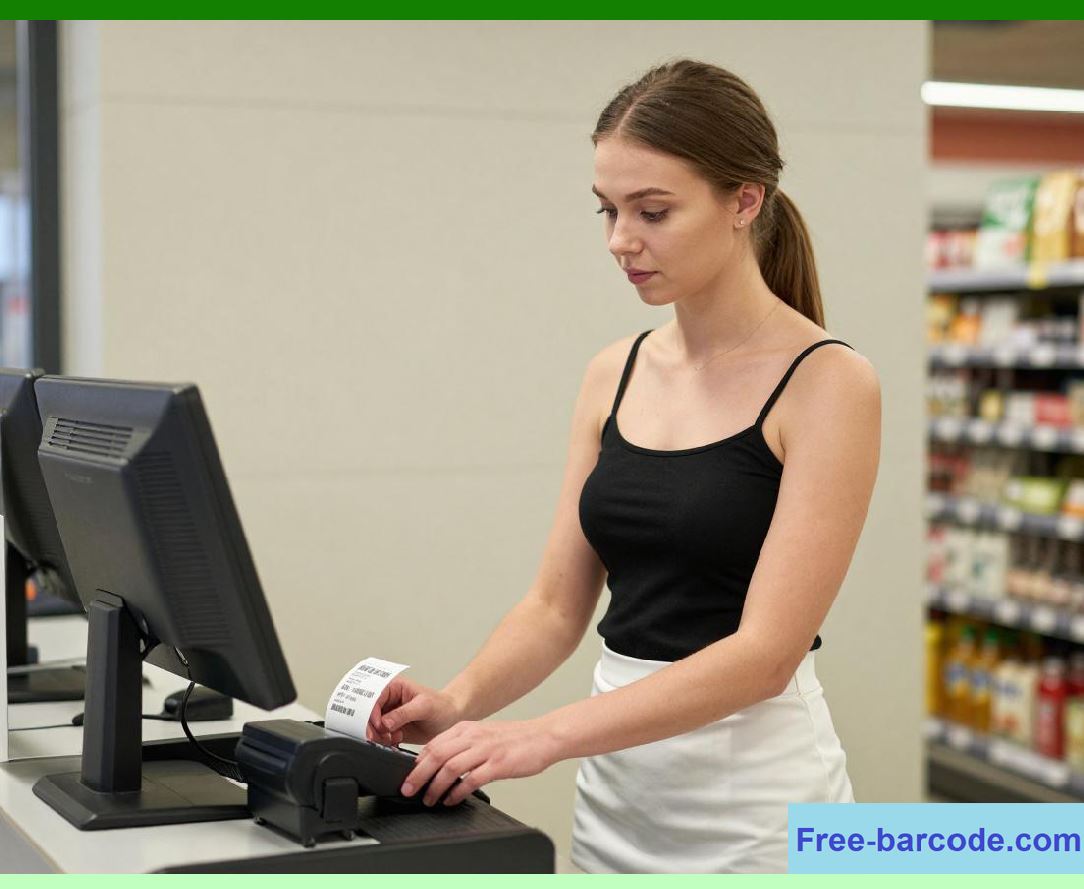
POS terminals function as transactional computing units that process sales, returns, discounts, and customer interactions. |
3.4 |
Self-checkout systems combine barcode scanning, weighing sensors, touch interfaces, and payment modules into customer-operated edge devices. |
3.5 |
Mobile POS devices extend functionality to tablets and smartphones, allowing store associates to process transactions anywhere in the store environment. |
3.6 |
Edge devices often include local caching mechanisms to maintain basic functionality during temporary network disruptions. |
3.7 |
These devices communicate with cloud services using secure APIs over Wi-Fi, Ethernet, or cellular networks. |
3.8 |
The edge layer is optimized for speed, reliability, and usability because it directly impacts customer experience. |

|
4. Application Layer: POS, Inventory, and Membership Systems |
4.1 |
The application layer contains the core business logic that governs retail operations. |
4.2 |
POS software handles transaction processing, pricing calculations, discount application, tax computation, and payment integration. |
4.3 |
Inventory management applications handle stock updates, warehouse coordination, replenishment workflows, and product lifecycle tracking. |
4.4 |
Membership management systems process customer identification, loyalty points, promotional rules, and personalized marketing logic. |
4.5 |
Procurement systems manage supplier relationships, purchase orders, demand forecasting, and logistics coordination. |
4.6 |
Each application module interacts with cloud databases through standardized APIs to ensure consistent data access. |
4.7 |
Microservices architecture is commonly used to decouple these functions into independent but interconnected services. |
4.8 |
This modular design allows retailers to scale individual system components independently based on operational demand. |
|
5. Data Layer: Cloud Databases and Distributed Storage Systems |
5.1 |
The data layer is the central intelligence repository of the entire retail system. |
5.2 |
Cloud databases store structured data such as product catalogs, pricing rules, transaction records, customer profiles, and inventory quantities. |
5.3 |
Distributed storage systems manage large volumes of historical data, including sales logs, behavioral analytics, and operational archives. |
5.4 |
High availability is achieved through replication across multiple data centers to prevent service interruption. |
5.5 |
Real-time synchronization ensures that updates from POS systems are immediately reflected across all connected applications. |
5.6 |
Caching systems such as in-memory databases improve performance by reducing database query latency during high-volume checkout operations. |
5.7 |
Event-driven architectures allow data changes (such as a barcode scan or transaction completion) to be broadcast across the system. |
5.8 |
The data layer ensures consistency, durability, and scalability across the entire retail enterprise. |
|
6. Event-Driven Architecture and Real-Time Data Flow |
6.1 |
Modern retail systems rely heavily on event-driven architecture to handle real-time operations. |
6.2 |
Every barcode scan, POS transaction, inventory update, or membership action generates an event. |
6.3 |
These events are published to message queues or streaming platforms such as event brokers. |
6.4 |
Downstream services subscribe to relevant events and update their respective data models accordingly. |
6.5 |
For example, a sale completed event triggers inventory deduction, loyalty point updates, financial record creation, and analytics pipeline updates simultaneously. |
6.6 |
This asynchronous processing model improves system scalability and responsiveness under high transaction loads. |
6.7 |
Event-driven design also improves system resilience because individual components can continue functioning even if other services experience temporary issues. |
6.8 |
This architecture is essential for supporting large-scale chain store operations with continuous real-time data flow. |

|
7. Barcode Data Processing Pipeline |
7.1 |
Barcode scanning initiates a structured data processing pipeline within the retail system. |
7.2 |
When a barcode is scanned, the edge device captures raw optical data and converts it into a digital code. |
7.3 |
This code is transmitted to the POS system, which queries the cloud database for product information. |
7.4 |
The system retrieves associated metadata such as product name, price, tax category, promotion eligibility, and inventory status. |
7.5 |
The POS system then processes the transaction logic including discounts, loyalty rules, and payment calculations. |
7.6 |
Once completed, the transaction is recorded in the cloud database and propagated to inventory, accounting, and analytics systems. |
7.7 |
This entire process typically occurs within milliseconds to ensure a smooth checkout experience. |
7.8 |
Barcode data pipelines are optimized for high throughput and low latency in busy retail environments. |

|
8. POS System Transaction Architecture |
8.1 |
POS systems operate as transaction engines responsible for executing retail operations in real time. |
8.2 |
Each transaction includes multiple sub-processes such as item scanning, pricing validation, discount application, payment authorization, and receipt generation. |
8.3 |
POS systems communicate continuously with cloud services to retrieve up-to-date pricing and inventory information. |
8.4 |
Transaction data is temporarily cached locally to ensure continuity during network instability. |
8.5 |
Once connectivity is restored, cached transactions are synchronized with cloud databases. |
8.6 |
POS systems also integrate with external payment gateways for credit card, mobile payment, and digital wallet processing. |
8.7 |
Security protocols ensure encryption of sensitive payment data during transmission. |
8.8 |
This architecture ensures fast, secure, and reliable transaction processing across all store locations. |
|
9. Cloud Synchronization and Data Consistency Models |
9.1 |
Maintaining data consistency across distributed retail systems is a critical architectural challenge. |
9.2 |
Cloud databases typically use consistency models such as eventual consistency or strong consistency depending on operational requirements. |
9.3 |
Real-time POS transactions often require strong consistency to ensure accurate pricing and inventory updates. |
9.4 |
Less critical data such as analytics or reporting may use eventual consistency to improve performance and scalability. |
9.5 |
Synchronization mechanisms include replication protocols, conflict resolution strategies, and version control systems. |
9.6 |
Distributed transaction management ensures that updates across multiple services remain synchronized. |
9.7 |
Data conflict scenarios are resolved using predefined business rules or timestamp-based reconciliation methods. |
9.8 |
These mechanisms ensure reliable data integrity across the entire retail ecosystem. |

|
10. API Integration and Microservices Communication |
10.1 |
APIs serve as the communication backbone between system components in modern retail architectures. |
10.2 |
POS systems, inventory applications, membership platforms, and analytics engines communicate through RESTful or GraphQL APIs. |
10.3 |
Microservices architecture divides system functionality into independent services such as pricing service, inventory service, and customer service. |
10.4 |
Each microservice operates independently but communicates through standardized interfaces. |
10.5 |
API gateways manage traffic routing, authentication, rate limiting, and security enforcement. |
10.6 |
Service discovery mechanisms allow dynamic interaction between distributed system components. |
10.7 |
This modular architecture improves system scalability, maintainability, and deployment flexibility. |
10.8 |
It also allows retailers to upgrade or replace individual system components without disrupting the entire ecosystem. |

|
11. Security Architecture in Integrated Retail Systems |
11.1 |
Security is a fundamental requirement in cloud-based retail systems handling financial and customer data. |
11.2 |
Encryption is applied both in transit and at rest to protect sensitive information. |
11.3 |
Authentication systems verify user identities across POS terminals, mobile applications, and administrative systems. |
11.4 |
Role-based access control ensures that employees only access authorized system functions. |
11.5 |
Security monitoring systems continuously detect anomalies such as unauthorized access attempts or suspicious transaction patterns. |
11.6 |
API security mechanisms include token authentication, OAuth protocols, and request validation layers. |
11.7 |
Compliance frameworks ensure adherence to financial and data protection regulations. |
11.8 |
Security architecture is designed to protect system integrity while maintaining high operational performance. |
|
12. Scalability and Performance Optimization |
12.1 |
Retail systems must support massive scalability to handle peak shopping periods such as holidays or promotional events. |
12.2 |
Cloud-native architectures allow dynamic resource scaling based on system load. |
12.3 |
Load balancing distributes traffic across multiple servers and data centers. |
12.4 |
Caching systems reduce database load and improve response times for frequently accessed data. |
12.5 |
Database sharding distributes large datasets across multiple nodes for improved performance. |
12.6 |
Asynchronous processing ensures that non-critical tasks do not block transaction execution. |
12.7 |
Performance monitoring tools track system latency, throughput, and error rates in real time. |
12.8 |
These optimization techniques ensure stable system performance under high transaction volumes. |
|
13. Technical Challenges in System Architecture |
13.1 |
Despite advanced technologies, integrated retail systems face several technical challenges. |
13.2 |
Network latency can affect real-time synchronization between POS systems and cloud databases. |
13.3 |
System complexity increases with the number of integrated services and data sources. |
13.4 |
Data consistency management across distributed environments remains technically challenging. |
13.5 |
System failures in one component can potentially affect dependent services if not properly isolated. |
13.6 |
Security vulnerabilities must be continuously monitored and mitigated. |
13.7 |
Integration of legacy systems with modern cloud architectures can introduce compatibility issues. |
13.8 |
Despite these challenges, modern architectural patterns significantly improve reliability compared to traditional systems. |

|
14. Future Evolution of Retail System Architecture |
14.1 |
Future retail architectures will become increasingly autonomous and intelligent. |
14.2 |
AI-driven system orchestration may automatically manage system resources, pricing, and inventory distribution. |
14.3 |
Edge computing will reduce latency by processing data closer to store locations. |
14.4 |
Digital twin models will simulate entire retail operations for optimization and forecasting. |
14.5 |
Blockchain may enhance transparency and traceability across supply chains and transactions. |
14.6 |
IoT integration will expand real-time environmental and operational monitoring capabilities. |
14.7 |
Fully autonomous retail systems may eventually operate with minimal human intervention. |
14.8 |
However, cloud databases, barcode systems, and POS platforms will remain the foundational pillars of retail system architecture. |

|
15. Technical Content Summary of Part 11 |
15.1 |
This part provided a detailed technical architecture analysis of integrated cloud database, barcode, and POS systems in chain stores. |
15.2 |
The discussion introduced a layered system architecture consisting of edge devices, application services, data infrastructure, and intelligence systems. |
15.3 |
Edge layer components such as barcode scanners, POS terminals, and self-checkout systems were analyzed as real-time data capture points. |
15.4 |
Application layer services including POS software, inventory systems, membership platforms, and procurement systems were explained in detail. |
15.5 |
Cloud databases were identified as the central data repository enabling real-time synchronization, scalability, and enterprise-wide visibility. |

|
15.6 |
Event-driven architecture, barcode data pipelines, POS transaction workflows, API integration, and microservices communication were examined as core system mechanisms. |
15.7 |
Security architecture, scalability strategies, performance optimization techniques, and system reliability mechanisms were discussed extensively. |
15.8 |
The part also addressed technical challenges such as latency, data consistency, system complexity, and legacy integration issues. |
15.9 |
Finally, future trends including AI automation, edge computing, digital twins, blockchain, IoT expansion, and autonomous retail systems were explored in relation to system evolution. |
15.10 |
Overall, this part demonstrated how modern retail system architecture integrates cloud databases, barcode technology, and POS systems into a highly scalable, distributed, and intelligent operational framework supporting global chain store operations. |
 cs@easiersoft.com