Part 22 |
Data Lifecycle Management, Master Data Governance, and Consistency Control in Cloud Database + Barcode + POS Retail Systems |
1. Introduction to Data Lifecycle in Retail Ecosystems |
1.1 |
In integrated retail systems, data is not static - it is continuously created, updated, synchronized, analyzed, archived, and eventually retired. Every barcode scan, POS transaction, inventory adjustment, and customer interaction generates data that moves through a defined lifecycle inside cloud database systems. |
1.2 |
As chain stores scale, managing this lifecycle becomes increasingly complex because data originates from thousands of distributed POS terminals and barcode scanners while being consumed by analytics systems, inventory engines, and customer platforms. |
1.3 |
Without proper lifecycle management, retail systems can suffer from data inconsistency, redundancy, performance degradation, and incorrect decision-making. |
1.4 |
Data lifecycle management ensures that information remains accurate, relevant, and efficiently stored throughout its existence. |
1.5 |
This part examines how retail systems manage data from creation to archival within cloud-based barcode and POS ecosystems. |

|
2. Data Creation Phase in Retail Systems |
2.1 |
Data creation begins at the point of interaction between physical and digital systems. |
2.2 |
Barcode scanners generate product-level data whenever an item is scanned at checkout, inventory check, or warehouse processing. |
2.3 |
POS systems generate transaction records including product details, pricing, discounts, and payment information. |
2.4 |
Customer systems generate behavioral data through membership interactions and purchase history updates. |
2.5 |
Inventory systems generate stock movement records during replenishment and inter-store transfers. |
2.6 |
Each data event is timestamped and tagged with metadata such as store ID, device ID, and operator ID. |
2.7 |
Cloud ingestion pipelines receive this data in real time or near real time. |
2.8 |
This stage defines the foundation of the entire retail data ecosystem. |

|
3. Data Validation and Quality Assurance |
3.1 |
Before data is stored in cloud systems, it must undergo validation to ensure accuracy and consistency. |
3.2 |
Barcode data is validated against master product databases to prevent incorrect or fraudulent entries. |
3.3 |
POS transactions are checked for logical consistency, such as pricing accuracy and tax calculation correctness. |
3.4 |
Duplicate records are identified and eliminated during ingestion. |
3.5 |
Format validation ensures that all data adheres to predefined schemas. |
3.6 |
Anomaly detection systems flag unusual or suspicious data patterns. |
3.7 |
Data quality rules are enforced at multiple points in the ingestion pipeline. |
3.8 |
High-quality data is essential for reliable analytics and decision-making. |

|
4. Master Data Management (MDM) in Retail Systems |
4.1 |
Master Data Management is a critical framework that ensures consistency of core business entities across all systems. |
4.2 |
Key master data includes product catalogs, pricing structures, customer profiles, store information, and supplier records. |
4.3 |
Barcode systems rely on standardized product master data for accurate identification. |
4.4 |
POS systems use master pricing data to ensure consistent transaction processing. |
4.5 |
Cloud databases serve as the central repository for all master data entities. |
4.6 |
MDM systems enforce a single source of truth across distributed retail networks. |
4.7 |
Data synchronization mechanisms ensure that updates propagate across all systems instantly. |
4.8 |
Master data governance is essential for operational consistency. |

|
5. Product Data Lifecycle and Barcode Integration |
5.1 |
Product data lifecycle begins when a product is introduced into the retail system. |
5.2 |
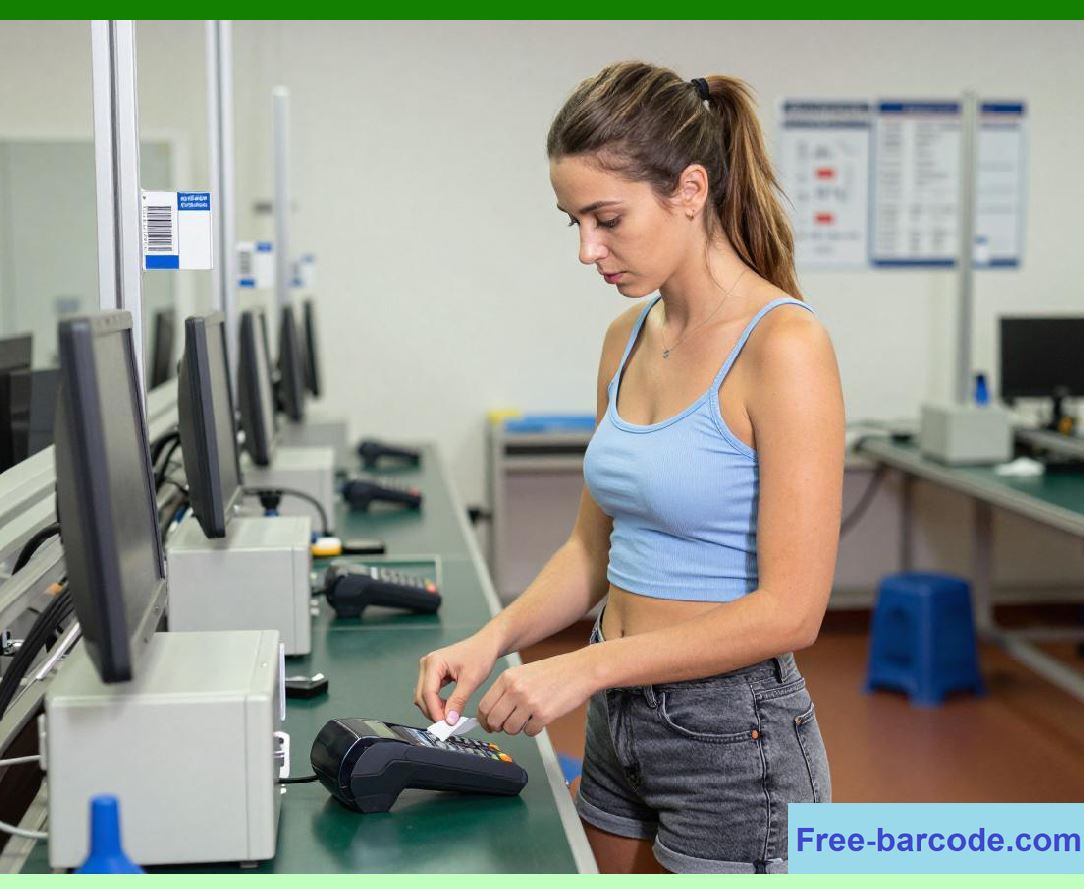
Each product is assigned a unique barcode identifier linked to master product records. |
5.3 |
Product attributes such as description, category, pricing, and supplier information are stored in cloud databases. |
5.4 |
When a barcode is scanned, it references this master data to retrieve product information. |
5.5 |
Product lifecycle stages include creation, active sales, promotion, and discontinuation. |
5.6 |
Inventory systems continuously update product availability status. |
5.7 |
Historical product performance data is retained for analytics. |
5.8 |
Barcode integration ensures continuous traceability throughout the product lifecycle. |
|
6. Transaction Data Lifecycle in POS Systems |
6.1 |
Every POS transaction represents a complete data lifecycle event. |
6.2 |
Transaction data is created at checkout when items are scanned and payments are processed. |
6.3 |
The data is validated in real time for accuracy and consistency. |
6.4 |
Once confirmed, it is stored in cloud databases for permanent recordkeeping. |
6.5 |
Transaction data is then used for inventory updates, financial reporting, and customer analytics. |
6.6 |
Over time, transaction data is aggregated into summary datasets for business intelligence. |
6.7 |
Older transaction data may be archived for compliance and historical analysis. |
6.8 |
POS transaction lifecycle management ensures financial accuracy and traceability. |

|
7. Data Synchronization Across Distributed Systems |
7.1 |
In multi-store environments, data must be synchronized across all locations to maintain consistency. |
7.2 |
Cloud databases act as the central synchronization hub for all retail data. |
7.3 |
POS systems continuously push transaction updates to cloud services. |
7.4 |
Barcode systems contribute real-time product movement data. |
7.5 |
Conflict resolution mechanisms handle simultaneous updates from multiple stores. |
7.6 |
Event ordering ensures that data changes are applied in the correct sequence. |
7.7 |
Replication systems distribute updates across regional data centers. |
7.8 |
Synchronization ensures that all stores operate on consistent data. |

|
8. Data Versioning and Change Tracking |
8.1 |
Retail systems must track changes in data over time to ensure traceability. |
8.2 |
Product pricing updates are versioned to maintain historical accuracy. |
8.3 |
Customer profile changes are recorded with timestamps and modification history. |
8.4 |
Inventory adjustments are logged for auditing purposes. |
8.5 |
POS transaction records are immutable once confirmed. |
8.6 |
Version control systems allow rollback in case of errors or inconsistencies. |
8.7 |
Change tracking supports compliance and audit requirements. |
8.8 |
Data versioning ensures transparency and accountability. |

|
9. Data Archival and Long-Term Storage |
9.1 |
Not all data remains active indefinitely in retail systems. |
9.2 |
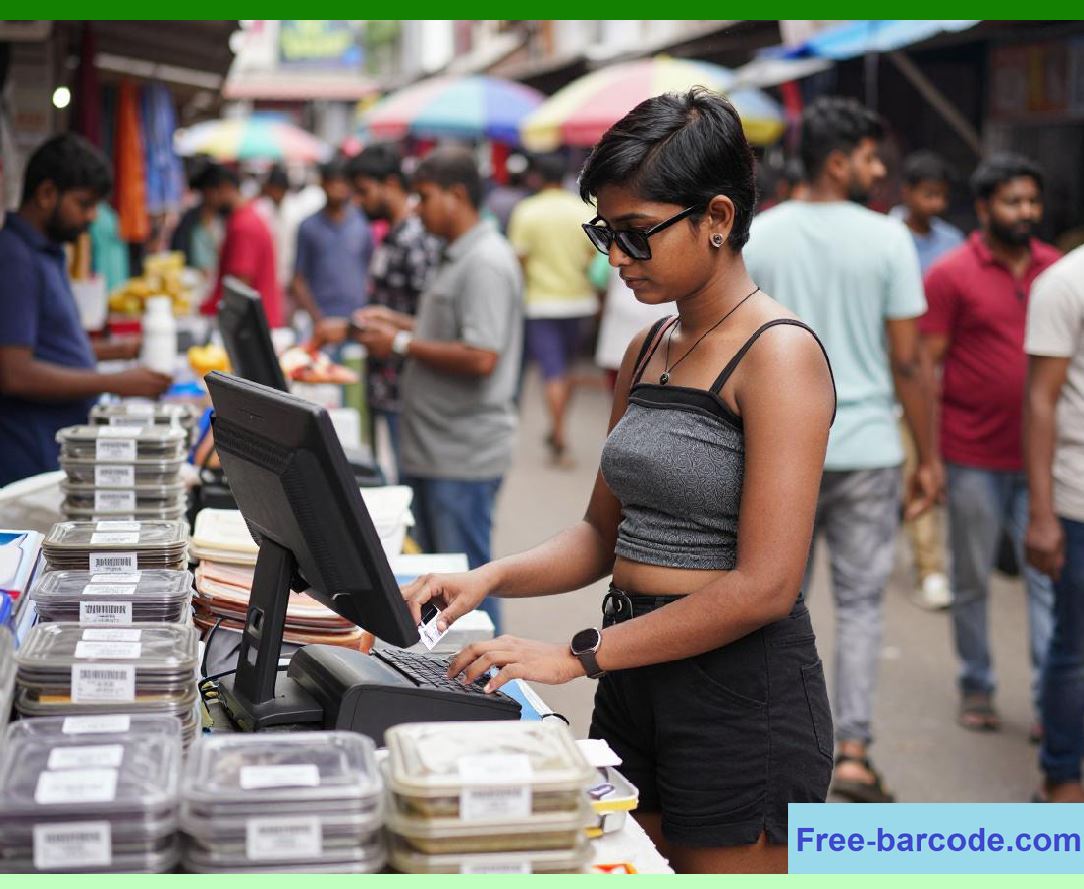
Older transaction records are moved to archival storage systems. |
9.3 |
Archived data is optimized for long-term storage and infrequent access. |
9.4 |
Cloud storage tiers separate active, nearline, and archival datasets. |
9.5 |
Barcode and inventory history data may be retained for supply chain analysis. |
9.6 |
Archival systems ensure compliance with legal retention requirements. |
9.7 |
Data compression techniques reduce storage costs. |
9.8 |
Archival management balances performance and cost efficiency. |
|
10. Data Consistency Models in Retail Systems |
10.1 |
Data consistency is critical in distributed retail environments. |
10.2 |
Strong consistency ensures that all systems reflect the same data at all times. |
10.3 |
Eventual consistency allows temporary discrepancies that are resolved over time. |
10.4 |
POS systems often require strong consistency for financial accuracy. |
10.5 |
Inventory systems may use eventual consistency for scalability. |
10.6 |
Conflict resolution strategies ensure data convergence. |
10.7 |
Consistency models are chosen based on system requirements. |
10.8 |
Balancing consistency and performance is a key architectural decision. |

|
11. Data Governance Frameworks |
11.1 |
Data governance defines policies and standards for managing retail data. |
11.2 |
It ensures that data is accurate, secure, and used appropriately. |
11.3 |
Governance frameworks define roles and responsibilities for data management. |
11.4 |
Access control policies regulate who can modify or view data. |
11.5 |
Compliance rules ensure adherence to legal and regulatory requirements. |
11.6 |
Data stewardship roles maintain data quality and integrity. |
11.7 |
Audit systems monitor governance compliance across systems. |
11.8 |
Strong governance is essential for enterprise-scale retail systems. |

|
12. Data Lineage and Traceability |
12.1 |
Data lineage tracks the origin and transformation of data throughout its lifecycle. |
12.2 |
Every barcode scan can be traced back to a specific product and location. |
12.3 |
POS transactions can be traced from checkout to financial reporting systems. |
12.4 |
Data transformation steps are recorded in processing pipelines. |
12.5 |
Lineage tracking supports debugging, auditing, and compliance. |
12.6 |
It provides transparency into how data is used across systems. |
12.7 |
Cloud systems maintain detailed metadata for lineage tracking. |
12.8 |
Traceability enhances trust in retail data systems. |

|
13. Data Lifecycle Automation |
13.1 |
Automation plays a major role in managing data lifecycle processes. |
13.2 |
Automated ingestion pipelines process barcode and POS data in real time. |
13.3 |
Data validation rules are applied automatically during ingestion. |
13.4 |
Archival processes automatically move old data to storage tiers. |
13.5 |
Retention policies automatically delete expired data when required. |
13.6 |
Machine learning models detect anomalies in data lifecycle processes. |
13.7 |
Automation reduces manual intervention and operational overhead. |
13.8 |
It ensures consistency and efficiency in large-scale systems. |

|
14. Future Trends in Data Lifecycle Management |
14.1 |
Future systems will use AI to dynamically manage data lifecycle processes. |
14.2 |
Predictive data retention will determine which data is valuable long term. |
14.3 |
Self-healing data systems will automatically correct inconsistencies. |
14.4 |
Edge devices will perform preliminary data validation before cloud ingestion. |
14.5 |
Blockchain may be used to enhance data traceability and immutability. |
14.6 |
Real-time lifecycle optimization will improve system efficiency. |
14.7 |
Semantic data models will improve interoperability across systems. |
14.8 |
Data lifecycle management will become fully autonomous in advanced systems. |

|
15. Technical Content Summary of Part 22 |
15.1 |
This part provided a comprehensive analysis of data lifecycle management in cloud database, barcode, and POS retail systems. |
15.2 |
It examined data creation, validation, synchronization, versioning, and archival processes in detail. |
15.3 |
Master data management was discussed as the foundation for consistent product, customer, and pricing information. |
15.4 |
Barcode systems and POS transactions were analyzed as key drivers of data generation and lifecycle events. |
15.5 |
Data consistency models, governance frameworks, and lineage tracking systems were explored as essential control mechanisms. |

|
15.6 |
Automation in data lifecycle processes was highlighted as a key efficiency driver. |
15.7 |
Future trends including AI-driven lifecycle management, blockchain traceability, and edge-based validation were discussed. |
15.8 |
Overall, this part demonstrated how structured data lifecycle management ensures accuracy, consistency, and scalability in integrated retail ecosystems built on cloud databases, barcode systems, and POS platforms. |
 cs@easiersoft.com