Part 30 |
System Integration Middleware, Enterprise Service Bus (ESB), and API Gateway Orchestration in Cloud Database + Barcode + POS Retail Systems |
1. Introduction to System Integration in Retail Architectures |
1.1 |
In large chain store ecosystems, barcode systems, POS terminals, inventory platforms, payment gateways, loyalty engines, and cloud databases rarely operate as a single unified application. Instead, they are heterogeneous systems that must be tightly integrated to behave as one coherent retail platform. |
1.2 |
System integration is therefore a foundational requirement that ensures seamless communication, data exchange, and workflow coordination across all components. |
1.3 |
Without integration middleware, each system would require direct point-to-point connections, creating complexity, fragility, and scalability limitations. |
1.4 |
This part explores the role of integration middleware, enterprise service buses, and API gateways in connecting distributed retail systems. |
1.5 |
The focus is on how these components enable barcode-driven events and POS transactions to flow efficiently across cloud infrastructures. |

|
2. Role of Integration Middleware in Retail Systems |
2.1 |
Integration middleware acts as the communication layer between disparate retail systems. |
2.2 |
It abstracts underlying system differences and provides standardized interfaces for data exchange. |
2.3 |
POS systems can send transaction data without needing to understand backend database structures. |
2.4 |
Barcode systems can publish scan events without knowing which downstream services consume them. |
2.5 |
Middleware ensures message transformation, routing, and protocol conversion. |
2.6 |
It reduces coupling between systems and improves maintainability. |
2.7 |
Middleware enables scalable integration across thousands of retail locations. |
2.8 |
It is the backbone of distributed retail architecture. |

|
3. Enterprise Service Bus (ESB) Architecture in Retail Environments |
3.1 |
An Enterprise Service Bus (ESB) provides a centralized integration backbone for enterprise systems. |
3.2 |
It enables communication between POS systems, barcode processing services, inventory systems, and cloud databases. |
3.3 |
Messages are routed through the ESB based on predefined business rules. |
3.4 |
Data transformation services normalize inconsistent formats between systems. |
3.5 |
ESB supports both synchronous and asynchronous communication models. |
3.6 |
It allows legacy systems to integrate with modern cloud-native services. |
3.7 |
Centralized monitoring provides visibility into all system interactions. |
3.8 |
ESB is widely used in traditional enterprise retail architectures. |

|
4. API Gateway as a Modern Integration Layer |
4.1 |
API gateways have become the modern replacement or complement to traditional ESB systems. |
4.2 |
They provide a unified entry point for all system interactions. |
4.3 |
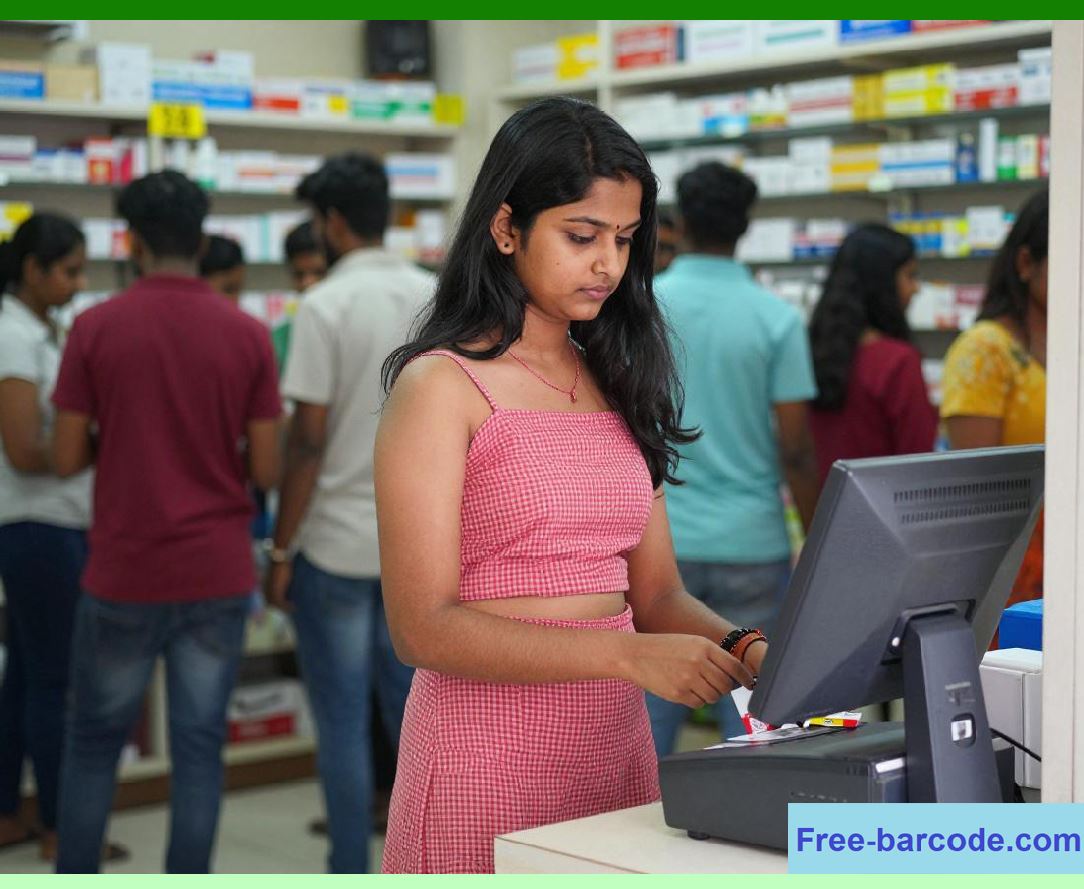
POS systems send transaction requests through API gateways to cloud services. |
4.4 |
Barcode scanning applications query product data through standardized APIs. |
4.5 |
API gateways enforce authentication, rate limiting, and request validation. |
4.6 |
They also handle versioning and routing to appropriate backend services. |
4.7 |
Microservices architectures rely heavily on API gateway mediation. |
4.8 |
API gateways are essential for scalable retail integration. |
|
5. Message Routing and Event Distribution Systems |
5.1 |
Message routing systems ensure that data is delivered to the correct downstream services. |
5.2 |
A single POS transaction may generate multiple events routed to different systems. |
5.3 |
Inventory services receive stock updates, while analytics systems receive behavioral data. |
5.4 |
Routing rules determine how barcode scan events are processed. |
5.5 |
Event distribution systems use publish-subscribe models for scalability. |
5.6 |
Message brokers ensure reliable delivery of events across systems. |
5.7 |
Decoupled communication improves system resilience. |
5.8 |
Routing is a key component of retail integration architecture. |

|
6. Data Transformation and Normalization Layers |
6.1 |
Retail systems often involve heterogeneous data formats across different applications. |
6.2 |
Middleware transforms POS transaction data into standardized cloud database formats. |
6.3 |
Barcode scan data is normalized before entering analytics pipelines. |
6.4 |
Legacy systems may use outdated formats that require conversion. |
6.5 |
Transformation layers ensure consistency across all integrated systems. |
6.6 |
Schema mapping aligns data fields between systems. |
6.7 |
Data validation is applied during transformation processes. |
6.8 |
Normalization ensures interoperability across the ecosystem. |

|
7. Synchronous vs Asynchronous Integration Models |
7.1 |
Synchronous integration requires immediate response between systems. |
7.2 |
POS payment authorization typically uses synchronous API calls. |
7.3 |
Asynchronous integration allows delayed processing through message queues. |
7.4 |
Inventory updates and analytics processing often use asynchronous models. |
7.5 |
Synchronous systems provide immediate feedback but lower scalability. |
7.6 |
Asynchronous systems improve throughput and resilience. |
7.7 |
Hybrid integration models combine both approaches. |
7.8 |
Selecting the correct model depends on business requirements. |

|
8. Microservices Integration Through Middleware |
8.1 |
Modern retail systems rely heavily on microservices architectures. |
8.2 |
Each microservice handles a specific function such as pricing, inventory, or loyalty management. |
8.3 |
Middleware coordinates communication between these microservices. |
8.4 |
API gateways route requests to appropriate service endpoints. |
8.5 |
Service discovery mechanisms locate active service instances. |
8.6 |
Load balancing distributes traffic among microservices. |
8.7 |
Circuit breakers prevent cascading failures. |
8.8 |
Microservices integration enables modular system design. |

|
9. Legacy System Integration Challenges |
9.1 |
Many retail enterprises still rely on legacy systems that must integrate with modern cloud platforms. |
9.2 |
Older POS systems may use proprietary communication protocols. |
9.3 |
Barcode systems may depend on outdated hardware interfaces. |
9.4 |
Middleware bridges the gap between legacy and modern systems. |
9.5 |
Data format conversion is often required for compatibility. |
9.6 |
Latency and performance differences must be managed carefully. |
9.7 |
Gradual modernization strategies are often used. |
9.8 |
Legacy integration remains a major enterprise challenge. |
|
10. Security in Integration Middleware |
10.1 |
Integration layers represent a critical security boundary in retail systems. |
10.2 |
API gateways enforce authentication and authorization for all requests. |
10.3 |
Message encryption protects data in transit between systems. |
10.4 |
Middleware logs all communication events for auditing purposes. |
10.5 |
Rate limiting prevents abuse of integration endpoints. |
10.6 |
Token-based authentication ensures secure access control. |
10.7 |
Threat detection systems monitor integration traffic for anomalies. |
10.8 |
Security is essential for trustworthy system integration. |

|
11. Real-Time Integration for Barcode and POS Systems |
11.1 |
Real-time integration ensures that barcode scans and POS transactions are processed instantly. |
11.2 |
Event streaming platforms propagate updates across systems in milliseconds. |
11.3 |
Inventory levels are updated immediately after each transaction. |
11.4 |
Pricing changes are reflected instantly across all stores. |
11.5 |
Customer loyalty points are updated in real time. |
11.6 |
Low-latency integration improves customer experience. |
11.7 |
Real-time systems require optimized middleware infrastructure. |
11.8 |
This enables seamless retail operations across distributed environments. |

|
12. Observability and Monitoring of Integration Systems |
12.1 |
Integration systems require full observability for operational stability. |
12.2 |
Logs track every message passing through middleware systems. |
12.3 |
Metrics monitor throughput, latency, and error rates. |
12.4 |
Tracing tools follow data across multiple services. |
12.5 |
Dashboards provide real-time system visibility. |
12.6 |
Alert systems notify administrators of failures or delays. |
12.7 |
Performance bottlenecks are identified through monitoring tools. |
12.8 |
Observability ensures reliable integration operations. |
|
13. Performance Optimization in Middleware Systems |
13.1 |
Integration middleware must handle high volumes of retail transactions efficiently. |
13.2 |
Batch processing reduces overhead for non-critical operations. |
13.3 |
Caching improves response times for frequently accessed data. |
13.4 |
Asynchronous queues reduce system load during peak traffic. |
13.5 |
Connection pooling improves database interaction efficiency. |
13.6 |
Load balancing distributes message processing evenly. |
13.7 |
Compression reduces network bandwidth usage. |
13.8 |
Optimization ensures scalable integration performance. |

|
14. Future Trends in System Integration Architecture |
14.1 |
Future integration systems will be increasingly AI-driven and autonomous. |
14.2 |
Self-configuring middleware will automatically adapt routing rules. |
14.3 |
Event-native architectures will replace traditional request-response models. |
14.4 |
API ecosystems will become fully standardized and interoperable. |
14.5 |
Edge integration layers will process data locally in stores. |
14.6 |
Blockchain may be used for verifiable message exchange. |
14.7 |
Natural language integration design will simplify system configuration. |
14.8 |
Integration systems will evolve into intelligent orchestration networks. |

|
15. Technical Content Summary of Part 30 |
15.1 |
This part analyzed system integration middleware, ESB architectures, and API gateway orchestration in cloud database, barcode, and POS retail systems. |
15.2 |
It explained how middleware enables communication between heterogeneous retail systems. |
15.3 |
Enterprise Service Bus and API gateway architectures were compared as integration strategies. |
15.4 |
Message routing, data transformation, and synchronous/asynchronous communication models were examined. |

|
15.5 |
Microservices integration, legacy system challenges, and security mechanisms were analyzed in detail. |
15.6 |
Real-time integration, observability, and performance optimization techniques were explored. |
15.7 |
Future trends including AI-driven integration, event-native architectures, and edge-based processing were introduced. |
15.8 |
Overall, this part demonstrated how integration middleware forms the critical connective tissue that enables barcode systems, POS platforms, and cloud databases to operate as a unified, scalable retail ecosystem. |
 cs@easiersoft.com