Part 32 |
Real-Time Stream Processing, Event Streaming Platforms, and Low-Latency Data Pipelines in Cloud Database + Barcode + POS Retail Systems |
1. Introduction to Real-Time Streaming in Retail Systems |
1.1 |
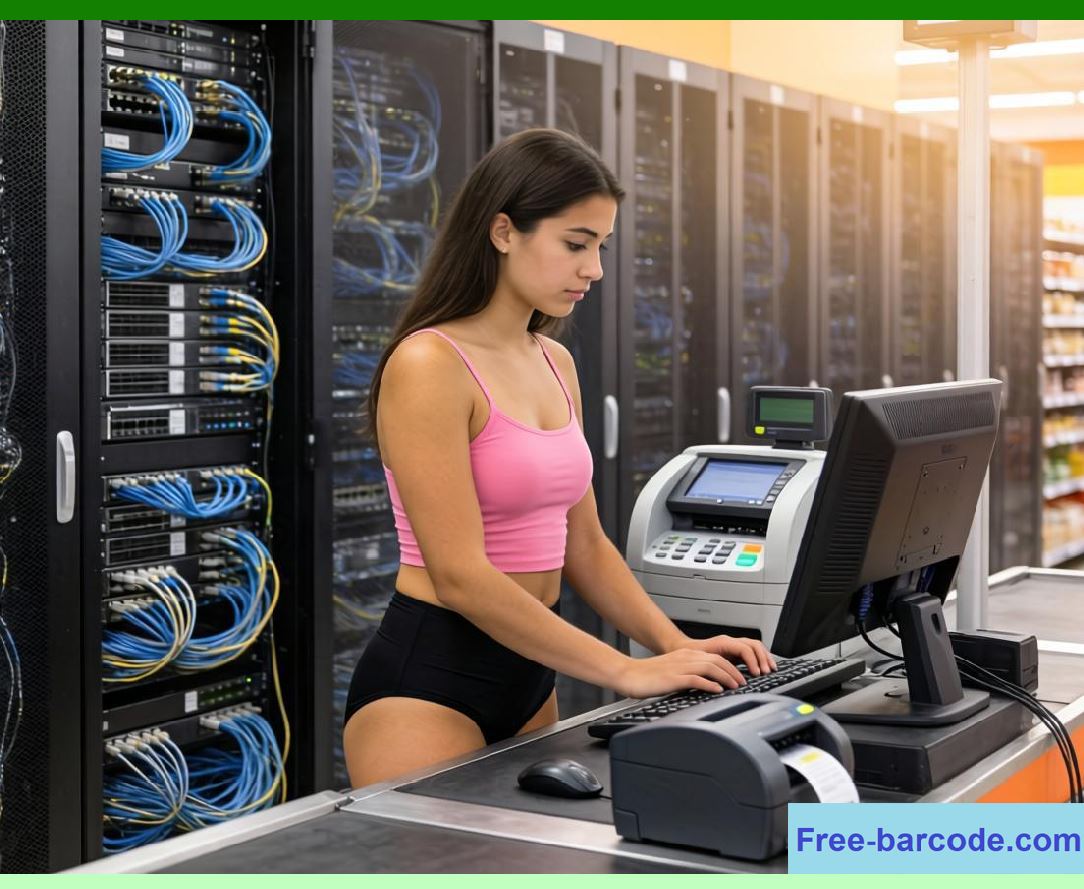
In modern chain store architectures, retail data is no longer processed in batches alone. Instead, barcode scans, POS transactions, inventory updates, and customer interactions are continuously generated as event streams that require immediate processing. |
1.2 |
Real-time stream processing enables retail systems to react instantly to operational events such as a completed sale, a stock threshold breach, or a promotional trigger. |
1.3 |
This capability is essential for maintaining accurate inventory, dynamic pricing, fraud detection, and real-time customer engagement. |
1.4 |
This part explores event streaming platforms, stream processing architectures, and low-latency data pipelines in cloud retail systems. |
1.5 |
The focus is on how barcode and POS events flow through distributed streaming infrastructures. |
|
2. Event Streaming Architecture in Retail Systems |
2.1 |
Event streaming architecture is built around the continuous production and consumption of events. |
2.2 |
Each barcode scan generates an event representing product interaction. |
2.3 |
Each POS transaction generates a structured event containing financial and inventory data. |
2.4 |
Events are published to distributed streaming platforms that act as central data highways. |
2.5 |
Multiple consumers subscribe to event streams for different purposes such as analytics, inventory updates, or customer profiling. |
2.6 |
Events are immutable and ordered within partitions. |
2.7 |
Streaming systems decouple producers from consumers for scalability. |
2.8 |
This architecture is fundamental to real-time retail systems. |
|
3. POS Transaction Streaming Pipelines |
3.1 |
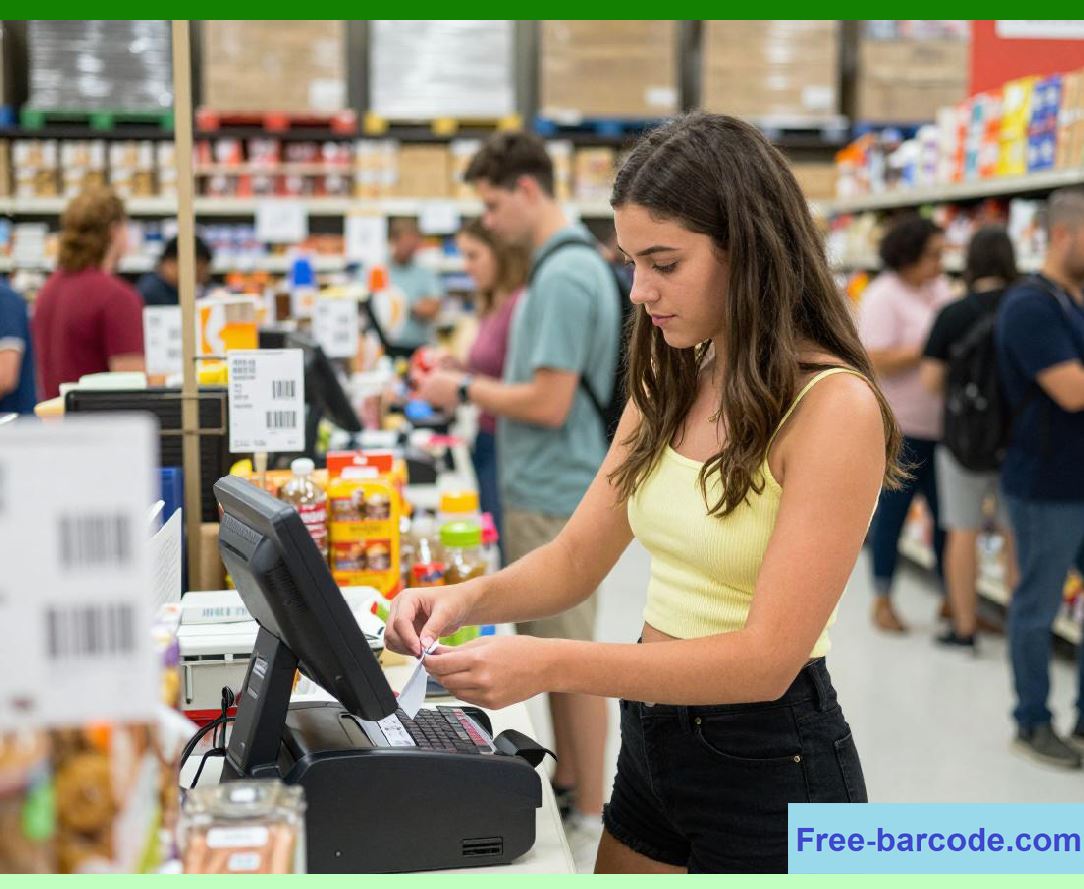
POS systems continuously generate transaction events that are streamed to cloud platforms. |
3.2 |
Each transaction event includes product details, pricing, payment status, and store metadata. |
3.3 |
Streaming pipelines ensure immediate propagation of transaction data. |
3.4 |
Inventory services consume POS streams to update stock levels. |
3.5 |
Financial systems process streams for revenue tracking and reconciliation. |
3.6 |
Fraud detection systems analyze transaction patterns in real time. |
3.7 |
Stream processing ensures low-latency financial visibility. |
3.8 |
POS streaming is critical for operational responsiveness. |
|
4. Barcode Event Stream Processing |
4.1 |
Barcode scans are high-frequency events generated at checkout counters, warehouses, and logistics hubs. |
4.2 |
Each scan is processed as an independent event in a streaming system. |
4.3 |
Stream processors validate product identity and pricing in real time. |
4.4 |
Inventory updates are triggered immediately after scan events. |
4.5 |
Repeated scans can be detected and filtered using deduplication logic. |
4.6 |
Scan events contribute to behavioral analytics pipelines. |
4.7 |
Streaming ensures that barcode data is actionable instantly. |
4.8 |
This enables real-time inventory and sales intelligence. |

|
5. Stream Processing Engines in Cloud Systems |
5.1 |
Stream processing engines are responsible for executing computations on continuous data flows. |
5.2 |
They process POS and barcode events as they arrive without storing entire datasets. |
5.3 |
Windowing functions group events over time intervals for aggregation. |
5.4 |
Stateful processing maintains context across event sequences. |
5.5 |
Fault-tolerant checkpoints ensure system reliability. |
5.6 |
Parallel processing enables high throughput. |
5.7 |
Stream processors support real-time analytics and decision-making. |
5.8 |
These engines are core components of retail streaming architectures. |

|
6. Low-Latency Data Pipelines |
6.1 |
Low-latency pipelines are designed to minimize delay between event generation and processing. |
6.2 |
POS transactions must be reflected in inventory systems within milliseconds. |
6.3 |
Barcode scans require immediate validation and product lookup. |
6.4 |
In-memory processing reduces access latency. |
6.5 |
Asynchronous execution prevents blocking in high-load scenarios. |
6.6 |
Optimized serialization formats reduce transmission overhead. |
6.7 |
Pipeline efficiency is critical for real-time retail responsiveness. |
6.8 |
Low latency is a key performance requirement. |
|
7. Stream Partitioning and Parallelism |
7.1 |
Stream partitioning divides event data into manageable segments for parallel processing. |
7.2 |
POS events may be partitioned by store location or transaction ID. |
7.3 |
Barcode events may be partitioned by product category or scanning device. |
7.4 |
Each partition is processed independently to increase throughput. |
7.5 |
Ordering is maintained within partitions for consistency. |
7.6 |
Parallel consumers process multiple partitions simultaneously. |
7.7 |
Partitioning enables horizontal scalability of streaming systems. |
7.8 |
It is essential for handling large-scale retail workloads. |

|
8. Event Ordering and Consistency in Streams |
8.1 |
Maintaining correct event order is critical in retail systems. |
8.2 |
POS transactions must be processed in the exact sequence they occur. |
8.3 |
Out-of-order barcode events can lead to inventory inconsistencies. |
8.4 |
Timestamping and sequence IDs help preserve order. |
8.5 |
Stream processors enforce ordering within partitions. |
8.6 |
Late-arriving events are handled using watermarking techniques. |
8.7 |
Consistency models balance accuracy and performance. |
8.8 |
Ordering ensures correctness in real-time processing. |
|
9. Stream-Based Inventory Synchronization |
9.1 |
Inventory systems rely heavily on streaming data for real-time updates. |
9.2 |
POS events trigger immediate stock deductions. |
9.3 |
Barcode scan events in warehouses update inbound and outbound stock. |
9.4 |
Stream processing ensures synchronization across distributed systems. |
9.5 |
Inventory discrepancies are detected through continuous comparison. |
9.6 |
Real-time reconciliation prevents stock inconsistencies. |
9.7 |
Streaming enables unified inventory visibility. |
9.8 |
This is essential for omnichannel retail operations. |
|
10. Real-Time Analytics via Stream Processing |
10.1 |
Stream processing enables analytics on live retail data. |
10.2 |
Sales performance metrics are updated continuously. |
10.3 |
Barcode scan trends reveal product demand in real time. |
10.4 |
POS streams feed dashboards with live revenue updates. |
10.5 |
Anomaly detection systems analyze streaming data patterns. |
10.6 |
Promotional effectiveness is evaluated instantly. |
10.7 |
Real-time analytics supports fast decision-making. |
10.8 |
This improves operational agility significantly. |
|
11. Fault Tolerance in Streaming Systems |
11.1 |
Streaming systems must handle failures without data loss. |
11.2 |
Checkpointing saves processing state periodically. |
11.3 |
Replay mechanisms reprocess events after failure recovery. |
11.4 |
Message persistence ensures durability of event streams. |
11.5 |
Duplicate detection prevents repeated processing. |
11.6 |
Failover systems reroute processing tasks automatically. |
11.7 |
Fault tolerance ensures continuous operation. |
11.8 |
This is critical for enterprise retail reliability. |
|
12. Backpressure and Load Control Mechanisms |
12.1 |
Backpressure occurs when event production exceeds processing capacity. |
12.2 |
Streaming systems use flow control mechanisms to manage overload. |
12.3 |
POS systems may throttle event generation under extreme load. |
12.4 |
Queue buffering absorbs temporary spikes in traffic. |
12.5 |
Adaptive scaling increases processing capacity dynamically. |
12.6 |
Load shedding may be used for non-critical events. |
12.7 |
Backpressure management ensures system stability. |
12.8 |
It prevents cascading system failures. |

|
13. Integration with Cloud Databases |
13.1 |
Stream processing systems integrate directly with cloud databases. |
13.2 |
Processed events update transactional and analytical databases. |
13.3 |
Materialized views provide real-time queryable data. |
13.4 |
Databases act as both sinks and sources for streaming pipelines. |
13.5 |
Change data capture (CDC) synchronizes database updates into streams. |
13.6 |
Bidirectional integration ensures consistency across systems. |
13.7 |
This enables real-time data availability. |
13.8 |
Cloud databases and streaming systems operate as a unified ecosystem. |
|
14. Future Trends in Event Streaming Systems |
14.1 |
Future streaming systems will be fully autonomous and AI-optimized. |
14.2 |
Self-tuning stream processors will adjust performance dynamically. |
14.3 |
Edge-based stream processing will reduce cloud dependency. |
14.4 |
Event-native databases will merge storage and streaming layers. |
14.5 |
Predictive streaming will anticipate event patterns. |
14.6 |
Blockchain-based streams may ensure auditability. |
14.7 |
Streaming systems will support natural language event querying. |
14.8 |
Event processing will evolve into intelligent real-time computation networks. |
|
15. Technical Content Summary of Part 32 |
15.1 |
This part analyzed real-time stream processing, event streaming platforms, and low-latency pipelines in cloud database, barcode, and POS retail systems. |
15.2 |
It explained how POS transactions and barcode scans generate continuous event streams. |
15.3 |
Stream processing engines, partitioning strategies, and ordering mechanisms were examined in detail. |
15.4 |
Low-latency pipeline design and real-time analytics capabilities were explored. |
|
15.5 |
Fault tolerance, backpressure handling, and database integration were analyzed as key system components. |
15.6 |
The relationship between streaming systems and cloud databases was discussed as a unified architecture. |
15.7 |
Future trends including AI-driven streaming, edge processing, and event-native databases were introduced. |
15.8 |
Overall, this part demonstrated how event streaming transforms retail systems into real-time, continuously responsive intelligence networks powered by barcode scanning, POS systems, and cloud databases. |
 cs@easiersoft.com