Part 4 |
POS System Architecture, Operational Logic, and Its Integration with Cloud Databases and Barcode Technology |
1. Introduction to Modern POS Systems |
1.1 |
The Point of Sale system, commonly known as the POS system, is one of the most important operational platforms in modern chain store environments. While many people associate POS systems only with cash registers or checkout terminals, modern POS platforms are actually highly integrated business management systems responsible for coordinating sales processing, inventory synchronization, customer management, financial recording, payment integration, and operational analytics. |
1.2 |
In traditional retail environments, checkout operations were primarily manual. Cashiers entered prices manually, calculated totals using mechanical cash registers, and recorded transactions on paper receipts. This process was time-consuming, error-prone, and operationally inefficient. The emergence of computerized POS systems fundamentally transformed retail operations by automating transaction workflows and connecting checkout activities directly to digital databases. |

|
1.3 |
Today POS systems function as intelligent operational control centers. They interact continuously with barcode scanners, cloud databases, payment gateways, inventory management systems, customer relationship management platforms, loyalty systems, supplier databases, and business analytics engines. Every retail transaction generates operational data that flows through the POS platform into centralized information systems. |
1.4 |
In chain store operations, POS systems are especially important because they unify operational processes across multiple locations. Headquarters can centrally manage product catalogs, promotional pricing, employee permissions, taxation rules, and sales reporting while maintaining consistency throughout the retail network. |
1.5 |
The integration of barcode technology, POS systems, and cloud databases enables modern chain stores to operate efficiently at large scales. Barcode systems capture product data, POS systems process operational workflows, and cloud databases provide centralized data synchronization and intelligence. Together, these technologies create the digital infrastructure supporting modern retail ecosystems. |

|
2. Core Functional Components of POS Systems |
2.1 |
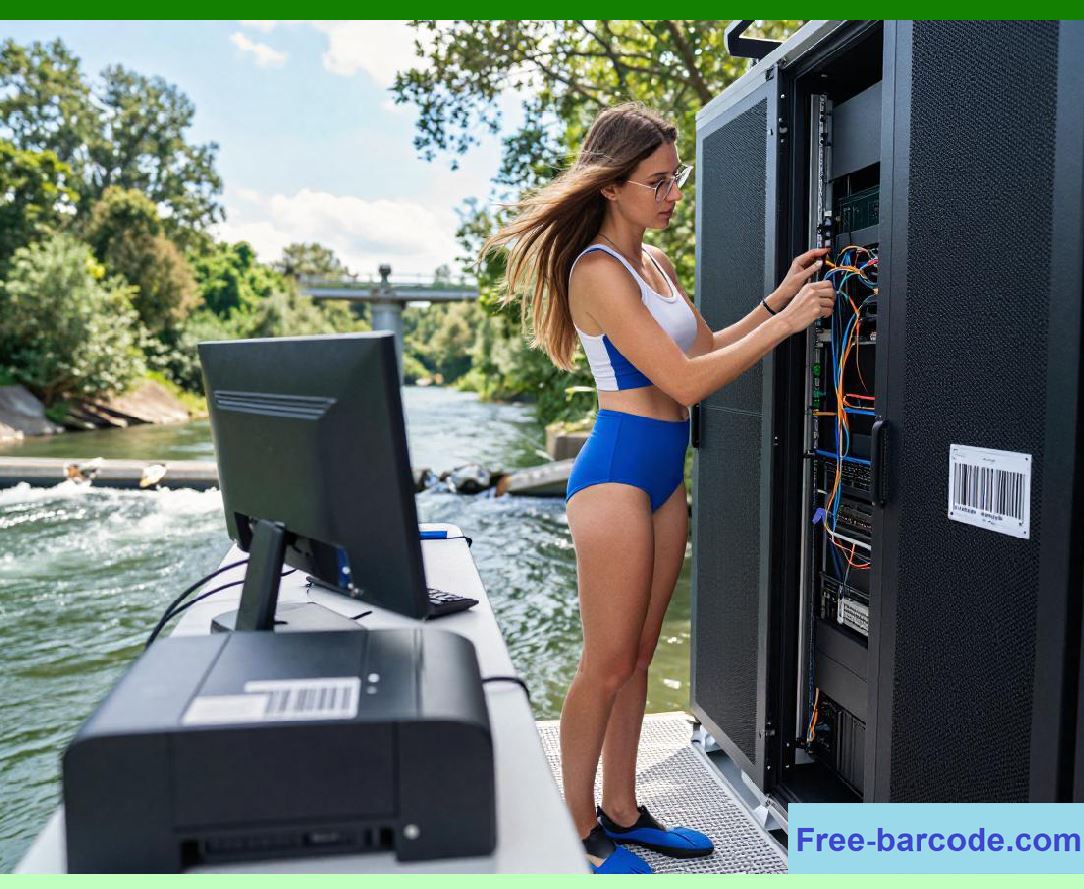
Modern POS systems consist of both hardware and software components working together to process retail operations. Each component plays a specific role within the broader transaction management ecosystem. |
2.2 |
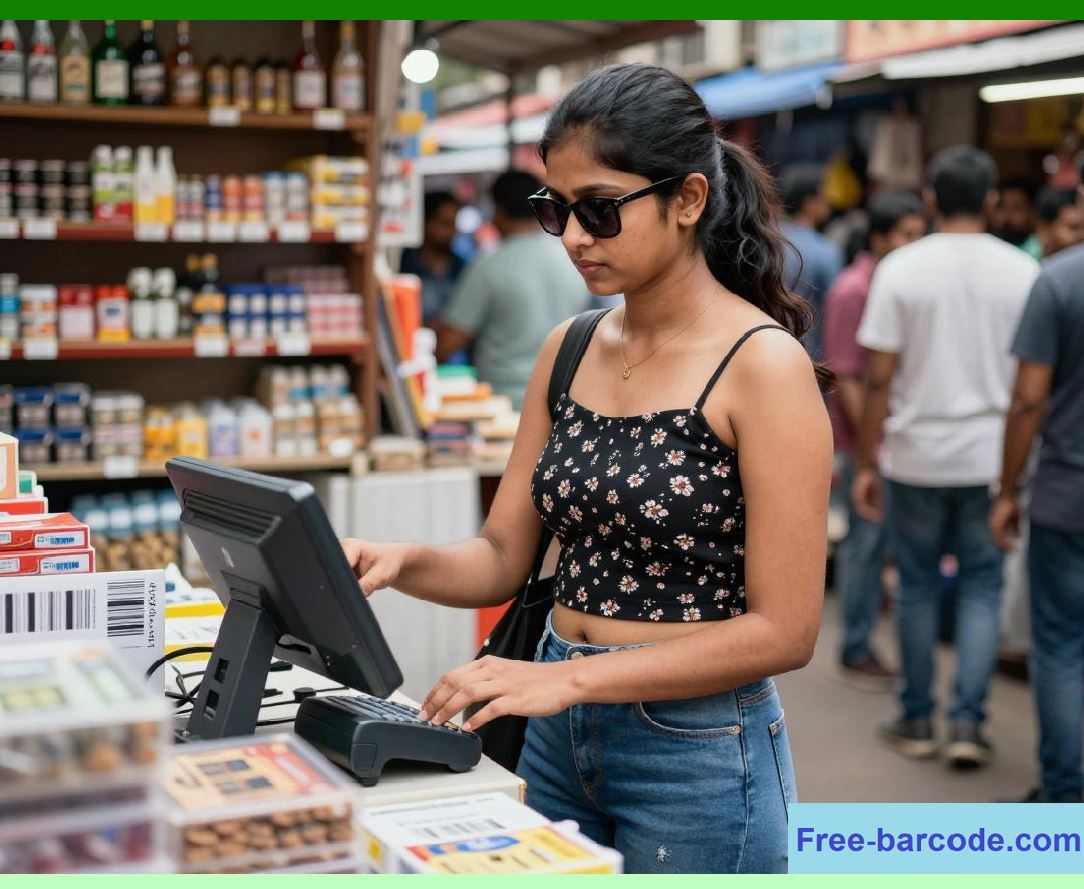
The POS terminal itself serves as the primary user interface. Many modern terminals use touchscreen displays that allow cashiers to navigate menus, process transactions, manage returns, apply discounts, and access customer information efficiently. |
2.3 |
Barcode scanners are tightly integrated with POS terminals. During checkout operations, scanners capture product identifiers, which are transmitted instantly to the POS software for product lookup and pricing retrieval. |
2.4 |
Receipt printers generate transaction receipts for customers. Thermal printers are commonly used because they are fast, quiet, reliable, and inexpensive to maintain. Some retailers also support electronic receipts delivered through email or mobile applications. |

|
2.5 |
Cash drawers connect electronically to the POS terminal and open automatically during cash transactions. Advanced systems monitor cash drawer activity for security and audit purposes. |
2.6 |
Payment processing devices handle credit cards, debit cards, mobile wallets, NFC payments, EMV chip cards, and QR code payments. These devices communicate securely with payment gateways and banking networks. |
2.7 |
Customer-facing displays improve transparency by showing scanned products, prices, discounts, and payment totals during transactions. Some displays also support advertising or loyalty program promotions. |
2.8 |
Back-office management modules form another important part of POS ecosystems. These modules support inventory management, employee scheduling, pricing configuration, supplier management, financial reporting, and analytics. |
2.9 |
Cloud integration modules synchronize data between local POS terminals and centralized cloud databases. This synchronization enables real-time visibility across all stores within a chain network. |
|
3. Transaction Workflow Inside a POS System |
3.1 |
Understanding the internal transaction workflow of a POS system is essential for analyzing its role in retail operations. Every customer purchase triggers a sequence of highly coordinated technical processes. |
3.2 |
The transaction typically begins when a cashier scans a product barcode using the barcode scanner. The scanner decodes the barcode and sends the product identifier to the POS software. |
3.3 |
The POS system queries the product database, which may reside locally or within a cloud database platform. The query retrieves product details such as name, retail price, tax category, discount eligibility, inventory status, and promotional rules. |
3.4 |
The product information is displayed on the cashier interface and customer display simultaneously. The POS system calculates subtotal amounts, taxes, discounts, and promotional pricing automatically. |

|
3.5 |
If the customer is enrolled in a membership or loyalty program, the cashier may scan a membership barcode or QR Code. The POS system retrieves customer information from the cloud database and applies relevant loyalty points, coupons, or personalized discounts. |
3.6 |
Once all products are scanned, the customer selects a payment method. The POS system communicates with payment processing systems to authorize electronic transactions or records cash payments accordingly. |
3.7 |
After payment confirmation, the POS system finalizes the transaction. Inventory quantities are updated automatically, sales records are stored, customer loyalty balances are adjusted, and transaction data is synchronized with centralized cloud systems. |
3.8 |
The system then generates a receipt and may also trigger additional workflows such as email receipt delivery, promotional notifications, inventory replenishment alerts, or business analytics updates. |
3.9 |
This entire workflow usually completes within seconds, demonstrating the efficiency achieved through integration among barcode technology, POS systems, and cloud databases. |

|
4. POS Software Architecture |
4.1 |
Modern POS software systems are designed using layered architectures that separate user interfaces, business logic, and data management functions. This modular structure improves maintainability, scalability, and integration flexibility. |
4.2 |
The presentation layer includes cashier interfaces, management dashboards, customer displays, and mobile applications. This layer handles user interactions and visual presentation of operational information. |
4.3 |
The business logic layer processes operational rules and workflows. Examples include discount calculations, tax computation, membership validation, promotion handling, inventory adjustments, and transaction authorization. |
4.4 |
The data access layer manages communication with databases. This layer retrieves product information, stores transaction records, updates inventory counts, and synchronizes operational data with cloud platforms. |

|
4.5 |
API integration layers allow POS systems to communicate with external services such as payment gateways, ERP systems, e-commerce platforms, loyalty systems, logistics systems, and cloud analytics platforms. |
4.6 |
Middleware components often handle message routing, synchronization, caching, and offline transaction buffering. Middleware improves reliability in environments with unstable internet connectivity. |
4.7 |
Security modules are deeply integrated into POS software architecture. These modules manage encryption, user authentication, permission control, secure payment processing, and audit logging. |
4.8 |
Cloud-native POS systems increasingly use microservices architectures. Different operational functions are separated into independent services that communicate through APIs. This approach improves scalability and allows faster feature deployment. |

|
5. Cloud-Based POS Systems Versus Traditional POS Systems |
5.1 |
Traditional POS systems were typically installed locally within individual stores. These systems relied heavily on local servers and local databases. While functional, traditional architectures created challenges for multi-store management and centralized visibility. |
5.2 |
Cloud-based POS systems fundamentally changed this model by connecting POS terminals directly to centralized cloud infrastructure. Data synchronization occurs continuously across all stores and operational systems. |
5.3 |
One major advantage of cloud-based POS systems is centralized management. Headquarters can configure product catalogs, pricing rules, promotional campaigns, and software updates remotely for all stores simultaneously. |
5.4 |
Cloud POS systems also improve scalability. New store locations can be deployed more quickly because the retailer does not need to install complex server infrastructure at every branch. |

|
5.5 |
Real-time reporting is another important advantage. Managers can immediately access sales performance, inventory status, employee productivity, and financial data from any store within the network. |
5.6 |
Cloud systems also simplify backup and disaster recovery. Transaction data is stored within redundant cloud infrastructure rather than relying solely on local hardware. |
5.7 |
However, cloud POS systems depend heavily on internet connectivity. To address this issue, many platforms support offline transaction modes that temporarily store data locally until connectivity is restored. |
5.8 |
Hybrid architectures are increasingly common. These systems combine local transaction processing capabilities with cloud synchronization to balance reliability, performance, and centralized management. |

|
6. POS Systems and Inventory Synchronization |
6.1 |
Inventory synchronization is one of the most critical operational functions performed by POS systems. Every sales transaction directly affects stock levels, procurement planning, replenishment scheduling, and supply chain coordination. |
6.2 |
When a product is sold, the POS system automatically deducts the quantity from inventory records. The updated inventory data is then synchronized with cloud databases and inventory management systems. |
6.3 |
This synchronization allows headquarters and store managers to monitor inventory levels in real time. Low-stock alerts can trigger replenishment workflows automatically. |
6.4 |
Inventory synchronization becomes especially important in omnichannel retail environments. Online customers expect accurate inventory visibility for physical stores. If inventory records are outdated, customers may place orders for unavailable products. |

|
6.5 |
POS systems also support inventory adjustments for returns, damaged goods, internal transfers, and stock corrections. These adjustments are recorded within centralized databases for auditing and analytics purposes. |
6.6 |
Retailers often configure inventory thresholds within POS systems. When inventory levels fall below predefined limits, automatic procurement recommendations or supplier orders may be generated. |
6.7 |
Barcode scanning improves inventory synchronization accuracy by minimizing manual data entry errors. Employees scan products during receiving, transfers, and stock counting operations, ensuring accurate database updates. |
6.8 |
Cloud-based inventory synchronization provides enterprise-wide visibility, enabling more efficient procurement planning and warehouse allocation strategies. |
|
7. Membership and Customer Relationship Management Integration |
7.1 |
Modern POS systems play a central role in customer relationship management and membership operations. Retailers increasingly compete through personalized customer experiences and loyalty programs. |
7.2 |
Membership systems typically store customer profiles, purchase histories, reward points, preferences, and promotional eligibility within cloud databases. POS systems access this information during transactions. |
7.3 |
Customers may identify themselves using membership cards, phone numbers, QR Codes, mobile apps, or biometric verification methods. The POS system retrieves the customer profile instantly. |
7.4 |
Loyalty points are automatically calculated and updated during purchases. Customers can redeem rewards, apply coupons, or receive personalized discounts directly through the POS interface. |

|
7.5 |
Purchase history analysis allows retailers to understand customer behavior patterns. Businesses can identify frequently purchased products, shopping frequency, seasonal preferences, and customer lifetime value. |
7.6 |
Cloud-integrated POS systems ensure that membership benefits remain synchronized across all store locations and online channels. Customers can shop seamlessly across multiple stores using the same loyalty account. |
7.7 |
Retailers also use POS-generated customer data for targeted marketing campaigns. Cloud analytics systems analyze purchasing behavior and generate personalized promotional recommendations. |
7.8 |
The integration of POS systems, barcode technology, and cloud databases creates highly data-driven customer engagement ecosystems that support long-term customer retention strategies. |

|
8. POS Systems and Multi-Store Operational Management |
8.1 |
Chain stores face unique operational challenges because they manage multiple retail locations simultaneously. POS systems provide the infrastructure necessary to coordinate operations across distributed store networks. |
8.2 |
Centralized pricing management is one major benefit. Headquarters can define pricing strategies and distribute updates instantly to all POS terminals across the organization. |
8.3 |
Promotional campaigns can also be managed centrally. Retailers may launch nationwide discounts, regional promotions, seasonal events, or member-exclusive offers through cloud-connected POS systems. |
8.4 |
Employee management functions support role-based permissions, shift tracking, attendance monitoring, and sales performance analysis. Different access levels can be assigned to cashiers, supervisors, store managers, and administrators. |

|
8.5 |
Sales analytics dashboards provide real-time visibility into store performance. Managers can compare revenue, transaction volume, average basket size, and product performance across locations. |
8.6 |
Multi-store POS systems also support centralized procurement planning. Inventory data from all stores can be aggregated to improve purchasing efficiency and supplier negotiations. |
8.7 |
Financial consolidation becomes more efficient because transaction data flows automatically into centralized accounting systems. This reduces manual reconciliation workloads and improves financial accuracy. |
8.8 |
Cloud databases enable consistent operational policies across all branches while still allowing local flexibility where necessary. |
|
9. Security Architecture of POS Systems |
9.1 |
POS systems process highly sensitive financial and customer data, making security one of the most critical aspects of POS architecture. |
9.2 |
Payment card security is especially important. POS systems handling card transactions must comply with PCI DSS security standards designed to protect cardholder information. |
9.3 |
Encryption protects transaction data during transmission between POS terminals, payment processors, and cloud databases. End-to-end encryption reduces interception risks. |
9.4 |
Tokenization replaces sensitive payment information with temporary tokens that have no exploitable value if intercepted. Many modern payment systems use tokenization extensively. |

|
9.5 |
User authentication systems control employee access to POS functions. Passwords, biometric authentication, smart cards, and multi-factor authentication mechanisms improve security. |
9.6 |
Audit logs record all transaction activities, configuration changes, refunds, discounts, voids, and administrative actions. These logs help detect fraud and support compliance investigations. |
9.7 |
Cloud-connected POS systems also implement centralized security monitoring. Suspicious activities such as abnormal refunds, unauthorized access attempts, or unusual transaction patterns can trigger automated alerts. |
9.8 |
Regular software updates are essential for protecting POS systems against evolving cybersecurity threats. Cloud-based architectures simplify update deployment across large retail networks. |

|
10. Future Evolution of POS Systems |
10.1 |
POS systems continue evolving rapidly as retail technology advances. Modern systems increasingly incorporate artificial intelligence, machine learning, cloud computing, IoT integration, and mobile technologies. |
10.2 |
Self-checkout systems are becoming increasingly common in supermarkets and convenience stores. These systems reduce labor costs while providing faster checkout experiences for customers. |
10.3 |
Mobile POS systems allow employees to process transactions using tablets or smartphones anywhere within the store. This improves operational flexibility and customer service. |
10.4 |
AI-powered analytics integrated with POS systems can predict demand trends, recommend dynamic pricing strategies, and identify customer purchasing patterns. |

|
10.5 |
Biometric payment systems may become more widespread in future retail environments. Facial recognition or fingerprint authentication could further simplify payment workflows. |
10.6 |
Voice-assisted retail systems and conversational AI may eventually integrate with POS platforms to support customer interactions and operational tasks. |
10.7 |
Cloud-native architectures will continue improving scalability, integration capabilities, and centralized operational visibility. |
10.8 |
Despite technological changes, the fundamental operational role of POS systems will remain central to retail ecosystems. POS systems will continue serving as the critical operational interface connecting customers, products, payments, inventory, and enterprise data systems. |

|
11. Technical Content Summary of Part 4 |
11.1 |
This part provided a comprehensive technical analysis of POS system architecture and its operational role within modern chain store ecosystems. The article explained how POS systems evolved from simple cash registers into highly integrated retail management platforms. |
11.2 |
The discussion covered the core hardware and software components of POS systems, including terminals, barcode scanners, receipt printers, payment devices, customer displays, and cloud synchronization modules. |
11.3 |
The internal transaction workflow of POS systems was analyzed step-by-step, demonstrating how barcode scans initiate product lookup, pricing retrieval, inventory updates, payment processing, and cloud synchronization processes. |
11.4 |
The article also explored layered POS software architectures, including presentation layers, business logic layers, data access modules, API integrations, middleware services, and security components. |

|
11.5 |
Cloud-based POS systems were compared with traditional local POS architectures. The advantages of centralized management, scalability, real-time reporting, and cloud synchronization were examined in detail. |
11.6 |
Additional sections analyzed inventory synchronization, customer membership integration, multi-store operations management, centralized analytics, procurement coordination, and enterprise-wide operational visibility. |
11.7 |
Security architecture was also discussed extensively, including PCI DSS compliance, encryption, tokenization, authentication, audit logging, and cybersecurity protections. |
11.8 |
Finally, the article examined future POS system trends such as AI integration, self-checkout technologies, mobile POS systems, biometric payments, and cloud-native architectures. Throughout the discussion, the integration among barcode technology, POS systems, and cloud databases remained the central theme supporting modern smart retail ecosystems. |
 cs@easiersoft.com