Part 8 |
Efficient Checkout Systems and Transaction Optimization Through Cloud Databases, Barcode Technology, and POS Integration |
1. Introduction to Checkout Efficiency in Modern Retail |
1.1 |
Checkout operations represent one of the most visible and operationally critical processes within chain store environments. Regardless of how advanced inventory systems, procurement platforms, or marketing strategies become, customers ultimately evaluate retail service quality heavily based on their checkout experience. Long waiting lines, slow transaction processing, pricing errors, payment failures, or inefficient cashier workflows can negatively affect customer satisfaction and brand loyalty. |
1.2 |
Traditional checkout systems relied heavily on manual operations. Cashiers manually entered product prices, calculated totals using mechanical cash registers, and processed paper-based payment records. These systems were labor-intensive and highly vulnerable to human error. As retail transaction volumes increased, manual checkout systems became unsustainable for large chain store operations. |
|
1.3 |
Modern efficient checkout systems are built upon the deep integration of barcode technology, POS platforms, and cloud databases. Barcode systems provide fast product identification, POS systems manage transaction workflows, and cloud databases synchronize pricing, inventory, promotions, customer data, and financial records in real time. |
1.4 |
The checkout process today extends far beyond simple payment collection. Modern checkout systems integrate customer loyalty programs, mobile payments, digital coupons, personalized promotions, inventory synchronization, fraud prevention, tax management, electronic receipts, and real-time analytics into unified operational workflows. |
1.5 |
Efficient checkout systems are therefore not only operational tools but also strategic components of modern retail ecosystems. They directly influence customer experiences, employee productivity, transaction accuracy, operational efficiency, and enterprise-wide data visibility. |
|
2. Core Components of Modern Checkout Systems |
2.1 |
A modern retail checkout system consists of multiple hardware and software components operating together in real time. Each component contributes to transaction speed, operational accuracy, and customer convenience. |
2.2 |
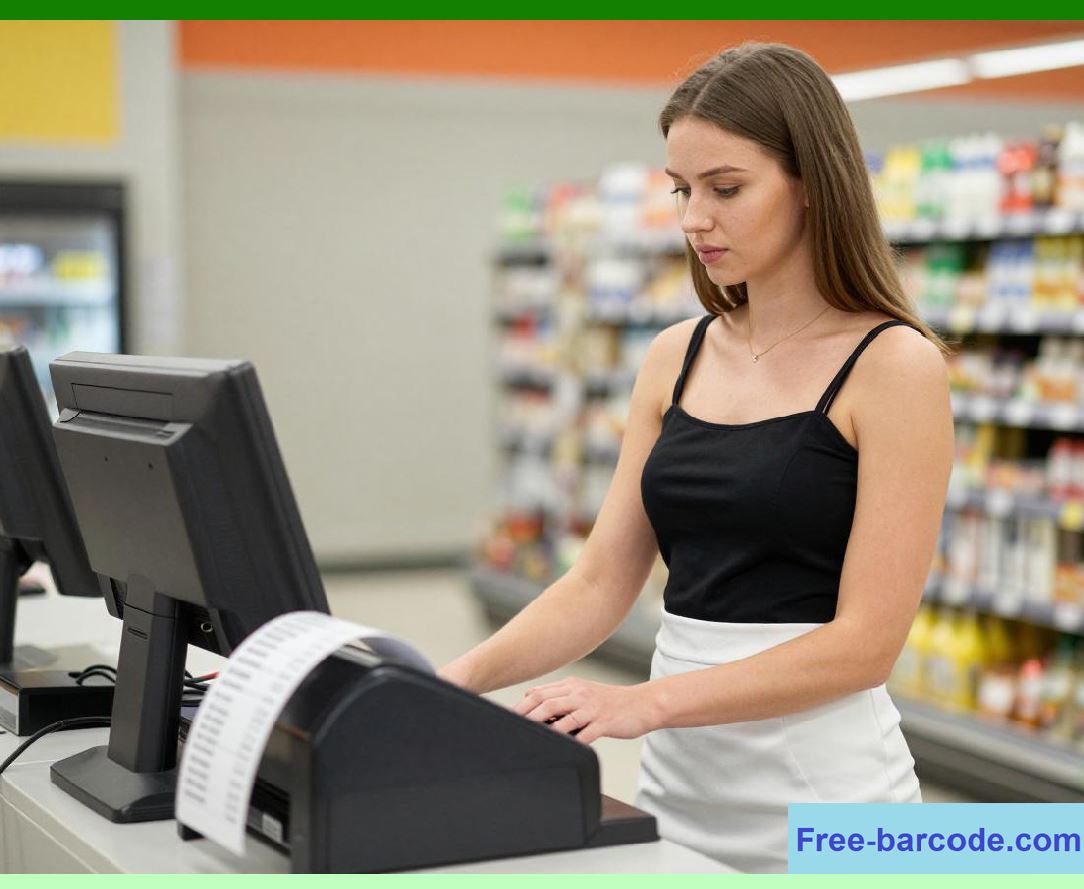
Barcode scanners serve as the primary product identification devices. When cashiers scan products, barcode data is transmitted instantly to the POS software for processing. |
2.3 |
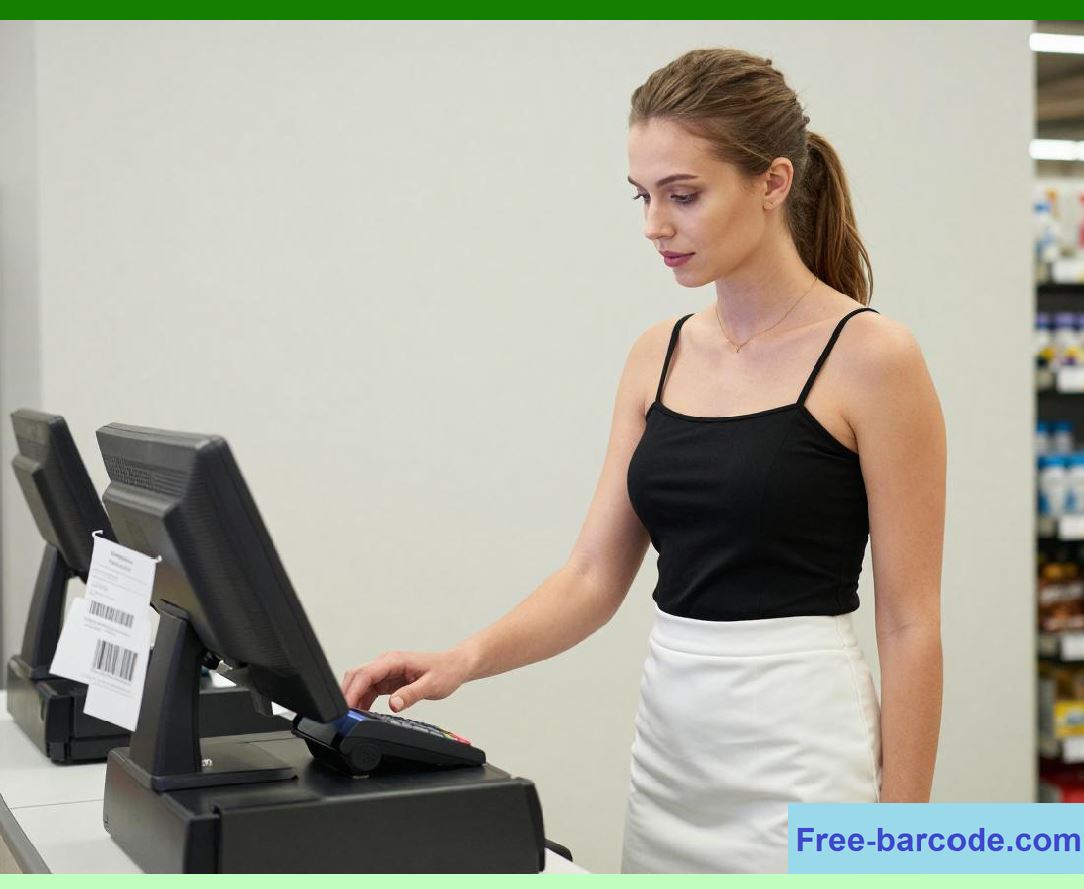
POS terminals provide the operational interface for cashiers and customers. These terminals display product information, transaction totals, discounts, taxes, and payment options. |
2.4 |
Cloud databases store product catalogs, pricing rules, promotion configurations, inventory levels, and customer profiles. POS systems retrieve this information during transactions. |
|
2.5 |
Payment processing devices support multiple payment methods including credit cards, debit cards, NFC payments, mobile wallets, QR code payments, gift cards, and contactless transactions. |
2.6 |
Receipt printers generate printed receipts, while cloud-connected systems may also deliver electronic receipts through email or mobile applications. |
2.7 |
Customer-facing displays improve transparency by showing scanned items and payment totals during checkout. |
2.8 |
Checkout systems also integrate with loyalty platforms, fraud detection engines, tax calculation services, and financial accounting systems through APIs and cloud integration mechanisms. |
|
3. Barcode Technology and High-Speed Product Identification |
3.1 |
Barcode technology forms the foundation of modern checkout efficiency because it enables rapid and accurate product identification. |
3.2 |
Before barcode systems became widespread, cashiers manually entered product prices or item codes. This process was slow and frequently caused pricing errors or transaction delays. |
3.3 |
Barcode scanning automates product lookup operations. The cashier simply passes the product barcode in front of the scanner, and the POS system retrieves associated information almost instantly. |
3.4 |
Modern imaging scanners can process both one-dimensional and two-dimensional barcodes at extremely high speeds. Advanced scanners may read damaged, partially obscured, or poorly printed barcodes using error correction algorithms. |
|
3.5 |
Omnidirectional scanners improve cashier productivity because products can be scanned from multiple angles without precise alignment. |
3.6 |
High-speed barcode scanning reduces customer waiting times significantly during peak shopping periods. |
3.7 |
Barcode systems also improve transaction accuracy. Because product information is retrieved directly from cloud databases, pricing inconsistencies and manual entry mistakes are minimized. |
3.8 |
Integrated barcode systems support additional checkout functions including coupon redemption, loyalty identification, age verification, product authentication, and mobile payment processing. |

|
4. Cloud Database Synchronization During Checkout |
4.1 |
Cloud databases play a central role in modern checkout operations because they provide centralized access to operational information across all retail locations. |
4.2 |
When a barcode is scanned, the POS system queries the cloud database for product details including current pricing, promotions, tax status, and inventory availability. |
4.3 |
Cloud synchronization ensures that all stores use consistent pricing information. Headquarters can update prices centrally, and changes propagate instantly to all POS terminals. |
4.4 |
Promotional campaigns are also managed through centralized cloud platforms. Discounts, bundled offers, loyalty rewards, and seasonal pricing rules are applied automatically during checkout. |
|
4.5 |
Inventory synchronization occurs in real time. After a transaction is completed, product quantities are deducted from centralized inventory records immediately. |
4.6 |
Cloud databases also synchronize customer loyalty information across all stores and online channels. Customers can earn and redeem points seamlessly regardless of shopping location. |
4.7 |
Real-time synchronization improves operational visibility for managers. Sales performance, transaction volume, and inventory movement become visible enterprise-wide within seconds. |
4.8 |
This centralized architecture allows large chain stores to maintain operational consistency across geographically distributed retail networks. |

|
5. Payment Processing Integration |
5.1 |
Modern checkout systems support a wide range of payment methods because customer preferences continue evolving rapidly. |
5.2 |
Traditional cash payments remain important in many retail environments, but electronic payment methods now dominate most large-scale chain store operations. |
5.3 |
POS systems integrate with payment gateways and financial institutions through secure communication protocols. Payment authorization occurs in real time during transactions. |
5.4 |
EMV chip cards provide enhanced payment security compared to traditional magnetic stripe cards. POS systems must support EMV-compliant transaction processing. |

|
5.5 |
Contactless payment technologies using NFC have become increasingly popular because they improve checkout speed and reduce physical interaction. |
5.6 |
Mobile wallet systems such as smartphone-based digital payments allow customers to complete transactions using QR codes, NFC communication, or app-based payment credentials. |
5.7 |
Cloud databases may store tokenized customer payment profiles for loyalty programs or recurring transaction scenarios. |
5.8 |
Integrated payment systems also support gift cards, store credit, installment payments, digital coupons, and cross-channel transaction reconciliation. |
|
6. Self-Checkout Systems in Chain Stores |
6.1 |
Self-checkout technology has become increasingly important in modern retail environments because it improves transaction throughput while reducing labor requirements. |
6.2 |
Self-checkout systems combine barcode scanners, touch-screen interfaces, payment terminals, receipt printers, and cloud-connected POS software into customer-operated kiosks. |
6.3 |
Customers scan products independently and complete payment transactions without direct cashier assistance. |
6.4 |
Barcode systems are essential for self-checkout functionality because accurate product identification must occur automatically and rapidly. |
6.5 |
Weight sensors and AI-assisted vision systems are often integrated into self-checkout platforms to reduce fraud and scanning errors. |
6.6 |
Cloud databases synchronize transactions and inventory updates in real time, just like traditional cashier-operated POS systems. |
6.7 |
Self-checkout systems improve customer convenience, especially for small basket purchases where customers prefer faster transactions. |
6.8 |
Retailers must carefully balance efficiency improvements with fraud prevention, customer support requirements, and system maintenance considerations. |
|
7. Mobile POS and Flexible Checkout Models |
7.1 |
Mobile POS systems represent another important evolution in checkout technology. Instead of fixed checkout counters, employees can process transactions anywhere within the store using tablets or smartphones. |
7.2 |
Mobile POS systems connect wirelessly to cloud databases and payment gateways through secure internet connections. |
7.3 |
Barcode scanning may occur through integrated mobile scanners or smartphone cameras. |
7.4 |
Mobile checkout improves operational flexibility and customer service because employees can assist customers directly on the sales floor. |
7.5 |
Queue-busting strategies use mobile POS devices during peak shopping periods to reduce congestion at traditional checkout counters. |
7.6 |
Restaurants, specialty retailers, pop-up stores, and event-based retail operations often rely heavily on mobile POS systems. |
7.7 |
Cloud integration ensures that mobile transactions synchronize with centralized inventory, loyalty, and analytics systems immediately. |
7.8 |
As wireless networking and mobile hardware continue improving, mobile checkout systems are becoming increasingly common in smart retail environments. |

|
8. Membership Systems and Personalized Checkout Experiences |
8.1 |
Modern checkout systems increasingly integrate deeply with customer relationship management and loyalty platforms. |
8.2 |
Customers may identify themselves during checkout using membership cards, QR codes, phone numbers, mobile apps, or biometric authentication methods. |
8.3 |
Once identified, the POS system retrieves customer profiles from cloud databases in real time. |
8.4 |
Personalized discounts, loyalty rewards, digital coupons, birthday promotions, and targeted offers can be applied automatically during the transaction. |
8.5 |
Purchase histories stored in cloud databases allow retailers to analyze customer behavior and recommend products more effectively. |
8.6 |
Checkout systems may also display personalized marketing messages or promotional recommendations based on customer purchasing patterns. |
8.7 |
Cloud synchronization ensures that loyalty points and membership balances remain consistent across physical stores, online channels, and mobile applications. |
8.8 |
Personalized checkout experiences improve customer retention and strengthen long-term brand relationships. |
|
9. Real-Time Inventory Visibility During Checkout |
9.1 |
Inventory synchronization is one of the most operationally important aspects of integrated checkout systems. |
9.2 |
Every completed transaction immediately updates centralized inventory records stored within cloud databases. |
9.3 |
Real-time inventory visibility prevents overselling and improves product availability accuracy across all sales channels. |
9.4 |
Online shopping systems rely heavily on accurate inventory synchronization to support services such as buy-online-pickup-in-store and same-day delivery. |
9.5 |
Store employees can access current inventory data using mobile devices or inventory management terminals connected to cloud systems. |
9.6 |
Inventory alerts may trigger automatically when stock levels fall below predefined thresholds. |
9.7 |
Real-time synchronization also improves procurement planning because replenishment systems receive updated demand information immediately after sales occur. |
9.8 |
The integration among barcode systems, POS platforms, and cloud databases therefore creates highly responsive inventory management ecosystems. |

|
10. Checkout Analytics and Operational Intelligence |
10.1 |
Modern checkout systems generate enormous amounts of operational data that support business intelligence and analytics applications. |
10.2 |
Retailers analyze transaction volume, average basket size, peak shopping periods, payment method usage, cashier productivity, and customer purchasing patterns. |
10.3 |
Cloud databases aggregate checkout data from all stores, enabling enterprise-wide performance analysis. |
10.4 |
Checkout analytics help managers optimize staffing schedules based on customer traffic patterns. |
10.5 |
Retailers can evaluate promotional effectiveness by analyzing redemption rates and sales impact during checkout operations. |
10.6 |
AI-powered analytics engines may identify unusual transaction patterns associated with fraud, operational inefficiencies, or emerging customer trends. |
10.7 |
Real-time dashboards allow executives to monitor store performance continuously across multiple locations. |
10.8 |
Data-driven checkout optimization improves operational efficiency while enhancing customer experiences simultaneously. |
|
11. Security and Fraud Prevention in Checkout Systems |
11.1 |
Checkout systems process highly sensitive financial and customer information, making security architecture critically important. |
11.2 |
Payment card data must be protected through encryption, tokenization, and secure transaction protocols. |
11.3 |
POS systems implement PCI DSS compliance measures to protect customer payment information. |
11.4 |
Fraud detection systems analyze transaction behavior in real time to identify suspicious activities such as unauthorized refunds, duplicate transactions, or abnormal purchasing patterns. |
11.5 |
Barcode systems may also support anti-counterfeiting functions through serialized QR codes or encrypted product identifiers. |
11.6 |
Employee access controls restrict operational permissions based on job roles and authorization levels. |
11.7 |
Audit logs record all transaction activities for compliance, investigation, and operational analysis purposes. |
11.8 |
Cloud-based security monitoring platforms provide centralized visibility into cybersecurity events across the entire retail network. |

|
12. Omnichannel Checkout Integration |
12.1 |
Modern consumers expect seamless integration between physical stores, online shopping platforms, and mobile commerce applications. |
12.2 |
Integrated checkout systems support unified omnichannel experiences by synchronizing customer data, inventory records, and transaction histories across all channels. |
12.3 |
Customers may purchase products online and return them in physical stores using integrated POS systems connected to cloud databases. |
12.4 |
Gift cards, loyalty rewards, and promotional credits can be used across online and offline channels simultaneously. |
12.5 |
Cloud databases provide centralized order management and transaction reconciliation capabilities. |
12.6 |
Barcode technology supports omnichannel logistics by tracking products throughout fulfillment and delivery processes. |
12.7 |
Integrated omnichannel checkout systems improve convenience while increasing operational flexibility for retailers. |
12.8 |
As digital commerce continues growing, omnichannel checkout integration will become increasingly important for chain store competitiveness. |

|
13. AI and Automation in Future Checkout Systems |
13.1 |
Artificial intelligence and automation technologies are rapidly transforming checkout operations in modern retail environments. |
13.2 |
Computer vision systems may eventually reduce dependence on traditional barcode scanning by identifying products automatically through image recognition. |
13.3 |
AI-powered recommendation systems can provide personalized promotions during checkout based on customer purchasing behavior. |
13.4 |
Automated checkout stores using sensor networks, RFID systems, and AI tracking technologies are already emerging in some retail markets. |
13.5 |
Voice-assisted checkout interfaces may support customer interaction in future smart retail environments. |
13.6 |
Predictive analytics may optimize staffing allocation dynamically based on real-time customer traffic forecasts. |
13.7 |
Biometric authentication could simplify payment authorization while improving transaction security. |
13.8 |
Despite these innovations, barcode systems, POS platforms, and cloud databases will continue serving as foundational technologies supporting checkout operations for the foreseeable future. |
|
14. Technical Content Summary of Part 8 |
14.1 |
This part provided a comprehensive analysis of efficient checkout systems and transaction optimization strategies within modern chain store environments. |
14.2 |
The discussion explained how checkout operations evolved from manual cash register systems into highly integrated digital transaction ecosystems powered by barcode technology, POS platforms, and cloud databases. |
14.3 |
The article analyzed the core components of modern checkout systems including barcode scanners, POS terminals, payment devices, cloud databases, customer displays, and loyalty platforms. |
14.4 |
The role of barcode technology in high-speed product identification, pricing accuracy, coupon processing, and customer convenience was explored in detail. |

|
14.5 |
Cloud database synchronization was discussed extensively, particularly regarding real-time pricing updates, inventory synchronization, promotion management, and customer loyalty integration. |
14.6 |
Additional sections covered payment processing technologies, self-checkout systems, mobile POS platforms, personalized checkout experiences, omnichannel retail integration, and checkout analytics. |
14.7 |
Security architecture and fraud prevention mechanisms were also analyzed, including PCI DSS compliance, encryption, tokenization, audit logging, and cloud-based threat monitoring. |
14.8 |
Finally, the article examined future checkout technology trends including AI-driven automation, computer vision systems, biometric authentication, predictive analytics, and autonomous retail concepts. |
14.9 |
Overall, this part demonstrated how integrated checkout systems significantly improve transaction speed, operational efficiency, customer satisfaction, inventory visibility, and enterprise-wide retail intelligence in modern chain store ecosystems. |
 cs@easiersoft.com