Inventory Management Using Excel and VBA |
Part 12: Hardware Integration, RFID Systems, IoT Concepts, and Real-Time Data Synchronization |
1. Introduction to Physical-Digital Integration |
At this stage, the inventory system evolves beyond software-only operations. Real-world inventory environments increasingly depend on physical devices that interact directly with software systems. |
This part focuses on connecting Excel + VBA systems with: |
1. Barcode scanners (advanced usage) |
2. RFID systems |
3. IoT-based sensors |
4. Real-time data synchronization concepts |
5. Hybrid digital-physical inventory automation |

|
2. Expanding Beyond Barcode Scanning |
Barcode scanning (covered earlier) is only the beginning of physical integration. |
2.1 Limitations of Barcode Systems |
1. Requires line-of-sight |
2. Manual scanning per item |
3. Slower for bulk operations |
2.2 Why Move Beyond Barcodes |
Modern logistics requires: |
1. Faster throughput |
2. Non-contact reading |
3. Automated tracking |
4. Continuous monitoring |

|
3. RFID Technology in Inventory Systems |
3.1 What is RFID |
RFID (Radio Frequency Identification) uses radio waves to identify objects without direct scanning. |
3.2 Components of RFID System |
1. RFID tag (attached to product) |
2. RFID reader |
3. Middleware/software (Excel + VBA or database system) |
3.3 Advantages Over Barcodes |
1. No line-of-sight required |
2. Multiple items can be read simultaneously |
3. Faster warehouse operations |
4. Greater automation potential |

|
4. Integrating RFID with Excel Systems |
4.1 How Data Flows |
1. RFID reader captures tag IDs |
2. Reader sends data to PC (USB/serial/network) |
3. Excel receives input via VBA |
4. System processes inventory update |
4.2 Simulating RFID Input in Excel |
Most RFID readers act like keyboards, similar to barcode scanners. |
VBA captures input using: |
```vba id='rfid001' |
Private Sub Worksheet_Change(ByVal Target As Range) |
If Not Intersect(Target, Range('RFID_Input')) Is Nothing Then |
Call ProcessRFID(Target.Value) |
Target.Value = '' |
End If |
End Sub |
``` |

|
5. Processing RFID Data |
5.1 Basic RFID Processing Function |
```vba id='rfid002' |
Sub ProcessRFID(tagID As String) |
Dim ws As Worksheet |
Set ws = Sheets('Inventory') |
Dim found As Range |
Set found = ws.Columns(1).Find(tagID) |
If Not found Is Nothing Then |
MsgBox 'Item recognized: ' & tagID |
Call UpdateStock(tagID) |
Else |
MsgBox 'Unknown RFID tag' |
End If |
End Sub |
``` |

|
6. RFID-Based Real-Time Inventory Tracking |
6.1 Use Cases |
1. Automated warehouse entry/exit |
2. Conveyor belt tracking |
3. Gate-based scanning systems |
6.2 Continuous Monitoring Concept |
RFID systems can continuously update inventory: |
1. Item enters zone increase stock |
2. Item leaves zone decrease stock |

|
7. Introduction to IoT in Inventory Systems |
7.1 What is IoT |
IoT (Internet of Things) refers to devices connected to the internet that collect and transmit data automatically. |
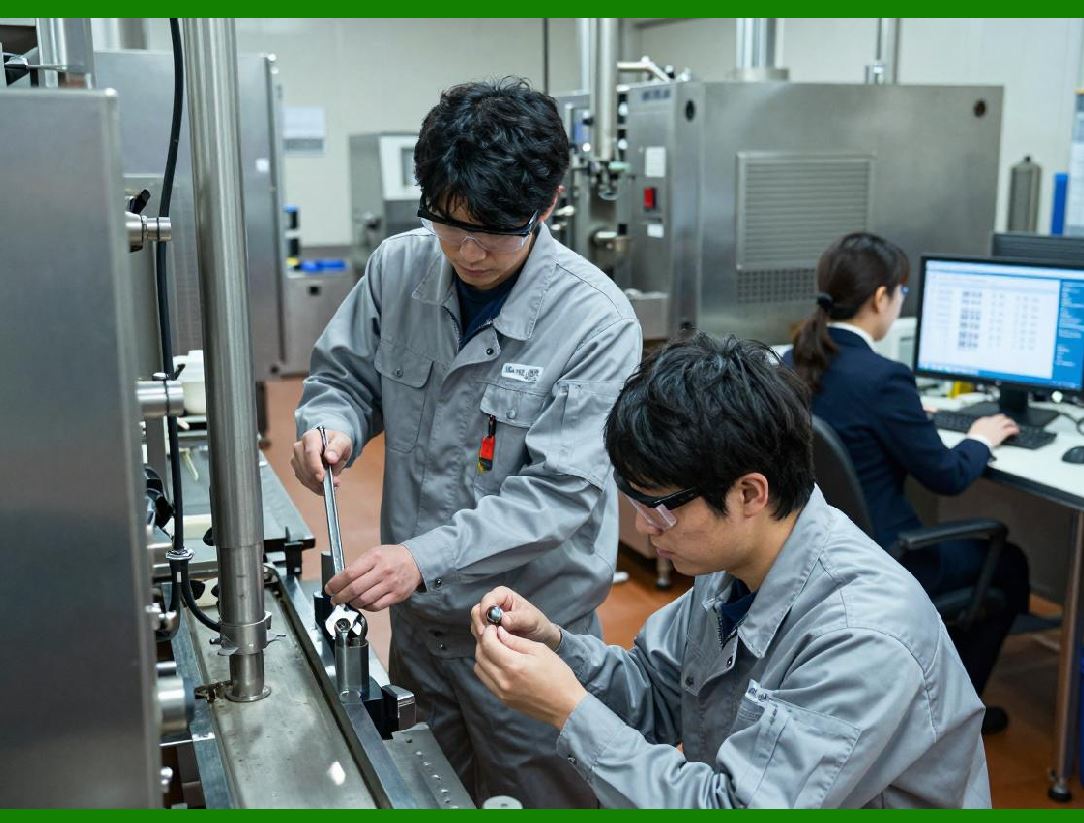
7.2 IoT Devices in Warehousing |
1. Smart shelves |
2. Weight sensors |
3. Temperature sensors |
4. Motion detectors |
|
8. Smart Shelf Inventory Concept |
8.1 How It Works |
1. Shelf detects weight change |
2. Sensor sends data |
3. System updates inventory automatically |
8.2 Example Use Case |
1. Product removed weight decreases stock reduced |
2. Product added weight increases stock increased |

|
9. IoT Data Flow Architecture |
9.1 Data Pipeline |
1. Sensor Gateway Cloud/API Excel/Database |
9.2 Excel Role |
Excel acts as: |
1. Visualization layer |
2. Reporting system |
3. Local processing tool |

|
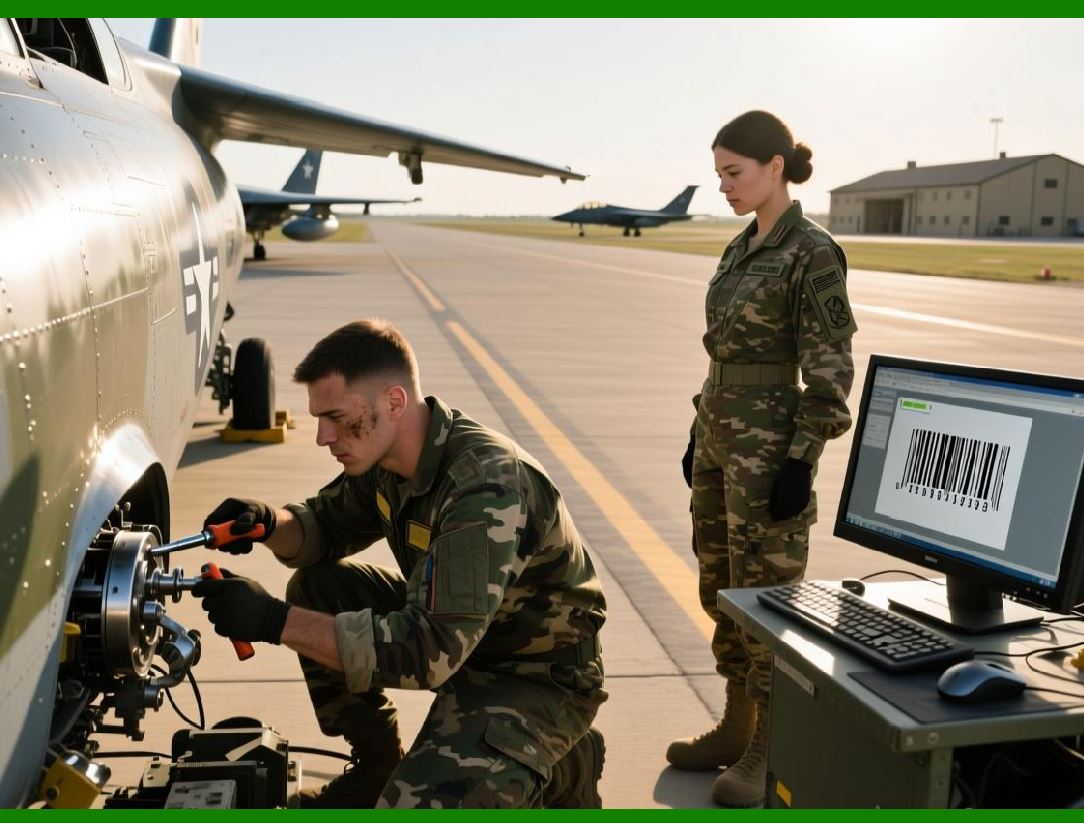
10. Connecting Excel to IoT APIs |
10.1 API-Based Data Retrieval |
Excel can retrieve IoT data using HTTP requests. |
10.2 VBA Web Request Example |
```vba id='iot001' |
Dim http As Object |
Set http = CreateObject('MSXML2.XMLHTTP') |
http.Open 'GET', 'https://api.example.com/inventory', False |
http.Send |
MsgBox http.responseText |
``` |
|
11. Real-Time Inventory Synchronization |
11.1 Why Real-Time Matters |
1. Prevent overselling |
2. Improve accuracy |
3. Enable live dashboards |
11.2 Synchronization Methods |
1. Polling (periodic updates) |
2. Event-based updates |
3. Streaming APIs |

|
12. Hybrid Real-Time System Design |
12.1 Architecture Layers |
1. Device layer (RFID, sensors) |
2. Communication layer (API, network) |
3. Processing layer (VBA / database) |
4. Presentation layer (Excel dashboard) |

|
13. Simulating Real-Time Updates in Excel |
13.1 Timer-Based Refresh |
```vba id='rt001' |
Sub StartAutoRefresh() |
Application.OnTime Now + TimeValue('00:00:10'), 'RefreshData' |
End Sub |
``` |
13.2 Refresh Logic |
1. Fetch latest data |
2. Update sheets |
3. Refresh dashboard |

|
14. Warehouse Automation Scenarios |
14.1 Automated Receiving |
1. RFID detects incoming pallets |
2. System updates stock automatically |
14.2 Automated Dispatch |
1. Item passes exit gate |
2. Stock is reduced instantly |

|
15. Integration with Conveyor Systems |
15.1 Concept |
1. Items move on conveyor |
2. Sensors detect movement |
3. System logs inventory flow |

|
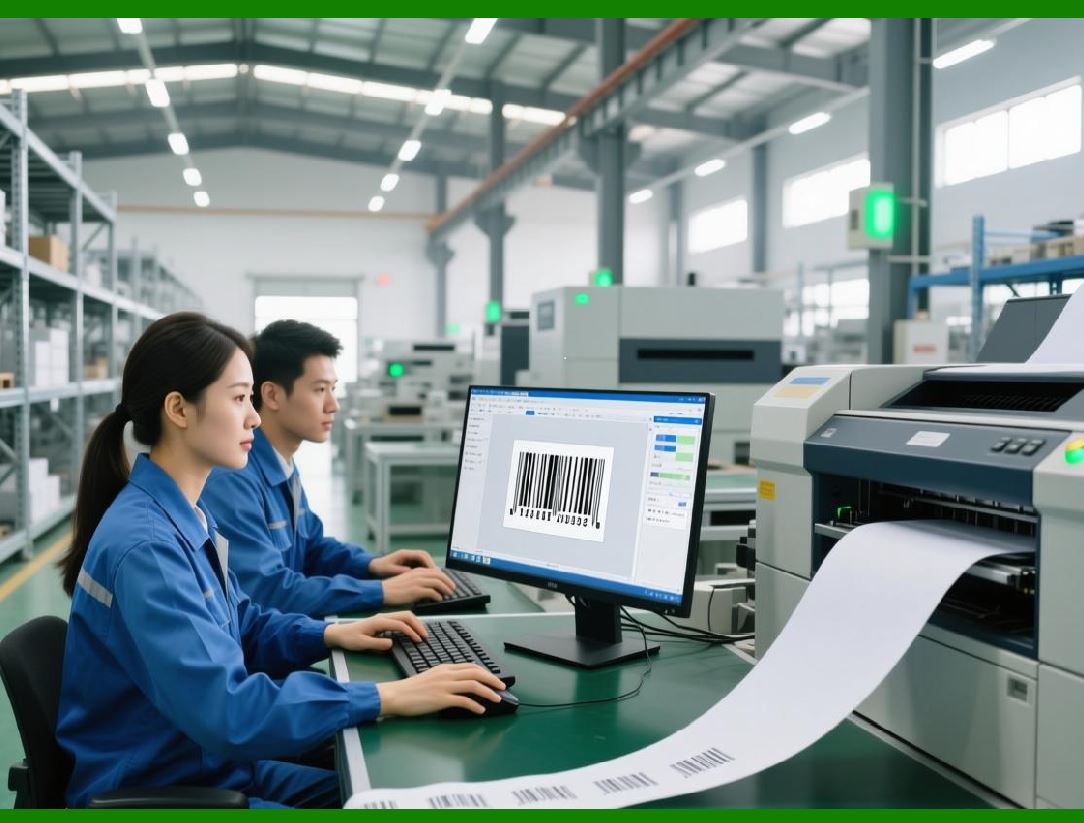
16. Environmental Monitoring Integration |
IoT can also track conditions affecting inventory. |
16.1 Examples |
1. Temperature (cold storage) |
2. Humidity (electronics storage) |
3. Shock/vibration |
|
17. Alert Systems for IoT Events |
17.1 Trigger Conditions |
1. Temperature exceeds limit |
2. Stock reaches threshold |
3. Movement detected unexpectedly |
17.2 VBA Alert Example |
```vba id='alert001' |
MsgBox 'Critical sensor alert detected!' |
``` |

|
18. Data Reliability and Error Handling |
18.1 Common Issues |
1. Network failure |
2. Missing sensor data |
3. Duplicate readings |
18.2 Solutions |
1. Retry mechanisms |
2. Data validation |
3. Logging failed reads |

|
19. Security in IoT and RFID Systems |
19.1 Risks |
1. Unauthorized access |
2. Data interception |
3. Device spoofing |
19.2 Mitigation Strategies |
1. Encrypted communication |
2. Authentication tokens |
3. Device whitelisting |

|
20. Summary of Part 12 |
In this part, we: |
1. Extended inventory systems to RFID technology |
2. Introduced IoT-based automation |
3. Designed real-time synchronization systems |
4. Integrated external hardware with Excel + VBA |
5. Built architecture for smart warehouses |

|
Next: Part 13 Preview |
In Part 13, we will explore: |
1. Enterprise ERP-level architecture design |
2. Full system migration planning |
3. Hybrid cloud + local systems |
4. Advanced scalability engineering |
5. Industrial-grade inventory solutions |
 cs@easiersoft.com