Inventory Management Using Excel and VBA |
Part 14: AI-Driven Inventory Optimization, Predictive Analytics, and Intelligent Reordering Systems |
1. Introduction to Intelligent Inventory Systems |
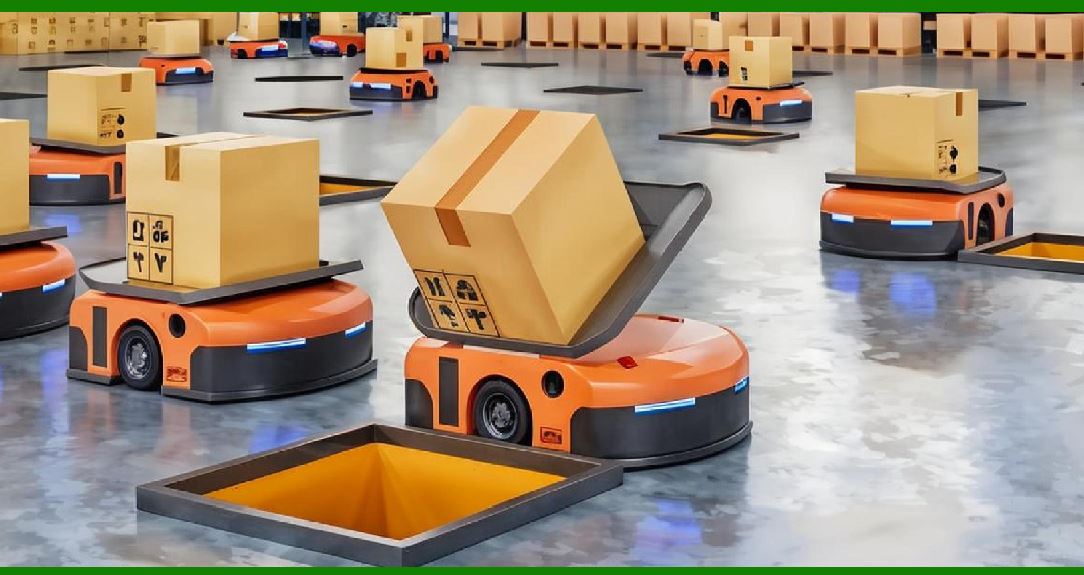
At this stage, inventory management moves beyond rule-based automation into predictive and adaptive decision-making. Instead of simply reacting to stock levels, the system begins to anticipate demand, optimize ordering, and reduce inefficiencies automatically. |
This part focuses on: |
1. Predictive demand modeling |
2. AI-assisted forecasting concepts |
3. Intelligent reorder automation |
4. Pattern recognition in inventory usage |
5. Decision-support optimization models |
|
2. From Traditional Forecasting to Intelligent Systems |
2.1 Traditional Approach (Rule-Based) |
Earlier systems used: |
1. Moving averages |
2. Fixed reorder points |
3. Safety stock formulas |
These are static and assume stable demand patterns. |
2.2 Intelligent Approach (Adaptive Systems) |
Modern systems aim to: |
1. Learn from historical patterns |
2. Adjust to seasonal changes |
3. Respond to anomalies |
4. Continuously improve accuracy |

|
3. Demand Pattern Recognition |
3.1 Types of Demand Patterns |
Inventory demand typically falls into: |
1. Stable demand |
2. Seasonal demand |
3. Trend-based growth/decline |
4. Irregular/spiky demand |
3.2 Pattern Detection Logic |
The system analyzes: |
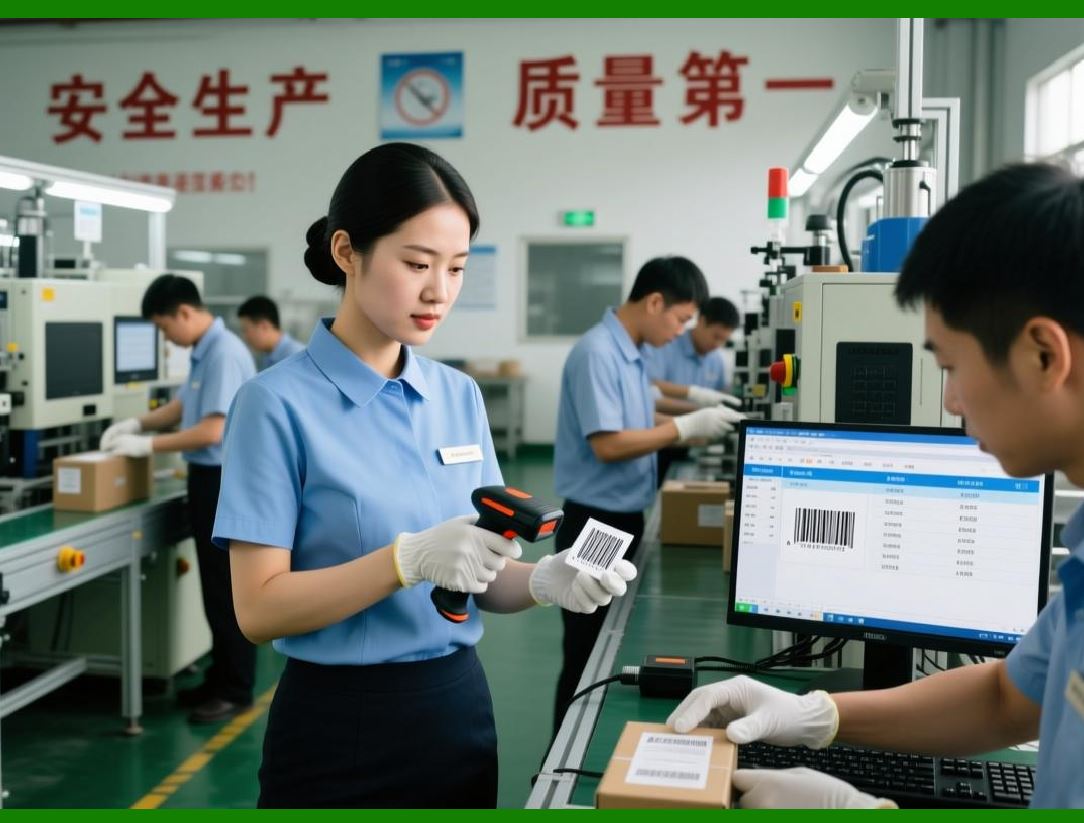
1. Time-series sales data |
2. Moving averages |
3. Variance and volatility |
3.3 Variability Measurement |
High variability indicates unpredictable demand. |
CV = \frac{\sigma}{\mu} |
Where: |
1. s = standard deviation of demand |
2. = mean demand |
|
4. Intelligent Forecasting Concepts |
4.1 Limitations of Simple Forecasting |
Traditional methods fail when: |
1. Demand shifts suddenly |
2. Seasonal spikes occur |
3. Market conditions change |
4.2 Adaptive Forecasting Concept |
Instead of fixed formulas, the system: |
1. Weights recent data more heavily |
2. Adjusts based on error feedback |
3. Continuously recalibrates |

|
5. Error-Based Learning in Forecasting |
5.1 Forecast Error Calculation |
Error = Actual - Forecast |
5.2 Mean Absolute Error (MAE) |
MAE = \frac{1}{n} \sum |Actual - Forecast| |
5.3 Purpose of Error Tracking |
1. Measure accuracy |
2. Adjust future forecasts |
3. Improve system reliability |
|
6. Intelligent Reorder Systems |
6.1 Limitations of Fixed Reorder Points |
Static reorder points: |
1. Do not adapt to demand changes |
2. Cause overstock or stockouts |
3. Ignore seasonal variation |
6.2 Dynamic Reorder Logic |
The system adjusts reorder points based on: |
1. Recent demand trends |
2. Variability |
3. Lead time changes |
|
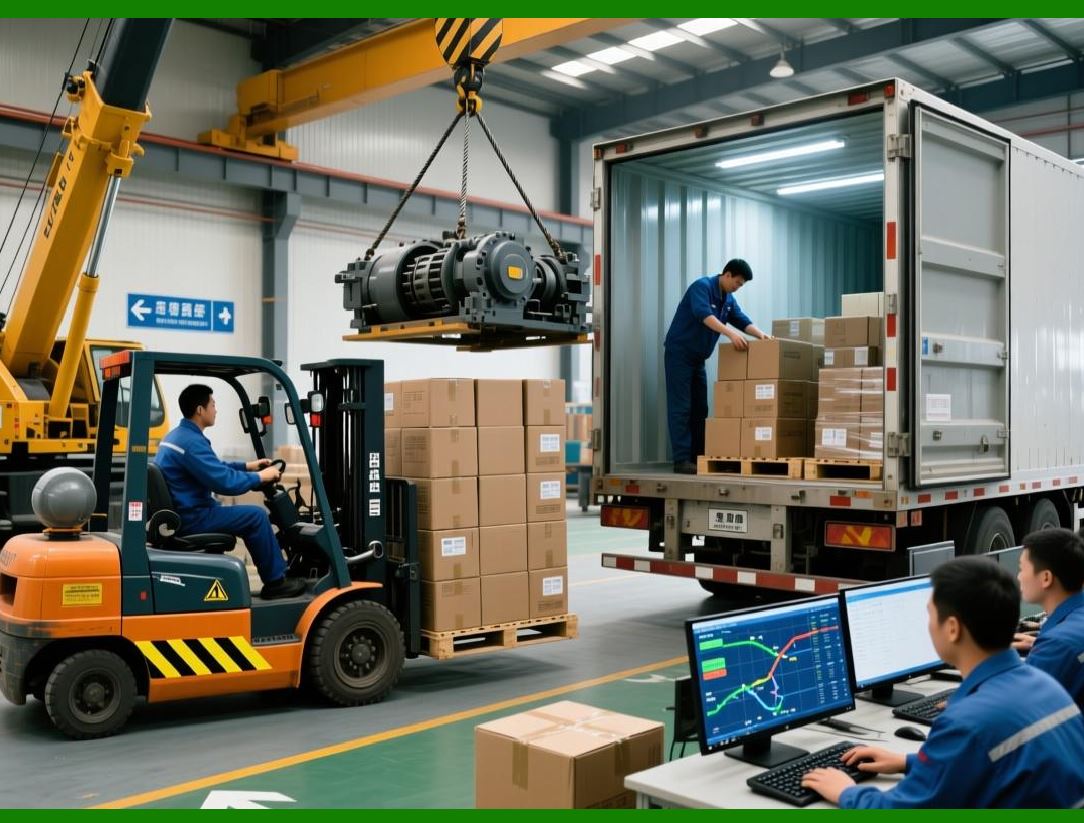
7. Adaptive Reorder Point Model |
7.1 Concept |
Instead of fixed values: |
1. Reorder point changes dynamically |
2. Based on real-time data |
7.2 Core Formula Structure |
Reorder\ Point = Demand_{adaptive} \times Lead\ Time + Safety\ Stock_{adaptive} |
|
8. Safety Stock Optimization |
8.1 Problem with Static Safety Stock |
1. Too high capital waste |
2. Too low stockouts |
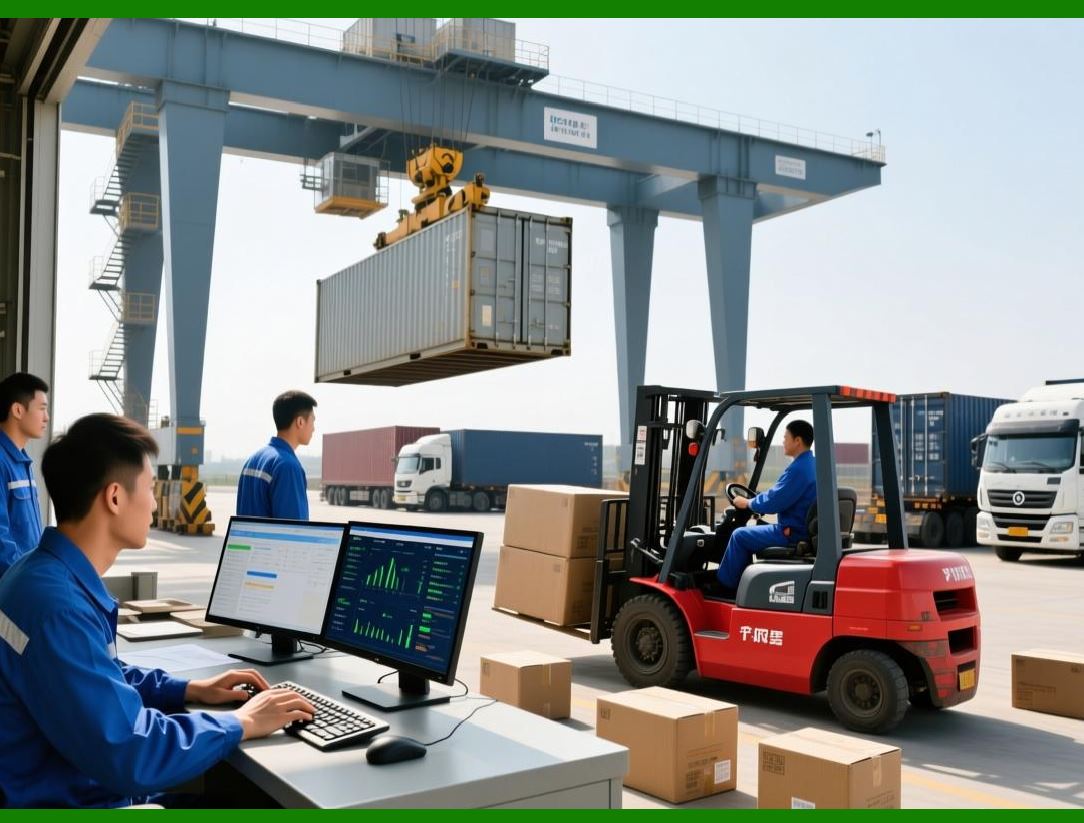
8.2 Adaptive Safety Stock Logic |
System adjusts based on: |
1. Demand volatility |
2. Supplier reliability |
3. Lead time variability |
|
9. Intelligent ABC Classification |
9.1 Traditional ABC Model |
1. A items high value |
2. B items medium |
3. C items low |
9.2 AI-Enhanced ABC Model |
Now includes: |
1. Demand stability |
2. Profit margin |
3. Turnover speed |

|
10. Predictive Stockout Prevention |
10.1 Concept |
System predicts: |
1. When stock will run out |
2. How fast consumption is increasing |
10.2 Time-to-Stockout Estimation |
Time\ to\ Stockout = \frac{Current\ Stock}{Average\ Daily\ Demand} |

|
11. Demand Surge Detection |
11.1 Identifying Spikes |
System detects: |
1. Sudden increases in sales |
2. Unusual demand clusters |
11.2 Trigger Mechanism |
When demand exceeds threshold: |
1. Alert generated |
2. Reorder quantity adjusted |

|
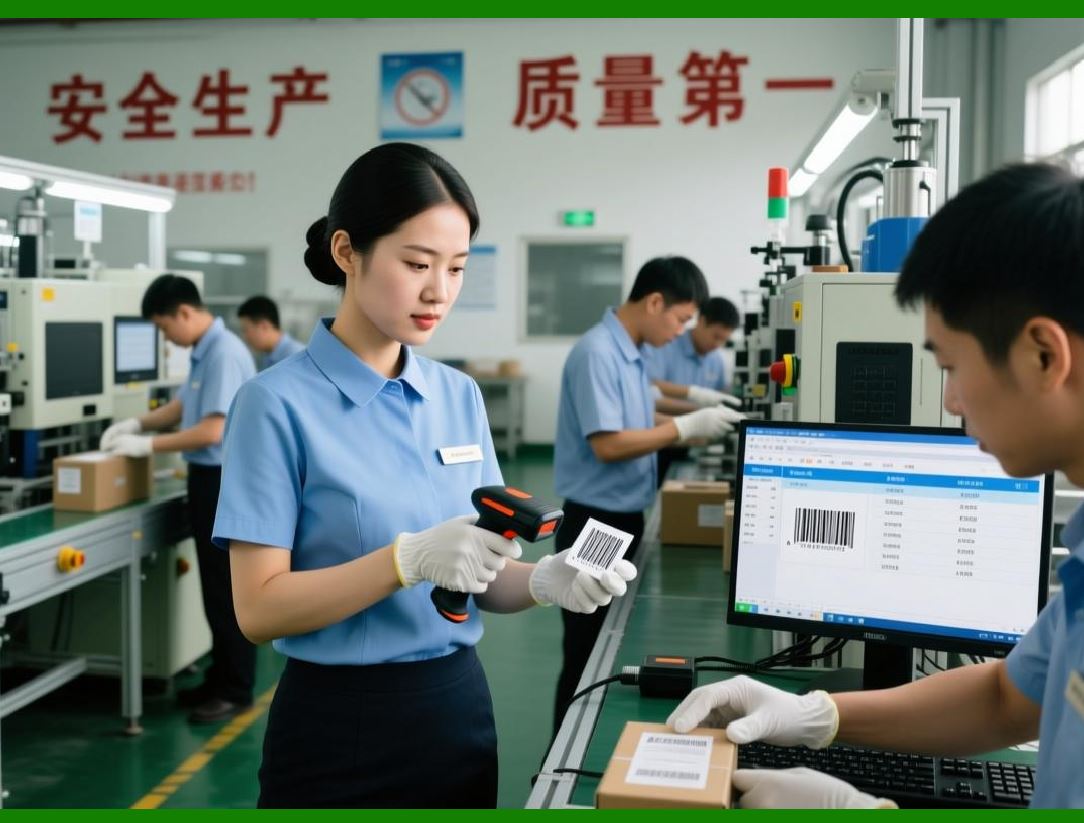
12. Intelligent Reorder Automation |
12.1 Automated Decision Flow |
1. Monitor stock levels |
2. Predict future demand |
3. Compare with reorder threshold |
4. Generate purchase order |
12.2 VBA Automation Example |
```vba id='ai001' |
Sub AutoReorder(productID As String) |
Dim stock As Double |
stock = GetStock(productID) |
If stock < 50 Then |
MsgBox 'Auto reorder triggered for ' & productID |
Call CreatePurchaseOrder(productID, 100) |
End If |
End Sub |
``` |
|
13. Learning from Historical Errors |
13.1 Feedback Loop Concept |
1. Forecast made |
2. Actual demand observed |
3. Error calculated |
4. Model adjusted |
13.2 Continuous Improvement Cycle |
This creates a self-improving system over time. |

|
14. Seasonal Adjustment Modeling |
14.1 Seasonal Index Concept |
System identifies: |
1. Monthly peaks |
2. Holiday spikes |
3. Off-season drops |
14.2 Adjustment Strategy |
Forecast is scaled based on seasonality patterns. |

|
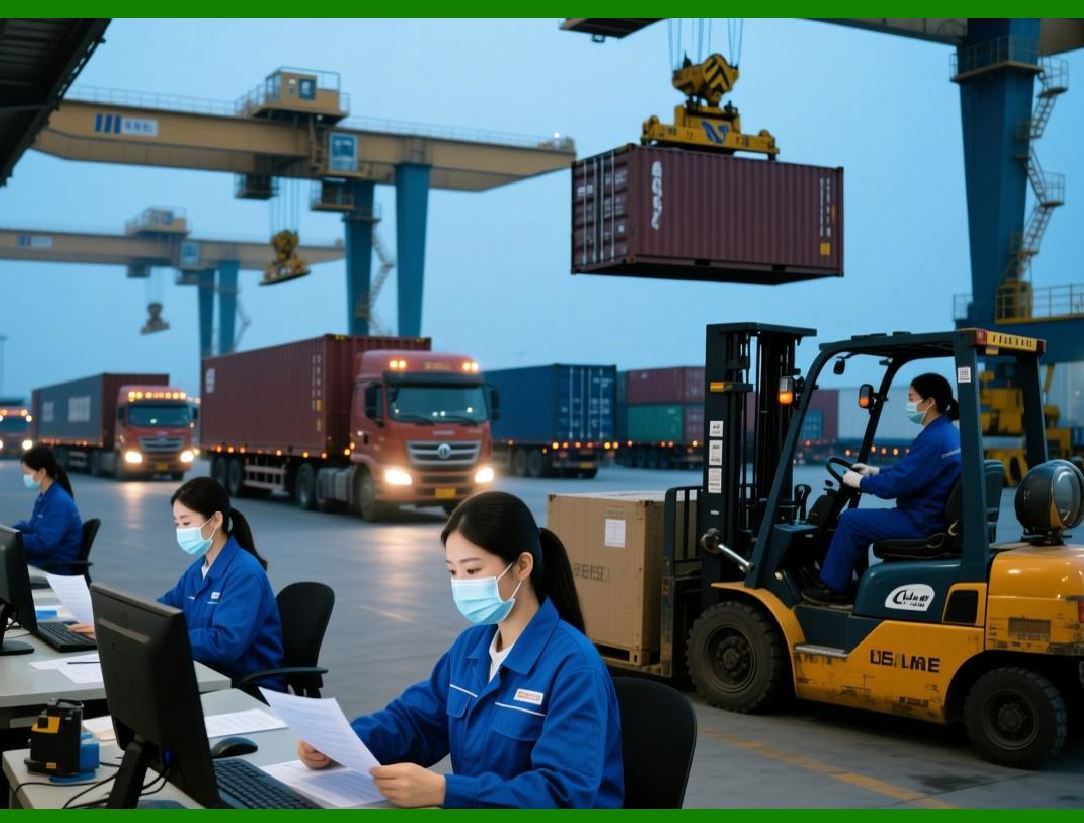
15. Supplier Performance Integration |
15.1 Why Suppliers Matter |
Inventory accuracy depends on: |
1. Delivery time |
2. Reliability |
3. Consistency |
15.2 Supplier Scoring System |
System evaluates: |
1. Delay frequency |
2. Order accuracy |
3. Lead time variability |
|
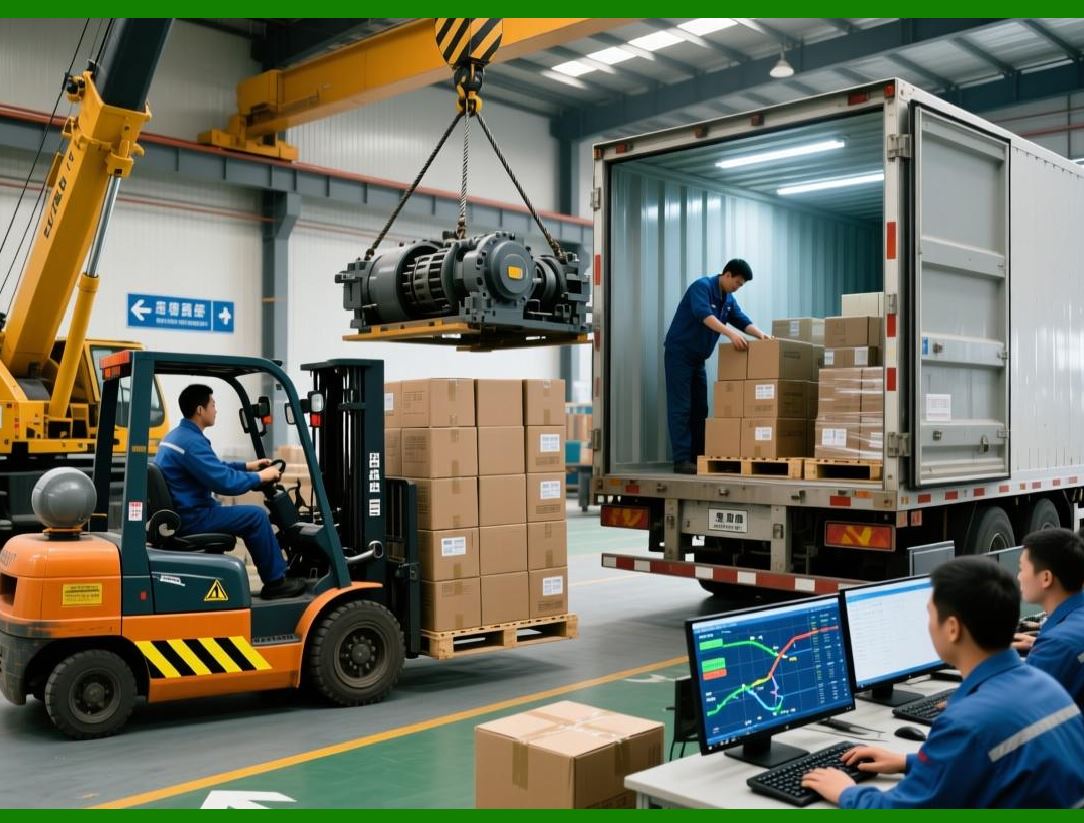
16. Risk-Based Inventory Control |
16.1 Risk Factors |
1. Demand uncertainty |
2. Supplier instability |
3. Market volatility |
16.2 Risk-Adjusted Stock Levels |
Higher risk higher safety stock |
Lower risk optimized inventory |
|
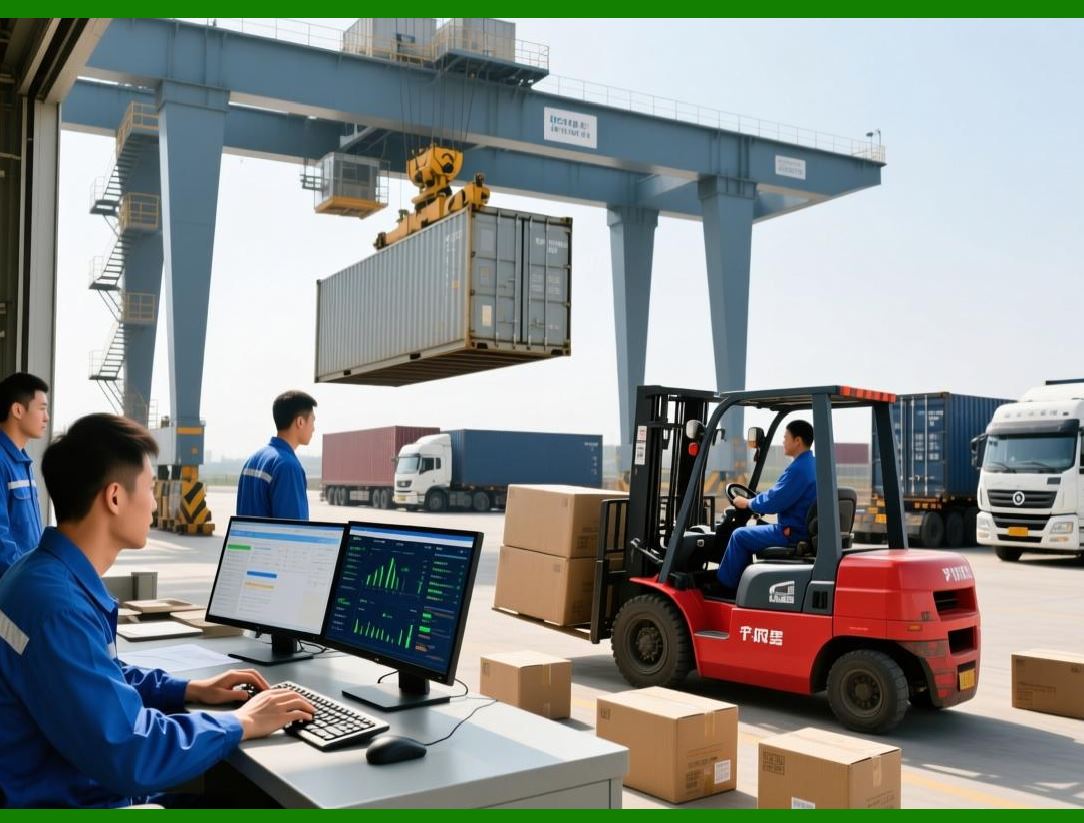
17. Decision Intelligence Layer |
17.1 What It Does |
Transforms raw data into decisions: |
1. When to reorder |
2. How much to reorder |
3. Which supplier to use |
17.2 Decision Automation Levels |
1. Manual |
2. Semi-automatic |
3. Fully automated |
|
18. AI-Like Behavior in Excel Systems |
Even without true AI, Excel + VBA can simulate intelligence: |
1. Pattern tracking |
2. Adaptive rules |
3. Feedback loops |

|
19. System Limitations |
Even advanced Excel systems have constraints: |
1. No real machine learning engine |
2. Limited scalability for big data |
3. Manual tuning required |

|
20. Summary of Part 14 |
In this part, we: |
1. Introduced intelligent inventory concepts |
2. Built adaptive forecasting logic |
3. Designed dynamic reorder systems |
4. Implemented error-based learning |
5. Added predictive stockout prevention |

|
Next: Part 15 Preview |
In Part 15, we will explore: |
1. Full end-to-end enterprise architecture review |
2. Industry use cases (retail, logistics, manufacturing) |
3. System benchmarking and performance evaluation |
4. Migration from Excel to full ERP systems |
5. Final system design blueprint |
 cs@easiersoft.com