Part 11 Uncoated Barcode Label Paper: Cellulose Fiber Structure, Surface Porosity, Ink Interaction, Mechanical Behavior, and Low-Cost Industrial Label Engineering |
1. Introduction to Uncoated Barcode Label Paper |
Uncoated barcode label paper is one of the oldest, simplest, and most economical label materials used in the barcode industry. Although modern synthetic labels and coated papers dominate many high-performance applications, uncoated papers remain essential because of their: |
1. Low manufacturing cost. |
2. Excellent writability. |
3. Good ink absorbency. |
4. Ease of recycling. |
5. Simple converting behavior. |
6. Broad printer compatibility. |
|
Uncoated barcode labels are widely used in: |
1. Warehouse identification. |
2. Inventory control. |
3. Shelf labeling. |
4. Box labeling. |
5. Temporary logistics labels. |
6. Internal asset tracking. |
7. Retail backroom operations. |
8. Product packaging. |
9. Office identification systems. |

|
Unlike coated papers, uncoated papers expose much more of the natural cellulose fiber structure to the printing surface. This creates unique performance characteristics involving: |
1. Absorbency. |
2. Surface roughness. |
3. Porosity. |
4. Ink penetration. |
5. Mechanical flexibility. |
6. Environmental sensitivity. |

|
Although uncoated papers appear simple, their engineering involves sophisticated control of: |
1. Fiber selection. |
2. Pulp refining. |
3. Moisture balance. |
4. Surface sizing. |
5. Calendering. |
6. Formation uniformity. |
7. Dimensional stability. |
This part explores uncoated barcode label paper in extensive technical detail. |

|
2. Fundamental Structure of Uncoated Paper |
2.1 Cellulose Fiber Network |
Uncoated paper consists primarily of cellulose fibers bonded into porous networks. |
The structure contains: |
1. Fiber-to-fiber bonds. |
2. Air voids. |
3. Capillary pathways. |
4. Surface fibrils. |
2.2 Natural Surface Characteristics |
Because no mineral coating layer is present, the surface retains much of the original paper texture. |
This affects: |
1. Print sharpness. |
2. Ink absorption. |
3. Surface friction. |
4. Barcode resolution. |

|
2.3 Porous Architecture |
The porous structure strongly influences: |
1. Liquid penetration. |
2. Drying behavior. |
3. Dimensional response to humidity. |
2.4 Mechanical Flexibility |
Uncoated papers are often highly flexible because they lack rigid mineral coating layers. |
|
3. Cellulose Fiber Engineering |
3.1 Hardwood Fibers |
Hardwood fibers are shorter and finer. |
Advantages include: |
1. Better smoothness. |
2. Improved printability. |
3. Higher formation uniformity. |
3.2 Softwood Fibers |
Softwood fibers are longer and stronger. |
Advantages include: |
1. Higher tear strength. |
2. Better durability. |
3. Improved web strength. |

|
3.3 Fiber Blending |
Most barcode papers use blended fiber systems. |
Blending balances: |
1. Print quality. |
2. Strength. |
3. Cost. |
4. Converting performance. |
3.4 Recycled Fibers |
Many uncoated papers contain recycled content. |
Challenges include: |
1. Fiber shortening. |
2. Contaminants. |
3. Reduced strength. |
|
4. Pulp Manufacturing Processes |
4.1 Chemical Pulping |
Chemical pulping removes lignin from wood fibers. |
Advantages include: |
1. Higher brightness. |
2. Better permanence. |
3. Improved printability. |
4.2 Mechanical Pulping |
Mechanical pulping retains more lignin. |
Advantages include: |
1. Lower cost. |
2. Higher yield. |
However, aging resistance is poorer. |
4.3 Bleaching Processes |
Bleaching increases brightness. |
Modern systems increasingly avoid elemental chlorine. |
4.4 Fiber Refining |
Refining modifies fiber surfaces. |
This improves fiber bonding. |

|
5. Surface Properties of Uncoated Barcode Papers |
5.1 Surface Roughness |
Uncoated papers are rougher than coated papers. |
This affects: |
1. Edge sharpness. |
2. Barcode definition. |
3. Ink uniformity. |
5.2 Porosity |
High porosity increases liquid absorption. |
5.3 Surface Energy |
Surface energy influences ink wetting behavior. |
5.4 Friction Characteristics |
Surface texture affects printer feeding and dispensing. |

|
6. Ink Absorption Mechanisms |
6.1 Capillary Penetration |
Ink enters paper through microscopic capillary channels. |
6.2 Fiber Swelling |
Water-based inks may swell cellulose fibers. |
6.3 Ink Penetration Depth |
Deep penetration may reduce image density. |
6.4 Drying Behavior |
Absorption accelerates drying. |
However, excessive absorption reduces sharpness. |
|
7. Printability of Uncoated Barcode Papers |
7.1 Thermal Transfer Printing |
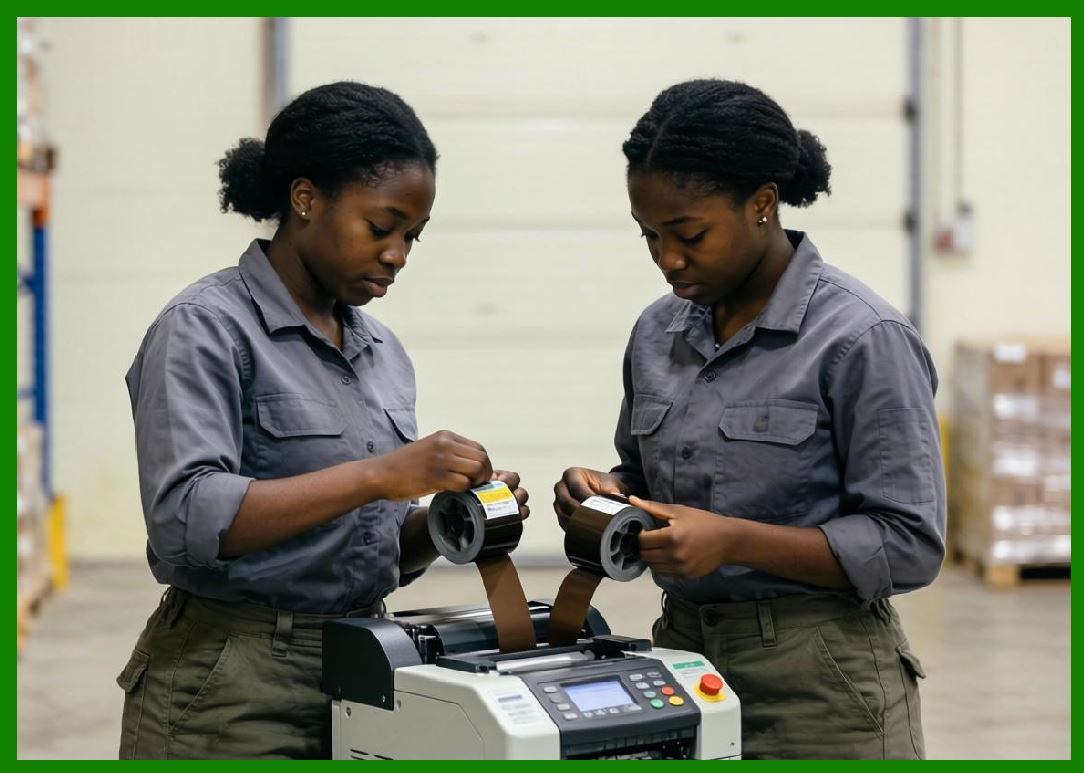
Thermal transfer systems can print effectively on uncoated papers. |
7.2 Inkjet Printing |
Inkjet systems require careful absorbency control. |
7.3 Laser Printing |
Laser toner adhesion depends on surface texture and heat resistance. |
7.4 Flexographic Printing |
Flexographic printing is widely used for mass production. |
|
8. Barcode Resolution Limitations |
8.1 Edge Sharpness Challenges |
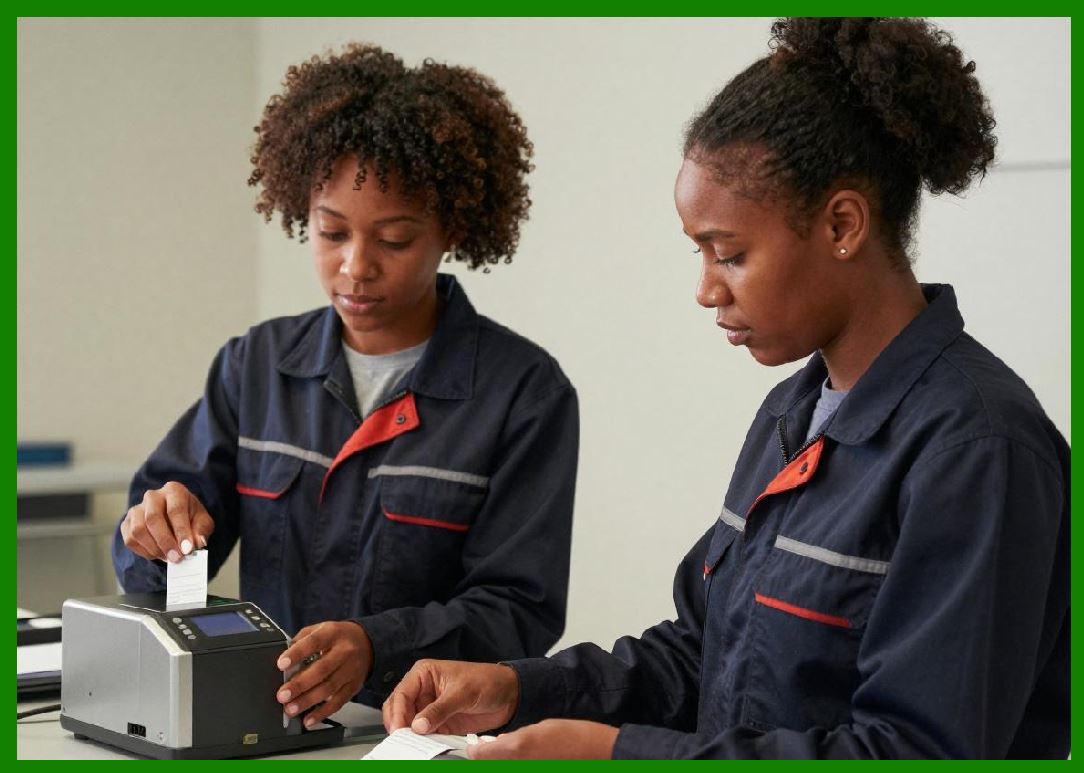
Rough surfaces may create irregular barcode edges. |
8.2 Dot Gain |
Ink spreading increases apparent bar width. |
8.3 Fine Barcode Limitations |
Very small barcode elements may become distorted. |
8.4 Scanner Tolerance |
Modern scanners compensate for moderate print defects. |
|
9. Surface Sizing Technologies |
9.1 Purpose of Surface Sizing |
Surface sizing improves: |
1. Strength. |
2. Ink holdout. |
3. Surface durability. |
9.2 Starch Sizing |
Starch is widely used as a sizing agent. |
9.3 Synthetic Sizing Agents |
Synthetic polymers improve water resistance and printability. |
9.4 Sizing Uniformity |
Uneven sizing causes inconsistent print behavior. |
|
10. Calendering of Uncoated Papers |
10.1 Light Calendering |
Light calendering improves smoothness without excessive densification. |
10.2 Surface Compression |
Calendering compresses fiber structures. |
10.3 Density Effects |
Higher density improves print sharpness. |
10.4 Excessive Calendering Risks |
Too much calendering reduces stiffness and absorbency. |
|
11. Mechanical Properties |
11.1 Tensile Strength |
Fiber bonding determines tensile performance. |
11.2 Tear Resistance |
Long fibers improve tear resistance. |
11.3 Flexibility |
Uncoated papers are generally flexible and foldable. |
11.4 Stiffness |
Stiffness affects printer feeding reliability. |
|
12. Moisture Behavior |
12.1 Hygroscopic Nature |
Cellulose absorbs atmospheric moisture. |
12.2 Humidity Expansion |
Paper dimensions change with humidity. |
12.3 Curling Behavior |
Uneven moisture absorption causes curling. |
12.4 Storage Conditions |
Controlled storage improves stability. |
|
13. Environmental Sensitivity |
13.1 Water Exposure |
Uncoated papers are vulnerable to water damage. |
13.2 Oil Contamination |
Oils may penetrate and discolor paper. |
13.3 UV Exposure |
UV radiation causes yellowing and degradation. |
13.4 Abrasion |
Surface fibers may wear away during handling. |
|
14. Thermal Transfer Ribbon Interaction |
14.1 Wax Ribbon Compatibility |
Uncoated papers work especially well with wax ribbons. |
14.2 Ribbon Anchoring |
Surface roughness improves mechanical anchoring. |
14.3 Print Density |
Absorbency influences optical density. |
14.4 Smudge Resistance |
Wax-only systems may have limited abrasion resistance. |
|
15. Adhesive Compatibility |
15.1 Pressure-Sensitive Adhesives |
Most uncoated labels use pressure-sensitive adhesives. |
15.2 Adhesive Penetration |
Porous papers may absorb adhesive components. |
15.3 Face Stock Stability |
Paper dimensional stability affects adhesive performance. |
15.4 Die-Cutting Behavior |
Uncoated papers usually die-cut easily. |

|
16. Manufacturing Processes |
16.1 Papermaking Machines |
Uncoated papers are produced on high-speed paper machines. |
16.2 Headbox Systems |
The headbox distributes fiber slurry uniformly. |
16.3 Forming Section |
Water drains while fibers form continuous webs. |
16.4 Drying Cylinders |
Steam-heated cylinders remove moisture. |

|
17. Surface Defects and Quality Issues |
17.1 Fiber Clumps |
Poor formation causes uneven printing. |
17.2 Dusting |
Loose fibers generate dust. |
Dust may contaminate printers. |
17.3 Pinholes |
Thin spots reduce print consistency. |
17.4 Surface Picking |
Weak surfaces may tear during printing. |
|
18. Barcode Scanner Performance |
18.1 Reflectance Properties |
Uncoated papers usually provide good diffuse reflection. |
18.2 Contrast Limitations |
Absorbency may reduce print density. |
18.3 Surface Texture Effects |
Texture influences optical scattering. |
18.4 Matte Advantages |
Low glare improves scanner consistency. |

|
19. Applications of Uncoated Barcode Labels |
19.1 Warehouse Labels |
Warehouses often prioritize low cost over long-term durability. |
19.2 Inventory Control |
Temporary identification is a major application area. |
19.3 Box and Carton Labels |
Shipping cartons frequently use uncoated labels. |
19.4 Office and Administrative Labels |
Office systems commonly use uncoated stock. |
|
20. Environmental Advantages |
20.1 Recyclability |
Uncoated papers recycle relatively easily. |
20.2 Lower Chemical Usage |
Fewer coating chemicals simplify recycling. |
20.3 Biodegradability |
Cellulose fibers biodegrade naturally. |
20.4 Renewable Raw Materials |
Wood fiber is renewable when sustainably managed. |

|
21. Limitations Compared to Coated Papers |
21.1 Reduced Print Sharpness |
Uncoated papers cannot achieve extremely high resolution. |
21.2 Lower Abrasion Resistance |
Surface fibers wear more easily. |
21.3 Moisture Sensitivity |
Water resistance is limited. |
21.4 Reduced Premium Appearance |
Uncoated papers generally appear less glossy and refined. |
|
22. Emerging Improvements |
22.1 Enhanced Surface Treatments |
New sizing systems improve printability. |
22.2 Sustainable Fiber Development |
Alternative fibers may reduce environmental impact. |
22.3 Nano-Fibrillated Cellulose |
Nano-cellulose technologies improve strength and smoothness. |
22.4 Lightweight High-Strength Papers |
Advanced fiber engineering reduces material usage. |
|
23. Comparison Between Uncoated and Coated Barcode Papers |
23.1 Cost Structure |
Uncoated papers are generally cheaper. |
23.2 Scanner Performance |
Coated papers usually provide sharper images. |
23.3 Environmental Resistance |
Coated papers typically offer better durability. |
23.4 Writing Capability |
Uncoated papers are often easier to write on manually. |
|
24. Technical Content Summary |
This part provided a highly detailed technical examination of uncoated barcode label paper and its engineering characteristics. |
The article began by explaining the fundamental cellulose fiber network structure of uncoated papers, including: |
1. Fiber bonding. |
2. Porosity. |
3. Capillary pathways. |
4. Natural surface texture. |
Detailed analysis was provided for cellulose fiber engineering, including: |
1. Hardwood fibers. |
2. Softwood fibers. |
3. Fiber blending. |
4. Recycled fiber systems. |
The discussion extensively explored pulp manufacturing processes such as: |
1. Chemical pulping. |
2. Mechanical pulping. |
3. Bleaching. |
4. Fiber refining. |
Surface properties including roughness, porosity, surface energy, and friction behavior were examined in depth. |
|
The article also analyzed ink absorption mechanisms, including: |
1. Capillary penetration. |
2. Fiber swelling. |
3. Ink penetration depth. |
4. Drying dynamics. |
Extensive technical coverage was devoted to printability across multiple printing technologies including: |
1. Thermal transfer printing. |
2. Inkjet printing. |
3. Laser printing. |
4. Flexographic printing. |
Barcode resolution limitations, dot gain behavior, surface sizing technologies, and calendering processes were also discussed thoroughly. |
Mechanical and environmental properties examined included: |
1. Tensile strength. |
2. Tear resistance. |
3. Flexibility. |
4. Moisture sensitivity. |
5. UV degradation. |
6. Abrasion resistance. |
The article further explored adhesive compatibility, manufacturing processes, scanner readability, industrial applications, and sustainability advantages. |
Finally, emerging technologies such as nano-fibrillated cellulose and lightweight high-strength paper engineering were analyzed. |
|
The next part will provide a highly detailed technical deep dive into synthetic barcode label materials, including polypropylene, polyethylene, polyester, polyimide, vinyl, and advanced engineered films used in industrial, chemical, outdoor, and ultra-durable barcode labeling applications. |
 cs@easiersoft.com