Part 20 Barcode Label Application Systems: Automatic Label Applicators, Print-and-Apply Systems, Labeling Robotics, Conveyor Integration, High-Speed Dispensing Mechanisms, Vacuum Application Heads, and Industrial Automation Strategies |
1. Introduction to Barcode Label Application Systems |
Printing a barcode label is only one part of the identification pipeline. In industrial environments, labels must also be: |
1. Accurately positioned. |
2. Securely adhered. |
3. Consistently oriented. |
4. Applied at high speed. |
5. Synchronized with production flow. |
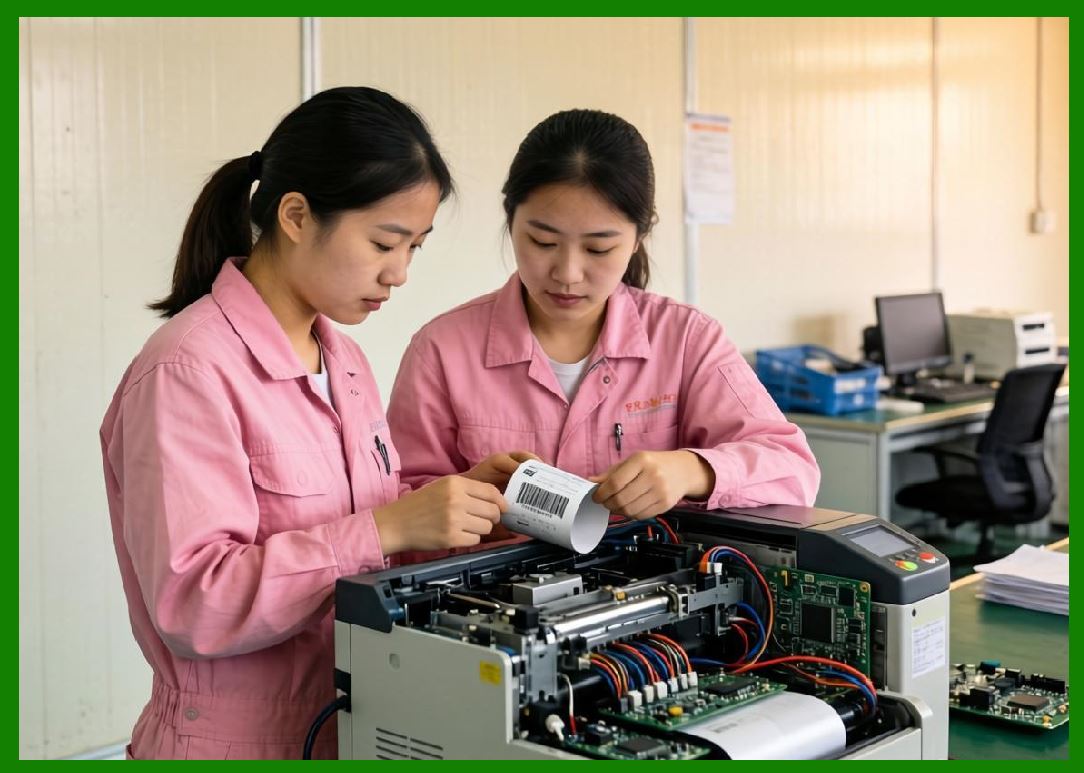
Barcode label application systems are engineered to automate this process with high precision and minimal human intervention. |
|
Modern labeling systems operate in environments such as: |
1. Warehouses. |
2. Manufacturing lines. |
3. Pharmaceutical packaging plants. |
4. Food and beverage production. |
5. Logistics distribution centers. |
6. Electronics assembly lines. |
7. Automotive production systems. |
A complete labeling system integrates: |
1. Printing engines. |
2. Dispensing mechanisms. |
3. Sensors and vision systems. |
4. Conveyor synchronization. |
5. Robotics and motion control. |
6. Software automation layers. |
This part explores barcode label application systems in deep technical detail. |

|
2. Fundamentals of Label Application Engineering |
2.1 Core Objective |
The goal is to apply labels: |
1. Precisely. |
2. Repeatably. |
3. Without wrinkles or bubbles. |
4. At production-line speed. |
2.2 Key Performance Metrics |
Label applicators are evaluated based on: |
1. Placement accuracy. |
2. Cycle time. |
3. Adhesion reliability. |
4. Orientation precision. |
5. Throughput capacity. |
2.3 System Synchronization |
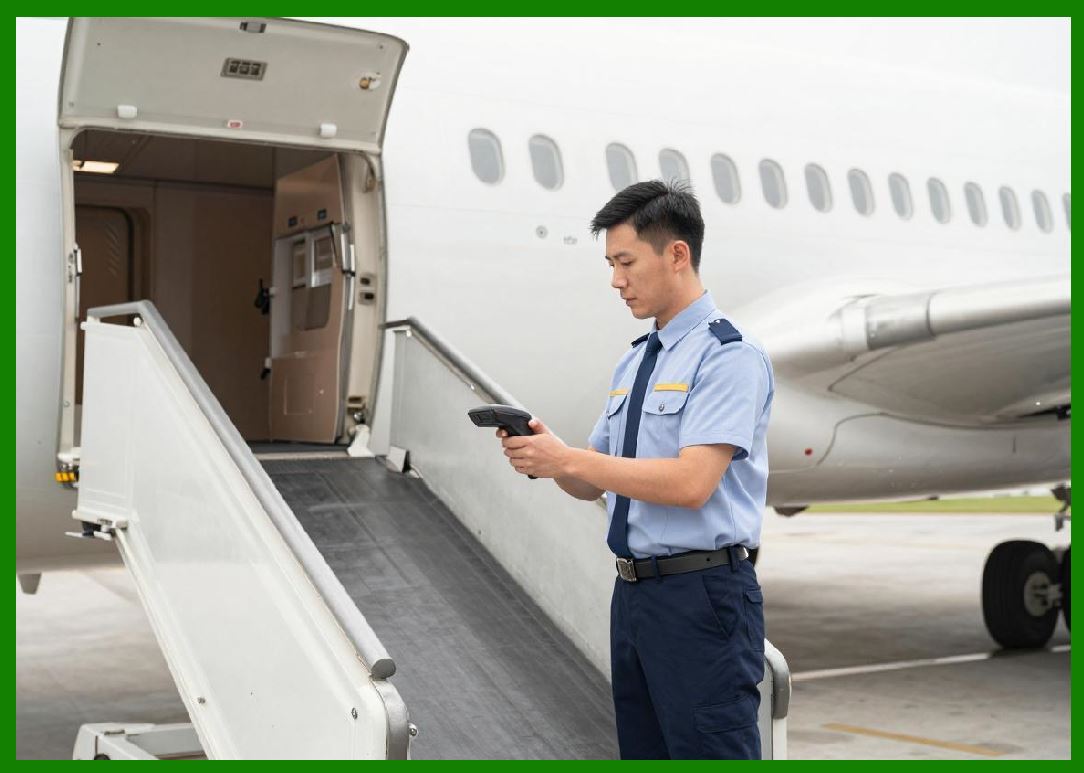
Labeling must synchronize with moving products on conveyors. |
2.4 Environmental Constraints |
Systems must operate in: |
1. Dusty environments. |
2. High-speed lines. |
3. Temperature variations. |
4. Vibrational conditions. |
|
3. Types of Label Application Systems |
3.1 Manual Application Systems |
Human operators apply labels manually. |
3.2 Semi-Automatic Systems |
Machines assist but require operator involvement. |
3.3 Fully Automatic Systems |
Fully integrated systems require no human intervention during operation. |
3.4 Print-and-Apply Systems |
Labels are printed and applied in a single automated cycle. |

|
4. Print-and-Apply Technology Architecture |
4.1 System Overview |
Print-and-apply systems combine: |
1. Thermal transfer printer. |
2. Label dispensing module. |
3. Application head. |
4. Control electronics. |
4.2 Label Buffering |
Printed labels are temporarily stored before application. |
4.3 Triggering Mechanisms |
Sensors detect product presence. |
4.4 Real-Time Printing |
Labels are printed on demand for each product. |

|
5. High-Speed Label Dispensing Mechanisms |
5.1 Peel Plate Mechanism |
Labels are peeled from backing paper at a sharp angle. |
5.2 Air-Blow Dispensing |
Compressed air propels labels onto surfaces. |
5.3 Tamp-Blow Systems |
Combination of mechanical tamping and air assistance. |
5.4 Tamp-On Systems |
Mechanical arm presses label directly onto product. |

|
6. Vacuum Application Heads |
6.1 Vacuum Pickup Principle |
Labels are held using suction. |
6.2 Vacuum Grid Design |
Perforated plates distribute suction evenly. |
6.3 Release Timing Control |
Vacuum is released precisely at contact point. |
6.4 High-Speed Advantages |
Vacuum heads enable fast and stable placement. |

|
7. Label Positioning Engineering |
7.1 Spatial Accuracy Requirements |
Labels must be placed within millimeter-level tolerances. |
7.2 Product Orientation Detection |
Sensors determine product rotation and position. |
7.3 Dynamic Alignment Correction |
Systems adjust for moving targets. |
7.4 Multi-Side Labeling |
Some systems apply labels to multiple surfaces. |

|
8. Conveyor Integration Systems |
8.1 Conveyor Speed Synchronization |
Label timing must match conveyor velocity. |
8.2 Encoder Feedback Systems |
Encoders track product movement. |
8.3 Trigger Sensor Placement |
Photoelectric sensors initiate labeling cycles. |
8.4 Gap Detection Systems |
Detect spacing between products. |

|
9. Motion Control and Robotics in Labeling |
9.1 Servo Motor Systems |
Servo motors provide precise motion control. |
9.2 Robotic Arms |
Robots handle complex labeling geometries. |
9.3 Cartesian Gantry Systems |
Linear axes enable high-speed positioning. |
9.4 SCARA Robots |
SCARA systems offer fast horizontal movement. |

|
10. Label Feed and Web Handling Systems |
10.1 Roll-to-Roll Feeding |
Labels are supplied from large rolls. |
10.2 Tension Control Systems |
Maintains consistent material feed tension. |
10.3 Web Alignment Systems |
Ensures label strip alignment. |
10.4 Liner Waste Management |
Backing paper is automatically rewound or shredded. |

|
11. Sensor Systems in Labeling Machines |
11.1 Photoelectric Sensors |
Detect object presence and position. |
11.2 Ultrasonic Sensors |
Used for non-contact detection. |
11.3 Vision Sensors |
Provide image-based verification. |
11.4 Laser Distance Sensors |
Measure exact product positioning. |

|
12. Label Application Accuracy Engineering |
12.1 Placement Tolerance |
Industrial systems often require mm accuracy. |
12.2 Angular Deviation Control |
Labels must be applied without rotation errors. |
12.3 Wrinkle Prevention |
Mechanical design avoids label deformation. |
12.4 Surface Conformity |
Labels must conform to curved or uneven surfaces. |
|
13. Adhesion Dynamics During Application |
13.1 Contact Pressure |
Pressure affects adhesive bonding strength. |
13.2 Dwell Time |
Time of contact influences adhesion quality. |
13.3 Surface Energy Matching |
Adhesion depends on surface chemistry compatibility. |
13.4 Environmental Conditions |
Temperature and humidity affect bonding. |

|
14. High-Speed Labeling Challenges |
14.1 Motion Blur in Application |
Fast-moving products require precise timing. |
14.2 Airflow Disturbances |
Air currents can displace labels. |
14.3 Vibration Effects |
Machine vibration affects placement accuracy. |
14.4 Timing Drift |
Small timing errors accumulate at high speeds. |

|
15. Vision-Guided Label Application |
15.1 Real-Time Image Processing |
Cameras detect product orientation. |
15.2 Feedback Loop Control |
System adjusts label placement dynamically. |
15.3 AI-Based Correction |
Machine learning improves positioning accuracy. |
15.4 Defect Detection Before Application |
Labels can be rejected before being applied. |

|
16. Multi-Label and Multi-Format Systems |
16.1 Front and Back Labeling |
Products may require multiple labels. |
16.2 Wrap-Around Labeling |
Labels are applied around cylindrical objects. |
16.3 Corner Wrap Systems |
Labels wrap around edges of boxes. |
16.4 Mixed Barcode and Text Labels |
Systems combine multiple information formats. |
|
17. Industrial Print-and-Apply Control Software |
17.1 Job Configuration Systems |
Operators define labeling rules. |
17.2 Database Integration |
Labels are linked to production data. |
17.3 Real-Time Scheduling |
Systems manage labeling queues. |
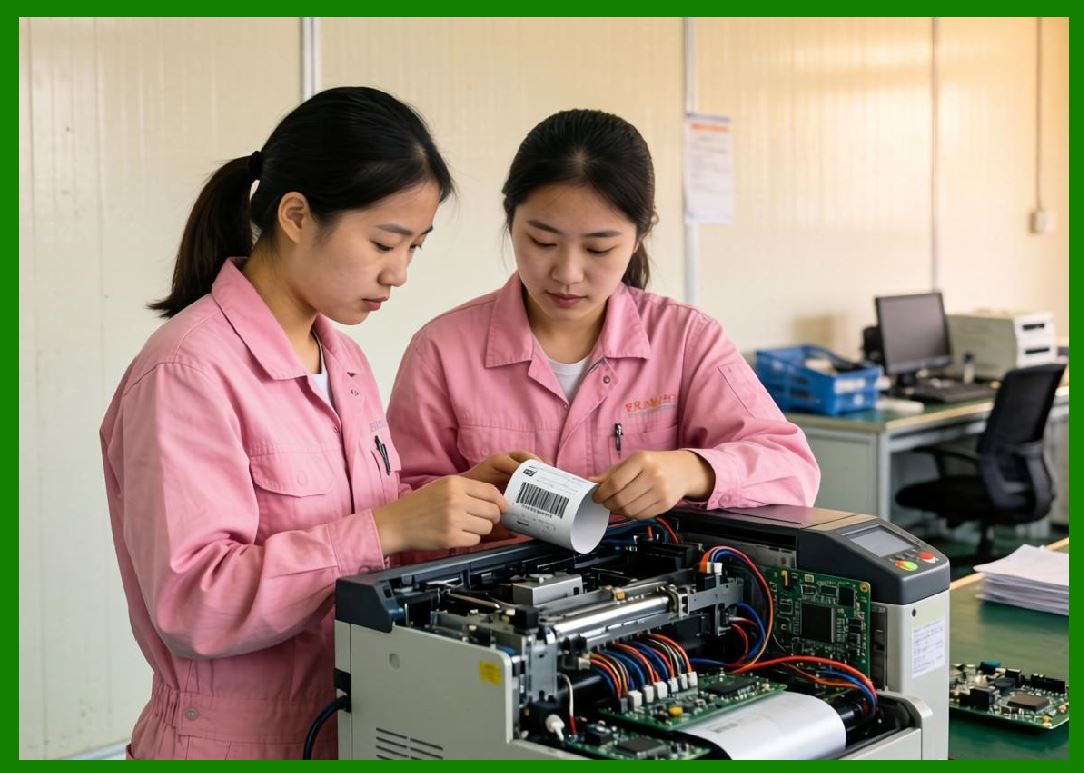
17.4 Error Logging Systems |
Failures are recorded for analysis. |
|
18. Safety Systems in Labeling Machines |
18.1 Emergency Stop Systems |
Immediate shutdown capability. |
18.2 Guarding and Enclosures |
Protect operators from moving parts. |
18.3 Sensor Interlocks |
Prevent unsafe operation. |
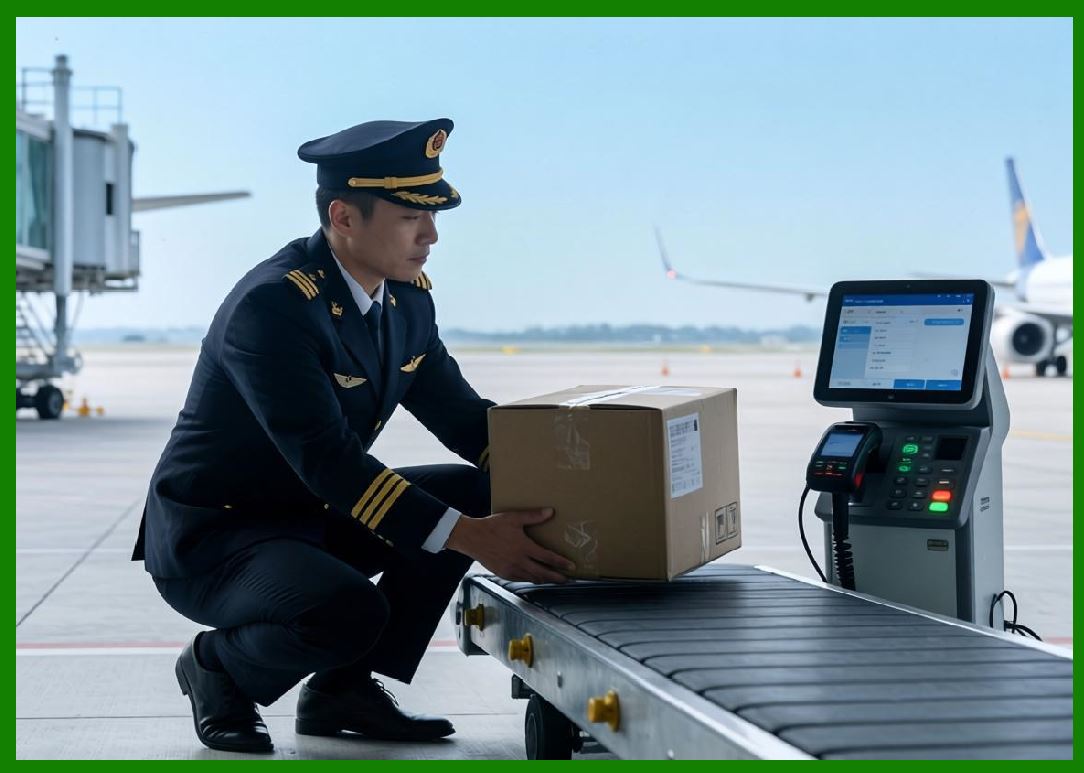
18.4 Fault Detection Systems |
Detect mechanical or electrical issues. |
|
19. Maintenance of Labeling Systems |
19.1 Nozzle and Head Cleaning |
Prevents adhesive buildup. |
19.2 Roller Replacement |
Worn rollers reduce accuracy. |
19.3 Calibration Procedures |
Ensures continued precision. |
19.4 Preventive Maintenance Scheduling |
Reduces downtime risk. |

|
20. Label Application Failure Modes |
20.1 Misplacement Errors |
Incorrect positioning on product surface. |
20.2 Air Bubble Formation |
Trapped air reduces adhesion. |
20.3 Label Peeling |
Adhesion failure after application. |
20.4 Wrinkling and Folding |
Mechanical deformation during placement. |

|
21. Smart Factory Integration |
21.1 Industry 4.0 Connectivity |
Labeling systems integrate with enterprise networks. |
21.2 IoT Monitoring |
Machines report real-time performance data. |
21.3 Predictive Maintenance |
AI predicts system failures. |
21.4 Digital Twin Simulation |
Virtual models optimize labeling systems. |

|
22. Sustainability in Label Application Systems |
22.1 Waste Reduction |
Precise application reduces label waste. |
22.2 Energy Efficiency |
Modern systems reduce power consumption. |
22.3 Material Optimization |
Thin labels reduce resource use. |
22.4 Recycling of Backing Materials |
Liner recycling systems are increasingly used. |

|
23. Emerging Labeling Technologies |
23.1 Fully Autonomous Labeling Robots |
Self-configuring systems adapt automatically. |
23.2 Vision-Free Intelligent Systems |
Sensor fusion replaces camera systems. |
23.3 Nanosecond Label Placement Systems |
Ultra-fast labeling for microsecond production lines. |
23.4 Smart Adhesive Activation Labels |
Labels activate adhesion only at application time. |

|
24. Technical Content Summary |
This part provided a highly detailed technical examination of barcode label application systems and industrial automation technologies. |
The article began by explaining the fundamental objectives of label application engineering, including: |
1. Placement precision. |
2. Adhesion reliability. |
3. Synchronization with production systems. |
Extensive discussion was devoted to different labeling system architectures, including: |
1. Manual systems. |
2. Semi-automatic systems. |
3. Fully automated systems. |
4. Print-and-apply systems. |
|
High-speed dispensing technologies such as peel-plate, air-blow, tamp-blow, and tamp-on systems were analyzed in detail. |
Vacuum application heads, conveyor synchronization systems, and motion control technologies were explored extensively. |
The article also covered robotics integration, including servo systems, gantry systems, SCARA robots, and multi-axis motion control. |
Sensor systems such as photoelectric, ultrasonic, laser, and vision-based detection were examined comprehensively. |
Label positioning engineering, adhesion dynamics, and environmental challenges were analyzed in depth. |
High-speed operational issues including timing drift, airflow disturbances, vibration effects, and motion blur were discussed. |
Machine vision systems, AI-based correction, and feedback control loops were explored for precision improvement. |
Industrial software integration, safety systems, maintenance strategies, and failure mode analysis were also covered. |
Finally, smart factory integration (Industry 4.0), IoT monitoring, predictive maintenance, sustainability considerations, and emerging autonomous labeling technologies were discussed. |
|
The next part will provide a highly detailed technical deep dive into barcode label adhesives and bonding science, including pressure-sensitive adhesives (PSA), acrylic vs rubber-based adhesives, tack, peel strength, shear resistance, surface energy theory, substrate compatibility, and long-term adhesion degradation mechanisms. |
 cs@easiersoft.com