Part 4 Thermal Transfer Barcode Label Materials: Ribbon Technology, Surface Engineering, Synthetic Substrates, and Industrial Durability |
1. Introduction to Thermal Transfer Barcode Label Technology |
Thermal transfer barcode labeling is one of the most important identification technologies in modern industrial automation, manufacturing, warehousing, healthcare, laboratory systems, electronics production, transportation, compliance labeling, and asset management. |
Unlike direct thermal printing, which relies on heat-sensitive chemical paper, thermal transfer printing uses a ribbon coated with ink-like materials that are thermally transferred onto the label surface. |
Thermal transfer systems are widely preferred for applications requiring: |
1. Long-term durability. |
2. Chemical resistance. |
3. Outdoor survivability. |
4. Abrasion resistance. |
5. High-temperature tolerance. |
6. UV stability. |
7. Long archival life. |
8. Industrial compliance. |

|
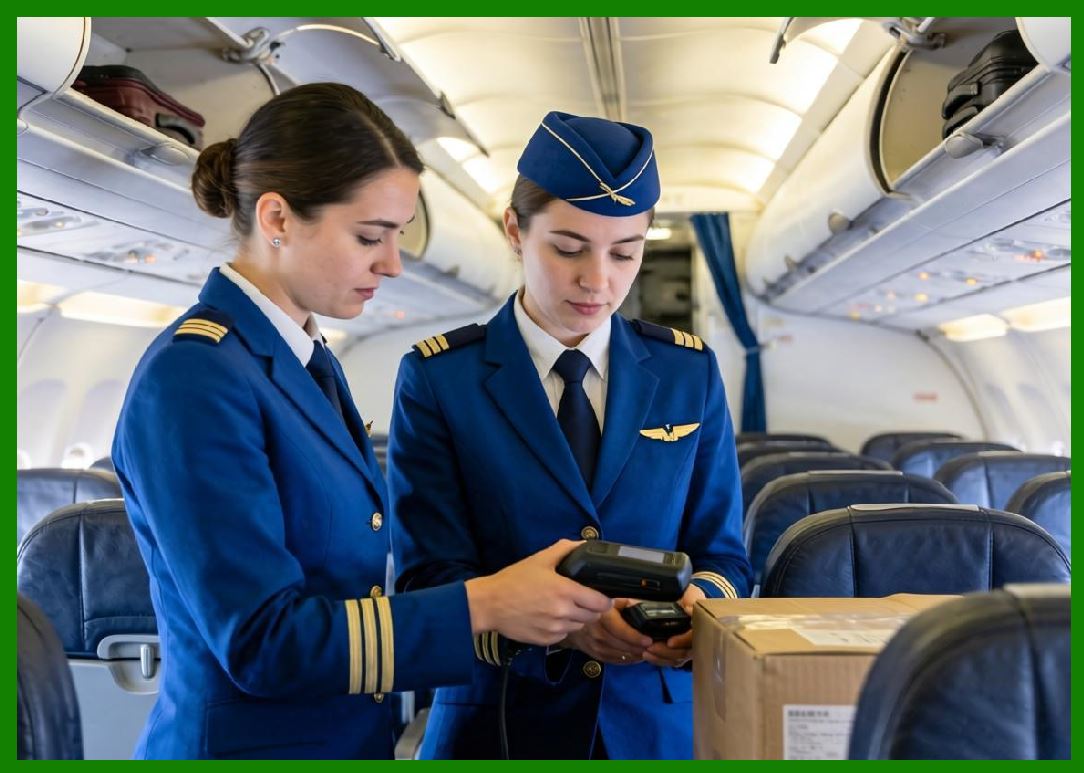
Thermal transfer labels are commonly used for: |
1. Product identification. |
2. Electronics labeling. |
3. Pharmaceutical labeling. |
4. Laboratory tracking. |
5. Automotive components. |
6. Chemical drums. |
7. Asset tags. |
8. Warehouse racking. |
9. Compliance labels. |
10. Medical devices. |
11. Aerospace parts. |
12. Circuit board identification. |
13. Cable labeling. |
14. Industrial equipment tags. |
|
Modern thermal transfer label systems are highly engineered combinations of: |
1. Label substrates. |
2. Ribbon chemistry. |
3. Surface coatings. |
4. Adhesive systems. |
5. Printer energy management. |
6. Environmental durability engineering. |
This part explores thermal transfer barcode label materials in deep technical detail. |

|
2. Fundamental Principle of Thermal Transfer Printing |
2.1 Basic Operating Mechanism |
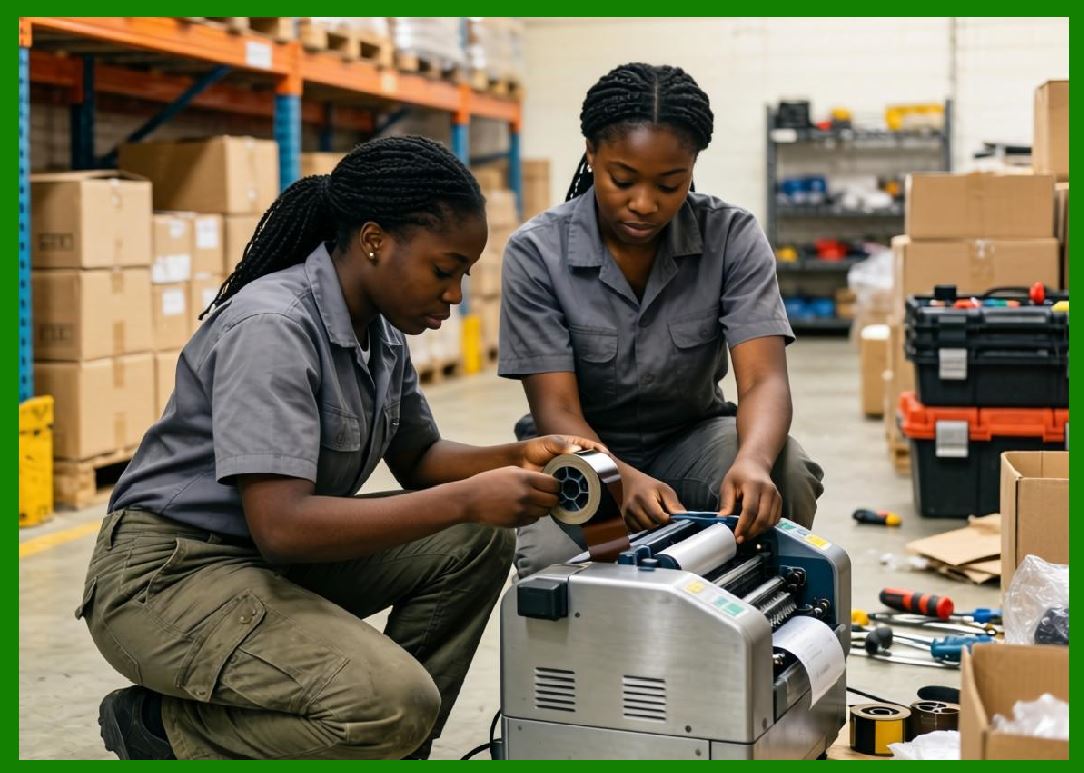
Thermal transfer printing uses heat to transfer ink from a ribbon onto a label substrate. |
The process involves: |
1. Thermal printhead. |
2. Ribbon. |
3. Label material. |
4. Pressure system. |
The printhead selectively heats microscopic elements. |
The heated ribbon coating melts and bonds to the label surface. |
2.2 Difference from Direct Thermal Printing |
Direct thermal printing creates images inside chemically reactive paper. |
Thermal transfer printing instead deposits external image material onto the label. |
This provides much greater durability. |
2.3 Advantages of Thermal Transfer Systems |
Thermal transfer printing offers: |
1. Long-lasting images. |
2. Excellent environmental resistance. |
3. High-resolution printing. |
4. Broad material compatibility. |
5. Chemical resistance. |
6. Outdoor durability. |
7. High-speed industrial performance. |

|
3. Structure of Thermal Transfer Labels |
3.1 Basic Label Construction |
Thermal transfer labels generally include: |
1. Face stock. |
2. Surface coating. |
3. Primer layer. |
4. Adhesive. |
5. Release liner. |
Unlike direct thermal labels, no thermal chemistry layer is required. |
3.2 Surface Engineering Importance |
Surface coatings are critical because the ribbon ink must: |
1. Transfer efficiently. |
2. Bond properly. |
3. Resist abrasion. |
4. Maintain barcode sharpness. |
Poor surface engineering causes print failure. |

|
4. Thermal Transfer Ribbon Technology |
4.1 Ribbon Construction |
Thermal transfer ribbons contain multiple engineered layers. |
Typical ribbon construction includes: |
1. Polyester film base. |
2. Release layer. |
3. Ink layer. |
4. Backcoat layer. |
Each layer performs essential functions. |
4.2 Polyester Ribbon Base |
The ribbon carrier film is usually polyester. |
Polyester provides: |
1. Dimensional stability. |
2. Heat resistance. |
3. Smooth transport. |
4. Mechanical strength. |
Typical thickness ranges from: |
1. 3 microns. |
2. 4.5 microns. |
3. 6 microns. |

|
4.3 Release Layer |
The release layer ensures proper ink transfer. |
It controls: |
1. Melt behavior. |
2. Transfer efficiency. |
3. Print consistency. |
Improper release chemistry causes incomplete image transfer. |
4.4 Ink Layer |
The ink layer contains: |
1. Pigments. |
2. Waxes. |
3. Resins. |
4. Additives. |
The ink composition determines durability characteristics. |
4.5 Backcoat Layer |
The backcoat protects the printhead. |
Functions include: |
1. Friction reduction. |
2. Static reduction. |
3. Heat management. |
4. Wear reduction. |
Poor backcoat quality increases printhead damage. |

|
5. Categories of Thermal Transfer Ribbons |
5.1 Wax Ribbons |
Wax ribbons are the most economical type. |
Characteristics include: |
1. Low melting temperature. |
2. High print speed. |
3. Good print darkness. |
4. Lower durability. |
Used mainly with paper labels. |
5.2 Wax-Resin Ribbons |
Wax-resin ribbons balance: |
1. Durability. |
2. Cost. |
3. Print quality. |
Advantages include: |
1. Better abrasion resistance. |
2. Improved chemical resistance. |
3. Enhanced print sharpness. |
Widely used in logistics and retail. |

|
5.3 Resin Ribbons |
Resin ribbons provide maximum durability. |
Characteristics include: |
1. High chemical resistance. |
2. Extreme abrasion resistance. |
3. Heat resistance. |
4. Solvent resistance. |
Typically used with synthetic labels. |

|
6. Ribbon Chemistry |
6.1 Wax Chemistry |
Wax ribbons use materials such as: |
1. Paraffin wax. |
2. Carnauba wax. |
3. Synthetic waxes. |
Wax systems melt easily under low heat. |
6.2 Resin Chemistry |
Resin systems contain: |
1. Acrylic resins. |
2. Polyester resins. |
3. Epoxy-modified resins. |
4. Polyurethane systems. |
These materials create durable images. |

|
6.3 Pigment Systems |
Pigments provide image coloration. |
Common pigments include: |
1. Carbon black. |
2. Titanium dioxide. |
3. Specialty color pigments. |
Carbon black provides excellent barcode contrast. |
6.4 Additives |
Additives improve: |
1. Heat transfer. |
2. Flexibility. |
3. Lubrication. |
4. Static control. |
Advanced ribbon chemistry is highly proprietary. |

|
7. Paper Label Materials for Thermal Transfer Printing |
7.1 Uncoated Paper Labels |
Uncoated paper labels are economical but less durable. |
Advantages include: |
1. Low cost. |
2. Easy printing. |
3. Good ribbon transfer. |
Disadvantages include: |
1. Low moisture resistance. |
2. Poor abrasion resistance. |
3. Limited lifespan. |
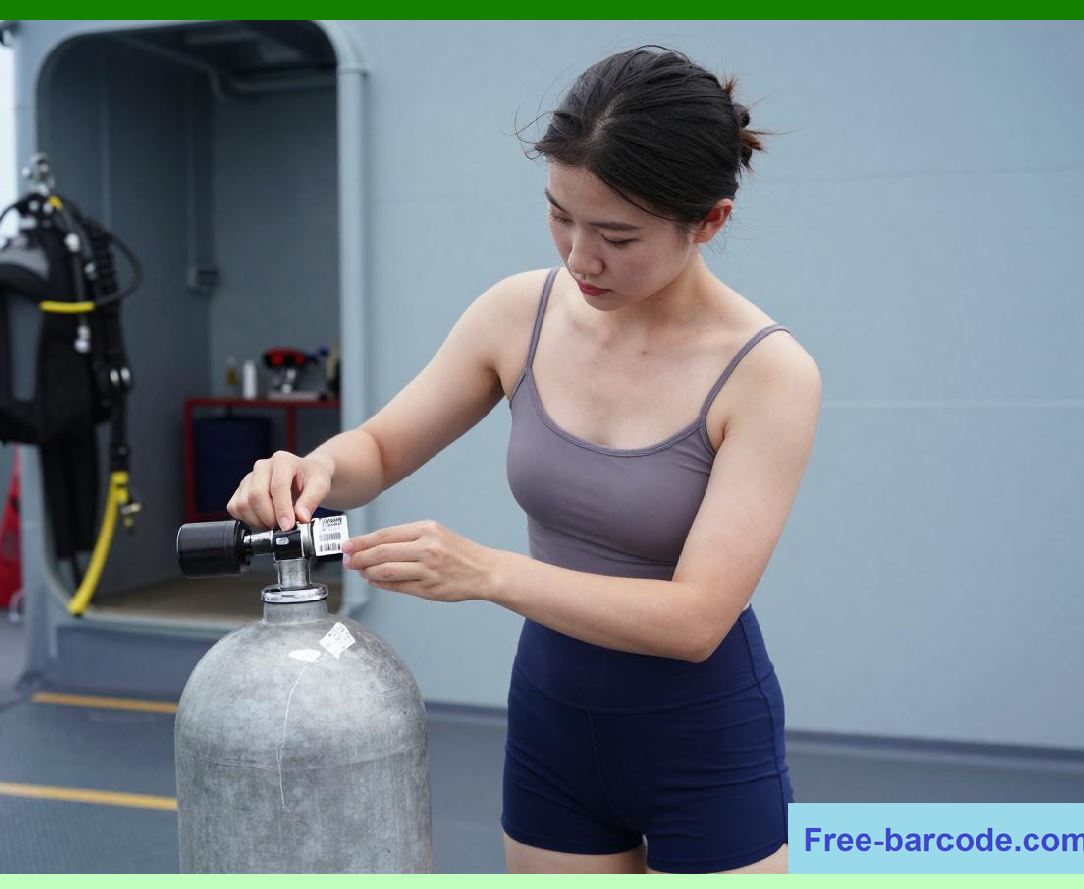
7.2 Matte Coated Papers |
Matte coated papers improve: |
1. Print resolution. |
2. Barcode sharpness. |
3. Ribbon adhesion. |
They are common in industrial applications. |
|
7.3 Semi-Gloss Papers |
Semi-gloss papers offer: |
1. Better aesthetics. |
2. Improved print density. |
3. Enhanced surface smoothness. |
Common in product packaging. |
7.4 High-Gloss Papers |
Gloss papers produce: |
1. Premium appearance. |
2. Sharp graphics. |
3. High reflectivity. |
However, excessive gloss may affect scanner readability. |
|
8. Synthetic Thermal Transfer Label Materials |
8.1 Need for Synthetic Labels |
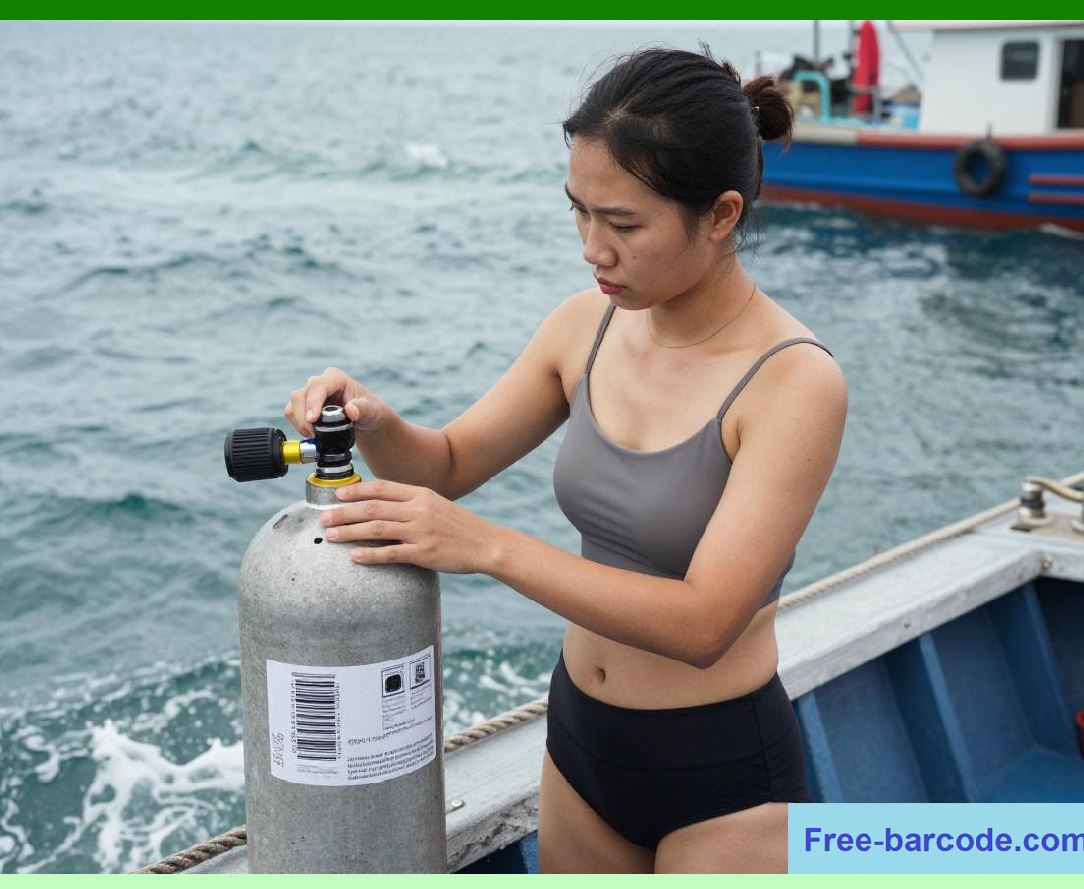
Industrial environments often destroy paper labels. |
Synthetic materials provide: |
1. Waterproof performance. |
2. Chemical resistance. |
3. Tear resistance. |
4. Long service life. |
8.2 Polypropylene Labels |
Polypropylene is widely used because it offers: |
1. Good durability. |
2. Moderate cost. |
3. Moisture resistance. |
4. Good printability. |
It is common in logistics and retail packaging. |

|
8.3 Polyester Labels |
Polyester provides: |
1. Excellent dimensional stability. |
2. Heat resistance. |
3. Chemical resistance. |
4. Long-term durability. |
Widely used in electronics and industrial asset labeling. |
8.4 Polyethylene Labels |
Polyethylene labels are flexible. |
Advantages include: |
1. Conformability. |
2. Squeeze resistance. |
3. Soft surfaces. |
Common in pharmaceutical and cosmetic packaging. |
8.5 Polyimide Labels |
Polyimide materials survive extremely high temperatures. |
Applications include: |
1. PCB labeling. |
2. Electronics manufacturing. |
3. Semiconductor processing. |
Polyimide labels may survive soldering temperatures. |

|
9. Surface Coatings for Thermal Transfer Labels |
9.1 Purpose of Topcoats |
Topcoats improve: |
1. Ribbon adhesion. |
2. Abrasion resistance. |
3. Chemical durability. |
4. Print density. |
9.2 Receptor Coatings |
Receptor coatings are engineered to accept ribbon ink efficiently. |
Functions include: |
1. Controlled melting. |
2. Ink anchoring. |
3. Edge definition improvement. |

|
9.3 Chemical Resistance Coatings |
Industrial labels often use specialized barrier coatings. |
These resist: |
1. Solvents. |
2. Oils. |
3. Fuels. |
4. Acids. |
5. Alkaline cleaners. |
9.4 UV Protective Layers |
Outdoor labels require UV-resistant coatings. |
UV degradation causes: |
1. Fading. |
2. Embrittlement. |
3. Barcode failure. |
|
10. Thermal Transfer Printhead Dynamics |
10.1 Printhead Heating Elements |
Thermal printheads contain dense arrays of resistive elements. |
Common resolutions include: |
1. 203 dpi. |
2. 300 dpi. |
3. 406 dpi. |
4. 600 dpi. |
Higher resolutions support smaller barcode sizes. |
10.2 Energy Control |
The printer carefully controls: |
1. Heat intensity. |
2. Pulse duration. |
3. Cooling time. |
Improper settings cause: |
1. Ribbon wrinkling. |
2. Smearing. |
3. Incomplete transfer. |
10.3 Pressure Management |
Uniform pressure is critical. |
Poor pressure causes: |
1. Uneven print density. |
2. Missing barcode sections. |
3. Ribbon distortion. |

|
11. Ribbon and Label Compatibility |
11.1 Importance of Matching |
Not all ribbons work with all label materials. |
Compatibility depends on: |
1. Surface energy. |
2. Coating chemistry. |
3. Melting temperature. |
4. Ink anchoring characteristics. |
11.2 Wax Ribbon Compatibility |
Wax ribbons work best with: |
1. Paper labels. |
2. Matte coatings. |
3. Semi-gloss papers. |
They are unsuitable for harsh environments. |
11.3 Resin Ribbon Compatibility |
Resin ribbons are optimized for: |
1. Polyester. |
2. Polypropylene. |
3. Polyimide. |
4. Vinyl. |
Resin ribbons require higher print energy. |
|
12. Barcode Durability Performance |
12.1 Abrasion Resistance |
Thermal transfer images are generally far more abrasion resistant than direct thermal images. |
Resistance depends on: |
1. Ribbon chemistry. |
2. Surface coating. |
3. Environmental exposure. |
12.2 Chemical Resistance |
Resin ribbon systems provide excellent resistance to: |
1. Alcohol. |
2. Acetone. |
3. Oils. |
4. Industrial solvents. |
12.3 Heat Resistance |
Specialized labels survive high temperatures. |
Applications include: |
1. Engine compartments. |
2. Electronics manufacturing. |
3. Industrial ovens. |
12.4 Outdoor Weather Resistance |
Outdoor labels require: |
1. UV-resistant films. |
2. Stable pigments. |
3. Weather-resistant adhesives. |
Standard paper labels degrade quickly outdoors. |

|
13. Adhesive Systems for Thermal Transfer Labels |
13.1 Permanent Acrylic Adhesives |
Acrylic adhesives offer: |
1. Good aging resistance. |
2. UV stability. |
3. Chemical resistance. |
Common in industrial labeling. |
13.2 Rubber-Based Adhesives |
Rubber adhesives provide: |
1. Aggressive tack. |
2. Fast bonding. |
3. Good low-temperature performance. |
However, aging resistance is lower. |
13.3 High-Temperature Adhesives |
Special adhesives survive: |
1. Soldering operations. |
2. Autoclaves. |
3. Industrial processing. |
13.4 Removable Adhesives |
Removable systems allow clean label removal. |
Applications include: |
1. Temporary inventory control. |
2. Reusable containers. |
3. Healthcare tracking. |

|
14. Release Liners in Thermal Transfer Labels |
14.1 Glassine Liners |
Glassine liners are widely used because of: |
1. Smoothness. |
2. Dimensional stability. |
3. Reliable dispensing. |
14.2 PET Liners |
PET liners provide: |
1. Excellent dimensional accuracy. |
2. High-speed automation compatibility. |
Used in precision industrial systems. |
14.3 Kraft Liners |
Kraft liners provide: |
1. Increased stiffness. |
2. Good durability. |
Used in large-format industrial labels. |

|
15. Industrial Applications |
15.1 Manufacturing |
Thermal transfer labels are heavily used in manufacturing for: |
1. Work-in-process tracking. |
2. Compliance labeling. |
3. Traceability systems. |
15.2 Electronics Industry |
Electronics manufacturing requires labels resistant to: |
1. Heat. |
2. Chemicals. |
3. Flux exposure. |
Polyimide labels dominate this sector. |
15.3 Automotive Industry |
Automotive labels must survive: |
1. Oils. |
2. Fuels. |
3. Heat cycling. |
4. Outdoor exposure. |
15.4 Aerospace Applications |
Aerospace labeling requires: |
1. Extreme durability. |
2. Long archival life. |
3. Regulatory compliance. |
Specialized polyester and polyimide systems are common. |
|
16. Pharmaceutical and Healthcare Applications |
16.1 Laboratory Labels |
Laboratory environments expose labels to: |
1. Refrigeration. |
2. Freezing. |
3. Chemicals. |
4. Sterilization. |
Specialized thermal transfer labels are required. |
16.2 Blood Bag Labels |
Blood bag labels require: |
1. Strong adhesion. |
2. Moisture resistance. |
3. Long-term readability. |
Failure may compromise patient safety. |
16.3 Medical Device Labeling |
Medical device regulations require durable labeling systems. |
Labels must remain readable throughout product life cycles. |
|
17. Barcode Verification and Quality Standards |
17.1 Verification Standards |
Thermal transfer barcodes are evaluated using: |
1. ISO/IEC 15416. |
2. ANSI grading systems. |
17.2 Common Print Defects |
Defects include: |
1. Ribbon wrinkles. |
2. Voids. |
3. Smearing. |
4. Edge roughness. |
17.3 Scanner Reliability |
Scanner performance depends on: |
1. Contrast ratio. |
2. Edge sharpness. |
3. Quiet zones. |
4. Surface reflectivity. |
|
18. Environmental and Sustainability Considerations |
18.1 Ribbon Waste |
Thermal transfer printing generates spent ribbon waste. |
Large industrial systems consume massive ribbon volumes. |
18.2 Recycling Challenges |
Synthetic labels complicate recycling processes. |
Adhesives and coatings create separation difficulties. |
18.3 Sustainable Material Development |
Emerging solutions include: |
1. Bio-based films. |
2. Recyclable liners. |
3. Solvent-free coatings. |
|
19. Emerging Innovations in Thermal Transfer Label Systems |
19.1 Near-Edge Printing |
Near-edge printheads enable: |
1. Higher speeds. |
2. Flexible packaging printing. |
3. Industrial inline systems. |
19.2 Smart Label Integration |
Modern labels may integrate: |
1. RFID. |
2. NFC. |
3. Security features. |
4. Sensors. |
19.3 Advanced Nano-Coatings |
Future coatings may provide: |
1. Self-healing surfaces. |
2. Enhanced chemical resistance. |
3. Antimicrobial properties. |
|
20. Comparison Between Direct Thermal and Thermal Transfer Materials |
20.1 Durability Comparison |
Thermal transfer labels generally outperform direct thermal labels in: |
1. Longevity. |
2. Chemical resistance. |
3. Outdoor stability. |
20.2 Cost Comparison |
Direct thermal systems usually have lower short-term costs. |
Thermal transfer systems provide lower long-term failure risk. |
20.3 Application Selection |
The choice depends on: |
1. Required lifespan. |
2. Environmental exposure. |
3. Budget. |
4. Compliance requirements. |
|
21. Technical Content Summary |
This part provided a highly detailed technical analysis of thermal transfer barcode label materials and printing systems. |
The article began by explaining the fundamental operating principles of thermal transfer printing, including the interaction between printheads, ribbons, pressure systems, and label substrates. |
Detailed coverage was provided for thermal transfer ribbon construction, including: |
1. Polyester carrier films. |
2. Release layers. |
3. Ink layers. |
4. Backcoat systems. |
The chemistry and engineering of wax, wax-resin, and resin ribbons were analyzed extensively, including pigment systems, resin chemistry, melting behavior, and additive technologies. |
The discussion explored paper-based thermal transfer labels such as: |
1. Uncoated papers. |
2. Matte coated papers. |
3. Semi-gloss papers. |
4. Gloss papers. |
It also provided deep technical analysis of synthetic label materials including: |
1. Polypropylene. |
2. Polyester. |
3. Polyethylene. |
4. Polyimide. |
The article examined surface coatings, receptor layers, chemical barriers, UV-resistant systems, and printhead dynamics in detail. |
Important industrial engineering topics included: |
1. Ribbon compatibility. |
2. Barcode durability. |
3. Abrasion resistance. |
4. Chemical resistance. |
5. Heat survivability. |
6. Outdoor weather resistance. |

|
The article further explored: |
1. Adhesive technologies. |
2. Release liners. |
3. Manufacturing applications. |
4. Electronics labeling. |
5. Automotive systems. |
6. Aerospace identification. |
7. Healthcare and pharmaceutical usage. |
8. Barcode verification standards. |
9. Sustainability challenges. |
10. Future smart label innovations. |
The next part will provide an extensive technical deep dive into synthetic barcode label materials, including polymer science, film manufacturing technologies, industrial durability engineering, environmental resistance mechanisms, and advanced synthetic substrate selection criteria. |
 cs@easiersoft.com