Part 8 Barcode Printability, Surface Science, Imaging Behavior, Barcode Quality Grading, and Scanner Readability Engineering |
1. Introduction to Barcode Printability and Readability |
Barcode labels are only valuable if scanners can read them accurately, rapidly, and consistently. The engineering challenge of barcode labeling is not merely producing visible images, but producing machine-readable optical patterns that maintain reliability under real-world conditions. |
A barcode system involves a highly integrated relationship among: |
1. Label materials. |
2. Surface coatings. |
3. Printing technology. |
4. Ink chemistry. |
5. Thermal imaging behavior. |
6. Optical contrast. |
7. Scanner optics. |
8. Environmental conditions. |
9. Symbol design. |
10. Motion dynamics. |

|
Even minor imperfections can cause: |
1. Misreads. |
2. No-reads. |
3. Data corruption. |
4. Tracking failures. |
5. Inventory errors. |
6. Regulatory violations. |
7. Production stoppages. |

|
Modern barcode engineering therefore requires detailed understanding of: |
1. Surface science. |
2. Optics. |
3. Imaging physics. |
4. Signal processing. |
5. Print mechanics. |
6. Human factors. |
7. Environmental durability. |
This part explores barcode printability and readability in extensive technical depth. |

|
2. Fundamentals of Barcode Imaging |
2.1 Purpose of a Barcode |
A barcode converts information into optical patterns readable by machines. |
These patterns consist of: |
1. Bars. |
2. Spaces. |
3. Cells. |
4. Modules. |
Scanners interpret reflected light differences. |
2.2 Optical Contrast Principle |
Barcode reading depends on contrast between: |
1. Dark elements. |
2. Light background areas. |
The scanner detects changes in reflected light intensity. |
2.3 Reflection and Absorption |
Dark barcode regions absorb light. |
Light regions reflect light. |
This difference creates detectable signals. |
2.4 Signal Generation |
The scanner converts optical reflections into electrical signals. |
Signal quality determines decode reliability. |

|
3. Surface Science of Barcode Labels |
3.1 Surface Roughness |
Surface roughness strongly affects print quality. |
Rough surfaces may cause: |
1. Broken bars. |
2. Ink voids. |
3. Uneven density. |
3.2 Surface Energy |
Surface energy affects: |
1. Ink wetting. |
2. Ribbon transfer. |
3. Adhesion. |
Low-energy surfaces may resist proper imaging. |
3.3 Porosity |
Porous materials absorb inks differently. |
Porosity affects: |
1. Dot gain. |
2. Edge sharpness. |
3. Drying behavior. |
3.4 Gloss and Reflectivity |
Highly glossy surfaces may create: |
1. Scanner glare. |
2. Reflection distortion. |
3. Reduced readability. |
Controlled reflectivity is important. |

|
4. Printability Engineering |
4.1 Definition of Printability |
Printability refers to how effectively a substrate accepts printed images. |
Good printability requires: |
1. Uniform image transfer. |
2. Sharp edges. |
3. Stable density. |
4. Consistent adhesion. |
4.2 Ink Receptivity |
Surface coatings control ink interaction. |
Proper ink receptivity prevents: |
1. Smearing. |
2. Spreading. |
3. Poor adhesion. |
4.3 Drying Behavior |
Drying speed affects barcode integrity. |
Slow drying may cause: |
1. Smudging. |
2. Offset transfer. |
3. Contamination. |
4.4 Surface Coating Optimization |
Modern barcode labels use engineered coatings to optimize: |
1. Ink anchoring. |
2. Thermal transfer efficiency. |
3. Laser marking behavior. |
4. UV ink curing. |

|
5. Barcode Printing Technologies |
5.1 Thermal Transfer Printing |
Thermal transfer printing creates highly durable barcode images. |
Advantages include: |
1. Sharp resolution. |
2. Chemical resistance. |
3. Industrial durability. |
5.2 Direct Thermal Printing |
Direct thermal systems image heat-sensitive coatings. |
Advantages include: |
1. Simplicity. |
2. Lower hardware cost. |
However, durability is limited. |
5.3 Inkjet Printing |
Inkjet systems deposit droplets onto the substrate. |
Challenges include: |
1. Ink spreading. |
2. Dot gain. |
3. Surface compatibility. |
5.4 Laser Printing |
Laser printers use toner fused by heat. |
Advantages include: |
1. High resolution. |
2. Good edge sharpness. |
5.5 Flexographic Printing |
Flexography is widely used in packaging. |
Advantages include: |
1. High speed. |
2. Inline production. |
3. Large-scale manufacturing. |
|
6. Thermal Imaging Behavior |
6.1 Thermal Transfer Imaging |
Thermal transfer imaging depends on: |
1. Ribbon melting. |
2. Surface anchoring. |
3. Heat control. |
6.2 Printhead Energy |
Thermal printheads contain microscopic resistive elements. |
Heat pulses control image formation. |
6.3 Overheating Effects |
Excessive heat causes: |
1. Ribbon wrinkling. |
2. Smearing. |
3. Edge distortion. |
6.4 Underheating Effects |
Insufficient heat causes: |
1. Weak density. |
2. Incomplete transfer. |
3. Poor scanner contrast. |

|
7. Ink Interaction with Label Surfaces |
7.1 Wetting |
Ink must properly wet the surface. |
Poor wetting creates voids and discontinuities. |
7.2 Absorption |
Paper absorbs ink into fiber structures. |
Excessive absorption reduces edge sharpness. |
7.3 Dot Gain |
Dot gain occurs when printed areas spread. |
This alters barcode geometry. |
7.4 Edge Definition |
Sharp edge transitions are critical for scanner accuracy. |
Blurred edges reduce decode reliability. |
|
8. Barcode Resolution and Geometry |
8.1 X-Dimension |
The X-dimension is the width of the narrowest barcode element. |
It is fundamental to barcode readability. |
8.2 Quiet Zones |
Quiet zones are blank areas surrounding barcodes. |
They help scanners distinguish symbols from surrounding graphics. |
8.3 Aspect Ratio |
Barcode proportions affect scanning performance. |
Improper ratios reduce readability. |
8.4 Bar Width Accuracy |
Precise bar width control is critical. |
Even small deviations may cause failures. |

|
9. Linear Barcode Engineering |
9.1 One-Dimensional Codes |
Linear barcodes encode information horizontally. |
Examples include: |
1. Code 128. |
2. Code 39. |
3. UPC. |
4. EAN. |
9.2 Reflectance Profiles |
Linear scanners analyze reflectance transitions between bars and spaces. |
9.3 Print Growth Effects |
Excessive print growth narrows white spaces. |
This creates decode problems. |

|
10. Two-Dimensional Barcode Engineering |
10.1 Matrix Codes |
2D codes encode data in both horizontal and vertical directions. |
Examples include: |
1. QR Code. |
2. Data Matrix. |
3. PDF417. |
4. Aztec Code. |
10.2 Module Accuracy |
2D symbols require extremely accurate module geometry. |
Distortion causes decode failures. |
10.3 Error Correction |
2D codes use advanced error correction systems. |
This improves reliability under damage conditions. |
10.4 Surface Effects on 2D Codes |
Gloss, texture, and contamination strongly affect 2D code performance. |

|
11. Optical Physics of Barcode Scanning |
11.1 Scanner Illumination |
Scanners illuminate the barcode using: |
1. LEDs. |
2. Lasers. |
3. Imaging sensors. |
11.2 Reflectance Measurement |
The scanner measures reflected light intensity. |
Contrast variations create readable signals. |
11.3 Specular Reflection |
Highly glossy labels may produce mirror-like reflections. |
These reflections interfere with scanning. |
11.4 Diffuse Reflection |
Matte surfaces scatter light more evenly. |
This improves scanner reliability. |

|
12. Scanner Technologies |
12.1 Laser Scanners |
Laser scanners sweep light across the barcode. |
Advantages include: |
1. Fast reading. |
2. Long range. |
3. Mature technology. |
12.2 CCD Scanners |
CCD scanners capture reflected light arrays. |
Advantages include: |
1. Durability. |
2. Lower moving parts. |
12.3 Imaging Scanners |
Imaging scanners capture full images. |
Advantages include: |
1. 2D code support. |
2. High flexibility. |
3. Damage tolerance. |
12.4 Smartphone Scanning |
Smartphones use camera imaging systems. |
Barcode quality requirements may differ from industrial scanners. |
|
13. Barcode Contrast and Reflectance |
13.1 Print Contrast Signal (PCS) |
PCS measures reflectance difference between dark and light regions. |
Higher PCS improves readability. |
13.2 Infrared Response |
Some scanners use infrared wavelengths. |
Certain inks may appear differently under infrared illumination. |
13.3 Carbon Black Performance |
Carbon black pigments provide excellent scanner absorption. |
Widely used in barcode printing. |
13.4 Colored Barcodes |
Colored barcodes require careful engineering. |
Certain color combinations reduce readability. |
|
14. Barcode Verification Standards |
14.1 Need for Verification |
Visual appearance alone cannot guarantee barcode performance. |
Verification systems objectively measure quality. |
14.2 ISO/IEC 15416 |
This standard evaluates linear barcode print quality. |
Parameters include: |
1. Contrast. |
2. Modulation. |
3. Defects. |
4. Decodability. |
14.3 ISO/IEC 15415 |
This standard evaluates 2D symbol quality. |
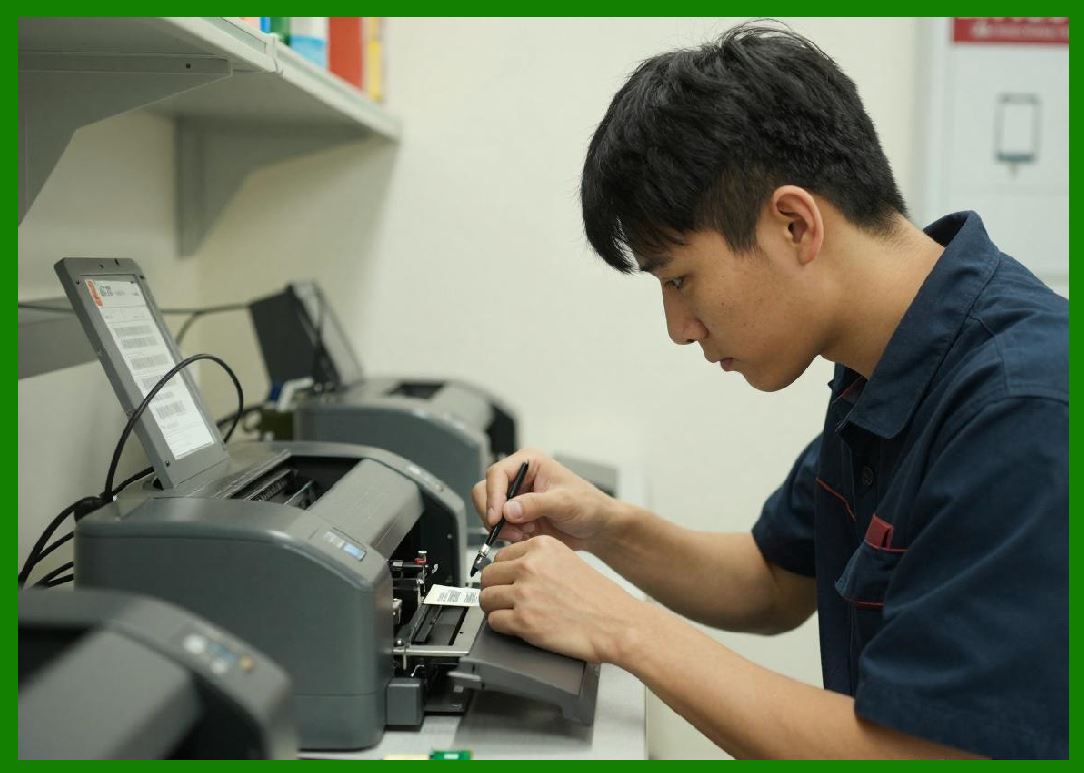
14.4 ANSI Grading |
Barcodes are often graded from: |
1. A. |
2. B. |
3. C. |
4. D. |
5. F. |
Higher grades improve operational reliability. |
|
15. Common Barcode Print Defects |
15.1 Voids |
Voids are missing printed areas. |
They interrupt scanner signals. |
15.2 Smearing |
Smearing distorts barcode geometry. |
Common causes include: |
1. Excess heat. |
2. Slow drying. |
3. Mechanical contact. |
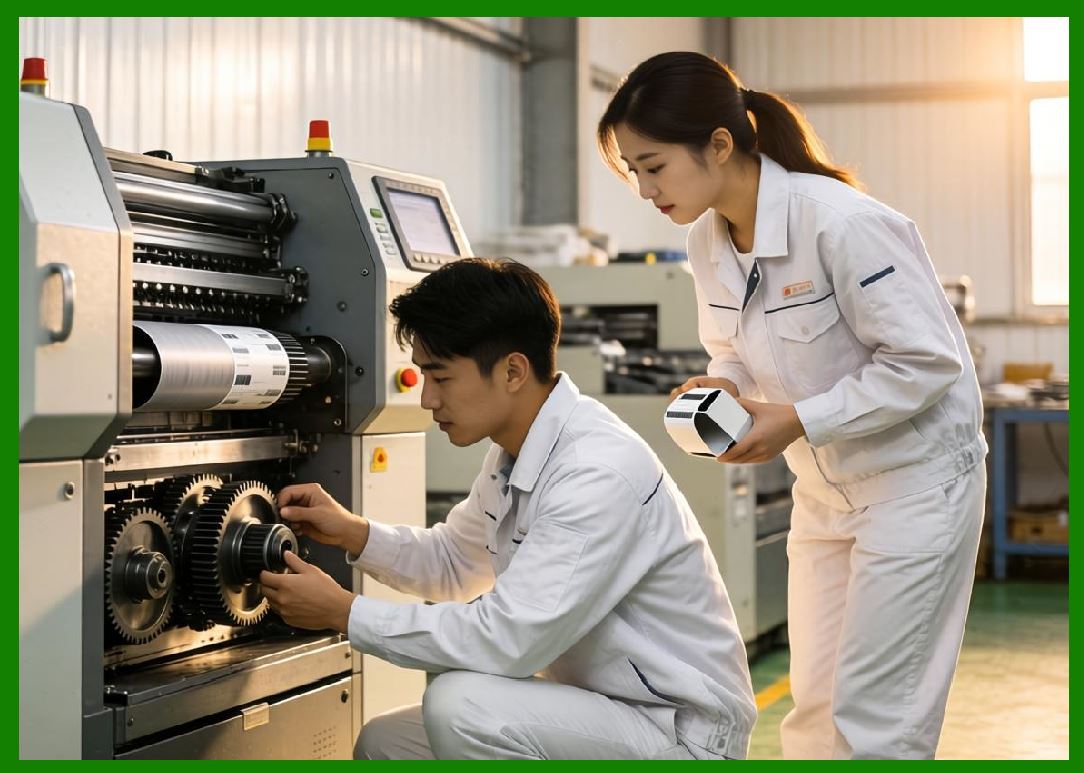
15.3 Ribbon Wrinkles |
Ribbon wrinkles create streaks and missing areas. |
15.4 Misregistration |
Misregistration shifts images relative to label boundaries. |

|
16. Environmental Effects on Barcode Readability |
16.1 Abrasion |
Physical wear gradually removes barcode material. |
16.2 Moisture |
Water may alter reflectivity or damage paper labels. |
16.3 UV Exposure |
UV radiation causes fading and discoloration. |
16.4 Chemical Exposure |
Chemicals may dissolve: |
1. Inks. |
2. Coatings. |
3. Thermal images. |

|
17. Durability Testing |
17.1 Rub Testing |
Rub tests simulate physical abrasion. |
17.2 Chemical Resistance Testing |
Labels are exposed to solvents and cleaners. |
17.3 Temperature Cycling |
Thermal cycling evaluates dimensional stability. |
17.4 Outdoor Weathering |
Accelerated UV exposure simulates long-term outdoor aging. |
|
18. Human Factors and Operational Reliability |
18.1 Operator Handling |
Human handling affects barcode survival. |
Improper handling causes: |
1. Scratches. |
2. Contamination. |
3. Wrinkling. |
18.2 Scanner Positioning |
Scanner angle affects reflection behavior. |
18.3 Motion Dynamics |
High-speed conveyor systems create scanning challenges. |
19. Advanced Barcode Technologies |
19.1 Digital Watermarking |
Invisible digital codes may complement visible barcodes. |
19.2 Secure Barcode Systems |
Security features may include: |
1. Microtext. |
2. UV-reactive inks. |
3. Holographic coatings. |
19.3 AI-Based Decode Systems |
AI-based scanners improve damaged barcode decoding. |
19.4 Machine Vision Integration |
Modern factories increasingly use machine vision systems. |

|
20. Surface Engineering for Enhanced Readability |
20.1 Anti-Glare Coatings |
Anti-glare coatings reduce specular reflection. |
20.2 Anti-Static Coatings |
Static electricity attracts contamination. |
Anti-static systems improve cleanliness. |
20.3 Scratch-Resistant Coatings |
Hard coatings improve long-term readability. |
20.4 Hydrophobic Coatings |
Hydrophobic surfaces repel moisture and contamination. |
|
21. Industrial Application Requirements |
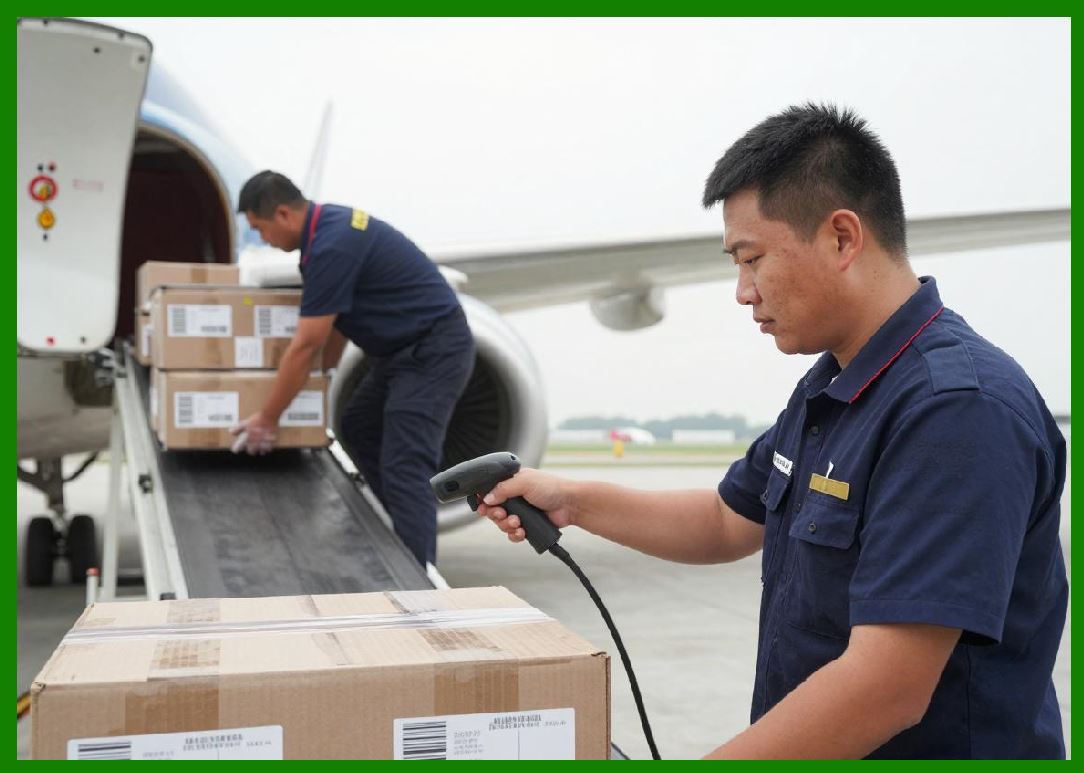
21.1 Warehouse Logistics |
Warehouse labels require: |
1. Fast scanning. |
2. Long-distance readability. |
3. Abrasion resistance. |
21.2 Healthcare |
Healthcare labels require: |
1. Chemical resistance. |
2. Sterilization compatibility. |
3. Small barcode precision. |
21.3 Electronics Manufacturing |
Electronics barcodes must survive: |
1. Heat. |
2. Solvents. |
3. Tiny component labeling. |
21.4 Outdoor Asset Tracking |
Outdoor labels require: |
1. UV resistance. |
2. Weather durability. |
3. Dirt tolerance. |

|
22. Future Developments |
22.1 Smart Imaging Systems |
Future scanners may combine: |
1. AI. |
2. Machine vision. |
3. Multi-spectrum analysis. |
22.2 Nanostructured Coatings |
Advanced coatings may improve: |
1. Reflectance control. |
2. Dirt resistance. |
3. Self-cleaning behavior. |
22.3 Flexible Electronics |
Barcodes may integrate with printed electronics. |
22.4 Hybrid Identification Systems |
Future labels may combine: |
1. Barcode. |
2. RFID. |
3. NFC. |
4. Sensor technologies. |

|
23. Technical Content Summary |
This part provided a highly detailed technical examination of barcode printability, imaging behavior, surface science, barcode quality grading, and scanner readability engineering. |
The article began by explaining the optical principles underlying barcode systems, including: |
1. Reflectance. |
2. Absorption. |
3. Contrast generation. |
4. Signal formation. |
Extensive discussion was devoted to surface science factors affecting barcode quality, including: |
1. Surface roughness. |
2. Surface energy. |
3. Porosity. |
4. Gloss. |
5. Reflectivity. |
The article explored printability engineering and the interaction between inks, ribbons, coatings, and label substrates across multiple printing technologies such as: |
1. Thermal transfer. |
2. Direct thermal. |
3. Inkjet. |
4. Laser printing. |
5. Flexographic printing. |
Detailed technical analysis was provided for thermal imaging behavior, printhead energy management, ink wetting, absorption, dot gain, and edge definition. |
The discussion examined barcode geometry principles including: |
1. X-dimension. |
2. Quiet zones. |
3. Aspect ratios. |
4. Bar width accuracy. |
Both linear and 2D barcode engineering were analyzed in detail, including QR Code, Data Matrix, PDF417, and related technologies. |
|
The article also explored the optical physics of barcode scanning systems, including: |
1. Laser scanners. |
2. CCD scanners. |
3. Imaging scanners. |
4. Smartphone decoding systems. |
Barcode quality grading standards such as ISO/IEC 15416 and ISO/IEC 15415 were explained extensively, along with common print defects including: |
1. Voids. |
2. Smearing. |
3. Ribbon wrinkles. |
4. Misregistration. |
Environmental durability factors such as abrasion, moisture, UV exposure, and chemical resistance were also examined. |
Finally, the article explored advanced technologies including: |
1. Secure barcodes. |
2. AI-assisted decoding. |
3. Machine vision systems. |
4. Anti-glare coatings. |
5. Nanostructured surfaces. |
6. Hybrid identification systems. |

|
The next part will provide a highly detailed technical deep dive into direct thermal barcode label paper, including thermal chemistry, leuco dye systems, thermal coating manufacturing, image formation mechanisms, fading behavior, environmental stability, and modern BPA-free thermal technologies. |
 cs@easiersoft.com