1. Introduction to GPA Self-Adhesive Barcode Labels |
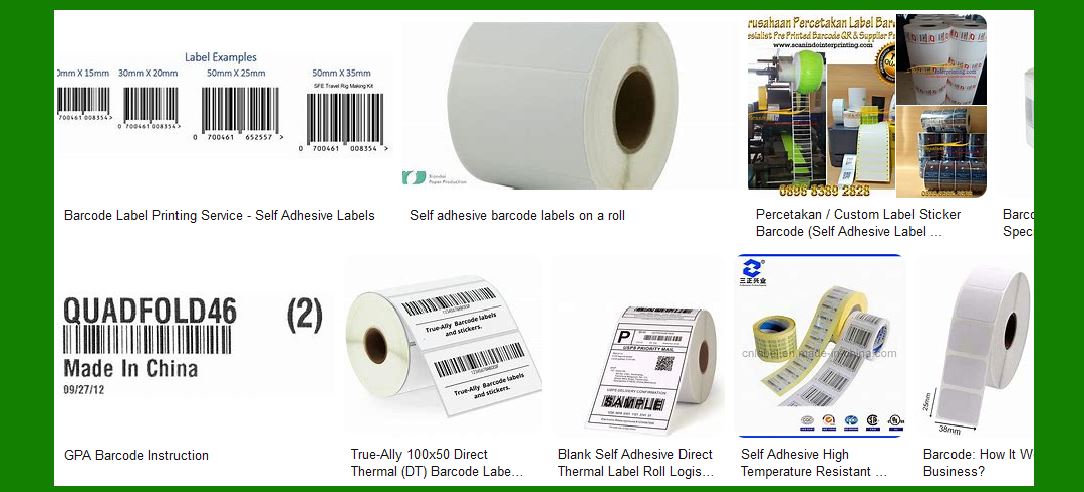
GPA is a leading provider of substrate solutions for various printing technologies, including offset, digital, and wide-format printing. Their self-adhesive barcode labels are designed to meet the diverse needs of businesses across different industries. These labels are known for their high quality, durability, and versatility. |
|
2. Materials and Construction |
GPA’s self-adhesive barcode labels are made from a variety of materials to suit different applications: |
Paper: Ideal for general-purpose labeling, offering a cost-effective solution with good print quality. Film: Provides enhanced durability and resistance to moisture, chemicals, and abrasion, making it suitable for harsh environments. Eco-Friendly Substrates: GPA offers environmentally friendly options, including recycled materials and biodegradable films. |

|
3. Adhesive Types |
The adhesive used in GPA’s barcode labels is crucial for ensuring they stay in place and perform well under various conditions: |
Permanent Adhesive: Designed for long-term applications where the label needs to stay affixed permanently. Removable Adhesive: Allows for easy removal without leaving residue, suitable for temporary labeling needs. Specialty Adhesives: Includes options like ultra-removable, high-tack, and freezer-grade adhesives for specific applications. |

|
4. Printing Technologies |
GPA’s self-adhesive barcode labels are compatible with multiple printing technologies: |
Digital Printing: Offers high-quality, full-color printing with quick turnaround times, ideal for short runs and variable data printing. Offset Printing: Suitable for large volume runs, providing consistent quality and cost efficiency. Flexographic Printing: Best for high-speed production and large quantities, offering excellent print quality and durability. |

|
5. Applications |
GPA’s self-adhesive barcode labels are used in a wide range of applications across various industries: |
Retail: For product labeling, price tags, and inventory management. Healthcare: Used for patient identification, lab samples, and medication tracking. Logistics: Essential for shipping labels, tracking, and inventory control. Manufacturing: Applied to parts and components for identification and quality control. Food and Beverage: Used for packaging labels, nutritional information, and expiration dates. |

|
6. Benefits |
Using GPA’s self-adhesive barcode labels offers several advantages: |
Durability: High-quality materials and adhesives ensure labels withstand various environmental conditions. Versatility: A wide range of materials and adhesives to meet specific application needs. Print Quality: Compatible with multiple printing technologies, ensuring clear and accurate barcode scanning. Eco-Friendly Options: Availability of sustainable materials for environmentally conscious businesses. |

|
7. Customization Options |
GPA provides extensive customization options to meet specific requirements: |
Size and Shape: Labels can be die-cut to any size and shape to fit unique applications. Color and Design: Full-color printing and custom designs to match branding and aesthetic needs. Special Features: Options like tamper-evident seals, holographic elements, and security features for added protection. |

|
8. Quality Assurance |
GPA ensures the highest quality standards for their self-adhesive barcode labels: |
Testing: Rigorous testing for durability, adhesive strength, and print quality. Certifications: Compliance with industry standards and certifications for safety and performance. Customer Support: Dedicated support team to assist with product selection, customization, and troubleshooting. |

|
9. Environmental Considerations |
GPA is committed to sustainability and offers eco-friendly options: |
Recycled Materials: Labels made from recycled paper and film to reduce environmental impact. Biodegradable Options: Materials that break down naturally, minimizing waste. Sustainable Practices: Commitment to reducing carbon footprint through sustainable manufacturing processes. |

|
10. Conclusion |
GPA’s self-adhesive barcode labels are a versatile and reliable solution for various labeling needs. With a wide range of materials, adhesives, and customization options, they can meet the demands of different industries while maintaining high quality and performance. Whether for retail, healthcare, logistics, manufacturing, or food and beverage, GPA’s labels provide the durability and clarity needed for effective barcode scanning and tracking. |
 cs@easiersoft.com