1. Introduction to HERMA |
HERMA is a renowned manufacturer specializing in self-adhesive technology. Established in 1906, HERMA has grown to become one of Europe’s leading companies in the field, known for its high-quality products and innovative solutions. The company operates in various sectors, including office supplies, industrial labeling, and logistics. |
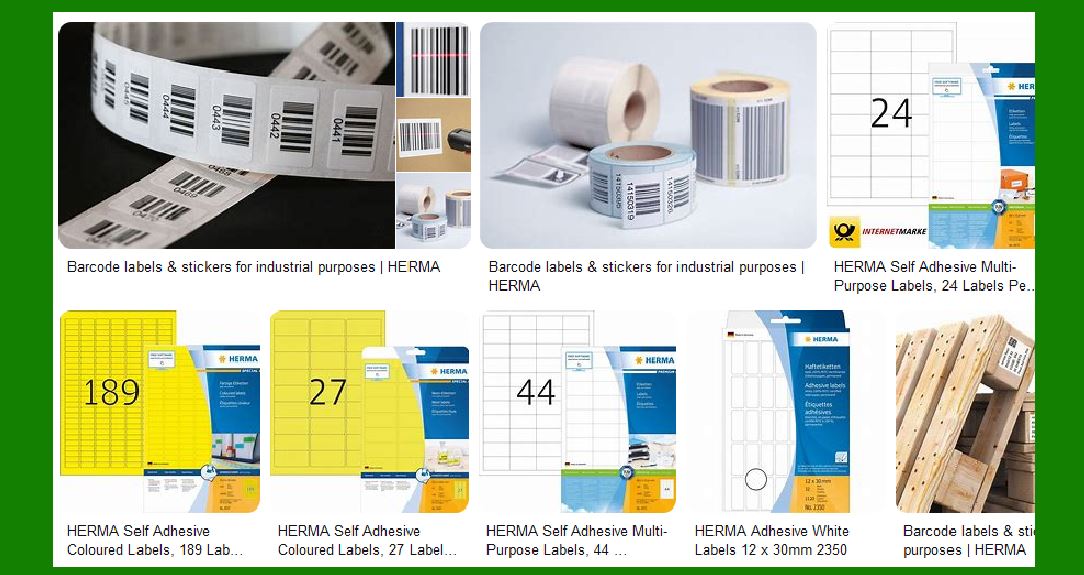
|
2. Overview of Self-Adhesive Barcode Labels |
Self-adhesive barcode labels are essential in modern logistics, retail, and manufacturing. They facilitate the efficient tracking and management of goods by providing a quick and reliable way to read product information. HERMA’s self-adhesive barcode labels are designed to meet the diverse needs of these industries, offering a range of materials, adhesives, and printing options. |

|
3. Materials Used in HERMA Barcode Labels |
HERMA offers a variety of materials for their barcode labels, each tailored to specific applications: |
Paper Labels: Suitable for general-purpose use, including packaging and shipping. Film Labels: Made from durable materials like polyester or polypropylene, ideal for harsh environments. Specialty Materials: Includes options like saltwater-resistant materials for marine applications and low-migration materials for direct food contact. |

|
4. Adhesive Properties |
The adhesive properties of HERMA barcode labels are crucial for their performance. HERMA provides several adhesive options: |
Permanent Adhesives: Ensure labels stay in place under various conditions. Removable Adhesives: Allow labels to be removed without leaving residue. Special Adhesives: Designed for specific conditions, such as low temperatures or high humidity. |

|
5. Printing Technologies |
HERMA utilizes advanced printing technologies to produce high-quality barcode labels: |
Digital Printing: Offers flexibility and precision, suitable for small to medium runs. Flexographic Printing: Ideal for large volumes, providing high-quality and consistent results. Thermal Transfer Printing: Used for on-demand printing, ensuring durability and readability. |

|
6. Customization Options |
HERMA provides extensive customization options to meet specific customer requirements: |
Size and Shape: Labels can be produced in various sizes and shapes to fit different products and packaging. Color and Design: Options for pre-printed logos, colors, and designs to enhance brand visibility. Barcode Types: Supports various barcode formats, including EAN-13, QR codes, and Data Matrix codes. |
7. Applications of HERMA Barcode Labels |
HERMA barcode labels are used in a wide range of applications: |
Retail: For product identification and pricing. Logistics: To track shipments and manage inventory. Manufacturing: For component tracking and quality control. Healthcare: For patient identification and medication tracking. |

|
8. Compliance and Standards |
HERMA ensures that their barcode labels comply with industry standards and regulations: |
ISO Standards: Adheres to ISO standards for quality and performance. Environmental Regulations: Complies with regulations regarding the use of environmentally friendly materials and processes. |
9. Innovations and Technological Advancements |
HERMA continuously invests in research and development to innovate and improve their products: |
Linerless Labels: HERMA’s InNo-Liner system eliminates the need for backing paper, reducing waste and improving sustainability. Smart Labels: Integration of RFID technology for enhanced tracking and data management. |

|
10. Quality Assurance |
HERMA maintains strict quality control measures to ensure the reliability and performance of their barcode labels: |
Testing Procedures: Extensive testing for durability, adhesive strength, and readability. Certifications: Holds various certifications for quality management and environmental standards. |
11. Customer Support and Services |
HERMA offers comprehensive customer support and services: |
Consultation: Expert advice on selecting the right materials and adhesives for specific applications. Design Assistance: Help with label design and customization. Technical Support: Ongoing support for any issues or questions related to their products. |

|
12. Environmental Commitment |
HERMA is committed to sustainability and environmental responsibility: |
Eco-Friendly Materials: Use of recyclable and biodegradable materials. Energy-Efficient Processes: Implementation of energy-saving measures in production. Waste Reduction: Initiatives to minimize waste and promote recycling. |
13. Case Studies and Success Stories |
HERMA has a proven track record of successful projects and satisfied customers: |
Retail Chains: Implementation of barcode labeling systems for inventory management. Logistics Companies: Solutions for tracking and managing shipments. Manufacturers: Customized labels for component tracking and quality control. |

|
14. Future Trends and Developments |
HERMA is at the forefront of emerging trends in the labeling industry: |
Digital Transformation: Adoption of digital technologies for improved efficiency and accuracy. Sustainability: Continued focus on eco-friendly materials and processes. Smart Labeling: Integration of advanced technologies like RFID and IoT for enhanced functionality. |

|
15. Conclusion |
HERMA’s self-adhesive barcode labels are a testament to the company’s commitment to quality, innovation, and customer satisfaction. With a wide range of materials, adhesives, and customization options, HERMA provides solutions that meet the diverse needs of various industries. Their focus on sustainability and technological advancements ensures that they remain a leader in the field of self-adhesive technology. |
 cs@easiersoft.com