Self-Adhesive Barcode Labels - Polifibra |
1.Introduction to Polifibra |
Company Background: Polifibra S.p.A. was founded in Milan in 1969. Initially, it focused on processing flexible materials for the electro-mechanical industry and cable shielding manufacturers. Over the years, Polifibra has evolved into a leading manufacturer of self-adhesive materials, including barcode labels. Industry Position: Polifibra is part of the Fedrigoni Group, a global leader in the production of self-adhesive materials. This affiliation has allowed Polifibra to leverage advanced technologies and innovative solutions in its product offerings. |
|
2.Product Range and Applications |
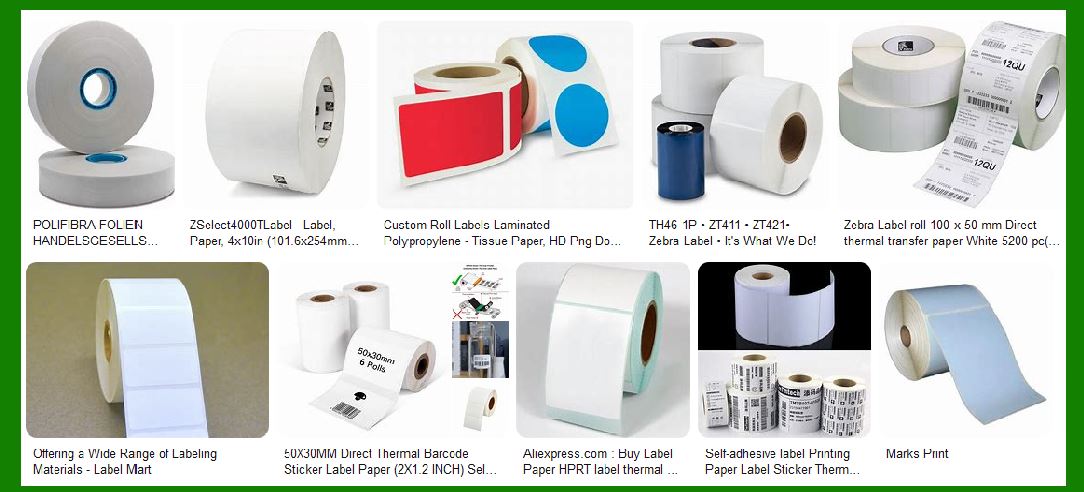
Barcode Labels: Polifibra produces a wide range of self-adhesive barcode labels suitable for various industries, including retail, logistics, healthcare, and manufacturing. These labels are designed to meet the specific needs of each sector, ensuring high performance and reliability. Customization: Polifibra offers bespoke solutions for clients with unique requirements. This includes custom sizes, shapes, and adhesive properties to ensure the labels perform optimally in different environmental conditions. |

|
3.Material and Technology |
Materials Used: Polifibra uses high-quality materials to produce its self-adhesive barcode labels. These materials include paper, polyester, polypropylene, and vinyl, each chosen for its durability and suitability for different applications. Adhesive Technology: The company employs advanced adhesive technologies to ensure that the labels adhere securely to various surfaces. This includes permanent, removable, and repositionable adhesives, catering to different use cases. |

|
4.Design and Printing |
Label Design: Polifibra's design team works closely with clients to create labels that meet their specific needs. This includes considerations for size, shape, color, and branding elements. Printing Techniques: The company uses state-of-the-art printing techniques to produce high-quality barcode labels. This includes digital printing, flexographic printing, and thermal transfer printing, ensuring clear and accurate barcode readability. |

|
5.Quality Control and Standards |
Quality Assurance: Polifibra adheres to strict quality control measures throughout the production process. This includes rigorous testing of materials and adhesives to ensure they meet industry standards. Certifications: The company holds various certifications that attest to the quality and reliability of its products. These include ISO certifications and compliance with industry-specific standards. |

|
6.Environmental Considerations |
Sustainability Initiatives: Polifibra is committed to sustainability and environmental responsibility. The company uses eco-friendly materials and processes wherever possible, reducing its environmental footprint. Recycling and Waste Management: Polifibra has implemented comprehensive recycling and waste management programs to minimize waste and promote the reuse of materials. |

|
7.Innovations and Future Developments |
Research and Development: Polifibra invests heavily in research and development to stay at the forefront of the self-adhesive materials industry. This includes exploring new materials, adhesive technologies, and printing techniques. Future Trends: The company is focused on developing innovative solutions to meet the evolving needs of its clients. This includes advancements in smart labels, RFID technology, and sustainable materials. |

|
8.Case Studies and Success Stories |
Retail Sector: Polifibra's self-adhesive barcode labels are widely used in the retail sector for product identification, pricing, and inventory management. The labels are designed to withstand the rigors of retail environments, ensuring durability and readability. Logistics and Supply Chain: In the logistics sector, Polifibra's labels play a crucial role in tracking and managing shipments. The labels are designed to adhere securely to various packaging materials and withstand harsh conditions during transit. Healthcare Industry: Polifibra provides specialized barcode labels for the healthcare industry, including labels for medical devices, pharmaceuticals, and patient identification. These labels meet stringent regulatory requirements and ensure accurate tracking and identification. |

|
9.Customer Support and Services |
Technical Support: Polifibra offers comprehensive technical support to its clients, helping them choose the right labels and adhesives for their specific needs. This includes assistance with label design, material selection, and application techniques. Training and Education: The company provides training and educational resources to help clients understand the best practices for using self-adhesive barcode labels. This includes workshops, webinars, and detailed guides. |

|
10.Conclusion |
Commitment to Excellence: Polifibra's commitment to quality, innovation, and customer satisfaction has made it a trusted name in the self-adhesive materials industry. The company's extensive product range, advanced technologies, and dedicated support services ensure that clients receive the best possible solutions for their labeling needs. Future Outlook: As Polifibra continues to innovate and expand its product offerings, it remains focused on meeting the evolving needs of its clients and maintaining its position as a leader in the self-adhesive barcode label industry. |
 cs@easiersoft.com