1. Introduction to Spinnaker Coating |
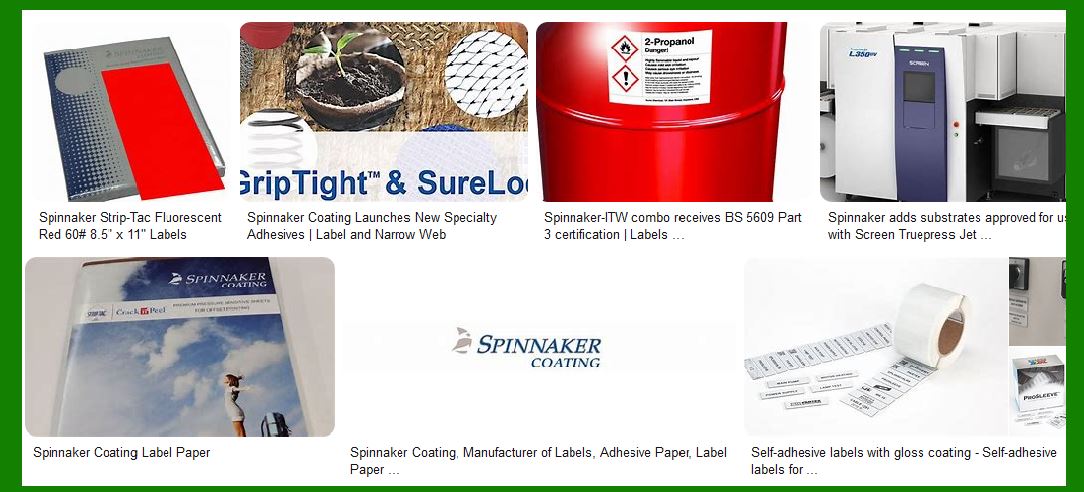
Spinnaker Coating is a prominent manufacturer of pressure-sensitive materials, specializing in providing high-quality self-adhesive labels for various industries. Their products are known for their reliability, durability, and versatility, making them a preferred choice for many businesses. |
|
2. Overview of Self-Adhesive Barcode Labels |
Self-adhesive barcode labels are essential for inventory management, product tracking, and identification. These labels are designed to adhere to various surfaces and withstand different environmental conditions. Spinnaker Coating offers a wide range of self-adhesive barcode labels tailored to meet specific needs. |
|
3. Materials Used in Self-Adhesive Barcode Labels |
3.1 Facestock |
The facestock is the top layer of the label that carries the printed information. Spinnaker Coating offers various facestock materials, including: |
Paper: Suitable for general-purpose labeling, offering good print quality and cost-effectiveness. Film: Provides durability and resistance to moisture, chemicals, and abrasion, ideal for harsh environments. Foil: Used for high-end applications requiring a metallic finish and enhanced durability. |
3.2 Adhesives |
The adhesive layer ensures the label sticks to the surface. Spinnaker Coating provides different adhesive options: |
Permanent Adhesives: Designed for long-term applications where the label needs to stay in place. Removable Adhesives: Allow the label to be removed without leaving residue, suitable for temporary labeling. Specialty Adhesives: Tailored for specific surfaces or conditions, such as high-tack adhesives for rough surfaces or low-tack adhesives for delicate items. |
3.3 Liners |
The liner is the backing material that protects the adhesive until the label is applied. Spinnaker Coating offers various liner materials, including: |
Paper Liners: Commonly used for general applications, providing a balance of cost and performance. Film Liners: Offer superior strength and smoothness, ideal for high-speed dispensing and automated applications. |

|
4. Manufacturing Process |
4.1 Coating |
Spinnaker Coating uses advanced coating technologies to apply adhesives and topcoats to the facestock. This process ensures uniformity and consistency in the adhesive layer, enhancing the label’s performance. |
4.2 Printing |
The printing process involves transferring the barcode and other information onto the facestock. Spinnaker Coating supports various printing methods, including: |
Flexographic Printing: Suitable for high-volume production, offering excellent print quality and versatility. Digital Printing: Ideal for short runs and variable data printing, providing flexibility and quick turnaround times. Thermal Transfer Printing: Commonly used for barcode labels, offering durability and resistance to fading. |
4.3 Die-Cutting |
Die-cutting is the process of cutting the labels into specific shapes and sizes. Spinnaker Coating uses precision die-cutting techniques to ensure accurate and consistent label dimensions. |

|
5. Applications of Self-Adhesive Barcode Labels |
5.1 Retail |
In the retail industry, barcode labels are used for product identification, pricing, and inventory management. Spinnaker Coating’s labels are designed to withstand handling and exposure to various environmental conditions. |
5.2 Logistics and Warehousing |
Barcode labels play a crucial role in logistics and warehousing, enabling efficient tracking and management of goods. Spinnaker Coating offers durable labels that can withstand rough handling and extreme temperatures. |
5.3 Healthcare |
In the healthcare sector, barcode labels are used for patient identification, medication tracking, and lab sample management. Spinnaker Coating provides labels that meet stringent healthcare standards, ensuring safety and reliability. |
5.4 Manufacturing |
Manufacturers use barcode labels for tracking raw materials, work-in-progress items, and finished products. Spinnaker Coating’s labels are designed to withstand harsh manufacturing environments, including exposure to chemicals and abrasion. |

|
6. Customization Options |
Spinnaker Coating offers extensive customization options to meet specific requirements. Customers can choose from various facestock materials, adhesives, and liners, as well as custom shapes and sizes. Additionally, Spinnaker Coating provides options for pre-printed labels with logos, text, and graphics. |

|
7. Quality Control |
Spinnaker Coating maintains strict quality control measures throughout the manufacturing process. Each batch of labels undergoes rigorous testing to ensure adherence to specifications and performance standards. This commitment to quality ensures that customers receive reliable and high-performing labels. |

|
8. Environmental Considerations |
Spinnaker Coating is committed to sustainability and environmental responsibility. They offer eco-friendly label options, including facestock made from recycled materials and adhesives with reduced environmental impact. Additionally, their manufacturing processes are designed to minimize waste and energy consumption. |

|
9. Technical Support and Customer Service |
Spinnaker Coating provides comprehensive technical support and customer service to assist with label selection, application, and troubleshooting. Their knowledgeable team is available to answer questions and provide guidance, ensuring customers receive the best possible solutions for their labeling needs. |

|
10. Conclusion |
Spinnaker Coating’s self-adhesive barcode labels are a reliable and versatile solution for various industries. With a wide range of materials, adhesives, and customization options, they can meet the specific needs of any application. Their commitment to quality, sustainability, and customer service makes them a trusted partner in the labeling industry. |
 cs@easiersoft.com