Barcode Printer: Advanced Features |
Barcode printers have evolved significantly over the years, adapting to the growing demands of businesses that require high-quality, reliable, and efficient label printing. These printers have advanced beyond simple printing mechanisms, incorporating sophisticated features that improve functionality and performance. The following are some of the advanced features commonly found in modern barcode printers: |
1. Wireless Connectivity |
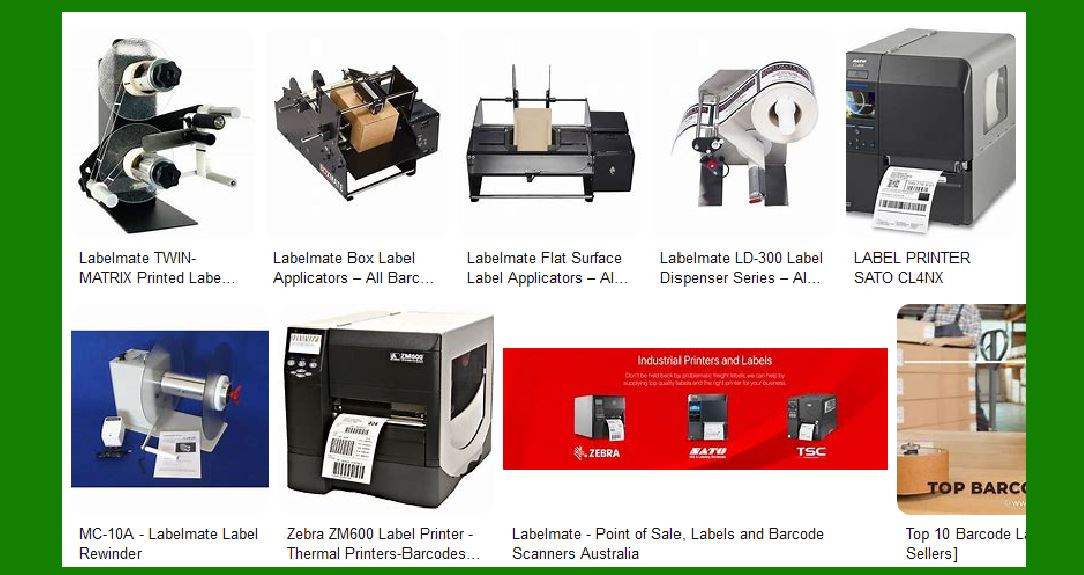
Wireless connectivity is one of the most sought-after features in modern barcode printers. It enhances flexibility and convenience by eliminating the need for wired connections. With wireless capabilities, barcode printers can be integrated into a network, allowing them to communicate with multiple devices and systems without the constraints of physical cables. |
a. Printing from Mobile Devices: Many businesses have adopted mobile devices such as smartphones, tablets, and handheld scanners as part of their day-to-day operations. Wireless barcode printers support connectivity via technologies like Wi-Fi, Bluetooth, and even NFC (Near Field Communication). This enables employees to print directly from their mobile devices, which is especially useful in environments like warehouses or retail stores, where mobility is crucial. Workers can print labels on-demand while on the move, improving operational efficiency. |
b. Network Integration: Barcode printers with wireless connectivity can easily be integrated into existing wireless networks. This integration allows them to be shared across multiple workstations or departments. For example, in a warehouse, one barcode printer can serve multiple inventory tracking systems, reducing the need for numerous printers scattered throughout the facility. The ability to print over a network also streamlines operations, as employees can print from different devices without worrying about cables or physical connections. |
c. Cloud Printing: Some advanced barcode printers offer cloud printing capabilities, enabling users to send print jobs from remote locations. With cloud connectivity, labels can be printed from anywhere, as long as the printer is connected to the internet. This feature is particularly beneficial for businesses with multiple locations or for remote workers who need access to barcode label printing. |
|
2. High-Resolution Printing |
High-resolution printing is essential when it comes to barcode printers, as the quality of the printed barcode directly affects the readability and scanning efficiency of the barcode. High-quality prints ensure that barcodes can be scanned quickly and accurately by barcode scanners, minimizing the risk of errors or misreads. |
a. Print Quality: Modern barcode printers are capable of printing at resolutions as high as 300 DPI (dots per inch) or more, which is significantly higher than older models. A higher resolution results in finer detail, which is crucial for printing high-density barcodes, such as 2D barcodes like QR codes or DataMatrix, which contain more information in a smaller space. Higher resolution also ensures that text and graphics printed on labels, such as product information or logos, are crisp and clear. |
b. Clear Barcode Scanning: A high-resolution printer ensures that the printed barcode has sharp, clear lines, making it easier for barcode scanners to interpret the code. Poor print quality, especially with low-resolution printers, can lead to scanning errors, increased downtime, and lost productivity. Businesses rely on accurate barcodes to track inventory, manage shipments, and streamline logistics, making high-resolution printing a critical feature in barcode printers. |
c. Adaptability to Various Media: High-resolution barcode printers are versatile in terms of the type of media they can print on. They are capable of printing on various materials, including paper, synthetic films, and even special label stocks used in specific industries like food or healthcare. The high resolution ensures that the barcode remains readable regardless of the material. |
|
3. Multi-Label Printing |
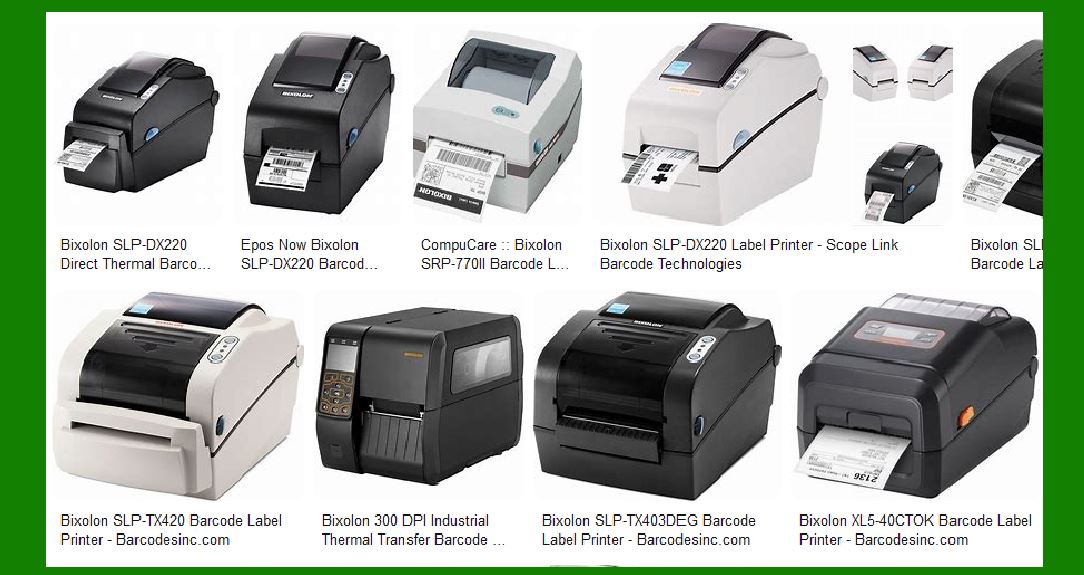
In industries like logistics, retail, and manufacturing, efficiency is key. Multi-label printing is a feature that can dramatically improve workflow efficiency by allowing users to print multiple labels in a single print job. Rather than printing one label at a time, barcode printers with multi-label printing capabilities can print several labels simultaneously or in a batch. |
a. Batch Printing: With multi-label printing, businesses can create large batches of labels at once. For example, in a warehouse or retail setting, when a shipment arrives or inventory is restocked, it's often necessary to print a large number of barcode labels quickly. Multi-label printing reduces the time spent printing individual labels and speeds up the overall process. This is particularly useful in high-volume environments, where printing hundreds or thousands of labels per day is common. |
b. Customization Options: Modern barcode printers with multi-label printing often come with software that allows for the customization of each label in the batch. For instance, each label can contain unique barcode information, product descriptions, or shipping details, while still being printed in a single print run. This functionality is especially useful for businesses that deal with a wide variety of products and require labels with different barcodes. |
c. Reducing Operational Costs: Multi-label printing helps reduce operational costs by minimizing the number of print jobs needed and improving the overall efficiency of label creation. Fewer print runs mean reduced material wastage, less time spent on setup, and decreased wear and tear on the printer, leading to lower maintenance costs. |
|
4. Error Correction |
In barcode printing, errors can occur for various reasons, such as printer malfunctions, media inconsistencies, or environmental factors. Even the slightest printing error can result in unreadable or misprinted barcodes, leading to problems in inventory management, shipping, and sales transactions. Advanced barcode printers come equipped with error correction algorithms designed to detect and correct these issues in real time. |
a. Real-Time Error Detection: Modern barcode printers employ error detection algorithms that monitor the printing process in real time. If any discrepancies are detected, such as incorrect barcode alignment, poor quality print, or missing data, the printer will notify the user or automatically adjust the print settings to resolve the issue. This proactive approach helps to prevent costly mistakes and ensures that barcodes are printed correctly on the first try. |
b. Print Quality Adjustments: Error correction algorithms can also adjust the print quality based on the current printing conditions. For example, if the print head starts to wear out, or if the media type being used is causing inconsistencies in printing, the printer can make adjustments to compensate for these issues. This ensures that the printed barcode is still legible and scannable, even if the conditions change over time. |
c. Redundancy and Recovery: In some cases, barcode printers with advanced error correction features are designed to create redundant barcodes in the event that one fails. This is particularly useful in industries where barcode reliability is critical, such as healthcare or logistics, where even a single unreadable barcode can cause significant delays or errors. These printers are capable of printing a secondary or backup barcode to ensure that the data can still be scanned in case of an error. |
d. Improved Readability: Error correction extends to ensuring that barcodes meet specific quality standards. Many printers are designed to produce barcodes that comply with international standards such as ISO or GS1. These standards ensure that the printed barcode has sufficient contrast, correct proportions, and proper quiet zones around the barcode. By adhering to these standards, the barcode is more likely to be read accurately by barcode scanners, reducing scanning errors and improving operational efficiency. |
|
Conclusion |
In summary, modern barcode printers come with an array of advanced features that enhance their functionality, reliability, and performance. Wireless connectivity allows for seamless communication and mobility, enabling printing from mobile devices or over a network. High-resolution printing ensures that barcodes and other label information are sharp, clear, and scannable, which is critical for businesses that rely on barcode scanning for inventory and logistics. Multi-label printing boosts efficiency by enabling businesses to print multiple labels in one batch, saving both time and resources. Lastly, error correction algorithms detect and correct printing issues in real time, ensuring that barcodes are printed correctly every time and reducing the risk of errors. |
These advanced features make barcode printers an indispensable tool in modern business environments, helping organizations streamline operations, reduce errors, and maintain accurate tracking and inventory management systems. |
|
Practical examples of how advanced barcode printer features are applied in real-world business scenarios: |
1. Wireless Connectivity |
Example: Retail Store Inventory Management |
In a large retail store, employees are constantly restocking shelves and managing inventory. With wireless barcode printers, employees equipped with mobile devices like smartphones or tablets can print barcode labels for new products directly from the sales floor, without having to return to a central printing station. The printer is connected to the store's Wi-Fi network, and staff can quickly print labels on demand as they encounter new inventory. |
Benefit: Wireless connectivity speeds up the process of labeling new stock and prevents delays that could occur if staff had to go back to a fixed computer or printer to print labels. It also allows more efficient stock management and helps avoid errors related to missing labels. |
2. High-Resolution Printing |
Example: Healthcare Industry - Patient Identification |
In a hospital setting, high-resolution barcode printers are used to print patient identification wristbands that include detailed barcode data. These barcodes contain critical patient information such as medical record numbers, medication prescriptions, and appointment schedules. The printer must be able to print small, high-quality barcodes that are still scannable by medical staff. |
Benefit: High-resolution printing ensures that barcodes on wristbands are clear and scannable, even if they are small or printed on thin materials like paper or plastic. This reduces the risk of scanning errors in patient care settings and helps maintain accurate patient records. |
|
3. Multi-Label Printing |
Example: Logistics and Shipping Operations |
In a distribution center or warehouse, multi-label printing is used for printing several shipping labels in one go. For example, a warehouse might need to print labels for multiple orders being processed at once. Instead of printing one label at a time, the barcode printer can print a batch of labels in a single print job. These labels could include barcode data for different products, addresses, and tracking numbers. |
Benefit: Multi-label printing reduces the time spent printing individual labels and helps streamline the fulfillment process. It is particularly helpful during peak seasons like holidays when shipping volume increases. By allowing multiple labels to be printed simultaneously, businesses can process more orders in less time. |
4. Error Correction |
Example: Manufacturing Line - Product Tracking |
In a manufacturing plant, barcode printers are used to label products at different stages of production. These labels contain barcodes that track the product's status, whether it's in assembly, inspection, or packaging. If a printing error occurs (e.g., poor quality print or misalignment of the barcode), the error correction feature can detect the problem immediately. |
Benefit: Error correction ensures that every barcode is printed correctly, preventing issues like unreadable barcodes or incorrect product tracking. In a fast-paced production environment, this feature minimizes downtime and reduces the need for reprints, which could disrupt the workflow and delay shipments. |
|
5. Cloud Printing |
Example: Warehouse with Multiple Locations |
In a large warehouse with multiple locations, barcode printers can be connected to the cloud, allowing employees to print barcode labels from any location within the facility or even from a remote site. For example, a warehouse manager might want to print new labels for an incoming shipment. By sending the print job to a cloud-connected barcode printer, the label can be printed at any nearby printer, regardless of where the request originates. |
Benefit: Cloud printing allows for better coordination in large facilities or across different locations, ensuring that the right labels are printed when and where they're needed. It also reduces the need for additional hardware and streamlines the process of label printing across multiple departments. |
6. Mobile Label Printing |
Example: Event Management |
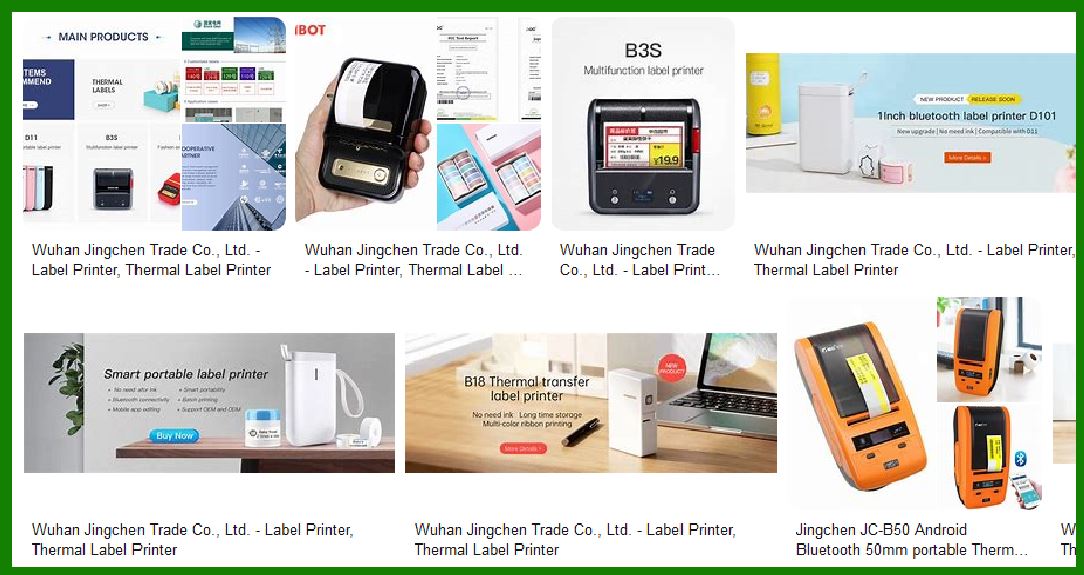
At a large conference or event, mobile barcode printers can be used to print attendee badges, tickets, or access passes with barcode information. These printers are portable, allowing staff to move freely around the venue and print labels for attendees as they register. |
Benefit: Mobile barcode printers help streamline event check-ins and reduce long lines by allowing staff to quickly print badges on-site. The portability ensures that event managers can respond flexibly to demand, printing more badges when needed, right on the spot. |
|
7. Redundancy and Recovery for Critical Applications |
Example: High-Volume Retail - Point-of-Sale Systems |
In a high-volume retail store, barcode printers are used at the point of sale (POS) to print receipts and product labels. If a barcode printer encounters an error or fails to print a label correctly, an advanced printer with redundancy and recovery features may automatically print a backup label with a secondary barcode. This ensures that the product can still be scanned and sold, even if the original barcode is damaged. |
Benefit: This redundancy minimizes disruptions in the sales process, allowing the store to continue operations without requiring manual intervention or delaying transactions. It ensures that barcode printing remains reliable, even in high-pressure environments. |
8. Inventory Management in Warehouse |
Example: RFID and Barcode Labeling |
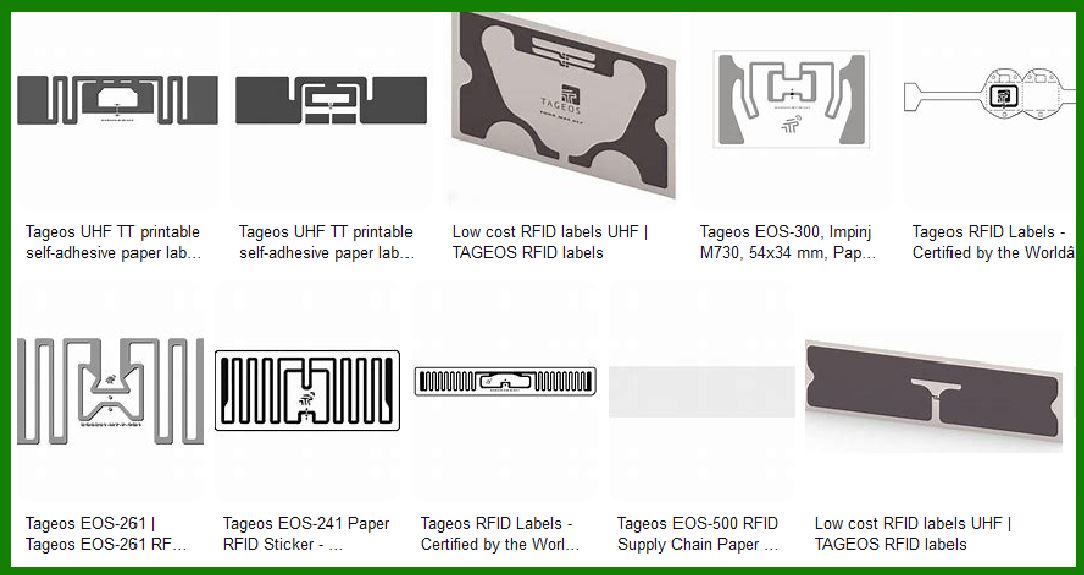
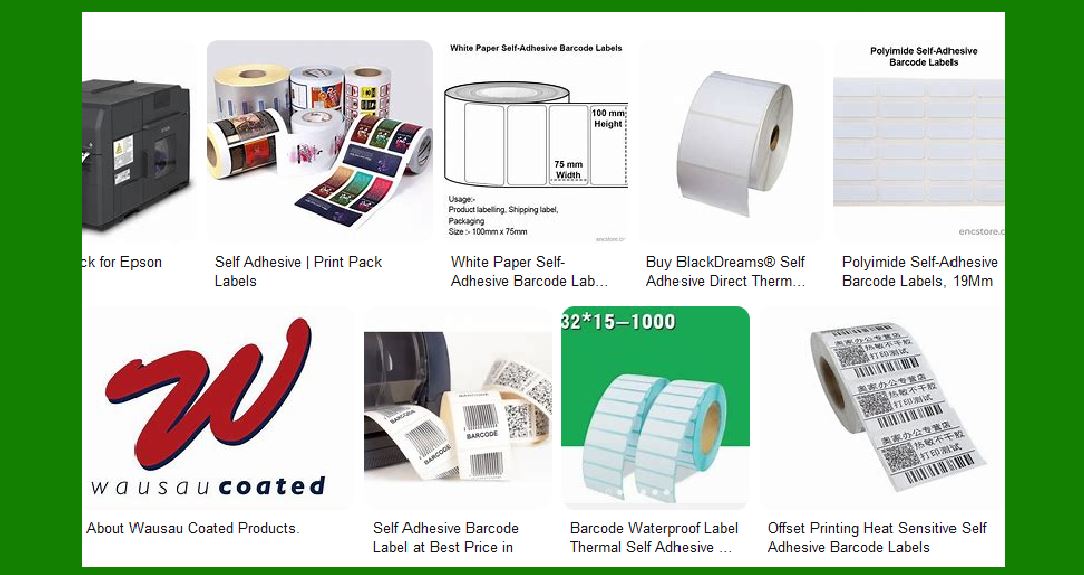
In a warehouse, items are often tagged with RFID (Radio Frequency Identification) labels, which are scanned with handheld devices. A barcode printer with high-resolution capabilities can print both traditional barcodes and RFID tags with accuracy. This allows the warehouse to track inventory using both barcode and RFID technology, improving tracking efficiency. |
Benefit: The ability to print both barcode and RFID labels on demand enhances the accuracy and flexibility of inventory management. It also allows the warehouse to switch between technologies as needed, depending on the requirements of the task, improving overall operational efficiency. |
|
9. Customizable Label Printing |
Example: Food Industry - Expiry Date Labels |
In the food industry, barcode printers can be used to print labels containing product information like nutritional facts, barcodes, and expiry dates. A barcode printer with multi-label printing features allows for the efficient creation of labels with varying details, such as batch numbers or product variants. |
Benefit: Customizable label printing ensures that each product is properly labeled with all required information, such as expiry dates, ingredient lists, and barcodes. This is crucial in the food industry, where strict regulations require accurate labeling for food safety and traceability. |
|
Conclusion |
These practical examples highlight the diverse ways in which advanced barcode printer features improve operational efficiency, reduce errors, and ensure product traceability across different industries. Wireless connectivity and mobile label printing streamline workflows by allowing employees to print labels on-demand, while high-resolution printing ensures that barcodes are clear and scannable, even on small or complex labels. Multi-label printing saves time in high-volume environments, and error correction guarantees that barcodes are always accurate, which is crucial for industries like manufacturing, logistics, and retail. The ability to print customizable labels and support redundancy further ensures that businesses can maintain smooth operations even during high-pressure tasks. Overall, advanced features in barcode printers contribute to greater productivity, accuracy, and cost savings across various sectors. |
 cs@easiersoft.com