The detail of barcode printer control boards. These devices, which act as the brains of barcode printers, are essential for managing the overall operation and ensuring efficient communication between different components. Here's a detailed overview: |
1.Introduction to Barcode Printer Control Boards |
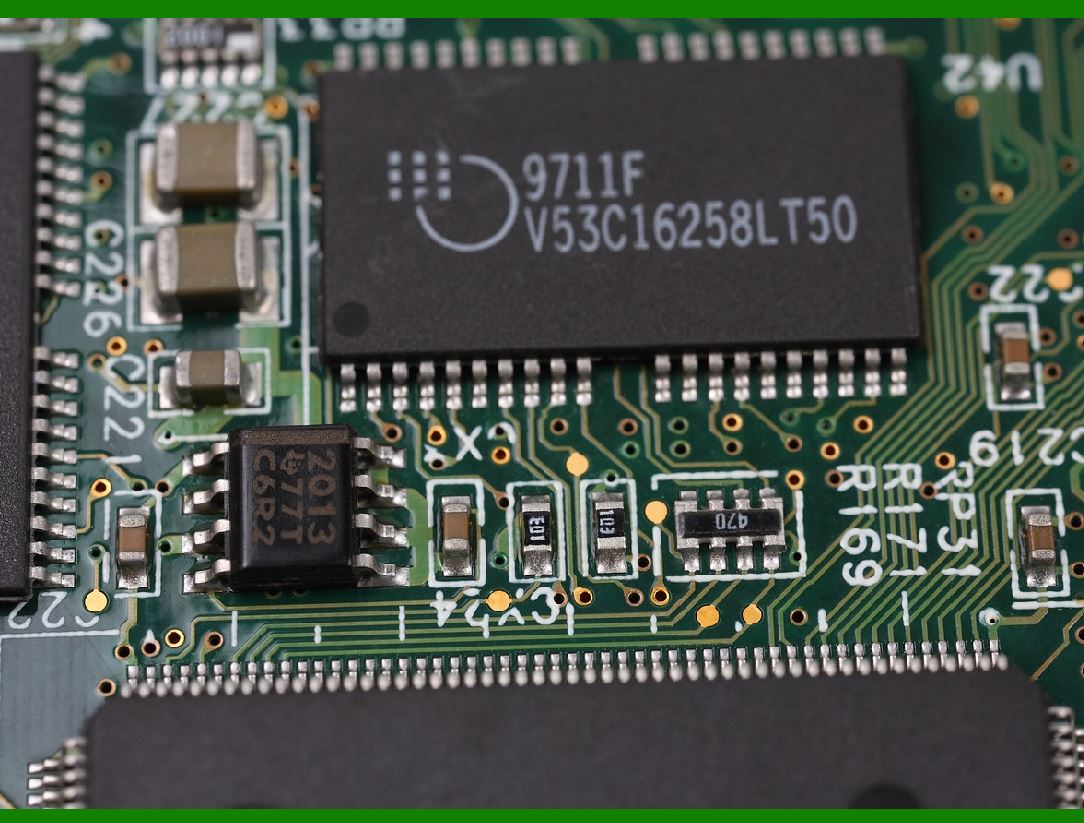
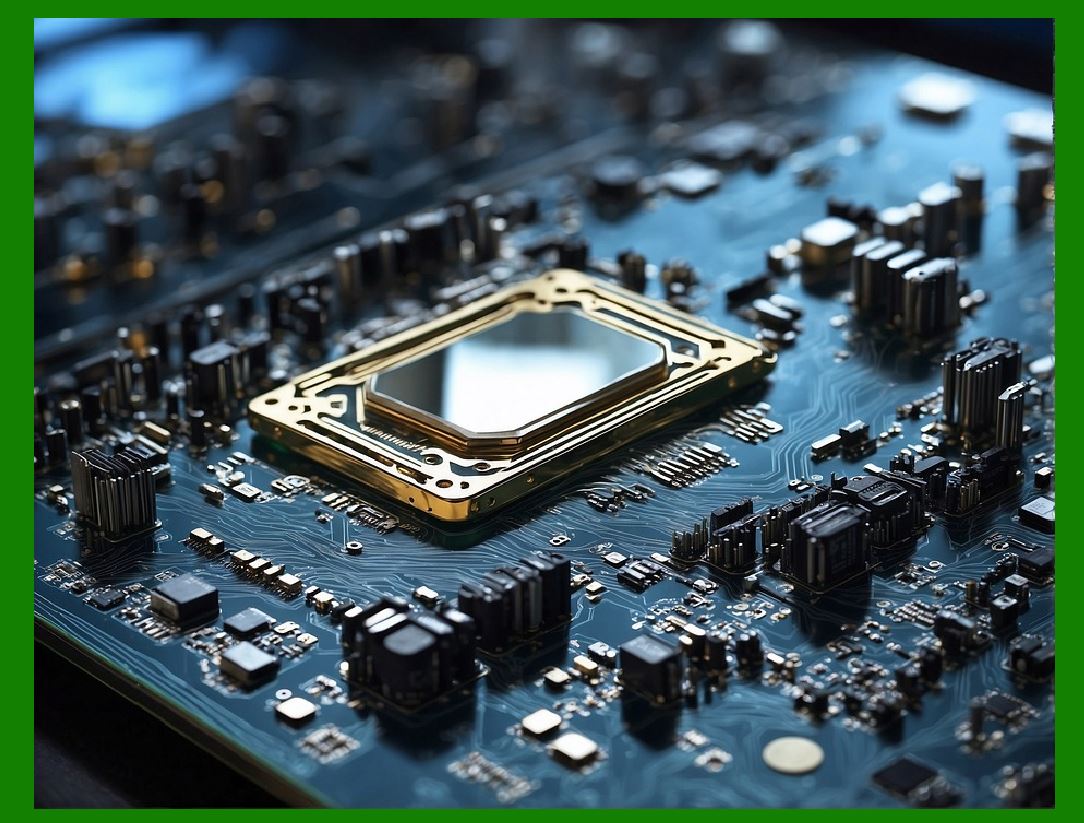
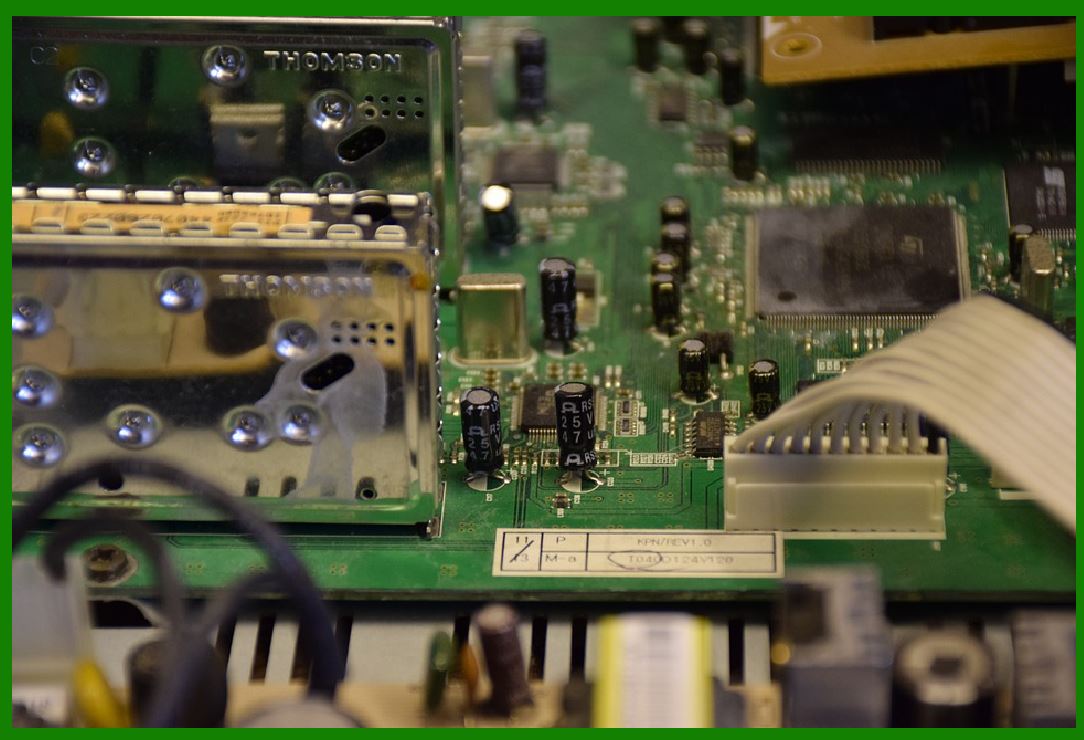
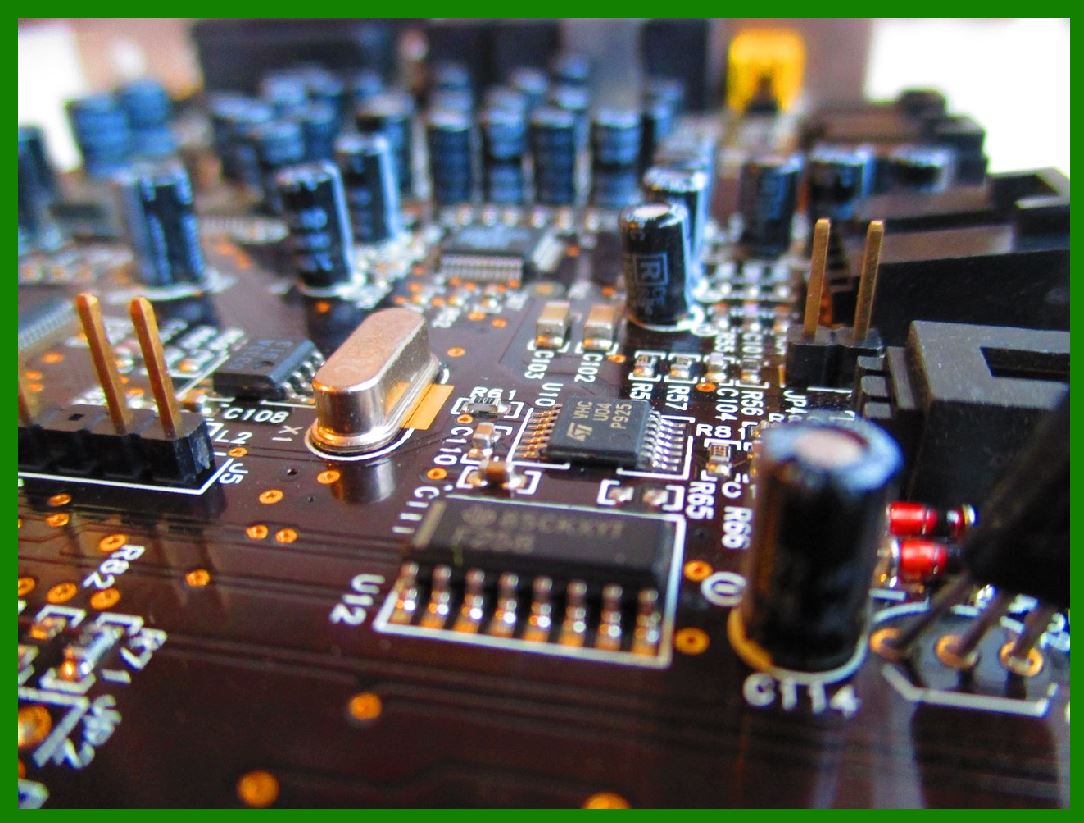
The control board is an integral component of a barcode printer, serving as its central processing unit (CPU). It governs the printer's functionality, coordinates tasks, and ensures smooth interaction between hardware and software components. |
The control board is responsible for managing various operations, including data processing, communication, and control of mechanical and electrical parts. |
|
2.Components of a Control Board |
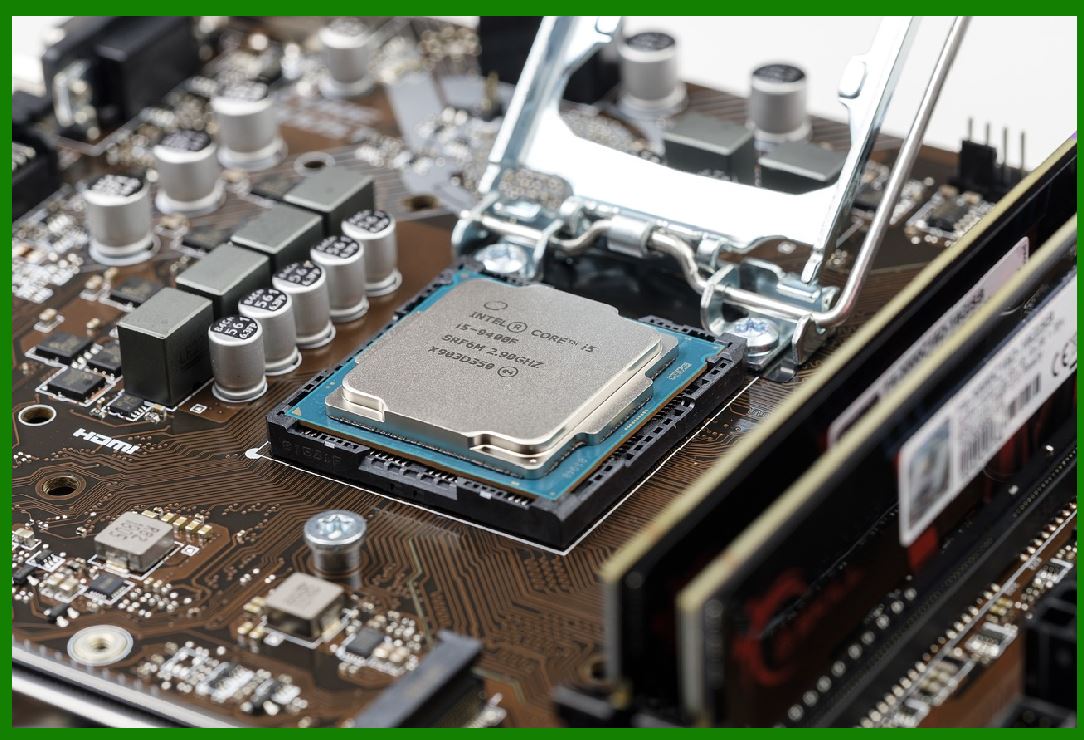
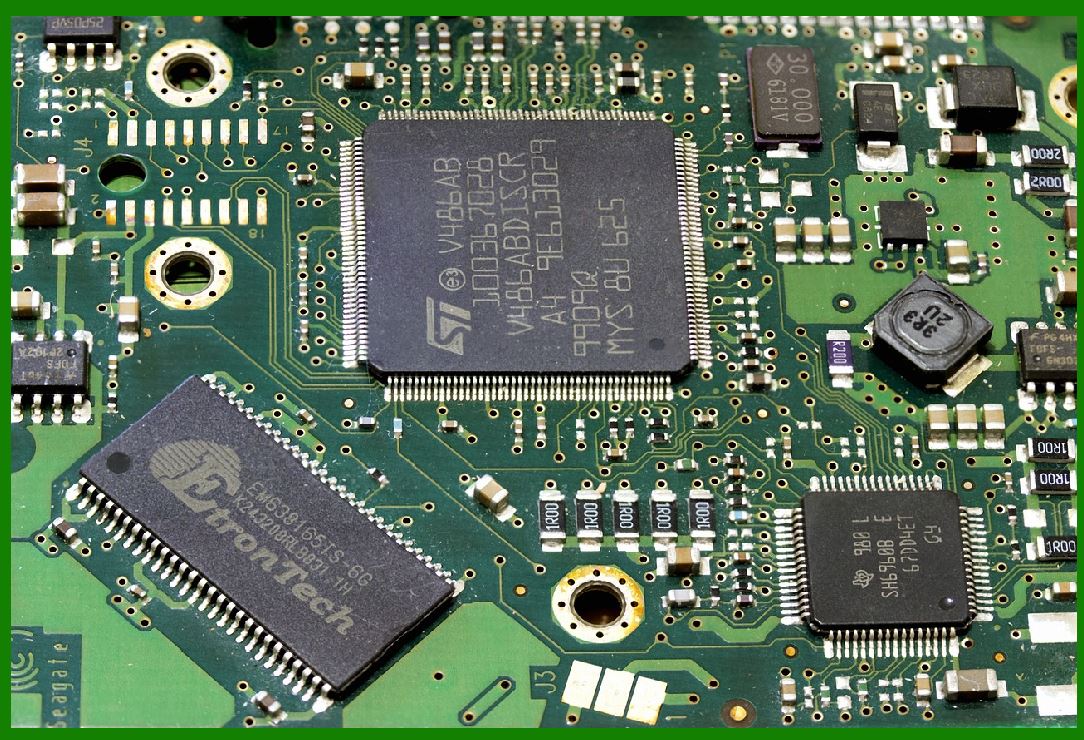
Processor (CPU): The core of the control board, the processor executes instructions from the firmware, processes data, and manages all tasks within the printer. Modern processors are typically based on ARM architecture, which provides high performance and low power consumption. |
Memory: |
RAM (Random Access Memory): Temporary storage for data being processed by the CPU. RAM is crucial for handling complex print jobs and multitasking. |
ROM (Read-Only Memory): Permanent storage for firmware, which contains the instructions and software that control the printer's operations. |
EEPROM (Electrically Erasable Programmable Read-Only Memory): Non-volatile memory used to store configuration settings and user preferences. |
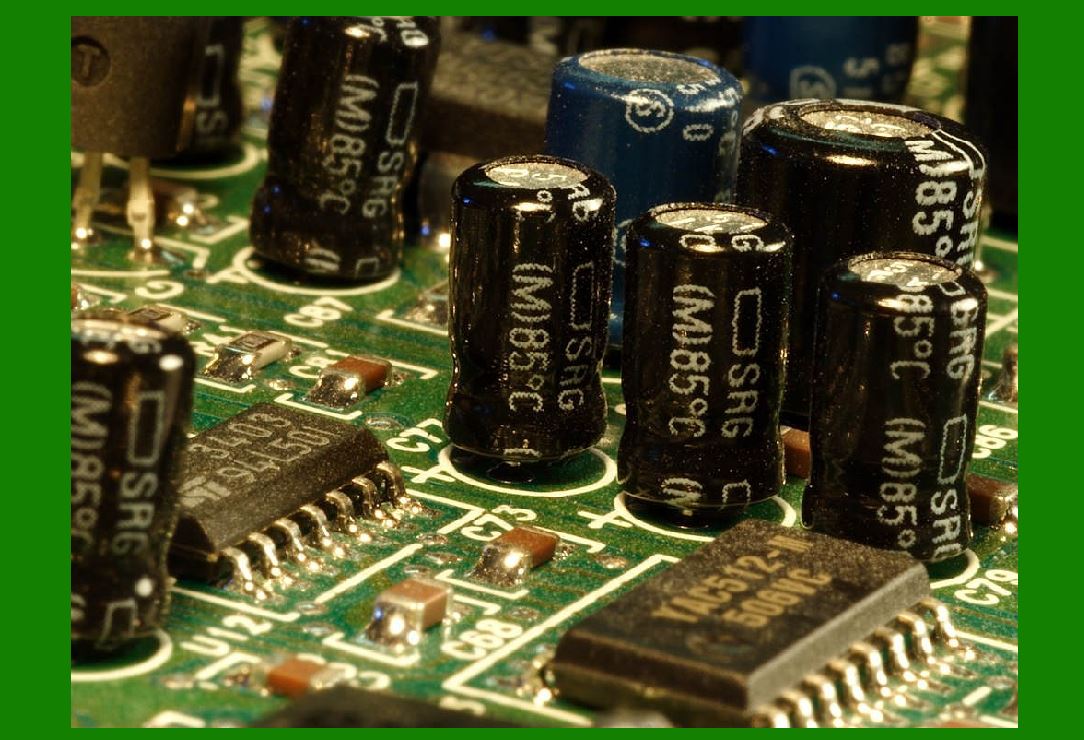
Power Management Circuitry: Ensures stable power supply to all components, protecting the control board from voltage fluctuations and power surges. |
Communication Interfaces: Facilitate data exchange between the control board and external devices, such as computers, scanners, and networks. Common interfaces include USB, Ethernet, and serial ports. |
Motor Drivers: Control the stepper motors responsible for moving the print head and feeding the media. |
Sensors and Feedback Systems: Monitor various aspects of the printer's operation, such as temperature, media position, and print head status, providing real-time feedback to the control board. |

|
3.Firmware and Software Integration |
Firmware: The firmware is the software embedded in the control board's ROM. It contains the instructions and algorithms that govern the printer's operations, including data parsing, image rendering, and motor control. Firmware updates can enhance printer performance, fix bugs, and introduce new features. |
Driver Software: Installed on the host computer, the driver software translates print jobs into a format that the control board can understand. It ensures compatibility between the printer and various operating systems and applications. |
Communication Protocols: Standardized communication protocols, such as ESC/POS and ZPL, enable seamless interaction between the control board and external devices. These protocols define the commands and data formats used for sending print jobs, receiving status updates, and configuring settings. |
|
4.Data Processing and Image Rendering |
Data Parsing: The control board receives print jobs from the host computer in the form of raw data or encoded commands. It parses this data to extract relevant information, such as text, barcodes, and graphics. |
Image Rendering: The parsed data is converted into a bitmap image, which represents the final printed output. This process involves scaling, rotation, and dithering algorithms to ensure high-quality prints. |
Buffer Management: To handle complex print jobs, the control board uses buffer memory to store intermediate data. Efficient buffer management ensures smooth and uninterrupted printing, even for large and intricate labels. |

|
5.Motor Control and Media Handling |
Stepper Motors: The control board controls stepper motors that move the print head and feed the media. Precise motor control is essential for accurate positioning and consistent print quality. |
Media Sensors: Various sensors, such as gap sensors and black mark sensors, detect the position and type of media being used. The control board uses this information to adjust print settings and ensure proper media handling. |
Feed Mechanism: The control board manages the feed mechanism, which advances the media through the printer. It synchronizes the movement of the print head and media to prevent misalignment and ensure precise printing. |
|
6.Temperature Control and Print Head Management |
Thermal Print Head: In thermal printers, the control board regulates the temperature of the print head to ensure optimal printing conditions. It adjusts the energy delivered to the heating elements based on the type of media and print settings. |
Temperature Sensors: Sensors embedded in the print head monitor its temperature in real-time. The control board uses this data to prevent overheating and maintain consistent print quality. |
Print Head Life Management: The control board tracks the usage of the print head and provides feedback on its condition. It may issue warnings or recommendations for maintenance or replacement when necessary. |

|
7.Error Detection and Fault Tolerance |
Error Codes and Diagnostics: The control board generates error codes and diagnostic messages in response to various issues, such as paper jams, low ribbon supply, or communication failures. These codes help users and technicians identify and resolve problems quickly. |
Redundancy and Fail-Safe Mechanisms: To ensure reliable operation, the control board incorporates redundancy and fail-safe mechanisms. For example, it may include backup power supplies, duplicate sensors, or watchdog timers to detect and recover from faults. |
|
8.Communication and Networking |
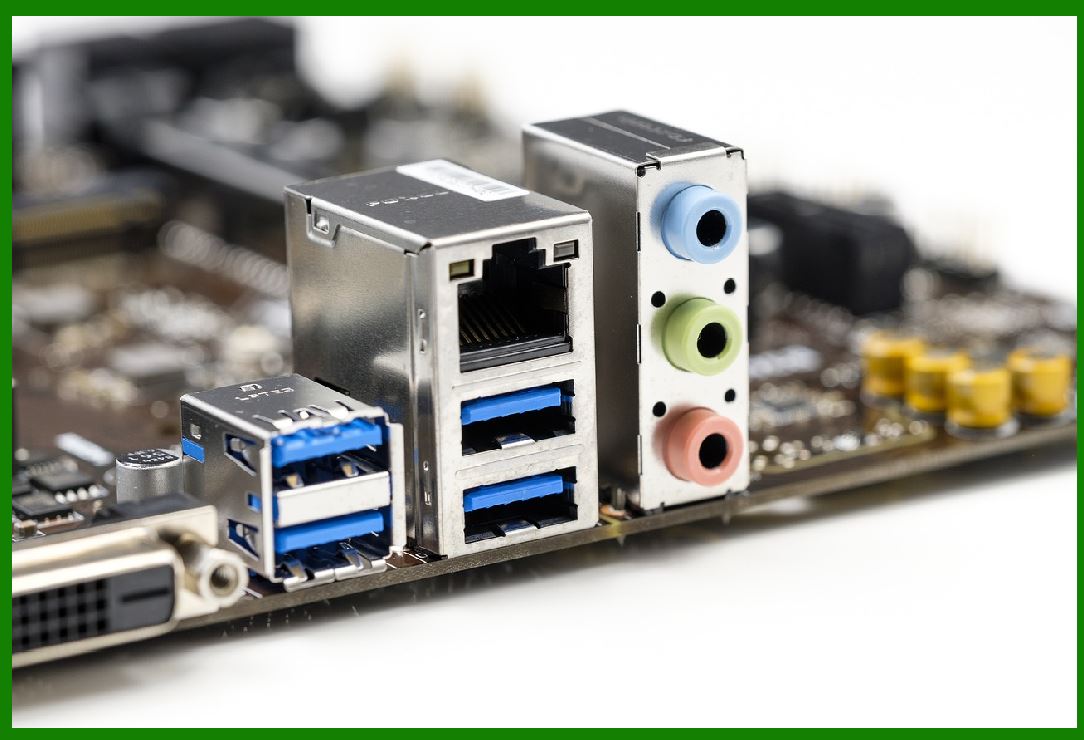
Wired Communication: The control board supports wired communication interfaces, such as USB, Ethernet, and serial ports. These interfaces enable direct connection to computers, scanners, and other peripherals. |
Wireless Communication: Modern barcode printers may also feature wireless communication options, such as Wi-Fi and Bluetooth. The control board manages these connections, allowing for flexible and convenient operation in various environments. |
Network Integration: In networked environments, the control board can communicate with multiple devices simultaneously. It supports standard networking protocols, such as TCP/IP, to enable seamless integration with existing IT infrastructure. |
|
9.User Interface and Configuration |
Control Panel: Many barcode printers feature a control panel with buttons and a display screen. The control board manages this interface, allowing users to configure settings, monitor status, and troubleshoot issues. |
Remote Management: Some advanced printers offer remote management capabilities, enabling users to configure and monitor the printer from a computer or mobile device. The control board supports this functionality through web interfaces, APIs, or dedicated management software. |
Configuration Settings: The control board stores various configuration settings, such as print speed, resolution, and media type. Users can customize these settings to optimize print quality and performance for specific applications. |
|
10.Security and Compliance |
Data Encryption: To protect sensitive information, the control board may implement data encryption techniques. This ensures that print jobs and configuration data are transmitted securely between the printer and external devices. |
Access Control: The control board can enforce access control measures, such as password protection or user authentication. This prevents unauthorized access to the printer and its settings. |
Regulatory Compliance: Barcode printers must comply with various industry standards and regulations. The control board ensures that the printer meets these requirements, such as electromagnetic compatibility (EMC) and safety standards. |
|
11.Environmental Considerations |
Energy Efficiency: The control board plays a crucial role in managing the printer's energy consumption. It may implement power-saving features, such as automatic sleep mode or adjustable print head energy levels, to reduce overall energy usage. |
Sustainability: Some barcode printers are designed with sustainability in mind. The control board can support eco-friendly features, such as recyclable media and energy-efficient components, to minimize the printer's environmental impact. |
|
12.Integration with Other Systems |
ERP and WMS Integration: Barcode printers are often used in conjunction with enterprise resource planning (ERP) and warehouse management systems (WMS). The control board supports integration with these systems, enabling seamless data exchange and automated printing workflows. |
IoT Integration: In modern industrial environments, barcode printers may be part of an Internet of Things (IoT) ecosystem. The control board can communicate with other IoT devices, such as sensors and controllers, to enable advanced automation and monitoring capabilities. |
Custom Software Solutions: The control board can interface with custom software solutions developed for specific applications. This allows businesses to tailor the printer's functionality to their unique requirements and achieve greater operational efficiency. |

|
13.Maintenance and Troubleshooting |
Firmware Updates: Regular firmware updates can enhance the performance and reliability of the control board. These updates may include bug fixes, new features, and improvements to existing functionalities. |
Self-Diagnostics: The control board may include self-diagnostic capabilities, allowing it to detect and report potential issues before they affect the printer's operation. This helps users and technicians identify and address problems proactively. |
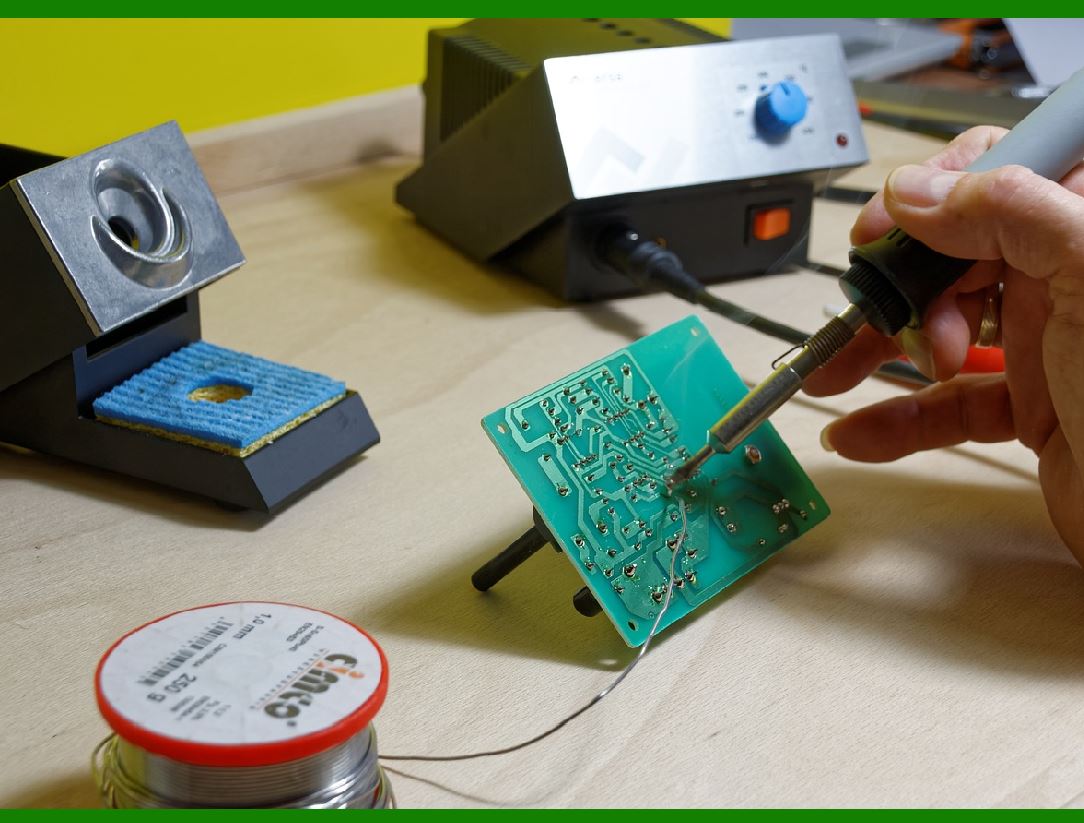
Technical Support: Manufacturers often provide technical support resources, such as user manuals, troubleshooting guides, and online forums. The control board may facilitate access to these resources, helping users resolve issues and maintain optimal printer performance. |
|
14.Future Trends and Innovations |
AI and Machine Learning: The integration of AI and machine learning technologies into control boards can enable advanced predictive maintenance, automated optimization, and enhanced error detection capabilities. |
Edge Computing: As part of the broader trend towards edge computing, control boards may incorporate more processing power and storage capacity. This allows them to perform complex data analysis and decision-making tasks locally, reducing latency and improving overall system efficiency. |
Advanced Connectivity: Future control boards may feature enhanced connectivity options, such as 5G and advanced IoT protocols. This enables faster data transfer, greater scalability, and improved integration with modern industrial systems. |
|
15.Conclusion |
The control board is the central hub of a barcode printer, orchestrating the complex interplay of mechanical, electrical, and software components. By managing data processing, communication, and control tasks, it ensures reliable and efficient printer operation. |
As technology continues to evolve, control boards will likely incorporate new features and capabilities, enabling barcode printers to meet the |
|
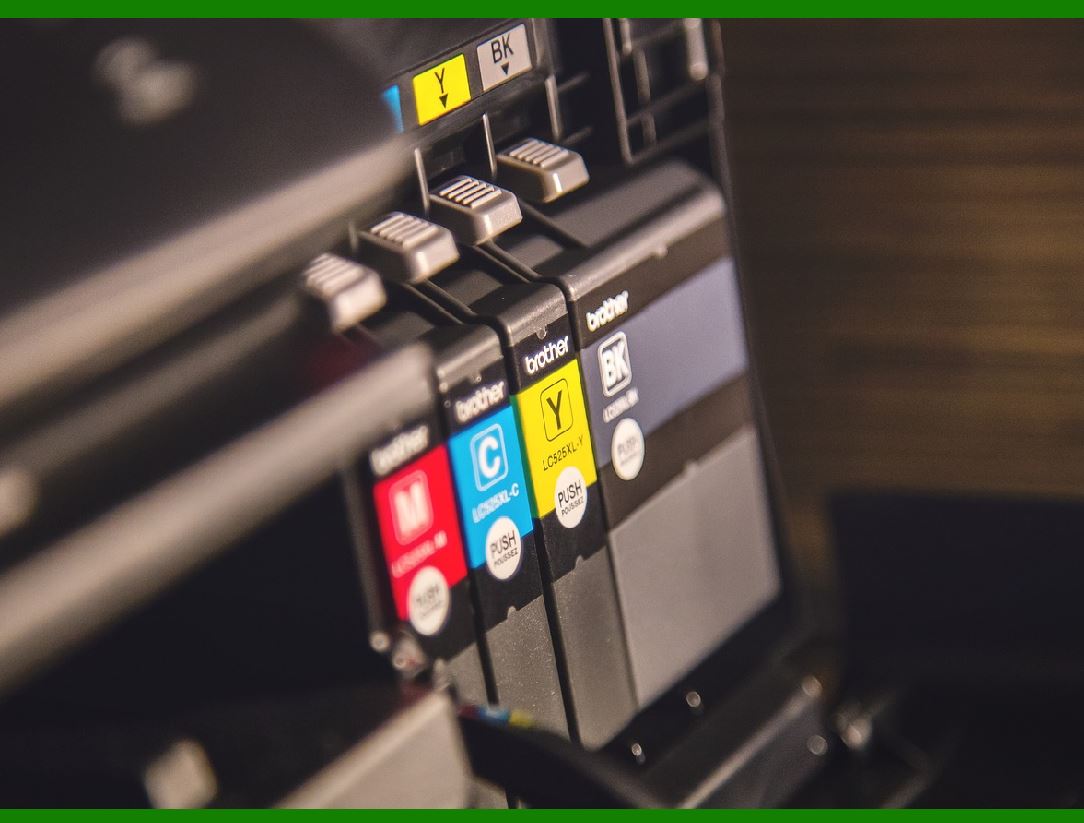
How does the control board compare to those in inkjet printers? |
The control boards in barcode printers and inkjet printers have some fundamental similarities since both types of printers rely on these components to manage their operations and ensure smooth communication between different parts. However, there are also significant differences due to the distinct functions and requirements of these printers. |
1.Primary Functions: |
Barcode Printer Control Board: |
Manages the creation and printing of barcodes, text, and graphics on labels, tags, or other media. |
Handles specific tasks related to barcode generation, including encoding data and ensuring accurate barcode readability. |
Inkjet Printer Control Board: |
Manages the printing of high-resolution text, graphics, and images on various types of paper. |
Controls the precise deposition of ink droplets from the print head onto the paper to create detailed prints. |
2.Processor and Memory: |
Barcode Printer: |
Uses processors optimized for handling barcode generation and printing tasks. |
Memory is focused on storing and processing label formats, barcode data, and printer settings. |
Inkjet Printer: |
Uses processors capable of handling complex image rendering and color management tasks. |
Requires more memory to store high-resolution image data, print jobs, and color profiles. |
3.Communication Interfaces: |
Barcode Printer: |
Common interfaces include USB, Ethernet, and serial ports for connecting to computers, scanners, and network systems. |
Supports communication protocols specific to barcode printing, such as ZPL and ESC/POS. |
Inkjet Printer: |
Common interfaces include USB, Ethernet, Wi-Fi, and Bluetooth for connecting to computers, mobile devices, and network systems. |
Supports standard print communication protocols like PCL (Printer Command Language) and PostScript. |
|
4.Motor Control and Media Handling: |
Barcode Printer: |
Controls stepper motors that move the print head and feed media with high precision to ensure accurate barcode printing. |
Manages sensors to detect media position, gaps, and black marks for proper media handling. |
Inkjet Printer: |
Controls stepper or DC motors that move the print head and paper feed mechanisms. |
Manages paper feed rollers and sensors to ensure smooth paper movement and alignment. |
5.Print Head Management: |
Barcode Printer: |
Manages thermal print heads, ensuring optimal temperature control for consistent print quality. |
Utilizes feedback from temperature sensors to prevent overheating and extend print head life. |
Inkjet Printer: |
Manages inkjet print heads, controlling the precise firing of ink droplets onto paper. |
Utilizes feedback from sensors to monitor ink levels, print head alignment, and nozzle performance. |
6.Data Processing and Image Rendering: |
Barcode Printer: |
Focuses on data parsing, barcode generation, and bitmap image rendering for label printing. |
Uses algorithms for scaling, rotation, and dithering to produce high-quality barcodes. |
Inkjet Printer: |
Focuses on high-resolution image rendering, color management, and print job processing. |
Uses advanced algorithms for color mixing, halftoning, and image scaling to produce detailed and vibrant prints. |
|
What new technologies will improve the function of the Barcode Printer's Control Board and reduce the failure rate in the future? |
Introduction to Barcode Printers and Control Boards Barcode printers are essential tools in various industries, including retail, healthcare, logistics, and manufacturing. They are responsible for printing barcodes on labels, which are then used for tracking and identification purposes. The control board is the brain of the barcode printer, managing all its functions, including data processing, print head control, and communication with other devices. As technology advances, new innovations are being developed to improve the functionality of barcode printer control boards and reduce their failure rates. |
1.IoT Integration The Internet of Things (IoT) is transforming barcode printers into smarter devices. IoT-enabled printers can communicate with other devices for seamless integration into warehouse or retail systems. This integration allows for real-time alerts for maintenance, paper jams, or low ink levels, enabling predictive maintenance to minimize downtime. By connecting barcode printers to IoT platforms, businesses can monitor and manage their printers remotely, ensuring optimal performance and reducing the likelihood of failures. |
2.AI-Powered Print Optimization Artificial Intelligence (AI) is making barcode printers smarter by automatically adjusting settings for optimal print quality. AI algorithms can analyze usage patterns to recommend cost-saving measures and detect errors before printing. This proactive approach helps in maintaining the printer's performance and reducing the chances of failures. AI-powered print optimization ensures that the printer operates efficiently, producing high-quality barcodes consistently. |
3.Advanced Connectivity Options Wireless connectivity is now standard in barcode printers, but future advancements will bring even more robust options. 5G compatibility will enable faster data transmission, while enhanced Bluetooth and Wi-Fi capabilities will provide better range and reliability. Near Field Communication (NFC) will simplify pairing and setup, making it easier for users to connect their devices. These advanced connectivity options will ensure that barcode printers can communicate effectively with other devices, reducing the chances of communication-related failures. |
4.Cloud-Based Printing Solutions Cloud-based printing solutions are becoming increasingly popular, allowing businesses to manage and monitor their barcode printing operations remotely. By centralizing control over multiple printers, cloud platforms enhance accessibility and efficiency. Automatic updates and minimal on-site maintenance reduce IT overhead and the likelihood of printer failures. Cloud-based solutions also enable businesses to print from any location, ensuring that their printing operations are always up and running. |
|
5.Eco-Friendly Printing Solutions Sustainability is at the forefront of technological advancements, and barcode printers are becoming more eco-conscious. Energy-efficient designs that consume less power and biodegradable or recyclable labels minimize environmental impact. Reduced waste through precise label-cutting and printing mechanisms also contribute to sustainability. These eco-friendly solutions not only benefit the environment but also improve the printer's performance and reduce the chances of failures caused by excessive wear and tear. |
6.Enhanced Durability and Portability Industries like logistics and healthcare demand rugged and portable barcode printers. New models feature waterproof and dustproof designs for harsh environments, lightweight and compact builds for on-the-go printing, and longer battery life for extended field operations. These enhancements ensure that barcode printers can withstand challenging conditions, reducing the likelihood of failures due to environmental factors. |
7.High-Resolution Printing As businesses require more detailed and precise labels, barcode printers are advancing with higher DPI (dots per inch) for sharper images and text. Support for micro-labels used in electronics and healthcare ensures that even the smallest barcodes are printed accurately. Improved print speeds without compromising quality ensure that businesses can meet their printing demands efficiently. High-resolution printing reduces the chances of errors and failures caused by poor print quality. |
8.Predictive Maintenance and Self-Diagnostics Predictive maintenance and self-diagnostic features are becoming standard in barcode printers. These technologies use sensors and data analytics to monitor the printer's performance and identify potential issues before they become critical. By addressing problems proactively, businesses can reduce downtime and extend the lifespan of their printers. Self-diagnostic features also enable users to troubleshoot and resolve issues quickly, minimizing the impact of failures on their operations. |
|
9.Modular Design and Easy Upgrades Future barcode printers will feature modular designs that allow for easy upgrades and replacements of components. This approach ensures that businesses can keep their printers up-to-date with the latest technologies without having to replace the entire unit. Modular designs also simplify maintenance and repairs, reducing the chances of failures caused by outdated or malfunctioning components. Easy upgrades ensure that barcode printers remain reliable and efficient over time. |
10.Enhanced Security Measures With the expanding role of barcode printers in sensitive industries, security advancements are crucial. Future printers will prioritize secure data transmission through advanced encryption protocols and multifactor authentication to protect sensitive information. Tamper-evident or tamper-resistant tags will further enhance security, reducing the chances of unauthorized access or data breaches. Enhanced security measures ensure that barcode printers can operate safely and reliably in any environment. |
11.Integration with Enterprise Resource Planning (ERP) Systems Barcode printers will increasingly integrate with ERP systems, allowing businesses to streamline their operations and improve efficiency. This integration enables seamless data exchange between the printer and other systems, ensuring that printing tasks are executed accurately and on time. By automating workflows and reducing manual interventions, businesses can minimize the chances of errors and failures in their printing operations. |
12.User-Friendly Interfaces and Customization Future barcode printers will feature user-friendly interfaces and customization options to enhance the user experience. Intuitive touchscreens, customizable settings, and easy-to-navigate menus will make it easier for users to operate their printers. By simplifying the user interface, businesses can reduce the chances of operator errors and ensure that their printers are used correctly. Customization options also allow businesses to tailor their printers to their specific needs, improving overall performance and reliability. |
|
13.Advanced Print Head Technologies The print head is a critical component of barcode printers, and advancements in print head technologies will significantly improve their performance. Future print heads will feature enhanced durability, precision, and speed, ensuring that barcodes are printed accurately and efficiently. Advanced print head technologies will also reduce the chances of failures caused by wear and tear, ensuring that printers remain reliable over time. |
14.Real-Time Monitoring and Analytics Real-time monitoring and analytics will play a crucial role in improving the function of barcode printer control boards. By continuously monitoring the printer's performance and analyzing data, businesses can identify trends and patterns that indicate potential issues. Real-time analytics enable businesses to make informed decisions and take proactive measures to prevent failures. This data-driven approach ensures that barcode printers operate at their best, reducing the likelihood of downtime and disruptions. |
15.Integration with Mobile Devices The integration of barcode printers with mobile devices will enhance their functionality and usability. Mobile apps will allow users to control and monitor their printers remotely, providing greater flexibility and convenience. By enabling mobile integration, businesses can ensure that their printing operations are always accessible and manageable, reducing the chances of failures caused by limited access or control. |
16.Enhanced Label Materials and Adhesives Future advancements in label materials and adhesives will improve the durability and reliability of barcode labels. High-quality materials that withstand harsh conditions and strong adhesives that ensure labels stay in place will reduce the chances of label-related failures. Enhanced label materials and adhesives ensure that barcodes remain readable and scannable, even in challenging environments. |
|
17.Automated Calibration and Alignment Automated calibration and alignment features will simplify the setup and maintenance of barcode printers. These technologies ensure that the printer is always correctly calibrated and aligned, reducing the chances of errors and print quality issues. By automating these processes, businesses can save time and effort while ensuring that their printers operate at peak performance. |
18.Integration with RFID Technology The integration of barcode printers with RFID technology will enhance their capabilities and reduce the chances of failures. RFID-enabled printers can print and encode RFID tags, providing businesses with a versatile solution for tracking and identification. This integration ensures that businesses can leverage the benefits of both barcode and RFID technologies, improving overall efficiency and reliability. |
19.Conclusion The future of barcode printers is bright, with numerous technological advancements set to improve their function and reduce failure rates. From IoT integration and AI-powered print optimization to advanced connectivity options and enhanced security measures, these innovations will ensure that barcode printers remain reliable and efficient tools for businesses across various industries. By embracing these new technologies, businesses can enhance their printing operations, minimize downtime, and achieve greater success in their respective fields. |
 cs@easiersoft.com