1. Basic Overview |
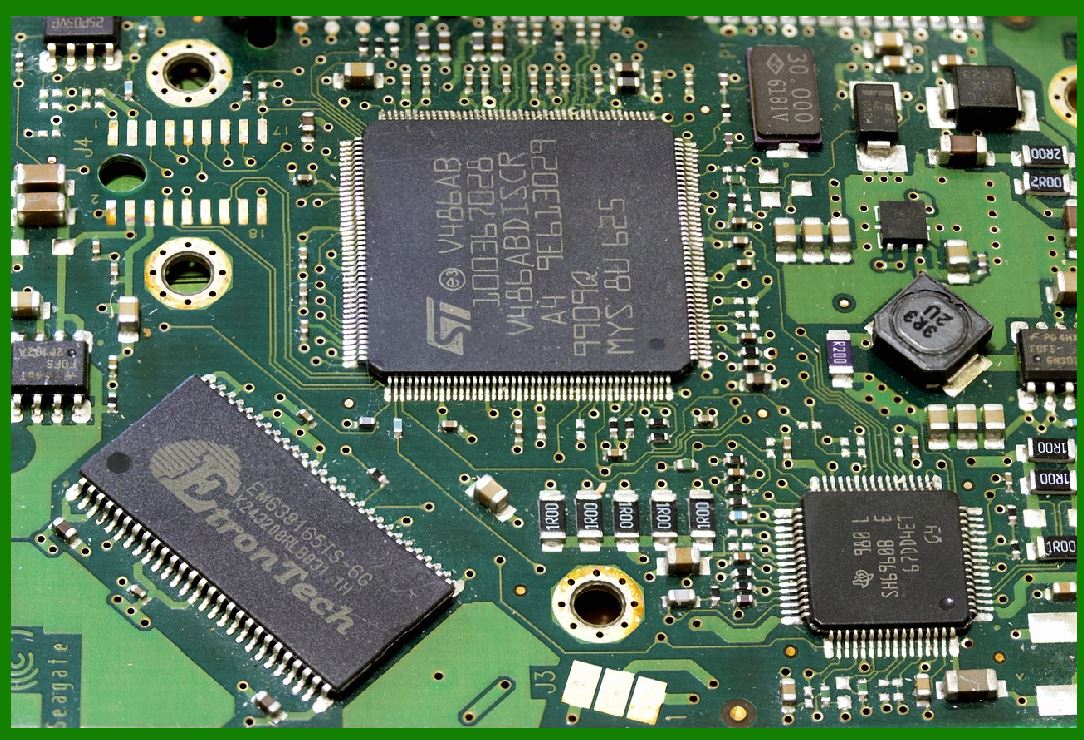
A barcode printer is a specialized printer designed to print barcode labels or tags that can be attached to objects. The structure of a barcode printer can be broken down into several key components, each playing a crucial role in its functionality. Understanding the electronic circuitry behind these components helps us grasp how they work together to produce accurate and reliable barcode prints. |
|
2. Main Components |
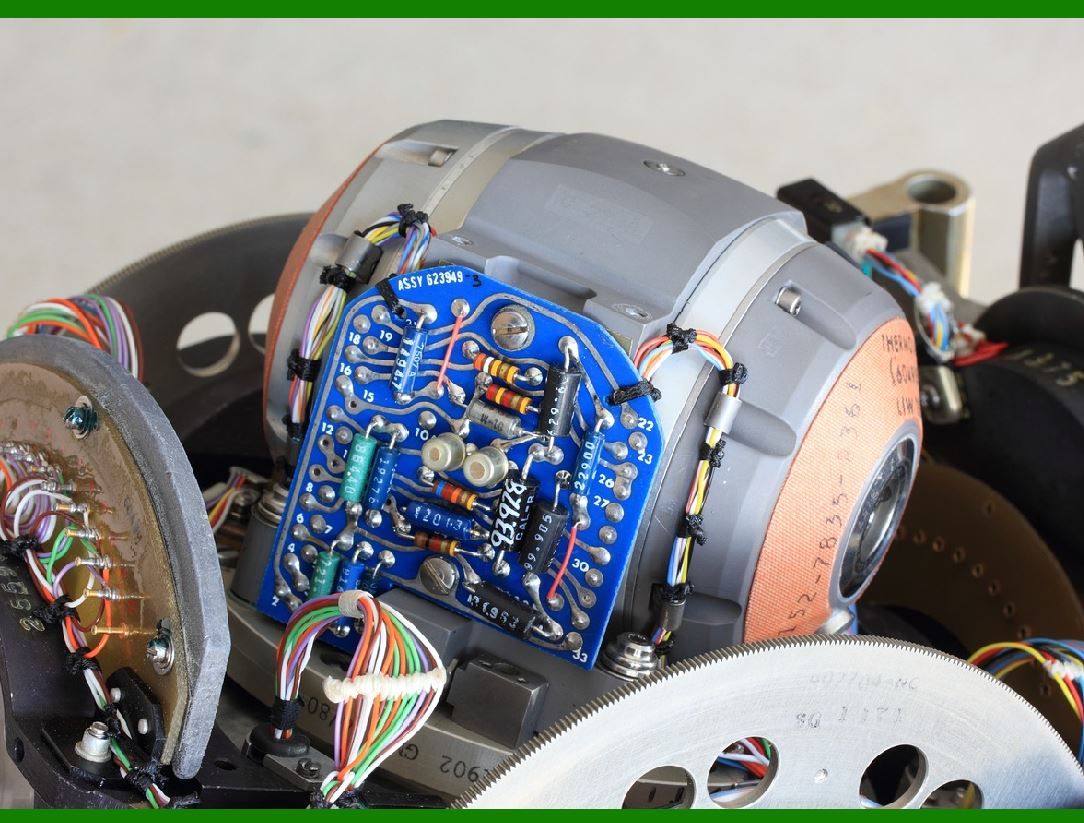
A barcode printer typically consists of the following main components: |
Print Head: This is the most critical part of the printer that actually prints the barcode onto the label. It can be of various types, such as thermal transfer or direct thermal. |
Power Supply Unit: Provides the necessary electrical power for the printer to operate. |
Control Board: Acts as the brain of the printer, managing the overall operation and communication between different components. |
Sensor System: Includes sensors that detect the presence of media (labels) and control the printing process. |
Media Handling System: Manages the feeding of labels or tags through the printer. |
Communication Ports: Interfaces for connecting the printer to a computer or network. |
User Interface: Includes buttons, displays, or touch screens for user interaction. |
|
3. Electronic Circuit Principle |
3.1 Power Supply |
The power supply unit converts the AC (alternating current) from the wall outlet into DC (direct current) required by the printer's internal components. The power supply must provide stable and sufficient power to ensure the proper functioning of all electronic circuits. |
3.2 Control Board |
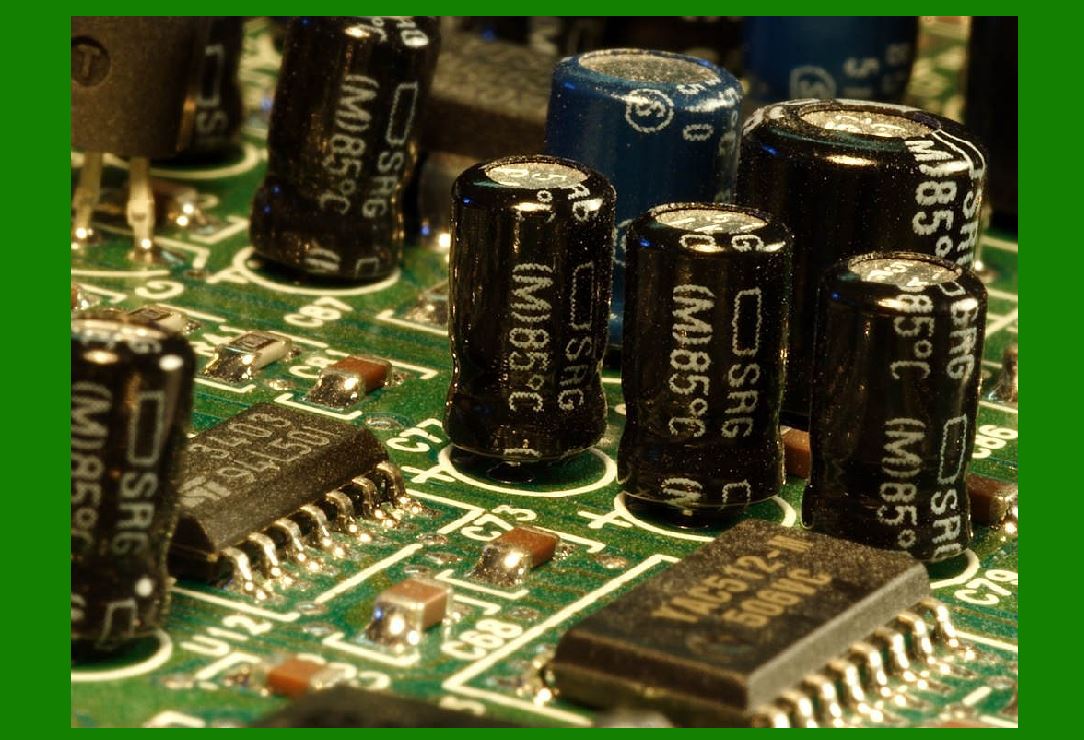
The control board is the heart of the barcode printer's electronic circuitry. It typically includes a microcontroller or microprocessor that oversees the printer's operations. Here are some key components found on the control board: |
Microcontroller/Microprocessor: Executes the firmware that controls the printer's functions. |
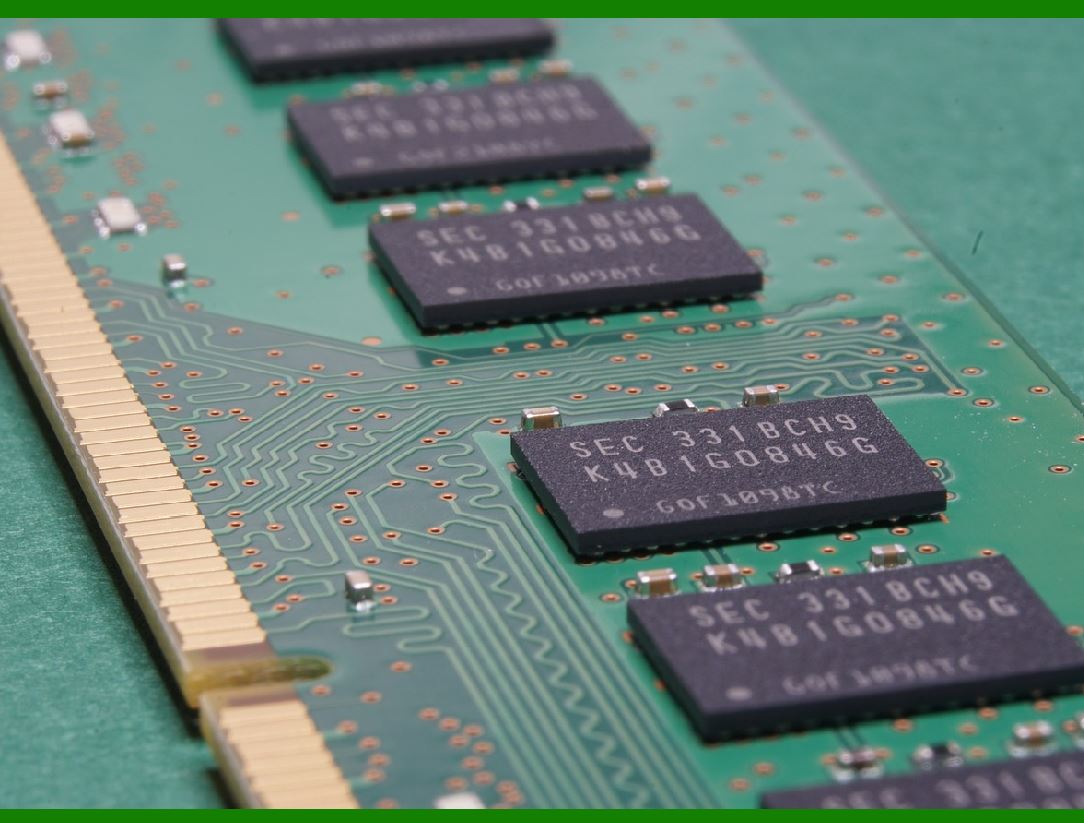
Memory (RAM/ROM): Stores the firmware and temporary data during printing. |
Motor Driver Circuits: Control the stepper motors that manage the movement of the print head and media feed. |
Communication Interfaces: Includes USB, Ethernet, or serial ports for connecting to external devices. |
Sensor Interfaces: Interfaces for connecting to sensors that monitor the media position and print status. |
3.3 Print Head |
The print head's electronic circuit is designed to manage the heating elements (in thermal printers) or ink nozzles (in inkjet printers). Key aspects of the print head circuit include: |
Heating Elements Control: In thermal printers, each heating element is controlled individually to form the desired barcode pattern. |
Temperature Sensors: Ensure the print head maintains optimal temperature for quality printing. |
Data Processing: Converts digital data from the control board into physical print actions. |
|
4. Sensor System |
The sensor system consists of various sensors that provide feedback to the control board, enabling precise control over the printing process. Common sensors include: |
Media Sensors: Detect the presence and position of labels or tags to ensure accurate printing. |
Print Head Position Sensors: Monitor the position of the print head for precise control. |
Temperature Sensors: Monitor the temperature of the print head and other critical components. |
|
5. Media Handling System |
The media handling system includes mechanisms for feeding and positioning the labels or tags. It involves: |
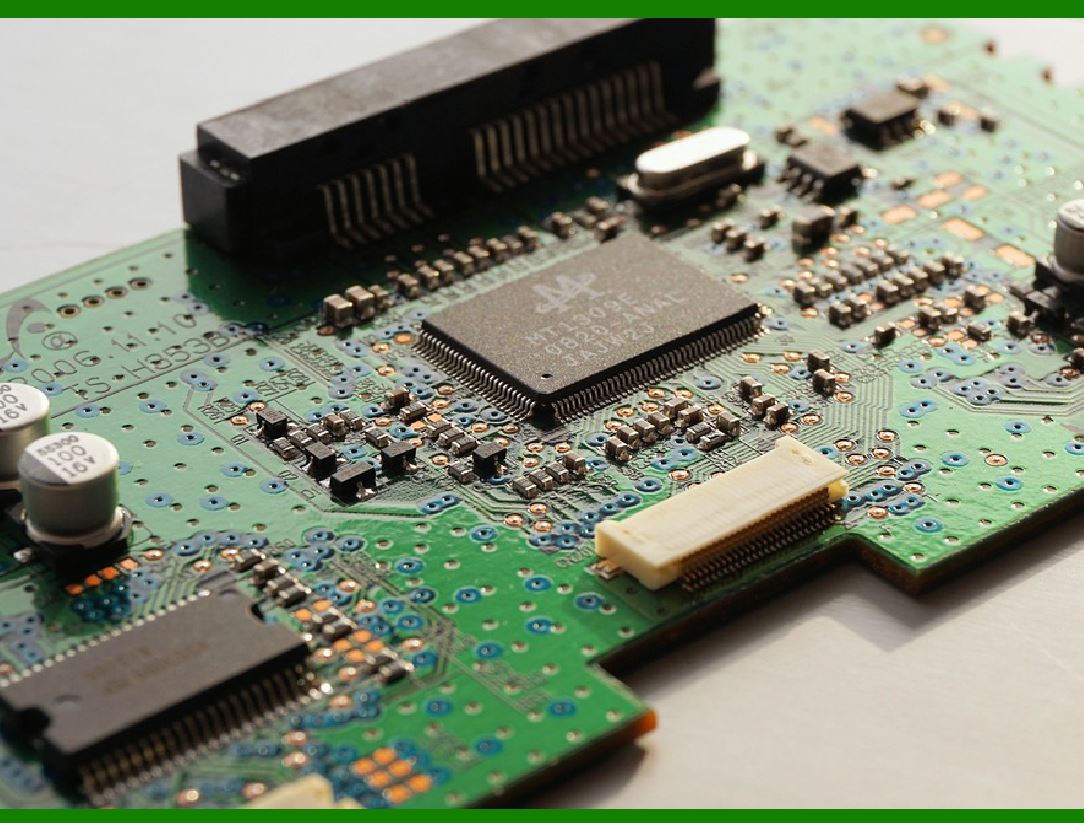
Stepper Motors: Drive the movement of the media and the print head. |
Motor Drivers: Electronic circuits that control the stepper motors based on signals from the control board. |
Roller Mechanism: Ensures smooth feeding of the media through the printer. |
|
6. Communication Ports |
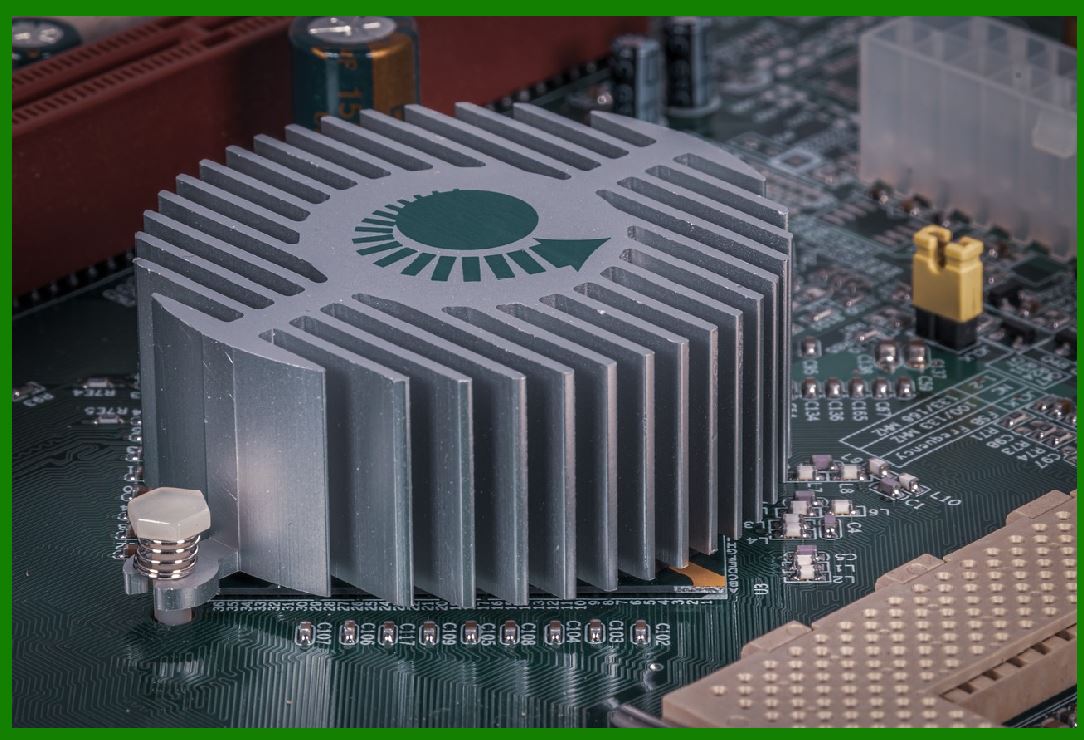
Barcode printers come with various communication ports that allow them to interface with external devices such as computers, networks, or scanners. Key communication ports include: |
USB Port: Provides a standard interface for connecting to a computer. |
Ethernet Port: Allows for network connectivity and remote control. |
Serial Port: Provides an alternative communication method, often used for industrial applications. |
|
7. User Interface |
The user interface allows users to interact with the printer, configure settings, and monitor the printing process. Key elements include: |
Display: Shows status information, error messages, and configuration options. |
Buttons/Touch Screen: Provides a way for users to input commands and navigate the menu. |

|
8. Firmware and Software |
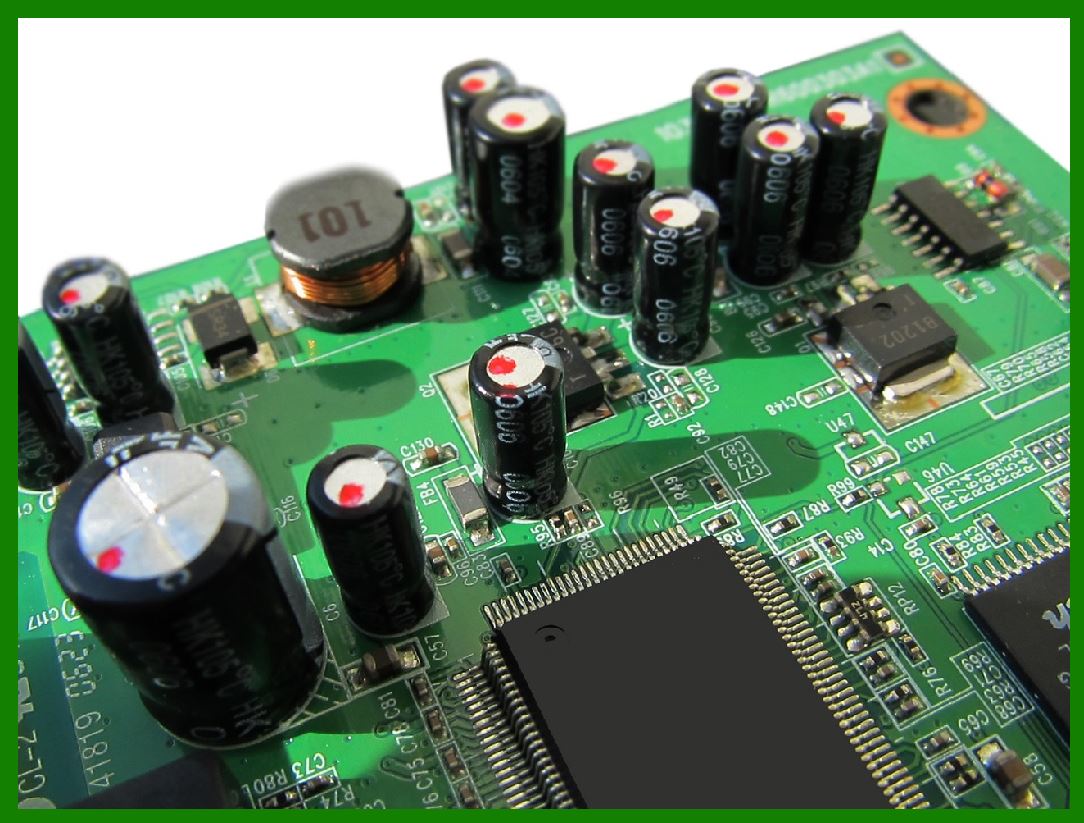
Firmware is the software embedded in the barcode printer's control board. It is responsible for managing the printer's operations, interpreting print commands, and coordinating the different components. Key functions of the firmware include: |
Command Interpretation: Interprets print commands from the connected device and converts them into actions. |
Error Handling: Detects and manages errors such as paper jams or low ink/thermal ribbon. |
Communication Management: Manages data transfer between the printer and connected devices. |
|
9. Circuit Design Principles |
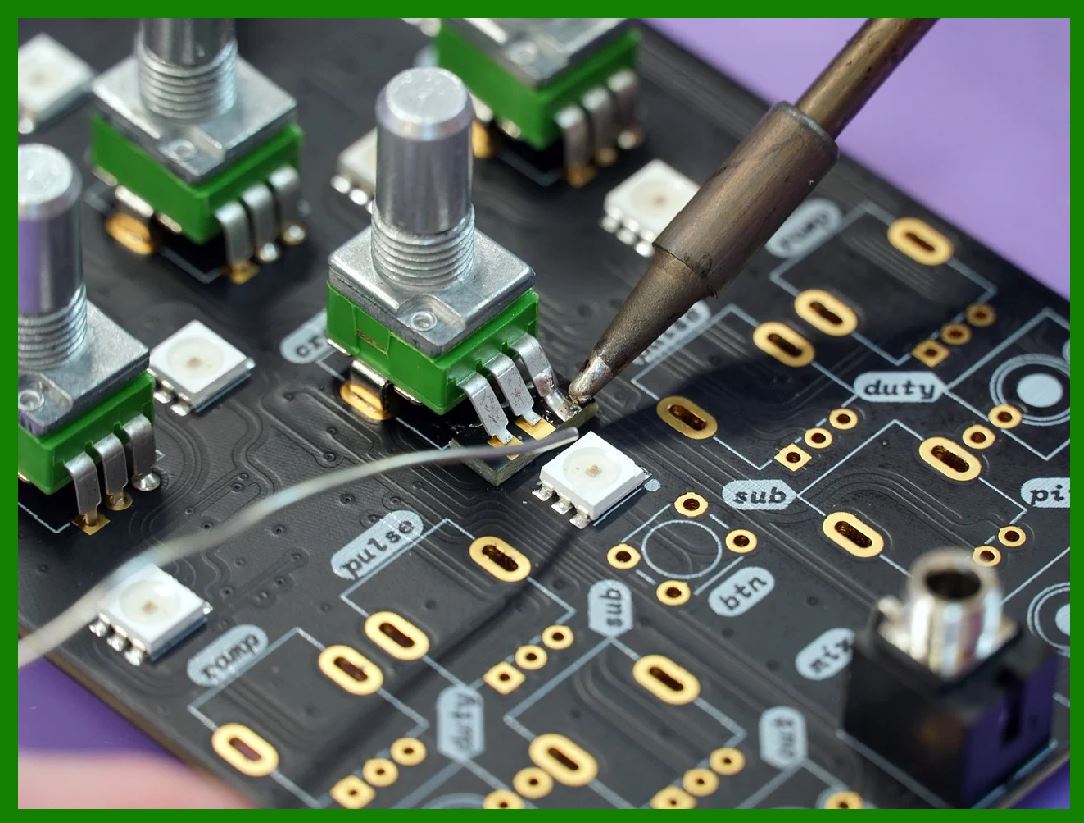
The design of the electronic circuits in a barcode printer follows several key principles to ensure reliable and efficient operation: |
Power Regulation: Ensures that all components receive stable and appropriate voltage levels. |
Noise Reduction: Minimizes electrical noise and interference to ensure accurate printing. |
Heat Management: Properly manages heat dissipation to prevent overheating and damage to components. |
Component Reliability: Uses high-quality components to ensure long-term reliability and durability. |
Safety Compliance: Adheres to safety standards and regulations to prevent electrical hazards. |
|
10. Advanced Features |
Modern barcode printers often come with advanced features that enhance functionality and performance: |
Wireless Connectivity: Enables printing from mobile devices or over wireless networks. |
High-Resolution Printing: Provides detailed and high-quality barcode prints. |
Multi-Label Printing: Allows for printing multiple labels in a single batch. |
Error Correction: Includes algorithms to detect and correct printing errors in real-time. |
|
Conclusion |
A barcode printer is a sophisticated piece of equipment that relies on a complex interplay of mechanical and electronic components. Understanding the structure and electronic circuit principles of a barcode printer provides insight into how it efficiently produces accurate and reliable barcode labels. By combining power management, precise control of the print head, sensor feedback, and user-friendly interfaces, barcode printers have become essential tools in various industries, ensuring seamless and accurate tracking of products and assets. |
|
Related new electronic technologies |
There are several exciting new electronic technologies emerging in recent years. Here are some of the most notable ones: |
1. 6G Cellular Communications |
6G is the next generation of mobile network technology, promising faster speeds, lower latency, and greater capacity compared to 5G. It aims to support advanced applications like virtual reality, augmented reality, and the Internet of Things (IoT). |
2. Artificial General Intelligence (AGI) |
AGI refers to highly autonomous systems that can perform tasks requiring human-like intelligence. While still in the experimental stage, AGI has the potential to revolutionize various industries by automating complex tasks and decision-making processes. |
3. Mini-LED and OLED TVs |
The latest advancements in TV technology include mini-LED and OLED displays. Mini-LED TVs offer better brightness and contrast, while OLED TVs are becoming brighter and more energy-efficient2. These technologies provide stunning picture quality and immersive viewing experiences. |
4. Bluetooth Auracast |
Bluetooth Auracast is a new technology that allows audio to be broadcasted over Bluetooth to multiple devices simultaneously. This can be useful for sharing audio in public spaces, classrooms, or even at home. |
5. Neural Headphones |
Neural headphones use advanced signal processing algorithms to enhance audio quality and provide personalized listening experiences. They can adapt to the listener's preferences and environment, offering a more immersive and enjoyable audio experience. |
6. Cryptocurrency and Digital Wallets |
Cryptocurrencies like Bitcoin and Ethereum are becoming more mainstream, and digital wallets are making it easier for people to store and use these digital assets. Central Bank Digital Currencies (CBDCs) are also being developed by various countries to facilitate digital payments and improve financial inclusion. |
7. Agricultural Robotics |
Agricultural robotics involves the use of robots and automated systems to perform tasks in farming, such as planting, harvesting, and monitoring crops. These technologies can increase efficiency, reduce labor costs, and improve crop yields. |
8. Vertical Farming |
Vertical farming is a method of growing crops in vertically stacked layers using controlled environment agriculture technology. This approach can save space, conserve water, and reduce the need for pesticides, making it a sustainable solution for urban agriculture. |
9. Atmospheric Water Generators |
Atmospheric water generators extract water from the air using condensation techniques. These devices can provide a source of clean drinking water in areas with limited access to fresh water, making them valuable for disaster relief and remote locations. |
10. Active Structures |
Active structures are adaptive buildings and infrastructure that can respond to different conditions, such as changes in weather or seismic activity. These structures can improve safety, durability, and energy efficiency. |
These technologies are just a glimpse of the exciting advancements happening in the field of electronics. They have the potential to transform various industries and improve our daily lives in numerous ways. Which one of these technologies interests you the most? |
|
What challenges will it face? |
Each of these emerging technologies comes with its own set of challenges. Here are some of the key challenges for the ones we discussed: |
1. 6G Cellular Communications |
Technological Barriers: Developing the necessary infrastructure and technology to support 6G is a significant challenge. |
Regulatory Issues: Establishing global standards and regulations for 6G. |
Cost: The investment required for developing and deploying 6G technology is substantial. |
2. Artificial General Intelligence (AGI) |
Ethical Concerns: Ensuring AGI systems make ethical decisions and do not cause harm. |
Safety: Developing fail-safes to prevent unintended consequences of AGI actions. |
Complexity: Creating a system that truly understands and performs tasks with human-like intelligence. |
3. Mini-LED and OLED TVs |
Cost: High production costs can make these TVs expensive for consumers. |
Longevity: Ensuring long-term durability and preventing issues like burn-in for OLEDs. |
4. Bluetooth Auracast |
Compatibility: Ensuring widespread compatibility with existing devices. |
Interference: Managing interference from other wireless devices. |
5. Neural Headphones |
Cost: High cost of advanced technology can limit accessibility. |
Privacy: Protecting user data and ensuring secure communication. |
6. Cryptocurrency and Digital Wallets |
Regulation: Navigating complex and evolving regulatory landscapes. |
Security: Protecting against hacking and fraud. |
Volatility: Managing the extreme price volatility of cryptocurrencies. |
7. Agricultural Robotics |
Cost: High initial investment for farmers. |
Adaptability: Ensuring robots can adapt to different crops and farming conditions. |
Maintenance: Keeping the robots in working order and addressing technical issues. |
8. Vertical Farming |
Energy Use: High energy consumption for lighting and climate control. |
Cost: High setup and operational costs. |
Market Acceptance: Gaining acceptance from consumers and traditional farmers. |
9. Atmospheric Water Generators |
Energy Efficiency: Improving energy efficiency to make the technology viable on a larger scale. |
Cost: High production and operational costs. |
Scalability: Ensuring the technology can be scaled up for widespread use. |
10. Active Structures |
Complexity: Designing structures that can adapt to changing conditions. |
Cost: High construction and maintenance costs. |
Regulatory Hurdles: Meeting building codes and regulations. |
|
Each of these challenges requires innovative solutions and collaboration across various fields to ensure the successful implementation and widespread adoption of these technologies. |
 cs@easiersoft.com