1. Introduction to Barcode Printer Power Supply |
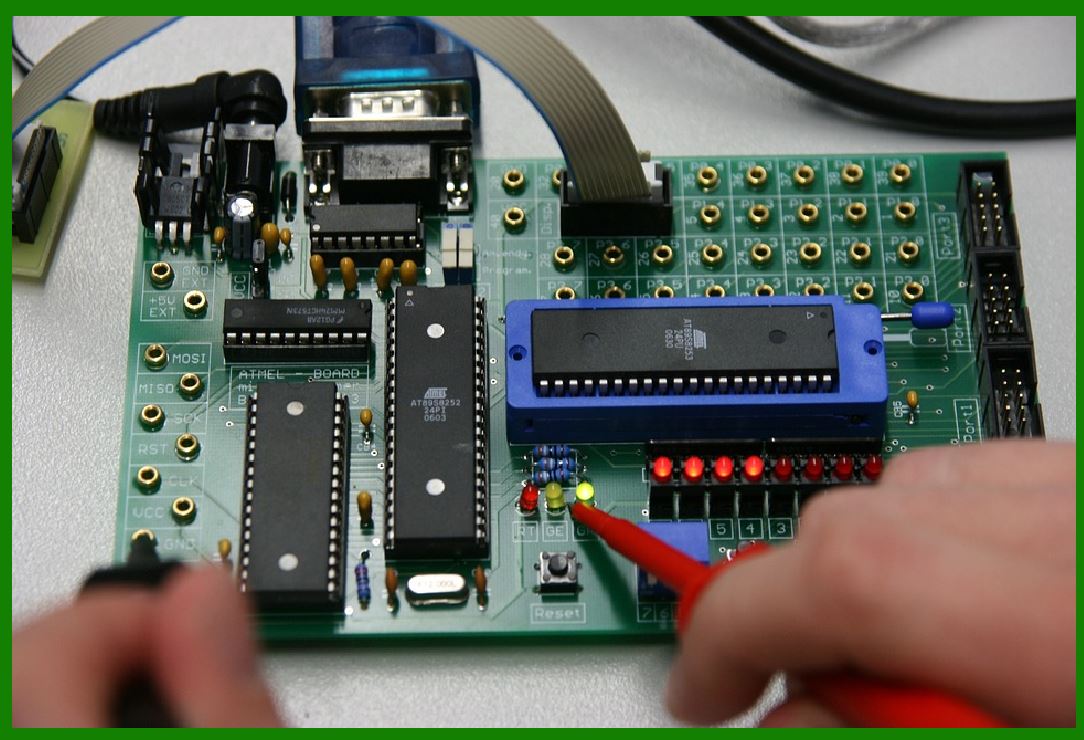
In barcode printers, the power supply plays a crucial role in converting the alternating current (AC) from the wall outlet into direct current (DC), which is needed to operate the printer's internal components. Without a properly functioning power supply, the printer may not perform reliably, and certain features may malfunction. A barcode printer's power supply not only converts the electrical power but also ensures the electrical stability and safety of the entire system. The power supply, being a vital element of the printer, influences the printer's overall performance and longevity. |
|
2. Function of the Power Supply in Barcode Printers |
2.1 Conversion of AC to DC |
The first and most important task of the power supply unit (PSU) is to convert the incoming AC voltage from the electrical outlet into DC voltage that the printer's internal circuits can use. Most barcode printers are designed to operate on a DC voltage range of around 24V to 48V, although some models may require specific voltages. The conversion of AC to DC typically involves a series of stages, including rectification, filtering, and regulation. Each stage ensures that the output DC voltage is stable and within the specifications required for the printer. |
2.2 Stabilization of Power |
The power supply also serves to stabilize the incoming AC power. In areas where the electrical grid may experience fluctuations in voltage, the power supply must protect the printer's internal circuits from voltage spikes or drops that could potentially damage the printer's sensitive electronics. A stable DC output ensures that the printer functions without interruptions or errors caused by voltage irregularities. |
2.3 Power Distribution |
Once the AC power is converted to DC, the power supply distributes this power to various components of the barcode printer. These components include the thermal print head, the motor that drives the media or label, the display panel, and the control circuitry. Each component has different power requirements, so the power supply must have the ability to manage and direct the appropriate amount of current to each part of the system. |
|
3. Key Components of a Barcode Printer Power Supply |
3.1 Transformer |
One of the first components in the power supply is the transformer. The transformer is responsible for reducing the AC voltage from the wall outlet to a lower level that can be further processed by the power supply. It functions by using electromagnetic induction to step down the voltage while maintaining the current. The transformer is an essential part of the power supply, as it ensures that the electrical power is at a safe level before reaching the rectification stage. |
3.2 Rectifier Circuit |
The rectifier circuit is the next stage in the power conversion process. This component converts the AC power into pulsating DC power. A rectifier can be designed using diodes, which only allow current to flow in one direction, thus ensuring that the output is unidirectional. This rectified DC output is still not suitable for sensitive electronic components, as it can be unstable, with ripples or fluctuations in voltage. |
3.3 Filter Capacitors |
After the rectifier, the power supply includes filter capacitors to smooth out the pulsating DC and reduce ripple. The capacitors store energy during the peaks of the AC waveform and discharge it during the valleys, thereby evening out the power supply. Without this filtration, the unstable DC power could cause noise and performance issues in the printer's operation. |
3.4 Voltage Regulator |
To ensure that the voltage remains stable, the power supply uses a voltage regulator. The role of the regulator is to maintain a constant output voltage, regardless of changes in the input voltage or load conditions. Voltage regulators are typically either linear or switching types. Linear regulators provide a simple method of regulating voltage but are less efficient, whereas switching regulators offer higher efficiency by converting excess voltage into current. The specific choice of voltage regulator depends on the printer's power needs and design. |
3.5 Protection Circuits |
Another essential feature of the power supply is protection circuits. These circuits help protect the printer's internal electronics from electrical anomalies such as overvoltage, undervoltage, or short circuits. In the event of a power surge, the protection circuit will disconnect the power supply, preventing damage to the printer. Similarly, when the system detects an undervoltage condition, it can prevent the printer from operating in unstable conditions. |
3.6 Heat Management |
During the conversion and regulation processes, the power supply generates heat. Effective heat management is critical in maintaining the longevity and safety of the power supply. Heat sinks, fans, or thermal management techniques are integrated into the power supply design to dissipate this heat and prevent overheating, which could cause damage to components or reduce the overall efficiency of the printer. |

|
4. Power Requirements of a Barcode Printer |
4.1 Voltage Requirements |
Barcode printers require a specific DC voltage to function properly, typically between 24V and 48V. The voltage rating is chosen based on the components inside the printer. The print head, which operates at high temperatures, and the motors that drive the media require a stable voltage to operate at their optimal performance. A power supply that is unable to provide the correct voltage can result in erratic printer behavior, such as inconsistent printing or failure to load labels. |
4.2 Current Requirements |
The amount of current the power supply can deliver is another critical consideration. The printer's power supply must be able to handle peak power demands during various stages of operation. For instance, the print head will demand higher current during the printing process, while idle periods will have significantly lower power consumption. The power supply must be capable of handling these fluctuations in power consumption without overloading. |
4.3 Efficiency and Energy Consumption |
The efficiency of the power supply is an important factor in determining the overall energy consumption of the barcode printer. Efficient power supplies minimize wasted energy, which not only reduces operating costs but also limits the heat generated. A highly efficient power supply will result in a cooler and more reliable system. |
4.4 Power Rating |
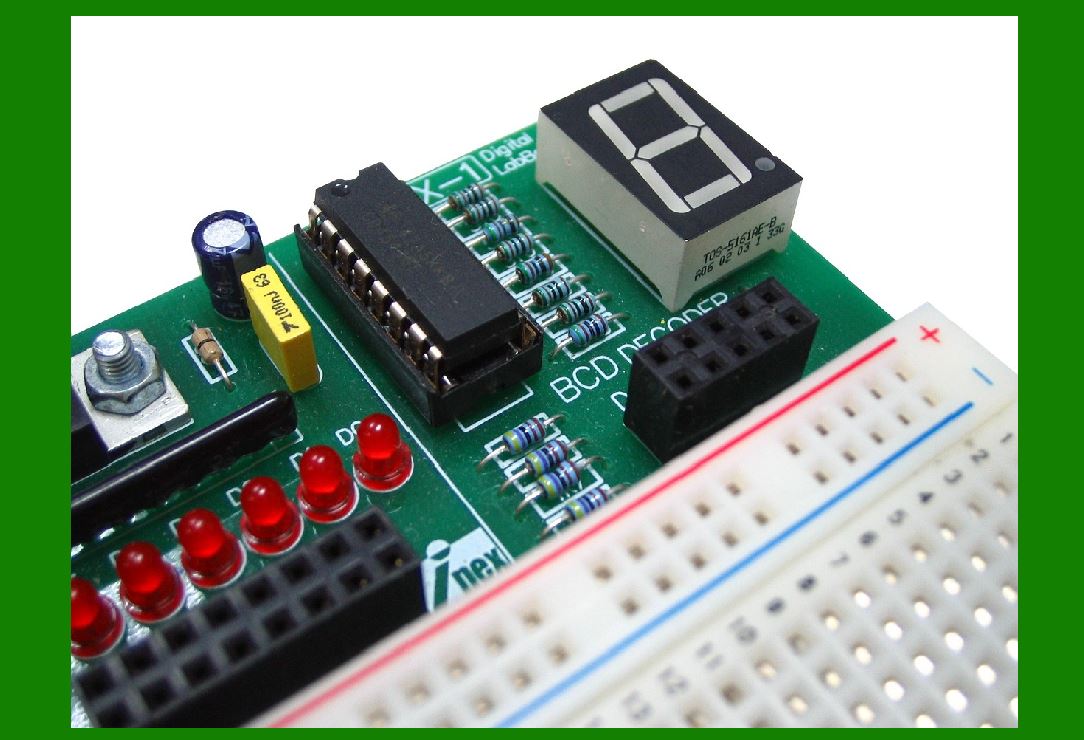
The power supply's rating (measured in watts) determines its overall capacity to handle the printer's electrical demands. The power rating is derived from the printer's average and peak power requirements. When selecting a power supply, it's essential to choose one that meets or exceeds the printer's maximum power rating. Choosing a power supply with a higher power rating than required can help ensure that the printer operates smoothly even during demanding tasks, such as continuous high-speed printing. |
|
5. Design Considerations for Barcode Printer Power Supplies |
5.1 Compactness and Size |
Barcode printers are often designed to be compact and portable, and the power supply must fit within the size constraints of the printer. Manufacturers may design custom power supplies to match the specific dimensions and power needs of the printer. The compact design ensures that the printer can be used in a variety of environments, including retail spaces and warehouses where space is limited. |
5.2 Durability and Reliability |
The power supply is a critical component, and it must be durable and reliable to ensure long-term functionality of the printer. A robust power supply will help prevent system failures due to power issues, which can be costly in terms of downtime and maintenance. To achieve this, manufacturers use high-quality components and incorporate features such as overvoltage protection, thermal overload protection, and short-circuit protection. |
5.3 Modularity |
Modular power supplies are an increasingly popular choice for barcode printers. These power supplies offer the advantage of being easily replaceable and upgradable. They may come with different power modules that can be swapped depending on the printer's configuration and usage. This modularity offers flexibility, especially in industrial settings where printers might need to be upgraded or maintained frequently. |
5.4 Compliance with Standards |
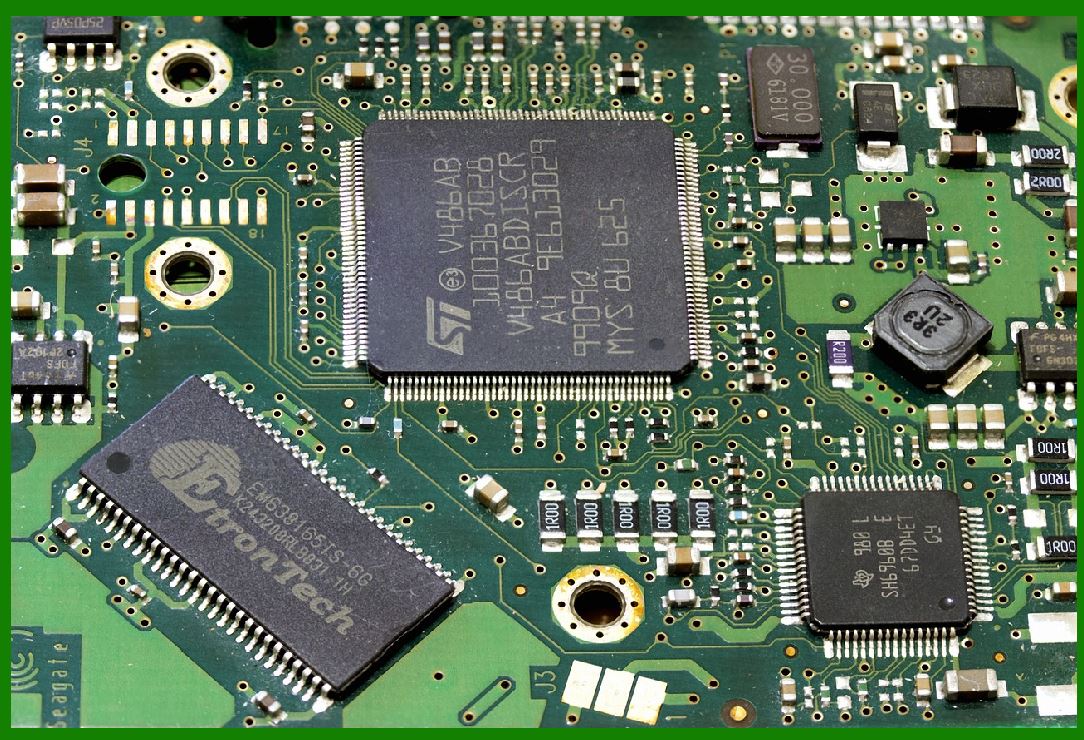
Barcode printer power supplies must comply with various safety and environmental standards. These include certifications such as CE (Conformit¨¦ Europ¨¦ene), UL (Underwriters Laboratories), and RoHS (Restriction of Hazardous Substances). Compliance with these standards ensures that the power supply is safe for use in different regions and that it meets necessary environmental regulations. It also assures users that the power supply is manufactured to high-quality standards and undergoes rigorous testing. |
|
6. Troubleshooting Power Supply Issues in Barcode Printers |
6.1 Overvoltage or Undervoltage |
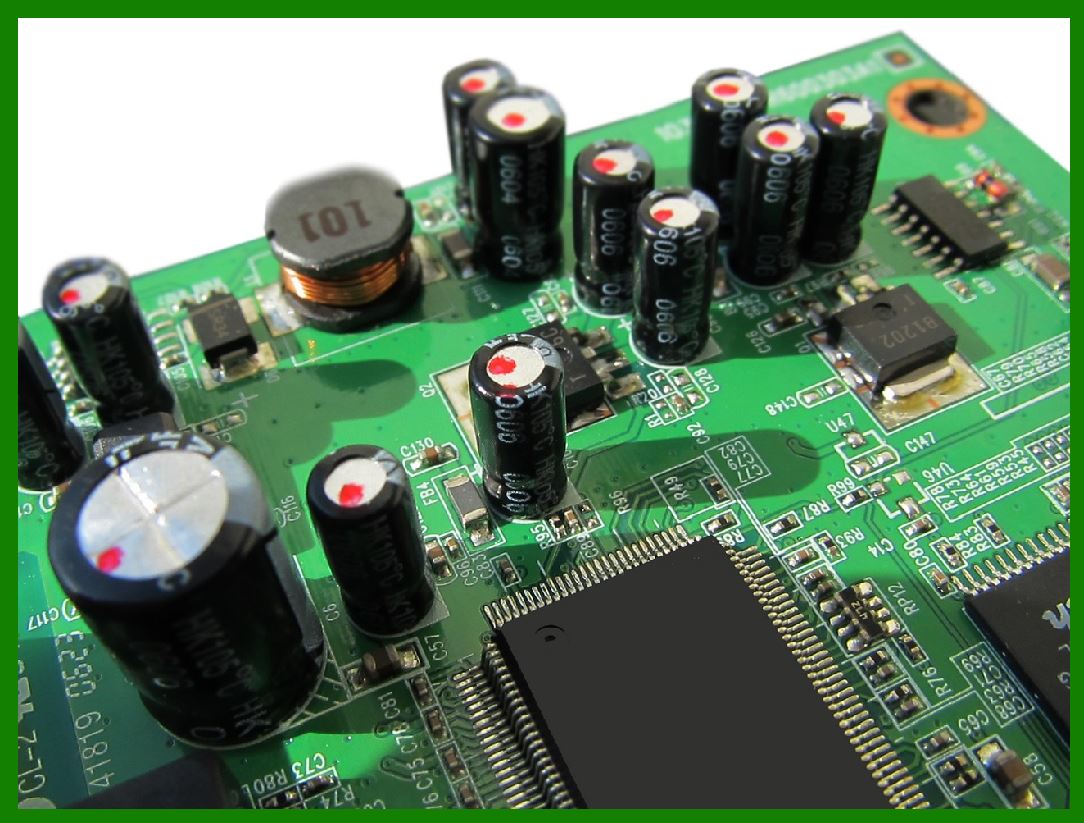
A common issue with power supplies is that they may output either too much or too little voltage, which can cause the printer to malfunction or fail to start. Overvoltage can result in the overheating of internal components, while undervoltage may cause the printer to stop working or print poorly. Checking the power supply's output voltage with a multimeter can help identify this issue. |
6.2 No Power Output |
If the printer fails to power on altogether, the problem could lie with the power supply unit. Possible causes for a no-power situation include a blown fuse, a damaged power supply, or issues with the AC input (e.g., a faulty power cable or power source). Inspecting the power supply for any visible damage, checking fuses, or testing the input voltage can help diagnose the issue. |
6.3 Intermittent Power Loss |
Intermittent power loss, where the printer randomly shuts off, may be due to a failing power supply or thermal issues. If the power supply overheats due to inadequate cooling, it may temporarily shut down as a protective measure. Regularly cleaning the power supply and ensuring adequate ventilation can help prevent this issue. |
|
7. Conclusion |
In conclusion, the power supply unit in a barcode printer is an essential component that ensures the printer functions reliably and efficiently. The power supply is responsible for converting, stabilizing, and distributing electrical power to the printer's internal components. The quality and performance of the power supply directly affect the printer's overall performance, energy efficiency, and longevity. Manufacturers must design the power supply with careful consideration of the printer's power requirements, size constraints, and safety standards. Understanding the detailed workings of the power supply helps in troubleshooting, ensuring that the printer remains in optimal working condition for years to come. |

|
Common Failures of a Barcode Printer's Power Supply and How to Prevent Them |
The power supply of a barcode printer is a critical component, and if it fails, the entire printer can become inoperable. Understanding common failures and knowing how to prevent them can extend the life of the printer and reduce downtime. Below are some of the most common power supply failures in barcode printers, along with preventive measures for each. |
1. Overvoltage |
Cause: |
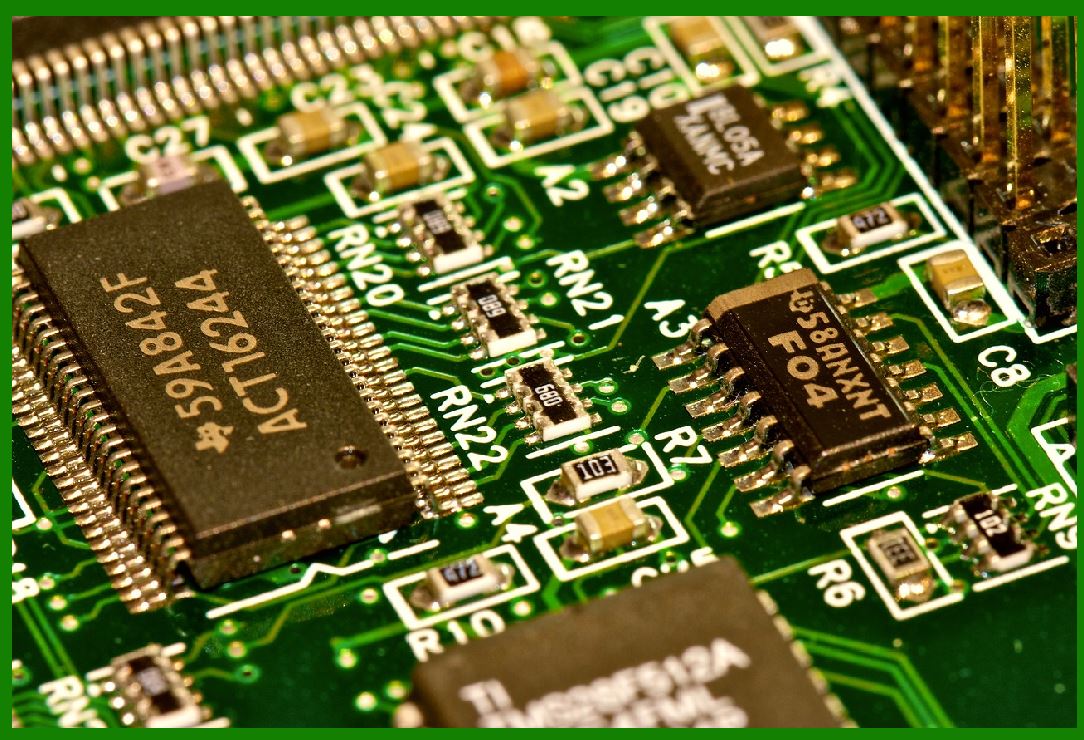
Overvoltage occurs when the power supply unit (PSU) outputs higher voltage than required by the barcode printer's components. This can happen if the voltage regulator fails or if there's a surge in the electrical supply. Overvoltage can result in overheating and permanent damage to sensitive components such as the thermal print head or the main circuit board. |
Signs of Overvoltage Failure: |
Printer fails to power on. |
The printer operates erratically, producing inconsistent prints. |
Components like the print head overheat or show signs of burn damage. |
Prevention: |
Surge Protection: Use surge protectors between the printer's power supply and the power source to shield against power surges or spikes. |
Voltage Regulation: Ensure the printer uses a high-quality power supply with reliable voltage regulation. Periodically check the power supply for proper output voltage. |
UPS (Uninterruptible Power Supply): Implement a UPS system with voltage regulation features, especially in areas prone to voltage fluctuations. |
|
2. Undervoltage |
Cause: |
Undervoltage occurs when the power supply does not provide enough voltage for the printer to operate correctly. This may be due to a malfunctioning power supply, a failing transformer, or issues with the power grid. Undervoltage can result in sluggish performance, print quality degradation, or failure to operate altogether. |
Signs of Undervoltage Failure: |
The printer does not power on or shuts off unexpectedly. |
The print quality degrades, with faint or incomplete prints. |
Printer error lights or alerts indicating insufficient power. |
Prevention: |
Voltage Monitoring: Regularly check the output voltage of the power supply with a multimeter to ensure it matches the printer's specified voltage. |
Reliable Power Source: Ensure the power supply comes from a stable electrical outlet with consistent voltage. Avoid plugging the printer into circuits that share heavy loads, which may lead to voltage drops. |
Power Supply Replacement: If the power supply is outdated or consistently underperforms, consider replacing it with one that meets the manufacturer's specifications. |
|
3. Overheating |
Cause: |
Power supplies generate heat during operation, especially when the printer is running heavy tasks. If the power supply lacks sufficient heat dissipation, it may overheat, causing thermal shutdowns or failure of internal components. Overheating can also be caused by poor ventilation around the power supply unit or the accumulation of dust and debris. |
Signs of Overheating Failure: |
Printer stops working after prolonged use. |
The power supply feels unusually hot to the touch. |
Intermittent power loss or printer shutdowns. |
Prevention: |
Proper Ventilation: Ensure that the printer is placed in a well-ventilated area with enough space around the power supply for heat dissipation. Avoid placing the printer near sources of direct heat. |
Clean Regularly: Dust buildup inside the printer can impede airflow, leading to overheating. Clean the printer and power supply regularly to prevent debris from obstructing ventilation fans and heat sinks. |
Use of Heat Management Tools: Some barcode printers may include integrated fans or heat sinks in the power supply. If your printer doesn't have these, consider upgrading to a power supply with better heat management features. |
Monitor Operating Conditions: Avoid operating the printer in environments with extreme temperatures or high humidity, as these conditions can exacerbate overheating. |

|
4. Short Circuit |
Cause: |
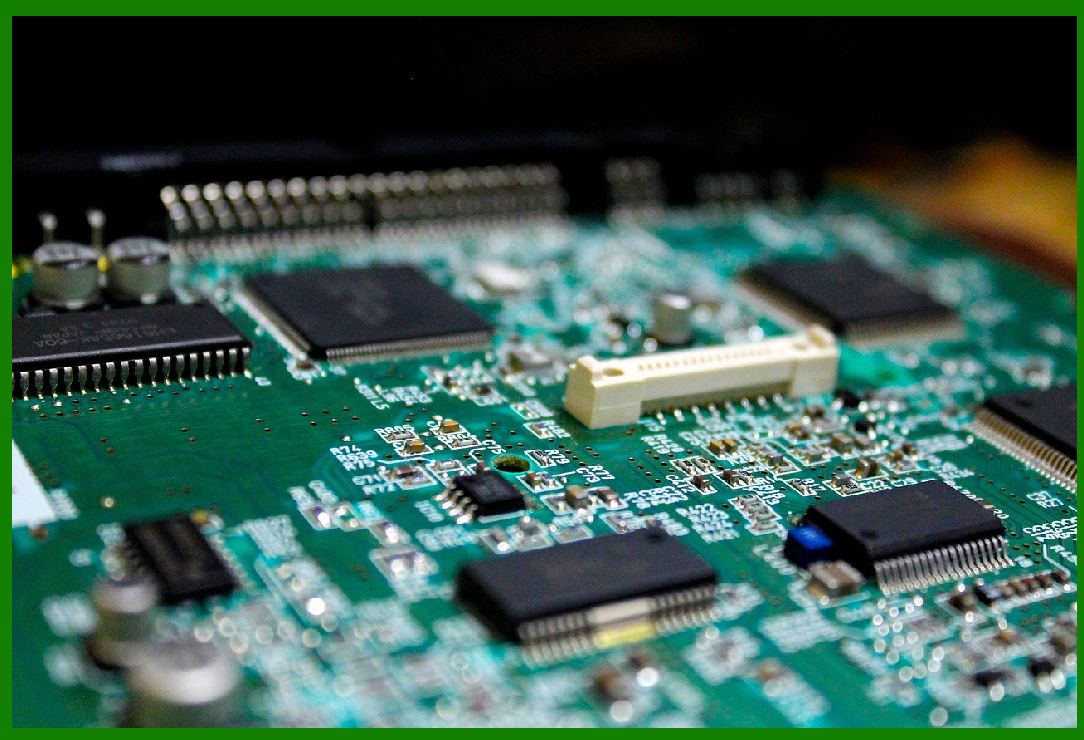
A short circuit can occur when two wires or circuits within the power supply come into direct contact, creating a path with little or no resistance. This can happen due to component failure, damage to wiring, or a malfunctioning protective circuit. A short circuit can cause severe damage to the power supply and may even affect the printer's motherboard. |
Signs of Short Circuit Failure: |
Printer fails to power on. |
A fuse blows, or the circuit breaker trips. |
Burning smell or visible signs of damage to the power supply. |
Prevention: |
Regular Inspection: Periodically inspect the power supply for any visible signs of wear, such as frayed wires, damaged connectors, or burnt components. Replacing worn-out components promptly can prevent shorts. |
Use Proper Cables: Ensure that the power cables and connections are of the correct specifications and are in good condition. Loose or worn-out cables should be replaced immediately. |
Proper Grounding: Make sure the printer is properly grounded to avoid any electrical faults that could lead to short circuits. |
Fuse Protection: Use a fuse in the power supply that will blow in the event of a short circuit, protecting the printer's sensitive components. |
|
5. Capacitor Failure |
Cause: |
Capacitors are crucial components in the power supply for filtering the rectified voltage and stabilizing the DC output. Over time, capacitors can degrade, lose their charge-holding capacity, or even leak, leading to unstable power output or failure to stabilize voltage. This failure can cause the printer to behave unpredictably, with poor print quality or frequent shutdowns. |
Signs of Capacitor Failure: |
Power supply issues such as flickering or intermittent power loss. |
Printer starts and stops unexpectedly. |
The printer shows signs of voltage instability, like erratic performance or failure to print. |
Prevention: |
High-Quality Components: Use power supplies with high-quality capacitors designed for long-lasting durability. |
Capacitor Inspection: Regularly inspect the power supply for bulging or leaking capacitors, particularly in older printers. Replace worn-out capacitors to maintain stable power output. |
Environment Consideration: Ensure the printer operates in a stable environment with regulated temperature and humidity. Excessive heat or moisture can accelerate capacitor degradation. |
|
6. Power Supply Failure Due to External Factors |
Cause: |
External factors such as power surges, lightning strikes, or unstable electrical grids can damage the power supply. These events can cause internal components, such as the transformer or voltage regulator, to fail due to excessive power input. |
Signs of External Power Supply Failure: |
The printer loses power immediately after a power surge or lightning storm. |
The printer fails to turn on, even though the electrical outlet is working. |
Prevention: |
Surge Protection: Install surge protectors or a UPS with surge protection to safeguard against sudden voltage spikes or fluctuations. |
Use a UPS System: A UPS provides backup power and protects against surges, ensuring that the printer remains powered even during brief power outages. |
Proper Grounding and Circuit Protection: Ensure the printer's power source is grounded properly, and consider installing circuit breakers or fuses to prevent damage from excessive current. |
|
7. Age-Related Wear and Tear |
Cause: |
Over time, the power supply components may simply wear out due to repeated use, exposure to heat, or environmental factors. This can lead to decreased performance, component failure, or complete failure of the power supply. |
Signs of Age-Related Failure: |
Printer starts showing irregular behavior (e.g., inconsistent print quality, failure to power on). |
Power supply makes unusual noises, such as buzzing or whining. |
Printer performance gradually worsens over time. |
Prevention: |
Regular Maintenance: Perform regular maintenance on the printer, including inspecting the power supply for signs of wear. Replace components that are showing signs of fatigue, such as worn-out capacitors or connectors. |
Routine Power Supply Replacement: Depending on usage, consider replacing the power supply every few years to prevent the risks associated with age-related wear. |
|
Conclusion |
While power supply failures in barcode printers can cause significant operational issues, they are often preventable with proper care and maintenance. By using surge protectors, regularly inspecting and cleaning the printer, and replacing worn components, you can extend the life of the power supply and ensure consistent performance. Always follow manufacturer guidelines for power requirements and ensure that the printer operates in an environment suitable for optimal power supply operation. Taking these steps can reduce the likelihood of common power supply failures and minimize costly downtime. |
|
Future Technologies for Improving Barcode Printer Power Supply and Reducing Failure Rates |
As technology continues to evolve, so do the systems that support barcode printers, particularly their power supplies. Innovations in power supply technologies aim to improve efficiency, reliability, and performance while minimizing the risk of failures. Here are several emerging technologies that could play a crucial role in enhancing barcode printer power supplies in the future: |
1. Smart Power Management Systems |
Overview: |
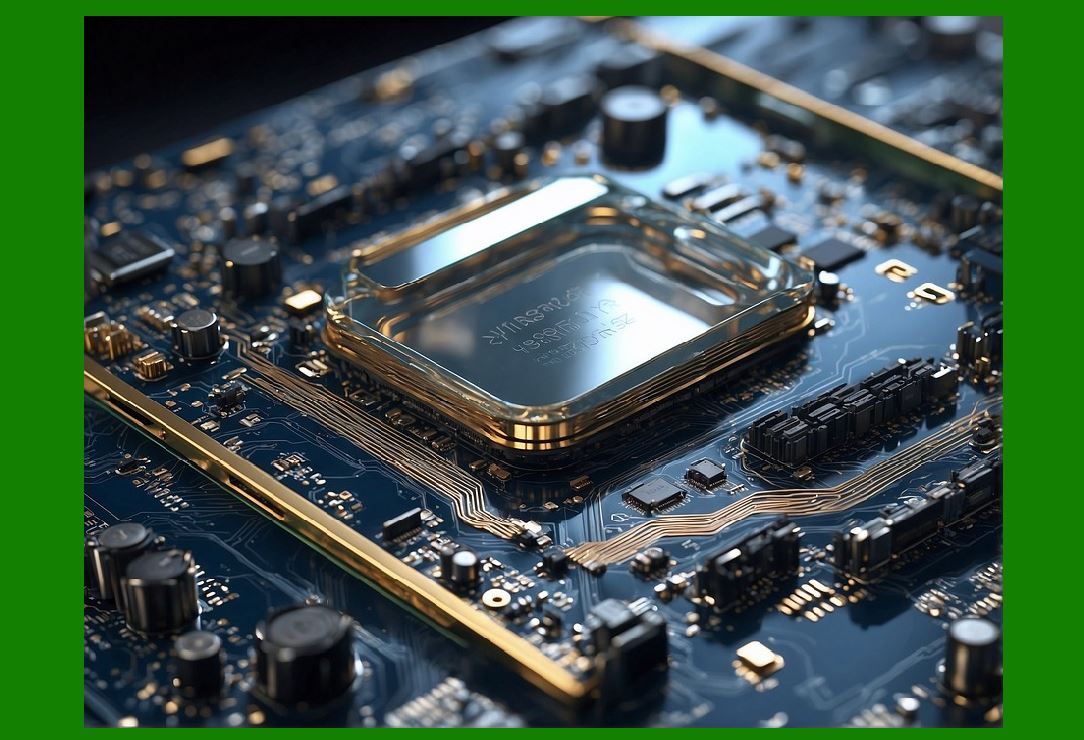
The future of power supply systems for barcode printers will likely include smart power management technologies. These systems will use advanced algorithms to monitor and adjust the power flow to different components within the printer based on real-time needs. By using sensors and artificial intelligence (AI), these systems can optimize power consumption, prevent overloading, and adjust to changing environmental factors. |
Benefits: |
Energy Efficiency: The system will regulate the power supply more efficiently, reducing waste and improving the printer's overall energy consumption. |
Predictive Maintenance: By constantly monitoring power usage, these smart systems can predict when components are likely to fail and alert users, allowing for proactive maintenance and replacement before failures occur. |
Adaptability: The system can dynamically adjust to fluctuations in input voltage, offering better protection against undervoltage or overvoltage issues. |
Load Balancing: It can balance the power supply to individual printer components, ensuring that each part receives the optimal amount of power for efficient operation. |
Impact on Failure Rate: |
By continuously optimizing power, these systems would reduce the likelihood of overheating, component wear, and failure due to voltage instability. |
|
2. Wide-Range Voltage Input Power Supplies |
Overview: |
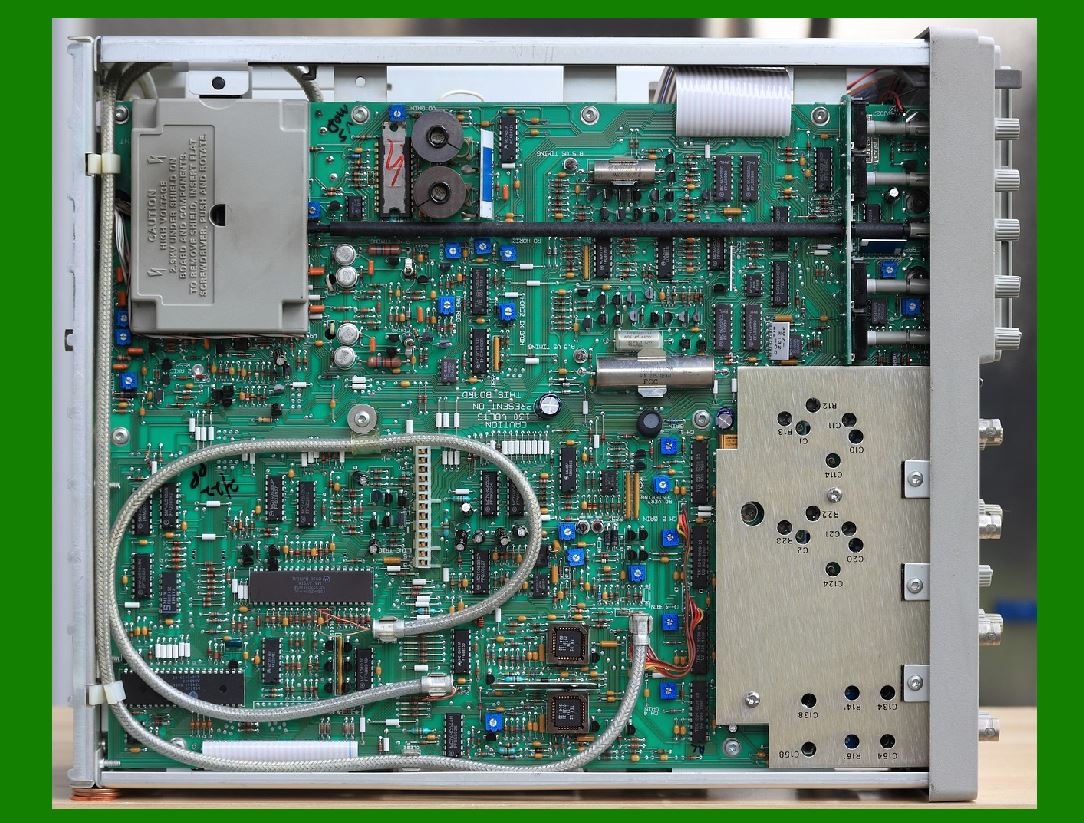
One of the major causes of power supply failure is fluctuations in the input voltage. Traditional power supplies have a narrow input voltage range, meaning they are sensitive to grid fluctuations. However, newer wide-range input power supplies are being developed to handle a broader range of AC input voltages. These power supplies will automatically adjust to a wider range of input voltages (e.g., 100V to 240V), making them more resilient to unstable power grids or voltage fluctuations. |
Benefits: |
Increased Stability: They will be less sensitive to power surges or drops, reducing the risk of damage to the power supply and internal components. |
Global Compatibility: These power supplies can be used across different countries and regions without needing to replace or modify the power supply for different voltage standards. |
Reduced Downtime: Less downtime due to voltage instability will be critical for businesses that rely on barcode printers for continuous operations. |
Impact on Failure Rate: |
The power supply will be more resilient to external power disturbances, reducing the chances of failure caused by input voltage irregularities. |
|
3. Advanced Thermal Management Techniques |
Overview: |
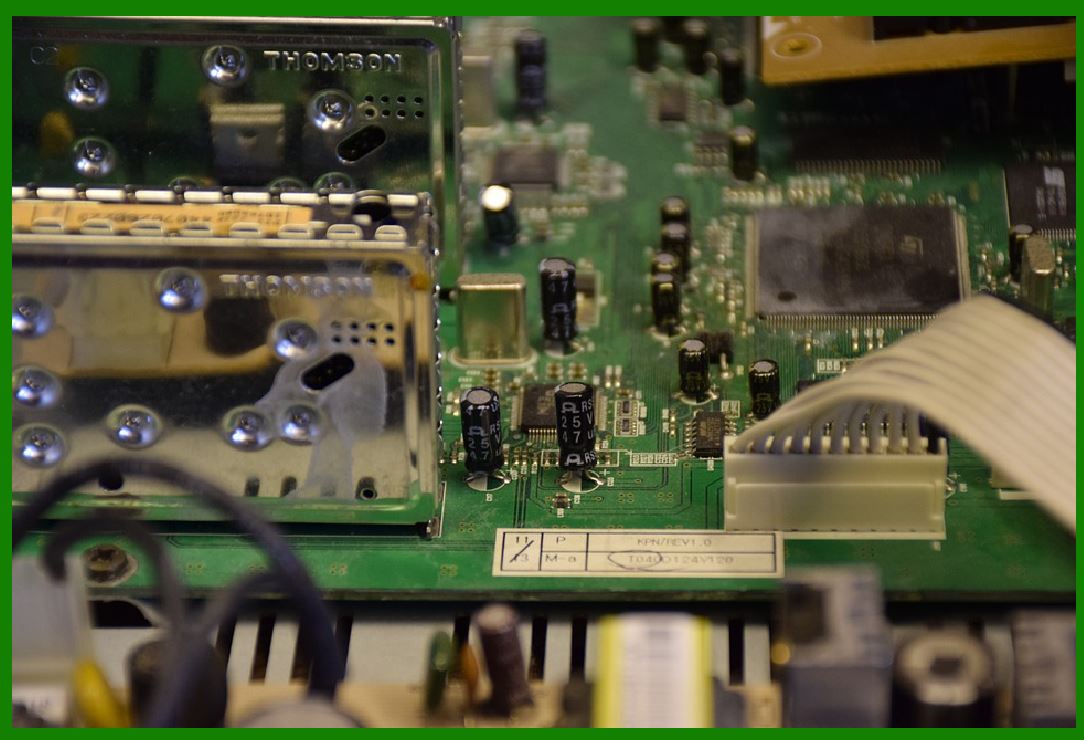
As barcode printers become faster and more efficient, the heat generated by power supplies will also increase. To address this, advanced thermal management technologies, such as heat pipes, liquid cooling, and graphene-based thermal materials, are expected to be integrated into future power supply designs. |
Benefits: |
Efficient Cooling: New cooling methods will allow power supplies to dissipate heat more efficiently, preventing overheating, which is a common cause of power supply failure. |
Higher Performance: The improved thermal efficiency will allow power supplies to operate under higher loads without the risk of thermal damage. |
Longer Lifespan: Reduced heat-related stress on components will help extend the overall lifespan of the power supply and the printer. |
Impact on Failure Rate: |
Enhanced cooling techniques will significantly reduce overheating, which is one of the most common causes of power supply failures, and improve overall reliability. |
|
4. Solid-State Power Supplies (SSPS) |
Overview: |
Traditional power supplies often rely on mechanical components such as transformers, inductors, and capacitors, which can wear out over time. Solid-state power supplies (SSPs), on the other hand, rely on semiconductor devices to control and convert power without the need for moving parts. As SSP technology matures, it is expected to be more widely adopted in barcode printer power supplies. |
Benefits: |
Fewer Moving Parts: With no mechanical components, SSPs are less prone to failure due to wear and tear. This reduces the risk of malfunction and increases the power supply's durability. |
Higher Efficiency: Solid-state devices are typically more efficient than traditional mechanical power supplies, leading to lower energy consumption and less heat generation. |
Smaller and More Compact: Solid-state designs are typically more compact, allowing for smaller, lighter, and more efficient power supply units. |
Impact on Failure Rate: |
By eliminating mechanical parts prone to failure, solid-state power supplies will reduce the chances of component degradation and improve long-term reliability. |

|
5. Integrated Power and Energy Harvesting Systems |
Overview: |
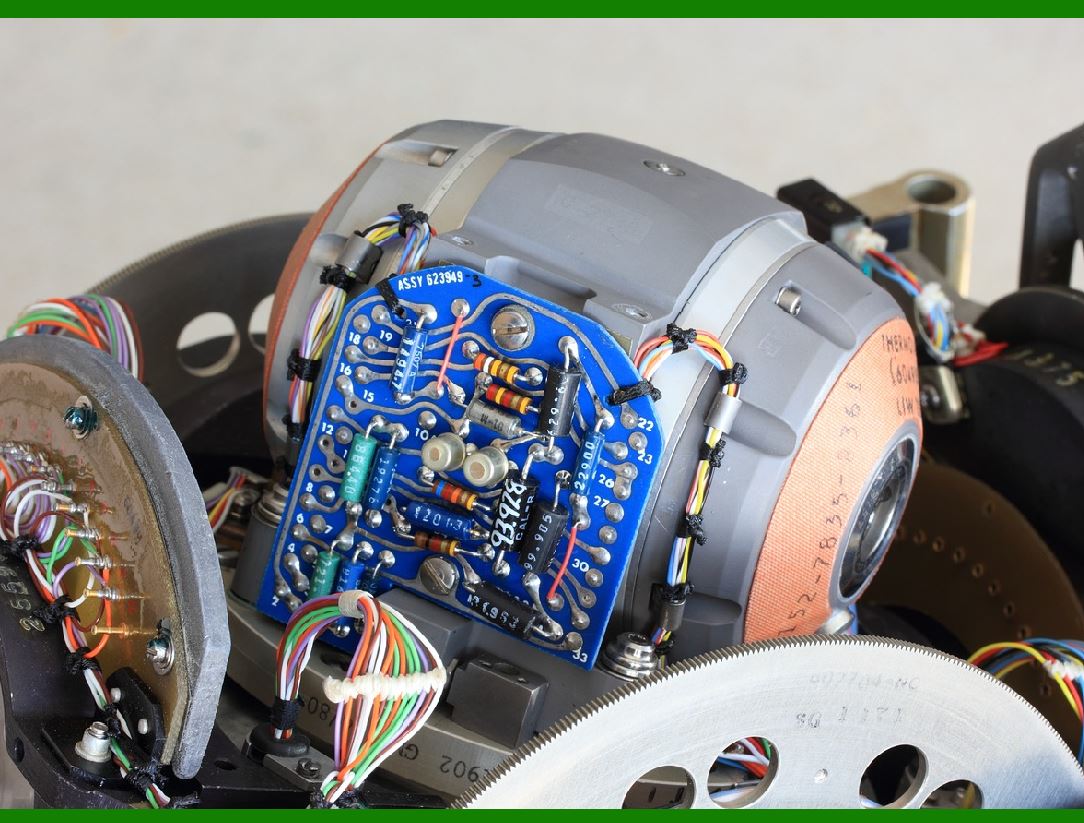
In the future, some barcode printers may adopt energy harvesting technologies in combination with the power supply system. These systems capture ambient energy (e.g., solar, kinetic, or thermal energy) and convert it into electricity to power the printer or supplement the main power supply. Such technologies are still in development, but they hold the potential to improve energy efficiency and reduce reliance on external power sources. |
Benefits: |
Reduced Dependency on External Power: By harnessing renewable or ambient energy, barcode printers can operate in off-grid or low-energy environments. |
Increased Sustainability: Energy harvesting can make printers more eco-friendly by reducing the amount of electricity they consume from traditional power sources. |
Backup Power Supply: Energy harvesting systems can act as an emergency backup, ensuring the printer continues to operate in case of power failure. |
Impact on Failure Rate: |
By diversifying power sources, energy harvesting could reduce the chances of failure due to power loss or surges from external sources, leading to more reliable performance in various conditions. |
|
6. Power Supply Modularization and Hot-Swappable Units |
Overview: |
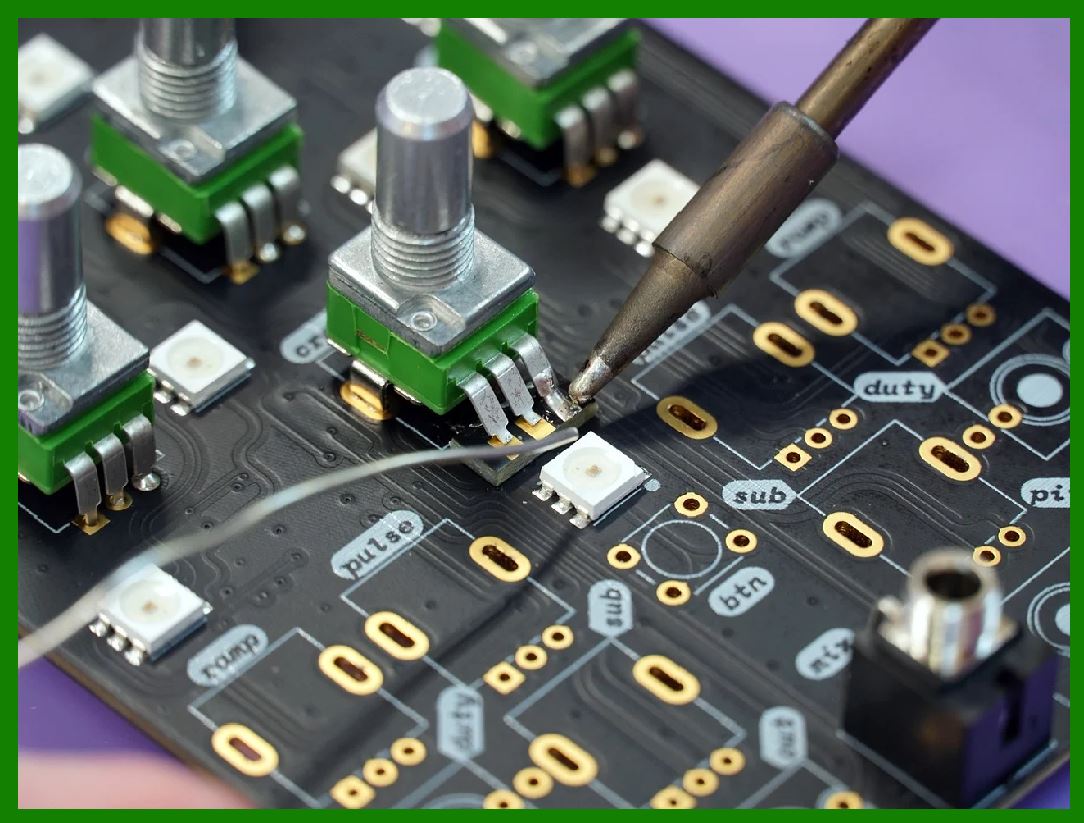
Modular power supplies and hot-swappable units will allow users to replace faulty power supply components without shutting down the entire printer. This modular approach enables the user to replace specific parts of the power supply (e.g., the transformer, rectifiers, or voltage regulators) without having to replace the entire unit, improving both repair time and cost-efficiency. |
Benefits: |
Cost-Effective Repairs: Instead of replacing an entire power supply, users can replace only the malfunctioning module, reducing repair costs and downtime. |
Simplified Maintenance: Modular power supplies allow for easy upgrades and replacements, ensuring that printers stay up-to-date with the latest technology. |
Minimized Downtime: Hot-swappable units can be replaced while the printer is still in operation, ensuring continuous productivity without significant downtime. |
Impact on Failure Rate: |
With easier repairs and replacements, the likelihood of long-term failure is reduced, and the printer remains in service longer. |
|
7. Self-Healing Power Supplies |
Overview: |
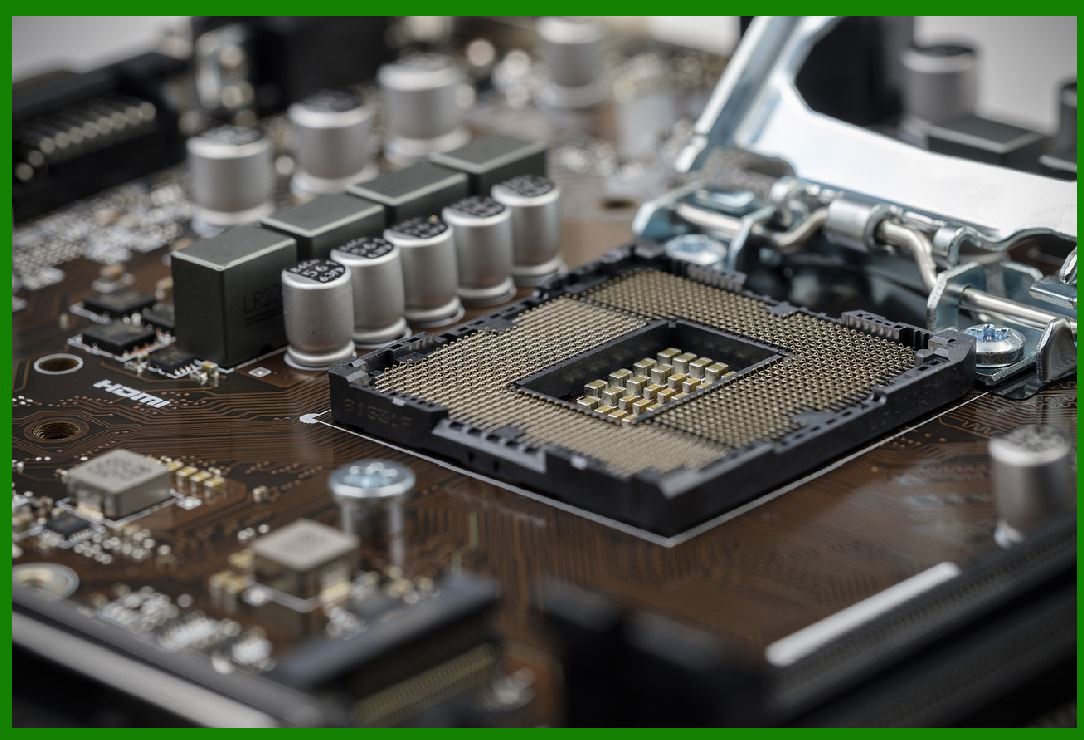
Emerging self-healing technologies will enable barcode printer power supplies to automatically detect and correct minor faults without human intervention. These power supplies will use advanced sensors and diagnostic algorithms to identify potential issues, such as transient voltage spikes or overheating, and adjust system parameters or activate internal backup systems to prevent damage. |
Benefits: |
Increased Reliability: By automatically correcting issues before they cause significant damage, self-healing power supplies will help prevent total failures. |
Reduced Maintenance Costs: With the ability to detect and correct minor faults, users can avoid costly repairs or replacements. |
Real-Time Monitoring: Users can receive notifications of potential issues in real time, allowing for preventive maintenance before a failure occurs. |
Impact on Failure Rate: |
The ability to self-correct faults will drastically reduce the chances of system-wide failure and increase printer uptime. |
|
8. Wireless Power Transfer for Barcode Printers |
Overview: |
Although still in the early stages of development, wireless power transfer (WPT) technology could revolutionize how barcode printers are powered. Using techniques like resonant inductive coupling, WPT allows for power to be delivered wirelessly from a power source to the printer, eliminating the need for physical connectors and power cords. |
Benefits: |
No Physical Connectors: Wireless power eliminates the wear and tear associated with physical connectors and cables, reducing the risk of power-related failures caused by damaged wires. |
Greater Flexibility: Printers could be used in environments where traditional wiring is difficult to implement, such as in mobile or rugged applications. |
Improved Durability: With no physical connections, there is a reduced risk of short circuits, frayed wires, or power interruptions. |
Impact on Failure Rate: |
The removal of physical connectors significantly reduces the risk of failure caused by faulty cables, connectors, or loose power inputs. |

|
Conclusion |
The future of barcode printer power supplies is set to be more efficient, reliable, and adaptable, with innovations such as smart power management, solid-state designs, modular components, and advanced thermal management systems. These technologies will significantly reduce the failure rate of power supplies and improve the overall reliability of barcode printers, ensuring that businesses can maintain smooth operations with minimal downtime and lower maintenance costs. As these technologies continue to evolve, barcode printers will become even more robust, energy-efficient, and user-friendly. |
 cs@easiersoft.com