1. Introduction to Barcode Reader Maintenance |
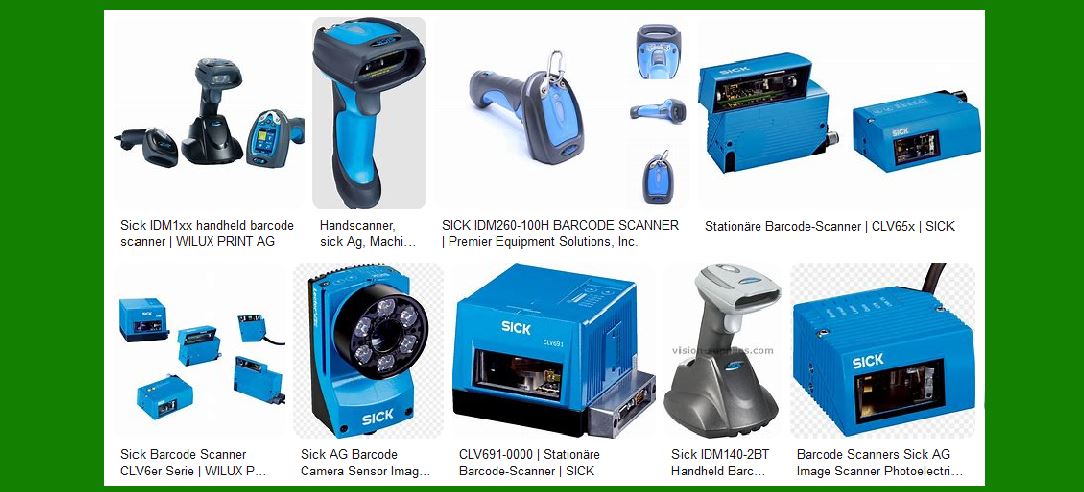
Barcode readers are ubiquitous in various industries, including retail, logistics, healthcare, and manufacturing. These devices streamline operations by enabling quick and accurate data capture, but like all electronic devices, they require regular maintenance and occasional upgrades to ensure peak performance. Maintenance challenges can broadly be categorized into three primary areas: software upgrades, hardware failures, and calibration and alignment. |
|
2. Software Upgrades |
Barcode scanners rely heavily on their software for functionality. Software upgrades are necessary to maintain compatibility with new barcode symbologies, enhance performance, and introduce new features. |
2.1 Importance of Software Upgrades |
Software upgrades are essential for several reasons: |
Compatibility: New barcode symbologies are introduced periodically to accommodate evolving business needs. Software updates ensure that scanners can read these new symbologies. |
Performance: Upgrades often include performance enhancements, making scanners faster and more accurate. |
Security: Updates can also include security patches to protect against vulnerabilities. |
Features: New features can be added, such as improved data processing capabilities or integration with other systems. |
2.2 Managing Software Upgrades |
Managing software upgrades for a fleet of barcode readers can be a complex and resource-intensive task, involving several steps: |
1.Assessment: Evaluate the current software version and identify the necessary updates. |
2.Planning: Develop a plan for rolling out the updates, considering factors such as device availability and operational impact. |
3.Testing: Test the updates on a small subset of devices to ensure compatibility and identify any issues. |
4.Deployment: Deploy the updates across the fleet, often using remote management tools to minimize downtime. |
5.Verification: Verify that the updates have been successfully installed and that the devices are functioning correctly. |
|
3. Hardware Failures |
Over time, the hardware components of barcode readers can wear out or fail, particularly in high-usage environments. Key components that may experience failure include light sources (laser diodes or LEDs), sensors, and decoding circuitry. |
3.1 Common Hardware Failures |
1.Light Sources: The light source is critical for illuminating the barcode so that the sensor can capture it. Over time, laser diodes or LEDs can degrade, leading to reduced brightness and scanning performance. |
2.Sensors: Sensors capture the reflected light from the barcode and convert it into an electrical signal. Dust, dirt, or physical damage can impair sensor performance. |
3.Decoding Circuitry: This component processes the electrical signal from the sensor to decode the barcode. Failures in the decoding circuitry can result in misreads or no reads. |
3.2 Repair and Replacement |
Repairing or replacing hardware components can be costly and time-consuming. The process typically involves: |
1.Diagnosis: Identifying the faulty component through diagnostic tests. |
2.Replacement: Replacing the faulty component, which may require specialized tools and skills. |
3.Testing: Verifying that the replacement component functions correctly. |
4.Calibration: Ensuring that the scanner is properly calibrated after the repair. |

|
4. Calibration and Alignment |
For laser-based barcode scanners, calibration and alignment are crucial for maintaining optimal performance. Misalignment or incorrect calibration can lead to poor scanning performance or misreads. |
4.1 Importance of Calibration and Alignment |
1.Accuracy: Proper calibration ensures that the scanner reads barcodes accurately, reducing the risk of errors. |
2.Performance: Correct alignment of mirrors and lenses ensures that the laser beam is properly directed, optimizing scanning speed and accuracy. |
3.Longevity: Regular calibration can extend the lifespan of the scanner by preventing excessive wear on components. |
4.2 Calibration and Alignment Procedures |
1.Routine Checks: Perform routine checks to ensure that the scanner is properly aligned and calibrated. |
2.Adjustment: Make necessary adjustments to mirrors, lenses, and other components to achieve optimal alignment. |
3.Testing: Test the scanner with sample barcodes to verify that it reads accurately and efficiently. |
|
5. Preventive Maintenance |
Preventive maintenance is crucial for minimizing downtime and extending the lifespan of barcode readers. This includes routine cleaning, inspection, and component replacement. |
5.1 Routine Cleaning |
1.External Surfaces: Clean the external surfaces of the scanner with a soft cloth and a mild cleaning solution to remove dust and dirt. |
2.Sensor and Light Source: Clean the sensor and light source to ensure clear and unobstructed scanning. |
3.Air Vents: Ensure that air vents are free from dust and debris to prevent overheating. |
5.2 Inspection |
1.Visual Inspection: Regularly inspect the scanner for signs of physical damage or wear. |
2.Operational Testing: Test the scanner's functionality to identify any performance issues. |
5.3 Component Replacement |
1.Wearable Parts: Replace wearable parts, such as batteries and cables, to ensure consistent performance. |
2.Scheduled Replacement: Replace components according to the manufacturer's recommended schedule to prevent unexpected failures. |

|
6. Upgrading Barcode Readers |
Periodic upgrades can enhance the performance and capabilities of barcode readers. Upgrades may involve both software and hardware improvements. |
6.1 Software Upgrades |
1.New Features: Software upgrades can introduce new features that enhance the functionality of barcode readers. |
2.Compatibility: Upgrades ensure that barcode readers remain compatible with evolving standards and technologies. |
3.Performance: Software upgrades can improve the speed and accuracy of barcode reading. |
6.2 Hardware Upgrades |
1.Improved Components: Upgrading to newer components, such as more powerful sensors or light sources, can enhance performance. |
2.Enhanced Durability: Hardware upgrades can improve the durability and reliability of barcode readers, especially in demanding environments. |
3.Integration: Upgraded hardware can better integrate with other systems and technologies, such as RFID or IoT. |
|
7. Training and Support |
Proper training and support are essential for maintaining and upgrading barcode readers. This includes training staff on maintenance procedures and providing access to technical support. |
7.1 Staff Training |
1.Maintenance Procedures: Train staff on routine maintenance procedures, such as cleaning and inspection. |
2.Troubleshooting: Educate staff on common issues and troubleshooting techniques. |
3.Software Updates: Provide training on how to manage and install software updates. |
7.2 Technical Support |
1.Manufacturer Support: Utilize technical support services provided by the manufacturer for complex issues. |
2.Documentation: Provide access to manuals, guides, and troubleshooting resources. |
3.Community Forums: Encourage participation in community forums and user groups to share knowledge and solutions. |
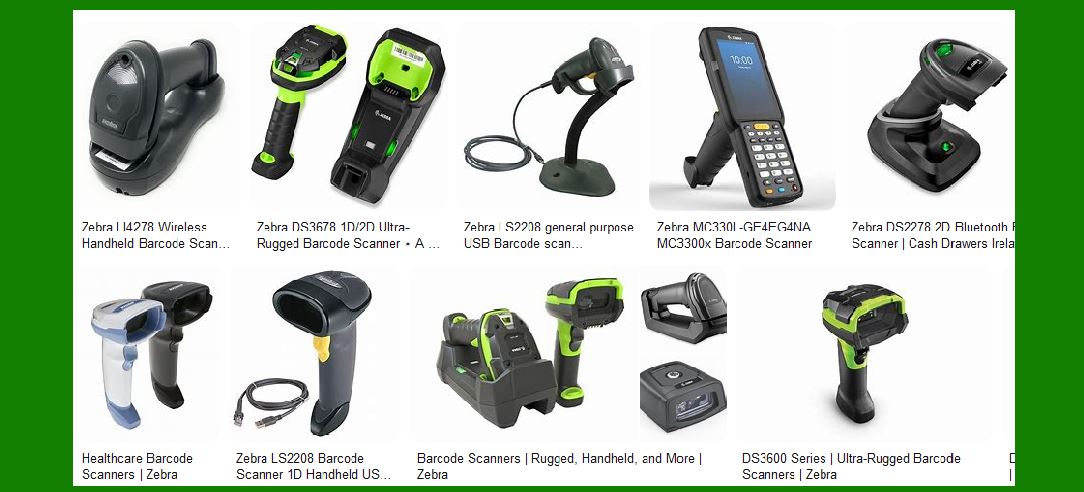
|
8. Conclusion |
Barcode reader maintenance is essential for ensuring reliable and efficient operation. By addressing software upgrades, hardware failures, and calibration and alignment, organizations can minimize downtime and extend the lifespan of their barcode readers. Preventive maintenance, routine cleaning, and regular upgrades further contribute to optimal performance. Training and support are also crucial for maintaining a well-functioning fleet of barcode readers. With proper care and attention, barcode readers can continue to play a vital role in various industries, enabling accurate and efficient data capture. |
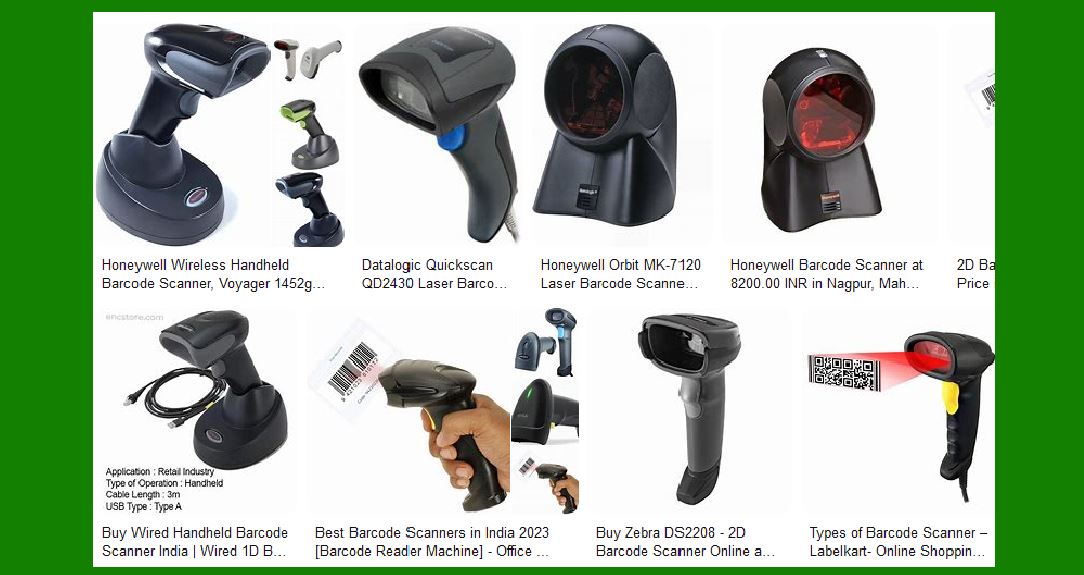
|
Case studies of Barcode Reader Maintenance |
Case Study 1: Mid-Sized Retail Company |
1. Introduction |
A mid-sized retail company relies heavily on handheld barcode scanners for inventory management, point-of-sale transactions, and stock replenishment. This case study explores the comprehensive maintenance practices for barcode scanners, focusing on real-world applications, challenges, and solutions. |
2. Initial Assessment |
The company conducted an initial assessment to identify common issues with their barcode scanners. The assessment revealed the following problems: |
Frequent misreads and scanning errors. |
Physical damage due to drops and impacts. |
Battery life degradation. |
Software glitches and firmware issues. |
Accumulation of dirt and debris on the scanner lens. |
3. Maintenance Plan Development |
Based on the assessment, the company developed a comprehensive maintenance plan. The plan included the following steps: |
1.Regular Cleaning: Establishing a routine cleaning schedule to remove dirt and debris from the scanner lens and body. |
2.Battery Management: Implementing best practices for battery charging and storage to extend battery life. |
3.Firmware Updates: Scheduling regular firmware updates to ensure the scanners operate with the latest software. |
4.Physical Inspections: Conducting periodic inspections to identify and address physical damage. |
5.Training Programs: Providing training for staff on proper handling and maintenance of barcode scanners. |
4. Implementation of Maintenance Plan |
The maintenance plan was implemented in phases to minimize disruption to daily operations. The key steps included: |
1.Cleaning Protocols: Staff were trained on how to clean the scanner lens using microfiber cloths and isopropyl alcohol. Cleaning kits were distributed to all departments. A cleaning log was introduced to track the frequency and effectiveness of cleaning efforts. |
2.Battery Management: Guidelines were provided on proper charging practices, such as avoiding overcharging and using manufacturer-recommended chargers. Battery performance was monitored, and underperforming batteries were replaced. |
3.Firmware Updates: IT staff scheduled regular firmware updates during off-peak hours to avoid downtime. A backup plan was established to revert to previous firmware versions in case of update failures. |

|
Case Study 2: Harsh Environmental Conditions |
1. Introduction |
Barcode scanners often operate in harsh environments, such as warehouses, manufacturing plants, and outdoor settings. This case study explores the maintenance challenges and solutions for barcode scanners used in such conditions. |
2. Environmental Challenges |
1.Harsh Environments: Scanners are exposed to dust, dirt, moisture, extreme temperatures, and physical impacts. For instance, in the oil and gas industry, scanners must withstand exposure to oil, chemicals, and extreme weather conditions. |
2.Temperature Extremes: In cold environments, such as refrigerated warehouses, the scanners' batteries may drain quickly, and the screens may become less responsive. Conversely, in hot environments, components may overheat, leading to failures. |
3. Maintenance Solutions |
1.Regular Cleaning: Implementing regular cleaning protocols to remove dust, dirt, and debris from the scanners. |
2.Temperature Management: Ensuring that scanners are rated for the specific temperature ranges they will encounter and performing regular checks to prevent temperature-related issues. |
3.Protective Measures: Using protective cases and covers to shield scanners from physical impacts and environmental hazards. |
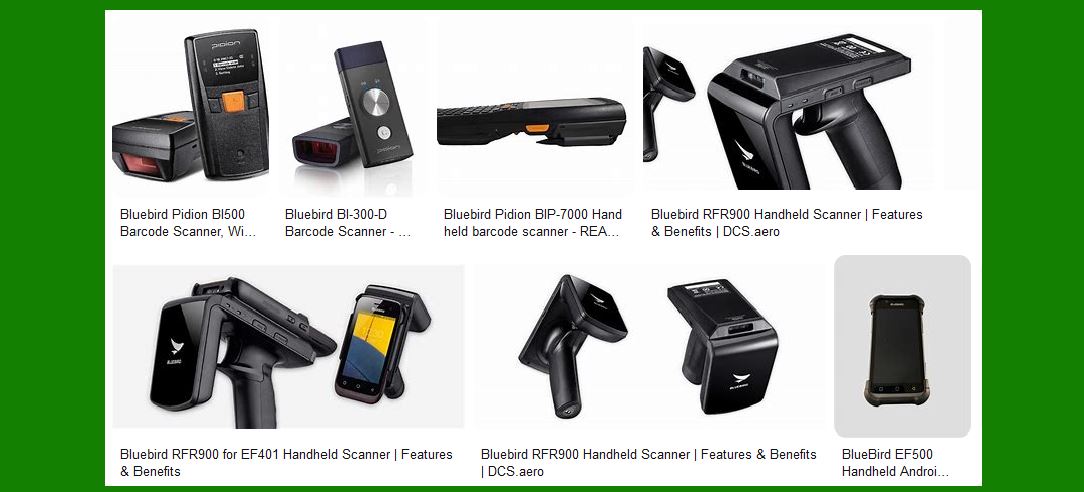
|
Case Study 3: Improving Lifespan of Barcode Scanners |
1. Introduction |
This case study focuses on improving the lifespan of barcode scanners through proper maintenance practices. |
2. High-Quality Devices |
Investing in high-quality devices can help alleviate maintenance issues and expenses. Although it may cost more upfront, the reduced amount of maintenance issues will save time and money in the long run. |
3. Proper Storage Conditions |
Storing barcode scanners in proper conditions can extend their lifespan. Avoiding direct sunlight, extreme temperatures, and moisture is crucial. If a device may have water damage, removing any visible liquid and setting the device out to dry overnight is recommended. |
4. Regular Cleaning and Servicing |
Regular cleaning and servicing are essential to prevent malfunctions. Cleaning the scanner lens, body, and air vents, as well as replacing worn-out parts, can ensure consistent performance. |
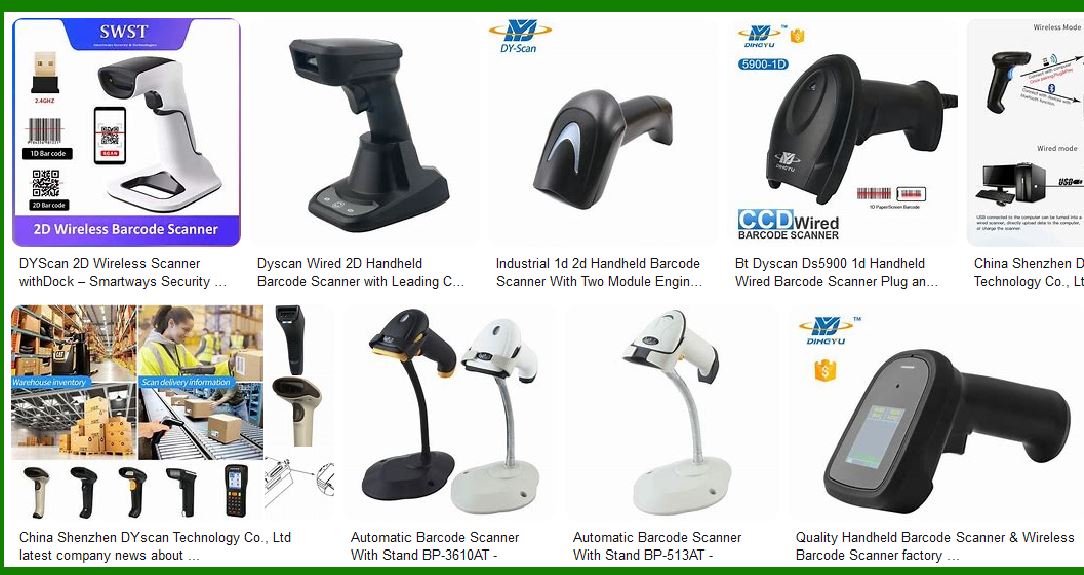
|
These case studies highlight the importance of regular maintenance, proper storage, and investing in high-quality devices to ensure the longevity and optimal performance of barcode scanners. By addressing common challenges and implementing effective maintenance practices, organizations can minimize downtime and extend the lifespan of their barcode readers. |
 cs@easiersoft.com