1. Introduction to Barcode Reader Operation |
Barcode readers, or barcode scanners, are essential tools in many industries, including retail, logistics, manufacturing, and healthcare. They are designed to read the data encoded into barcodes, translating it into useful information for various applications. The operation of barcode readers relies on the principles of light reflection and digital signal processing. By converting the pattern of black and white lines (or other shapes in some cases) in a barcode into readable data, barcode readers play a crucial role in automating tasks such as inventory management, product tracking, and data entry. |
The process of how barcode readers work can be broken down into several steps, from the initial light emission to the final decoded data output. This detailed explanation will explore the various components of barcode reader technology, the functioning of different types of barcodes, and the underlying principles of light reflection, signal conversion, and data decoding. |

|
2. Basic Principle of Barcode Reading |
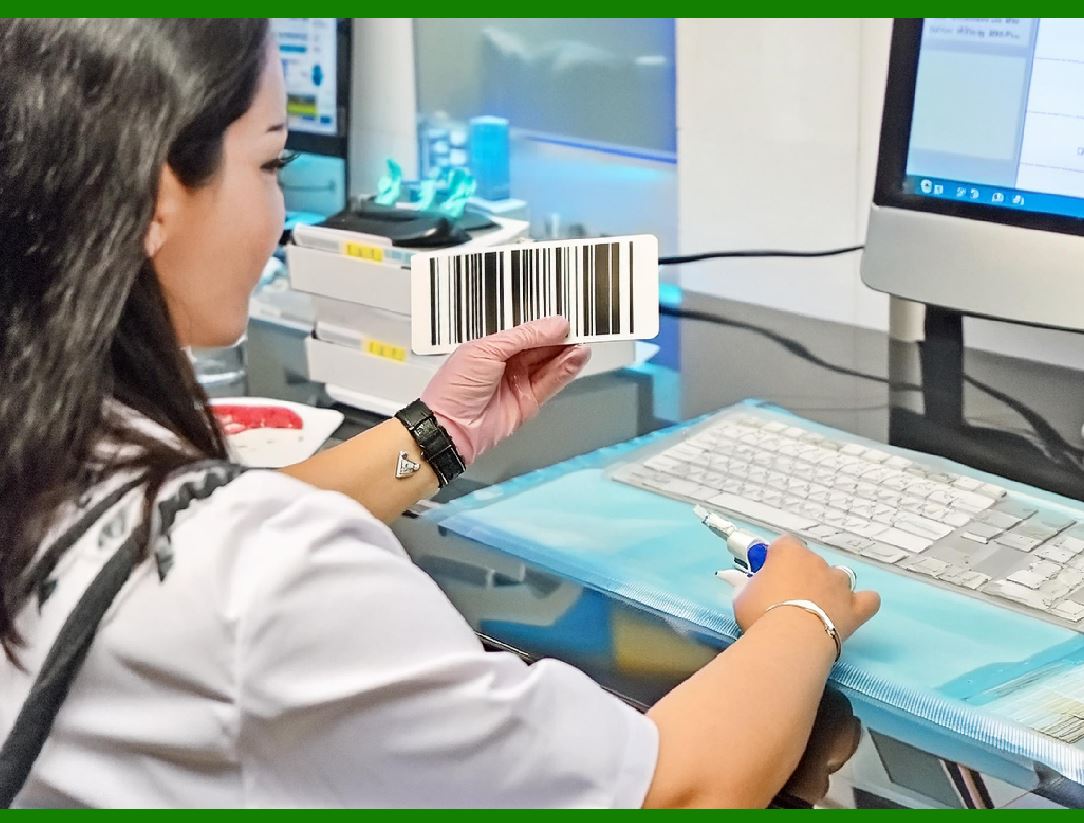
Barcode readers operate based on the principle of shining light on a barcode and detecting the light that is reflected back from the barcode's surface. A barcode consists of a series of contrasting elements, typically black bars and white spaces, which represent different values depending on the type of barcode. These contrasts are specifically designed to be detected by a light source in the scanner, which is reflected back to the scanner's sensor. The alternating pattern of black and white areas creates a series of reflections that allow the barcode reader to interpret the encoded information. |
When a barcode is scanned, the reader's light source-often a laser or LED-emits a beam of light towards the barcode. The black lines of the barcode absorb the light, while the white spaces reflect the light. This creates a pattern of reflected light that is then captured by a photodiode or sensor inside the scanner. |
|
3. The Role of Light Emission and Reflection |
In the operation of a barcode reader, the emission and reflection of light are pivotal. Most barcode readers use one of two types of light sources: |
Laser Light: Many barcode scanners, especially handheld models, use a laser beam to scan barcodes. The laser provides a narrow, focused beam that is able to penetrate the barcode with high precision. This is particularly useful for scanning barcodes from a distance or when the barcode is small or poorly printed. |
LED Light: Some barcode readers use LEDs (light-emitting diodes) instead of lasers. LED-based scanners tend to emit a wider, less concentrated beam of light, which may be less effective over long distances but works well for close-range scanning. |
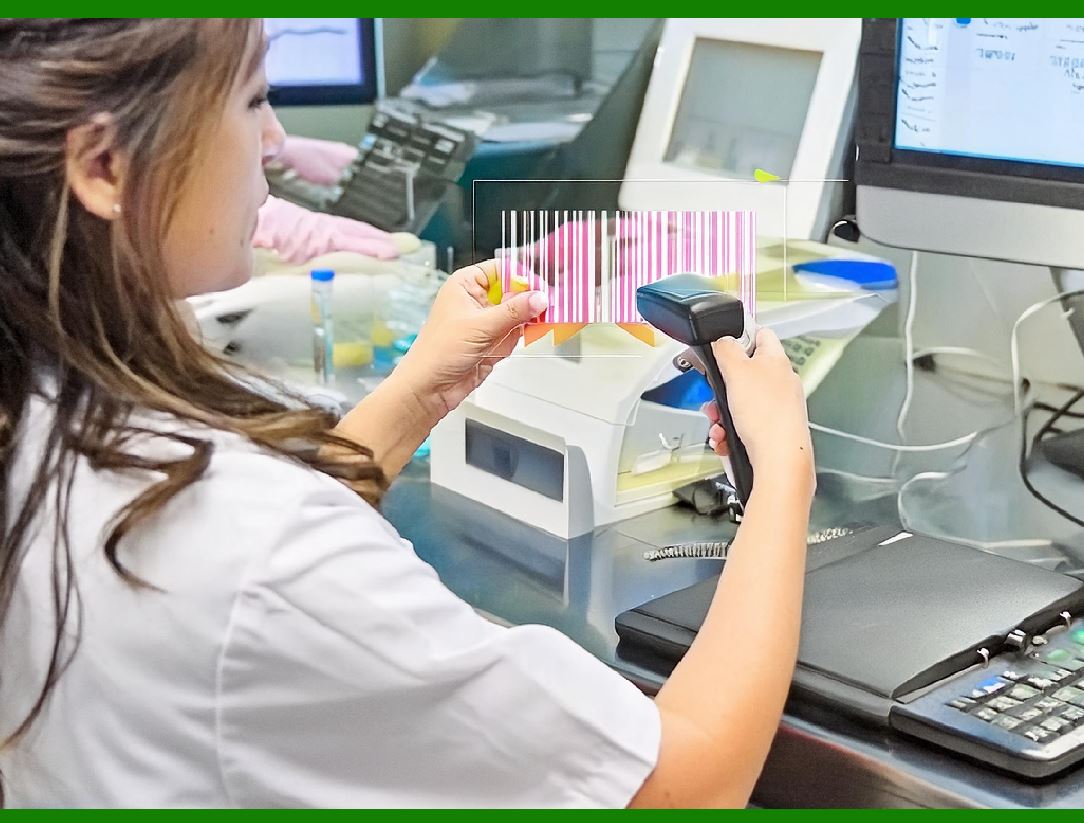
As the light hits the barcode, it is reflected back to the scanner in varying amounts. The black bars, which absorb the light, reflect much less compared to the white spaces, which reflect a higher percentage of light. This difference in reflection is critical for the scanner to differentiate between the dark and light elements of the barcode. |
|
4. Conversion of Light Reflection into Electrical Signals |
Once the scanner has illuminated the barcode and captured the reflected light, it must convert this information into a format that can be processed and decoded. The sensor in the scanner (such as a photodiode or photomultiplier) detects the variations in light intensity, converting the reflected light into an electrical signal. This is the first step in the process of interpreting the barcode. |
Photodiodes: Photodiodes are semiconductor devices that generate an electrical current when exposed to light. The intensity of this current varies depending on the amount of light detected. In a barcode scanner, the photodiode captures the reflected light from the barcode and produces an electrical signal that corresponds to the amount of light reflected from each part of the barcode. |
Signal Processing: The electrical signal generated by the photodiode is usually in an analog form, which means that it must be converted into a digital format for further processing. This is typically done using an analog-to-digital converter (ADC), which transforms the analog signal into a series of binary digits (0s and 1s) that the scanner's processing system can understand. |

|
5. The Decoding Process: Interpreting the Data |
The next step in the operation of a barcode reader is decoding the electrical signals into usable data. The pattern of light and dark elements in the barcode corresponds to a set of numbers, letters, or other data encoded into the barcode. This data is encoded using a specific symbology, which is a set of rules that define how the arrangement of black and white bars or cells translates into information. |
For 1D barcodes, the decoding process involves interpreting the widths and spacing of the black and white bars. A 1D barcode typically encodes data in the form of numbers or letters, and the reader's processor translates the pattern of varying bar widths into the corresponding alphanumeric value. The decoder matches the sequence of bar widths to a look-up table or database to convert the signal into the appropriate character set. |
For 2D barcodes (such as QR codes), the decoding process is more complex because the data is encoded not only in horizontal bars but also in vertical columns, creating a grid. A 2D barcode scanner must read both the horizontal and vertical components of the barcode to properly decode the information. This involves analyzing the entire matrix of squares or dots that make up the barcode and determining the data based on the configuration of light and dark cells. |
The decoding process also includes error checking, which is a critical feature of most barcode symbologies. This ensures that the data is read accurately, even if the barcode is damaged or imperfectly printed. Many barcode readers employ error correction algorithms that can identify and correct small mistakes in the data, such as missing bars or cells. |

|
6. Types of Barcodes and Their Different Scanning Methods |
Barcode readers are designed to work with various types of barcodes, each of which has its own method of encoding data. These barcodes can be broadly categorized into two main groups: 1D barcodes and 2D barcodes. Each group has different characteristics that influence how the scanner processes the data. |
6.1 1D Barcodes |
1D barcodes are the most common type of barcode and consist of a series of parallel bars and spaces of varying widths. Each barcode is designed to represent a specific piece of data, such as a product number or inventory ID. Examples of 1D barcodes include: |
UPC (Universal Product Code): Used extensively in retail for product identification. |
EAN (European Article Number): Similar to UPC but used mainly in Europe. |
Code 39: A widely used alphanumeric barcode that can encode numbers, letters, and some special characters. |
Code 128: A high-density alphanumeric barcode often used for logistics and shipping applications. |
The scanner reads 1D barcodes by measuring the width of the bars and spaces, and the data is decoded by comparing the pattern of bars and spaces to a predefined lookup table. |
6.2 2D Barcodes |
2D barcodes, on the other hand, encode data in both horizontal and vertical dimensions, allowing them to store much more information than 1D barcodes. 2D barcodes are typically represented as a matrix of black and white cells arranged in a grid pattern. Some examples of 2D barcodes include: |
QR Code (Quick Response Code): A popular 2D barcode that can store large amounts of data, including URLs, text, and even multimedia information. |
Data Matrix: A 2D barcode often used in industrial and logistics applications, where space is limited. |
PDF417: A 2D barcode that can store large amounts of data, including text, images, and binary data. |
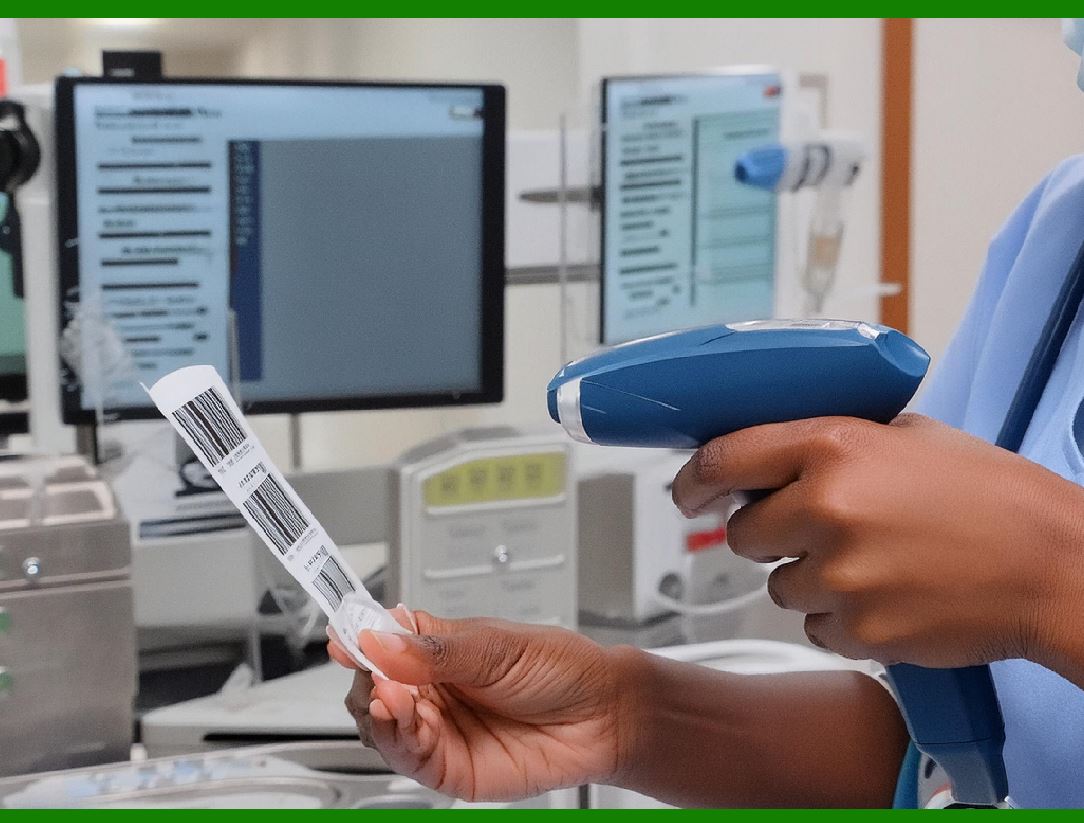
2D barcode scanners capture both the horizontal and vertical patterns of cells in the barcode, which makes them more complex to decode than 1D barcodes. |
|
7. Limitations of Barcode Readers |
While barcode technology is highly effective, there are some limitations to consider. One key limitation is that barcode readers require a direct line of sight to the barcode to read it properly. This means that the barcode must be visible to the scanner without any obstructions or interference. This is in contrast to other technologies like RFID (Radio Frequency Identification), which can work even when the item is not in direct sight of the reader. |
Additionally, barcodes are susceptible to damage. If the barcode is scratched, dirty, or torn, the scanner may not be able to read it correctly. Barcode scanners also tend to struggle with reading barcodes that are printed poorly or distorted, as the variation in bar widths can make it difficult to interpret the data accurately. |

|
8. Conclusion |
In conclusion, the operation of barcode readers is a fascinating process that involves the use of light reflection, electrical signal conversion, and data decoding. The reader's light source shines on the barcode, and the reflected light is captured by the sensor, converted into an electrical signal, and then decoded into a usable data format. Depending on the type of barcode being scanned (1D or 2D), the scanner uses different decoding methods to interpret the encoded data. Although barcode technology has some limitations, such as the requirement for a direct line of sight and susceptibility to damage, it remains an essential tool in many industries for managing and tracking information efficiently. |

|
The manufacturing technology and main manufacturers of thBarcode Reader. |
1. Introduction to Barcode Reader Manufacturing Technology |
Barcode reader technology has evolved over the years, with key advancements in light source, sensor design, decoding algorithms, and wireless connectivity. The manufacturing of barcode readers involves the integration of several technologies, including optics, electronics, software development, and mechanical design. The main components of barcode readers include the light source (laser or LED), sensor (photodiode or CCD), decoding software, and various housings and interfaces that enable the scanner to work in different environments. |
The manufacturing process itself is a blend of precision engineering and mass production techniques. Companies that produce barcode readers must balance the need for high-quality components with cost-effectiveness, durability, and ease of integration into various industries. Below is a detailed exploration of the key technologies used in barcode reader manufacturing and an overview of the major manufacturers in the field. |

|
2. Key Technologies Used in Barcode Reader Manufacturing |
2.1. Light Source Technology (Laser vs. LED) |
The light source is one of the most critical elements of a barcode reader, as it is responsible for illuminating the barcode so that the sensor can detect the reflected light. Barcode readers typically use either a laser or LED light source, each with its own advantages and applications. |
Laser Light Sources: Laser-based barcode readers use a focused laser beam to scan the barcode. Lasers provide a highly concentrated and narrow beam of light, which allows for long-distance scanning and precise detection of barcodes that are small or poorly printed. Laser scanners are widely used in retail, warehousing, and logistics where long-range scanning is necessary. |
Manufacturing Considerations: Lasers need precise optical components (such as lenses and mirrors) to ensure accurate focusing and beam control. The laser module is also designed to emit light at a specific wavelength, typically in the red or infrared spectrum, to optimize barcode reading and minimize ambient light interference. |
LED Light Sources: LED-based barcode readers, on the other hand, use multiple light-emitting diodes to generate a broader light field. While LEDs are less focused than lasers, they provide reliable illumination over short distances and are often used in handheld or fixed-position scanners in environments where high-volume, close-range scanning is needed. |
Manufacturing Considerations: LED scanners often require integrated optics that can diffuse the light to cover a broader area. These scanners may also feature an array of LEDs placed at different angles to optimize light dispersion across a variety of barcode sizes and orientations. |

|
2.2. Sensor Technology (Photodiodes vs. CCD) |
The sensor is responsible for detecting the light reflected from the barcode and converting it into an electrical signal that can be processed. The choice of sensor plays a significant role in the performance of the barcode reader, particularly in terms of scanning range, accuracy, and speed. |
Photodiode Sensors: Photodiodes are the most common sensor type used in laser-based barcode scanners. They detect light intensity and generate an electrical current proportional to the light received. The reflected light from the barcode causes the photodiode to generate a signal, which is then processed by the scanner's electronics. |
Manufacturing Considerations: Photodiodes are typically made from semiconductor materials such as silicon. Precision assembly is required to ensure that the photodiode is properly aligned with the laser or LED light source to optimize the reflection detection. |
CCD (Charge-Coupled Device) Sensors: CCD sensors are typically used in LED-based scanners. A CCD sensor consists of an array of tiny photosensitive elements that capture light in a grid pattern. This type of sensor is particularly useful for reading 2D barcodes like QR codes, as it can capture a wider area at once. |
Manufacturing Considerations: CCDs require careful calibration to ensure uniform light detection across the entire array. Additionally, the sensor must be paired with an appropriate light diffuser to ensure uniform lighting over the entire barcode surface, which helps with both 1D and 2D barcode scanning. |

|
2.3. Decoding Technology (Digital Signal Processing) |
Once the sensor has captured the reflected light, it converts the light patterns into electrical signals. These signals are then processed by decoding algorithms, which are crucial for interpreting the data encoded in the barcode. The decoder is responsible for interpreting the signal, applying error correction, and converting it into a readable format (e.g., numeric or alphanumeric data). |
Decoding Algorithms: Modern barcode readers use sophisticated digital signal processing (DSP) algorithms to decode the scanned data. The DSP chip processes the captured signal and matches it with the predefined pattern in a barcode symbology database. |
Manufacturing Considerations: Decoding software is often embedded in the barcode reader's firmware. Manufacturers often develop proprietary algorithms to handle specific barcode symbologies, including error correction, skew detection, and automatic adjustment to ambient lighting conditions. |
Image Processing: For 2D barcode scanners (such as QR codes), image processing is essential. The scanner captures an image of the barcode, which is then analyzed using algorithms to detect the alignment, orientation, and integrity of the barcode's grid. This process involves recognizing the grid structure and mapping it to the correct data. |
Manufacturing Considerations: Image processing hardware and software need to be optimized for high-speed image capture and real-time processing. This requires powerful microprocessors and high-quality imaging sensors, which can increase the cost and complexity of the scanner. |

|
2.4. Wireless Technology |
In recent years, wireless barcode scanners have become increasingly popular. These scanners rely on Bluetooth, Wi-Fi, or radio-frequency identification (RFID) to communicate with other devices such as computers, inventory systems, or point-of-sale (POS) terminals. |
Bluetooth Scanners: These barcode readers can connect wirelessly to devices within a short range, typically up to 100 meters, depending on the Bluetooth class. Bluetooth technology provides a low-power solution for data transmission and is commonly used in environments where mobility and flexibility are needed. |
Manufacturing Considerations: Integrating Bluetooth requires adding a Bluetooth radio module and antenna to the barcode scanner. Manufacturers need to optimize the power consumption of Bluetooth-based scanners to ensure long battery life. |
Wi-Fi Scanners: Wi-Fi-enabled barcode scanners can connect to a network and communicate with remote systems over larger distances than Bluetooth. Wi-Fi scanners are ideal for environments like warehouses, where real-time data synchronization is needed across multiple devices. |
Manufacturing Considerations: Wi-Fi integration requires more advanced electronics, such as a Wi-Fi radio module, antenna, and network protocol stack. The scanner's firmware must also support multiple network configurations and security protocols to ensure reliable and secure data transmission. |

|
2.5. Durability and Design Considerations |
The design and durability of barcode readers are crucial, especially in industrial or high-traffic environments. The housing needs to be rugged enough to withstand drops, exposure to dust and moisture, and other harsh conditions. Many barcode scanners are designed to be IP-rated for dust and water resistance, with shock-resistant housings to prevent internal damage from accidental drops. |
Manufacturing Considerations: High-quality materials such as rubberized plastic, aluminum, or polycarbonate are often used in the construction of barcode reader housings. The scanner is also subject to rigorous testing for durability, including drop tests, exposure to liquids, and testing for electromagnetic interference (EMI). |
Ergonomics and User Experience: For handheld scanners, ergonomics is another important consideration. Manufacturers focus on creating comfortable, lightweight designs that minimize user fatigue during prolonged use. The scanners also feature easy-to-use buttons, triggers, and intuitive interfaces. |
Manufacturing Considerations: Design teams consider human factors engineering to ensure that scanners are comfortable and easy to operate. Prototypes are often tested with real users to ensure that the form factor and controls are intuitive. |

|
3. Major Barcode Reader Manufacturers |
Several companies dominate the barcode reader manufacturing industry, and each offers a wide range of products suited to various applications. Below are the key manufacturers in the barcode reader industry: |
3.1. Honeywell International Inc. |
Honeywell is one of the largest manufacturers of barcode readers and is known for producing a diverse range of scanners that cater to different industries, including retail, healthcare, logistics, and manufacturing. Honeywell barcode scanners feature advanced imaging technology and robust build quality. They offer both handheld and fixed-position scanners, including 1D and 2D models, with options for wireless connectivity. |
Notable Products: Honeywell Xenon 1900, Honeywell Voyager 1200g, Honeywell Eclipse 5145 |
Technology: Honeywell focuses on high-performance decoding capabilities and ergonomic designs for ease of use. |
3.2. Zebra Technologies |
Zebra Technologies is a leading manufacturer of barcode readers, and its products are widely used in retail, healthcare, logistics, and manufacturing. Zebra offers a wide range of barcode scanning solutions, including handheld scanners, wearable scanners, and fixed scanners. Their scanners use both laser and image-based technologies, providing solutions for a variety of applications. |
Notable Products: Zebra DS2200 series, Zebra DS3600 series, Zebra LI3608 |
Technology: Zebra focuses on rugged designs and long-range scanning capabilities. |
3.3. Datalogic |
Datalogic is an Italian-based company that is a major player in the global barcode scanner market. The company designs and manufactures barcode readers for a variety of industries, including retail, logistics, and manufacturing. Datalogic is known for its innovative solutions, including barcode readers with 2D imaging capabilities and advanced data capture technology. |
Notable Products: Datalogic Gryphon 4500, Datalogic Heron D130, Datalogic QuickScan |
Technology: Datalogic emphasizes ease of use, accuracy, and the ability to scan damaged or poorly printed barcodes. |
3.4. Motorola Solutions (Now Part of Zebra Technologies) |
Motorola Solutions, acquired by Zebra Technologies in 2014, has long been recognized for its barcode scanning and mobile computing solutions. Its scanners, which include both handheld and fixed-mount models, are widely used in industries like retail, warehouse management, and transportation. |
Notable Products: Motorola DS9208, Motorola LS2208, Motorola LI4278 |
Technology: Motorola focuses on innovative scanning solutions, including omnidirectional scanning and wireless connectivity. |
3.5. Cognex Corporation |
Cognex is a leading provider of machine vision and industrial barcode readers. The company's products are used in manufacturing, logistics, and industrial applications, where high-speed and high-accuracy data capture is critical. Cognex barcode readers are often employed in automated systems for product tracking and quality control. |
Notable Products: Cognex DataMan series, Cognex In-Sight |
Technology: Cognex specializes in high-performance vision systems and industrial-grade barcode readers for complex environments. |

|
4. Conclusion |
The manufacturing of barcode readers involves a complex combination of optical technologies, sensor development, signal processing algorithms, and rugged design considerations. As barcode readers continue to evolve, innovations in decoding technology, wireless communication, and miniaturization are shaping the future of this industry. Key manufacturers like Honeywell, Zebra Technologies, Datalogic, Motorola Solutions, and Cognex are at the forefront, providing cutting-edge solutions that address the growing needs of industries ranging from retail to logistics to healthcare. |
 cs@easiersoft.com