Understanding the intricacies of power consumption in barcode readers is crucial, especially as these devices become more integral to various industries. The details presented below elaborate on the significant aspects related to power consumption in barcode readers. |
1. Introduction to Barcode Reader Power Consumption |
Barcode readers are an essential component in many industries, including retail, logistics, healthcare, and manufacturing. These devices convert barcode information into a readable format for computers and databases, facilitating efficient data entry and inventory management. However, as barcode readers become more advanced, their power consumption has become a critical consideration. Power consumption in barcode readers is influenced by several factors, including the type of barcode reader, its functionality, and its usage environment. |
|
2. Types of Barcode Readers and Their Power Requirements |
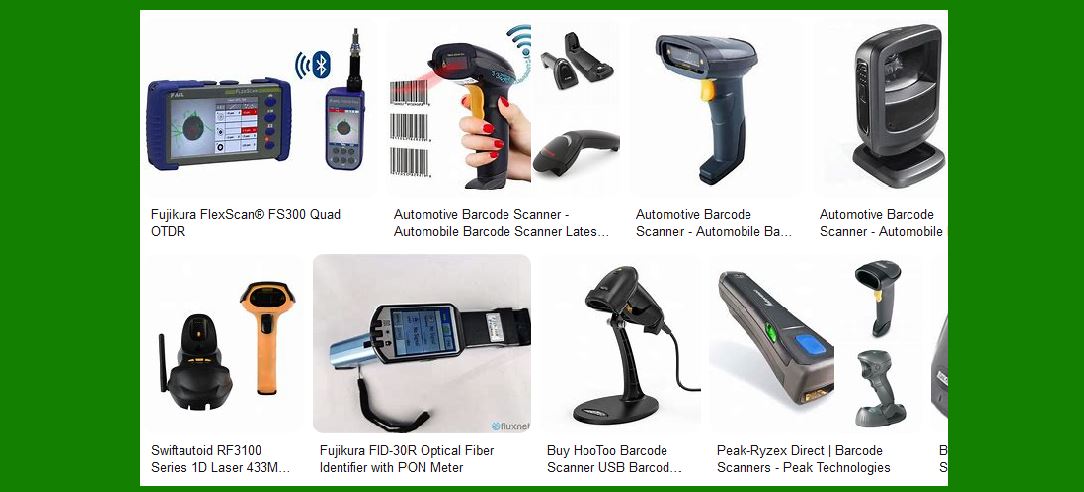
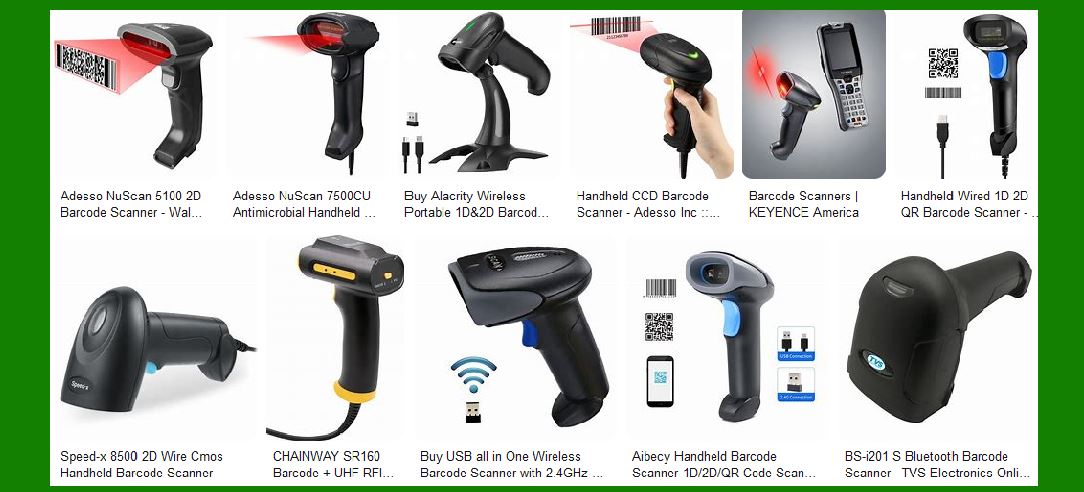
Barcode readers come in various forms, each with different power requirements. The primary types include handheld scanners, fixed scanners, mobile computers, and embedded scanners. Understanding the power consumption of each type is essential for optimizing their use. |
2.1 Handheld Scanners |
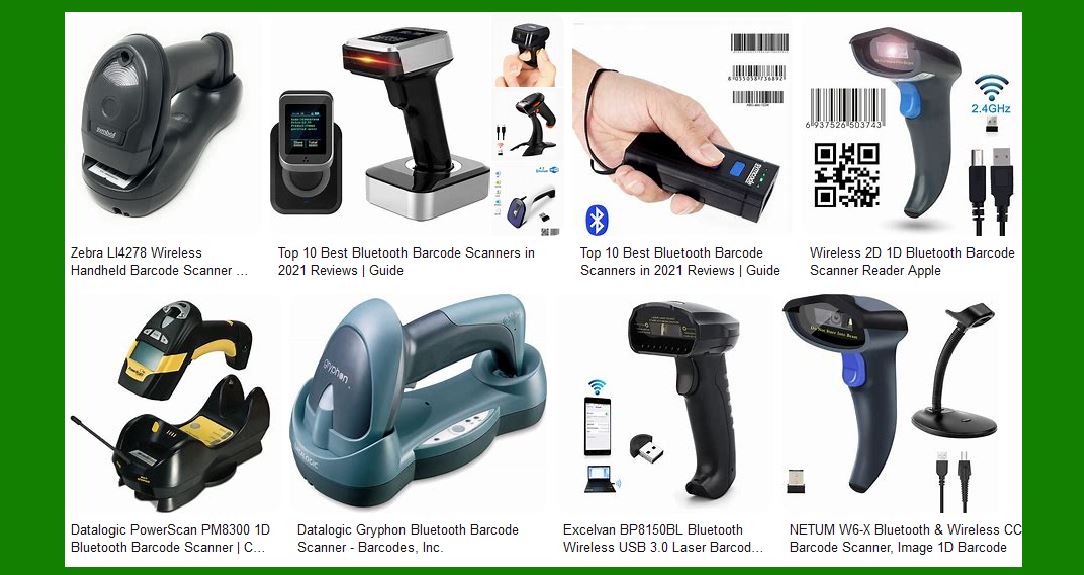
Handheld scanners are widely used due to their portability and ease of use. They can be wired or wireless, with wireless versions typically using Bluetooth or Wi-Fi for communication. Handheld scanners with wireless capabilities have higher power consumption due to the need for continuous wireless communication. However, they often include power-saving features such as sleep modes and automatic shutdown when not in use. |
2.2 Fixed Scanners |
Fixed scanners are commonly used in retail and industrial environments. These devices are typically connected to a constant power source, so their primary concern is not battery life but efficient power management. Fixed scanners must handle power fluctuations and surges that can occur in industrial environments. Voltage regulation and surge protection are essential to prevent damage and ensure consistent performance. |
2.3 Mobile Computers |
Mobile computers combine barcode scanning with computing capabilities, making them versatile tools for various applications. These devices often have higher power consumption due to their advanced features, including large displays, powerful processors, and wireless communication. Efficient power management and high-capacity batteries are crucial to maintain their functionality over extended periods. |
2.4 Embedded Scanners |
Embedded scanners are integrated into other devices, such as kiosks or manufacturing equipment. Their power consumption is typically managed by the host device. However, ensuring efficient power usage is still important to avoid overloading the host device and to maintain overall system efficiency. |

|
3. Factors Influencing Power Consumption |
Several factors influence the power consumption of barcode readers, including the type of scanning technology, the communication method, and the operational environment. |
3.1 Scanning Technology |
Barcode readers use different scanning technologies, each with varying power requirements. The primary technologies include laser, CCD (Charge-Coupled Device), and imager-based scanning. |
3.1.1 Laser Scanners |
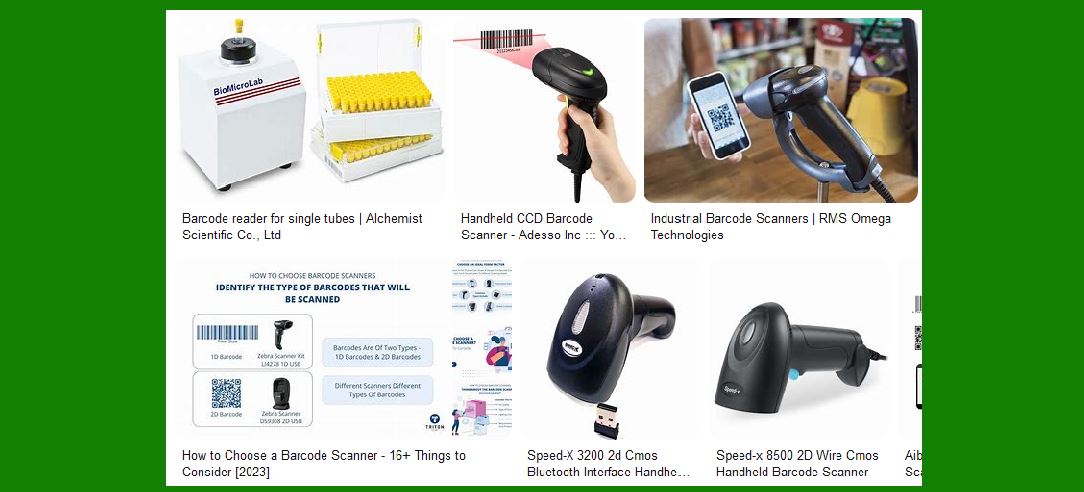
Laser scanners use a laser beam to read barcodes. They are known for their precision and ability to read barcodes from a distance. However, laser scanners tend to have higher power consumption due to the need for continuous laser operation. |
3.1.2 CCD Scanners |
CCD scanners use an array of light sensors to capture the barcode image. These scanners are generally more power-efficient than laser scanners, but their range and precision are limited compared to laser technology. |
3.1.3 Imager-based Scanners |
Imager-based scanners capture an image of the barcode and use software to decode it. This technology includes both 1D and 2D imagers. Imager-based scanners can read barcodes from a variety of surfaces and orientations, making them versatile. However, they can consume more power due to the need for image processing. |
3.2 Communication Method |
The method of communication between the barcode reader and the host device also affects power consumption. Wired connections typically have lower power requirements compared to wireless connections. |
3.2.1 Wired Communication |
Wired barcode readers are connected to the host device via USB, RS-232, or other interfaces. These connections generally have consistent and low power consumption since they draw power directly from the host device. |
3.2.2 Wireless Communication |
Wireless barcode readers use Bluetooth, Wi-Fi, or other wireless technologies to communicate with the host device. Wireless communication increases power consumption due to the need for constant data transmission and reception. However, wireless readers offer greater mobility and convenience, making them suitable for dynamic environments. |
3.3 Operational Environment |
The environment in which barcode readers are used can significantly impact their power consumption. Factors such as temperature, humidity, and electromagnetic interference can affect the efficiency of barcode readers. |
3.3.1 Temperature |
High temperatures can increase the power consumption of barcode readers by affecting their electronic components. Devices used in extreme temperatures require additional cooling mechanisms, which can further increase power consumption. |
3.3.2 Humidity |
High humidity levels can cause condensation on the internal components of barcode readers, potentially leading to short circuits and increased power consumption. Barcode readers used in humid environments often have protective coatings or sealed designs to mitigate these effects. |
3.3.3 Electromagnetic Interference |
Electromagnetic interference from other devices can affect the performance of barcode readers, leading to increased power consumption as the device attempts to maintain accurate readings. Shielding and filtering techniques are used to minimize the impact of interference. |
|
4. Battery Life Management in Barcode Readers |
For portable barcode readers, battery life is a critical factor. Efficient battery management is essential to ensure that these devices can operate for extended periods without frequent recharging. |
4.1 Battery Types |
Barcode readers use different types of batteries, each with its advantages and limitations. The most common battery types include NiMH (Nickel-Metal Hydride), Li-ion (Lithium-Ion), and Li-Po (Lithium-Polymer) batteries. |
4.1.1 NiMH Batteries |
NiMH batteries are known for their high capacity and relatively low cost. However, they have a higher self-discharge rate compared to other battery types, which can reduce their overall lifespan. |
4.1.2 Li-ion Batteries |
Li-ion batteries offer a high energy density and low self-discharge rate, making them ideal for portable devices. They are widely used in barcode readers due to their long life and reliability. |
4.1.3 Li-Po Batteries |
Li-Po batteries are similar to Li-ion batteries but offer greater flexibility in terms of shape and size. They are often used in compact barcode readers where space is limited. |
4.2 Power Management Techniques |
To extend battery life, barcode readers implement various power management techniques. These techniques include low-power modes, sleep modes, and power optimization algorithms. |
4.2.1 Low-Power Modes |
Low-power modes reduce the power consumption of barcode readers by limiting their functionality when not in use. For example, the device may enter a low-power state after a period of inactivity, reducing power consumption until it is needed again. |
4.2.2 Sleep Modes |
Sleep modes are similar to low-power modes but offer even greater power savings. In sleep mode, most of the device's functions are turned off, with only essential components remaining active. The device can quickly wake up from sleep mode when needed. |
4.2.3 Power Optimization Algorithms |
Power optimization algorithms adjust the device's power usage based on its current tasks and environment. These algorithms can dynamically adjust the power output to balance performance and battery life. |

|
5. Power Supply Issues for Fixed Barcode Readers |
Fixed barcode readers, such as those used at checkout counters and in warehouses, face different power-related challenges compared to portable devices. These challenges primarily involve power supply reliability and protection. |
5.1 Voltage Fluctuations |
Voltage fluctuations can occur in industrial environments due to heavy machinery and other electrical equipment. These fluctuations can affect the performance of fixed barcode readers and potentially cause damage to their internal components. Voltage regulation is essential to maintain a stable power supply and protect the device. |
5.2 Power Surges |
Power surges, often caused by lightning strikes or power grid issues, can result in sudden increases in voltage. Fixed barcode readers must be equipped with surge protection to prevent damage to their circuitry. Surge protectors and uninterruptible power supplies (UPS) are commonly used to safeguard these devices. |
5.3 Power Redundancy |
In critical applications, such as hospital inventory management or high-volume retail environments, power redundancy is crucial. Redundant power supplies ensure that barcode readers remain operational even if the primary power source fails. This redundancy can be achieved through backup batteries, secondary power sources, or UPS systems. |
|
6. Advancements in Power Efficiency for Barcode Readers |
Technological advancements have led to significant improvements in the power efficiency of barcode readers. These advancements include the development of more efficient components, improved power management techniques, and the integration of energy-harvesting technologies. |
6.1 Efficient Components |
Advances in semiconductor technology have led to the development of more efficient processors, sensors, and communication modules. These components consume less power while delivering higher performance, contributing to the overall power efficiency of barcode readers. |
6.2 Improved Power Management |
Manufacturers are continuously improving power management techniques to extend the battery life of portable barcode readers and enhance the reliability of fixed scanners. These improvements include more accurate power monitoring, advanced sleep modes, and adaptive power algorithms. |
6.3 Energy Harvesting |
Energy-harvesting technologies convert ambient energy, such as light, heat, or motion, into electrical power. While still in the early stages of development, these technologies have the potential to significantly reduce the reliance on traditional power sources for barcode readers. For example, solar panels can be integrated into portable barcode readers to extend their battery life by harvesting solar energy. |
|
Some case studies that highlight the power consumption challenges and solutions for barcode readers in various industries: |
1. Retail Environment |
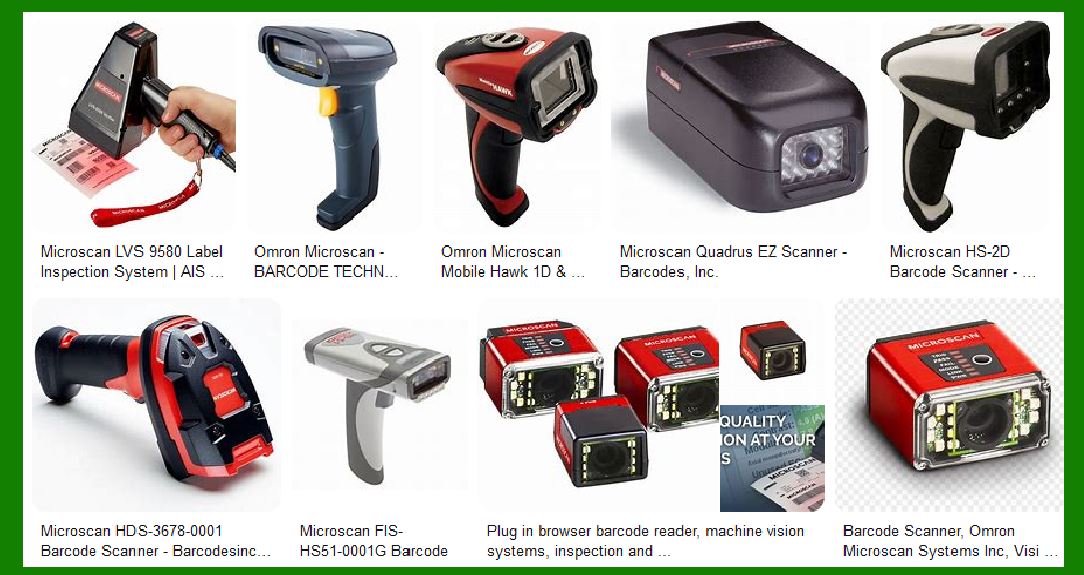
In retail environments, barcode readers are essential for inventory management and checkout processes. A major retail chain implemented wireless handheld barcode readers to improve efficiency. However, they faced challenges with battery life, as the devices needed to operate continuously throughout the day. To address this, the company adopted barcode readers with advanced power management features, such as low-power modes and sleep modes. These features significantly extended the battery life, allowing the devices to function for an entire shift without needing a recharge. Additionally, the company provided training to employees on proper usage and charging practices to further optimize battery performance. |
|
2. Warehouse and Logistics |
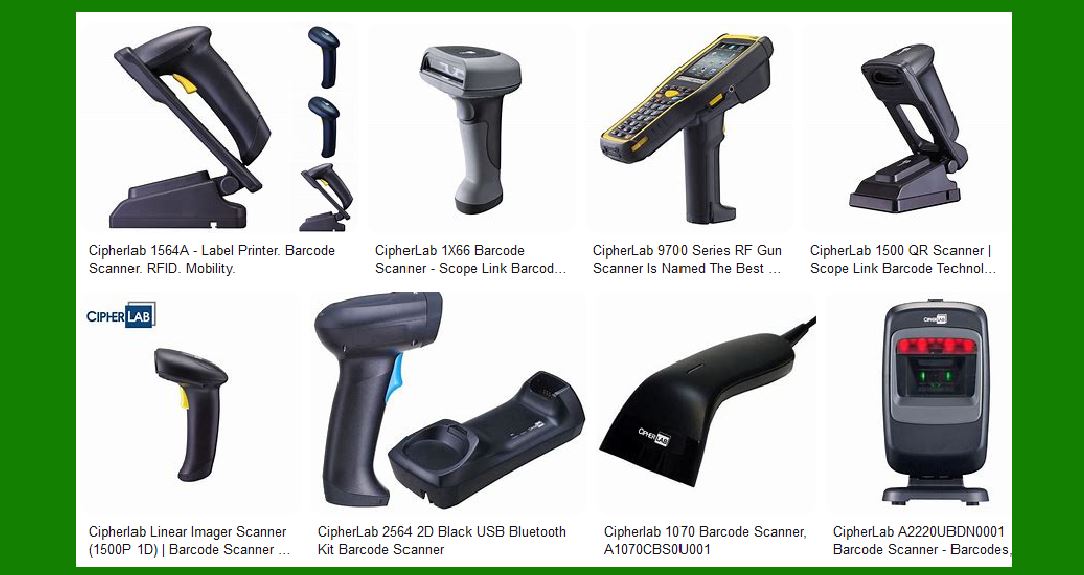
A logistics company operating large warehouses faced issues with power consumption in their fixed barcode readers. The readers were used to scan items on conveyor belts and needed to operate continuously. The company experienced frequent power surges and voltage fluctuations, which affected the performance and lifespan of the barcode readers. To mitigate these issues, the company installed voltage regulators and surge protectors to ensure a stable power supply. They also upgraded to barcode readers with more efficient components and improved power management capabilities. As a result, the company saw a reduction in downtime and maintenance costs, and the barcode readers operated more reliably. |
|
3. Healthcare Industry |
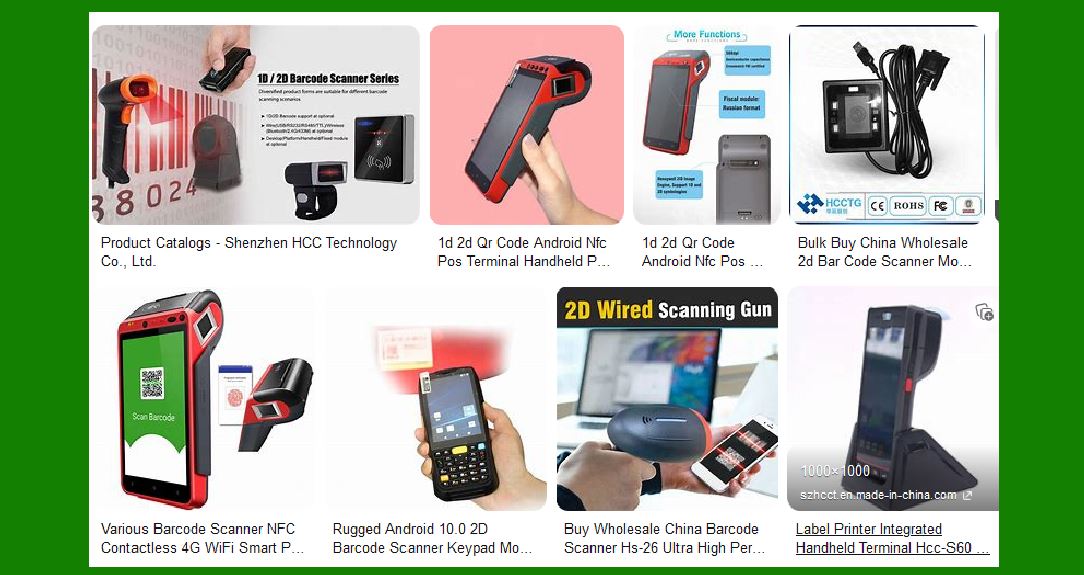
In the healthcare industry, portable barcode readers are used for patient identification, medication administration, and inventory management. A hospital implemented mobile computers with integrated barcode readers to streamline these processes. However, the devices had high power consumption due to their advanced features, including large displays and wireless communication. To address this, the hospital selected devices with high-capacity Li-ion batteries and implemented power optimization algorithms. These algorithms dynamically adjusted the power usage based on the device's tasks and environment, balancing performance and battery life. The hospital also provided charging stations throughout the facility to ensure that devices were always ready for use. |
|
4. Manufacturing |
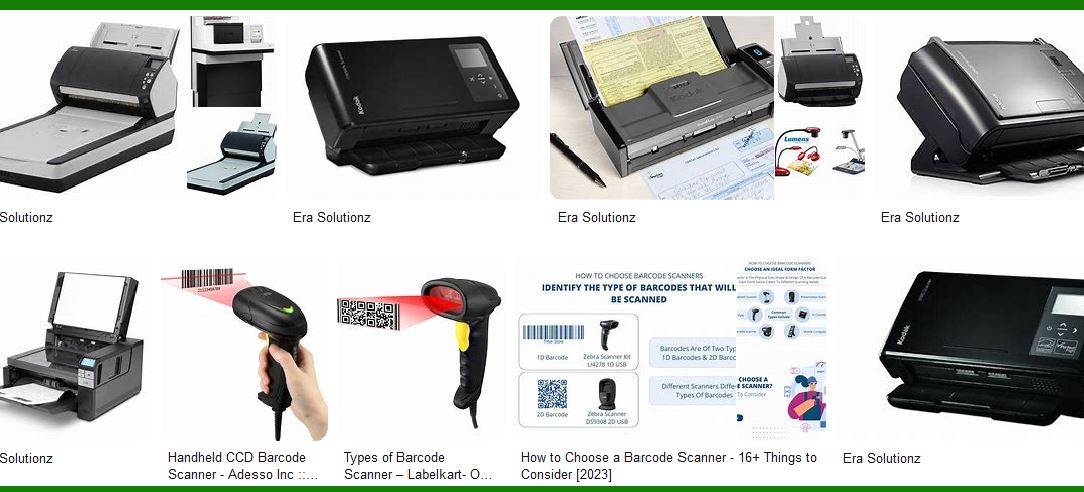
A manufacturing company integrated embedded barcode readers into their production line equipment to track components and finished products. The embedded scanners were powered by the host devices, and the company faced challenges with managing the overall power consumption of the system. To optimize power usage, the company selected barcode readers with efficient scanning technology and low-power modes. They also implemented energy-harvesting technologies, such as solar panels, to supplement the power supply. These measures reduced the strain on the host devices and improved the overall energy efficiency of the production line. |
|
5. Transportation and Logistics |
A transportation company used mobile barcode readers for tracking packages and managing inventory in their delivery vehicles. The mobile readers needed to operate for extended periods without frequent recharging. The company faced challenges with battery life, especially during long delivery routes. To address this, they selected barcode readers with high-capacity batteries and implemented power management techniques, such as sleep modes and power optimization algorithms. Additionally, the company installed charging docks in the delivery vehicles, allowing the devices to recharge during transit. These measures ensured that the barcode readers remained operational throughout the delivery routes, improving efficiency and reducing downtime. |
|
These case studies demonstrate the importance of efficient power management in barcode readers across various industries. By selecting devices with advanced power-saving features and implementing effective power management strategies, companies can optimize the performance and reliability of their barcode readers while minimizing power consumption. |
 cs@easiersoft.com