How Barcode Readers Identify Poorly Printed and Damaged Barcodes |
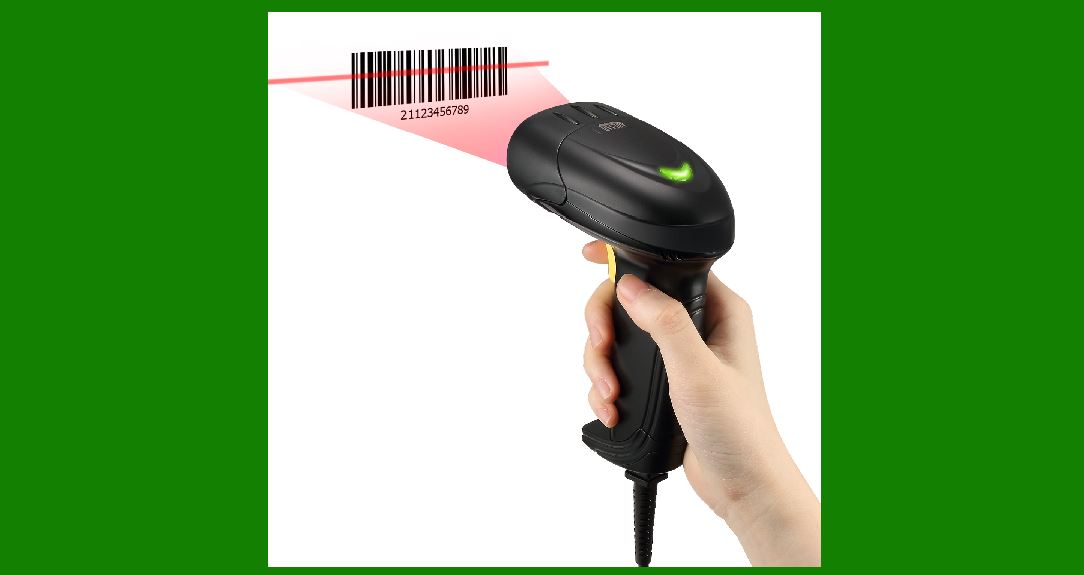
1.Introduction to Barcode Readers and Their Functionality Barcode readers, also known as barcode scanners, are essential tools for data capture and inventory management across various industries. They are designed to read machine-readable codes known as barcodes, which are typically made up of a series of parallel lines or dots that represent data. These readers work by scanning the barcode and converting the patterns of bars (or spaces between bars) into a digital signal that can be processed by a computer or an automated system. However, barcodes can become poorly printed, damaged, or distorted due to various factors such as low-quality printing, wear and tear, dirt, or handling. Despite these challenges, modern barcode readers use sophisticated technologies to identify and read barcodes effectively, even under less-than-ideal conditions. |
|
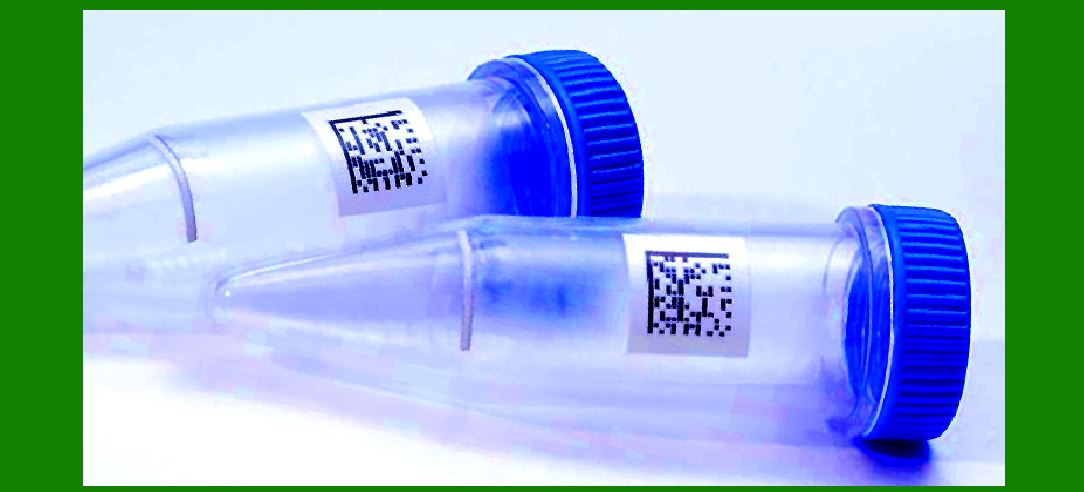
2.Barcode Structure and Data Encoding Barcodes come in different formats, including 1D barcodes (linear barcodes) and 2D barcodes (like QR codes). The typical 1D barcode consists of black bars and white spaces arranged in a specific sequence. Each combination of bar widths and spaces represents a unique alphanumeric value. Similarly, 2D barcodes encode data in both vertical and horizontal dimensions, allowing for higher data density and error tolerance. The robustness of barcode readers lies in their ability to detect even slight distortions or errors in these patterns and still correctly interpret the encoded information. |
|
3.Challenges with Poorly Printed or Damaged Barcodes Barcodes can become degraded due to poor printing quality, wear from handling, dirt, or physical damage. The most common issues include: |
Faint or partially missing bars: This can happen when the barcode is printed with low ink or when the printer head is worn. |
Blurred or misaligned bars: Sometimes barcodes get smudged or printed unevenly, leading to misalignment. |
Dirt or scratches: Physical contaminants on the barcode, such as dirt or scuff marks, can obscure parts of the code. |
Damage from wear and tear: Over time, barcodes on products may fade, crack, or tear, especially when subjected to rough handling or exposure to extreme environmental conditions. |
The ability of barcode readers to successfully read such imperfect barcodes depends on several factors, including the quality of the barcode, the type of barcode reader being used, and the specific technology embedded in the reader. |
|
4.How Barcode Readers Identify Poorly Printed or Damaged Barcodes Barcode readers employ various techniques to decode barcodes accurately, even when they are poorly printed or damaged. These techniques include error correction algorithms, image enhancement, and adaptive scanning methods. |
a. Error Correction Algorithms Many barcode formats, including the popular UPC (Universal Product Code) and Code 128, are designed with built-in error correction. This means that even if a portion of the barcode is unreadable or corrupted, the scanner can often still recover the correct data by using redundancy and checksum validation. For example, in 1D barcodes, a checksum is added to the barcode to help the scanner identify errors in the data. The checksum is calculated from the other digits in the barcode, and it provides a form of validation. If the calculated checksum does not match the barcode's checksum, the reader will reject the data and may ask the user to rescan the barcode. |
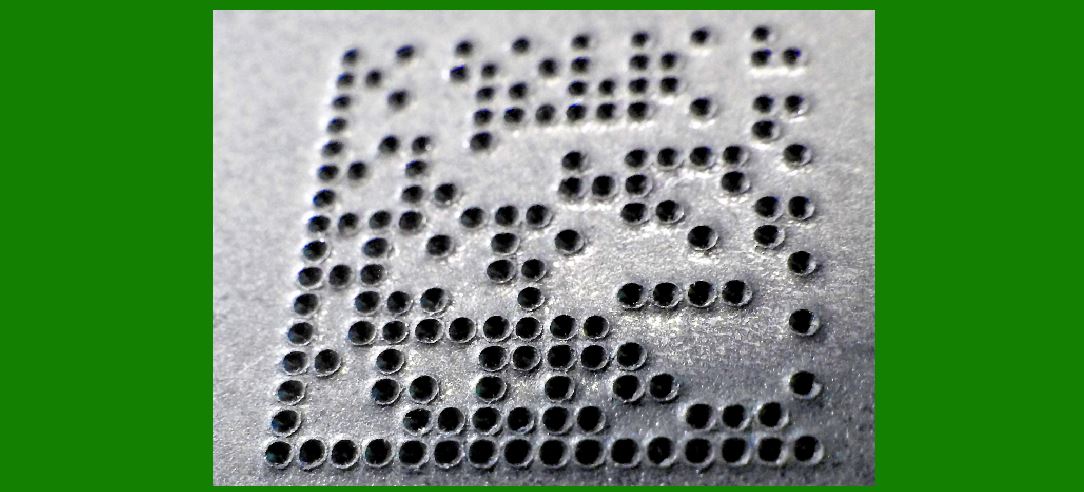
In 2D barcodes, the error correction level can be higher. For instance, QR codes use Reed-Solomon error correction, which allows a reader to recover data even if up to 30% of the code is damaged or missing. This level of redundancy helps barcode readers in environments where barcodes are frequently subjected to wear, tear, or physical damage. |
b. Image Enhancement Techniques Barcode readers typically use optical or laser-based scanning technology to capture an image of the barcode. In many cases, barcode readers incorporate image processing techniques that enhance the image quality before it is decoded. These techniques may include: |
Contrast adjustment: By increasing the contrast between the black and white bars, barcode readers can enhance the visibility of faint or partially missing bars, making it easier to decode the data. |
Edge detection: Barcode readers often use edge detection algorithms to locate the boundaries of the bars and spaces more accurately, especially in cases where the barcode is blurred or misaligned. |
Noise reduction: In the presence of dirt, scratches, or other contaminants, barcode readers may apply noise-reduction filters to minimize the effect of physical damage. This helps the reader distinguish the actual barcode pattern from the surrounding noise, such as dirt or smudges. |
c. Adaptive Scanning Techniques Barcode readers equipped with adaptive scanning technology can automatically adjust their scanning settings based on the condition of the barcode. This may include changes in the scanning speed, the light intensity of the laser, or the type of scanning method (e.g., area or line scanning). |
For example, when scanning a damaged or poorly printed barcode, the reader may slow down its scanning rate to ensure it captures enough data to decode the barcode successfully. Similarly, the reader may increase the brightness or focus the scanning laser on the specific region of the barcode that is more likely to contain readable data. |
Some barcode readers also utilize multi-angle scanning. This involves scanning the barcode from different angles and perspectives to ensure that at least one of the scanned images is clear enough to decode. This is especially useful when a barcode is misaligned, damaged, or printed at an angle that could prevent a single scan from being successful. |
|
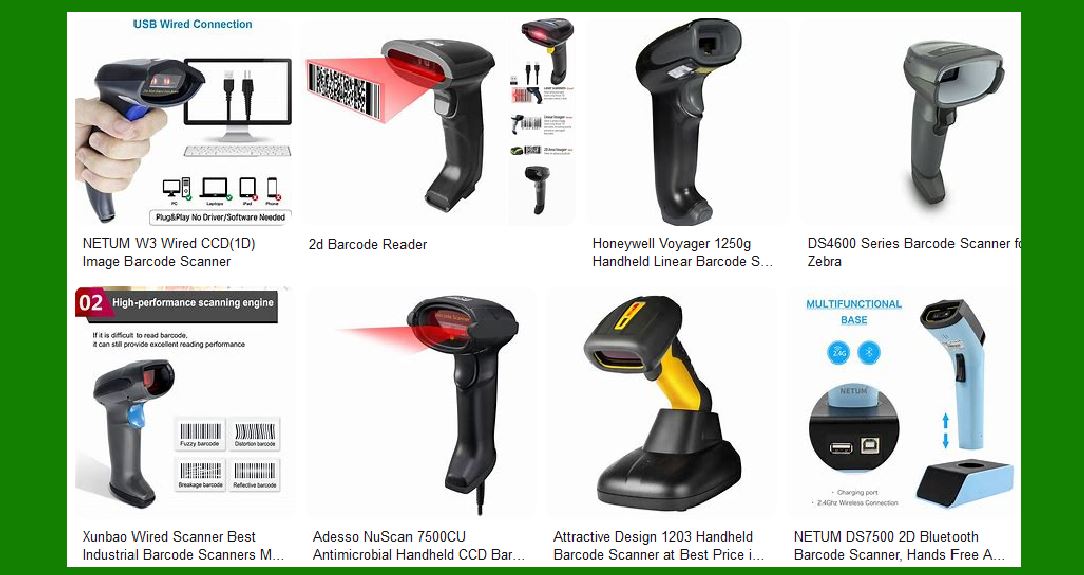
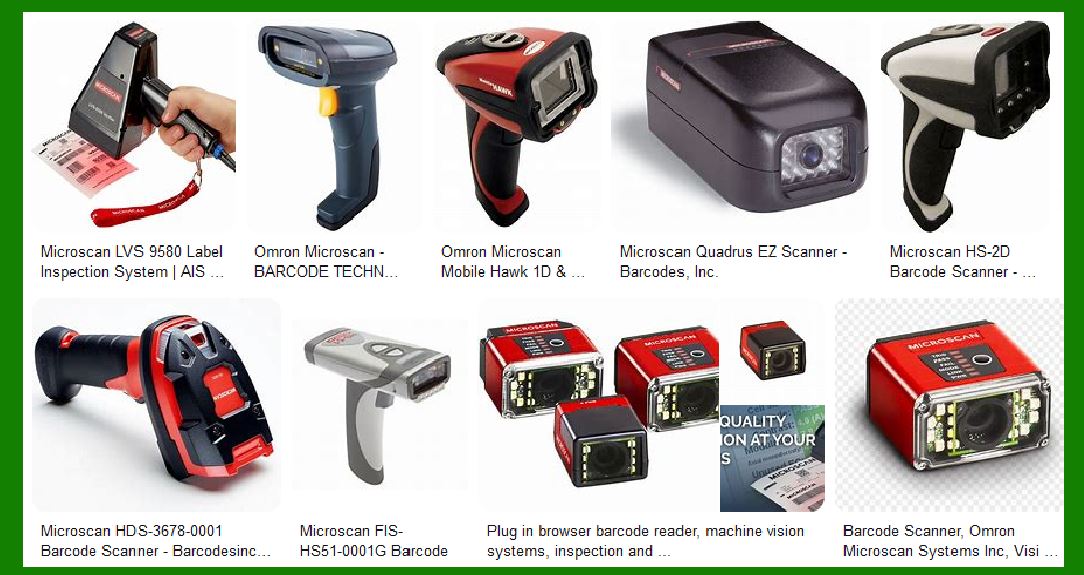
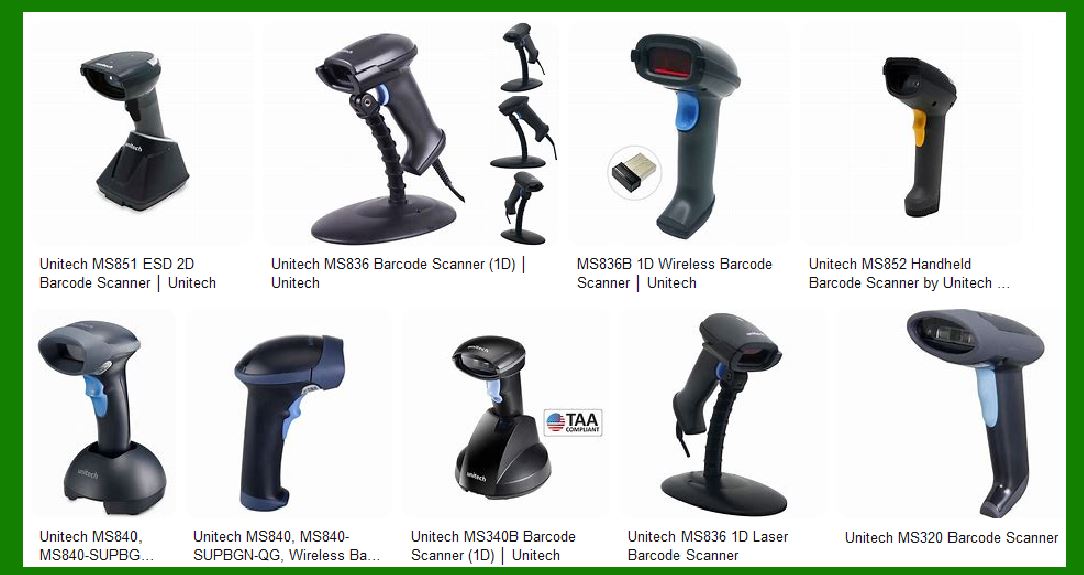
5.Types of Barcode Readers and Their Ability to Read Poorly Printed or Damaged Barcodes Different types of barcode readers offer varying levels of performance when it comes to reading poorly printed or damaged barcodes. The main categories of barcode readers include: |
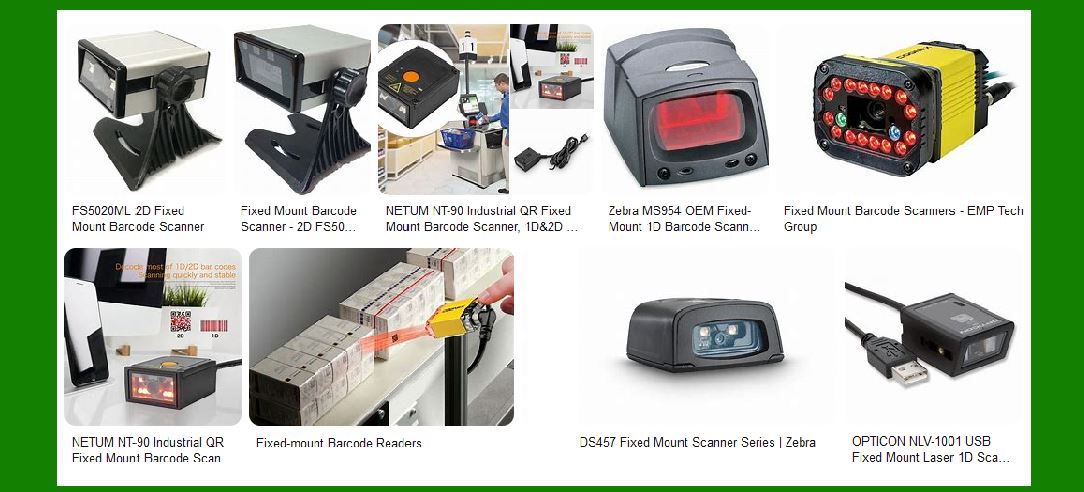
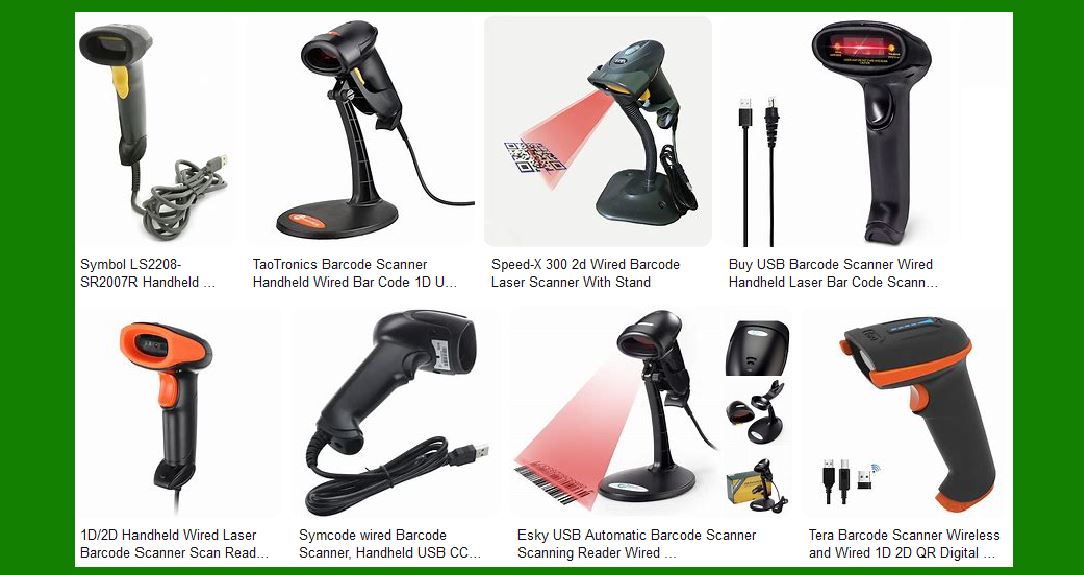
Laser scanners: Laser barcode readers are among the most common and are typically used for reading 1D barcodes. They emit a red laser light, which is reflected back by the barcode's black and white patterns. Laser scanners are effective in reading barcodes with high contrast but can struggle with poor print quality or damaged barcodes. However, advanced laser scanners may include enhanced image processing algorithms to handle low-quality barcodes more effectively. |
CCD (Charge-Coupled Device) readers: These scanners use an array of tiny light sensors to capture the image of the barcode. CCD readers tend to be more versatile than laser scanners, as they can read both 1D and 2D barcodes and work better in low-light conditions. They are often used in handheld scanners and are capable of reading damaged barcodes with the help of image processing algorithms. |
Image-based (or camera-based) scanners: These scanners use cameras to capture an image of the barcode and rely heavily on image processing software to interpret the data. They are more capable than laser scanners in handling damaged or poorly printed barcodes. Image-based scanners often use 2D imaging sensors and area imaging to read both 1D and 2D barcodes. These scanners can capture multiple angles of the barcode in a single scan, significantly improving their ability to read damaged or faded barcodes. |
|
6.Technological Advancements in Barcode Readers for Handling Damaged Barcodes Recent advancements in barcode reader technology have significantly improved their ability to read damaged or poorly printed barcodes. These innovations focus on improving scanning performance and making barcode readers more adaptive to varying conditions. Some of these advancements include: |
a. Machine Learning and Artificial Intelligence With the integration of machine learning (ML) algorithms, modern barcode readers can recognize and predict barcode patterns even when they are damaged or poorly printed. ML algorithms can analyze the barcode's partial data and intelligently fill in missing information or correct distortions. The more barcode scans the system performs, the better it becomes at detecting damaged barcodes and providing corrections. |
b. Advanced Error Recovery Systems Some newer barcode readers are equipped with advanced error recovery systems that automatically identify which portion of the barcode is damaged and reconstruct it using redundant data or predictive algorithms. These systems can also prioritize the most likely areas of the barcode to scan first, maximizing the chances of a successful read. |
c. Multi-Scan Capabilities Some modern scanners are equipped with multi-scan capabilities, allowing them to perform multiple scans of the same barcode from different angles or perspectives. By doing so, the scanner can overcome issues caused by partial obscuration, poor alignment, or fading print. If one scan fails, the scanner tries again from a different angle or position, ensuring the barcode is read accurately. |
|
7.Practical Applications and Examples In real-world scenarios, barcode readers are used in various environments where barcodes may be subjected to damage or poor printing. Retailers, for example, often encounter barcodes that are worn out due to constant handling, exposure to sunlight, or dirt. In warehouses, barcodes may be exposed to harsh conditions, such as moisture or abrasion, that can degrade their readability. |
For instance, in a grocery store, the barcode on a product might fade or become scratched due to frequent handling. A barcode reader with advanced error correction and image processing technology can still read this barcode by enhancing the quality of the captured image and using algorithms to recover the missing or corrupted data. Similarly, in logistics and warehousing, barcode readers used to scan shipping labels may encounter barcodes that have been damaged in transit. High-quality scanners with multi-scan and adaptive scanning capabilities ensure that the correct data is captured, even in less-than-ideal conditions. |
|
8.Conclusion Barcode readers have come a long way in their ability to identify and read poorly printed or damaged barcodes. Through the combination of error correction algorithms, image enhancement techniques, and adaptive scanning methods, modern barcode readers can handle a wide range of barcode imperfections. These technologies ensure that barcode readers can continue to provide accurate and reliable data capture, even when barcodes are subject to physical wear, fading, or environmental damage. As barcode scanning technologies continue to evolve, we can expect even more robust solutions that further improve the efficiency and accuracy of data capture in a wide variety of industries. |

|
Do RFID Readers Need to Face the Problem of Poorly Printed or Damaged Barcodes? |
1.Introduction to RFID Technology Radio Frequency Identification (RFID) technology is a method of automatic identification and data capture that uses electromagnetic fields to transfer data between an RFID reader and a tag. RFID systems are composed of three main components: an RFID tag, which contains the data; an RFID reader, which captures and decodes the data from the tag; and a backend system that processes the information. Unlike barcode readers, which rely on optical scanning to read barcodes printed on a surface, RFID readers communicate wirelessly with RFID tags, which are typically embedded in products, labels, or items for tracking and inventory purposes. |
One of the main advantages of RFID over barcodes is its ability to read tags without requiring line-of-sight. RFID systems can work even if the RFID tag is hidden or obstructed, provided it is within the effective range of the reader. Furthermore, RFID tags do not rely on printed patterns or physical markings like barcodes, meaning that they are generally not affected by the common issues that barcode readers face, such as poor printing or physical damage. However, RFID systems do encounter a different set of challenges, and understanding these challenges is key to comparing RFID technology with barcode scanning. |
2.RFID Tags vs. Barcodes The fundamental difference between RFID tags and barcodes lies in their physical structure and how they store and transmit data. While barcodes rely on visual patterns (bars and spaces) that encode data, RFID tags are typically small electronic devices that store data in an embedded microchip. These tags use radio waves to communicate with RFID readers, allowing for a much wider range of operational flexibility. |
RFID tags come in two main types: passive and active. |
Passive RFID tags do not have their own power source and instead rely on the energy transmitted by the reader to power the chip and transmit data. |
Active RFID tags, on the other hand, have a battery that powers the chip, allowing them to transmit signals over a much longer range. |
Both types of tags are less susceptible to common issues like fading, dirt, or damage that barcodes experience, as RFID systems are based on electromagnetic signals rather than physical visual patterns. However, it is essential to explore how RFID tags and readers function to determine whether they face similar challenges as barcode readers when it comes to 'damage' or degradation. |
3.RFID Systems: Reliability and Durability One of the primary reasons RFID is often considered more robust than barcodes is that RFID tags do not rely on visible markings that can wear down, fade, or get damaged through environmental factors. Instead, RFID tags function through radio frequency signals, which are less prone to the types of physical wear that affect printed barcodes. Even though the physical condition of the tag is important (e.g., the antenna must be intact and the chip must be functional), RFID technology is less likely to be affected by printing errors or physical damage than barcodes. |
a. Durability of RFID Tags RFID tags, especially passive ones, are designed to be durable and are often resistant to harsh environmental conditions. Many RFID tags are waterproof, resistant to chemicals, and able to withstand exposure to heat, cold, or mechanical stress. As a result, the physical damage issues that barcode readers face-such as scratched, faded, or smudged prints-are not typically a concern for RFID readers. In fact, RFID tags can often be embedded into products, packaging, or materials where barcode labels would be easily damaged or unreadable. |
b. RFID Tags in Tough Environments RFID is particularly effective in environments where barcodes would fail, such as in industrial settings, warehouses, or supply chains, where products or assets may be exposed to extreme conditions. For example, RFID tags can be applied to metal surfaces, or they can be embedded within objects that are difficult to label with barcodes (e.g., metallic or liquids). In these environments, RFID systems provide a more reliable and efficient solution because the tags' communication capabilities do not depend on clear line-of-sight or readable visual patterns like barcodes do. |
4.Challenges RFID Faces: Interference and Tag Malfunctions While RFID technology is highly durable, there are certain conditions where RFID readers can encounter issues, although these issues are distinct from the types of problems barcode readers experience. The main challenges RFID systems face include: |
a. Signal Interference RFID signals can be disrupted by environmental factors, such as metals and liquids. Since RFID tags communicate through radio waves, materials like metal can interfere with the signal and make it harder for the reader to successfully capture data from the tag. Similarly, liquids can cause signal absorption or reflection, leading to poor read rates. This is especially a challenge for passive RFID tags, which have lower transmission power compared to active tags. |
b. Tag Malfunctions or Damage Although RFID tags are generally more durable than barcodes, they are still electronic devices and can experience malfunctions. If the RFID chip is damaged (e.g., due to extreme physical impact or exposure to very high temperatures), the tag may fail to communicate with the reader. However, RFID systems are often designed to notify users of failed or unreadable tags, which reduces the risk of miscommunication or missed scans. |
c. Range Limitations While RFID has a broader operational range than barcode readers (especially for active tags), the range of passive RFID tags is still limited. Passive tags can be affected by the strength of the reader's signal, the orientation of the tag, and the type of material the tag is attached to. In some cases, the inability to read a tag might be mistaken for 'damage' when, in fact, it is simply due to environmental factors or the reader's inability to detect the signal. |
5.Do RFID Readers Encounter the Same Problems as Barcode Readers? While RFID readers are not directly affected by issues such as poorly printed or damaged barcodes, they do face other challenges. The primary advantage of RFID technology over barcodes is its ability to read tags without requiring direct visual contact and its resilience to wear, dirt, and physical damage that typically degrade barcode performance. However, there are certain situations where RFID systems can experience issues that could be seen as 'damage' in a different context. These issues primarily stem from problems with the tags themselves, the surrounding environment, or interference with the signals. |
a. Tag Damage and RFID Reader Limitations RFID readers can encounter problems if the tag is physically damaged. For instance, if an RFID tag is torn, bent, or physically crushed, the chip and antenna inside the tag could malfunction. Similarly, if the tag's surface is obscured by dirt or other obstructions, the RFID reader might fail to detect the signal. However, RFID tags are generally much more resilient to environmental wear and tear compared to barcodes, which can easily be scratched, faded, or damaged through physical contact. |
b. Environmental Conditions Environmental factors, such as metal, liquids, or extreme temperatures, may affect the performance of RFID systems. These issues are more about interference with the radio signals rather than damage to the RFID tags themselves. Unlike barcodes, which rely on clear visibility and printed patterns, RFID systems are more concerned with factors that might prevent the proper transmission of data rather than visual degradation or printing errors. |
6.Advantages of RFID Over Barcode in Handling Damaged Barcodes RFID readers generally do not face the same challenges as barcode readers when it comes to dealing with damaged or poorly printed codes. RFID tags are immune to physical deterioration caused by fading, smudging, or scratches that barcode labels experience. This makes RFID a more reliable solution in environments where barcodes might suffer wear and tear. For instance: |
In harsh industrial environments, RFID tags can continue to function even when exposed to dirt, grime, or moisture that would likely ruin a barcode label. |
In supply chains or warehouses where barcodes might be subject to high temperatures, RFID tags can be used to track inventory without concern for the tags degrading over time. |
RFID systems do not require line-of-sight scanning, meaning damaged or obstructed barcodes, which would be unreadable by traditional barcode scanners, can still be tracked with RFID tags. |
7.Conclusion RFID readers do not face the same issues as barcode readers in terms of poorly printed or damaged codes because RFID tags do not rely on visible patterns or printing for data transmission. While RFID systems are less prone to physical damage, they can still encounter issues such as signal interference, tag malfunctions, or environmental obstacles that affect performance. However, in general, RFID technology offers significant advantages in terms of durability and reliability, especially in environments where barcodes would be subject to physical degradation. As such, RFID remains a more robust solution for applications that require frequent scanning, high durability, and efficient tracking in challenging conditions. |
|
Case Studies: RFID and Barcode Applications in Real-World Environments |
To better understand the practical differences between RFID and barcode technologies and how they handle issues like poor printing, physical damage, and environmental conditions, here are some case studies that showcase the advantages and challenges each technology faces. These case studies also illustrate how RFID and barcode systems are employed in real-world scenarios and provide insights into their performance, especially under conditions that might impact the reliability of the system. |
Case Study 1: Retail Supply Chain Management - RFID vs. Barcode |
Industry: Retail (Fashion and Apparel) |
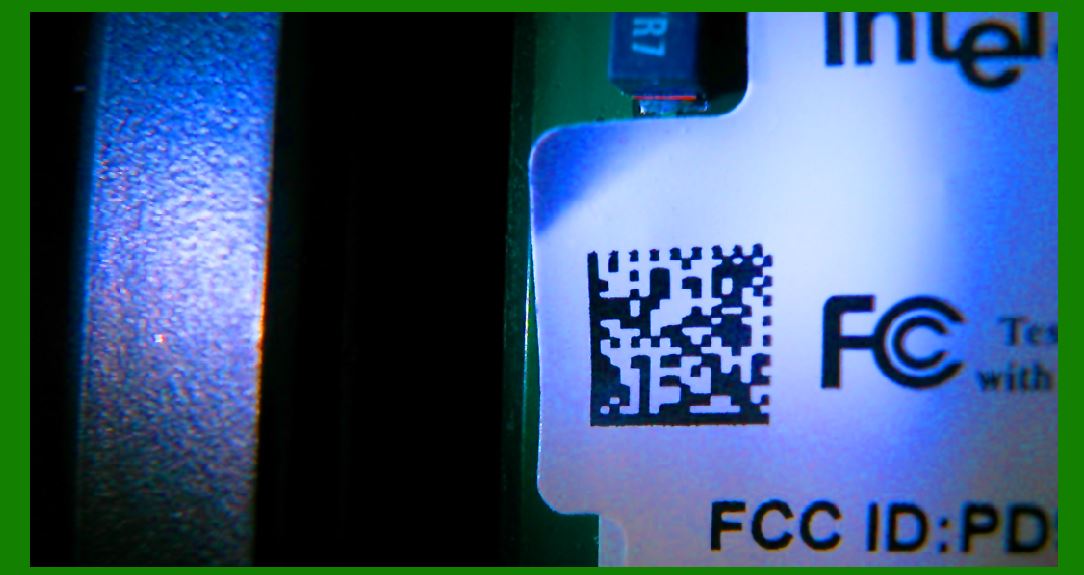
Problem: The retailer's supply chain involved handling thousands of items, including clothing, accessories, and footwear, which were shipped from multiple manufacturers and stored in regional warehouses. Barcode labels were often subject to wear and tear during transportation, leading to issues such as fading, smudging, and even physical damage (e.g., torn labels). As a result, the company frequently encountered difficulties when trying to scan products at distribution centers and retail locations, which caused delays in inventory management and stock tracking. |
Solution: The company decided to implement an RFID-based inventory management system across their entire supply chain. Instead of relying on barcode labels, RFID tags were affixed to each product, enabling more efficient tracking and management. RFID readers were installed at various points in the supply chain, including at warehouse docks, retail stores, and distribution centers. |
Implementation: |
RFID tags were attached to clothing items and accessories during manufacturing or pre-shipment. |
Passive RFID tags were used due to their low cost and small size, allowing for discreet placement on each item. |
RFID readers were installed at strategic points: at warehouse entry and exit gates, in-store to track inventory, and at the checkout counters. |
The RFID system allowed for real-time tracking of inventory, reducing manual counts and stockouts. |
Results: |
Increased Efficiency: RFID tags allowed the retailer to quickly track items without needing line-of-sight or perfect placement of the reader. This eliminated the need for manual scanning, which was especially helpful in warehouses where barcodes often became unreadable due to dirt, wear, or smudging. |
Improved Accuracy: Even though the barcode labels on some products became damaged during transportation or in-store handling, the RFID tags were still able to be read by the RFID readers, preventing errors and reducing the frequency of misplaced or miscounted inventory. |
Faster Checkout and Stocktaking: Retailers were able to scan large quantities of products in a matter of seconds, significantly speeding up the inventory management process and enabling more accurate stocktaking at the end of each day. |
Conclusion: The RFID system greatly improved operational efficiency by reducing the issues related to damaged barcodes, especially in an environment where products undergo constant handling. While barcode scanning still plays a role in retail, RFID's ability to read tags without line-of-sight and its resistance to damage made it a superior solution for the retailer's supply chain management. |
|
Case Study 2: Automotive Manufacturing - RFID for Parts Tracking |
Industry: Automotive Manufacturing |
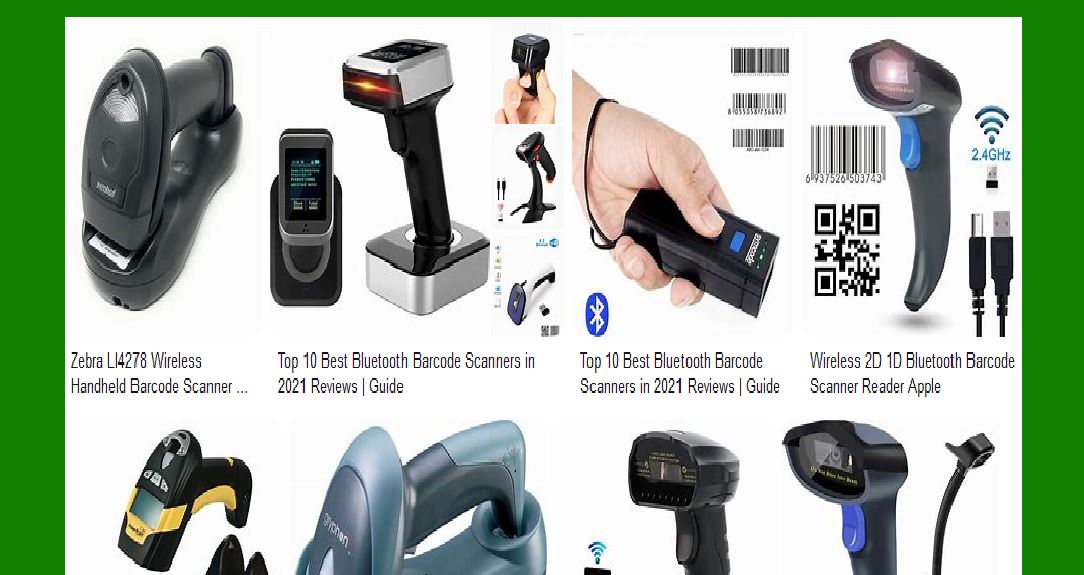
Problem: In an automotive manufacturing plant, the company used barcode labels to track and manage components and spare parts used in production. However, the barcode labels were often exposed to harsh conditions on the factory floor, such as grease, dirt, and exposure to high heat. This caused significant problems when attempting to scan the barcodes for inventory tracking, leading to delays in production and issues with parts availability. |
Solution: The company decided to implement RFID technology for better parts tracking. By switching from barcode labels to RFID tags on each part, the plant aimed to streamline inventory management and reduce the operational disruptions caused by unreadable barcodes. |
Implementation: |
RFID tags were attached to each component, whether they were small parts like bolts and nuts or larger items like engines and chassis. |
The RFID tags used were designed to withstand harsh conditions, such as extreme temperatures, exposure to oils and chemicals, and physical wear and tear. |
RFID readers were installed at various points along the assembly line, allowing workers to automatically scan parts as they passed through checkpoints without needing to manually scan each part or line up the reader with the barcode. |
The system was integrated with the plant's inventory management system to provide real-time updates on parts availability and usage. |
Results: |
Enhanced Durability: Unlike barcodes, the RFID tags remained intact and functional despite exposure to heat, grease, and dirt, which were common on the factory floor. This allowed the company to track parts without worrying about damaged labels or barcode unreadability. |
Improved Production Flow: RFID provided a more efficient way to monitor parts as they moved through different stages of the assembly line. Components could be scanned and tracked automatically, reducing delays and ensuring that parts were always available when needed. |
Minimized Downtime: The automation of parts tracking reduced the need for manual scanning and decreased downtime caused by searching for missing parts. Workers no longer had to waste time trying to decipher damaged barcode labels. |
Conclusion: In this automotive manufacturing scenario, RFID significantly improved the efficiency of parts tracking and assembly line operations. By eliminating the issues associated with damaged barcodes and ensuring reliable data capture, RFID allowed for smoother and faster production workflows. The ruggedness and durability of RFID tags were crucial in an environment where traditional barcode labels would have been easily damaged. |
|
Case Study 3: Warehouse Management - RFID in Extreme Environments |
Industry: Logistics and Warehouse Management |
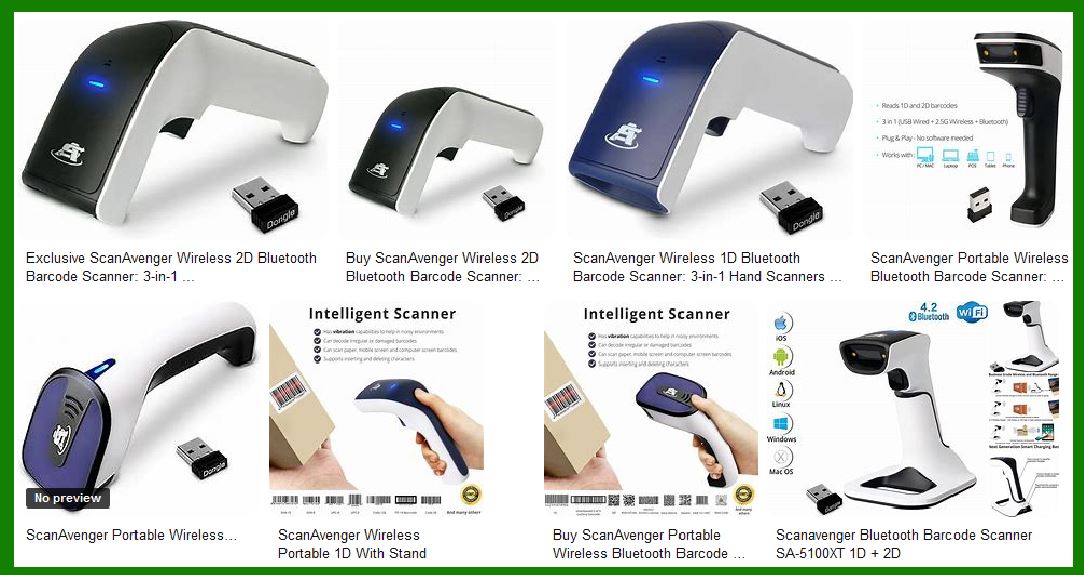
Problem: A global logistics company was struggling with warehouse management efficiency. The warehouses stored a wide range of goods, including perishable items, electronics, and hazardous materials. The barcode labels on products were often subject to environmental conditions that could damage them, such as moisture, freezing temperatures, and contact with hazardous chemicals. This led to barcode labels being unreadable, causing delays and errors in inventory management. |
Solution: To overcome these challenges, the logistics company decided to implement an RFID-based solution to improve inventory tracking and minimize the problems associated with damaged barcodes. The company focused on RFID tags that were specifically designed to withstand extreme environmental conditions such as freezing temperatures, moisture, and exposure to chemicals. |
Implementation: |
RFID tags were chosen for their resilience and ability to be read in harsh environments. The company selected ruggedized passive RFID tags that could withstand cold storage and exposure to liquids and chemicals. |
RFID readers were deployed throughout the warehouse, and automated systems were put in place to scan items as they entered and exited the facility. This enabled the system to provide real-time updates on stock levels and product movements. |
RFID tags were applied to pallets, crates, and individual products, allowing the company to track both small and large items across multiple locations within the warehouse. |
Results: |
Improved Accuracy in Harsh Environments: The RFID tags withstood extreme cold (freezer temperatures), moisture, and exposure to chemicals, which would have rendered barcode labels unreadable or damaged. This ensured that inventory tracking could continue without disruption. |
Faster Processing: With RFID tags, the company was able to automatically scan pallets and products as they moved through the warehouse without requiring manual scans or clear visibility of the label. This significantly sped up operations, especially during high-volume periods. |
Reduced Errors and Stockouts: By using RFID, the company reduced errors related to barcode misreads and stockouts. Inventory could be tracked in real-time, allowing for better demand forecasting and stock management. |
Conclusion: In this warehouse management case, RFID technology provided the solution to inventory tracking problems caused by environmental challenges. Unlike barcode labels, which would have been prone to damage in freezing temperatures, moisture, and chemical exposure, RFID tags remained reliable and functional. This made RFID an ideal choice for maintaining accurate inventory in extreme conditions. |
|
Case Study 4: Healthcare - RFID for Medical Equipment Tracking |
Industry: Healthcare (Hospitals) |
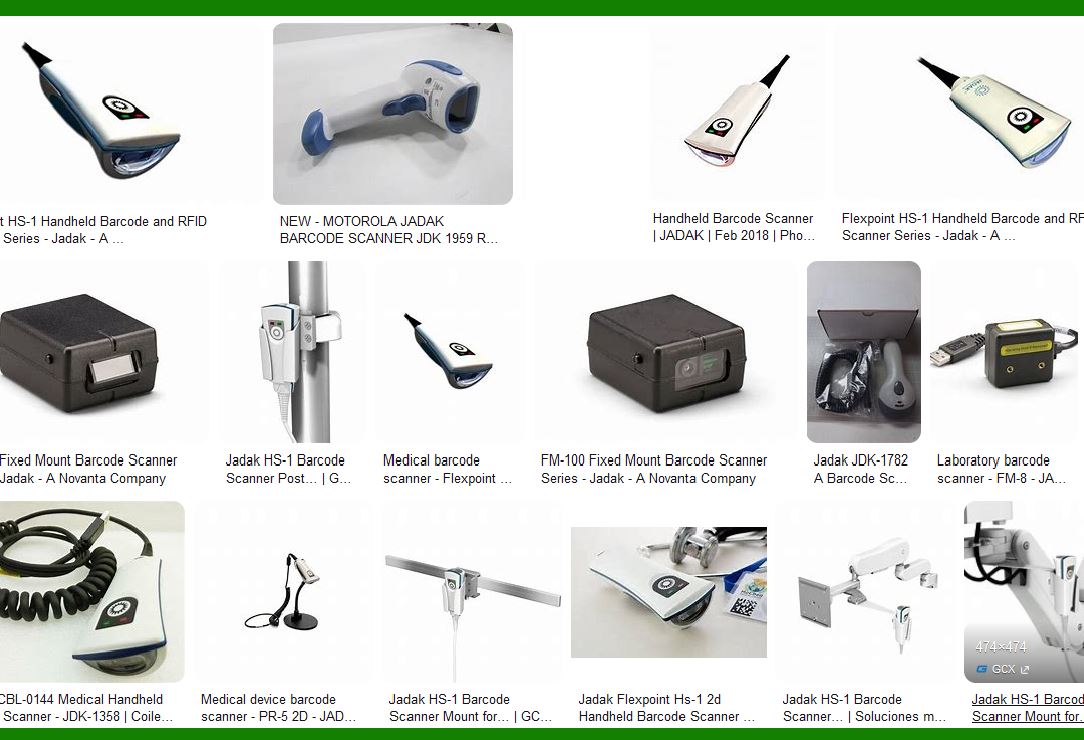
Problem: A large hospital system was facing challenges in tracking medical equipment, such as infusion pumps, ventilators, and surgical tools. Barcode labels were often used to track these high-value items, but over time, the labels became worn or detached, making it difficult for staff to locate equipment quickly. This led to longer search times for critical equipment and, in some cases, medical errors or delays in patient care. |
Solution: To improve asset management and ensure that medical equipment was always available when needed, the hospital adopted RFID technology. RFID tags were affixed to high-value equipment, and RFID readers were installed in key areas of the hospital to enable real-time tracking. |
Implementation: |
RFID tags were attached to medical equipment and devices to ensure that each item could be individually identified and tracked. |
Readers were placed in strategic locations, including entrance/exit points, storage rooms, and operating rooms, to automatically capture data about equipment movement. |
The system was integrated with the hospital's asset management software to provide updates on equipment location, availability, and maintenance schedules. |
Results: |
Reduced Equipment Loss and Downtime: RFID enabled hospital staff to quickly locate and track medical equipment, reducing the time spent searching for items. Equipment that was damaged or in need of maintenance was also flagged, preventing its use in patient care until it was repaired. |
Enhanced Patient Safety: With RFID, the hospital could ensure that the right equipment was available at the right time, reducing the risk of delays or errors in patient care. |
Improved Asset Utilization: The hospital system saw an increase in the utilization of medical equipment, as RFID tracking allowed for more efficient management of the hospital's assets. |
Conclusion: In this healthcare case, RFID was able to solve the problem of damaged or worn-out barcode labels on medical equipment. By providing real-time visibility into equipment location and condition, RFID technology improved asset management, reduced downtime, and enhanced patient safety. This case demonstrates how RFID can provide a higher level of reliability than barcodes in environments where equipment is subject to constant handling and wear. |
Final Thoughts: |
These case studies highlight how RFID technology outperforms traditional barcode systems, especially when it comes to environments where barcodes might become damaged or unreadable. RFID offers greater durability, higher accuracy, and better performance in harsh or challenging conditions. While RFID does have its own set of challenges (e.g., signal interference, range limitations), it provides significant advantages over barcodes in many applications, particularly when the risk of physical damage to labels is a concern. |
|
Related Technologies to RFID and Barcodes |
While RFID (Radio Frequency Identification) and barcodes are the most commonly used technologies for tracking and identifying items, several other related technologies also contribute to data capture, inventory management, and identification processes. These technologies each have unique characteristics that make them suitable for different applications. Below are some of the most notable related technologies: |
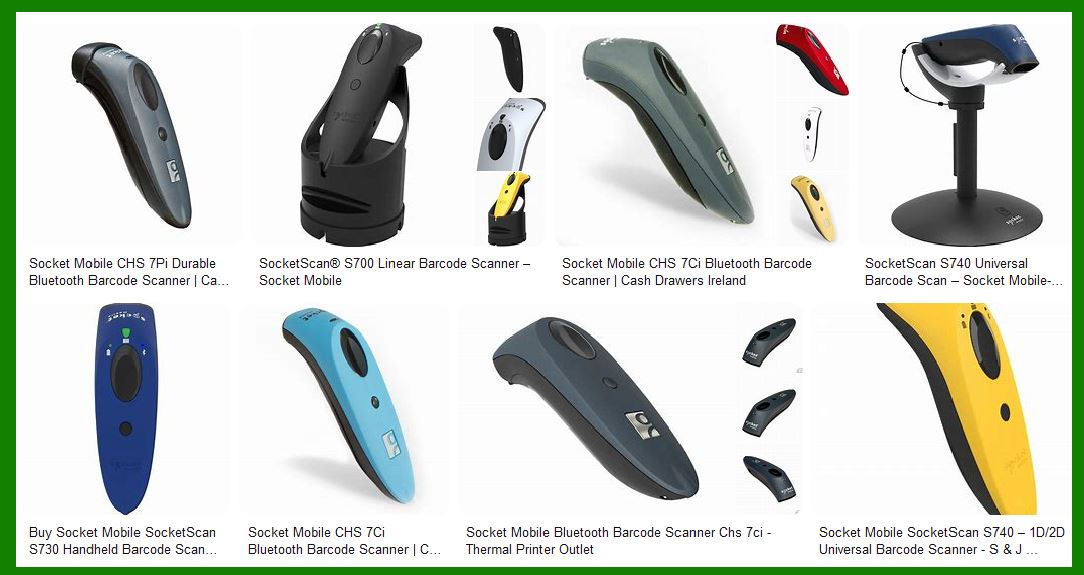
1. QR Codes (Quick Response Codes) |
Overview: QR codes are a type of 2D barcode that can store much more information than traditional barcodes. While a standard barcode typically holds up to 20 characters, a QR code can hold hundreds of characters, including alphanumeric data, URLs, and even images. |
Key Characteristics: |
Data Density: QR codes can store a larger volume of data compared to 1D barcodes. |
Scanning Flexibility: QR codes can be scanned from any angle, making them more versatile than traditional barcodes, which require alignment with the scanner. |
Error Correction: QR codes use error-correcting algorithms that allow for scanning even if part of the code is damaged. |
Use Cases: |
Mobile Payments: QR codes are widely used for mobile payment systems (e.g., WeChat Pay, Apple Pay). |
Marketing and Advertising: QR codes on posters or advertisements link to websites or promotional content. |
Product Tracking: In manufacturing or inventory, QR codes can be used to track batches or products. |
Advantages Over Barcodes: |
QR codes are more resilient to damage because they have built-in error correction. Even if part of the code is missing or damaged, it can still be read. |
They can store a large amount of data in a compact space, unlike traditional barcodes, which are limited to numerical data. |
|
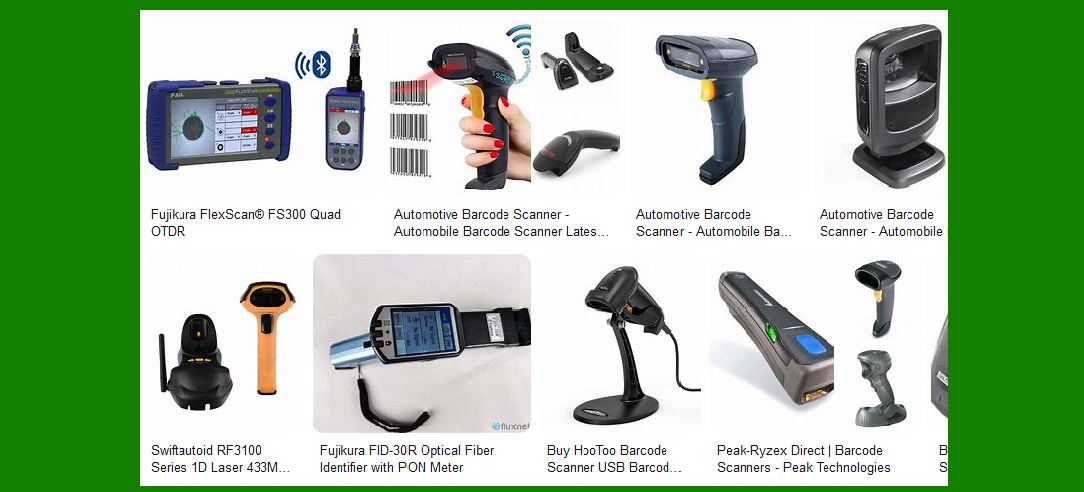
2. Near Field Communication (NFC) |
Overview: NFC is a form of short-range wireless communication that allows devices (such as smartphones, payment cards, or RFID tags) to communicate with each other when brought within a short distance (usually 4 cm or less). NFC is essentially a subset of RFID, operating at a similar frequency but with a much shorter communication range. |
Key Characteristics: |
Short Range: NFC operates within very short distances, typically under 10 cm, making it more secure than RFID for certain applications. |
Two-Way Communication: Unlike RFID (which is typically one-way communication), NFC allows for bidirectional communication, meaning data can be both sent and received. |
Low Power Consumption: NFC is typically used for applications where low power usage is essential. |
Use Cases: |
Contactless Payments: NFC is the core technology behind systems like Apple Pay, Google Pay, and contactless credit cards. |
Access Control: NFC can be used for physical access control systems, such as unlocking doors with a smartphone or a card. |
Smart Tags: NFC tags embedded in items like posters, tickets, and products allow consumers to interact with devices like smartphones. |
Advantages Over RFID: |
NFC's short-range nature makes it more secure for transactions and access control, preventing accidental or malicious reads from a distance. |
Its two-way communication capability enables richer interactions than traditional RFID, making it ideal for applications like mobile payments or personal authentication. |
|
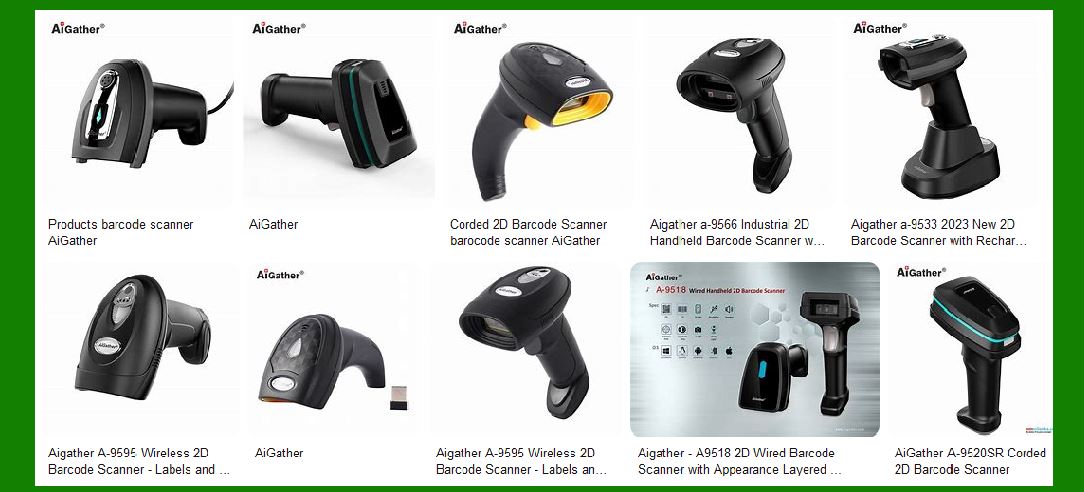
3. Bluetooth Low Energy (BLE) Beacons |
Overview: Bluetooth Low Energy (BLE) beacons are small, wireless devices that transmit signals at regular intervals to nearby Bluetooth-enabled devices, such as smartphones or tablets. BLE is a power-efficient version of Bluetooth, designed to send small amounts of data over short to medium distances. |
Key Characteristics: |
Low Power Consumption: BLE is designed to be energy-efficient, making it ideal for battery-powered devices. |
Proximity-based Interactions: BLE beacons are often used to trigger specific actions or notifications based on a user's proximity to the beacon. |
Short to Medium Range: BLE operates over ranges typically between 50 to 100 meters, depending on the environment. |
Use Cases: |
Location-based Services: BLE beacons can be placed in retail stores, museums, or airports to provide location-based information or promotions to nearby customers via their smartphones. |
Asset Tracking: In warehouses or hospitals, BLE can be used to track the location of valuable equipment, tools, or inventory in real time. |
Indoor Navigation: BLE beacons can help guide people through large indoor spaces, such as airports or shopping malls, by sending signals to a smartphone's mapping app. |
Advantages Over RFID: |
BLE allows for continuous, real-time location tracking of devices, with the added benefit of proximity-based messaging or notifications. |
It is more accessible to consumers since it works with common mobile devices, such as smartphones, and doesn't require specialized equipment like RFID readers. |
|
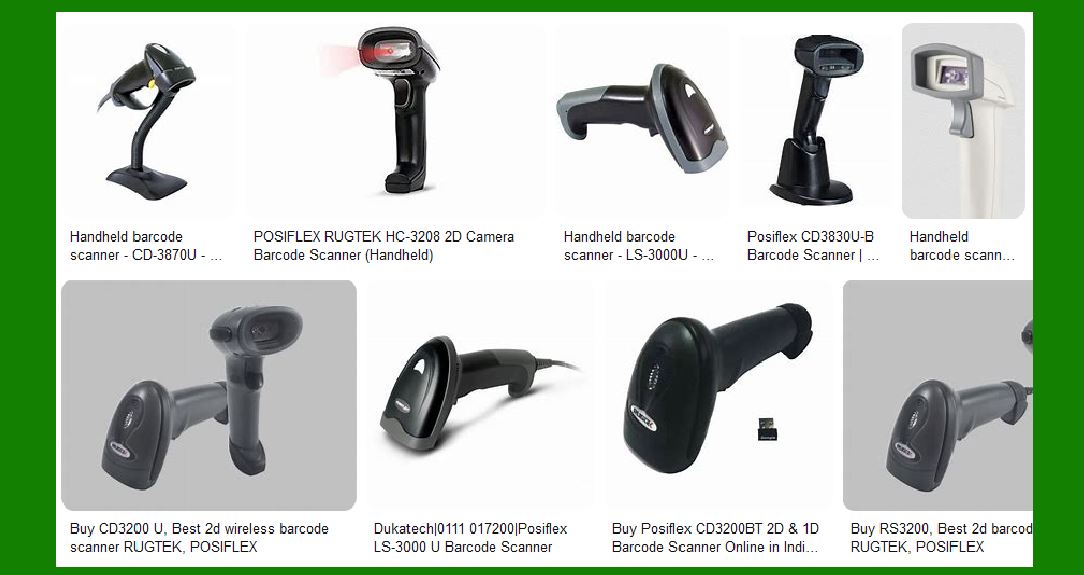
4. UWB (Ultra-Wideband) |
Overview: UWB is a short-range wireless technology that uses a wide frequency spectrum to transmit data over a very short range. UWB is particularly known for its high accuracy in location tracking, often used for real-time location systems (RTLS). |
Key Characteristics: |
Precise Location Tracking: UWB can provide sub-meter accuracy in positioning, making it ideal for real-time location services (RTLS) in complex environments. |
High Data Throughput: It can transmit large amounts of data over short distances. |
Low Power Consumption: Like BLE, UWB is designed to be power-efficient for battery-operated devices. |
Use Cases: |
Asset Tracking: UWB is used for precise tracking of assets in warehouses, factories, and hospitals. |
Indoor Positioning Systems: UWB is used in environments where high-precision location tracking is required, such as in large facilities like airports or shopping malls. |
Wearables: Some wearable devices use UWB for highly accurate indoor positioning. |
Advantages Over RFID: |
UWB offers much more precise location tracking compared to RFID and is capable of providing real-time positioning with centimeter-level accuracy. |
Unlike RFID, UWB can provide continuous tracking even within complex indoor environments with high accuracy. |
|
5. Visual Light Communication (VLC) |
Overview: Visual Light Communication (VLC), including technologies like Li-Fi (Light Fidelity), uses visible light to transmit data between devices. This is done by modulating light emitted from LEDs, and the data is received by photodetectors on the receiving device. |
Key Characteristics: |
High Data Rates: VLC can transmit data at extremely high speeds, offering significantly higher throughput than traditional radio frequency technologies. |
Security: Since visible light cannot penetrate walls or opaque surfaces, VLC can offer better security and prevent unauthorized access to the communication channel. |
Energy Efficiency: VLC makes use of existing lighting infrastructure, such as LED bulbs, to transmit data without the need for additional energy-consuming devices. |
Use Cases: |
Indoor Positioning: VLC is used for precise indoor location tracking, similar to RFID or BLE but with the added benefit of high-speed data transfer. |
Wireless Internet: Li-Fi offers a potential alternative to Wi-Fi for high-speed internet access, especially in environments where radio frequency communication is not ideal. |
IoT Communication: VLC can be used in IoT systems, where devices can communicate with each other by using light signals. |
Advantages Over RFID: |
VLC offers much higher data transfer speeds than RFID and can support high-bandwidth applications like video streaming and real-time communications. |
It operates on visible light, which is inherently secure, unlike radio-based technologies that can be intercepted more easily. |
|
6. Machine Vision / Optical Character Recognition (OCR) |
Overview: Machine vision and Optical Character Recognition (OCR) technologies use cameras and image processing algorithms to read and interpret information from physical objects. OCR, for instance, can convert printed text into machine-readable data, while machine vision systems are used to inspect or identify objects through imaging. |
Key Characteristics: |
No Need for Physical Labels: OCR can read printed text or characters without requiring physical tags or barcodes. |
Versatility: Machine vision can be used to inspect products, check for defects, or read codes and labels in complex environments. |
High Accuracy: With advanced algorithms, OCR and machine vision can offer high-precision scanning, even when the print quality is not ideal. |
Use Cases: |
Automated Quality Control: In manufacturing, machine vision systems inspect products for defects, ensuring quality and consistency. |
Document Scanning: OCR is widely used in digitizing physical documents, such as invoices, receipts, and forms. |
Product Identification: Machine vision can read traditional barcodes, QR codes, and even handwritten text for identification purposes in logistics or healthcare. |
Advantages Over RFID: |
Machine vision does not require physical tags, making it useful in environments where tagging may not be feasible or desirable. |
It can read a wide range of printed text, barcodes, and codes, even in situations where RFID or barcodes would not be applicable (e.g., untagged documents, paper records). |
|
Conclusion |
RFID and barcodes are not the only solutions for tracking and identification. A wide range of related technologies, such as QR codes, NFC, BLE, UWB, VLC, and machine vision, offer complementary capabilities that may be better suited for certain environments or use cases. Each of these technologies provides unique advantages depending on the application, such as enhanced data transfer speeds, better precision, or lower power consumption. By choosing the right technology based on specific operational needs, organizations can improve efficiency, accuracy, and overall system reliability. |
 cs@easiersoft.com