Barcode Scanner Electronic Circuit Principle |
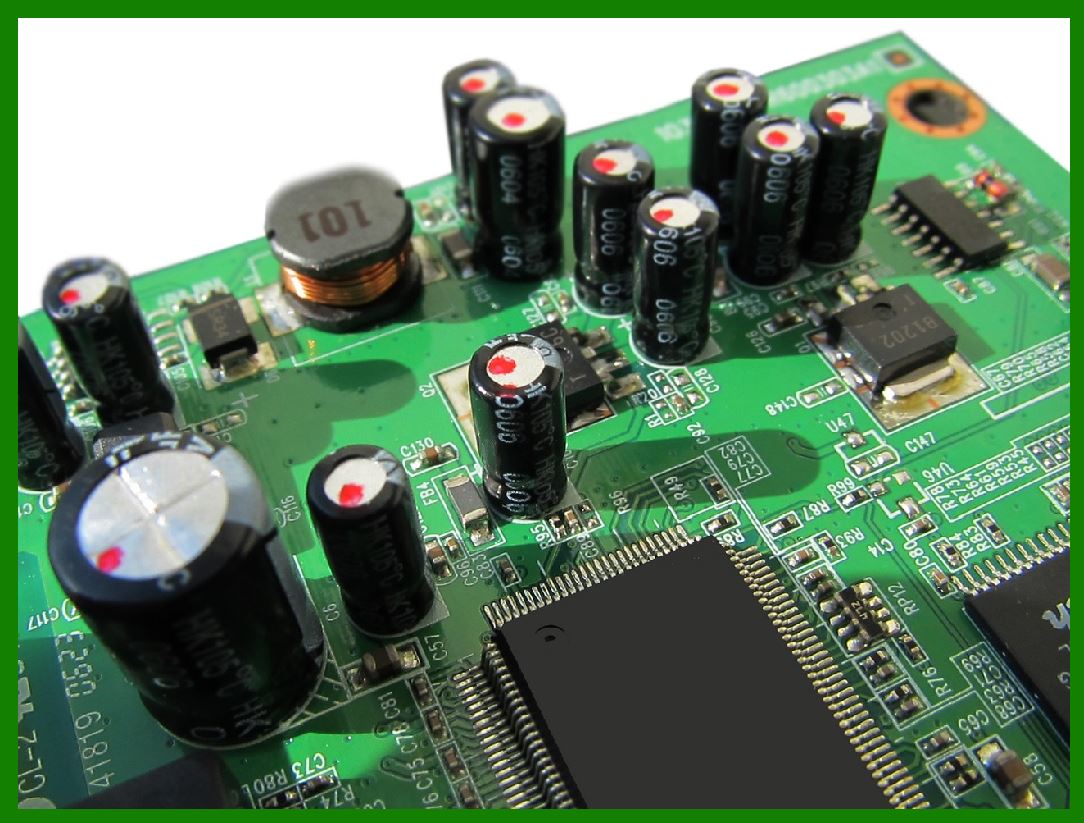
A barcode scanner is an essential electronic device that reads and interprets barcode symbols. It is used widely in retail, manufacturing, healthcare, and logistics. The electronic circuit inside a barcode scanner is a complex system that involves optical, electronic, and signal-processing components to convert barcode patterns into digital data. Below is a detailed explanation of the working principle of a barcode scanner circuit. |
|
1. Introduction to Barcode Scanners |
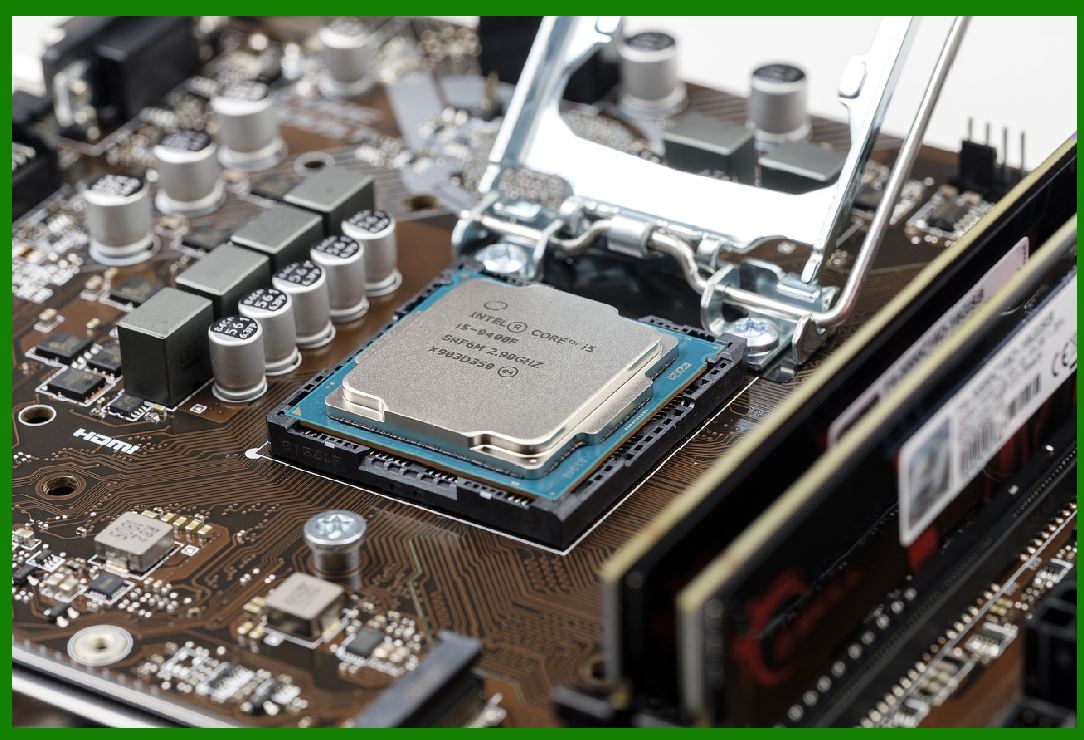
A barcode scanner operates by emitting light onto a barcode and then capturing the reflected light to decode the information embedded in the pattern. The scanner consists of multiple components, including: |
Light source (Laser or LED) |
Optical sensor (Photodiode or CCD) |
Signal processing circuit |
Decoder and output interface |
|
2. Basic Working Principle |
A barcode scanner operates in several sequential steps: |
1.Illumination: The scanner projects a light source onto the barcode. |
2.Reflection and Detection: The dark and light bars of the barcode reflect light at different intensities. |
3.Conversion to Electrical Signal: A photodetector captures the reflected light and converts it into an electrical signal. |
4.Signal Processing: The electrical signal is amplified and filtered to remove noise. |
5.Decoding: A microcontroller interprets the processed signal and converts it into readable data. |
6.Data Transmission: The decoded information is sent to a computer or POS system via an interface such as USB, RS232, or Bluetooth. |
|
3. Optical System and Light Source |
The barcode scanner uses a light source to illuminate the barcode: |
Laser Scanner: Uses a laser diode and oscillating mirror to scan the barcode line by line. |
CCD Scanner: Uses an array of LEDs and a Charge-Coupled Device (CCD) sensor to capture the entire barcode image. |
Image-based Scanner: Uses a CMOS sensor and digital image processing to decode 2D barcodes such as QR codes. |
4. Photodetector and Signal Conversion |
After light is reflected from the barcode, a photodetector (such as a photodiode or CCD sensor) captures the light intensity variations. This process involves: |
Detection of varying light intensities corresponding to black and white bars. |
Conversion of light intensity into an analog electrical signal. |
Transmission of the analog signal to the amplifier circuit. |

|
5. Signal Processing and Amplification |
The analog signal generated by the photodetector is weak and must be amplified and filtered. The signal processing circuit includes: |
Amplifier Circuit: Boosts the weak signal to a higher voltage level for better readability. |
Noise Filtering Circuit: Removes unwanted noise introduced by ambient light or electronic interference. |
Analog-to-Digital Converter (ADC): Converts the amplified signal into a digital waveform for further processing. |
6. Barcode Decoding Algorithm |
The microcontroller or processor within the barcode scanner deciphers the digital waveform based on: |
Width and spacing of the bars and gaps. |
Standardized barcode formats such as UPC, Code 39, Code 128, and QR codes. |
Error correction algorithms to ensure accurate decoding. |
|
7. Power Supply and Circuit Protection |
The power supply circuit of a barcode scanner includes: |
Voltage Regulator: Ensures a stable DC voltage supply to the circuit. |
Overcurrent Protection: Protects the circuit from power surges. |
Battery Management System: Manages power supply for wireless barcode scanners. |
8. Output and Communication Interface |
Once the barcode is decoded, the information is sent to an external system through: |
USB Interface: Used in wired barcode scanners for direct connection to computers. |
RS232 Serial Interface: Common in industrial applications. |
Bluetooth or Wi-Fi Module: Used in wireless barcode scanners for remote data transfer. |
|
9. Conclusion |
The electronic circuit in a barcode scanner is a well-coordinated system of optical, signal-processing, and communication components. Understanding its working principle is crucial for designing efficient and accurate barcode scanning systems. |
This explanation provides a comprehensive breakdown of the barcode scanner electronic circuit without complex formulas. If you need further details, feel free to ask. |
|
Related Electronic Technologies of Barcode Scanner |
Barcode scanners rely on various electronic technologies to function efficiently. These technologies enhance scanning accuracy, processing speed, connectivity, and integration with different systems. Below is a detailed overview of the key electronic technologies associated with barcode scanners. |
1. Optical and Imaging Technologies |
Barcode scanners use advanced optical and imaging systems to capture barcode data accurately. The major technologies include: |
1.1 Laser Scanning Technology |
Uses a laser diode and a rotating mirror to create a laser beam that scans the barcode. |
High precision and long-range scanning capability. |
Commonly used in retail and industrial applications. |
1.2 Charge-Coupled Device (CCD) Technology |
Employs an array of LEDs and CCD sensors to capture barcode images. |
No moving parts, making it more durable. |
Often used in handheld scanners. |
1.3 CMOS Image Sensor Technology |
Found in 2D image-based scanners and smartphone barcode readers. |
Uses a CMOS sensor to capture a digital image of the barcode. |
Enables scanning of 1D and 2D barcodes such as QR codes. |
1.4 Infrared (IR) and LED Illumination |
Some scanners use infrared LEDs for barcode detection. |
IR-based scanners can detect hidden or special barcodes not visible under normal lighting. |
|
2. Signal Processing and Data Decoding Technologies |
Once a barcode is scanned, the signal must be processed and decoded. Key technologies include: |
2.1 Analog-to-Digital Conversion (ADC) |
Converts the reflected light signals into digital data. |
Ensures accurate signal interpretation for further processing. |
2.2 Digital Signal Processing (DSP) |
Enhances signal quality by filtering noise and correcting distortions. |
Improves scanning accuracy in low-light or high-speed applications. |
2.3 Barcode Decoding Algorithms |
Uses pre-programmed algorithms to interpret different barcode formats. |
Supports various barcode standards like UPC, EAN, Code 39, Code 128, and QR codes. |
Error detection and correction mechanisms ensure reliable reading. |
|
3. Wireless and Wired Communication Technologies |
Barcode scanners communicate with computers, POS systems, and databases through different interfaces. |
3.1 Wired Communication |
USB (Universal Serial Bus): Standard connection for plug-and-play functionality. |
RS-232 Serial Interface: Used in industrial applications for stable and long-range communication. |
PS/2 Keyboard Wedge: Older technology that allows barcode scanners to function as keyboard input devices. |
3.2 Wireless Communication |
Bluetooth: Enables barcode scanners to transmit data wirelessly to computers, tablets, and smartphones. |
Wi-Fi (802.11x): Used in warehouse and logistics environments for real-time data synchronization. |
RFID (Radio Frequency Identification): Some scanners integrate RFID technology for enhanced inventory management. |
|
4. Embedded Microcontroller and Processing Technologies |
Barcode scanners include microcontrollers and processors for data management and communication. |
4.1 Microcontrollers (MCUs) |
Control the scanning process, signal processing, and communication. |
Examples: ARM Cortex, AVR, and PIC microcontrollers. |
4.2 Embedded Operating Systems |
Some barcode scanners use embedded Linux or Windows CE for advanced processing. |
Enables software customization and integration with enterprise systems. |
4.3 Artificial Intelligence (AI) and Machine Learning (ML) |
Modern scanners use AI-based image recognition for complex barcode reading. |
ML algorithms enhance decoding speed and accuracy. |
|
5. Power Management Technologies |
Barcode scanners use efficient power systems to optimize battery life and performance. |
5.1 Rechargeable Lithium-Ion (Li-Ion) and Lithium-Polymer (Li-Po) Batteries |
Provide long-lasting power for portable scanners. |
Fast charging capabilities. |
5.2 Wireless Charging Technology |
Some handheld scanners support wireless charging to eliminate cables. |
Enhances durability and ease of use. |
5.3 Power Saving Modes |
Sleep and auto-off features reduce energy consumption. |
Enhances battery life in wireless models. |
|
6. Security and Encryption Technologies |
To prevent data breaches, barcode scanners employ encryption and security protocols. |
6.1 Secure Data Transmission Protocols |
AES (Advanced Encryption Standard): Protects barcode data from interception. |
SSL/TLS Encryption: Ensures secure data transfer over Wi-Fi networks. |
6.2 User Authentication and Access Control |
Some scanners require authentication before accessing sensitive data. |
Ensures barcode data is only accessible to authorized users. |
|
7. Cloud and IoT Integration Technologies |
Modern barcode scanners integrate with cloud-based systems and the Internet of Things (IoT). |
7.1 Cloud-Based Barcode Processing |
Barcode data is transmitted to cloud databases for real-time tracking and analysis. |
Used in inventory management and logistics. |
7.2 IoT-Enabled Barcode Scanners |
Connects with smart devices and ERP systems for automated operations. |
Supports real-time monitoring and remote management. |
|
8. Augmented Reality (AR) and Smart Glasses Integration |
Some barcode scanning technologies integrate with AR for advanced applications. |
8.1 AR-Enabled Barcode Scanning |
Displays scanned product information in real time. |
Used in logistics and warehouse management. |
8.2 Smart Glasses with Barcode Scanning |
Wearable barcode scanning technology for hands-free operation. |
Improves efficiency in industrial and retail settings. |
|
9. Advanced Optical and Sensor Technologies |
To improve barcode readability, modern scanners use advanced optics and sensors. |
9.1 Multi-Directional Scanning |
Uses multiple laser beams or imaging sensors to read barcodes from any angle. |
Reduces scanning errors in fast-paced environments. |
9.2 Depth-of-Field Enhancement |
Optimized lens systems allow scanning at various distances. |
Useful for logistics and warehouse operations. |
9.3 Motion Tolerance and High-Speed Scanning |
Allows barcode reading even when the scanner or barcode is in motion. |
Essential for automated conveyor belt scanning. |
|
10. Integration with Robotics and Automation |
Barcode scanning technology plays a critical role in automation and robotics. |
10.1 Automated Barcode Scanning in Warehouses |
Robotic arms equipped with barcode scanners improve inventory management. |
Increases efficiency in supply chain operations. |
10.2 Self-Checkout and Retail Automation |
Smart kiosks and self-checkout machines use barcode scanners for quick transactions. |
Reduces the need for human intervention. |
10.3 Integration with Autonomous Vehicles (AGVs & Drones) |
Barcode scanners enable autonomous guided vehicles (AGVs) and drones to navigate and track inventory. |
Used in large-scale distribution centers. |
|
11. Future Trends in Barcode Scanning Technologies |
Barcode scanners are continuously evolving with new advancements. |
11.1 3D Barcode Scanning |
Uses depth-sensing technology to read barcodes with greater precision. |
Potential for use in security and biometric applications. |
11.2 AI-Based Image Recognition |
Enhances barcode scanning accuracy even in damaged or distorted labels. |
Reduces manual scanning errors. |
11.3 Blockchain Integration |
Ensures secure and tamper-proof barcode data tracking. |
Used in supply chain and product authentication. |
|
Conclusion |
Barcode scanners rely on a combination of optical, signal processing, communication, and security technologies. With advancements in AI, IoT, and cloud computing, barcode scanning is becoming faster, more accurate, and more secure. Future developments will continue to enhance its role in retail, logistics, and automation. |
|
Challenges Faced by Barcode Scanner Technology |
Barcode scanner technology has significantly improved over the years, but it still faces various challenges. These challenges arise from technological limitations, environmental factors, and security concerns. Below is a detailed examination of the major obstacles barcode scanning systems encounter. |
1. Environmental and Operational Challenges |
1.1 Poor Barcode Quality |
Damaged, smudged, or poorly printed barcodes reduce scanning accuracy. |
Barcodes on flexible or curved surfaces (such as plastic bottles) can be difficult to scan. |
1.2 Low Contrast and Lighting Conditions |
Barcodes with low contrast (light ink on light backgrounds) may not be detected properly. |
Glare or poor ambient lighting can affect scanner performance, especially for image-based scanners. |
1.3 Distance and Angle Limitations |
Standard barcode scanners struggle to read barcodes from extreme angles. |
Long-distance scanning requires specialized high-power laser or imaging systems. |
1.4 Interference from External Light Sources |
Sunlight, fluorescent lights, or reflections can interfere with barcode scanners, especially CCD-based or laser scanners. |
1.5 Motion Blur and High-Speed Scanning Issues |
Moving objects, such as products on a conveyor belt, may cause blurred barcode images. |
High-speed scanning requires advanced image processing and motion compensation techniques. |

|
2. Technological Limitations |
2.1 Difficulty in Scanning Small or High-Density Barcodes |
Small or high-density barcodes (e.g., medical packaging) require high-resolution image sensors. |
Standard scanners may not accurately decode barcodes with tiny elements. |
2.2 Inability to Read Damaged or Partially Obscured Barcodes |
Scanners struggle to interpret missing or torn barcodes. |
Error-correction algorithms help, but they are not always effective for severely damaged barcodes. |
2.3 Limited Multi-Barcode Scanning Capabilities |
Some applications require reading multiple barcodes at once, but many scanners cannot process multiple codes simultaneously. |
Advanced software is needed to separate and decode overlapping barcodes. |
2.4 Barcode Type Compatibility Issues |
Some scanners are optimized for 1D barcodes but cannot read 2D barcodes like QR codes. |
Businesses need to invest in multi-format scanners to support various barcode standards. |
|
3. Connectivity and Integration Challenges |
3.1 Limited Compatibility with Legacy Systems |
Older POS and inventory management systems may not support modern barcode scanners. |
Businesses often need to upgrade software or invest in middleware for compatibility. |
3.2 Connectivity Issues in Wireless Scanners |
Bluetooth and Wi-Fi scanners may experience connection dropouts, leading to incomplete scans. |
Interference from other wireless devices can degrade performance. |
3.3 Data Synchronization Delays |
Cloud-based barcode scanning systems may experience delays in updating inventory databases. |
Real-time synchronization requires stable and high-speed network connectivity. |

|
4. Security and Data Privacy Risks |
4.1 Barcode Data Tampering |
Counterfeit or altered barcodes can be used for fraud (e.g., changing product prices in retail stores). |
Advanced authentication measures (e.g., digital signatures on barcodes) are needed to prevent tampering. |
4.2 Unauthorized Access to Barcode Data |
Barcode scanners transmitting data over unsecured networks may be vulnerable to cyberattacks. |
Strong encryption and access control mechanisms are required for sensitive data. |
4.3 Potential for Barcode Spoofing and Fraud |
Malicious actors can generate fake barcodes to gain unauthorized access to systems. |
QR codes can contain harmful links leading to phishing attacks. |
4.4 Regulatory and Compliance Issues |
Industries such as healthcare and food must comply with strict barcode labeling standards. |
Non-compliance with regulations (e.g., GS1 standards) can result in penalties. |
|
5. Cost and Implementation Challenges |
5.1 High Initial Investment in Advanced Barcode Systems |
High-performance scanners, AI-powered recognition, and IoT integration increase costs. |
Small businesses may struggle to afford enterprise-level scanning solutions. |
5.2 Maintenance and Repair Costs |
Barcode scanners require regular maintenance, especially in harsh environments. |
Laser-based scanners have moving parts that wear out faster than image-based models. |
5.3 Training Requirements for Employees |
Workers need to be trained on how to properly use barcode scanners to avoid scanning errors. |
Complex scanning workflows can lead to operational inefficiencies. |
|
6. Competition from Alternative Technologies |
6.1 Growing Adoption of RFID Technology |
RFID tags can store more information and do not require direct line-of-sight scanning. |
Some industries are transitioning from barcode systems to RFID-based solutions. |
6.2 AI and Machine Vision-Based Scanning |
AI-powered object recognition can identify products without needing barcodes. |
Retail and logistics companies are testing camera-based checkout systems to replace traditional barcode scanners. |
6.3 Smartphone-Based Scanning Replacing Dedicated Scanners |
Mobile apps with barcode scanning capabilities reduce the need for dedicated scanners. |
Businesses must adapt to new scanning technologies integrated into smartphones and tablets. |
|
7. Scalability and Future-Proofing Issues |
7.1 Challenges in Scaling Barcode Systems for Large Enterprises |
Expanding barcode-based inventory systems across multiple locations can be complex. |
Requires integration with enterprise resource planning (ERP) software. |
7.2 Adapting to Future Barcode Standards and Formats |
New barcode formats (such as 3D barcodes or nano-barcodes) may require scanner upgrades. |
Businesses need to stay updated with evolving barcode technology trends. |
7.3 Long-Term Viability of Barcode Scanning Systems |
As digital commerce and automated logistics grow, barcode scanners may need to evolve. |
AI-driven product recognition could replace traditional barcode scanning in some applications. |
|
Conclusion |
Despite its widespread use, barcode scanner technology faces several challenges related to environmental factors, security risks, integration difficulties, and competition from emerging technologies. Businesses must continuously adapt to new developments to maintain efficient and secure barcode scanning systems. Investing in AI-enhanced barcode processing, secure communication protocols, and robust data management solutions can help overcome these challenges. |
 cs@easiersoft.com