Barcode Scanner: Laser Scanning Technology |
1.Introduction to Laser Scanning Technology |
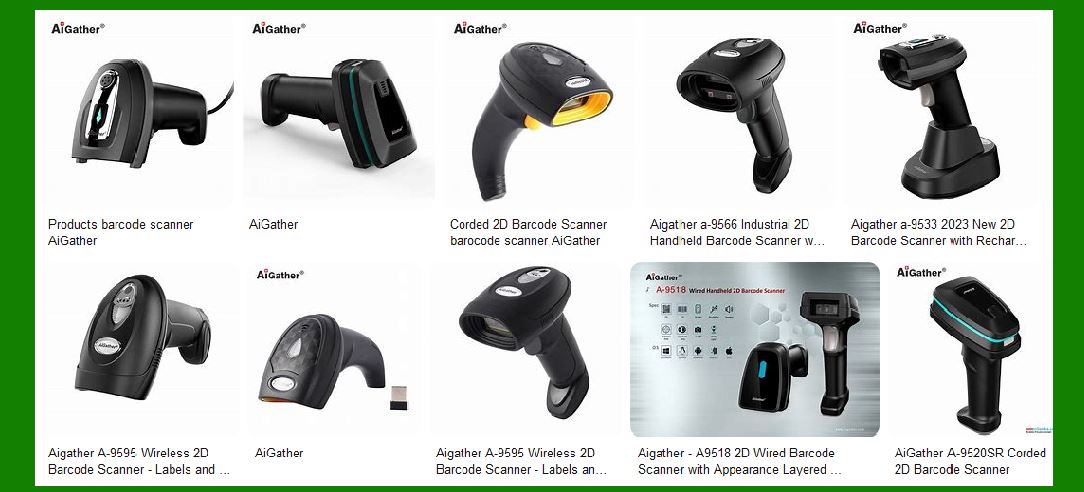
Laser scanning technology is one of the most widely used methods for reading barcodes in various industries. Unlike other scanning methods, such as image-based or CCD scanners, laser barcode scanners rely on laser diodes and rotating mirrors to decode barcode information accurately and efficiently. The primary advantage of laser barcode scanners is their high precision and long-range scanning capability, which makes them ideal for retail, industrial, and logistics applications. |
|
2.Basic Working Principle |
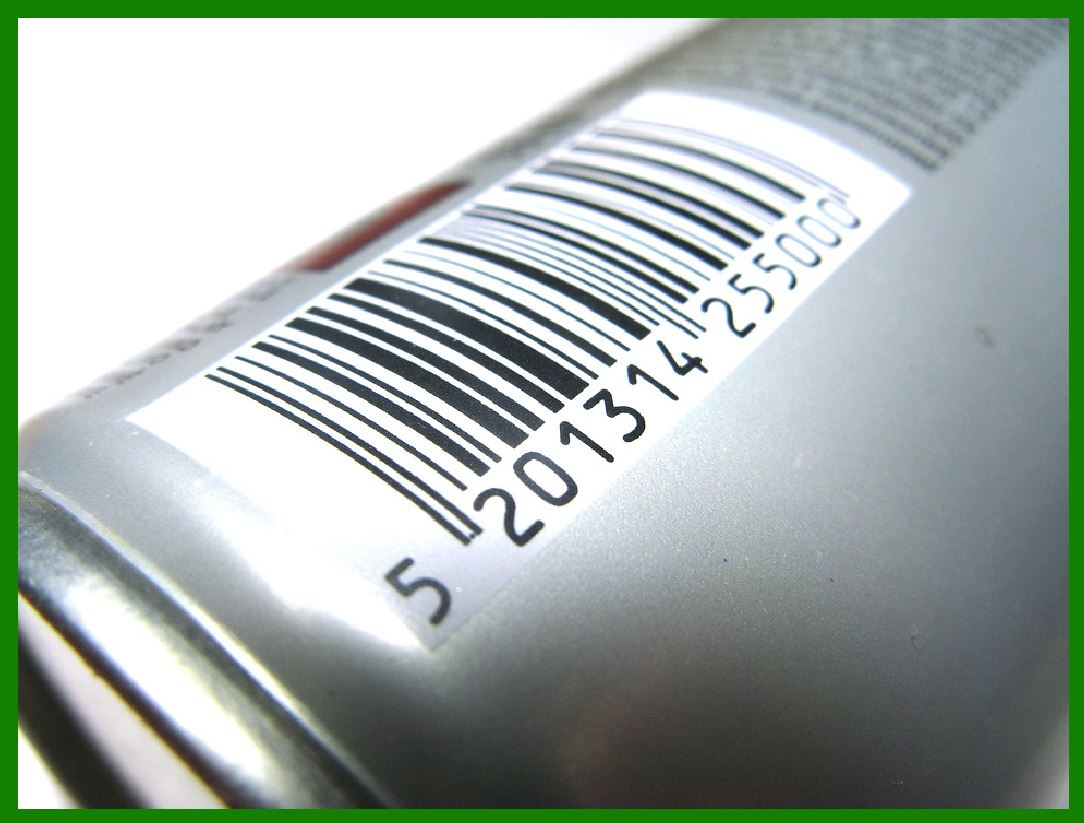
A laser barcode scanner operates by emitting a laser beam, typically from a laser diode, which is directed onto a rotating mirror. This mirror moves in a controlled manner to sweep the laser beam across the barcode. As the laser beam encounters the alternating black and white patterns of the barcode, it gets reflected back to the scanner. The reflected light is then captured by a photodetector, which converts the light variations into an electrical signal. This signal is processed by a decoder to retrieve the encoded information. |
|
3.Key Components of a Laser Barcode Scanner |
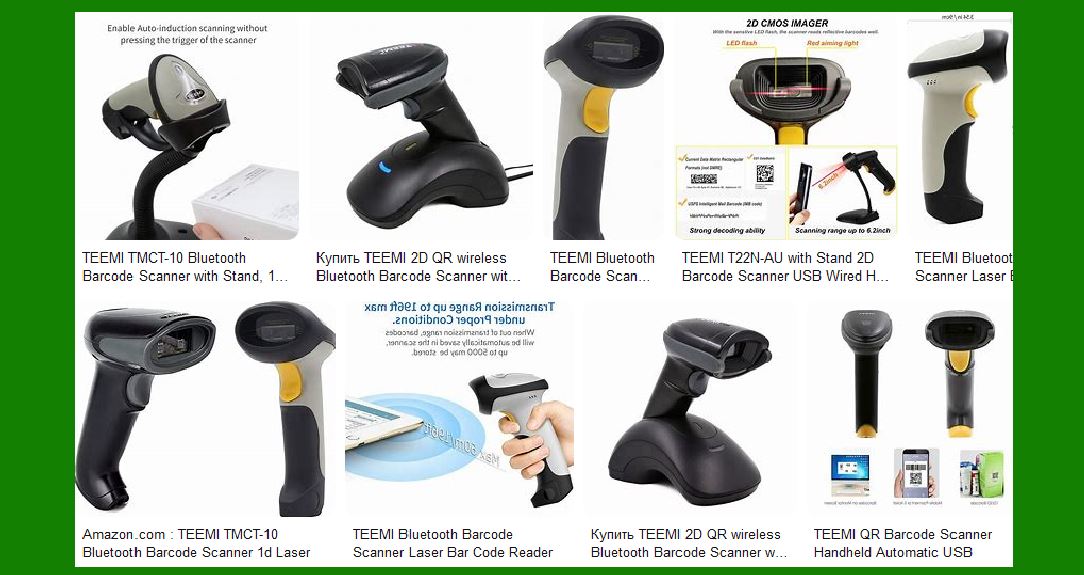
The essential components of a laser barcode scanner include: |
Laser Diode: Generates the laser beam used for scanning. |
Rotating Mirror: Directs the laser beam across the barcode in a sweeping motion. |
Photodetector (Sensor): Captures the reflected laser light and converts it into electrical signals. |
Decoder: Interprets the electrical signals and converts them into readable data. |
Processor and Communication Interface: Transmits the decoded data to a computer or point-of-sale system. |
|
4.Types of Laser Barcode Scanners |
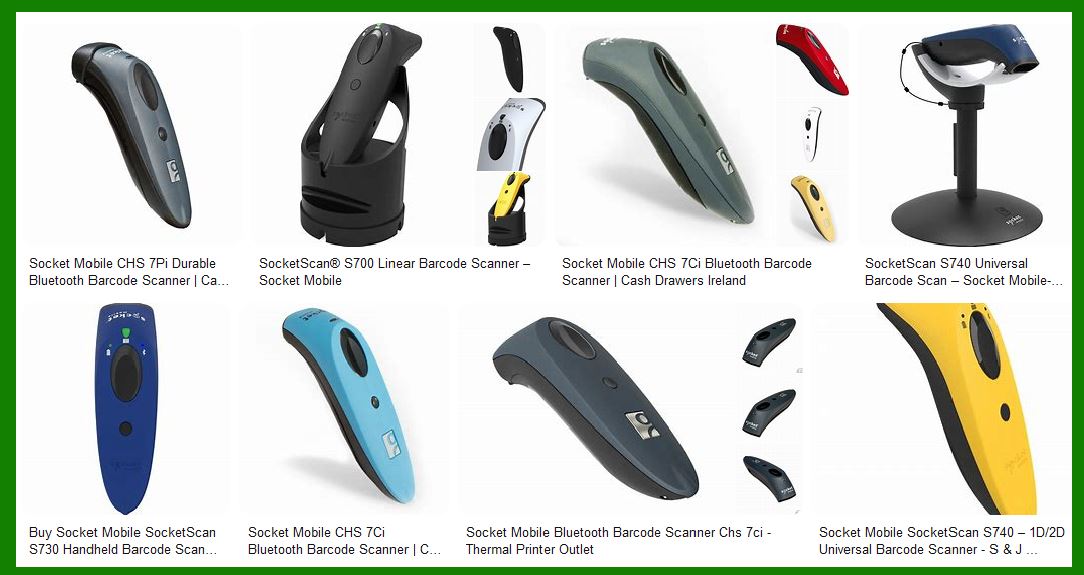
Laser barcode scanners come in various configurations to suit different applications: |
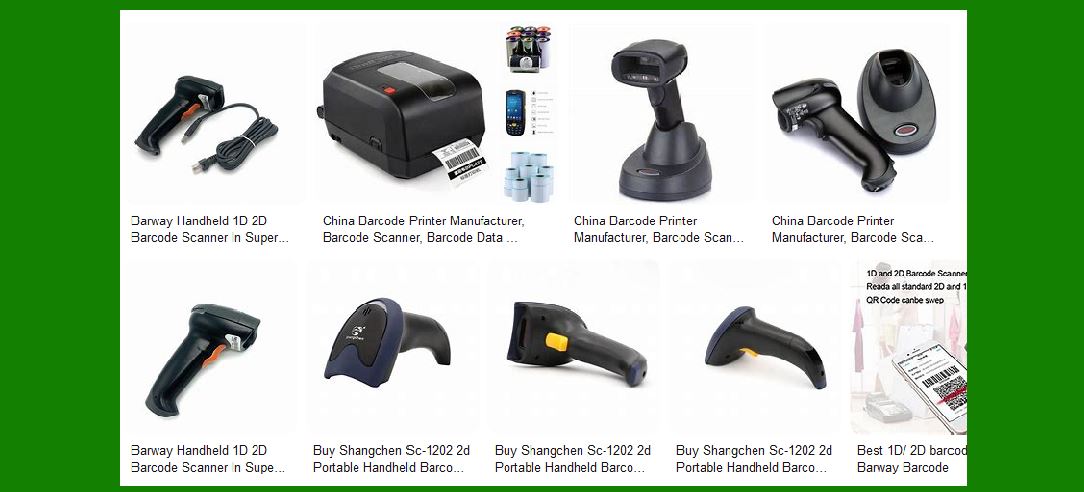
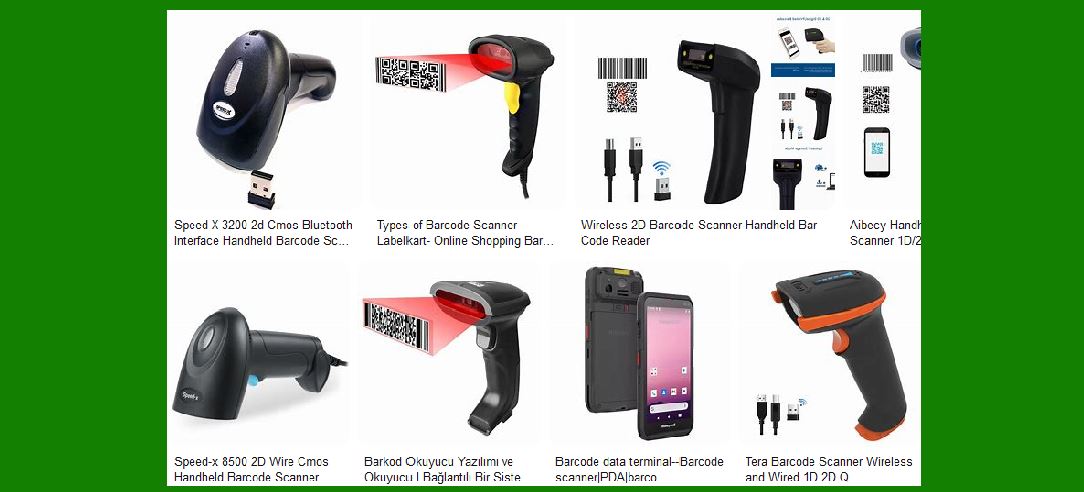
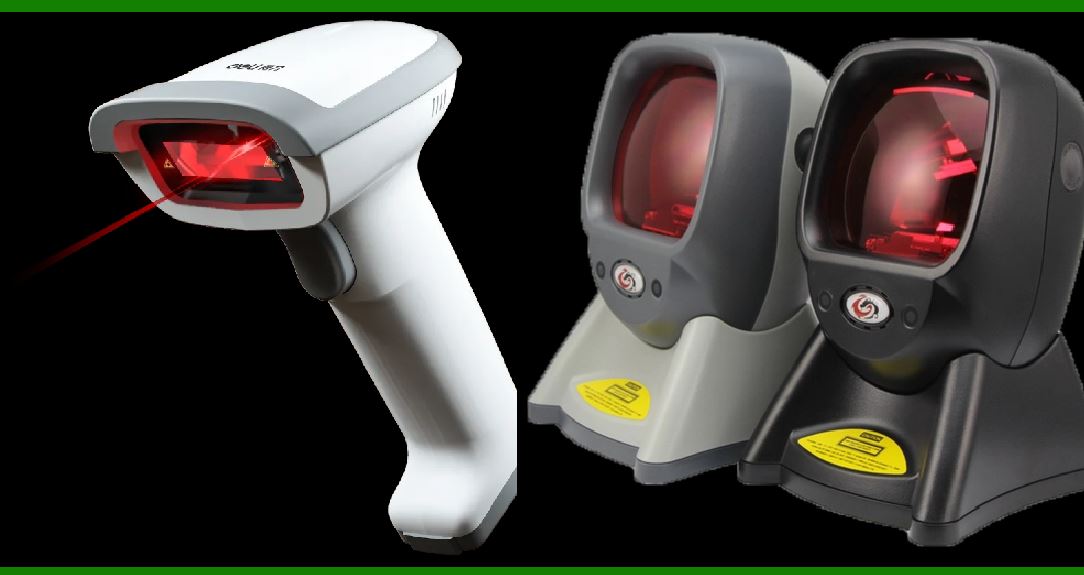
Handheld Laser Scanners: Portable devices commonly used in retail checkout counters and warehouses. |
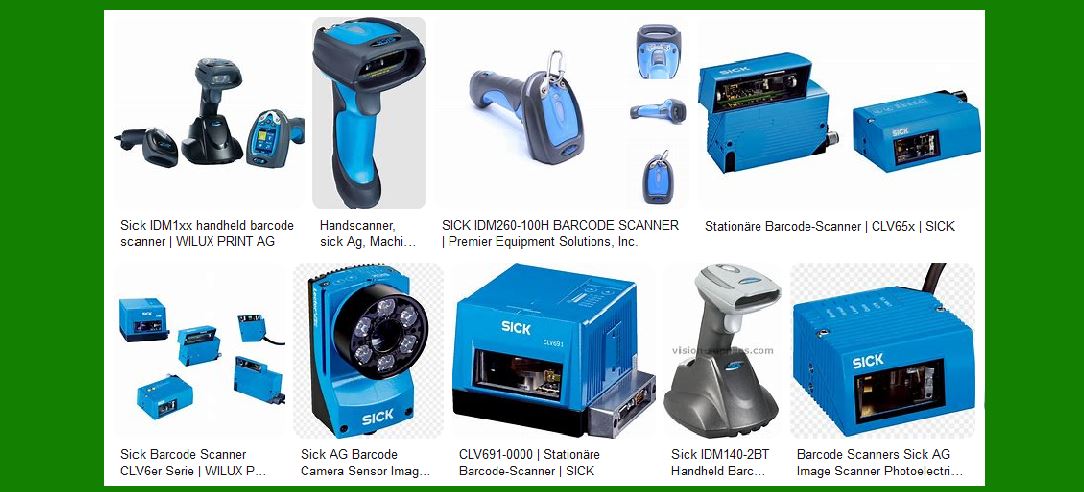
Fixed-Mount Laser Scanners: Installed in conveyor belt systems for automated scanning in industrial environments. |
Presentation Scanners: Hands-free scanners typically used in retail for quick scanning at checkout points. |
Long-Range Laser Scanners: Designed for reading barcodes from a significant distance, useful in logistics and inventory management. |
|
5.Advantages of Laser Barcode Scanners |
Laser scanning technology offers several benefits that make it a preferred choice in many industries: |
High Precision: Laser scanners provide accurate barcode reading, even on small or densely packed codes. |
Long-Range Scanning: Capable of reading barcodes from a distance, making them ideal for high-reach applications. |
Fast Scanning Speed: Can scan multiple barcodes per second, increasing efficiency in high-volume operations. |
Good Performance in Various Lighting Conditions: Functions well under different lighting environments without requiring additional illumination. |
|
6.Limitations of Laser Barcode Scanners |
Despite their advantages, laser barcode scanners have some limitations: |
Limited to 1D Barcodes: Most laser scanners can only read traditional linear barcodes and not 2D barcodes like QR codes. |
Susceptibility to Damage: Moving parts, such as mirrors and rotating mechanisms, can wear out over time. |
Vulnerability to Reflections: Highly reflective surfaces may cause reading errors due to excessive light reflection. |

|
7.Applications of Laser Barcode Scanners |
Laser barcode scanners are widely used in various industries, including: |
Retail: Used at checkout counters to scan product barcodes for pricing and inventory tracking. |
Warehouse and Logistics: Employed for inventory management, tracking shipments, and automating warehouse operations. |
Healthcare: Utilized for patient identification, medication administration, and medical equipment tracking. |
Manufacturing: Integrated into production lines for quality control and component identification. |
|
8.Future Trends in Laser Scanning Technology |
Although laser barcode scanning remains a dominant technology, emerging trends are shaping its future: |
Integration with AI and Machine Learning: Enhancing error correction and improving barcode recognition. |
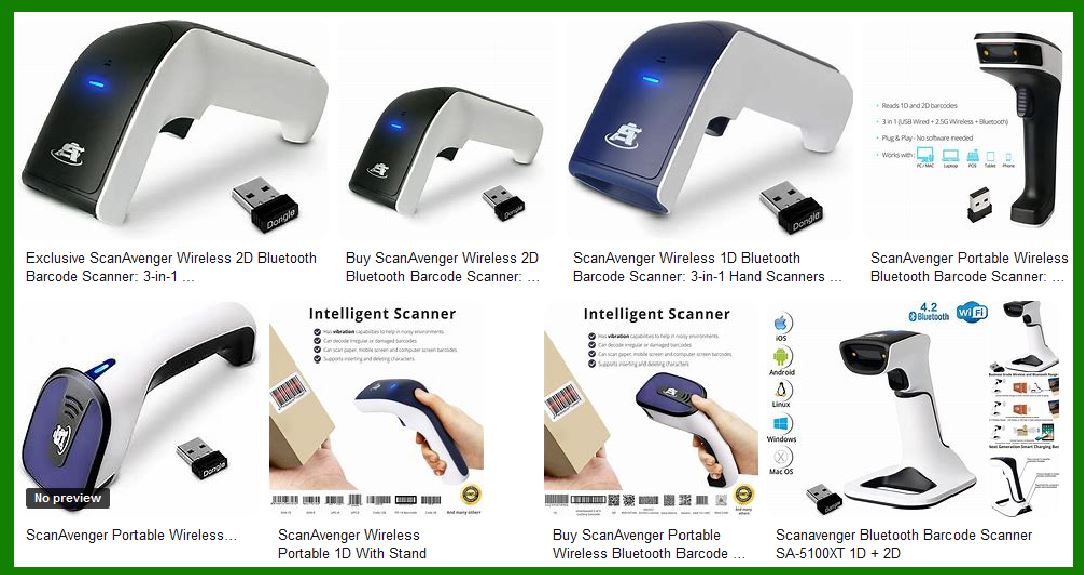
Hybrid Scanners: Combining laser and image-based scanning to support both 1D and 2D barcodes. |
Miniaturization and Wireless Connectivity: Developing smaller, more portable laser scanners with Bluetooth and Wi-Fi capabilities. |
|
9.Conclusion |
Laser barcode scanners have revolutionized the way businesses handle inventory, sales, and logistics. Their precision, speed, and long-range capabilities make them indispensable tools in various industries. As technology advances, improvements in scanning efficiency and integration with smart systems will further enhance their effectiveness. |
|
Common Failures of Barcode Scanner's Laser Scanning Technology and Prevention Methods |
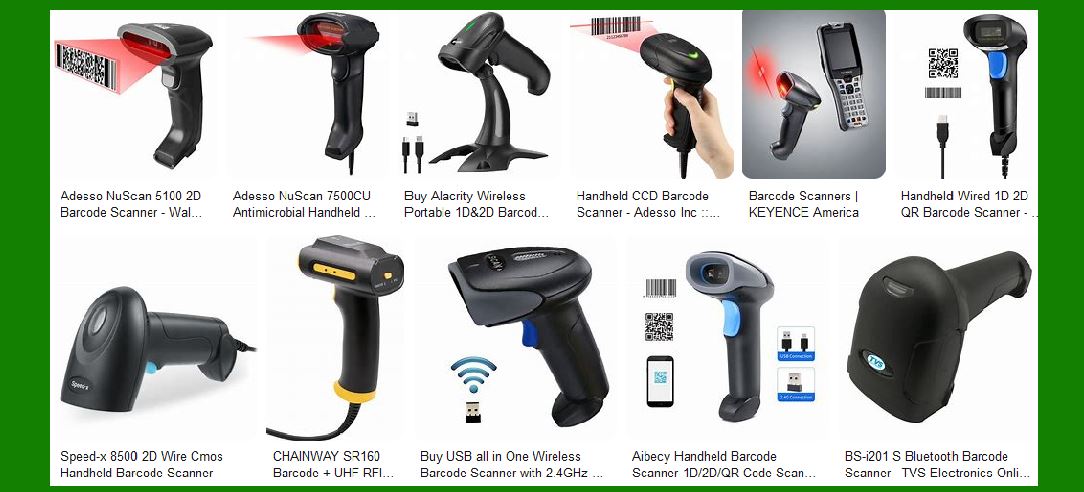
Laser barcode scanners are widely used in various industries due to their accuracy and efficiency. However, like any technology, they are susceptible to failures. Understanding these common issues and implementing preventive measures can help ensure the longevity and reliability of laser barcode scanners. |
1. Optical Component Contamination |
Failure Cause: |
Dust, dirt, fingerprints, and other contaminants can accumulate on the scanner's lens, mirror, or laser diode, leading to poor scanning performance. |
Smudges and scratches on the scanning window may distort the laser beam, preventing accurate barcode reading. |
Prevention: |
Regularly clean the scanner's lens and scanning window with a microfiber cloth and an approved optical cleaner. |
Use protective covers to shield the scanner from dust and debris in harsh environments. |
Store the scanner in a clean, dry place when not in use. |
2. Misalignment of Rotating Mirror |
Failure Cause: |
The rotating mirror that directs the laser beam may become misaligned due to mechanical shocks, vibrations, or wear and tear. |
If the mirror does not move correctly, the scanner may fail to detect barcodes accurately. |
Prevention: |
Handle the scanner carefully and avoid dropping or striking it. |
Secure fixed-mount scanners in environments with heavy vibrations. |
Perform periodic calibration and alignment checks, especially in industrial settings. |

|
3. Laser Diode Degradation or Failure |
Failure Cause: |
Over time, the laser diode can degrade due to prolonged use, exposure to excessive heat, or electrical issues. |
A weakened or failing laser diode may produce a dim beam, making barcode scanning difficult or impossible. |
Prevention: |
Ensure proper ventilation and temperature control to prevent overheating. |
Use the scanner within its recommended operational hours to avoid excessive wear. |
Replace the laser diode if performance issues persist. |
4. Electrical Failures |
Failure Cause: |
Power surges, voltage fluctuations, or loose internal connections can cause the scanner to malfunction. |
Faulty power supplies or damaged cables may lead to intermittent operation or complete failure. |
Prevention: |
Use surge protectors to shield the scanner from voltage spikes. |
Regularly inspect power cables and connectors for wear and tear. |
Ensure proper grounding of electrical systems to minimize interference. |
|
5. Incompatibility with Barcode Types or Poor Barcode Quality |
Failure Cause: |
Some laser scanners are designed only for 1D barcodes and cannot read 2D barcodes. |
Poorly printed, damaged, or low-contrast barcodes may not reflect enough light for the scanner to detect. |
Prevention: |
Ensure that the barcode format is compatible with the scanner model. |
Print barcodes using high-quality printers with appropriate contrast. |
Avoid placing barcodes on curved or reflective surfaces that may distort the scanning process. |
6. Interference from External Light Sources |
Failure Cause: |
Bright ambient lighting, direct sunlight, or reflective surfaces can interfere with the laser beam and affect scanning accuracy. |
Flickering lights, such as fluorescent lamps, may cause inconsistent barcode reading. |
Prevention: |
Position the scanner away from direct sunlight and strong artificial lights. |
Use polarizing filters or enclosures to minimize light interference. |
Adjust scanner settings to optimize performance under different lighting conditions. |
|
7. Overheating Due to Continuous Use |
Failure Cause: |
Extended periods of scanning without breaks can lead to overheating, reducing scanner efficiency and lifespan. |
Poor ventilation or exposure to high temperatures may further accelerate hardware deterioration. |
Prevention: |
Allow the scanner to rest periodically, especially in high-volume operations. |
Keep the scanner in a well-ventilated area to prevent heat buildup. |
Choose models with built-in cooling mechanisms for heavy-duty use. |
8. Software or Firmware Malfunctions |
Failure Cause: |
Outdated firmware, corrupted software, or incompatible drivers may prevent the scanner from functioning correctly. |
Errors in barcode processing algorithms can result in incorrect or failed readings. |
Prevention: |
Regularly update scanner firmware to ensure optimal performance. |
Use manufacturer-recommended software and drivers. |
Reset the scanner to factory settings if software issues persist. |
|
9. Mechanical Wear and Tear |
Failure Cause: |
Continuous use over time can lead to mechanical degradation of moving parts, such as the rotating mirror or motor. |
Excessive vibrations or physical impacts may cause internal components to loosen or break. |
Prevention: |
Perform routine maintenance checks on moving parts. |
Avoid excessive rough handling of handheld scanners. |
Replace worn-out mechanical components as part of regular servicing. |
10. Environmental Factors (Moisture, Extreme Temperatures, and Humidity) |
Failure Cause: |
Exposure to moisture or condensation can cause short circuits and corrosion inside the scanner. |
Extreme temperatures may affect the laser diode and optical components, leading to inconsistent performance. |
Prevention: |
Use scanners with rugged, weather-resistant casings in industrial or outdoor environments. |
Store scanners in a climate-controlled environment when not in use. |
Avoid exposing the scanner to sudden temperature changes that may cause condensation. |
|
Conclusion |
While laser barcode scanners are highly efficient, they can suffer from various failures due to environmental, mechanical, and electrical factors. Preventative maintenance, proper handling, and regular inspections can significantly extend their lifespan and ensure reliable performance. By implementing these preventive measures, businesses can minimize downtime, reduce repair costs, and maintain smooth barcode scanning operations. |
|
What new technologies will improve the function of the Barcode Scanner's Laser Scanning Technology and reduce the failure rate in the future? |
Advancements in technology are continuously improving laser barcode scanners, addressing their common failures, and enhancing their efficiency. Below are the key future technologies expected to revolutionize laser scanning technology, making it more reliable, durable, and efficient. |
1. Advanced Optical and Laser Technologies |
Improvements: |
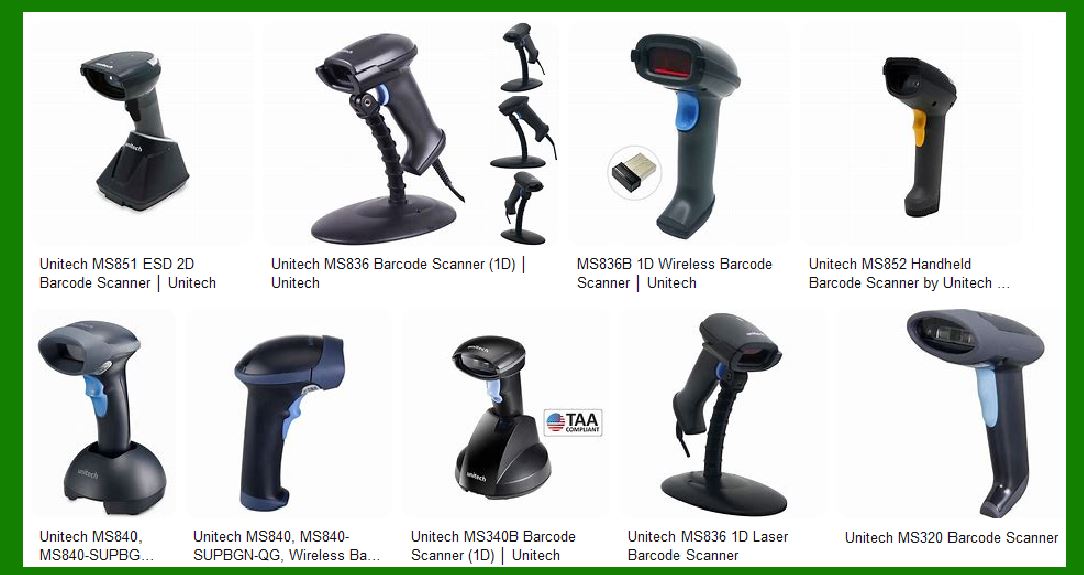
Solid-State Lasers: Unlike traditional laser diodes, solid-state lasers have higher durability, consume less power, and are less prone to degradation over time. |
Multi-Wavelength Laser Technology: Using multiple laser wavelengths can improve barcode readability on different surfaces, including reflective and curved materials. |
Adaptive Focus Laser Systems: Future scanners will feature adjustable focus to automatically optimize scanning distances, reducing errors in long-range applications. |
Impact on Failure Rate: |
Minimizes laser diode degradation, increasing scanner lifespan. |
Enhances barcode reading accuracy on difficult surfaces. |
|
2. AI-Powered Error Correction and Barcode Decoding |
Improvements: |
Machine Learning Algorithms: AI can analyze barcode structures, identify partially damaged barcodes, and reconstruct missing data. |
Auto-Calibration Systems: AI can automatically adjust laser intensity and mirror alignment to optimize scanning in different environments. |
Predictive Maintenance: AI-powered diagnostics can monitor scanner performance and predict failures before they occur. |
Impact on Failure Rate: |
Reduces errors caused by poor barcode quality. |
Minimizes downtime by detecting and fixing issues before they lead to failure. |
3. Hybrid Scanning Systems (Laser + Imaging Technology) |
Improvements: |
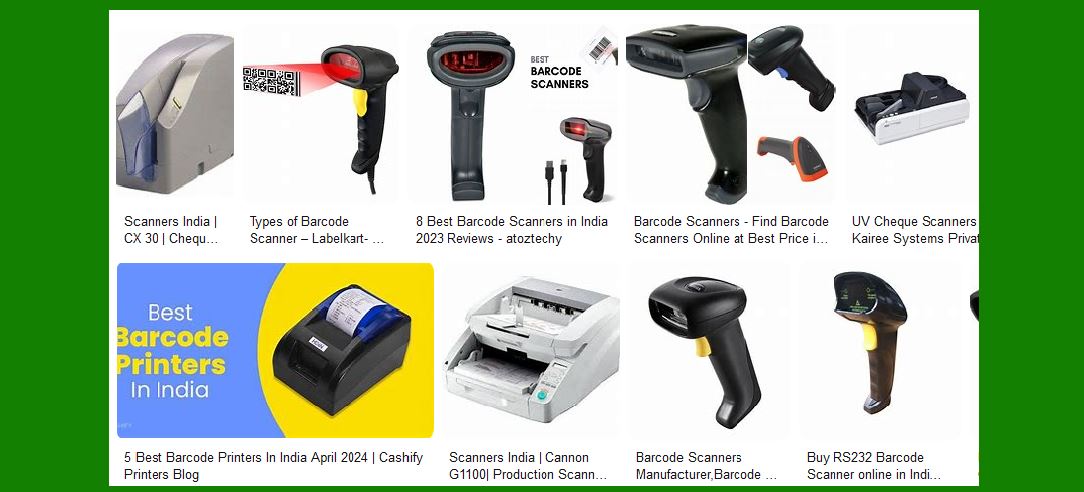
Dual-Mode Scanners: Combining laser scanning with CMOS or CCD imaging sensors allows scanners to read both 1D and 2D barcodes. |
AI-Enhanced Image Processing: Advanced imaging technology enables scanners to recognize even low-contrast or distorted barcodes. |
Adaptive Scanning Mode: The scanner can automatically switch between laser and imaging mode based on barcode conditions. |
Impact on Failure Rate: |
Reduces limitations of traditional laser scanners, enabling barcode reading in low-light and high-reflection environments. |
Improves scanning performance across a wider range of barcode types and qualities. |
|
4. Enhanced Connectivity and Cloud-Based Integration |
Improvements: |
IoT-Enabled Scanners: Barcode scanners integrated with IoT (Internet of Things) can transmit performance data for real-time monitoring and remote troubleshooting. |
Cloud-Based Error Analysis: Cloud platforms can analyze scanner usage data and optimize settings for different environments. |
Wireless Power and Data Transfer: Wireless charging and data transmission eliminate physical cable failures. |
Impact on Failure Rate: |
Reduces electrical and software failures by enabling remote diagnostics and automatic updates. |
Eliminates connectivity issues caused by damaged cables or ports. |
5. Improved Mechanical and Environmental Durability |
Improvements: |
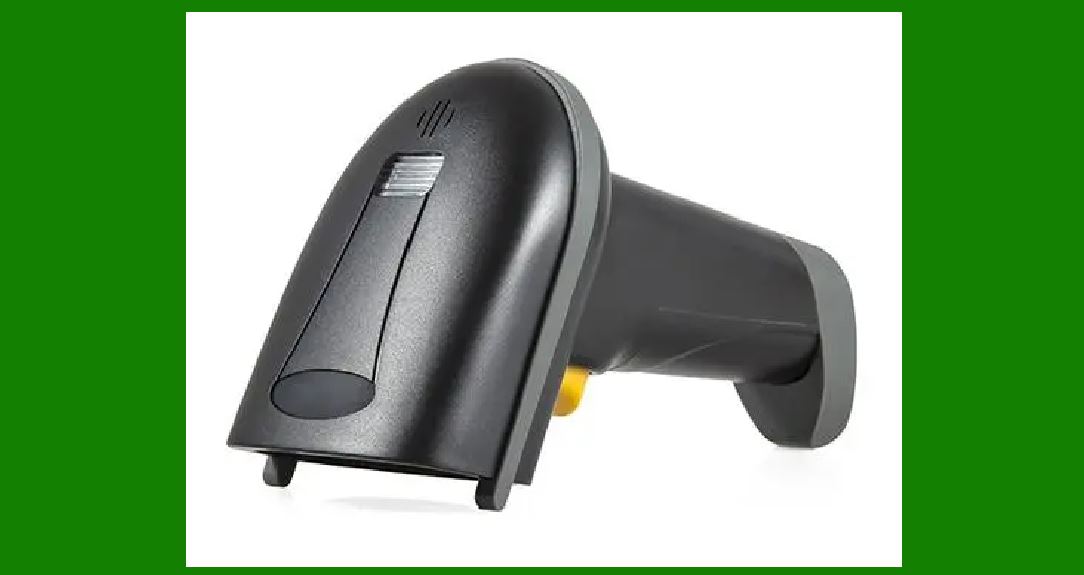
Shock-Resistant Designs: New materials such as carbon-reinforced plastics and impact-resistant enclosures will protect internal components from mechanical damage. |
Waterproof and Dustproof Technology: Enhanced IP-rated casings will prevent environmental contamination. |
Self-Healing Coatings: Future scanning windows will feature self-repairing coatings that eliminate minor scratches. |
Impact on Failure Rate: |
Reduces damage from physical impact, moisture, and dust. |
Extends scanner lifespan in industrial and outdoor environments. |
|
6. Quantum Dot and Nanophotonics Technology |
Improvements: |
Nanophotonic Laser Emitters: These advanced light sources will enhance scanning precision and efficiency. |
Quantum Dot Sensors: These sensors can capture ultra-fine variations in reflected light, improving barcode readability even in extreme conditions. |
Impact on Failure Rate: |
Increases scanning accuracy under varying lighting conditions. |
Reduces issues caused by poor barcode print quality. |
7. Augmented Reality (AR) Integration |
Improvements: |
AR Overlay for Scanner Feedback: AR technology will allow workers to see real-time barcode scanning feedback through smart glasses or screens. |
Guided Scanning Technology: AR-assisted scanners can provide users with visual cues to position barcodes correctly for optimal scanning. |
Impact on Failure Rate: |
Reduces human error by guiding users during scanning. |
Increases first-time scan success rates, reducing workflow interruptions. |
|
8. Energy-Efficient and Sustainable Technology |
Improvements: |
Low-Power Laser Systems: Future scanners will consume less energy while maintaining high performance. |
Recyclable and Biodegradable Materials: Environmentally friendly scanner components will improve sustainability and reduce electronic waste. |
Impact on Failure Rate: |
Reduces heat-related failures and extends device longevity. |
Improves energy efficiency, making scanners more cost-effective in the long run. |
|
Conclusion |
Emerging technologies such as AI, hybrid scanning, IoT connectivity, and nanophotonics will significantly improve the performance and reliability of laser barcode scanners. These advancements will help reduce common failures, enhance durability, and optimize barcode reading in various environments. As these innovations become mainstream, barcode scanners will become even more efficient, versatile, and resilient in the future. |
 cs@easiersoft.com