Barcode Scanner's Output and Communication Interface |
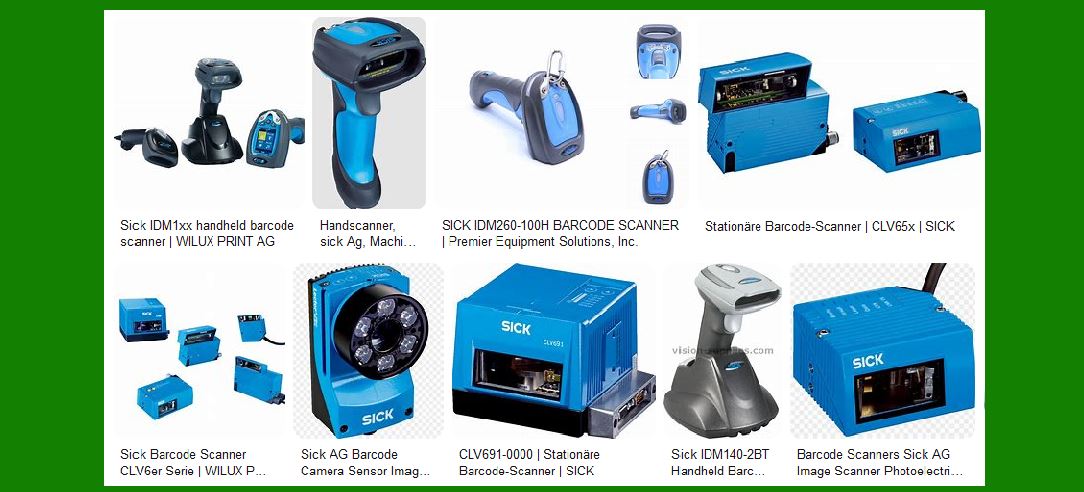
Barcode scanners play a crucial role in data acquisition by decoding information from barcodes and transmitting it to external systems. Once a barcode is scanned and successfully decoded, the scanner must communicate this data efficiently. The choice of output and communication interface depends on the application environment, compatibility with other hardware, and the required transmission speed. The most common interfaces used for barcode scanner output are: |
|
1.USB Interface |
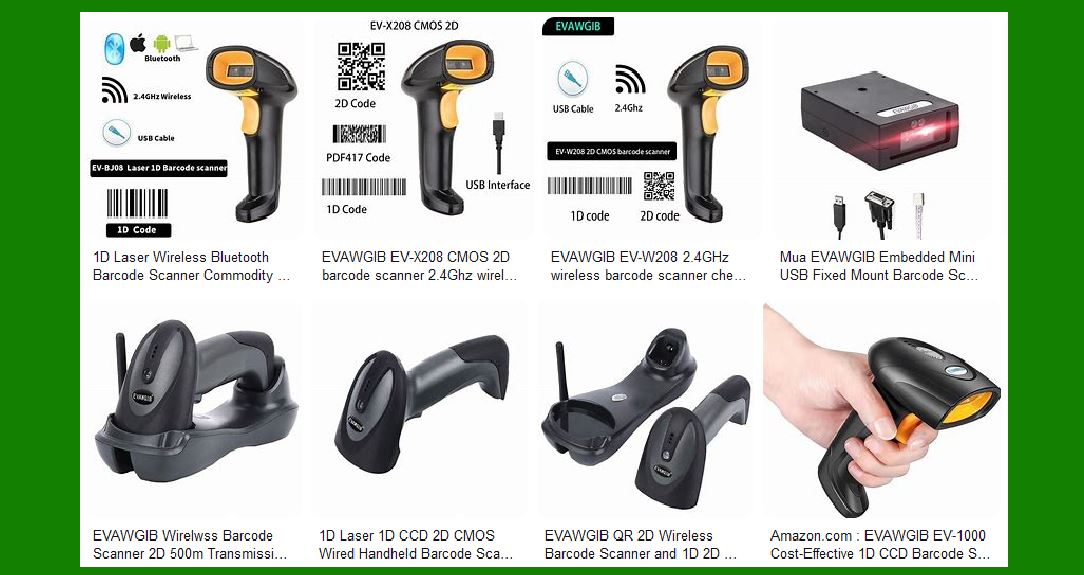
The Universal Serial Bus (USB) is one of the most commonly used interfaces for wired barcode scanners, offering a direct and reliable connection to computers and other devices. |
1.1 Types of USB Connections |
Barcode scanners with USB connectivity are typically categorized based on their mode of operation: |
USB Keyboard Emulation (HID Mode): The scanner sends barcode data as if it were typed on a keyboard. This mode allows barcode data to be entered into any text field without requiring additional software. |
USB Virtual COM Port (CDC Mode): The scanner emulates a serial port and communicates using a COM port. This mode is preferred for applications that require direct serial communication without relying on keyboard emulation. |
USB HID POS (Point of Sale) Mode: Used in retail applications where scanners need to comply with POS standards. |
1.2 Power and Data Transmission |
USB barcode scanners draw power directly from the connected device, eliminating the need for external power supplies. |
Data transfer speeds depend on the USB version (e.g., USB 2.0 vs. USB 3.0), but for barcode scanning, USB 2.0 is generally sufficient. |
1.3 Advantages of USB Interface |
Plug-and-play functionality simplifies installation. |
High-speed data transmission with low latency. |
No need for additional power sources. |
Compatible with most modern computing devices. |
1.4 Limitations of USB Interface |
Limited cable length (typically up to 5 meters for USB 2.0). |
Requires a physical connection, making it unsuitable for mobile applications. |
|
2.RS232 Serial Interface |
RS232 is a traditional communication interface widely used in industrial and commercial applications where reliable serial communication is needed. |
2.1 Characteristics of RS232 Communication |
RS232 transmits data as a stream of bytes in a sequential manner. |
It uses standard baud rates (e.g., 9600, 115200 bps) to regulate data transfer speed. |
The communication involves control signals such as RTS (Request to Send) and CTS (Clear to Send) to manage data flow. |
2.2 Connection and Powering |
RS232 barcode scanners typically connect via a 9-pin (DB9) or 25-pin (DB25) connector. |
Unlike USB, RS232 does not provide power, so the scanner requires an external power source. |
2.3 Advantages of RS232 Interface |
Reliable for long-distance communication (up to 15 meters without signal degradation). |
Stable performance in industrial environments with minimal interference. |
Works with legacy systems and older POS terminals. |
2.4 Limitations of RS232 Interface |
Slower data transmission compared to USB and wireless interfaces. |
Requires additional setup, including specifying baud rate, parity, and stop bits. |
Not natively supported by many modern computers without an RS232-to-USB adapter. |
|
3.Bluetooth and Wi-Fi Modules |
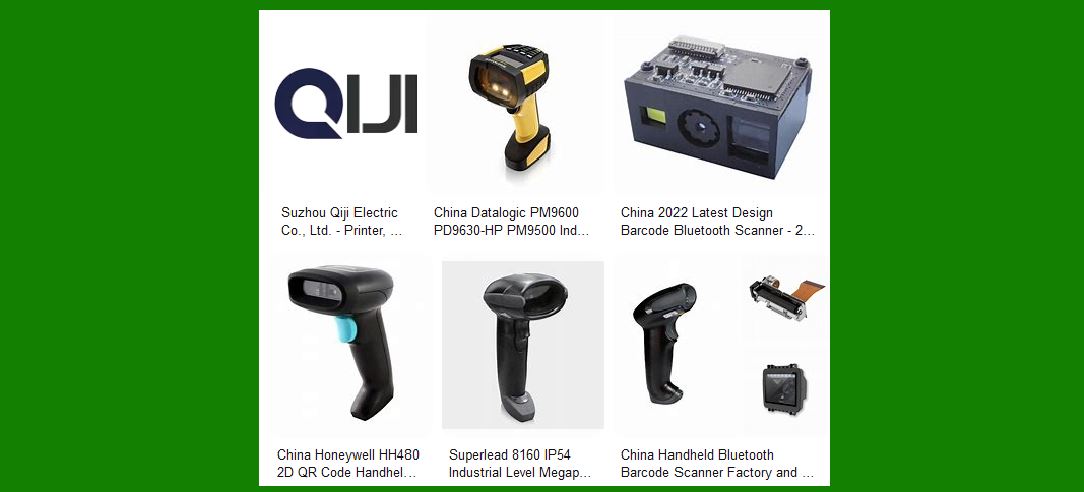
Wireless barcode scanners use Bluetooth or Wi-Fi modules to communicate data remotely, enhancing mobility and flexibility in various environments. |
3.1 Bluetooth Barcode Scanners |
Bluetooth-enabled barcode scanners are widely used in retail, warehousing, and logistics where short-range wireless communication is sufficient. |
Bluetooth Classic (SPP Mode): Uses the Serial Port Profile (SPP) to create a virtual serial link between the scanner and the host device. |
Bluetooth HID Mode: Functions similarly to a wireless keyboard, sending barcode data as keystrokes. |
Bluetooth Low Energy (BLE): Optimized for power efficiency, suitable for mobile applications requiring extended battery life. |
3.1.1 Advantages of Bluetooth Barcode Scanners |
Wireless operation increases mobility and productivity. |
Can connect to various devices, including smartphones, tablets, and POS systems. |
Consumes less power than Wi-Fi-based solutions. |
3.1.2 Limitations of Bluetooth Barcode Scanners |
Limited range (typically up to 10-30 meters depending on Bluetooth version). |
Potential interference in environments with multiple Bluetooth devices. |
Requires pairing, which may introduce connectivity delays. |
3.2 Wi-Fi Barcode Scanners |
Wi-Fi barcode scanners operate over wireless networks and provide greater range compared to Bluetooth scanners. They are commonly used in large warehouses, manufacturing plants, and logistics hubs. |
Direct Wi-Fi Connection: Connects directly to a local Wi-Fi network and transmits data to a server or cloud-based system. |
Access Point Mode: The scanner functions as a hotspot, allowing direct connections from other devices. |
3.2.1 Advantages of Wi-Fi Barcode Scanners |
Extended range compared to Bluetooth (up to several hundred meters). |
High-speed data transmission, supporting real-time data updates. |
Integration with cloud-based inventory and management systems. |
3.2.2 Limitations of Wi-Fi Barcode Scanners |
Requires a stable Wi-Fi network for uninterrupted communication. |
Higher power consumption compared to Bluetooth, leading to shorter battery life. |
Security concerns, as data transmitted over Wi-Fi may require encryption to prevent unauthorized access. |
|
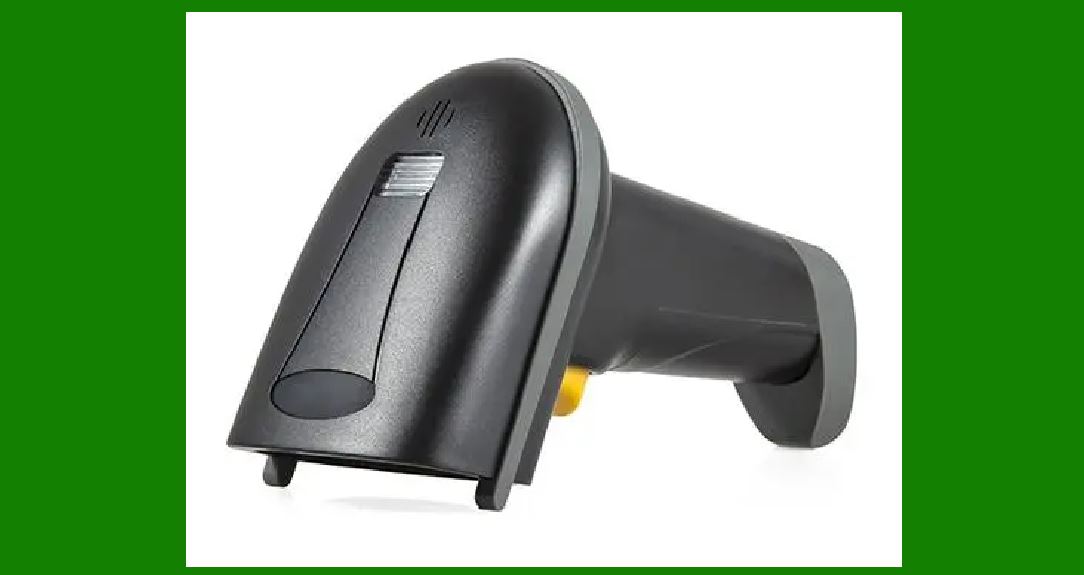
4.Comparison of Output Interfaces |
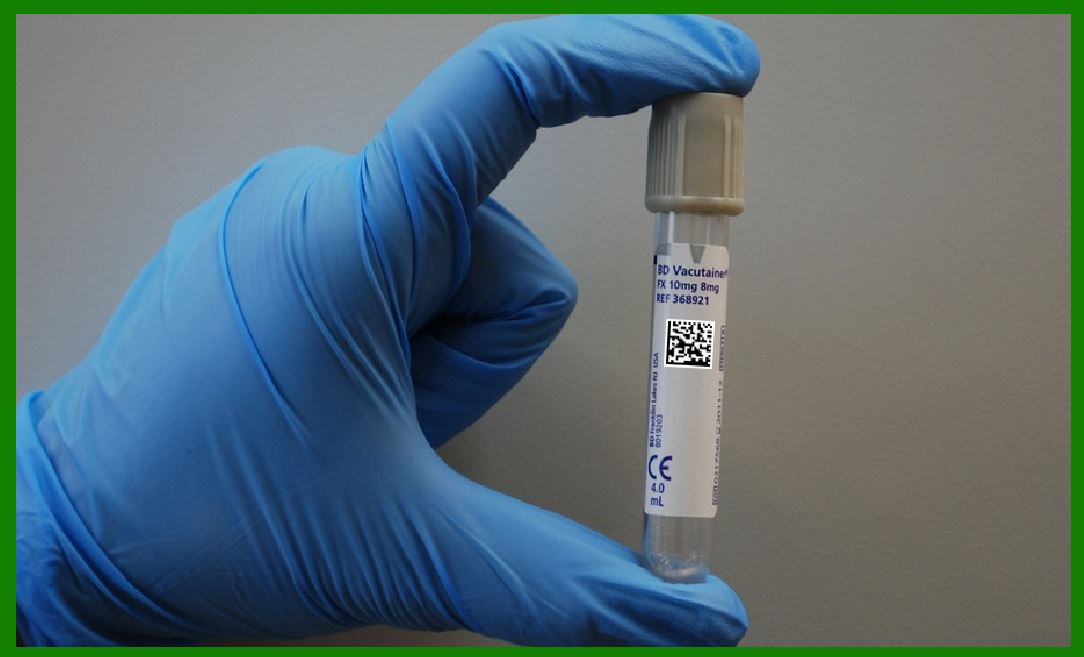
The choice of barcode scanner interface depends on various factors, including speed, range, compatibility, and ease of deployment. |
USB: Best for desktop and POS applications requiring fast, reliable wired connections. |
RS232: Suitable for industrial applications that need stable, long-distance communication. |
Bluetooth: Ideal for mobile and retail applications where wireless short-range communication is needed. |
Wi-Fi: Preferred for large-scale logistics and industrial environments requiring high-speed, long-range data transmission. |
|
5.Conclusion |
Barcode scanners are essential tools in modern industries, and their communication interfaces play a crucial role in ensuring seamless data transfer. The selection of an appropriate interface depends on specific operational needs, whether for wired convenience (USB, RS232) or wireless flexibility (Bluetooth, Wi-Fi). By understanding the strengths and limitations of each interface, businesses can optimize barcode scanning performance and improve overall workflow efficiency. |
|
What are the common failures of the Barcode Scanner's Output and Communication Interface? How to prevent them? |
Barcode scanners, like any electronic devices, are prone to failures related to their output and communication interfaces. These issues can arise due to hardware malfunctions, software incompatibilities, or environmental factors. Below are the most common failures for each communication interface, along with preventive measures to ensure reliable operation. |
1. Common Failures in USB Interface |
1.1 Failure: No Response from the Scanner |
The scanner does not power on or fails to send data to the connected system. |
Possible causes include a faulty USB port, damaged cable, or power supply issues. |
Prevention: |
Use high-quality, shielded USB cables to prevent wear and signal degradation. |
Ensure the USB port is functional by testing with another device. |
Avoid excessive bending of cables to prevent internal wire breakage. |
Use powered USB hubs if the scanner requires additional power. |
1.2 Failure: USB Device Not Recognized |
The operating system fails to detect the barcode scanner as a USB device. |
This may result from outdated drivers, firmware conflicts, or incorrect USB mode settings. |
Prevention: |
Regularly update scanner firmware and drivers. |
Ensure the scanner is set to the correct USB mode (HID Keyboard, Virtual COM, or POS). |
Test on different USB ports or computers to rule out hardware issues. |
1.3 Failure: Slow or Intermittent Data Transmission |
Data appears with delays or is not transmitted consistently. |
This can be caused by insufficient power, a faulty USB port, or high CPU usage on the host device. |
Prevention: |
Avoid using the scanner on heavily loaded USB hubs. |
Check for background processes that may slow down data processing. |
Replace USB cables periodically to avoid degradation. |
|
2. Common Failures in RS232 Serial Interface |
2.1 Failure: No Communication Between Scanner and Host System |
The barcode scanner does not transmit data to the computer or POS system. |
Causes include incorrect baud rate settings, mismatched COM port configurations, or cable issues. |
Prevention: |
Verify that the baud rate, parity, stop bits, and data bits match the host system settings. |
Use high-quality shielded serial cables to minimize interference. |
Test the RS232 scanner with a different device to confirm functionality. |
2.2 Failure: Garbage or Corrupt Data Output |
The scanner sends unreadable or scrambled characters instead of correct barcode data. |
This may be due to incorrect serial port settings, poor cable connections, or electrical interference. |
Prevention: |
Ensure the scanner and host system use the same data format settings. |
Keep RS232 cables away from power cables and sources of electromagnetic interference. |
Replace cables that show signs of wear or damage. |
2.3 Failure: Scanner Powers On but Does Not Transmit Data |
The scanner may receive power but fails to send scanned data. |
A common cause is an incorrect wiring configuration or insufficient power supply. |
Prevention: |
Ensure proper wiring, including TX (Transmit), RX (Receive), and GND (Ground) connections. |
Use an external power supply if the scanner requires more power than the RS232 port can provide. |
|
3. Common Failures in Bluetooth Communication |
3.1 Failure: Bluetooth Pairing Issues |
The scanner fails to connect or disconnects frequently from the host device. |
Causes include interference, incorrect pairing settings, or device incompatibility. |
Prevention: |
Keep the scanner within the recommended Bluetooth range (typically 10-30 meters). |
Reduce interference by avoiding crowded 2.4 GHz environments (e.g., near Wi-Fi routers). |
Reset the scanner's Bluetooth module and re-pair the device. |
3.2 Failure: Slow or Lagging Data Transmission |
The barcode data takes longer than expected to appear on the host device. |
This may be due to a weak signal, battery issues, or interference from other wireless devices. |
Prevention: |
Ensure the scanner's battery is fully charged. |
Minimize obstacles between the scanner and the receiving device. |
Switch to a different Bluetooth channel or frequency if interference persists. |
3.3 Failure: Connection Drops Unexpectedly |
The scanner disconnects randomly during operation. |
Possible reasons include power-saving settings, interference, or exceeding the Bluetooth range. |
Prevention: |
Disable unnecessary power-saving features that disconnect the scanner after inactivity. |
Stay within the recommended range and avoid walls or metal objects that block signals. |
Update firmware to fix any known Bluetooth connectivity bugs. |
|
4. Common Failures in Wi-Fi Communication |
4.1 Failure: Scanner Cannot Connect to Wi-Fi Network |
The scanner fails to establish a connection with the access point or network. |
This can be due to incorrect network settings, signal interference, or security restrictions. |
Prevention: |
Ensure the correct SSID and password are entered. |
Use a dedicated Wi-Fi network for barcode scanners to reduce congestion. |
Adjust router settings to allow the scanner's MAC address if access control is enabled. |
4.2 Failure: Slow Data Transmission Over Wi-Fi |
Barcode data takes too long to be transmitted, leading to operational delays. |
Causes may include network congestion, weak signals, or bandwidth limitations. |
Prevention: |
Position Wi-Fi access points closer to scanner operation areas. |
Use dual-band routers to reduce interference from other devices. |
Increase the network bandwidth allocation for scanner-related traffic. |
4.3 Failure: Wi-Fi Connection Drops Frequently |
The scanner loses its connection intermittently, causing disruptions in data transfer. |
Common causes include unstable network conditions, interference, or power-saving settings. |
Prevention: |
Use a stable and high-quality router with good signal strength. |
Configure static IP addresses for scanners to reduce DHCP reconnection delays. |
Disable automatic sleep modes that disconnect the scanner from Wi-Fi. |
|
5. General Maintenance and Best Practices to Prevent Failures |
To ensure the longevity and reliability of barcode scanners, follow these best practices: |
Regularly Clean Scanner Components |
Dust and dirt on the scanner lens can interfere with barcode recognition. |
Use a soft, lint-free cloth and isopropyl alcohol to clean the scanning window. |
Update Firmware and Drivers |
Manufacturers release updates to fix bugs and improve performance. |
Check for updates periodically and apply them as recommended. |
Use High-Quality Cables and Adapters |
Avoid using low-quality or third-party cables that may degrade over time. |
Replace cables that show signs of wear or damage. |
Ensure Proper Power Supply |
Wireless scanners should have well-maintained batteries to prevent unexpected shutdowns. |
Wired scanners should be connected to stable power sources. |
Minimize Electromagnetic Interference |
Avoid placing scanners near large electronic equipment or power lines that may cause signal disruption. |
Use shielded cables for RS232 and USB scanners in industrial environments. |
By following these preventive measures, businesses can reduce downtime, enhance barcode scanning efficiency, and maintain smooth data transmission. |
|
Future Technologies for Improving Barcode Scanner Output and Communication Interfaces |
Barcode scanning technology continues to evolve, with advancements aimed at improving data transmission, reducing failure rates, and enhancing overall efficiency. Future developments in hardware, communication protocols, and artificial intelligence (AI) will address common failures while expanding barcode scanner capabilities. Below are the key emerging technologies that will enhance barcode scanner output and communication interfaces. |
1. Next-Generation USB and Wired Communication Technologies |
1.1 USB-C Adoption for Barcode Scanners |
The transition from traditional USB-A and Micro-USB ports to USB-C will enhance the speed and reliability of wired barcode scanners. |
USB-C provides faster data transmission rates and reversible plug orientation, reducing connection failures caused by improper insertion. |
Improved power delivery through USB-C eliminates the need for separate power sources for scanners, preventing power-related failures. |
1.2 USB 4.0 for High-Speed and Multi-Device Connectivity |
The upcoming USB 4.0 standard will increase data transfer speeds up to 40 Gbps, minimizing latency for high-volume scanning applications. |
USB 4.0 supports smart bandwidth allocation, ensuring that barcode scanners operate smoothly even when multiple peripherals are connected. |
1.3 Enhanced RS232 Emulation Over USB |
While RS232 remains relevant for industrial applications, newer USB-based serial emulation protocols will replace outdated RS232 connections. |
This improvement will reduce hardware compatibility issues and improve data integrity by using modern error correction algorithms. |
|
2. Advanced Wireless Communication Technologies |
2.1 Bluetooth 5.3 and Future Bluetooth Standards |
Extended range and higher reliability will allow barcode scanners to function in larger warehouses and industrial spaces without frequent disconnections. |
Improved interference resistance will reduce data transmission failures in environments with multiple wireless devices. |
Lower power consumption will extend battery life for wireless barcode scanners, reducing downtime. |
2.2 Wi-Fi 6 and Wi-Fi 7 for Barcode Scanners |
Wi-Fi 6 (802.11ax) and Wi-Fi 7 (802.11be) will provide higher data transfer speeds and reduced network congestion in high-traffic environments such as retail stores and logistics hubs. |
Enhanced signal penetration and multi-user MIMO (Multiple Input, Multiple Output) technology will enable faster and more stable barcode data transmission. |
Lower latency and higher efficiency will allow real-time barcode scanning integration with cloud-based systems. |
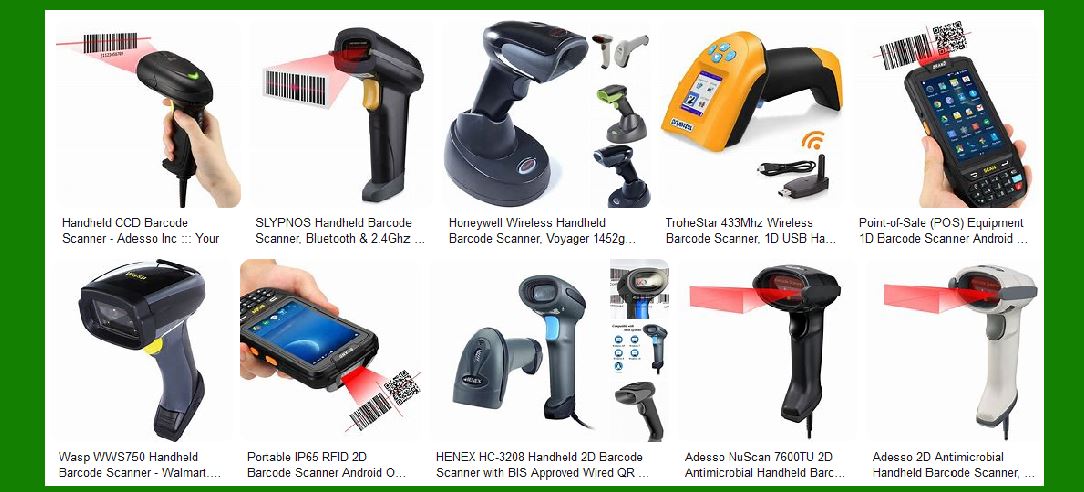
2.3 Ultra-Wideband (UWB) for High-Precision Wireless Scanning |
UWB technology will enable high-precision location tracking of barcode scanners in large spaces, useful in logistics and inventory tracking. |
Unlike Bluetooth or Wi-Fi, UWB operates on a low-interference frequency band, reducing connectivity issues. |
|
3. AI-Powered and Smart Barcode Processing Technologies |
3.1 AI-Enhanced Barcode Recognition and Error Correction |
Future barcode scanners will incorporate AI-powered image processing to improve barcode recognition accuracy, even on damaged or low-quality labels. |
AI will automatically correct distorted barcodes using machine learning algorithms, reducing scanning failures. |
AI-driven predictive error detection will alert users before a barcode scan fails, improving scanning efficiency. |
3.2 Edge Computing for Real-Time Barcode Processing |
Barcode scanners with edge computing capabilities will process scanned data directly within the device instead of relying on an external server. |
This will reduce latency, enhance security, and allow barcode scanners to function offline in remote areas. |
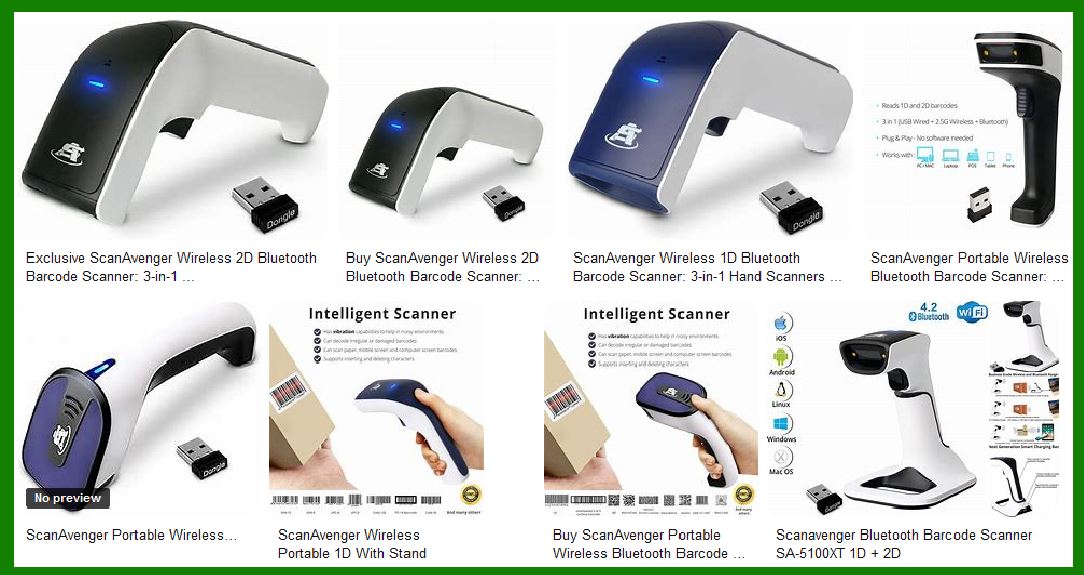
3.3 Integration with Augmented Reality (AR) for Faster Scanning |
Barcode scanners integrated with AR glasses or AR-equipped mobile devices will display real-time barcode information in a visual interface. |
Warehouse workers and retail staff will benefit from instant feedback on scanned items, reducing errors in logistics and checkout processes. |
|
4. Cloud-Based and IoT Integration for Seamless Data Transfer |
4.1 Cloud-Connected Barcode Scanners for Remote Access |
Future barcode scanners will automatically sync scanned data with cloud-based inventory and POS systems, reducing the risk of data loss. |
Real-time synchronization will improve inventory tracking accuracy and eliminate manual data entry errors. |
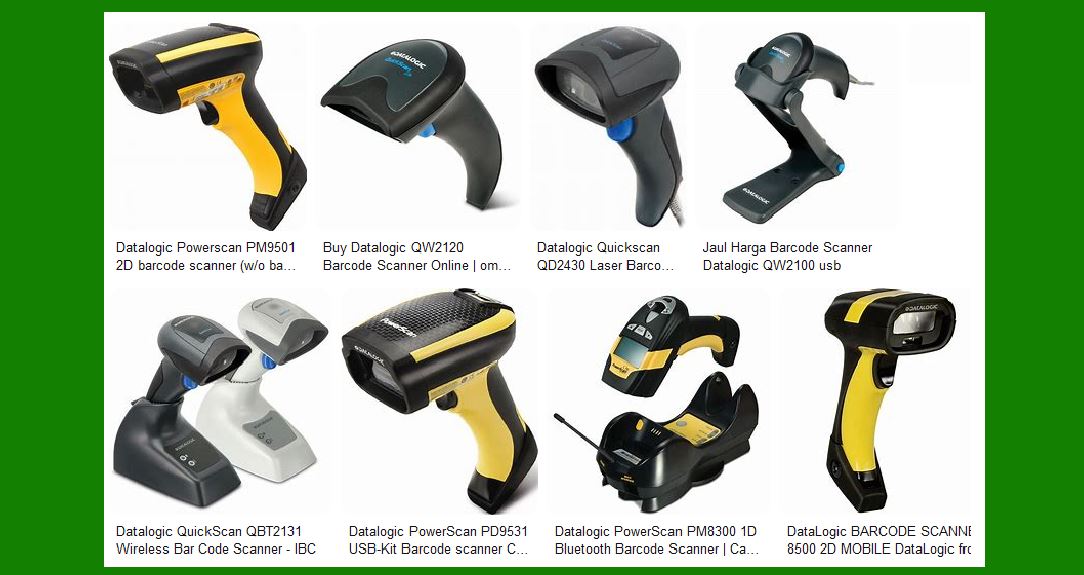
4.2 Internet of Things (IoT) for Smart Barcode Scanning |
IoT-enabled barcode scanners will communicate with smart warehouses and automated retail systems to optimize supply chain efficiency. |
Predictive analytics powered by IoT will enable barcode scanners to detect anomalies in scanning patterns, helping businesses identify potential issues before they occur. |
|
5. Enhanced Security and Encryption Technologies |
5.1 End-to-End Encryption for Secure Data Transmission |
Future barcode scanners will use end-to-end encryption (E2EE) to secure data transmissions, preventing unauthorized access. |
Quantum-safe encryption algorithms will be implemented to protect barcode data against future cyber threats. |
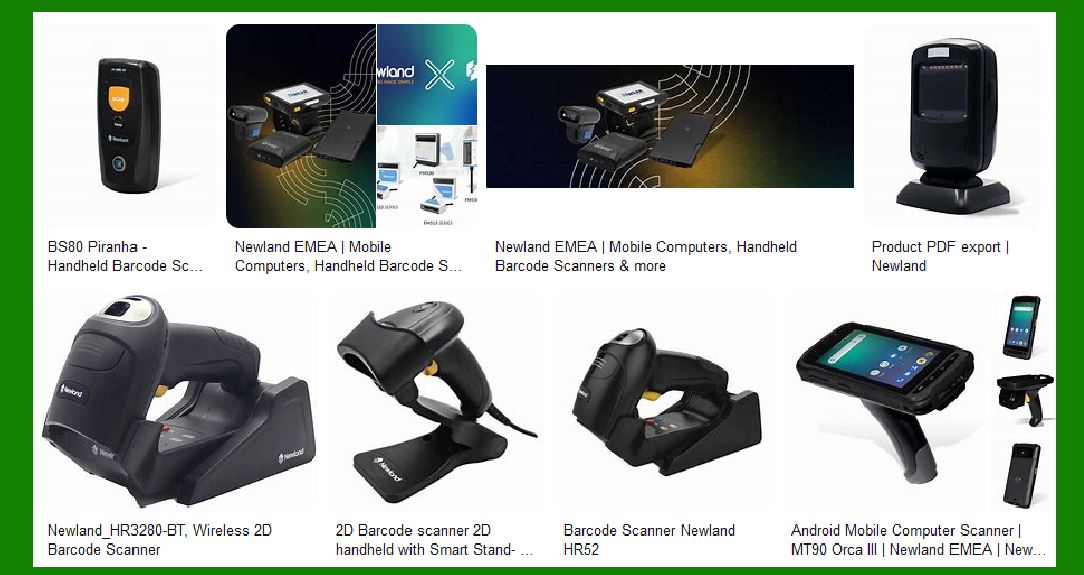
5.2 Biometric Authentication for Secure Barcode Scanning |
High-security environments (e.g., healthcare, finance, and government) may adopt barcode scanners with biometric authentication (fingerprint or facial recognition). |
This will prevent unauthorized users from scanning sensitive or restricted barcodes. |
|
6. Self-Healing and Predictive Maintenance Technologies |
6.1 AI-Based Predictive Maintenance for Barcode Scanners |
Barcode scanners will incorporate AI-powered self-diagnostics that can predict hardware failures before they occur. |
Automated maintenance alerts will notify users when a scanner requires calibration or servicing, reducing downtime. |
6.2 Self-Healing Communication Interfaces |
Future scanners will include auto-recovery features that detect and fix communication issues in real-time. |
If a scanner encounters a temporary connection loss (e.g., Bluetooth or Wi-Fi drop), it will automatically retry data transmission without user intervention. |
|
Conclusion |
Future barcode scanners will leverage advanced USB, Bluetooth, Wi-Fi, AI, IoT, and security technologies to enhance data transmission reliability and reduce failure rates. These innovations will improve scanning accuracy, minimize communication errors, and enable seamless integration with cloud-based and automated systems. Businesses adopting these next-generation technologies will benefit from faster, more secure, and more efficient barcode scanning operations in industries such as retail, logistics, healthcare, and manufacturing. |
 cs@easiersoft.com