Barcode Scanner's Power Supply and Circuit Protection |
1. Introduction |
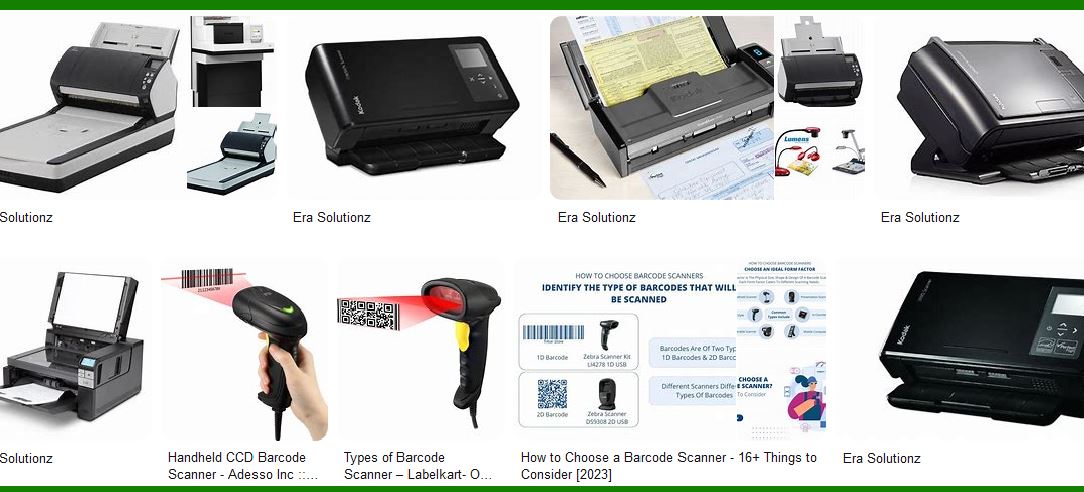
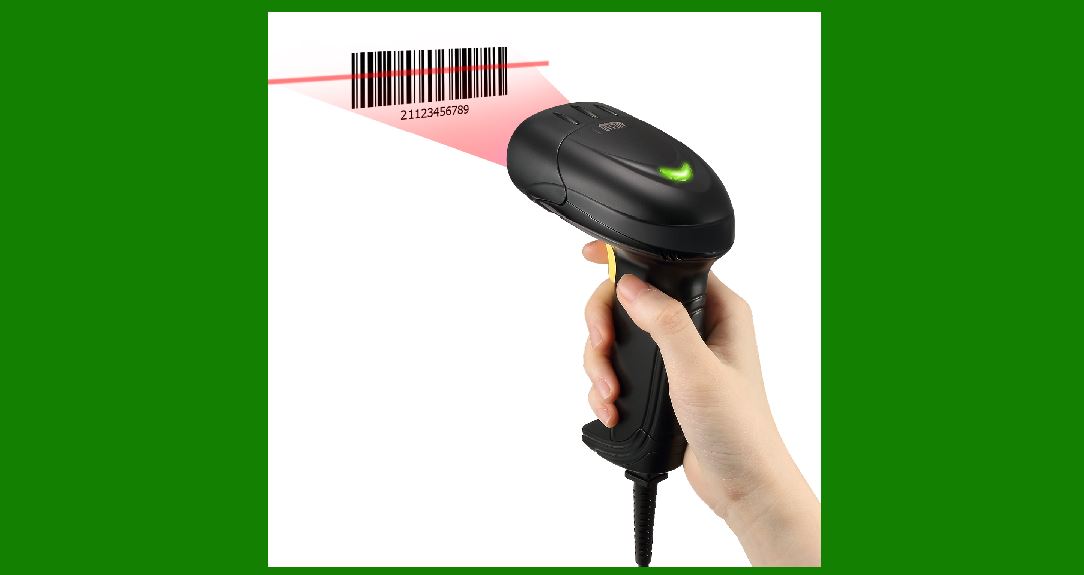
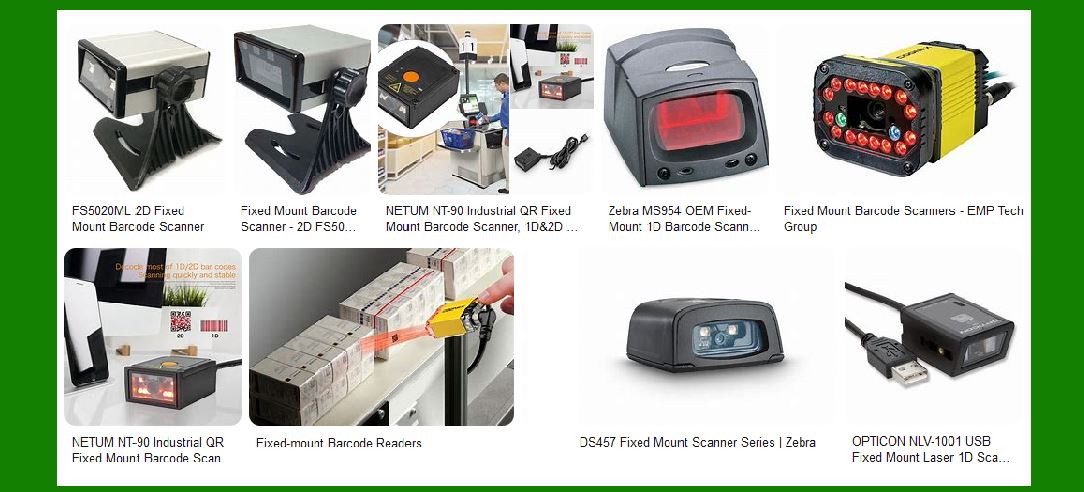
Barcode scanners are essential devices in retail, logistics, healthcare, and industrial applications. They rely on stable and efficient power supplies to function correctly. The power supply circuit of a barcode scanner includes voltage regulation, overcurrent protection, and, for wireless models, a battery management system. Proper circuit protection ensures longevity, reliability, and safety. This article explores each component of the power system in great detail. |
|
2. Power Supply Overview |
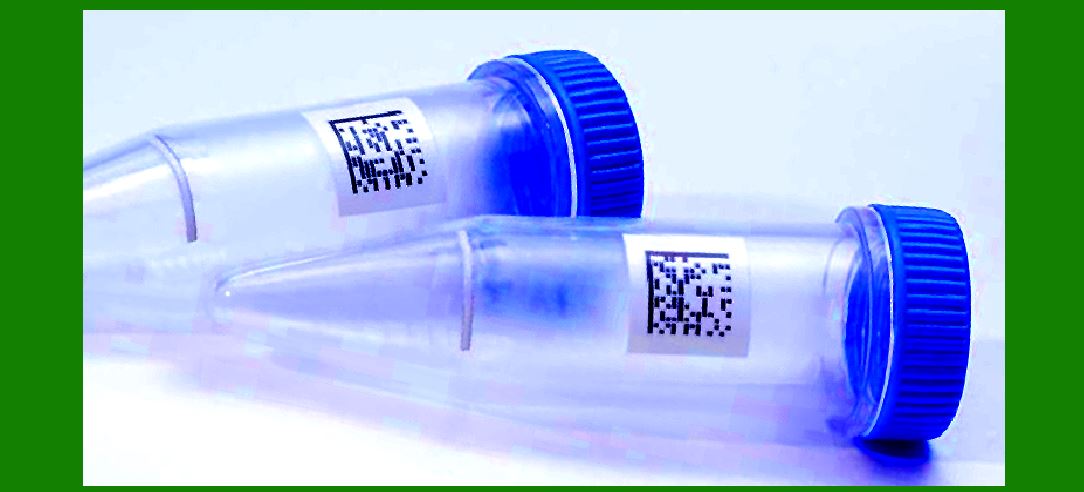
A barcode scanner typically operates on low-voltage DC power, usually within the range of 5V to 12V, depending on its design. The power can come from various sources, such as USB ports, external power adapters, or internal rechargeable batteries for wireless models. The power supply circuit must ensure a steady voltage level, protect against electrical faults, and optimize energy efficiency. |
|
3. Voltage Regulator |
A voltage regulator is a crucial component in barcode scanner power circuits. It ensures that the scanner receives a constant voltage regardless of fluctuations in the input power. |
3.1. Types of Voltage Regulators |
There are two main types of voltage regulators used in barcode scanners: |
1.Linear Voltage Regulators |
They provide a steady DC output with minimal noise. |
Example: 78XX series (e.g., 7805 for 5V output). |
They are simple but inefficient because excess energy is dissipated as heat. |
2.Switching Voltage Regulators |
More efficient than linear regulators because they convert excess energy instead of dissipating it. |
Examples: Buck converters (step-down), Boost converters (step-up), and Buck-Boost converters (adjustable output). |
Used in barcode scanners for better power efficiency. |
3.2. Voltage Regulation in Wired and Wireless Scanners |
Wired Barcode Scanners |
Typically powered by USB (5V) or an external adapter (9V-12V). |
Requires a step-down voltage regulator to ensure internal components receive the appropriate voltage. |
Wireless Barcode Scanners |
Use rechargeable batteries with varying voltage levels. |
A buck-boost converter adjusts the voltage as the battery discharges, ensuring stable performance. |
3.3. Heat Dissipation and Efficiency |
Linear regulators generate heat, which requires heatsinks for proper dissipation. |
Switching regulators are more efficient but introduce some electrical noise, which must be filtered using capacitors and inductors. |
|
4. Overcurrent Protection |
Overcurrent protection prevents damage due to excessive current flow. Several protection mechanisms are used in barcode scanners. |
4.1. Fuses |
Glass and Ceramic Fuses |
Used in older or high-power barcode scanners. |
Must be replaced if blown. |
Resettable Fuses (Polyfuses) |
Automatically reset after cooling down. |
Used in USB-powered barcode scanners. |
4.2. Current Limiters |
Electronic Current Limiters |
These circuits shut down power if excess current is detected. |
Often integrated into voltage regulators. |
PTC Thermistors |
Change resistance in response to excessive current. |
Protect against short circuits and power surges. |
4.3. Surge and Transient Protection |
Barcode scanners can experience voltage surges due to electrostatic discharge (ESD), lightning, or power spikes. |
Protection methods include: |
Transient Voltage Suppression (TVS) diodes to absorb voltage spikes. |
Metal Oxide Varistors (MOVs) to protect against surge voltage. |
Capacitor filtering to smoothen fluctuations. |
|
5. Battery Management System (BMS) for Wireless Scanners |
Wireless barcode scanners use rechargeable batteries, requiring a Battery Management System (BMS) to regulate charging, discharging, and protection. |
5.1. Battery Types |
Common battery types used in barcode scanners: |
1.Lithium-Ion (Li-Ion) Batteries |
High energy density and long life. |
Requires strict voltage and current regulation to prevent overcharging. |
2.Lithium-Polymer (Li-Po) Batteries |
Lighter and more compact. |
Similar charging protection as Li-Ion. |
3.Nickel-Metal Hydride (NiMH) Batteries |
Less energy-dense but more durable. |
Requires different charging algorithms. |
5.2. Charging Circuit |
The charging circuit ensures safe and efficient battery charging. Components include: |
Charge controllers that regulate charging voltage and current. |
Overvoltage protection to prevent battery damage. |
Thermal sensors to avoid overheating. |
5.3. Battery Protection Features |
1.Overcharge Protection |
Prevents excessive voltage from damaging the battery. |
Uses MOSFET switches to disconnect the charger. |
2.Over-Discharge Protection |
Ensures battery does not drain below a safe level. |
Low-voltage cutoff circuit disables power when the battery is critically low. |
3.Short Circuit and Overcurrent Protection |
Fuses and electronic circuit breakers protect the battery from excessive current draw. |
4.Temperature Monitoring |
Thermistors monitor battery temperature to prevent overheating. |
5.4. Power Management for Wireless Barcode Scanners |
To optimize battery life, power-saving techniques are used: |
Sleep Mode: Scanner turns off after inactivity. |
Auto Power-Off: Automatically shuts down after prolonged idle time. |
Efficient LED and Laser Drivers: Minimize energy consumption of scanning components. |
|
6. Integration of Power Supply and Circuit Protection |
6.1. Printed Circuit Board (PCB) Design Considerations |
Power traces must be thick enough to handle current flow. |
Heat dissipation measures, such as thermal vias, improve reliability. |
Shielding and grounding techniques reduce interference from power conversion circuits. |
6.2. Testing and Compliance Standards |
Barcode scanners must comply with industry safety and efficiency standards: |
UL (Underwriters Laboratories) for electrical safety. |
FCC (Federal Communications Commission) for electromagnetic interference (EMI). |
RoHS (Restriction of Hazardous Substances) for environmentally friendly materials. |
|
7. Conclusion |
The power supply and circuit protection of barcode scanners involve multiple components working together to ensure stable operation, longevity, and user safety. Voltage regulators maintain a constant power level, while overcurrent protection mechanisms prevent electrical damage. Wireless models require sophisticated battery management systems for efficient charging and protection. Proper design and safety measures ensure barcode scanners function reliably in various industrial and commercial applications. |
|
Common Failures of Barcode Scanner's Power Supply and Circuit Protection & Prevention Methods |
Barcode scanners rely on a stable power supply and effective circuit protection for consistent operation. However, failures can still occur due to component degradation, electrical faults, or improper usage. Below are common failures and ways to prevent them. |
1. Power Supply Failures |
1.1. Voltage Fluctuations and Instability |
Cause: |
Unstable power source (e.g., poor-quality power adapter, fluctuating USB power). |
Failure of voltage regulators due to overheating or aging. |
Loose connections or damaged cables. |
Prevention: |
Use high-quality, regulated power adapters. |
Ensure voltage regulators are properly rated and have adequate heat dissipation. |
Regularly inspect power cables and connectors for wear or damage. |
1.2. Overvoltage and Surge Damage |
Cause: |
Sudden power spikes from unstable power grids. |
Lightning strikes affecting power lines. |
Electrostatic Discharge (ESD) from improper handling. |
Prevention: |
Integrate Transient Voltage Suppression (TVS) diodes or Metal Oxide Varistors (MOVs). |
Use high-quality surge protectors or Uninterruptible Power Supplies (UPS) for wired scanners. |
Implement proper grounding and shielding in the scanner's PCB design. |
1.3. Insufficient Current Supply |
Cause: |
Using a power adapter or USB port with insufficient current capacity. |
Increased power demand due to aging components. |
Overloaded power bus in multi-device setups. |
Prevention: |
Verify that the power source meets the scanner's current requirements. |
Use a powered USB hub if connecting to a computer with multiple devices. |
Periodically test and replace aging components like capacitors and regulators. |

|
2. Circuit Protection Failures |
2.1. Blown Fuse or Tripped Overcurrent Protection |
Cause: |
Short circuits in the scanner's PCB. |
Excessive current draw from faulty components. |
Using an incorrect power adapter with excessive voltage or current. |
Prevention: |
Use resettable Polyfuses (PTC fuses) instead of single-use fuses for self-recovery. |
Implement current limiters and MOSFET-based protection circuits. |
Perform regular inspections to detect loose wires or damaged PCB traces. |
2.2. Overheating of Power Components |
Cause: |
Inefficient linear voltage regulators dissipating excess heat. |
Blocked ventilation or poor PCB heat management. |
Continuous high-power operation in hot environments. |
Prevention: |
Use switching regulators instead of linear regulators for efficiency. |
Incorporate heat sinks and thermal vias in PCB design. |
Ensure adequate ventilation in the scanner's enclosure. |
2.3. Battery Overcharging or Over-Discharging (Wireless Scanners) |
Cause: |
Faulty Battery Management System (BMS). |
Incompatible or low-quality replacement battery. |
Prolonged overcharging leading to battery swelling or leakage. |
Prevention: |
Use high-quality lithium-ion batteries with proper protection circuits. |
Implement overcharge and over-discharge protection in the BMS. |
Avoid leaving the scanner plugged in indefinitely when fully charged. |
2.4. Short Circuit Failures |
Cause: |
Internal PCB design flaws or soldering issues. |
Damage to power cables leading to wire exposure. |
Liquid spills causing unintended conductivity. |
Prevention: |
Design PCBs with proper trace spacing and insulation. |
Use conformal coating to protect against liquid damage. |
Conduct routine maintenance to check for wire damage or exposed connections. |

|
3. Software and Firmware-Related Power Failures |
3.1. Power Management Software Malfunctions |
Cause: |
Firmware bugs causing improper sleep/wake functions. |
Unresponsive auto power-off features leading to excessive battery drain. |
Prevention: |
Regularly update firmware to fix power management bugs. |
Implement watchdog timers to reset the scanner if the system becomes unresponsive. |
3.2. Incorrect Power Mode Configuration |
Cause: |
User misconfiguring power-saving settings. |
Scanner failing to enter low-power mode when idle. |
Prevention: |
Enable automatic sleep mode when the scanner is not in use. |
Provide clear user instructions on configuring power settings. |
|
4. Environmental and Mechanical Failures |
4.1. Damage from Physical Shock or Drops |
Cause: |
Dropping the scanner causes internal PCB cracks. |
Shock damage loosens solder joints in power circuits. |
Prevention: |
Use shock-resistant casings and vibration-proof soldering. |
Implement internal rubber padding to absorb impact forces. |
4.2. Moisture and Corrosion Damage |
Cause: |
Humid environments leading to corrosion of power contacts. |
Exposure to liquids shorting circuit components. |
Prevention: |
Use sealed enclosures for scanners in wet environments. |
Apply conformal coating to PCBs to prevent corrosion. |

|
5. Conclusion |
Barcode scanners can experience various power supply and circuit protection failures due to electrical faults, component degradation, and environmental factors. Preventing these failures requires proper circuit design, routine maintenance, high-quality components, and software updates. Implementing protective measures such as TVS diodes, PTC fuses, switching regulators, and BMS circuits ensures scanner reliability and longevity. |

|
What new technologies will improve the function of the Barcode Scanner's Power Supply and Circuit Protection and reduce the failure rate in the future? |
As barcode scanners evolve, advancements in power supply efficiency, circuit protection, and failure prevention will further enhance their reliability and longevity. Below are several emerging technologies that will help improve power management and reduce failure rates in barcode scanners. |
1. Advanced Power Supply Technologies |
1.1. GaN-Based Power Regulators |
What It Is: |
Gallium Nitride (GaN) transistors offer higher efficiency and faster switching speeds compared to traditional silicon-based power regulators. |
Benefits: |
Higher Efficiency: Reduces power loss and heat generation, increasing overall energy efficiency. |
Compact Design: Allows for smaller and lighter power circuits, beneficial for portable barcode scanners. |
Faster Power Conversion: Improves responsiveness and reduces power fluctuations. |
1.2. Wireless Charging for Barcode Scanners |
What It Is: |
Wireless charging using resonant or inductive coupling eliminates the need for wired connections, reducing wear and tear on charging ports. |
Benefits: |
Eliminates Charging Port Failures: No physical connectors that degrade over time. |
More Durable Design: Sealed enclosures improve resistance to dust and moisture. |
Efficient Battery Management: Smart charging algorithms prevent overcharging and overheating. |
1.3. USB-C Power Delivery (PD) for Wired Scanners |
What It Is: |
USB-C PD supports higher power transfer rates with dynamic voltage regulation. |
Benefits: |
Adaptive Power Supply: Provides optimal power based on scanner requirements. |
Fast Charging Support: Enables quicker battery charging for wireless models. |
Improved Durability: More robust connector design compared to older USB versions. |
|
2. Next-Generation Circuit Protection Technologies |
2.1. Smart Electronic Fuses (E-Fuses) |
What It Is: |
Electronic fuses (E-Fuses) use integrated circuits to provide intelligent overcurrent protection with automatic reset capabilities. |
Benefits: |
Self-Resetting Protection: No need for manual fuse replacement. |
Real-Time Fault Detection: Can detect and prevent overcurrent, short circuits, and thermal overloads instantly. |
Programmable Protection Levels: Adjustable current limits for different scanner models. |
2.2. AI-Powered Predictive Failure Detection |
What It Is: |
AI and machine learning analyze scanner power usage and detect early signs of power failures before they occur. |
Benefits: |
Prevents Unexpected Failures: Monitors power components (batteries, regulators, capacitors) for wear and degradation. |
Remote Diagnostics: Allows for proactive maintenance and firmware updates before a failure happens. |
Extends Component Lifespan: Reduces power stress on aging components. |
2.3. Nano-Coating for Moisture and Corrosion Protection |
What It Is: |
Water-repellent nano-coatings prevent moisture damage to circuit boards and connectors. |
Benefits: |
Enhances Environmental Resistance: Protects against humidity, spills, and condensation. |
Extends PCB Life: Prevents corrosion of power supply contacts and traces. |
Ideal for Industrial Use: Useful in warehouses and manufacturing environments with harsh conditions. |

|
3. Future Battery Management Innovations |
3.1. Solid-State Batteries for Wireless Barcode Scanners |
What It Is: |
Solid-state batteries use a solid electrolyte instead of liquid, offering higher energy density and improved safety. |
Benefits: |
Longer Battery Life: Increases cycle life, reducing the need for frequent battery replacements. |
Faster Charging: Supports rapid charging without overheating. |
Improved Safety: No risk of thermal runaway, swelling, or leakage. |
3.2. Ultra-Capacitors for Instant Power Backup |
What It Is: |
Ultra-capacitors store energy and provide instantaneous power delivery when needed. |
Benefits: |
Prevents Sudden Power Loss: Ensures the scanner completes scanning operations before shutting down. |
Extends Battery Life: Reduces stress on lithium-ion batteries by handling peak power loads. |
Durable and Long-Lasting: Can handle millions of charge cycles without degradation. |
3.3. Smart Battery Management Systems (BMS) with AI Optimization |
What It Is: |
AI-driven Battery Management Systems (BMS) optimize power consumption based on usage patterns. |
Benefits: |
Adaptive Power Usage: Adjusts power draw to extend battery life during low activity periods. |
Intelligent Charging Control: Prevents overcharging, deep discharge, and overheating. |
Remote Battery Monitoring: Alerts users when a battery needs replacement before it fails. |
|
4. Enhanced Power Management Software |
4.1. Dynamic Power Scaling Technology |
What It Is: |
Dynamic power scaling adjusts voltage and current based on scanner workload. |
Benefits: |
Reduces Energy Waste: Minimizes power consumption during idle periods. |
Prevents Overheating: Dynamically lowers power to avoid excessive heat generation. |
Optimizes Battery Life: Efficient energy management extends wireless scanner runtime. |
4.2. IoT-Connected Power Monitoring |
What It Is: |
Barcode scanners equipped with IoT sensors can report power status in real time. |
Benefits: |
Remote Diagnostics: Detects and reports power supply issues before failure. |
Energy Usage Optimization: Analyzes scanner power consumption patterns to improve efficiency. |
Predictive Maintenance Alerts: Notifies users when a power component needs servicing. |
|
5. Future-Ready Barcode Scanner Power Innovations |
5.1. Supercapacitor Hybrid Power Systems |
What It Is: |
Combines traditional batteries with supercapacitors for faster charging and instant power delivery. |
Benefits: |
Reduces Battery Wear: Ultra-fast energy discharge reduces strain on batteries. |
Supports High-Power Operations: Useful in high-speed scanning applications. |
Extends Device Lifespan: Enhances power stability over long-term use. |
5.2. Energy Harvesting for Wireless Scanners |
What It Is: |
Energy harvesting technologies capture and use energy from ambient sources such as motion, light, and radio frequencies. |
Benefits: |
Extends Battery Life: Reduces dependency on frequent charging. |
Enables Self-Powered Scanners: Future barcode scanners could run indefinitely using harvested energy. |
Ideal for Remote Use: Useful in logistics, warehouses, and field operations where charging options are limited. |
|
Conclusion |
The future of barcode scanner power supply and circuit protection is shifting toward smarter, more efficient, and more resilient technologies. Innovations such as GaN-based power regulators, solid-state batteries, AI-powered battery management, and wireless charging will enhance power efficiency and reduce failure rates. Additionally, predictive diagnostics, supercapacitors, and IoT monitoring will ensure long-term reliability, making barcode scanners more durable, energy-efficient, and failure-resistant in various applications. |
 cs@easiersoft.com