Environmental Factors Affecting Barcode Readers and RFID Readers |
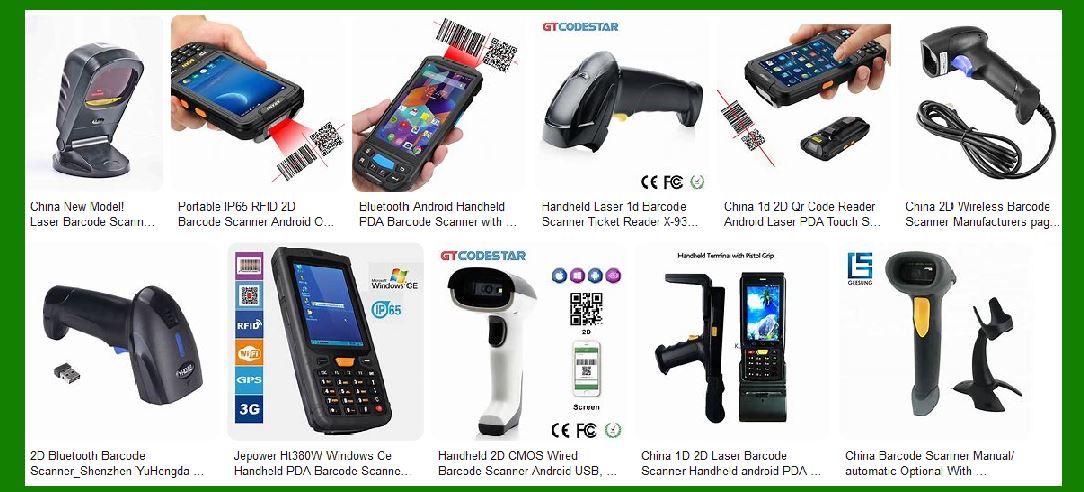
Barcode readers and Radio Frequency Identification (RFID) readers are critical tools in various industries, such as retail, logistics, healthcare, and manufacturing. These technologies allow for the efficient tracking of goods, assets, and people. However, their effectiveness can be significantly impacted by environmental factors, including physical conditions, interference, and other surrounding elements that influence the performance of these systems. In this detailed analysis, we will explore the various environmental factors that affect barcode and RFID readers. |
|
1. Environmental Conditions for Barcode Readers |
Barcode readers work by scanning patterns of bars and spaces on labels or packaging. The readers interpret these patterns, converting them into digital data. However, several environmental factors can negatively affect their performance. |
1.1 Lighting Conditions |
Lighting plays a crucial role in the effectiveness of barcode readers. Barcode readers rely on optical scanning technology, which requires a good contrast between the black bars and white spaces on a barcode. |
High ambient light: High-intensity lighting can cause glare and reflections on the surface of the barcode, distorting the image that the reader captures. This is particularly problematic in environments with direct sunlight or strong artificial lighting, such as warehouses or outdoor settings. |
Low ambient light: On the other hand, insufficient lighting can reduce the barcode reader's ability to capture the barcode properly, as the scanner might not be able to distinguish the barcode from the background. |
Fluorescent lighting: In many industrial or commercial environments, fluorescent lighting is commonly used. This type of lighting can introduce flicker or subtle light variations that can interfere with the reader's ability to capture the barcode correctly. This flickering could confuse the sensor, causing misreads or delayed responses. |
To mitigate lighting-related issues, barcode scanners are often equipped with adjustable illumination (e.g., LEDs) to ensure they provide enough light in dark environments or reduce the impact of surrounding light in bright settings. |
1.2 Barcode Quality |
The quality and condition of the barcode itself are vital in ensuring accurate scanning. Environmental factors, such as dirt, moisture, or physical damage, can degrade the barcode's readability. |
Dirty or damaged barcodes: Dust, grease, or scratches on the barcode can obstruct the scanner's view or distort the pattern, making it difficult to read. Barcodes on items in manufacturing, warehouses, or shipping environments can accumulate dirt or undergo wear and tear. |
Moisture and exposure to chemicals: Barcodes exposed to moisture or harsh chemicals may become faded or illegible, particularly in industries like food, chemicals, or pharmaceuticals. Water, oil, or cleaning fluids can smudge or blur the printed code. |
Printing quality: Poorly printed barcodes, whether due to low-quality printing equipment or substandard materials, can result in bars that are too thin, uneven, or misaligned. This makes it harder for barcode readers to distinguish the correct patterns. |
Regular checks and proper maintenance of barcode labels are crucial for ensuring that environmental degradation does not affect the performance of the reader. |
1.3 Temperature and Humidity |
Extreme temperatures and varying humidity levels can affect the sensitivity and accuracy of barcode readers. |
Temperature extremes: Barcode readers generally have an operational temperature range, and exceeding this range (either too hot or too cold) can cause the scanner to malfunction. Extreme cold can cause condensation on the lens or cause plastic components to become brittle, while extreme heat may damage the reader's internal electronics. |
Humidity: Excess moisture in the air can lead to condensation on the scanner's components, causing short circuits or reducing the effectiveness of the optical system. Humidity can also cause barcode labels to warp or peel off. |
For environments with fluctuating temperatures or high humidity, it is essential to choose barcode scanners designed for such conditions, such as industrial or rugged models that are built to withstand these extremes. |
1.4 Surface Texture and Material |
The surface on which the barcode is printed or placed can have a significant impact on the scanner's ability to read it. |
Reflective surfaces: Barcodes printed on shiny or reflective surfaces may reflect light, causing the scanner to miss or incorrectly capture the code. This is common in products packaged in glossy or foil-wrapped materials. |
Curved or irregular surfaces: When barcodes are applied to curved or irregularly shaped objects, the scanner may struggle to capture the code properly because it may not be in the scanner's ideal focal range. This issue can be addressed with specialized readers that can handle such shapes. |
1.5 Reader Placement and Distance |
The performance of barcode scanners is also dependent on how the reader is positioned relative to the barcode. |
Distance from barcode: If the barcode reader is too far from the barcode, it may not capture the full image or could experience a reduced scanning range, leading to errors. Similarly, if it is too close, the reader might have trouble focusing properly. |
Orientation of the barcode: Scanners may also have difficulty reading barcodes that are not aligned with their optical axis, requiring the barcode to be oriented in a specific way. |
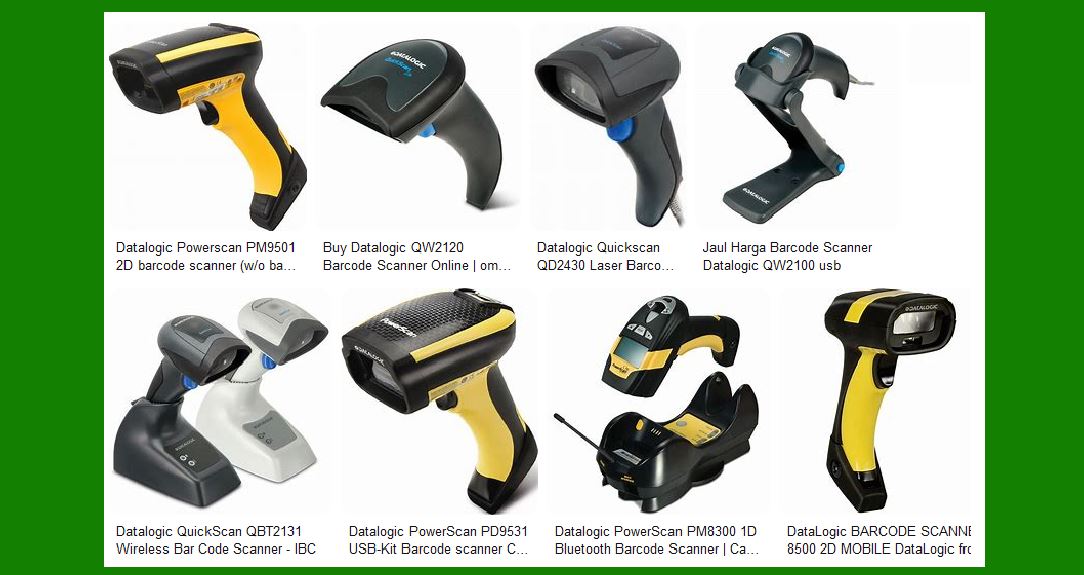
In environments where barcodes are placed at varying heights or orientations, 2D barcode scanners or omnidirectional scanners can provide more flexibility. |
|
2. Environmental Conditions for RFID Readers |
RFID readers rely on radio frequency signals to communicate with RFID tags, which can be passive or active. These readers are typically used for more dynamic tracking, as they can read multiple tags simultaneously and function in various environments. However, environmental conditions can still affect their performance. |
2.1 Electromagnetic Interference (EMI) |
One of the most significant environmental factors affecting RFID systems is electromagnetic interference (EMI), which can disrupt the transmission of signals between the RFID reader and tags. |
Nearby electrical equipment: RFID systems can experience interference from electronic devices such as motors, generators, and power lines, which emit electromagnetic fields that can disrupt the RFID signal. This is especially critical in industrial environments where heavy machinery is used. |
Radio frequency interference: RFID operates on specific radio frequencies, and interference from other devices that use the same or similar frequencies, such as Wi-Fi routers, cordless phones, or microwave ovens, can impact the effectiveness of the RFID system. |
To address this issue, RFID systems can be shielded or designed to operate at different frequencies, and strategic placement of readers and antennas can reduce exposure to interference. |
2.2 Physical Obstacles |
RFID systems are subject to the line-of-sight principle to some extent, and physical obstacles can hinder their ability to read tags accurately. |
Metal surfaces: Metals can reflect or absorb radio waves, disrupting the RFID signal. In environments with large amounts of metal (e.g., factories, warehouses with metal shelves), the RFID signal may be weakened or blocked. |
Water: Water is also a significant issue for RFID systems, especially for low-frequency RFID systems. Water absorbs radio waves, which can prevent the signal from reaching the tag or cause signal attenuation. |
Dense materials: Similarly, RFID signals may struggle to penetrate dense materials, such as concrete or thick plastic, resulting in a reduced reading range or failure to detect tags altogether. |
In environments where such materials are prevalent, RFID systems can be optimized by choosing higher-frequency RFID systems (e.g., UHF) or adjusting the placement and positioning of antennas. |
2.3 Temperature and Humidity |
Temperature and humidity also affect RFID systems, particularly in industrial or outdoor settings. |
Temperature extremes: Just as with barcode scanners, RFID readers and tags can be impacted by extreme temperature conditions. Very high or low temperatures may affect the sensitivity of RFID components, such as antennas or the reader's electronics, and can also cause physical deformation or damage to RFID tags. |
Humidity: Excess moisture can cause issues in environments where RFID tags are exposed to high levels of humidity. Water can corrode tags, particularly in passive RFID systems that do not have their own power source, leading to failure in reading the tag. |
To mitigate these challenges, RFID systems designed for harsh environments, such as those with high IP ratings for protection against water and dust, are recommended. |
2.4 Tag Placement and Orientation |
The position and orientation of the RFID tag can significantly impact the reader's ability to detect it. Tags should be placed in locations where the signal path is not obstructed by materials that can block or reflect the radio waves. |
Tag alignment: If the RFID tag is not aligned with the reader's antenna, the signal may be weak or inconsistent, leading to failed or incomplete reads. |
Distance from the reader: RFID tags have a specific effective range, and if the tag is too far from the reader, the reader may not be able to detect it. Conversely, if the tag is too close to the reader, it may result in overloading or signal interference. |
2.5 RFID Tag Type and Quality |
Not all RFID tags are created equal, and their quality can affect their performance in different environmental conditions. |
Tag material: Tags made from different materials may behave differently in various environments. For instance, passive RFID tags can perform poorly in the presence of metal surfaces or liquids, whereas active tags, which have their own power source, can be more effective in challenging environments. |
Tag robustness: Environmental factors such as temperature extremes, UV exposure, and physical abrasion can degrade RFID tags. In environments where these conditions are prevalent, it is important to use rugged RFID tags designed to withstand these stressors. |
|
3. Conclusion |
Both barcode and RFID readers play crucial roles in modern asset and inventory management, and their performance is strongly influenced by environmental conditions. Lighting, temperature, humidity, physical obstacles, and electromagnetic interference can all impact the reliability and accuracy of these readers. By understanding and addressing these environmental factors, businesses can optimize the performance of barcode and RFID systems, ensuring smoother operations and improved data accuracy across a range of industries. |
|
Practical Examples of Environmental Factors Affecting Barcode Readers |
1. Lighting Conditions in a Warehouse |
Scenario: In a large warehouse with multiple loading docks, barcode scanners are used to quickly scan incoming shipments and update inventory systems. |
Problem: The warehouse is illuminated with overhead fluorescent lights, which flicker intermittently. On sunny days, direct sunlight streams in through windows, creating glare on the barcodes. |
Impact: The flickering light and glare make it difficult for barcode scanners to properly read the barcodes, leading to missed scans or delayed inventory updates. |
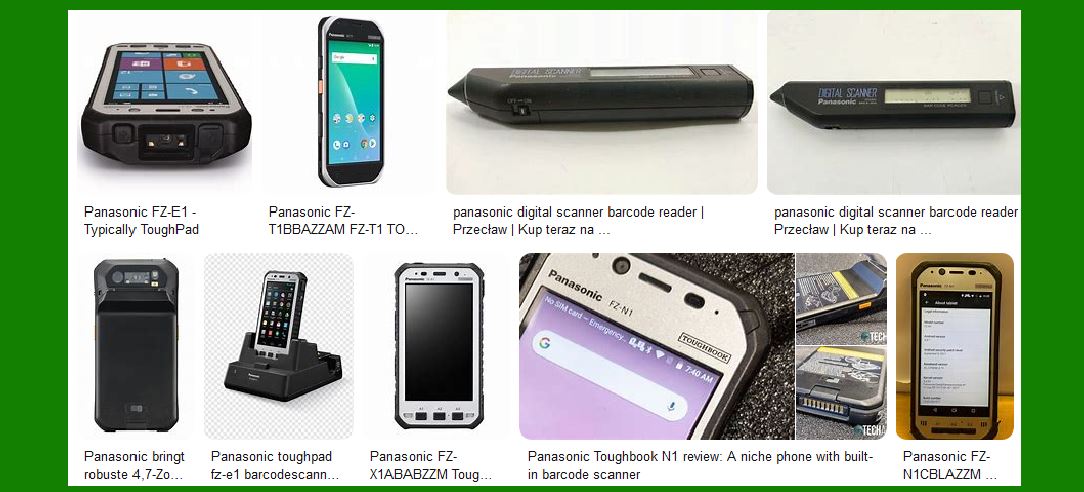
Solution: To address the issue, the warehouse switches to LED lighting that minimizes flickering and reduces glare. Additionally, they position barcode scanners with built-in LEDs to provide consistent illumination, ensuring accurate reads even in low or variable light conditions. |
|
2. Dirty or Damaged Barcodes in a Manufacturing Facility |
Scenario: A manufacturing plant uses barcode labels to track parts on the assembly line. Over time, dust, grease, and oil from machinery accumulate on the barcode labels. |
Problem: The barcode labels become smudged and damaged, making it difficult for barcode readers to decode the patterns. |
Impact: The scanning process becomes slower and more error-prone, leading to production delays and inaccuracies in inventory tracking. |
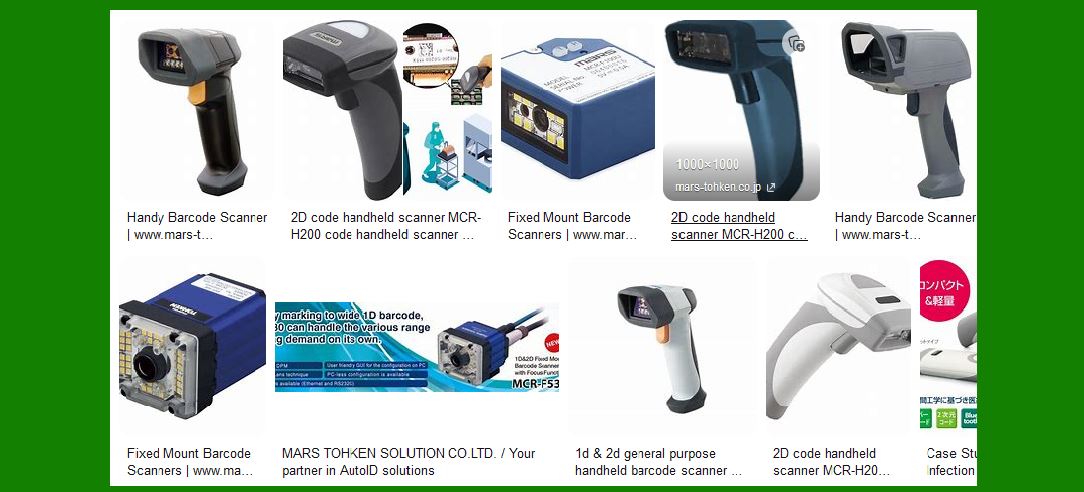
Solution: The plant introduces a regular maintenance routine to clean barcodes and ensures that barcodes are printed using high-quality materials. They also implement protective coatings on barcode labels to reduce the risk of smudging. |
|
3. Temperature Extremes in a Cold Storage Facility |
Scenario: A cold storage facility uses barcode scanners to track perishable items. The temperature inside the facility regularly drops below freezing to preserve food items. |
Problem: Extreme cold causes condensation on the scanner lenses, which blurs the reader's vision and impairs its ability to scan the barcodes. |
Impact: The workers have to repeatedly clean the scanners, which leads to delays in checking out goods or updating inventory. |
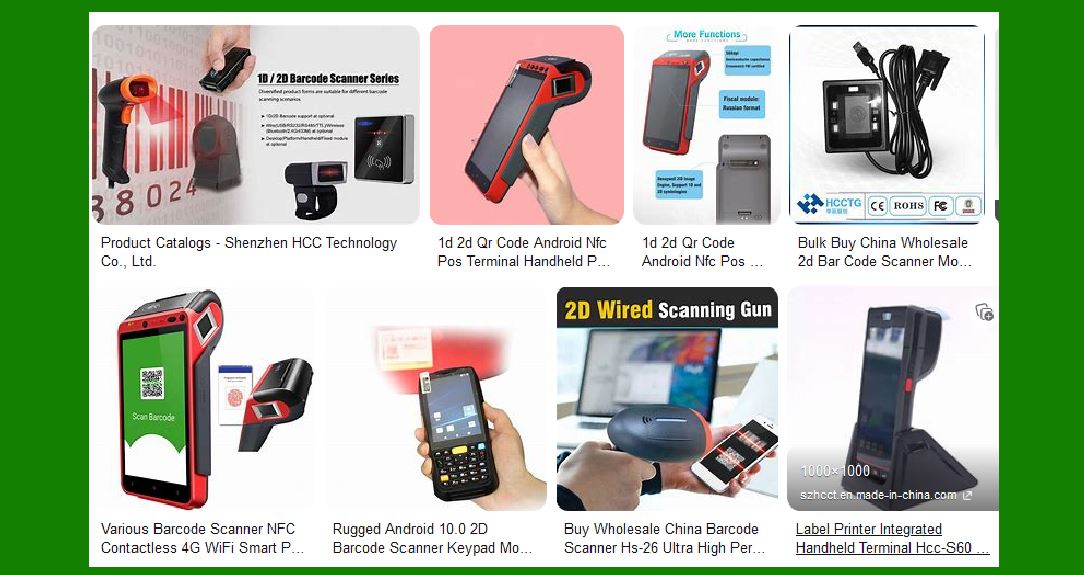
Solution: The company invests in ruggedized barcode scanners designed for extreme temperatures. These scanners are equipped with heated lenses that prevent condensation from forming, ensuring reliable scanning in the cold environment. |
|
4. Reflective Surface in Retail |
Scenario: A retail store sells items packaged in shiny, reflective packaging, such as electronics in glossy plastic boxes. |
Problem: The reflective surface of the packaging interferes with the barcode scanner's ability to read the code due to the glare. |
Impact: Barcode scanners struggle to read the barcodes, causing slow checkout processes and frustration for customers. |
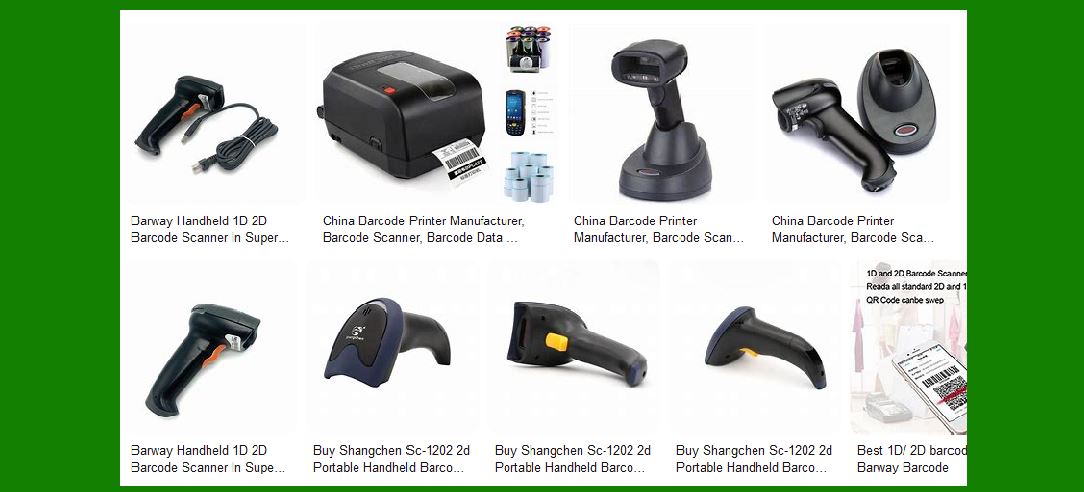
Solution: The retail store upgrades to handheld barcode scanners with advanced optics that reduce glare and handle reflective surfaces better. They also choose to use matte or non-reflective packaging materials when possible. |
|
Practical Examples of Environmental Factors Affecting RFID Readers |
1. Electromagnetic Interference in a Factory |
Scenario: A large industrial factory uses RFID readers to track the movement of raw materials and finished products across the production floor. The factory also has numerous machines, motors, and conveyors. |
Problem: The electromagnetic fields generated by large motors and equipment interfere with the RFID signals, causing misreads or no reads at all. |
Impact: RFID readers fail to detect tags, leading to delays in inventory management and production processes. |
Solution: The factory installs RFID readers with advanced interference mitigation features, such as the ability to operate in harsh electromagnetic environments. They also strategically position the readers and antennas away from heavy machinery to minimize the effects of EMI. |

|
2. Metal Obstructions in a Logistics Warehouse |
Scenario: A logistics company uses RFID to track pallets in a warehouse with metal shelves, storage racks, and conveyors. |
Problem: The metal surfaces in the warehouse reflect or absorb RFID signals, significantly reducing the read range and reliability of the system. |
Impact: The system fails to accurately track pallets, causing inventory discrepancies and delays in order fulfillment. |
Solution: The company invests in RFID tags designed for use on metal surfaces, which are equipped with special materials to resist signal interference. They also place RFID readers and antennas in optimal positions to ensure that signals are not obstructed by metal structures. |
|
3. Water Absorption in a Shipping Yard |
Scenario: An RFID-based tracking system is used to monitor containers in a shipping yard, some of which are used to store liquids or are exposed to rain. |
Problem: Water absorption affects the performance of low-frequency RFID tags, as water interferes with the radio frequency signals. |
Impact: The tags on water-containing containers or those exposed to rain are not readable, leading to misplacements or untracked shipments. |
Solution: The company switches to high-frequency RFID tags, which are less sensitive to moisture interference. Additionally, they deploy waterproof RFID tags for containers exposed to outdoor conditions, ensuring reliable tracking. |

|
4. Temperature and Humidity in a Cold Chain Logistics |
Scenario: A company that handles pharmaceuticals relies on RFID tags to track the movement of temperature-sensitive products through a cold chain distribution network. |
Problem: High humidity and fluctuating temperatures in the cold chain storage areas affect the RFID tags' performance, causing them to fail or become corrupted. |
Impact: The failure of RFID tags leads to inaccuracies in tracking the products, potentially causing spoilage or regulatory compliance issues for temperature-sensitive drugs. |
Solution: The company invests in RFID tags specifically designed for use in cold environments and equipped with protective coatings to withstand humidity. They also deploy readers with robust signal strength that can still detect tags in extreme cold conditions, ensuring proper tracking throughout the supply chain. |

|
5. Tag Placement and Orientation in a High-Volume Distribution Center |
Scenario: A high-volume distribution center uses RFID for automatic sorting of parcels on conveyor belts. The RFID tags are placed on each package, but not always in the optimal position. |
Problem: When the packages are not aligned properly with the RFID readers or are placed at odd angles, the readers cannot detect the tags accurately. |
Impact: Misreads occur frequently, causing items to be routed incorrectly, which results in delays and errors in order fulfillment. |
Solution: The distribution center implements a system where packages are aligned with the RFID antennas at specific points along the conveyor belt. They also use RFID readers that can read tags from multiple angles, ensuring higher accuracy despite variations in tag placement. |

|
Conclusion: |
In each of these practical examples, environmental factors-ranging from lighting conditions to physical obstructions-directly impact the performance of barcode and RFID systems. However, by understanding these challenges and deploying appropriate solutions (such as using ruggedized scanners, specialized RFID tags, or optimizing system configurations), businesses can significantly improve the reliability and efficiency of their tracking systems. This ensures smoother operations, better data accuracy, and faster response times in industries ranging from logistics and manufacturing to healthcare and retail. |
 cs@easiersoft.com