1. Introduction to Self-Checkout and Retail Automation |
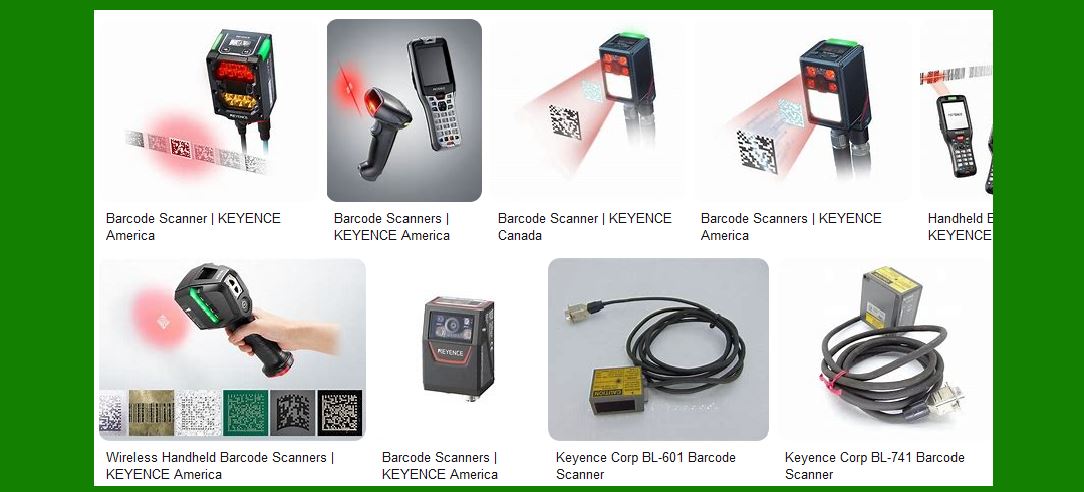
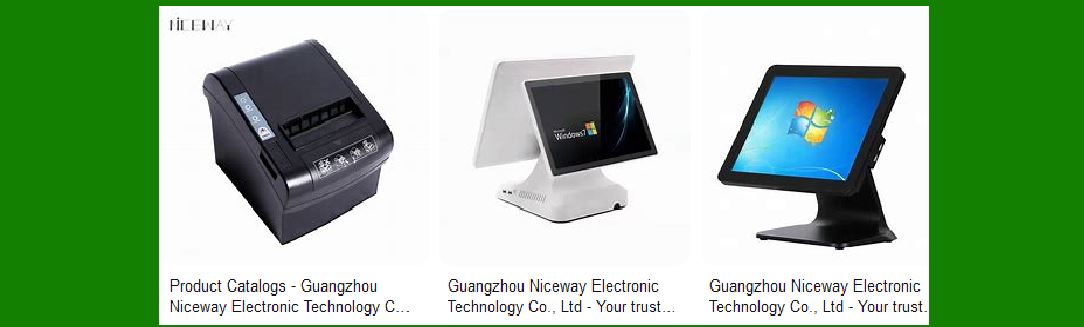
Self-checkout and retail automation have revolutionized the way customers interact with retail environments, providing faster, more efficient, and often more personalized service. With the advent of smart kiosks, self-checkout machines, and other automated systems, retailers have been able to streamline operations, reduce labor costs, and improve the overall shopping experience. These systems use barcode scanners, touchscreens, and integrated payment processing systems to enable customers to complete their purchases with minimal human intervention. |
This shift towards automation in retail has been driven by several factors, including advances in technology, changing consumer preferences, and the ongoing quest for operational efficiency. In many cases, the introduction of these systems has allowed stores to handle higher volumes of customers while simultaneously offering them a more flexible and convenient way to shop. |
|
2. Evolution of Self-Checkout Systems |
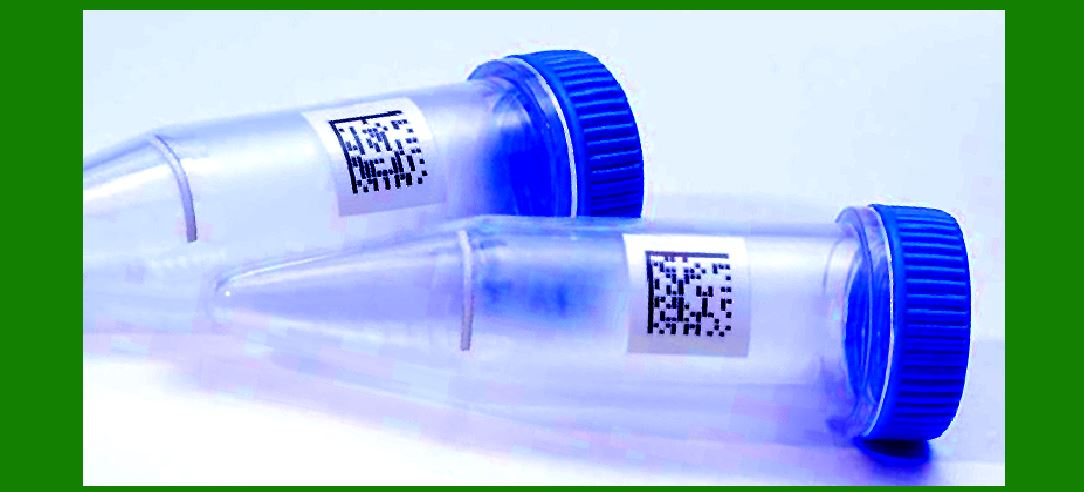
The concept of self-checkout systems in retail dates back to the early 1990s, when the first rudimentary prototypes were developed. At that time, the technology was relatively simple, focusing primarily on scanning barcodes and calculating the total cost of items. These early systems were limited in scope and primarily used in specialty retail environments, such as convenience stores and smaller grocery outlets. |
However, over the past few decades, self-checkout technology has evolved dramatically. Early systems that relied solely on barcode scanners and basic touch interfaces have now been enhanced with sophisticated features like voice recognition, AI-driven error detection, and advanced payment processing capabilities. These improvements have made self-checkout systems far more efficient and user-friendly, ultimately enabling widespread adoption across various types of retail businesses. |
Today, self-checkout machines are a common feature in grocery stores, department stores, pharmacies, and even large retail chains. They are seen as a key part of the broader trend towards retail automation, which encompasses everything from inventory management to supply chain logistics. |
|
3. How Self-Checkout and Retail Automation Work |
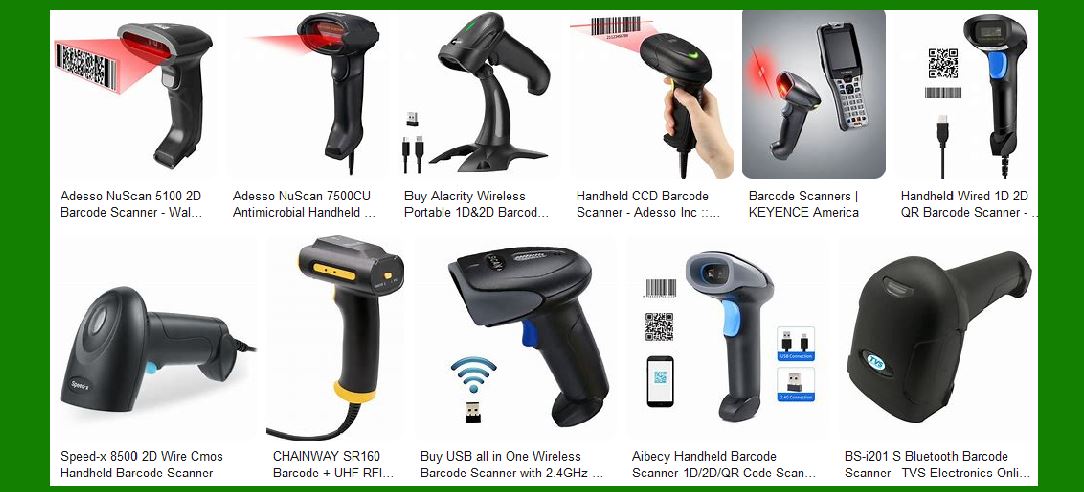
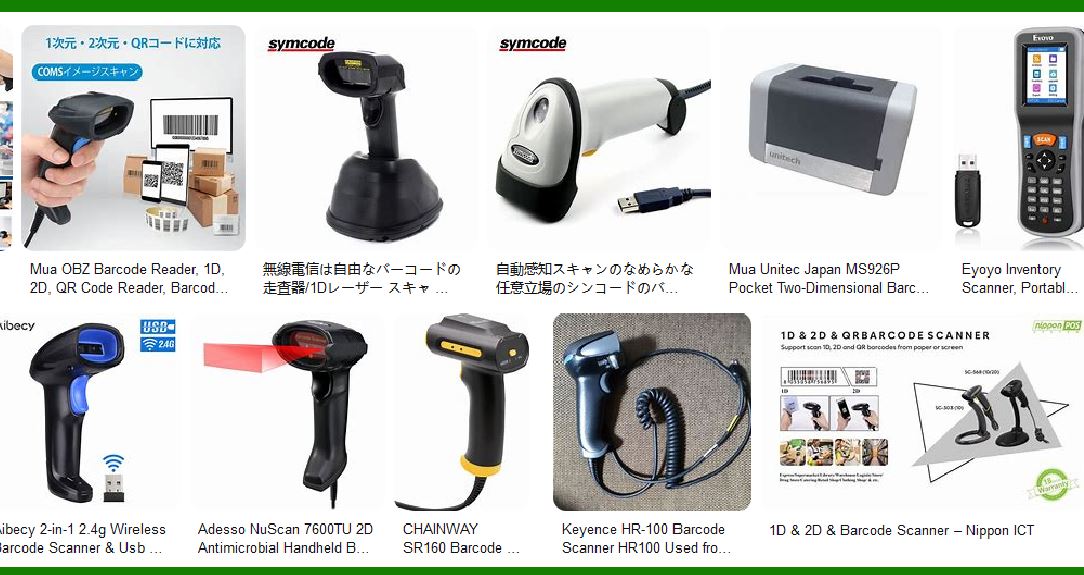
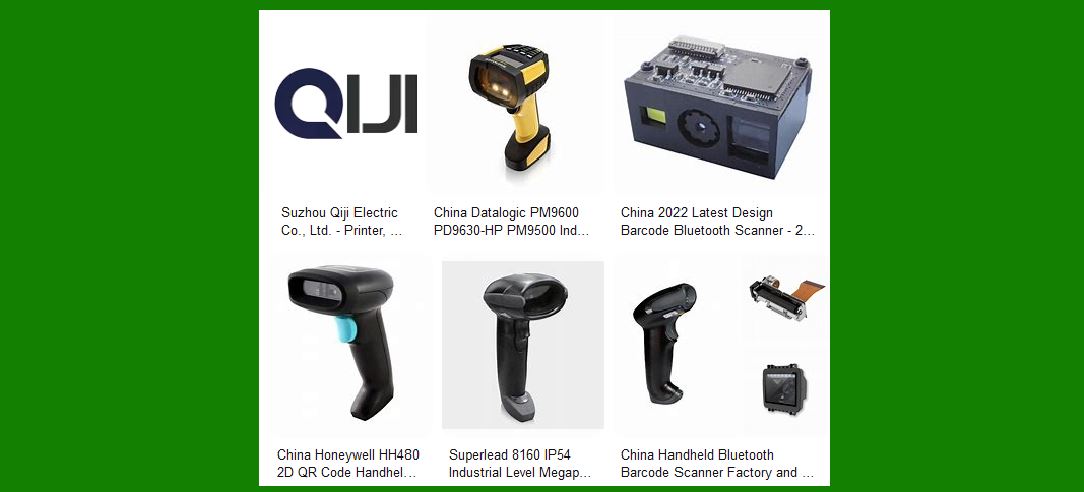
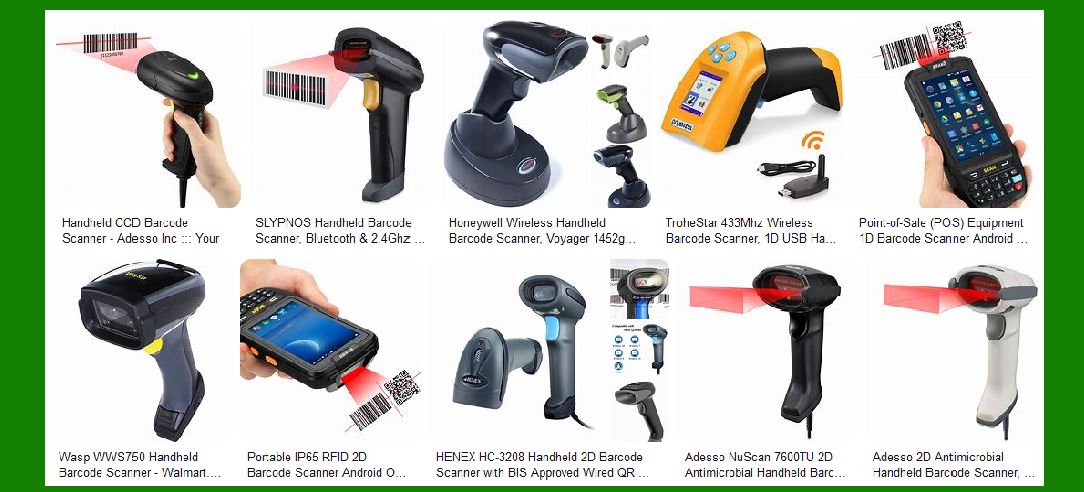
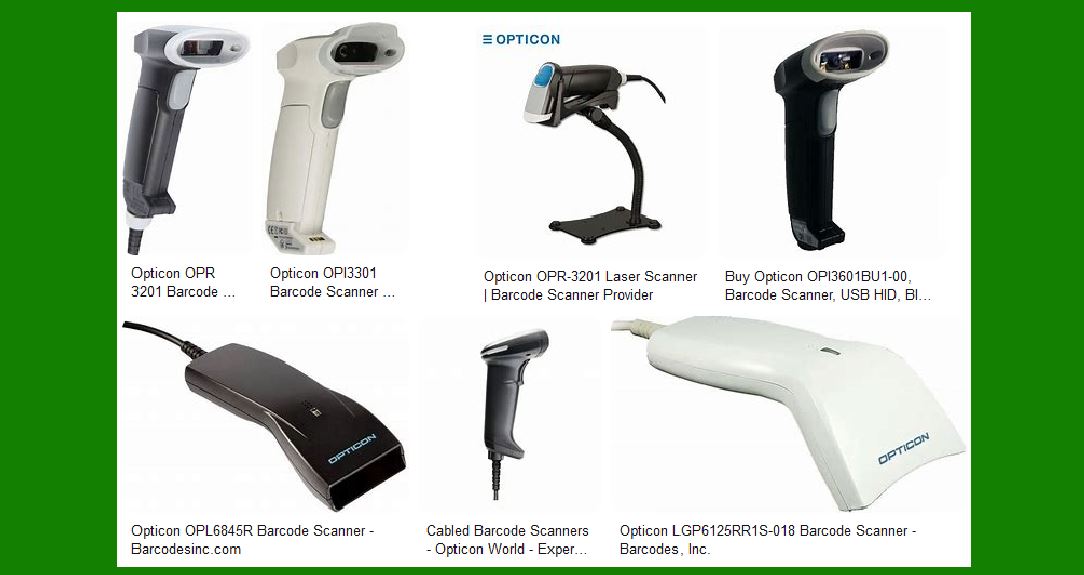
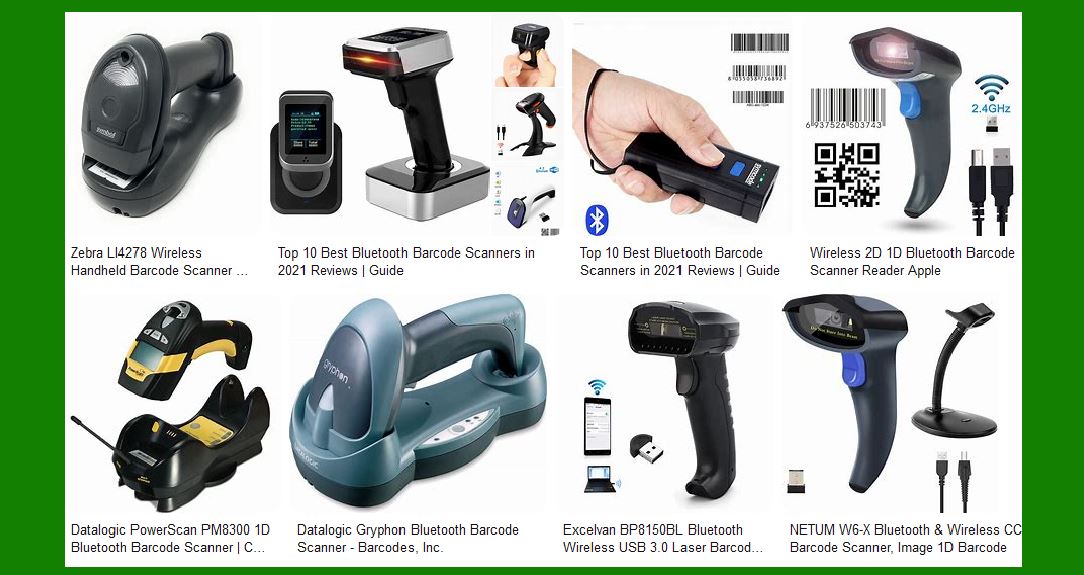
At the heart of most self-checkout systems is a barcode scanner, which allows customers to quickly scan the items they wish to purchase. The scanner reads the barcode on the product packaging, pulling the relevant information (such as the price and product description) from the store's database. Once all items have been scanned, the system calculates the total cost, including any applicable taxes and discounts. |
In addition to the barcode scanner, self-checkout systems typically incorporate a user-friendly interface, often a touchscreen or digital keypad, to guide customers through the process. These interfaces provide prompts, instructions, and visual cues to help users scan items correctly, select payment methods, and complete the transaction. Some systems also use a combination of sensors and cameras to verify that the items being scanned correspond to the correct ones and to detect any potential fraud (such as 'skip scanning' or 'basket swapping'). |
The payment process is another critical component of the self-checkout experience. Most self-checkout systems are designed to accept multiple forms of payment, including credit and debit cards, mobile wallets, gift cards, and sometimes even cash. To facilitate quick and secure transactions, many self-checkout machines now include contactless payment options, which allow customers to tap their cards or smartphones on a reader to complete the purchase. |
Once the transaction is complete, the system generates a receipt, either printed on paper or sent digitally via email or SMS, and the customer is free to leave the store with their purchases. |
|
4. The Role of Barcode Scanners in Self-Checkout Systems |
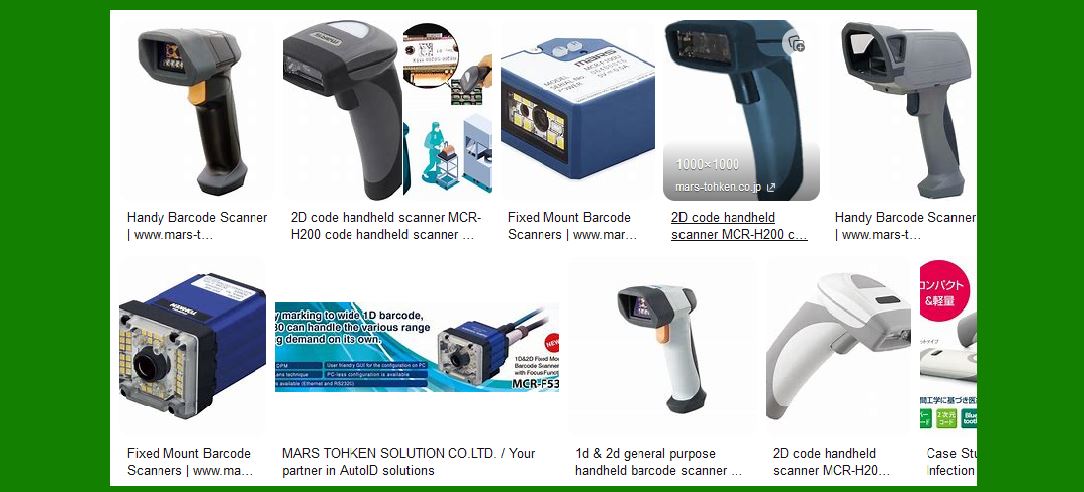
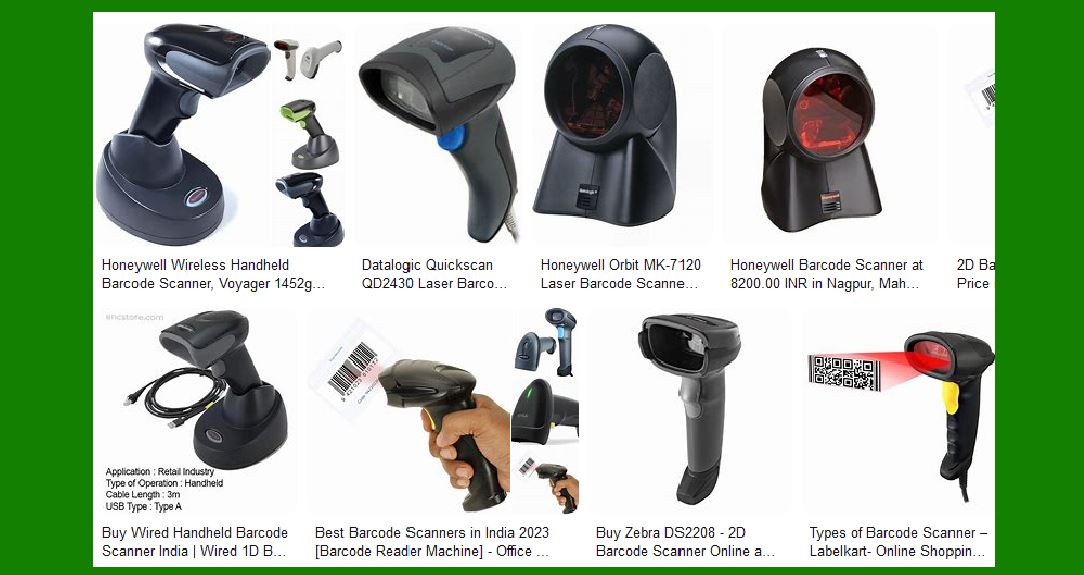
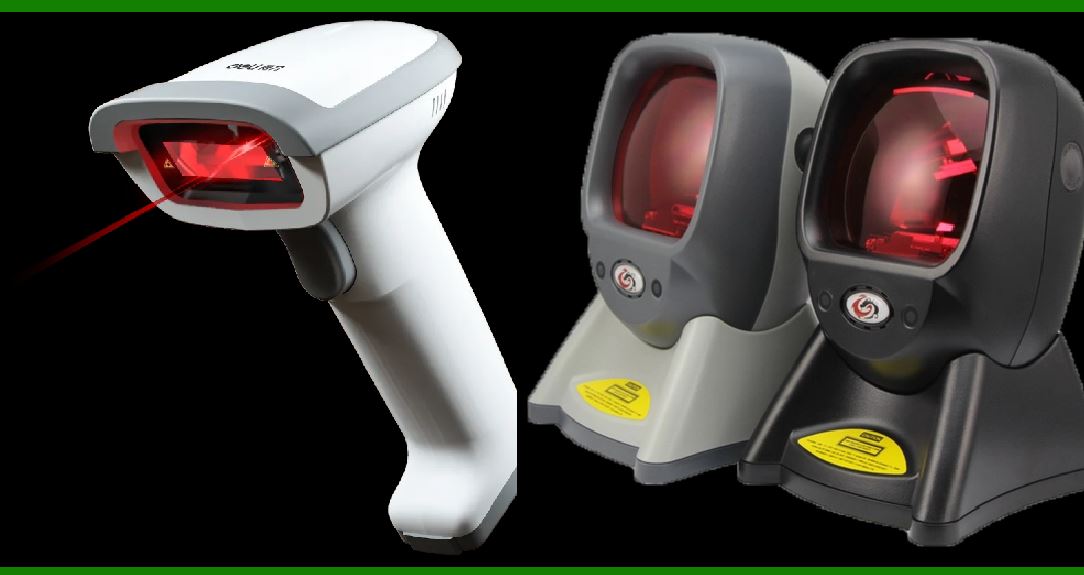
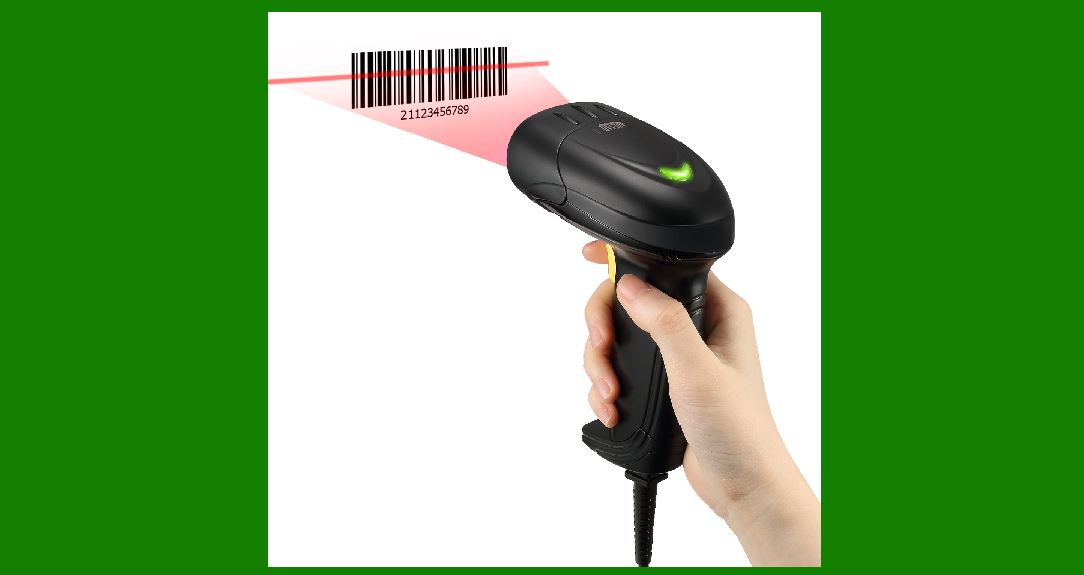
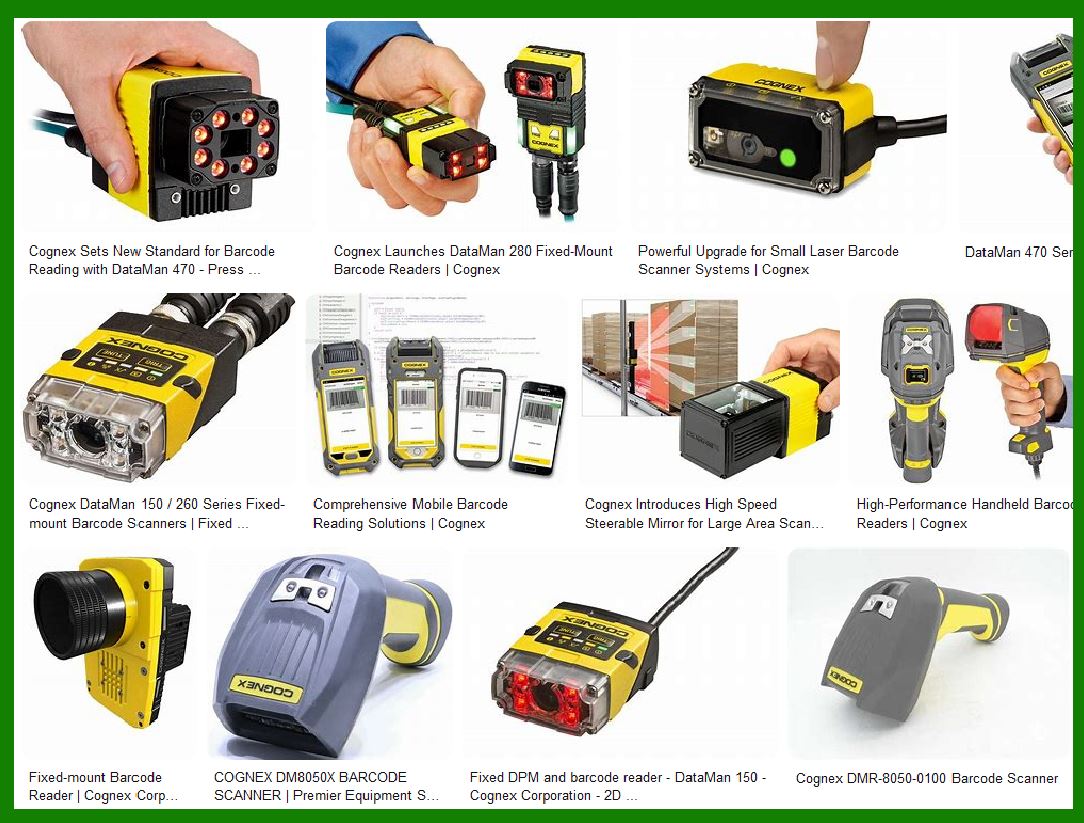
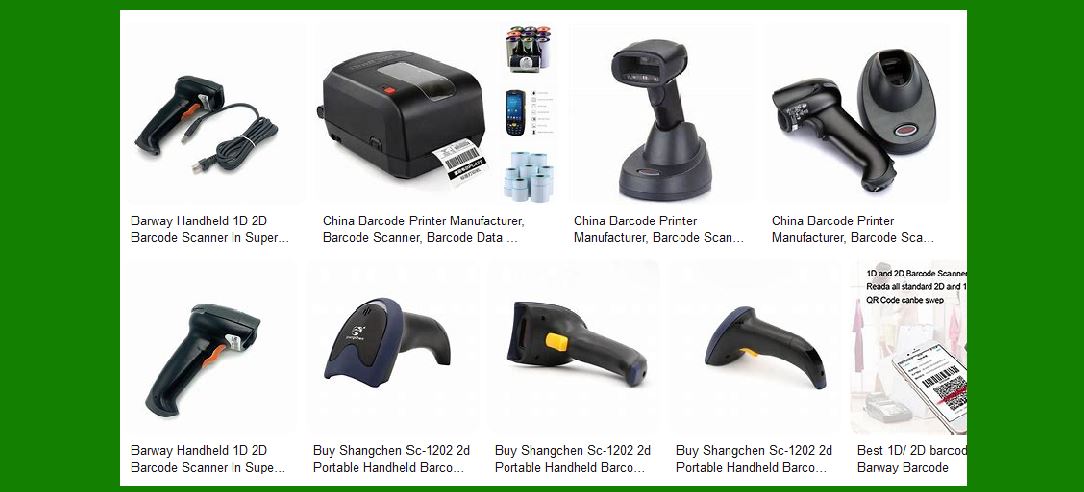
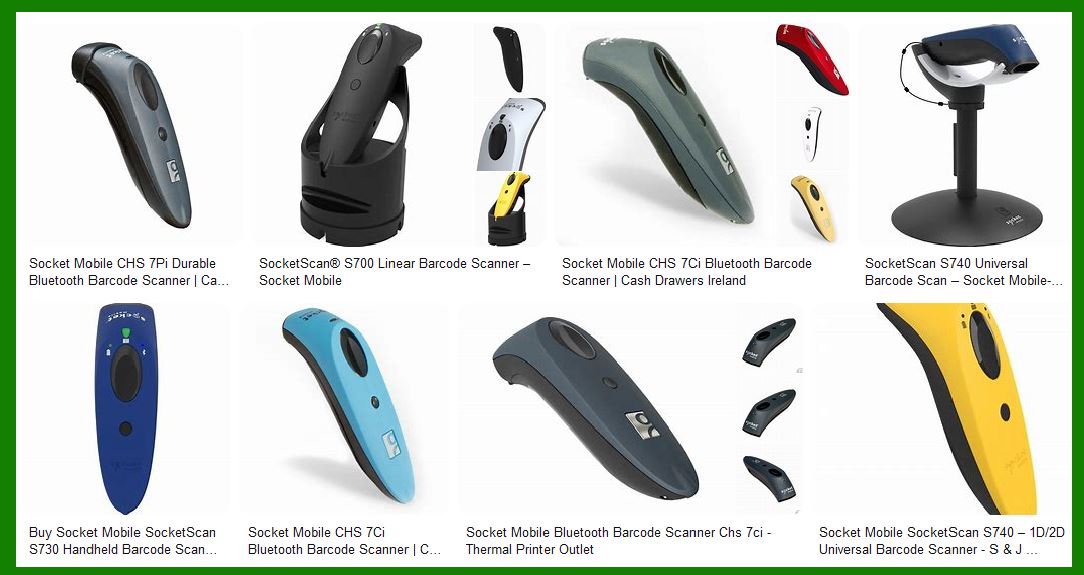
Barcode scanners are one of the most fundamental components of self-checkout technology. These devices use lasers or cameras to read the barcode printed on a product's packaging. Barcodes typically consist of a series of vertical bars and spaces, which encode information about the product, such as its price, manufacturer, and unique identifier. |
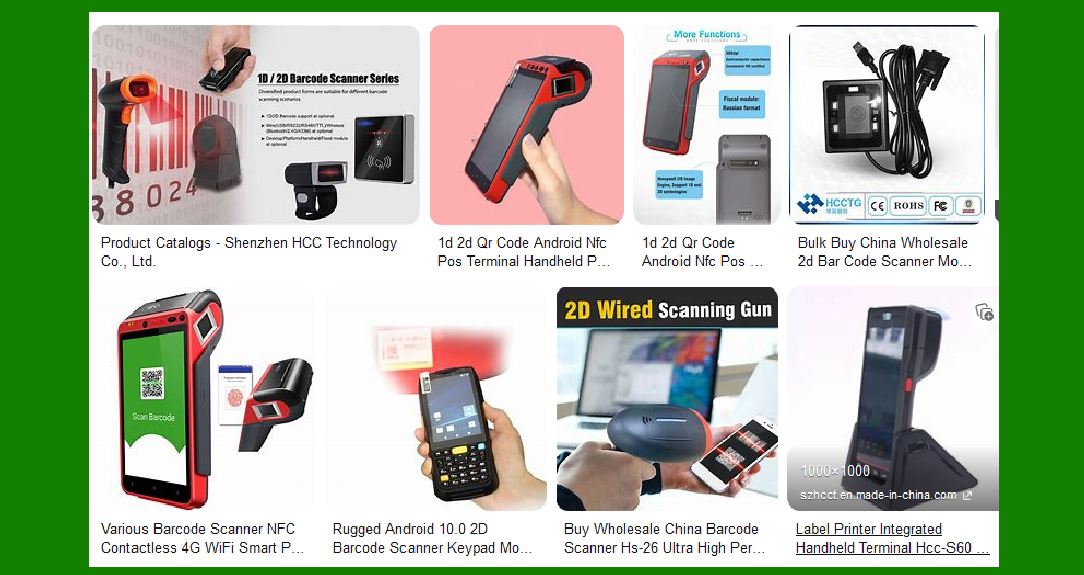
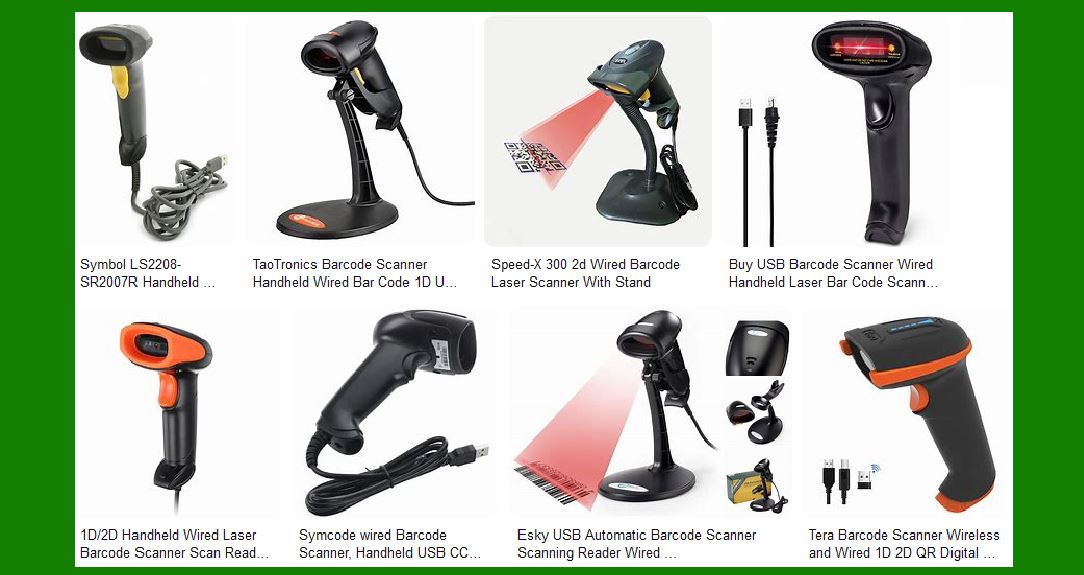
There are two main types of barcode scanners used in self-checkout systems: laser scanners and image-based (or 2D) scanners. Laser scanners use a laser beam to scan the barcode, while image-based scanners capture an image of the barcode and use software to decode it. Both types of scanners are capable of reading standard 1D barcodes (the most common type), as well as more complex 2D barcodes, such as QR codes, which are increasingly used for more detailed product information or mobile payments. |
Barcode scanners in self-checkout systems are designed for speed and accuracy. They are able to read barcodes in a matter of milliseconds, allowing customers to quickly scan large quantities of items. In addition, many modern scanners are equipped with features like auto-focus, allowing them to read barcodes from a variety of angles and distances, further enhancing the user experience. |
Some advanced systems also use 'smart' barcode scanning, which combines barcode scanning with artificial intelligence and machine learning algorithms to detect errors or fraudulent behavior. For example, if a customer attempts to scan a non-barcode item (such as a loose fruit or bulk item), the system may automatically prompt the user to input the price manually or ask for assistance from a staff member. |
|
5. Benefits of Self-Checkout Systems for Retailers |
The implementation of self-checkout systems offers numerous benefits for retailers, making it an attractive option for stores seeking to optimize their operations and enhance the customer experience. |
5.1 Cost Savings |
One of the most significant advantages of self-checkout systems is the potential for cost savings. By reducing the need for human cashiers, retailers can lower their labor costs while still maintaining a high level of service. Self-checkout machines can handle a large volume of transactions without requiring constant supervision, which frees up staff to focus on other tasks, such as customer service or restocking shelves. |
Additionally, many self-checkout systems are designed to function with minimal maintenance. Once installed, they can operate autonomously for extended periods, reducing the frequency of technical issues and the need for regular intervention from technicians. |
5.2 Increased Efficiency |
Self-checkout systems enable faster transactions, which helps reduce queues and waiting times for customers. During busy shopping periods, such as holidays or weekends, this increased speed can make a significant difference in customer satisfaction. Customers appreciate the ability to check out quickly, especially for smaller purchases, which in turn can lead to increased sales and repeat business. |
For retailers, this improved efficiency can translate into a more streamlined operation. With fewer employees required at checkout counters, stores can allocate resources more effectively, optimizing staff schedules and improving overall workflow. |
5.3 Enhanced Customer Experience |
Customers generally appreciate the convenience and flexibility offered by self-checkout systems. These systems allow for a more personalized shopping experience, as customers can choose when and how they want to complete their purchase. For example, self-checkout machines often allow customers to bag their items themselves, which can make the process feel more comfortable and familiar. Additionally, the ability to complete transactions without interacting with a cashier can appeal to shoppers who prefer privacy or wish to avoid long lines. |
Furthermore, self-checkout machines can be customized to suit the specific needs of a retailer, offering language options, loyalty program integration, and promotions that are tailored to individual customer preferences. |
5.4 Reduced Human Error and Theft |
Self-checkout systems can help reduce human error and instances of theft in the checkout process. By automating the scanning of items and using advanced technologies such as weight sensors and video surveillance, these systems can identify discrepancies between the scanned item and the actual item in the basket. This capability helps prevent mistakes that can occur during manual scanning and minimizes opportunities for theft. |
Some systems also feature fraud detection mechanisms, such as monitoring for unusual behavior (e.g., scanning one item while placing another in the bagging area) and alerting staff if a potential issue is detected. These measures help maintain the integrity of the transaction process and reduce the risk of loss. |

|
6. Challenges of Self-Checkout Systems |
While self-checkout systems offer a range of benefits, they also present some challenges that retailers need to address in order to maximize their effectiveness. |
6.1 Technical Issues |
Like any technology, self-checkout systems can encounter technical difficulties. Issues with barcode scanners, payment processing, or the software that powers the system can result in slowdowns or even system outages. To minimize these disruptions, retailers must invest in regular maintenance, software updates, and troubleshooting support. |
Additionally, customers may sometimes struggle with the technology, leading to frustration or delays. For example, some customers may have difficulty scanning items correctly, while others may struggle with the touchscreen interface or have difficulty understanding prompts. Retailers need to ensure that their self-checkout systems are user-friendly and that staff are readily available to assist customers when necessary. |
6.2 Customer Resistance |
Despite the numerous advantages of self-checkout, some customers remain resistant to using the technology. This resistance can stem from a variety of factors, such as a lack of familiarity with the system, concerns about privacy, or a preference for human interaction during the checkout process. Retailers need to balance the introduction of self-checkout systems with the continued availability of traditional cashier-operated lanes to accommodate customers who may not feel comfortable using the new technology. |
Additionally, self-checkout systems can sometimes lead to longer wait times if there are issues with payment processing or if customers are unfamiliar with how the system works. This can create a negative experience for customers who are expecting a quick and seamless transaction. |
6.3 Security Concerns |
Security is another concern associated with self-checkout systems. While these systems are designed to detect fraud and theft, there are still opportunities for dishonest customers to exploit loopholes. For example, some individuals may intentionally mis-scan items or engage in 'under-scanning,' where they intentionally skip scanning certain items to reduce their total cost. |
To mitigate these risks, retailers need to implement robust security measures, such as surveillance cameras, sensors, and fraud detection software. They also need to provide adequate training to staff to ensure they are vigilant and ready to respond to suspicious activity. |
|
7. Future of Self-Checkout and Retail Automation |
The future of self-checkout and retail automation is poised for continued innovation, with new technologies and advancements enhancing the capabilities of these systems. Some of the key trends expected to shape the future of self-checkout include: |
AI and Machine Learning: As artificial intelligence and machine learning technologies advance, self-checkout systems will become even more efficient at detecting errors, preventing fraud, and personalizing the shopping experience for customers. |
Voice-Activated Checkouts: Voice recognition technology may soon enable customers to complete transactions using voice commands, allowing for even more hands-free shopping experiences. |
Integration with Augmented Reality: Augmented reality (AR) could be integrated into self-checkout systems to provide customers with a more immersive and informative shopping experience. For example, AR could help customers identify products on the shelf or provide additional product information during the checkout process. |
Seamless Payment Solutions: The future may also see further development in payment technologies, such as biometric authentication (e.g., facial recognition or fingerprint scanning) and digital currencies, to make transactions even faster and more secure. |
|
8. Conclusion |
Self-checkout and retail automation are transforming the way we shop by offering faster, more efficient, and cost-effective solutions for both retailers and customers. By reducing the need for human intervention, these systems have the potential to streamline operations, enhance customer experiences, and cut costs. However, as with any technology, self-checkout systems come with their own set of challenges, including technical issues, customer resistance, and security concerns. |
As retailers continue to innovate and refine these systems, the future of retail automation looks promising. By embracing new technologies and addressing the challenges that come with them, retailers can create a more seamless and efficient shopping experience for customers while driving greater profitability and operational efficiency. |

|
What challenges will companies encounter when applying this Self-Checkout and Retail Automation in supermarker? |
Implementing self-checkout and retail automation in supermarkets presents a unique set of challenges due to the nature of the products being sold, the size and complexity of the stores, and the need to ensure smooth customer experiences. Supermarkets typically have a high volume of products, many of which are irregularly shaped or sold in bulk, which complicates the automation process. Below are the primary challenges companies will face when applying self-checkout and retail automation technology specifically in supermarket settings. |
1. Product Diversity and Scanning Issues |
1.1. Non-Barcode Items and Fresh Produce |
Supermarkets sell a wide range of products that often don't have barcodes, such as loose fruits, vegetables, bakery items, and bulk goods. These items present significant challenges for self-checkout systems, which rely heavily on barcode scanning for quick and accurate transactions. |
To address this, supermarkets typically require customers to manually enter the price or use weight-based systems for produce, which can be cumbersome. For example, customers must weigh items like fruits or vegetables and manually select the correct item on the touchscreen. This process is time-consuming and can cause delays, especially during busy shopping times. |
The challenge increases when there are many different types of similar items with no barcode, such as different kinds of apples or potatoes. Ensuring accurate price input and preventing customer error can be difficult without clear, intuitive interfaces or additional staff assistance. |
1.2. Complex Product Configurations |
Supermarkets often carry products with complex packaging, like multi-packs, bundled products, or pre-packaged combinations (e.g., a bag of chips with a drink). These items can present challenges for self-checkout machines because the barcode might only correspond to part of the product (like the individual item), and not the entire pack. |
Furthermore, items such as meats, cheeses, or deli products may have variable pricing based on weight, which needs to be communicated clearly on the self-checkout system. Without clear labeling or an efficient way to handle this dynamic pricing, customers might get confused or frustrated. |
|
2. Security and Theft Prevention |
2.1. Increased Risk of Theft |
One of the most significant challenges in supermarkets using self-checkout systems is the increased risk of theft. Supermarkets deal with a large volume of products, many of which are small, high-value items (e.g., chocolates, alcohol, or small electronics). These items are often targets for theft, and self-checkout systems can be more vulnerable to fraudulent activities like 'skip scanning' or under-scanning. |
For instance, customers might intentionally leave high-value items unscanned, knowing that the machine cannot effectively track whether all items in the basket have been properly scanned. Even with security cameras and surveillance, preventing these thefts can be difficult without significant intervention from store employees. |
The problem is exacerbated by the presence of loose items like fruits or bulk goods, where no barcode exists to easily track what's been purchased. If a customer scans some items but not others, or replaces a product with a lower-cost version without being detected, it can result in significant revenue loss. |
2.2. Fraudulent Payment Activities |
Another challenge is the risk of fraudulent payment activities at self-checkout stations. While modern systems incorporate various measures to prevent fraud, such as security cameras, weight sensors, and AI-driven monitoring, there are still opportunities for customers to bypass these controls. Customers may exploit vulnerabilities, such as fraudulently switching out barcodes or entering incorrect product prices. |
Supermarkets need to ensure that their self-checkout systems have robust fraud detection algorithms, real-time monitoring, and potentially even staff present at checkout stations to mitigate these risks. Without effective fraud prevention measures, the supermarket may face significant losses. |
|
3. Customer Resistance and Usability Concerns |
3.1. Limited Customer Familiarity with Technology |
While many customers are accustomed to using self-checkout in smaller stores or retail environments, supermarkets present a more complex shopping experience. Many customers, particularly older adults or those not familiar with technology, might struggle to use self-checkout machines, especially when dealing with loose items, multi-step processes (such as weighing produce), or payment issues. |
A significant number of customers may resist using self-checkout systems altogether, preferring to interact with a cashier for assistance or to avoid the perceived hassle of dealing with complex technology. In supermarkets where bulk purchases, perishable items, or high product variety exist, self-checkout systems may seem overwhelming to some shoppers, especially if the interface is not user-friendly or intuitive. |
3.2. Customer Assistance During Difficult Transactions |
Supermarkets often deal with more complex transactions than other retail environments. For example, customers may use coupons, apply discounts, redeem loyalty points, or request age verification for alcohol or tobacco purchases. If a customer has any questions or issues while using the self-checkout system, the lack of immediate human assistance can cause frustration, delays, and negative experiences. |
While many supermarkets employ 'attendants' to monitor self-checkout stations, they may not always be available or able to provide sufficient help, especially during peak hours. This limitation means customers often need to wait for assistance, reducing the perceived convenience of the system and potentially leading to abandoned transactions. |
|
4. Staffing and Labor Implications |
4.1. Job Displacement Concerns |
One of the most controversial aspects of adopting self-checkout systems in supermarkets is the potential for job displacement. As automation replaces human cashiers, there may be concerns among employees about job security. While automation may reduce the need for checkout staff, supermarkets will still need employees to manage tasks such as stocking shelves, assisting with technical issues at the self-checkout stations, and providing customer service. |
In large supermarket chains, however, the transition to self-checkout can create a shift in workforce responsibilities rather than an outright loss of jobs. Staff may be reassigned to customer service roles or inventory management, but the general anxiety regarding automation potentially leading to workforce reductions can cause internal unrest or union resistance. |
4.2. Increased Employee Workload |
With self-checkout systems in place, employees are still necessary for various tasks, such as assisting customers who encounter problems or monitoring for theft. This could increase the workload for employees, who may be stretched thin during busy periods. The need for staff to oversee multiple self-checkout stations could lead to burnout or dissatisfaction if the stores do not adjust staff numbers or improve training to manage the new technology effectively. |
Moreover, employees may also need to deal with more complex tasks like managing discrepancies in scanned items or handling more in-depth customer service requests that the automated systems cannot address. |
|
5. Technical Challenges and Maintenance |
5.1. System Downtime and Malfunctions |
Supermarkets are large, high-volume environments where self-checkout systems are in constant use. As with any complex piece of technology, self-checkout machines are prone to technical malfunctions or downtime, which can affect the overall customer experience. For example, if a scanner is broken, a touchscreen becomes unresponsive, or a payment terminal fails to process a transaction, customers may experience delays and frustration. |
Downtime during peak shopping hours, such as weekends or holidays, can be particularly disruptive, leading to long lines at traditional checkouts or slowdowns in the entire store. It's crucial for supermarkets to have a maintenance plan in place and a team dedicated to troubleshooting and quickly resolving issues to minimize disruption. |
5.2. Software and System Integration |
Supermarkets often operate on legacy systems that are not easily compatible with the latest self-checkout technologies. Integrating these systems with existing POS systems, inventory management software, and loyalty programs can be technically challenging and costly. For example, maintaining real-time synchronization between self-checkout systems and store databases for product availability, prices, and promotions requires extensive coordination and reliable software development. |
If the software is not integrated correctly, there could be issues with tracking inventory, updating prices accurately, or applying promotions, leading to errors at the checkout and causing customer dissatisfaction. Additionally, regular software updates are necessary to ensure that the systems remain secure and functional, which can also require additional resources and expertise. |
|
6. Customer Experience and Wait Times |
6.1. Complex Checkout Process |
In supermarkets, where the range of products is vast, checkout can be a complex process. Self-checkout systems are designed for simplicity, but when a customer has a cart full of varied items, the process can become cumbersome. Issues such as mis-scanning, entering the wrong weight for produce, or needing assistance with age verification for restricted items can delay the transaction process. |
Long queues at self-checkout stations can occur, especially if the systems are not functioning properly or if customers are struggling to use the technology. This can negate the convenience and speed that self-checkout is meant to offer, frustrating customers and potentially leading to abandoned purchases. |
6.2. Inconsistent Pricing or Promotions |
In supermarkets, where promotions, discounts, and loyalty programs play a crucial role in attracting customers, ensuring that self-checkout systems are accurately reflecting sales prices, promotions, and loyalty benefits is critical. If customers find that their discounts are not applied correctly or that they are charged the wrong price at the self-checkout, this could lead to dissatisfaction. |
For example, if a customer uses a coupon or redeemable points at checkout but the system doesn't apply it properly, it could lead to confusion and frustration. Supervising these situations manually may create delays, and if the issue isn't resolved quickly, the customer experience could be severely affected. |
|
Conclusion |
While the implementation of self-checkout and retail automation technology offers significant benefits to supermarkets, such as reducing labor costs, speeding up transactions, and improving the customer experience, there are substantial challenges to overcome. From the technical complexities of dealing with diverse and non-barcode items to security concerns, customer resistance, and staff workload, these hurdles require careful planning, investment, and ongoing attention. |
|
What new technologies will improve the function of the Self-Checkout and Retail Automation in store and reduce the failure rate in the future? |
As self-checkout and retail automation technologies evolve, several new technologies are being developed and integrated that can significantly improve the functionality of these systems and reduce failure rates. These advancements focus on enhancing accuracy, security, customer experience, and operational efficiency. Below are some key technologies that will shape the future of self-checkout and retail automation: |
1. Artificial Intelligence (AI) and Machine Learning |
1.1. Enhanced Error Detection and Prevention |
AI and machine learning algorithms can dramatically improve the accuracy of self-checkout systems by better detecting errors, fraud, and anomalies in real-time. AI-powered systems can learn to identify common mistakes customers make, such as mis-scanning items or placing multiple items in the bagging area without scanning them. Over time, these systems will be able to automatically flag inconsistencies and alert customers or staff to prevent costly errors. |
For example, AI can identify if a high-priced item is scanned incorrectly, or if a shopper attempts to skip scanning an item by using sophisticated image recognition and pattern recognition software. As machine learning algorithms improve, these systems will become increasingly adept at identifying and preventing theft, thereby reducing the failure rate of transactions. |
1.2. Intelligent Checkout Assistance |
AI can provide personalized assistance during the checkout process. For example, voice assistants or AI-driven chatbots can guide customers through the steps of using the self-checkout machine, ensuring they are following the correct procedures. AI systems can also learn individual preferences, helping to optimize the checkout process for each shopper, improving overall satisfaction, and reducing user errors. |
|
2. Computer Vision and Image Recognition |
2.1. Advanced Barcode-less Item Detection |
One of the most promising advancements in retail automation is the use of computer vision and image recognition technologies. These systems can recognize products even if they don't have barcodes, which is especially important in supermarkets where many items (such as loose produce, bakery goods, or bulk items) lack traditional labels. |
By using advanced cameras and image processing algorithms, self-checkout systems can automatically identify items based on their appearance, size, shape, and color. This eliminates the need for customers to manually input product details or weigh items, streamlining the process and reducing the potential for human error or fraud. |
For example, a self-checkout system might use cameras to scan a bunch of bananas and recognize it as a specific type of fruit, automatically pricing it according to its weight without requiring the customer to select it from a list on the touchscreen. This capability will dramatically reduce the failure rate and improve the speed of transactions. |
2.2. Real-Time Object Tracking |
Using computer vision to track the movement of items in real time is another way to reduce failure rates. If an item is placed in the bagging area but not scanned, the system will be able to detect the discrepancy and alert the customer or staff member to correct the issue. This will significantly reduce instances of 'skip scanning' (where customers intentionally or unintentionally fail to scan items) and improve the accuracy of the checkout process. |
|
3. RFID (Radio Frequency Identification) Technology |
3.1. Improved Item Scanning |
RFID technology is becoming more widely used in retail for item tracking and inventory management. Unlike barcodes, RFID tags do not require line-of-sight to be scanned, which makes them ideal for self-checkout systems. RFID-enabled systems can automatically detect all items in a customer's cart as they are placed on the checkout counter or in the bagging area. This reduces scanning errors and enhances the accuracy of transactions. |
For example, a shopping cart equipped with RFID sensors could track items in real time, ensuring that all products are accounted for as they are scanned. This eliminates the need for manual barcode scanning and reduces failure rates associated with incorrect scanning. |
3.2. Faster Checkout Process |
RFID technology can dramatically speed up the checkout process by eliminating the need for customers to individually scan items. With RFID tags on every product, the self-checkout system can read all the items in a customer's basket at once, allowing for rapid and efficient transactions. This technology helps reduce long lines and wait times while also improving accuracy. |
|
4. Biometric Authentication |
4.1. Secure Payment and Age Verification |
Biometric authentication, such as facial recognition or fingerprint scanning, can significantly enhance the security and speed of self-checkout systems. These methods provide more secure payment verification than traditional PINs or credit card signatures, reducing fraud and errors during transactions. |
For example, facial recognition systems could identify the customer and link the transaction to their account, facilitating smoother payments and ensuring that age-restricted items, like alcohol or tobacco, are not sold to underage customers. This eliminates the need for staff intervention, further streamlining the self-checkout process and reducing failure rates related to improper age verification. |
|
5. Blockchain Technology |
5.1. Transparent and Secure Transactions |
Blockchain technology can improve the security and transparency of self-checkout transactions by providing a decentralized, immutable ledger of all purchases. By utilizing blockchain, retailers can ensure that every transaction is recorded in real-time, reducing the risk of fraud and ensuring that all items are properly accounted for. |
Blockchain can also help with tracking product provenance, such as ensuring that products are fresh and have not been tampered with. This is especially important for perishables like meat or dairy, where customers expect the highest level of quality control. |
By leveraging blockchain for transactions and product tracking, retailers can create a more secure and efficient self-checkout environment, minimizing failure rates and potential security breaches. |
|
6. Voice Recognition and Smart Assistants |
6.1. Hands-Free Interaction |
Voice recognition technology is increasingly being integrated into self-checkout systems, enabling hands-free interaction with the machine. Customers can use voice commands to scan items, apply discounts, or confirm the payment process, reducing the need to physically touch the machine. |
For example, a customer could say, 'Scan bananas,' and the system would automatically detect the item. Voice assistants can also guide users through troubleshooting steps, such as alerting them when they've made a mistake or assisting them with item lookups. |
This technology makes the checkout process more intuitive and user-friendly, particularly for customers who might be uncomfortable with touchscreen interfaces or those who have physical disabilities. By simplifying interactions, voice recognition helps reduce failure rates related to user error. |
|
7. Automated Item Recognition and Weight Sensors |
7.1. Accurate Weight-Based Verification |
Modern self-checkout systems increasingly rely on weight sensors to ensure that customers place the correct items in the bagging area. These sensors check if the weight of an item matches the item that was scanned, and if there's a discrepancy, the system alerts the customer or staff to resolve it. |
In the future, these weight sensors will become more sophisticated, with the ability to not only detect weight discrepancies but also distinguish between different items based on their specific weights. For example, if a customer places a bag of flour and a bottle of wine in the bagging area, the system will be able to differentiate between the two and ensure that both items have been scanned correctly. |

|
8. Smart Cart Technology |
8.1. Seamless Integration with Self-Checkout |
Smart carts are an emerging technology that integrates self-checkout capabilities directly into the shopping cart. These carts are equipped with RFID, sensors, and cameras that automatically track the items placed inside. As customers shop, the cart automatically scans and adds products to the virtual checkout, eliminating the need for customers to scan items individually at the checkout. |
At the end of the shopping trip, customers simply pay via an integrated payment system. The cart's technology ensures that all items are accurately tracked and accounted for, reducing failure rates and improving the speed of the checkout process. |
|
9. Augmented Reality (AR) |
9.1. Enhanced Customer Experience |
Augmented reality can improve the self-checkout process by providing customers with additional information or guidance during their shopping experience. AR applications could be integrated into self-checkout systems or apps, allowing customers to scan items with their phones or AR glasses to get product details, prices, or even promotions in real time. |
This technology can also reduce failure rates by offering real-time visual feedback during the checkout process. For example, AR could show customers a visual confirmation of the items they've scanned, highlighting any missing items or errors that need to be corrected. |
|
Conclusion |
The future of self-checkout and retail automation is heavily influenced by cutting-edge technologies that will improve accuracy, reduce failure rates, and enhance the customer experience. AI, machine learning, computer vision, RFID, biometric authentication, blockchain, and other advancements will enable more seamless, efficient, and secure self-checkout systems. These technologies will help address the current challenges, such as product diversity, security concerns, and customer resistance, while driving innovation in the retail industry. As these technologies continue to mature, retailers can expect a more reliable, streamlined, and user-friendly self-checkout experience that benefits both the customer and the business. |
 cs@easiersoft.com