1. Introduction to Single-Board Computers (SBCs) and RFID Systems |
In this section, we introduce the two main components: the single-board computer (SBC) and the RFID system. |
1.1 What is an SBC? |
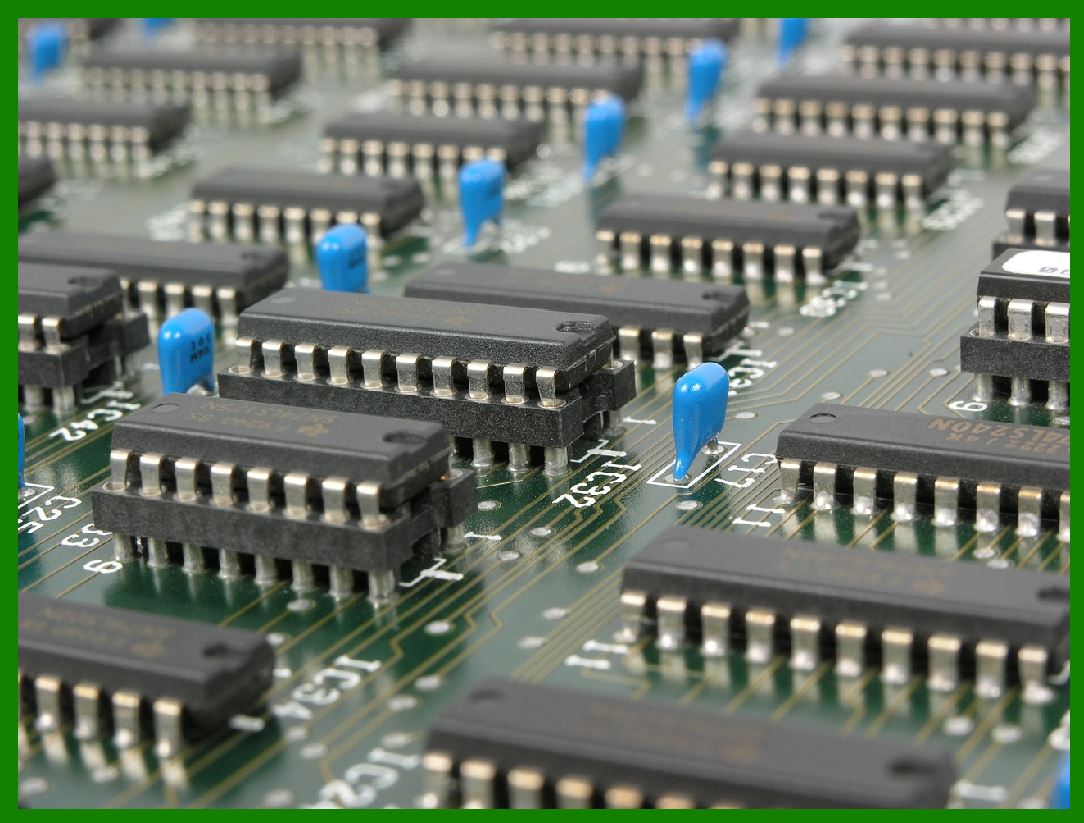
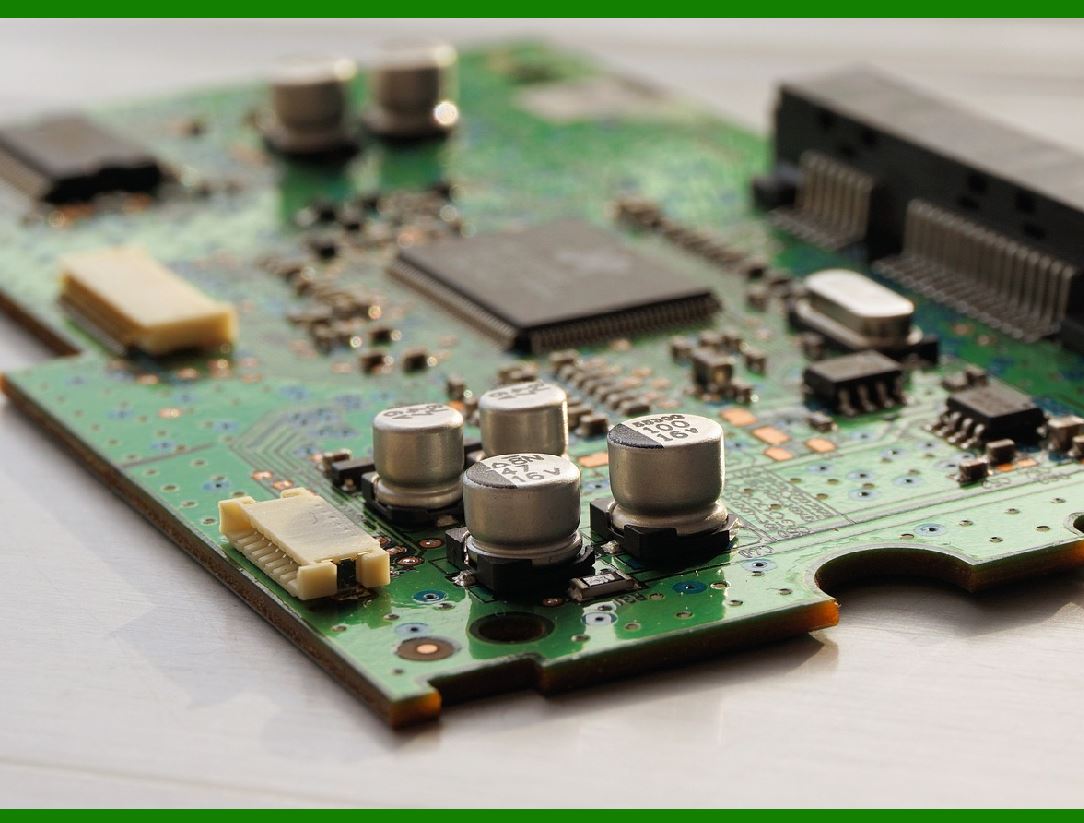
A single-board computer (SBC) is a complete computing system built on a single circuit board. It includes a microprocessor, memory, input/output (I/O) ports, and often various peripheral components. SBCs are widely used in embedded systems because of their compact size, low cost, and flexibility in programming. Common examples of SBCs include the Raspberry Pi, BeagleBone, and Arduino boards. |
1.2 What is RFID? |
Radio Frequency Identification (RFID) is a technology that uses radio waves to identify objects, people, or animals. It typically involves two key components: |
RFID Tags: These contain a microchip and an antenna that respond to signals sent by an RFID reader. |
RFID Reader: The reader sends out radio waves and receives the signal from the tag, which is processed to identify or track the tagged item. |
An RFID reader typically has an antenna, a microcontroller, and a communication interface to send data to a higher-level system. |
|
2. System Architecture and Design Requirements |
This section outlines the overall system design and specific requirements for integrating an SBC into an RFID reader control circuit. |
2.1 Overview of the System Design |
The goal of this design is to create a system where an SBC controls an RFID reader, processes the data from RFID tags, and communicates this information to other systems (such as a database or user interface). The SBC will act as the bridge between the RFID hardware and the software that processes and stores the data. |
2.2 Key System Components |
RFID Reader Module: This consists of an antenna and an embedded module that communicates with RFID tags. The reader's role is to send electromagnetic signals to the RFID tags and receive the response signals. |
Single-Board Computer (SBC): The SBC will control the RFID reader, process data, and manage communication with external systems. It may also interface with sensors, actuators, and a user interface. |
Power Supply: A stable power supply must be designed to handle the needs of the SBC, RFID reader, and peripheral devices. |
Communication Interface: The SBC will use a suitable communication protocol (such as UART, SPI, I2C, or USB) to interact with the RFID reader module. |
2.3 Functional Requirements |
RFID Data Acquisition: The SBC must acquire data from the RFID reader when a tag is in proximity. |
Data Processing: The SBC will process the acquired data, filtering out unnecessary information and interpreting the tag's data. |
Data Communication: The processed data should be transmitted to other devices, such as a PC, cloud server, or database. |
Control and Monitoring: The SBC should manage the operation of the RFID reader, including activating, deactivating, and adjusting its settings. |
|
3. Hardware Design and Connection of SBC to RFID Reader |
In this section, we focus on the connection of the SBC to the RFID reader and related components. |
3.1 Selecting the RFID Reader |
When selecting an RFID reader, there are several factors to consider: |
Frequency Range: Choose an RFID reader that supports the appropriate frequency range (e.g., LF, HF, UHF) based on the application. |
Communication Protocol: Ensure the reader uses a protocol that is compatible with the SBC (e.g., UART, SPI, I2C, USB). |
Power Requirements: Check the voltage and current requirements to ensure they match the SBC's power output or provide additional power sources if necessary. |
3.2 Connecting the RFID Reader to the SBC |
Power Supply: Ensure that the power supply to both the SBC and the RFID reader is stable and properly rated. |
Communication Interface: Connect the communication interface of the RFID reader to the corresponding GPIO pins, UART, SPI, or I2C pins on the SBC. If using USB communication, connect the reader via a USB interface. |
Antennas: If the reader requires external antennas, connect these as per the reader's specifications. The placement of the antenna affects the range and reliability of tag reading. |
3.3 I/O Pins and Signal Handling |
GPIO: General Purpose Input/Output (GPIO) pins on the SBC can be used to control the power and reset lines of the RFID reader, as well as for signal acquisition. |
Level Shifting: If there is a voltage mismatch between the RFID reader and SBC, use level-shifting circuits to ensure proper signal compatibility. |
|
4. Software Development for SBC |
This section describes the programming aspect of integrating the SBC with the RFID reader. |
4.1 Choosing a Development Environment |
The SBC's software environment will largely depend on the type of SBC used. Most modern SBCs like Raspberry Pi or BeagleBone run Linux-based operating systems such as Raspbian or Ubuntu. The software development can proceed in the following environments: |
Programming Language: Python is commonly used for SBC development due to its extensive libraries and ease of use, though C/C++ can also be used for lower-level control. |
Libraries and Frameworks: Utilize libraries specific to the SBC, such as wiringPi or pigpio for GPIO control, or libraries for interfacing with UART, SPI, or I2C protocols. |
4.2 Software Modules |
To facilitate the RFID reader control and data processing, the software is divided into several modules: |
Reader Control Module: This module is responsible for initiating and managing communication with the RFID reader. It sends commands to the reader and receives responses. If using UART, it may employ serial communication libraries. |
Data Processing Module: This module processes the data received from the RFID tags. It may filter out noise or irrelevant data, format the data for storage, and handle any errors or inconsistencies. |
Data Communication Module: This module manages communication with external devices or systems, such as a database or cloud server, over Wi-Fi, Ethernet, or USB. |
User Interface (UI) Module: If the system requires user interaction, a UI module can be implemented to display RFID data and provide status updates. This could be a web interface, console-based application, or a mobile app. |
4.3 RFID Data Acquisition and Parsing |
Once the RFID reader sends data, the SBC must parse and handle this data. Depending on the RFID system, the data may include: |
Tag ID: A unique identifier for each tag. |
Timestamp: The time when the tag was read. |
Signal Strength: The strength of the received signal, which can help determine the proximity of the tag. |
Other Sensor Data: In some cases, RFID readers can integrate with additional sensors that provide data such as temperature, humidity, or location. |
The data parsing logic will be designed to extract the relevant information, discard unnecessary parts, and structure the data for storage or further processing. |
4.4 Error Handling and Debugging |
Proper error handling is crucial for a robust system. The software should include: |
Communication Errors: Handling issues such as timeouts, signal loss, or incorrect data formats. |
Hardware Failures: Monitoring the RFID reader's health and detecting if the device is unresponsive. |
Tag Read Errors: Ensuring that the software can recover from instances when a tag is not read properly. |
|
5. Communication Protocols and Data Storage |
In this section, we examine the communication protocols used to send data from the SBC to external systems and how data is stored. |
5.1 Communication with External Devices |
The SBC can use various communication protocols to send data: |
Wi-Fi/Ethernet: For sending data to a cloud server or local database, use HTTP/HTTPS, MQTT, or WebSockets to transmit the data over the network. |
USB: In some cases, the SBC can communicate directly with external devices via USB for data exchange. |
Bluetooth: For short-range communication with mobile devices, Bluetooth can be used. |
5.2 Data Storage |
Data received from the RFID reader is typically stored in a database. There are two primary storage options: |
Local Database: The SBC can manage a local database (e.g., SQLite, MySQL) to store RFID data temporarily. |
Cloud Database: For more scalable solutions, data can be sent to a cloud service (e.g., AWS, Google Cloud, Microsoft Azure) for persistent storage and analysis. |
5.3 Data Processing and Analytics |
Once the data is collected, additional processing and analytics can be performed, including: |
Data Filtering: Removing noise or irrelevant information to improve the accuracy of the data. |
Pattern Recognition: Using machine learning algorithms to detect patterns in RFID tag usage, such as identifying commonly scanned tags or locations. |
Alerting: If a tag is not detected within a certain timeframe, an alert can be generated. |

|
6. Conclusion and Future Enhancements |
In conclusion, the integration of a single-board computer (SBC) with an RFID reader provides a powerful, flexible, and cost-effective solution for RFID-based systems. The SBC can handle the processing of RFID data, communication with external systems, and management of the hardware. |
6.1 Potential for Scalability |
As the needs of the RFID system grow, the SBC can be upgraded or expanded with additional sensors, more advanced processing power, or cloud-based capabilities. |
6.2 Future Enhancements |
Edge Computing: Implementing more advanced data processing directly on the SBC rather than sending data to a server. |
Security: Enhancing the security of data transmission, such as implementing encryption for communication between the RFID reader and the SBC. |
Real-time Processing: Optimizing the system to provide real-time feedback and control based on RFID data. |
With these features, SBC-based RFID systems can be customized for a wide range of applications, from asset tracking to access control, inventory management, and more. |
This detailed explanation covers the essential components and steps involved in designing and programming a control circuit for an RFID reader using a single-board computer. The key to success in such a system lies in a well-thought-out integration between the hardware and software layers, ensuring efficient operation, scalability, and future-proofing. |

|
Related programming design technologies |
When designing the programming and control system for an RFID reader using a single-board computer (SBC), there are several related programming design technologies and techniques that can be utilized to ensure efficient operation, scalability, and maintainability of the system. These technologies span a variety of domains, including hardware control, software architecture, communication protocols, and data management. Below are the key programming design technologies and methodologies commonly used in such systems: |
1. Embedded Systems Programming |
Embedded systems programming focuses on software designed to operate hardware. It is particularly relevant when working with SBCs and RFID systems, as they often require efficient, low-level control over hardware components. |
1.1 Low-Level Programming |
C and C++: These languages are frequently used in embedded systems for low-level programming due to their ability to directly interact with hardware and their efficiency. They allow developers to write code that can run on limited resources, such as memory and CPU power, which is typical of SBCs in an embedded environment. |
Assembly Language: For very resource-constrained applications or when maximum performance is required, assembly language can be used to write critical sections of code. However, it is more complex and typically only used in specialized scenarios. |
1.2 Real-Time Operating Systems (RTOS) |
RTOS: When precise timing or real-time data processing is crucial (for example, in RFID systems where tag scanning speed is important), an RTOS is often used. It enables real-time task scheduling, guaranteeing that tasks such as data acquisition from RFID readers are performed within specific time constraints. Popular RTOS options for SBCs include FreeRTOS, ChibiOS, and embOS. |
1.3 Device Drivers |
GPIO Control: General-purpose input/output (GPIO) pins on SBCs allow interaction with the RFID reader hardware. Programming technologies for GPIO control include direct hardware manipulation via C or Python libraries such as wiringPi (Raspberry Pi) or pigpio. |
I2C/SPI/UART Communication: These communication protocols are often used to connect sensors or peripherals like the RFID reader to the SBC. Software libraries like WiringPi (for Raspberry Pi) or pySerial (for UART communication) simplify the development of drivers to communicate via I2C, SPI, or UART. |
|
2. High-Level Programming and Middleware Technologies |
While low-level control is crucial for hardware communication, middleware and high-level programming tools are needed to manage complex interactions, including data processing, communication, and error handling. |
2.1 Python Programming |
Python is one of the most popular high-level languages for SBC development, especially for rapid prototyping and development. It provides libraries and frameworks that ease interaction with RFID readers and sensors. Common Python libraries include: |
pySerial: For serial communication (UART). |
RPi.GPIO or pigpio: For controlling GPIO pins on SBCs like Raspberry Pi. |
paho-mqtt: For MQTT-based communication in IoT applications. |
Flask/Django: For building web-based user interfaces or APIs that interact with RFID data. |
2.2 C/C++ Frameworks |
For applications requiring higher performance, such as fast processing of RFID tag data or integration with other sensors, C and C++ are suitable for building the core logic. Frameworks such as Qt for C++ provide a rich environment for developing cross-platform graphical interfaces and data handling systems that can interact with RFID hardware. |
2.3 Middleware and API Integration |
RESTful APIs: These APIs are commonly used for communication between the SBC and remote servers or databases. RESTful APIs allow the RFID system to send processed data (e.g., RFID tag reads, timestamps) to cloud storage or a central database. |
MQTT: Lightweight messaging protocol for IoT systems. MQTT is commonly used to send small chunks of data (such as RFID tag information) between devices and the cloud, especially in real-time applications. |
WebSockets: For real-time two-way communication between the SBC and a remote web interface, WebSockets provide a low-latency, continuous connection. |

|
3. Communication Protocols |
For an RFID system, the communication between the SBC and the RFID reader, as well as between the SBC and external systems, is crucial. Several communication protocols are commonly used in these systems: |
3.1 Serial Communication (UART) |
UART (Universal Asynchronous Receiver-Transmitter) is often used to interface an SBC with peripheral devices such as RFID readers. Programming libraries such as pySerial for Python or wiringPi for Raspberry Pi are used to manage UART communication. |
3.2 I2C and SPI |
I2C: Inter-Integrated Circuit (I2C) is a two-wire protocol used for communication between the SBC and sensors or RFID readers. It is suitable for systems where multiple devices need to be connected over a shared bus. |
SPI: Serial Peripheral Interface (SPI) is another protocol used for high-speed communication. It can be employed if the RFID reader requires faster data exchange or if multiple RFID modules are used. |
3.3 USB |
Some RFID readers are equipped with USB interfaces for communication with the SBC. In these cases, USB drivers and libraries (like libusb) may be used to handle communication between the SBC and the RFID reader. |
3.4 Wireless Protocols |
In wireless RFID systems, technologies such as Wi-Fi or Bluetooth may be used to transfer data between the SBC and other devices. For example, if the RFID reader supports Bluetooth, the SBC can be programmed to manage Bluetooth communication, allowing wireless data transfer. |
|
4. Data Management and Storage Technologies |
Efficient data management and storage are critical for handling the data generated by RFID systems. The data usually includes RFID tag IDs, timestamps, event logs, and potentially sensor data. The system needs to store, query, and manage this data efficiently. |
4.1 Local Databases |
Local databases can be used for temporary storage of RFID data, especially in edge computing scenarios where immediate data processing is required. |
SQLite: A lightweight, file-based SQL database that is commonly used on SBCs for local storage of data. |
MySQL or PostgreSQL: For more complex systems, SBCs can run a full-fledged database management system, especially if they are connected to larger networks and require remote access to the data. |
4.2 Cloud Databases |
For scalability, data can be stored in the cloud, enabling remote access and analysis. Cloud storage can be useful for systems that need to process large amounts of data or need to be integrated into enterprise-level systems. |
AWS DynamoDB, Google Cloud Datastore, or Microsoft Azure Cosmos DB: These are cloud-based NoSQL databases that allow easy storage and retrieval of large volumes of data generated by RFID systems. |
SQL-based Cloud Storage: Services like AWS RDS (Relational Database Service) or Google Cloud SQL allow users to use SQL databases in the cloud. |
4.3 Data Analytics and Machine Learning |
As RFID systems generate large amounts of data, analytics and machine learning technologies can be used to derive insights from this data. |
Python Libraries: Libraries such as Pandas, NumPy, and SciPy are used for data analysis and manipulation. |
Machine Learning: Libraries like TensorFlow, scikit-learn, and Keras can be used for applying machine learning models to RFID data, such as detecting anomalies or predicting patterns based on tag reads. |
|
5. Security Technologies |
Security is crucial when dealing with sensitive data, especially in systems that involve RFID, such as access control or asset tracking. Implementing security measures at various levels of the system is vital to prevent unauthorized access or data tampering. |
5.1 Encryption |
TLS/SSL: When sending RFID data over networks, encryption protocols like TLS/SSL are used to ensure secure data transmission. |
AES Encryption: Advanced Encryption Standard (AES) can be used to encrypt sensitive RFID data, such as tag IDs, before it is stored or transmitted. |
5.2 Authentication and Authorization |
OAuth: For cloud-based RFID systems, OAuth can be used to securely authenticate users or devices and grant them appropriate permissions to access data. |
JWT (JSON Web Tokens): JWT is often used for secure authentication in web-based RFID systems. |
5.3 Secure Boot and Firmware Integrity |
For SBCs running embedded systems, secure boot mechanisms ensure that the SBC starts up only with verified firmware, reducing the risk of tampering or security breaches. |
|
6. User Interface Design and Interaction |
In some cases, an RFID system may require a user interface (UI) to display information or interact with the system. The UI can be developed using web technologies or standalone applications. |
6.1 Web-Based Interfaces |
HTML/CSS/JavaScript: For creating a simple, responsive web interface that can display RFID data and interact with the user. |
Web Frameworks: Frameworks like Flask or Django (for Python) or Node.js can be used to develop server-side logic for interacting with the SBC and the RFID system. |
6.2 Mobile and Desktop Applications |
Electron: For developing cross-platform desktop applications that interact with the RFID system. |
React Native or Flutter: For creating mobile applications that can connect to the SBC and display RFID data or provide controls. |
|
Conclusion |
Integrating a single-board computer with an RFID reader involves a combination of hardware control, communication protocols, data management, and application development. The programming design technologies mentioned above span across low-level embedded system programming, high-level software development, communication technologies, security measures, and data analytics. By leveraging these technologies effectively, developers can build robust, scalable, and secure RFID-based systems for a wide range of applications. |
 cs@easiersoft.com