Detailed explanation of QR Code technology |
1. Introduction and development background |
2. Definition and classification of QR Code |
3. Basic structure of QR Code |
4. Coding principle and data mode |
5. Data capacity and version information |
6. Finder Patterns and positioning technology |
7. Alignment Patterns |
8. Timing Patterns and Quiet Zone |
9. Format information and version information block |
10. Detailed explanation of encoding method (numbers, alphanumerics, bytes, Chinese characters, etc.) |
11. Data masking mechanism |
12. Error correction technology: Reed-Solomon algorithm |
13. Structure of data block and error correction block |
14. Steps of QR code generation process |
15. Decoding process and image preprocessing |
16. Detailed explanation of QR code standard (ISO/IEC 18004) |
17. Micro QR Code) and other derivative versions |
18. Security and anti-counterfeiting mechanism |
19. The difference between dynamic QR code and static QR code |
20. Application examples of QR code in different fields |
21. Comparison with other 2D barcodes (such as Data Matrix, Aztec) |
22. High-density and color-extended QR codes (such as HCCB, color QR) |
23. Introduction to open source QR code libraries and tools (such as ZXing, ZBar) |
24. Future development trend of QR code |
25. Conclusion |

|
Detailed explanation of QR code technology |
1. Introduction and development background |
QR code (full name Quick Response Code) is a matrix 2D barcode invented by Denso Wave Co., Ltd. of Japan in 1994. Its design goal is to provide an identifier that can be read quickly and has a high data capacity for the automotive industry. Traditional one-dimensional barcodes are limited in information carrying capacity, while QR codes significantly expand data capacity and fault tolerance through vertical and horizontal bidirectional encoding. |
With the popularity of smart phones and mobile Internet, QR codes have gradually moved from the industrial field to the consumer market and are widely used in multiple scenarios such as product traceability, mobile payment, identity recognition, social sharing, logistics management, etc. Although Denso Wave owns the core patent of this technology, it chooses to open it for free use, which greatly promotes the global popularization of QR code technology. |

|
2. Definition and classification of QR codes |
A QR code is a type of barcode that can store data in both horizontal and vertical directions. Compared with one-dimensional barcodes that can only store numbers or a small number of characters, QR codes can encode multiple character sets, including numbers, letters, Chinese characters, special symbols, and even binary data (such as encoded fragments of images, audio files, etc.). |
Common types of two-dimensional barcodes include: |
QR Code (Quick Response Code) |
Data Matrix |
Aztec Code |
PDF417 |
MaxiCode |
Micro QR Code |
SQRC (Secure QR Code) |
Frame QR |
Among them, QR Code has become the most widely used type of two-dimensional barcode due to its openness, efficiency, compatibility and error correction capabilities. |

|
3. Basic structure of QR Code |
A standard QR Code is not a simple data arrangement, its structure is precise and the functions of each part are clear. Its basic components are as follows: |
Finder Patterns |
Alignment Patterns |
Timing Patterns |
Format Information |
Version Information |
Data Area |
Error Correction Area |
Quiet Zone |
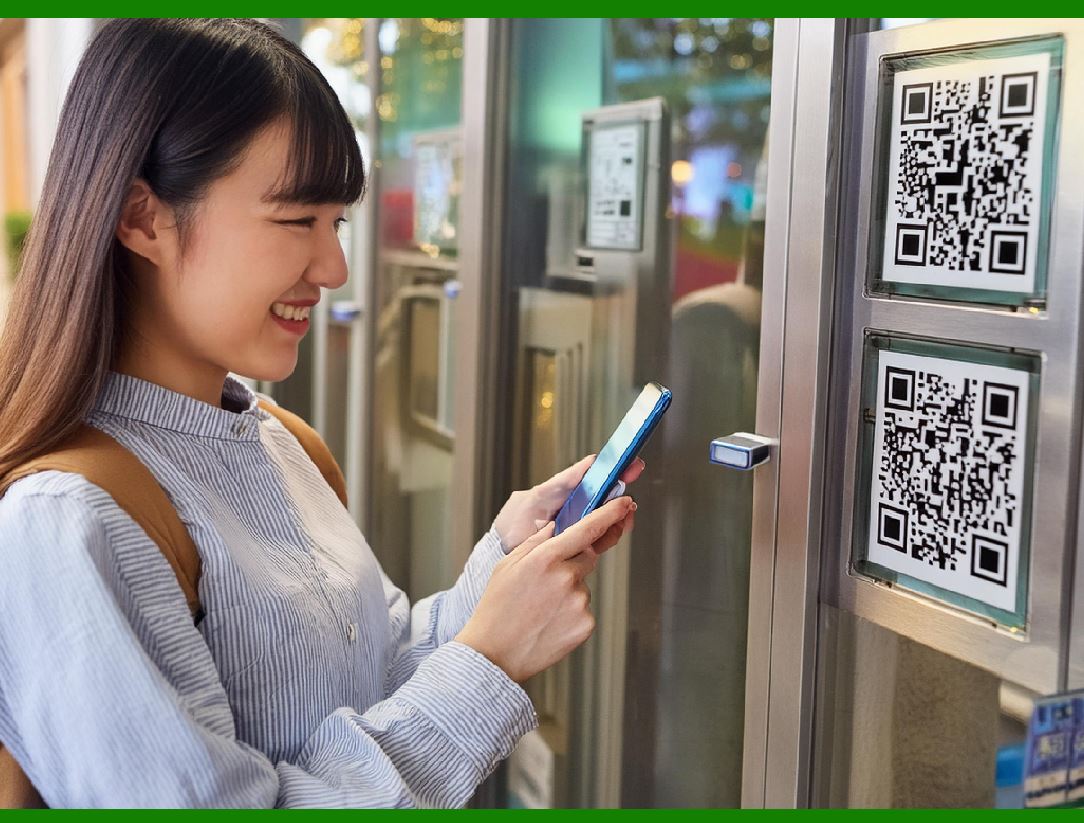
These modules work together to ensure that the QR code can still be read well even when it is rotated, tilted, blocked or stained. |
|
4. Encoding principle and data mode |
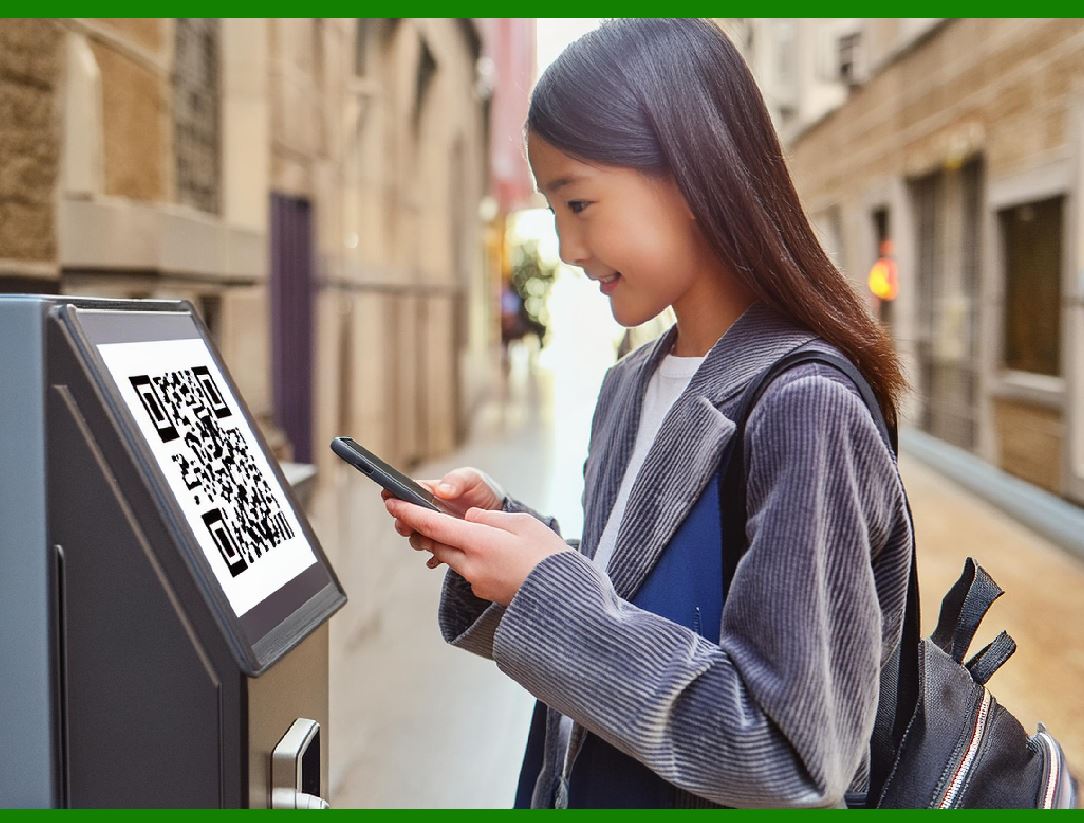
QR Code uses matrix encoding to convert data into a group of black and white squares arranged in a square. The data encoding uses the following modes: |
Numeric mode: 0-9, each group can encode up to 3 digits. |
Alphanumeric mode: 0-9, A-Z, space and 9 symbols, a total of 45 characters. |
Byte mode: Use ISO/IEC 8859-1 character set (compatible with UTF-8 encoding) to represent any 8-bit byte data. |
Kanji mode: Use Shift JIS encoding, dedicated to Japanese kanji and kana. |
The encoding method used for the data is indicated by the mode indicator, followed by the character count indicator and the specific data content encoding. |
|
5. Data capacity and version information |
QR Code has defined a total of 40 versions (Version 1-40). The higher the version, the larger the size of the QR code matrix and the more data it carries. |
Version Number Number of Modules Capacity (Digit) Capacity (Bytes) |
V121x214117 |
V1057x57174122 |
V2097x97552405 |
V40177x17770892953 |
Data capacity is directly related to the error correction level. The higher the error correction, the smaller the available capacity. |
|
6. Finder Patterns and Positioning Technology |
The three most prominent square patterns in the QR code are located in the upper left, upper right, and lower left corners, namely the 'finder patterns'. Their functions are: |
Help the scanning device quickly identify the QR code location; |
Provide direction positioning to solve the rotation problem; |
Allow the image to be decoded even when it is tilted or distorted. |
Each finder pattern consists of alternating black and white blocks, with a structure of: 1 7¡Á7 black block surrounded by a white block in the middle. |
|
7. Alignment Patterns |
Starting from version 2, QR Code introduced 'Alignment Patterns' to solve the problem of nonlinear image deformation. Its position changes with the version and is located near the center of the data area. |
These patterns are similar in appearance to the detection patterns but smaller in scale and are used to fine-tune the alignment accuracy during decoding. High-version QR codes can contain up to dozens of alignment patterns. |
8. Timing Patterns and Quiet Zone |
Timing Patterns: located between the rows and columns of the QR code, composed of alternating black and white lines, respectively between two sets of detection patterns, to assist in determining the module coordinates. |
Quiet Zone: A blank area of ??at least 4 modules wide around the QR code, used to distinguish the QR code from the surrounding image content. No quiet zone will seriously affect the recognition ability. |
9. Format Information and Version Information Block |
Format Information: Contains error correction level (L/M/Q/H) and data mask pattern (Mask Pattern), a total of 15 bits, and BCH coding redundancy is used to enhance fault tolerance. |
Version Information: When the version number is ¡Ý 7, the QR code will add 18 bits of version information, located near the upper right and lower left corners. |

|
10. Detailed Explanation of Encoding Method |
10.1 Numeric Mode |
Each 3 digits are encoded into 10 bits of binary, 2 bits are encoded into 7 bits, and 1 bit is encoded into 4 bits. |
10.2 Alphanumeric Mode |
Use the following character table: |
0-9, A-Z, space, $, %, *, +, -, ., /, : |
Two characters are combined into 11 bits of binary, and 6 bits are used when there is 1 left. |
10.3 Byte Mode |
Each character occupies 8 bits, supporting multiple languages, image pointers or fragment data of compressed files. |
10.4 Kanji Mode |
Using Shift-JIS encoding, each character is encoded with 13 bits, designed specifically for Japanese. |

|
11. Data Masking |
In order to prevent long strings of black or white modules from causing recognition errors, QR Code will apply a 'masking' rule after encoding. There are 8 masking modes to adjust the black and white distribution of data modules. The selection criteria are based on the 'penalty score', and the one with the lowest score is the best masking mode. |

|
12. Error Correction Technology: Reed-Solomon Algorithm |
QR Code uses the powerful Reed-Solomon (RS) error correction algorithm, which can restore the original information from stains, scratches, and occlusions. There are four levels of error correction: |
L: 7% of damaged data can be recovered |
M: 15% |
Q: 25% |
H: 30% |
By generating redundant check codes for data blocks and storing them in a specific area, data can be recovered even if part of it is lost or damaged. |

|
13. Structure of data blocks and error correction blocks |
The data is first divided into several data blocks, and an error correction block is added to each block. Then all the blocks are interleaved to form the final QR code. This interleaved design enhances the ability to resist local contamination. |
For example, the QR Code of Version 10-L will be divided into two data blocks, each of which generates a corresponding number of error correction blocks, and the whole is interleaved and drawn in a matrix. |

|
14. Steps of QR Code Generation Process |
The complete QR Code generation steps are as follows: |
1. Select version and error correction level; |
2. Select data mode and convert data; |
3. Add mode indicator and length indicator; |
4. Encode in segments and convert to binary; |
5. Add stop bit and zero padding; |
6. Block and perform RS encoding to generate error correction blocks; |
7. Interleave data and error correction blocks; |
8. Apply mask mode; |
9. Add format information and version information; |
10. Output QR code matrix. |

|
15. Decoding process and image preprocessing |
The decoding process of QR code, especially on mobile devices or scanners, involves a series of complex image processing and pattern recognition steps. The general process is as follows: |
15.1 Image acquisition and binarization |
The scanning device (such as a camera) first acquires the image, then uses a grayscale algorithm (such as weighted average or YUV conversion) to convert it to a grayscale image, and then applies a local adaptive threshold algorithm (such as Otsu or Sauvola) to convert the image to a black and white (i.e., binary) image. |
15.2 Finding detection patterns |
Use edge detection (such as Sobel operator) and contour recognition methods to find three sets of standard detection patterns (Finder Patterns), and infer the boundaries and angles of the QR code matrix based on their relative positions. |
15.3 Perspective transformation and geometric correction |
If the QR code image is deformed due to tilt or rotation of the shooting angle, the system will use perspective transformation (such as homography matrix transformation) to restore the image to a standard matrix layout. The geometric proportion of the detection pattern must be maintained during the correction process. |
15.4 Format information parsing and mask removal |
Read the format information to identify the error correction level and mask mode. After identification, remove the mask pattern from the data area to restore the original binary stream. |
15.5 Error Correction and Data Restoration |
Decode the data block and apply the Reed-Solomon decoding algorithm to detect and repair errors. Then merge the data blocks in a preset order and decode to obtain the original content. |

|
16. Detailed Explanation of the QR Code Standard (ISO/IEC 18004) |
QR Code has been officially included in the international standard ISO/IEC 18004, and the latest version is ISO/IEC 18004:2015. The standard specifies the structure, data format, mask rules, error correction mechanism, etc. of the QR code in detail. |
The standard supports the following types of QR codes: |
QR Code Model 1 (obsolete, for historical research only) |
QR Code Model 2 (current mainstream use) |
Micro QR Code |
rMQR (Rectangular Micro QR): a rectangular small-size QR code suitable for narrow and long spaces on labels. |
The standard also defines detailed technical parameters such as scanner compatibility, error checking, and tolerance range. |

|
17. Micro QR Code and other derivative versions |
To adapt to ultra-small labels and embedded applications, Denso Wave has also developed Micro QR Code, which has the following features: |
Smaller size: versions from M1 to M4, only 11¡Á11 to 17¡Á17 modules are required; |
Limited functions: only supports a single detection pattern and low data capacity; |
Data capacity: about 35 bytes, suitable for simple identification purposes. |
In addition, Denso has also developed: |
Frame QR: can embed LOGO or image area in the QR code; |
SQRC: supports encrypted QR codes for identity recognition, security documents, etc.; |
LogoQ, Design QR: allow QR code graphics to be customized and beautiful. |
|
18. Security and anti-counterfeiting mechanism |
Although QR Code itself does not contain encryption function, it can be combined with other technologies to enhance security: |
Encrypted data: the content is first encrypted by AES or RSA before encoding; |
Electronic signature: digital signature is added for anti-counterfeiting verification; |
Token binding: dynamic QR code is combined with server-side verification to prevent replay; |
Graphic watermark: visual anti-counterfeiting is enhanced through micro-texture and invisible pattern; |
Anti-counterfeiting paper: printed on special materials to increase the threshold of imitation. |
This type of technology is particularly important in scenarios such as anti-counterfeiting labels, ticketing systems, digital certificates, and ID cards. |
|
19. The difference between dynamic QR code and static QR code |
19.1 Static QR code |
The encoded content is fixed and written into the QR code graphic; |
No server support is required, suitable for scenarios where information is permanently fixed (such as URLs and business cards); |
The security is relatively low and cannot be changed once generated. |
19.2 Dynamic QR Code |
Encoded as a short URL or ID, the actual content is determined by the server; |
It can realize content update, access statistics, and permission control; |
It is more suitable for marketing, payment, temporary authorization and other scenarios that require real-time control. |
|
20. Application Examples of QR Codes in Different Fields |
QR code technology is now widely used in various industries, including but not limited to: |
Payment and Finance: Alipay, WeChat Pay, Apple Pay use dynamic QR codes to complete payment or collection; |
Logistics Tracking: Express delivery bills, logistics boxes attached with QR codes to track status; |
Manufacturing: product number, part code, equipment maintenance label; |
Medical industry: medical record identification, drug tracking, anti-counterfeiting label; |
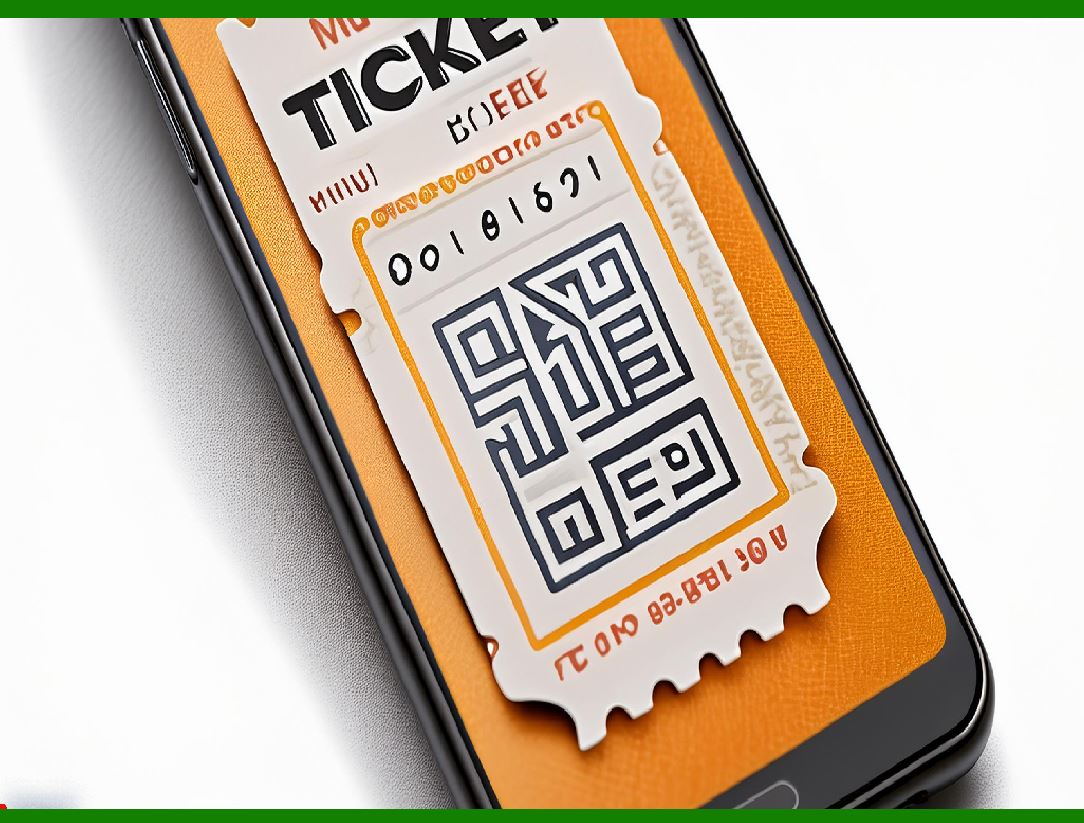
Tickets and passes: concert tickets, subway tickets, access cards; |
Social and publicity: public account business cards, poster sharing, scan code to add friends; |
Education and Examination: answer sheet recognition, test paper traceability, student information management. |

|
21. Comparison with other 2D barcodes |
Barcode type Capacity Tolerance Reading speed Scope of use |
QR Code High (several thousand characters) High (up to 30%) Fast Widespread |
Data Matrix High (similar) High Fast Industrial, medical |
Aztec Code High High Very fast (no quiet zone) Train tickets, airlines |
PDF417 Very high (several thousand characters) Medium Slow ID card, visa |
MaxiCode Moderate Medium Very fast UPS logistics system |

|
22. High-density and color extended QR code |
In order to increase capacity or beautify the appearance, the following extended QR code forms have emerged: |
Color QR code: Increase the information density of each module by using color layers or CMYK combinations; |
Layered QR code: Multiple QR codes are superimposed and decoded by scanning sequence; |
HCCB (High Capacity Color Barcode): Proposed by Microsoft, using multi-color triangle blocks; |
DotCode / Trillcode: used for high-speed printing and reading scenarios, similar to QR code but with a different structure. |
Color QR codes are currently used in high-end bills, audio-visual products, identity verification and other scenarios, but have higher requirements for printing and scanning devices. |
|
23. Introduction to open source QR code libraries and tools |
During the development and debugging process, developers can use the following tools: |
ZXing (Zebra Crossing): a Java QR code library developed by Google, supporting Android and Java SE; |
ZBar: a C language library that supports QR codes and other barcode types; |
qrcode.js: a JavaScript implementation that can generate QR directly in the browser; |
PyQRCode / qrcode (Python): used to generate static QR code images; |
libqrencode: a C language high-performance encoding library, commonly used in embedded devices; |
QR Code Generator: a multi-platform web tool and open source library. |
|
24. Future development trend of QR code |
QR code has become a unified global information portal, and its future development direction includes: |
Higher density encoding: such as rMQR and color multi-layer QR code; |
Stronger security: combining blockchain and zero-knowledge proof for content verification; |
AR fusion: QR code guides augmented reality information display; |
Inductive recognition: combining NFC and dynamic QR for identity recognition; |
Shape and aesthetic personalization: more design QR codes take into account both beauty and function; |
Global unified certification mechanism: such as the application expansion of GS1 standards. |
With the advancement of AI image recognition technology and the development of 5G Internet of Things, QR code will continue to play a key role between the physical world and the digital world. |

|
25. Conclusion |
QR Code, as an efficient, convenient, secure and open two-dimensional identification technology, has been deeply integrated into the global information ecosystem. From its encoding mechanism, structural layout, fault tolerance to its diverse application forms, QR Code shows extremely high engineering wisdom and practical value. In the future, with the development of technologies such as the Internet of Things, artificial intelligence and blockchain, QR codes will not only be an information portal, but are more likely to become a key link between digital identity and real-world data. |
 cs@easiersoft.com