Outline of the Development Background of QR Code |
1.Introduction: Overview of QR Code and Its Relevance Today |
General introduction to QR Code. |
Importance in modern technology and various industries. |
2.Early History of Barcodes |
The rise of barcodes before the advent of QR Codes. |
Limitations of linear barcodes. |
3.Inception of QR Code |
The origin of QR Codes at Denso Wave. |
The motivation behind developing QR Codes (e.g., limitations of traditional barcodes). |

|
4.Technical Specifications of QR Code |
Structure of QR Code. |
Encoding formats and error correction mechanisms. |
Comparison with other 2D barcodes. |
5.The Role of QR Code in Industrial Applications |
Early adoption in industries such as automotive and manufacturing. |
Use cases in logistics, inventory management, and supply chain. |
6.Technological Innovations and Improvements |
How QR Code technology evolved over time. |
Software and hardware innovations that made QR Codes more efficient and accessible. |
The integration of QR Codes with smartphones and mobile devices. |

|
7.The Global Expansion and Adoption of QR Code |
How QR Codes spread globally. |
Adoption in countries like Japan, China, the USA, and Europe. |
Governmental and corporate roles in promoting QR Codes. |
8.QR Code in Consumer and Marketing Applications |
How QR Codes changed marketing strategies. |
The role of QR Codes in advertising, payments, and promotions. |
QR Codes in mobile commerce (m-commerce). |
9.QR Code in Payment Systems |
The adoption of QR Codes in mobile payments (e.g., WeChat Pay, Alipay). |
QR Codes in digital wallets and peer-to-peer transactions. |

|
10.Challenges in QR Code Adoption |
Challenges faced during the initial phase of QR Code adoption. |
Technological barriers and security concerns. |
Overcoming public skepticism and misunderstanding. |
11.QR Code and Privacy Concerns |
Privacy issues surrounding the use of QR Codes. |
Potential risks of data theft and fraud. |
Regulations and standards for QR Code security. |
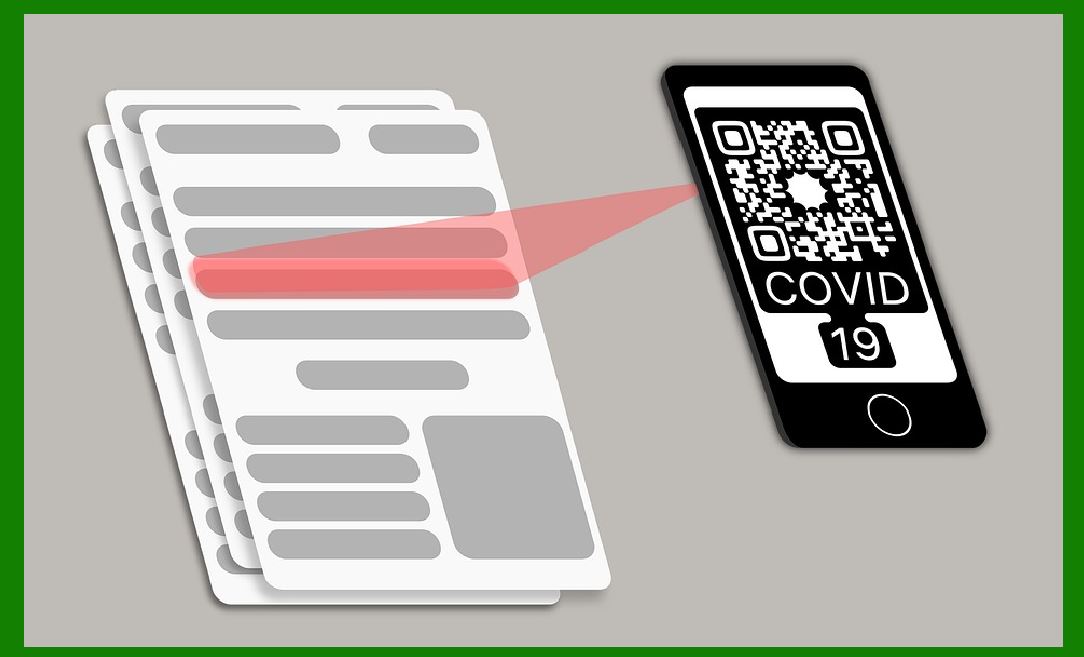
12.The Role of QR Code in COVID-19 and Post-Pandemic Era |
How QR Codes became central during the COVID-19 pandemic. |
QR Codes in contactless interactions, digital health records, and hygiene protocols. |
Long-term implications of QR Code adoption in post-pandemic society. |

|
13.Current Trends and Future Directions for QR Codes |
Emerging trends, such as integration with IoT, AI, and blockchain. |
The evolving role of QR Codes in various sectors (e.g., healthcare, education, transportation). |
Predictions for the future of QR Code technology. |
14.Conclusion: The Legacy and Future of QR Code |
Reflection on how QR Codes revolutionized the way we interact with information. |
Final thoughts on the significance of QR Code development and its future prospects. |
|
1. Introduction: Overview of QR Code and Its Relevance Today |
The QR Code (Quick Response Code) is one of the most ubiquitous forms of technology in our everyday lives. Originally developed for industrial applications, QR Codes have since become an essential tool in modern commerce, marketing, payments, and more. The simplicity and versatility of QR Codes make them a vital part of the digital landscape, facilitating quick access to information, web links, and even payment platforms. In this section, we will introduce the QR Code, its functionality, and its widespread use in various sectors today. |
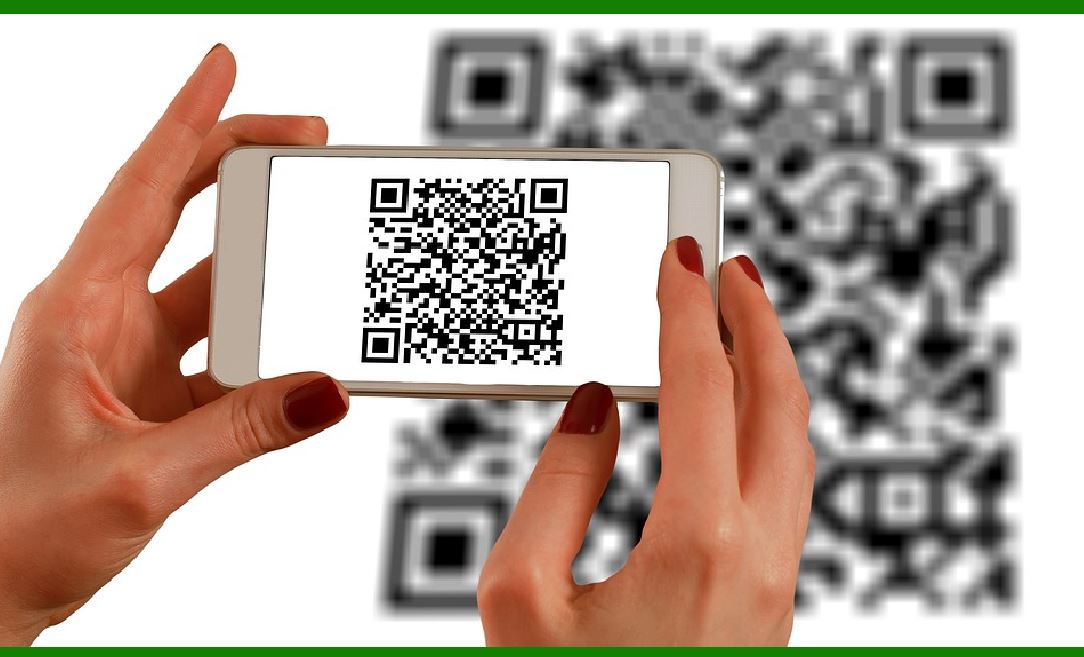
QR Codes are a type of 2D barcode, which means they store information in two dimensions, as opposed to traditional barcodes that store information in one dimension. They are typically square-shaped with black modules on a white background, but their size, encoding, and design can vary based on the intended use. QR Codes are designed to be scanned by digital devices, particularly smartphones with cameras, allowing users to access data encoded within the code. |
In today's digital age, QR Codes are found everywhere-from physical retail stores to online platforms, payments to advertising campaigns, and even healthcare services. Their ability to store a large amount of data, including URLs, text, contact details, and more, has made them indispensable for both businesses and consumers alike. |

|
2. Early History of Barcodes |
Before QR Codes, barcodes were primarily used for inventory management, tracking, and product identification. The first barcode, the Universal Product Code (UPC), was introduced in 1973 in the United States. The UPC is a one-dimensional (1D) barcode that encodes a 12-digit number for each product. It revolutionized retail and logistics industries by enabling faster and more accurate product tracking. |
Despite the success of barcodes, there were limitations. Traditional 1D barcodes could only store a small amount of data-typically a product identifier and little else. As industries expanded and the need for more sophisticated data encoding grew, there was a clear demand for a new system that could handle more complex data requirements. This is where the concept of 2D barcodes, and eventually the QR Code, emerged. |

|
3. Inception of QR Code |
QR Codes were developed in 1994 by Denso Wave, a subsidiary of Toyota. The company was facing a challenge in the automotive manufacturing process, where they needed to track parts more efficiently. They wanted a system that could hold more information than the existing barcodes and could be scanned quickly, regardless of the orientation. |
The development of the QR Code was led by Masahiro Hara, a researcher at Denso Wave, and his team. The goal was to create a code that could store a significant amount of information and be read quickly, even at high speeds. They succeeded by creating a 2D code that could store up to 7,089 numeric characters, which was far more than any previous barcode. |
QR Codes were designed with a few key features in mind: |
High data capacity. |
Fast readability. |
Error correction, which ensures that the code can still be read even if it is partially damaged. |
Ability to encode different types of data, such as alphanumeric characters and kanji, making them more versatile than traditional barcodes. |
These features made QR Codes ideal for use in complex manufacturing environments, where they could be used to track parts, components, and inventory in real-time. |
|
4. Technical Specifications of QR Code |
QR Codes consist of several key components: |
Modules: These are the small black and white squares that make up the code. The number of modules depends on the version of the QR Code, with larger versions offering higher data capacity. |
Finder Patterns: Located in three corners of the QR Code, these large squares help the scanner identify the code's orientation and size. |
Alignment Patterns: These patterns are used to correct any distortion in the QR Code during scanning, ensuring accuracy even when the code is displayed at an angle. |
Timing Patterns: These are used to ensure the proper spacing between modules and assist in the correct decoding of the information. |
Data Cells: These are the cells that store the actual data encoded in the QR Code. |
Error Correction: QR Codes use Reed-Solomon error correction, which allows the code to be read even if parts of it are damaged. Depending on the error correction level, a QR Code can tolerate up to 30% damage. |
In addition to these features, QR Codes can encode data in various formats, including numeric, alphanumeric, binary, and kanji. The versatility of QR Codes in terms of data encoding is one of the reasons for their widespread use across industries. |

|
The adoption of QR Codes for mobile payments, rather than other 2D barcodes, can be attributed to several key factors that make QR Codes particularly well-suited for this application: |
1.High Data Capacity: |
QR Codes can store much more information compared to other 2D barcodes, such as DataMatrix or PDF417. This ability to hold larger amounts of data is essential for mobile payments, as QR Codes can store transaction details, payment information, merchant data, and even encrypted information in a compact format. |
2.Error Correction: |
QR Codes are designed with robust error correction mechanisms, specifically Reed-Solomon error correction. This means that QR Codes can still be scanned and decoded even if they are partially damaged, dirty, or distorted. This feature is particularly important for mobile payments, as it ensures that the codes can still be read even if they are printed on receipts, displayed on phone screens, or exposed to various environments. |

|
3.Ease of Use and Accessibility: |
QR Codes are easy to generate and use. They can be displayed on a mobile device screen or printed on physical receipts, posters, or product packaging. Users simply need to scan the code with their smartphone's camera or a mobile payment app, which simplifies the payment process. The ease of integration with smartphones, which have cameras as standard features, makes QR Codes a natural choice for mobile payments. |
4.Cost-Effectiveness: |
QR Code implementation is relatively inexpensive compared to other technologies. Unlike technologies that rely on special hardware (such as NFC or RFID), QR Codes only require a smartphone camera and an internet connection. For merchants, this reduces the need for expensive point-of-sale (POS) equipment, which is one reason why QR Codes are so widely adopted, especially in small businesses or developing markets. |

|
5.Universal Compatibility: |
QR Codes are supported by virtually all smartphones and mobile devices. They don't require specialized scanners or proprietary systems to read, which makes them highly versatile. This universal compatibility also allows QR Codes to be used across different platforms, payment systems, and countries, promoting a global standard for mobile payments. |
6.Security: |
QR Codes can be integrated with secure encryption methods to ensure the safety of transactions. Many mobile payment systems use QR Codes as a secure method to encode payment data, which can then be decrypted by authorized systems during the transaction. This level of security, combined with the ability to include other protective mechanisms like two-factor authentication or tokenization, adds an extra layer of trust in the QR Code-based payment systems. |

|
7.Wide Adoption and Familiarity: |
QR Codes were initially popularized in Japan and have been widely adopted in Asia, particularly in China, where they are heavily used for mobile payments (e.g., Alipay, WeChat Pay). Their success in the Asian market helped cement their reputation as a trusted and reliable solution for mobile payments. As QR Code usage spread globally, it gained traction with other payment providers and merchants, reinforcing its place in the mobile payments ecosystem. |
Overall, QR Codes offer a combination of high data capacity, cost-effectiveness, security, ease of use, and broad compatibility, making them an ideal solution for the mobile payment industry compared to other 2D barcode technologies. |
 cs@easiersoft.com