Industrial Robot: Input/Output (I/O) Interface |
1. Introduction to I/O Interfaces in Industrial Robots |
The Input/Output (I/O) interface in industrial robots is a crucial element for enabling communication between the robot controller and external devices. The I/O interface acts as a bridge that facilitates data exchange between the robot system and the outside world, including sensors, actuators, control systems, and other machines in the industrial environment. Through this interface, robots can both receive commands and send feedback based on real-time operations. Understanding the architecture and function of the I/O interface is essential for designing efficient and responsive robotic systems that can perform tasks accurately and adapt to changing conditions. |
|
2. Role and Function of the I/O Interface |
The I/O interface has two main functions: input and output. |
Inputs refer to data or signals that are received by the robot from external sources. These could include commands from human operators, data from sensors (e.g., position, temperature, pressure sensors), feedback from other robots, or signals from higher-level control systems (e.g., PLCs, SCADA systems). Inputs help the robot determine its next actions, adjust its behavior, and interact with its environment. |
Outputs are signals or commands sent by the robot to external devices. Outputs control various elements of the robot system, such as actuators (e.g., motors, hydraulic pumps), sensors (to trigger measurement actions), and end-effectors (e.g., grippers, welding tools). Outputs allow the robot to perform specific tasks, such as moving an arm, changing the tool, or providing feedback to the control system. |
The I/O interface ensures smooth communication between the robot and these external devices, allowing for real-time processing and decision-making based on inputs and outputs. |
|
3. Types of I/O in Industrial Robots |
Industrial robots use a variety of I/O types to communicate with both internal and external devices. These include digital I/O, analog I/O, and communication I/O. |
3.1 Digital I/O |
Digital Inputs (DI): These are binary signals that either indicate the presence or absence of a condition, typically expressed as high (1) or low (0). Digital inputs are often used for signals from push buttons, limit switches, and other on/off devices. For example, a digital input may indicate that a part has been placed in the robot's work cell or that a safety door has been closed. |
Digital Outputs (DO): These are also binary signals, but they control devices such as relays, indicators, or actuators that need to be switched on or off. A digital output could turn on a light indicating that the robot is in operation or activate a conveyor belt when the robot completes a task. |
3.2 Analog I/O |
Analog Inputs (AI): Analog inputs provide a continuous range of values, unlike digital inputs which are binary. These values represent physical quantities such as position, velocity, force, or temperature. Analog sensors, such as potentiometers or pressure sensors, provide input that is then processed by the robot controller to adjust behavior in real time. For instance, an analog sensor might monitor the force applied by the robot's gripper to ensure it does not damage the object it is holding. |
Analog Outputs (AO): Analog outputs are used to control devices that require variable control, such as motor speeds, valve positions, or lighting levels. For example, a robot's controller may send an analog output to control the speed of an electric motor or adjust the brightness of an LED indicator. |
3.3 Communication I/O |
Communication I/O Interfaces: These include serial, Ethernet, or fieldbus communication protocols, allowing the robot to exchange data with other machines, controllers, or systems within an industrial network. For instance, robots may use Ethernet/IP, Modbus, Profinet, or CANbus to communicate with programmable logic controllers (PLCs) or other robotic systems, exchanging complex data beyond simple input/output signals. |
|
4. Hardware Components of the I/O Interface |
The I/O interface consists of various hardware components that enable data exchange. These include I/O modules, sensors, actuators, and communication ports. Each of these elements plays a specific role in the overall functionality of the robotic system. |
4.1 I/O Modules |
I/O modules are the physical interfaces that connect the robot controller to external devices. These modules convert signals from external devices into a form that the robot controller can understand, and vice versa. They may be embedded in the controller or installed as separate units, depending on the system's architecture. Common types of I/O modules include: |
Digital I/O Modules: These handle binary signals, both inputs and outputs. |
Analog I/O Modules: These modules process continuous signals and often include circuitry for signal conditioning, filtering, and scaling. |
Communication I/O Modules: These modules manage communication with other systems via serial or network protocols. |
4.2 Sensors |
Sensors are critical components that provide real-time data to the robot's control system. There are various types of sensors used in industrial robots, depending on the application. Common sensors include: |
Proximity Sensors: Used to detect the presence of objects or parts within the robot's operational area. |
Force/Torque Sensors: These measure the forces and torques exerted by the robot, often used for delicate or precision tasks. |
Vision Systems: Cameras and vision sensors are used for object recognition, part inspection, and navigation within a workspace. |
Temperature and Pressure Sensors: These sensors monitor environmental conditions and can be used for feedback during tasks like assembly or welding. |
4.3 Actuators |
Actuators are the components that execute the robot's actions based on the outputs generated by the controller. Common actuators include: |
Electric Motors: These are used for precise movement control of robotic joints and other mechanical components. |
Pneumatic Actuators: Often used for tasks requiring linear motion, pneumatic actuators rely on compressed air. |
Hydraulic Actuators: Used for high-force applications, hydraulic actuators provide powerful linear motion driven by pressurized fluid. |
4.4 Communication Ports |
Communication ports are used for data exchange between the robot and external systems, allowing for more complex communication than simple binary signals. Ethernet ports, USB ports, and fieldbus interfaces (such as Profibus, DeviceNet, or Modbus) are commonly used to facilitate communication with PLCs, SCADA systems, other robots, or industrial PCs. |
|
5. I/O Processing and Control |
The I/O interface plays a key role in how the robot processes and controls inputs and outputs. The robot controller must handle real-time input processing, decision-making, and output control in a synchronized manner to ensure accurate and safe operation. Several steps are involved in I/O processing: |
5.1 Input Processing |
When an input is received from an external device (such as a sensor or human operator), the robot controller processes this information. The input can trigger predefined actions or modify the robot's current state. For instance: |
A proximity sensor might send an input signal when an object enters the robot's workspace, prompting the robot to change its movement path. |
A force sensor on a gripper might send input data indicating the amount of force being applied to an object, prompting the robot to adjust its grip to avoid damage. |
5.2 Decision-Making |
Once the robot controller receives input data, it processes this information through algorithms that determine the appropriate response. This decision-making process could involve: |
Evaluating sensor data to ensure the robot operates within safe limits (e.g., force limits, temperature thresholds). |
Calculating the required movements to reach a target position based on feedback from vision systems or motion sensors. |
Adjusting operational parameters based on real-time data from the environment or other robots. |
5.3 Output Control |
Based on the processed inputs and decisions, the controller sends output signals to actuators and other devices. The robot may control its movement, trigger an action, or communicate with other parts of the system. For example: |
The robot may activate a motor to move a joint to a specific position. |
It may control the speed of an actuator to match the desired task requirements, based on real-time input from sensors. |
It may communicate with other robots in the production system to synchronize tasks or avoid conflicts in the shared workspace. |
|
6. Real-Time and Safety Considerations |
The real-time nature of I/O processing is essential in industrial robots. In manufacturing environments, robots often work at high speeds and interact with moving parts or hazardous machinery. Any delay or failure in processing inputs and outputs could result in errors, inefficiency, or safety hazards. |
6.1 Real-Time Processing |
Real-time processing refers to the ability of the robot to process and respond to inputs within a very short time frame, usually measured in milliseconds or microseconds. For example, a robot working on an assembly line must respond almost instantly to a signal that a part has been placed in the workspace. Delays in processing could lead to missed actions or collision with other parts, disrupting the production process. |
6.2 Safety Features |
Given the potential hazards associated with industrial robots, safety is a critical concern in I/O system design. Robots are equipped with safety sensors, emergency stop buttons, and interlocking systems to prevent accidents. Inputs from safety sensors (such as light curtains or pressure-sensitive mats) can trigger the robot to stop immediately if an operator or an object enters the robot's working area. |
Furthermore, safety-related outputs include signals that control safety relays or disable certain functions of the robot in case of emergency. Safety is often built into both hardware and software components, and systems must comply with industry safety standards such as ISO 10218 or ANSI/RIA R15.06. |
|
7. Integration with Other Systems |
The I/O interface also plays an important role in integrating industrial robots with other systems in the production environment, such as PLCs, Human-Machine Interfaces (HMIs), and Supervisory Control and Data Acquisition (SCADA) systems. Effective integration allows robots to: |
Communicate with centralized control systems to coordinate with other machinery. |
Monitor the status of the production process and respond to changes in real time. |
Trigger alerts or messages to operators about system status, errors, or maintenance needs. |
In a smart factory or Industry 4.0 environment, the I/O interface enables robots to be part of a larger interconnected system, where data flows seamlessly between machines, control systems, and human operators. This interconnectivity can lead to greater automation, enhanced efficiency, and reduced downtime. |
|
8. Conclusion |
The I/O interface is a fundamental component of industrial robots, enabling them to interact with external systems and devices, receive inputs, and send outputs in real time. By facilitating communication between sensors, actuators, and other control systems, the I/O interface ensures that robots can perform tasks accurately, safely, and efficiently. As automation continues to evolve, the role of the I/O interface will become even more critical, particularly with the advent of more sophisticated communication networks and real-time processing capabilities. Proper design and integration of the I/O interface are essential for creating robust, flexible, and scalable robotic systems capable of meeting the demands of modern manufacturing. |
|
Future Technologies Related to Industrial Robot I/O Interfaces |
As the field of industrial robotics continues to evolve, the I/O interfaces that connect robots to their environment and other systems will undergo significant advancements. These new technologies will enhance the performance, flexibility, and intelligence of robotic systems, allowing them to operate more autonomously, efficiently, and safely. Some key emerging technologies related to I/O interfaces in the future include: |
1. 5G and Advanced Wireless Communication |
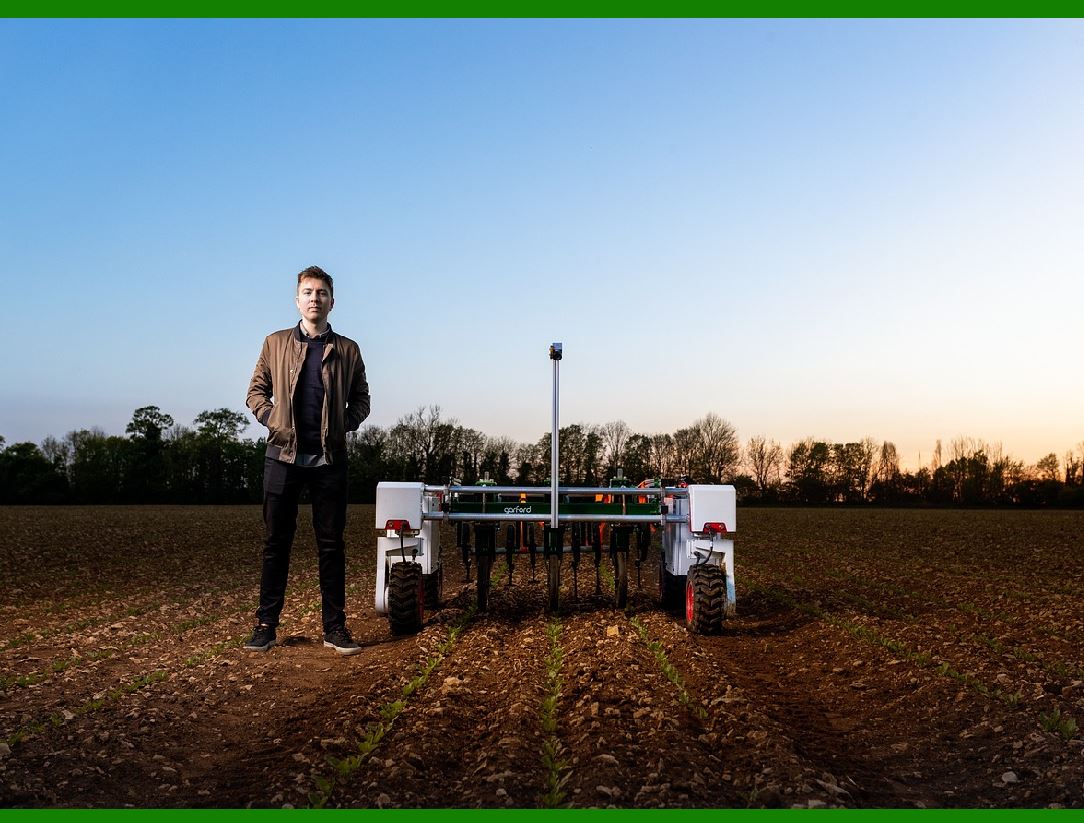
The widespread adoption of 5G and future wireless communication technologies will revolutionize the way industrial robots communicate. Unlike traditional wired communication, 5G will enable low-latency, high-bandwidth connections that allow robots to share data in real time across factories or even between different production sites. |
Low Latency and High-Speed Communication: With 5G, robots can instantly transmit and receive large volumes of data, enhancing real-time decision-making. This will be particularly important for robots performing complex tasks that require continuous feedback from sensors or other machines. |
Edge Computing Integration: The combination of 5G with edge computing (processing data closer to the source rather than relying on a central server) will help reduce the latency further. Robots will be able to make faster, more accurate decisions without relying on distant cloud servers. |
Enhanced Remote Control and Monitoring: 5G will also allow operators to remotely control and monitor robots with real-time feedback. This opens up possibilities for managing operations across different locations, optimizing workflows, and even troubleshooting robots in real time. |
|
2. Industrial Internet of Things (IIoT) and Smart Sensors |
The Industrial Internet of Things (IIoT) is expected to grow rapidly, integrating robots more closely with other machines, sensors, and control systems in the factory. IIoT devices will provide more detailed and accurate inputs to robots, helping them make better decisions and perform more complex tasks. |
Smart Sensors: The next generation of sensors will offer much more than just simple inputs (e.g., temperature, pressure, or proximity). Smart sensors will be capable of processing and analyzing data before sending it to the robot controller. These sensors will be equipped with embedded intelligence, making decisions locally to optimize robot performance. For instance, a smart sensor on a robotic gripper might automatically adjust its pressure or force based on real-time feedback from the object being handled. |
Wearable Sensors: With advancements in wearables and bio-monitoring systems, robots could interface with wearable devices worn by operators. For example, sensors integrated into worker gloves or suits could send real-time data to the robot, enabling better collaboration between humans and robots in a shared workspace. |
Self-Calibrating Sensors: Future sensors will be able to calibrate themselves automatically, ensuring they always provide the most accurate data without requiring human intervention. This would enhance the reliability and efficiency of robotic systems, especially in environments where conditions change rapidly. |

|
3. Artificial Intelligence (AI) and Machine Learning (ML) in I/O Systems |
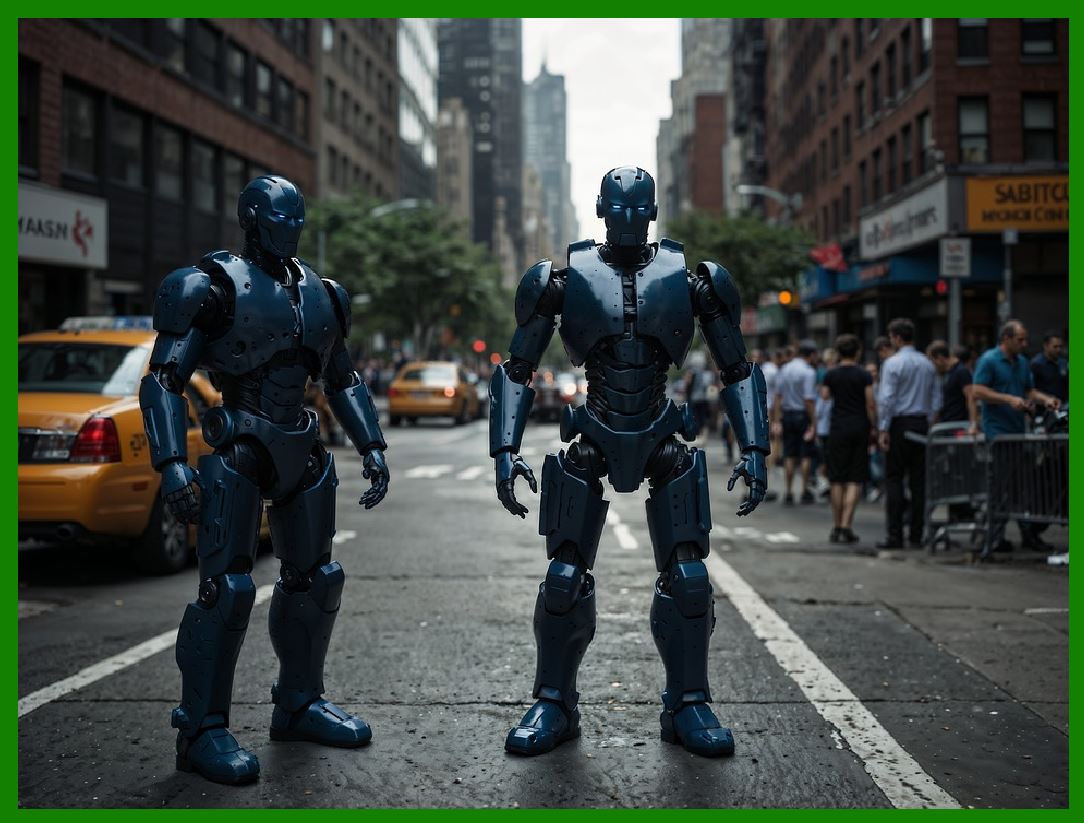
The integration of artificial intelligence (AI) and machine learning (ML) into I/O systems will dramatically improve robots' ability to process inputs and produce outputs more intelligently and adaptively. |
Predictive Analytics: AI algorithms will allow robots to process sensor data not only to perform immediate tasks but also to predict future scenarios. For example, robots could use predictive analytics to anticipate the next step in an assembly line or detect potential equipment failures before they happen. The I/O system would process incoming data from various sensors, feeding into AI models that predict wear and tear or failure points in the system. |
Adaptive Control Systems: With machine learning, robots will be able to adapt to dynamic environments. For instance, in a manufacturing setting, a robot could adjust its movement patterns based on feedback from its environment, learning to optimize its performance without human intervention. |
Vision and AI Integration: With the continued improvement of computer vision and AI-powered image recognition, robots will be able to process visual inputs from cameras in real time and adjust their actions based on the images they receive. For instance, a robot could use visual data to guide a precision tool through a complex task, adapting its strategy as new images are processed. |
Natural Language Processing (NLP): AI will also enable robots to understand and process human language. This could be particularly useful for improving human-robot interaction. Operators could give verbal commands to the robot in natural language, and the robot's I/O interface would need to process these commands and execute them accurately. |
|
4. Cloud Computing and Distributed Data Processing |
Cloud computing is expected to play an even larger role in the future of industrial robotics, particularly in handling large volumes of data generated by I/O systems. Robots will offload some of their processing tasks to the cloud, enabling more complex decision-making and coordination with other robots. |
Cloud-Based I/O Integration: Future I/O systems will involve cloud-based data processing, allowing robots to access vast amounts of data from other robots, sensors, or even other factories. This will enable robots to make decisions not only based on local inputs but also by comparing data from other parts of the production line or across an entire supply chain. |
Big Data Analytics: As industrial robots become more connected, they will generate massive amounts of data. This data can be analyzed in the cloud to derive insights into robot performance, production line efficiency, and equipment health. Machine learning algorithms running in the cloud can help robots optimize their I/O systems over time. |
Decentralized Control: By using cloud technology, robots may no longer need to rely on a centralized controller. Instead, they can exchange data with each other and work autonomously while still being part of a distributed system. This could improve the scalability and efficiency of robotic systems. |
|
5. Flexible and Modular I/O Systems |
Future I/O interfaces will be more flexible and modular, allowing for greater customization and adaptability in different industrial environments. As robots become more versatile, they will require more diverse and specialized I/O systems to interact with different tools, devices, and machines. |
Plug-and-Play I/O Modules: Similar to the evolution of modular hardware in computing, future robots will likely incorporate plug-and-play I/O modules that can be swapped out or upgraded easily. This will enable robots to quickly adapt to different tasks by adding or removing specific I/O components, such as specialized sensors, actuators, or communication modules. |
Unified Communication Standards: One of the ongoing challenges in industrial automation is the variety of communication protocols used by different devices. In the future, unified communication standards will allow robots to seamlessly communicate with a wide array of external devices, whether they are sensors, PLCs, or other robots. This could include universal standards for wireless communication, allowing robots to interface with a wide range of IoT devices without needing specialized interfaces. |
|
6. Advanced Safety Systems with Real-Time I/O Feedback |
As robots continue to work alongside humans, the development of advanced safety systems that rely on real-time I/O feedback will become increasingly important. These systems will use a combination of sensors, vision systems, and AI to ensure that robots can work safely and efficiently in shared environments. |
Real-Time Collision Detection: Future I/O systems will integrate real-time collision detection algorithms that rely on continuous sensor feedback. For example, robots will be equipped with advanced vision systems and force sensors that can detect human presence or proximity in their workspace and adjust their actions accordingly to prevent accidents. |
Collaborative Robots (Cobots): As collaborative robots (cobots) become more prevalent in industrial environments, their I/O systems will need to be highly adaptive to ensure safe interaction with human workers. Cobots will rely on advanced I/O interfaces to constantly assess the workspace, detect the presence of humans, and modify their actions in real time to avoid accidents. |
Safety-Critical I/O Systems: As robots perform more safety-critical tasks, such as handling hazardous materials or operating near dangerous machinery, the reliability and integrity of their I/O systems will be paramount. Advanced safety features, such as redundant communication pathways, fail-safe mechanisms, and safety-rated sensors, will be integrated into I/O systems to ensure they operate within defined safety limits. |
|
7. Blockchain for Data Security and Integrity |
In the future, blockchain technology may be used to secure data transmitted between robots and external systems via the I/O interface. Blockchain can ensure the integrity and security of data being exchanged, preventing tampering or unauthorized access. This would be particularly useful in environments where robots are handling sensitive data, such as in medical or defense industries. |
Secure Data Transmission: Blockchain could be used to encrypt and verify data sent between robots and external devices, ensuring that no unauthorized modifications are made to the data. |
Decentralized Control: In scenarios where robots are part of a larger network, blockchain could enable decentralized control by allowing robots to communicate directly with each other without relying on a central authority. |
|
8. Quantum Computing and Advanced Optimization |
While still in its early stages, quantum computing could eventually have a significant impact on industrial robotics, particularly in the optimization of I/O systems. |
Complex Decision-Making: Quantum computing could provide robots with the ability to solve highly complex optimization problems in real time. For example, a robot might be able to determine the most efficient path through a manufacturing process or optimize the configuration of its I/O interface based on available resources. |
Data Processing at Unprecedented Speeds: Quantum computing could allow robots to process vast amounts of data at speeds far beyond the capabilities of traditional computers. This could enable faster decision-making in environments where split-second reactions are critical. |
|
Conclusion |
The future of industrial robots and their I/O interfaces is highly promising, with many exciting technologies on the horizon. As robots become more intelligent, adaptable, and connected, I/O systems will play an increasingly important role in enabling seamless communication between robots and their environments. The integration of advanced wireless technologies, AI, IIoT, cloud computing, and smart sensors will make robots more autonomous, efficient, and capable of performing increasingly complex tasks. Furthermore, advancements in safety, security, and optimization will ensure that robots can work safely alongside human operators and perform tasks with higher precision and reliability. The ongoing development of these technologies will undoubtedly shape the next generation of industrial robots, transforming manufacturing processes across industries. |
 cs@easiersoft.com