Chapter 28: Force Control and Compliance |
28.0 Chapter Summary |
Force control is what allows an industrial robot to stop being a blind positioner and start behaving like a skilled hand. In the previous chapters of Part III, we examined performance metrics such as accuracy, repeatability, payload, and speed. Those metrics describe how well a robot can move to a commanded location. They do not describe what happens when the robot touches something. A robot that only follows position commands will keep pushing toward a target even after it has made contact. If the part is rigid and the robot is strong, something must give: the part may crack, the tool may break, the robot may stall, or the fixture may shift. Force control solves this problem by making contact force, torque, or mechanical compliance part of the robot's commanded behavior. Instead of asking only 'where should the tool be,' the robot also asks 'how hard should the tool push.' This chapter explains force control and compliance in plain language, describes the main approaches used in industry, and then surveys real applications across many sectors, including electronics assembly, automotive powertrain, aerospace, metal finishing, medical devices, food handling, and collaborative robotics. The goal is not to turn the reader into a control theorist but to show why force control matters, when it is needed, and how it changes the economics and feasibility of automated tasks. |
|
28.1 Why Position Control Alone Is Not Enough |
Imagine writing your name on a piece of paper. Now imagine doing it while wearing a rigid exoskeleton that can only move your hand to preprogrammed coordinates. If the paper is exactly where you expect, you might succeed. If the paper is a millimeter higher, your pen either misses the paper or presses so hard that it tears. If the paper is a millimeter lower, your pen scratches the surface or breaks its tip. Humans handle this effortlessly because our hands are not pure position devices. We feel contact, we adjust pressure, and we let our wrists comply. Industrial robots traditionally lacked this ability. They were designed for tasks such as spot welding, palletizing, and painting, where the tool never needs to maintain a delicate contact force. In those tasks, position control is sufficient and often superior because it is fast, stiff, and repeatable. |
The limitation appears as soon as the task involves contact with an uncertain surface. Consider inserting a peg into a hole. If the peg and hole are perfectly aligned and the clearance is large, position control works. But if the clearance is small, if the peg is slightly tilted, or if the hole location varies from part to part, the peg will jam. The robot will continue pushing because its position controller sees an error between the commanded depth and the actual depth. The force can rise rapidly. In a worst case, the robot can damage the part, the tool, or itself. The same problem appears in grinding, deburring, polishing, and assembly. These tasks require the robot to regulate interaction force, not just position. |
Force control extends feasible tasks to assembly, deburring, and polishing where position control alone would jam or damage parts. That sentence is the core of this chapter. It is also the reason force control has moved from research laboratories into mainstream industrial automation. As robots leave the welding cell and enter tasks that were once done by hand, force control becomes the enabling technology. |
|
28.2 What Force Control Means in Practice |
Force control is a broad term. In everyday language, it means the robot can sense and regulate the forces and torques that arise when its tool touches the environment. In practice, this can take several forms. |
The first form is direct force control. The robot is commanded to maintain a specific force against a surface. For example, a robot polishing a metal surface may be commanded to press with a constant force of a few newtons while moving along a path. If the surface is slightly higher, the robot backs off. If the surface is slightly lower, the robot moves in. The result is a uniform polish rather than a gouge or a missed spot. |
The second form is compliance control. Compliance is the opposite of stiffness. A stiff robot resists displacement. A compliant robot yields when it meets resistance. Compliance can be passive, using a mechanical device such as a remote center compliance wrist, or active, using sensors and motors to simulate spring-like behavior. Passive compliance is simple and fast, but it is fixed. Active compliance is programmable and can be changed from one task to another. |
The third form is impedance control. Impedance control does not try to maintain a specific force or a specific position. Instead, it defines a relationship between force and motion. The robot behaves like a mass, spring, and damper. If a force is applied, the robot moves in a way that is governed by its virtual stiffness and damping. This is useful when the robot must interact with an uncertain environment while still following a general path. |
The fourth form is force sensing without full force control. Many robots use force sensors only to detect contact, to stop motion, or to search for a surface. This is sometimes called force monitoring or force guarding. It is simpler than full force control but still prevents damage. For example, a robot can approach a part slowly until it detects a small force, then stop and switch to position control for the actual operation. |
These four forms are not mutually exclusive. A single robot cell may use force monitoring during approach, compliance during insertion, and direct force control during polishing. The right choice depends on the task, the required speed, the cost, and the skill of the integrator. |

|
28.3 The Main Hardware Approaches |
Force control requires some way to sense force. The most common sensor is a multi-axis force torque sensor mounted between the robot wrist and the tool. This sensor measures forces along three axes and torques about three axes. It is the equivalent of a very sensitive, very stiff six-dimensional scale. When the tool touches a part, the sensor reports the contact force. The robot controller uses this information to adjust motion. |
Another approach is joint torque sensing. Instead of measuring force at the wrist, the robot measures the torque at each joint. This can be done with strain gauges in the joints or by measuring motor current. Joint torque sensing is common in collaborative robots, where the entire arm is designed to be backdrivable and safe around people. It is less precise than a wrist force torque sensor for fine assembly, but it is often sufficient for contact detection and compliance. |
A third approach is passive compliance. A remote center compliance device is a mechanical wrist that allows a peg to tilt and translate slightly when it meets resistance. It does not measure force or run a control loop. It simply yields. Remote center compliance devices were widely used in assembly long before active force control became affordable. They are still used today because they are inexpensive, fast, and reliable for tasks such as inserting a shaft into a bearing. |
A fourth approach is vision and force fusion. A camera can locate a part, and a force sensor can guide the final contact. This combination is powerful because vision handles the large-scale positioning while force control handles the small-scale uncertainty. For example, a robot can use vision to move above a connector, then use force control to push the connector into its socket until it seats. |
The choice of hardware depends on the task. A polishing robot may need a wrist force torque sensor with high resolution. A collaborative robot doing a simple pick-and-place may need only joint torque sensing. A high-speed assembly machine may use passive compliance because it is faster than any active control loop. In many real systems, several approaches are combined. |
|
28.4 The Control Challenge in Plain Language |
Force control is difficult because force and position are coupled. If the robot moves into a stiff surface, force rises quickly. If the robot moves away, force drops. The controller must adjust motion based on force, but the force itself depends on motion. This creates a feedback loop that can become unstable if it is not tuned properly. If the controller is too aggressive, the robot may oscillate or vibrate. If it is too slow, the robot may not maintain enough force or may lose contact. |
Another challenge is that the environment is often unknown. The robot may not know exactly where the surface is, how stiff it is, or how much friction it has. A human can feel these properties and adapt. A robot must estimate them from sensor data. This is why force control often requires a search phase. The robot moves slowly toward the expected surface until it detects contact. Then it switches to force control. The search phase adds time, but it prevents damage. |
A third challenge is that force control can conflict with speed. In many production lines, cycle time is critical. Force control is often slower than position control because it requires careful approach and continuous adjustment. Engineers must decide whether the quality improvement is worth the extra time. In some cases, the answer is yes. In others, a passive compliance device or a clever fixture can solve the problem without slowing down the robot. |
A fourth challenge is calibration. Force torque sensors must be zeroed and compensated for tool weight. If the tool is heavy, its weight can create a large offset that must be subtracted from the sensor reading. If the robot changes orientation, the direction of gravity relative to the sensor changes. Good calibration is essential. Without it, the robot may push too hard or too little. |
Despite these challenges, force control has become practical because sensors are cheaper, controllers are faster, and software libraries are more mature. Engineers no longer need to write a force control algorithm from scratch. They can use a commercial robot with built-in force control features and tune a few parameters. This has opened the door to many new applications. |

|
28.5 Assembly Applications |
Assembly is the classic application for force control. The reason is simple: assembly almost always involves contact between two parts, and the exact position of those parts is never perfectly known. Even if the parts are machined to tight tolerances, there is always some variation. Force control allows the robot to find the hole, align the peg, and insert it without jamming. |
Consider a robot inserting a connector into a printed circuit board. The connector has many small pins, and the board has many small holes. The clearance is tiny. If the robot simply moves to the programmed position, the pins may miss the holes and bend. With force control, the robot can approach the board, detect contact, and then use a search pattern to align the pins. Once aligned, it pushes the connector in with a controlled force until it seats. The force profile can be monitored to ensure that the connector is fully seated and not damaged. |
Another example is inserting a valve into an engine block. The valve must slide into a bore with a precise fit. If the robot pushes too hard, it can scratch the bore or damage the valve. If it pushes too little, the valve may not seat. Force control allows the robot to maintain a gentle force while monitoring the insertion depth. If the force rises abnormally, the robot stops and alerts the operator. This prevents scrap and reduces downtime. |
Shaft insertion is another common task. A shaft must be inserted into a bearing or a hub. The fit may be a press fit, which requires significant force, or a clearance fit, which requires almost none. Force control can handle both. For a press fit, the robot monitors force versus depth to ensure that the shaft is going in straight. If the force rises too quickly, the shaft may be misaligned. The robot can back off, adjust, and try again. For a clearance fit, the robot uses force control to avoid damaging the bearing. |
Gear meshing is a more complex assembly task. Two gears must be brought together so that their teeth mesh. If the teeth collide, the gears can be damaged. Force control allows the robot to rotate one gear slowly while pushing it toward the other. When the teeth align, the gear slides into mesh. The robot can detect the drop in force and know that the mesh is complete. |
In electronics assembly, force control is used for tasks such as pressing a display into a phone housing, inserting a camera module, or seating a battery. These tasks require delicate force because the components are fragile. A force-controlled robot can apply just enough force to seat the part without cracking the glass or damaging the connector. |
In automotive assembly, force control is used for inserting pistons into cylinders, seating transmission components, and installing weather stripping. These tasks often involve flexible or compliant parts, which makes position control even less reliable. Force control allows the robot to adapt to the part's behavior. |
In aerospace assembly, force control is used for inserting fasteners, mating fuselage sections, and installing wiring harnesses. Aerospace parts are often large and expensive, so the cost of a mistake is high. Force control reduces the risk of damage and improves first-time yield. |
In medical device assembly, force control is used for inserting catheters, assembling syringes, and packaging implants. These tasks require extreme precision and cleanliness. Force control allows the robot to handle delicate parts without human contact. |

|
28.6 Deburring and Chamfering Applications |
Deburring is the process of removing sharp edges or burrs from a machined part. It is a common task in metalworking, and it is notoriously difficult to automate with position control. The reason is that the burr location and size vary from part to part. If the robot follows a fixed path, it may miss the burr or cut too deeply into the part. Force control solves this by maintaining a constant force between the tool and the edge. The robot follows the edge, and the force controller adjusts the tool position to keep the force constant. This produces a uniform chamfer and removes the burr without gouging the part. |
Consider a robot deburring the edges of a machined aluminum housing. The housing has many edges, some straight and some curved. A position-controlled robot would need a very accurate model of the part and the burr. A force-controlled robot can use a simple path that follows the general shape of the edge. The force controller keeps the tool pressed against the edge with a constant force. If the edge is slightly higher or lower, the robot adjusts. If the burr is larger, the robot automatically removes more material. The result is a consistent finish. |
Chamfering is similar to deburring, but the goal is to create a specific bevel rather than just remove a burr. Force control is used to maintain the correct angle and pressure. In some cases, the robot uses a tool with a fixed angle and relies on force control to keep the tool seated against the edge. In other cases, the robot uses a rotary tool and controls the force to achieve the desired chamfer size. |
Deburring and chamfering are common in automotive, aerospace, and general machining. They are often manual tasks because they are difficult to automate. Force control makes automation feasible. It also improves consistency and reduces the risk of repetitive strain injuries for human workers. |
|
28.7 Grinding and Polishing Applications |
Grinding and polishing are abrasive processes. The tool removes material from the surface, and the rate of removal depends on the force, the speed, and the abrasive. If the force is too high, the tool can overheat, the surface can burn, or the part can be damaged. If the force is too low, the process is slow and inefficient. Force control allows the robot to maintain the optimal force for the process. |
Consider a robot polishing a stainless steel sink. The sink has a complex curved surface. A position-controlled robot would need a very accurate model of the surface and would still struggle with variations in the abrasive and the material. A force-controlled robot can press the polishing tool against the surface with a constant force while moving along the surface. The robot adapts to the curvature and the variations. The result is a uniform, mirror-like finish. |
Grinding is similar, but the forces are higher and the material removal rate is greater. Force control is used to maintain a constant grinding force, which keeps the grinding wheel from loading up or burning the part. In some cases, the robot uses a force sensor to detect when the grinding wheel is worn and needs to be replaced. The force signature changes as the wheel wears, so the robot can monitor the process and schedule maintenance. |
Polishing is common in many industries. In automotive, robots polish bumpers, wheels, and trim. In aerospace, robots polish turbine blades and engine components. In medical devices, robots polish surgical instruments and implants. In consumer products, robots polish faucets, door handles, and jewelry. In all these cases, force control is the key to consistent quality. |

|
28.8 Compliant Part Handling Applications |
Some parts are naturally compliant. They bend, flex, or compress. Examples include rubber seals, plastic clips, fabric, and wire. Handling these parts with position control is difficult because the part deforms when it is grasped or placed. Force control allows the robot to handle compliant parts by regulating the force rather than the position. |
Consider a robot installing a rubber gasket into a groove. The gasket must be pressed into the groove without being torn or stretched. A position-controlled robot might push too hard and damage the gasket. A force-controlled robot can press the gasket with a gentle force and monitor the insertion depth. If the gasket is not seating properly, the force will rise, and the robot can adjust. |
Another example is inserting a plastic clip into a panel. The clip must snap into place. If the robot pushes too hard, the clip can break. If it pushes too little, the clip may not snap. Force control allows the robot to push until it feels the snap, which is a sudden drop in force. The robot can then stop and verify that the clip is seated. |
Handling wire and cable is another compliant task. A robot must route a wire through a harness or insert a wire into a connector. The wire can bend and twist, so position control is unreliable. Force control allows the robot to feel the wire and guide it into place. In some cases, the robot uses a combination of vision and force control to find the connector and insert the wire. |
Compliant part handling is common in automotive, electronics, and appliance manufacturing. It is also common in food handling, where products such as dough, fruit, and vegetables are easily damaged. Force control allows the robot to grip and place these products without bruising them. |

|
28.9 Force Control in Collaborative Robots |
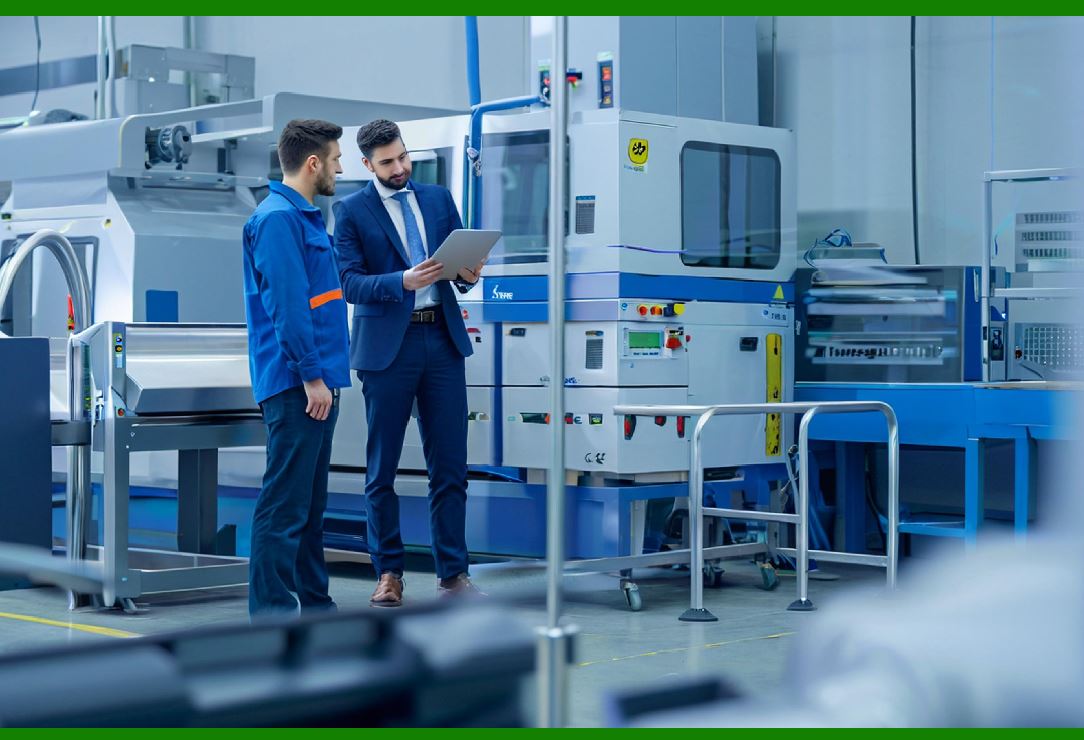
Collaborative robots, or cobots, are designed to work alongside humans. Safety is the primary concern. A cobot must be able to detect contact with a person and stop or retreat before causing injury. This requires force sensing. Most cobots use joint torque sensing to detect external forces. When the force exceeds a threshold, the cobot stops. This is a form of force monitoring. |
Beyond safety, cobots use force control for tasks such as assembly, polishing, and machine tending. Because cobots are often used in small batch production, they need to be flexible. Force control allows them to adapt to different parts and tasks without extensive reprogramming. For example, a cobot can be taught to insert a peg by guiding it by hand. The cobot records the path and the forces. When it repeats the task, it uses force control to adapt to variations in the part. |
Cobots are also used in laboratories and research settings. Force control allows them to handle delicate samples, perform pipetting, and operate instruments. In these applications, the cobot must be gentle and precise. Force control provides the necessary sensitivity. |
|
28.10 Force Control in Remote and Hazardous Environments |
Force control is valuable in environments where humans cannot go. In nuclear decommissioning, robots use force control to manipulate tools, cut pipes, and handle debris. The robot must be able to feel the forces and adapt to the environment because the environment is unknown and the consequences of a mistake are severe. In underwater exploration, robots use force control to manipulate samples and tools. The water provides buoyancy and drag, which change the dynamics. Force control allows the robot to compensate. In space, robots use force control to assemble structures and repair satellites. The lack of gravity means that the robot must be careful not to push itself away from the work surface. Force control allows it to maintain contact. |
In each of these environments, the robot is teleoperated or semi-autonomous. The human operator uses force feedback to feel what the robot feels. This is called haptic feedback. It allows the operator to perform delicate tasks remotely. Force control is the foundation of haptic feedback. |
|
28.11 Force Control in Food Processing |
Food processing is an industry where force control is becoming increasingly important. Food products are often soft, irregular, and variable. A robot that picks up a tomato must not crush it. A robot that slices cheese must maintain a consistent force. A robot that packs cookies must not break them. Force control allows the robot to handle these products gently and consistently. |
Consider a robot packing apples into a box. The apples are different sizes and shapes. A position-controlled robot might drop an apple or bruise it. A force-controlled robot can grip the apple with a gentle force and place it in the box with a controlled force. The robot can detect when the apple is seated and release it. This reduces bruising and waste. |
Another example is a robot cutting bread or cheese. The robot must maintain a constant force on the knife to produce a clean cut. If the force is too high, the product can be crushed. If the force is too low, the knife can slip. Force control allows the robot to maintain the optimal force and speed. |
Food processing also requires frequent cleaning and sanitation. Force-controlled robots can be designed with washdown capabilities and food-safe materials. This makes them suitable for direct contact with food. |

|
28.12 Force Control in Medical Robotics |
Medical robotics is a rapidly growing field. Surgical robots use force control to perform delicate procedures. For example, a robot that assists with knee surgery must be able to feel the resistance of the bone and adjust its force accordingly. If the robot pushes too hard, it can damage the bone or the surrounding tissue. If it pushes too little, it may not cut properly. Force control allows the robot to maintain the correct force and provide haptic feedback to the surgeon. |
Rehabilitation robots use force control to help patients move their limbs. The robot must be able to sense the patient's effort and adjust its assistance. If the patient is trying to move, the robot should help. If the patient is resisting, the robot should yield. Force control allows the robot to provide the right amount of assistance. |
Laboratory robots use force control to handle delicate samples and perform repetitive tasks. For example, a robot that pipettes liquids must be able to detect when the tip touches the bottom of a well. If it pushes too hard, it can damage the tip or the plate. Force control allows the robot to detect contact and stop. |
|
28.13 Force Control in Aerospace and Defense |
Aerospace and defense applications often involve large, expensive, and safety-critical parts. Force control is used to assemble and repair these parts without damaging them. For example, a robot that drills holes in an aircraft wing must maintain a constant force to avoid delamination. A robot that installs rivets must control the force to ensure a proper fit. A robot that inspects turbine blades must be able to feel the surface and detect cracks. |
In defense, robots are used for bomb disposal, reconnaissance, and logistics. Force control allows the robot to manipulate objects carefully and safely. For example, a robot that disarms a bomb must be able to feel the components and apply precise forces. A robot that carries supplies over rough terrain must be able to adapt to the ground and maintain its balance. |
|
28.14 Force Control in Construction and Heavy Industry |
Construction and heavy industry are not traditional areas for force control, but the technology is beginning to be used. For example, a robot that installs drywall must be able to press the drywall against the studs without breaking it. A robot that welds large structures must be able to maintain a constant force on the welding torch. A robot that demolishes concrete must be able to control the force of the hammer to avoid excessive vibration. |
In heavy industry, force control is used in forging, casting, and machining. For example, a robot that loads a forging press must be able to place the part precisely and then release it before the press closes. Force control allows the robot to detect when the part is seated and to release it at the right time. |

|
28.15 Force Control in Agriculture |
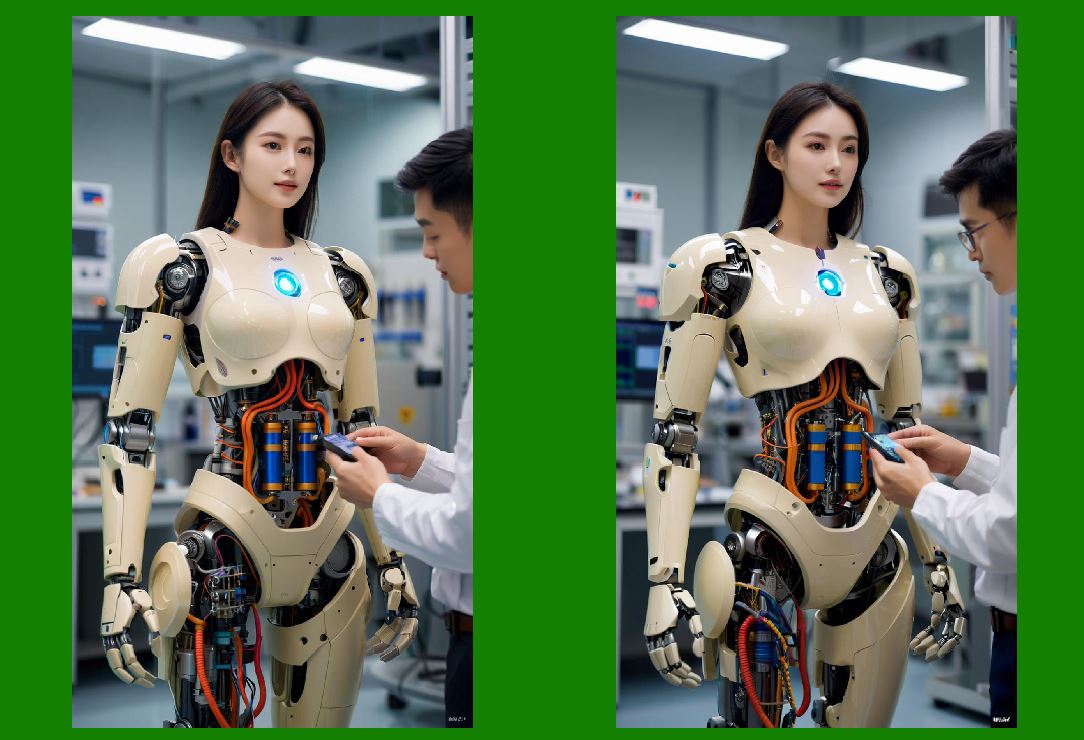
Agriculture is another emerging application area. Robots are used to pick fruits and vegetables, weed fields, and milk cows. Force control is essential for picking delicate produce. For example, a robot that picks strawberries must be able to grip the fruit without crushing it. A robot that picks apples must be able to twist the apple off the branch without damaging the tree. A robot that milks a cow must be able to attach the milking cups gently. |
In agriculture, the environment is unstructured and variable. Force control allows the robot to adapt to different sizes, shapes, and stiffnesses. This makes it possible to automate tasks that were previously done by hand. |
|
28.16 Force Control in Logistics and Warehousing |
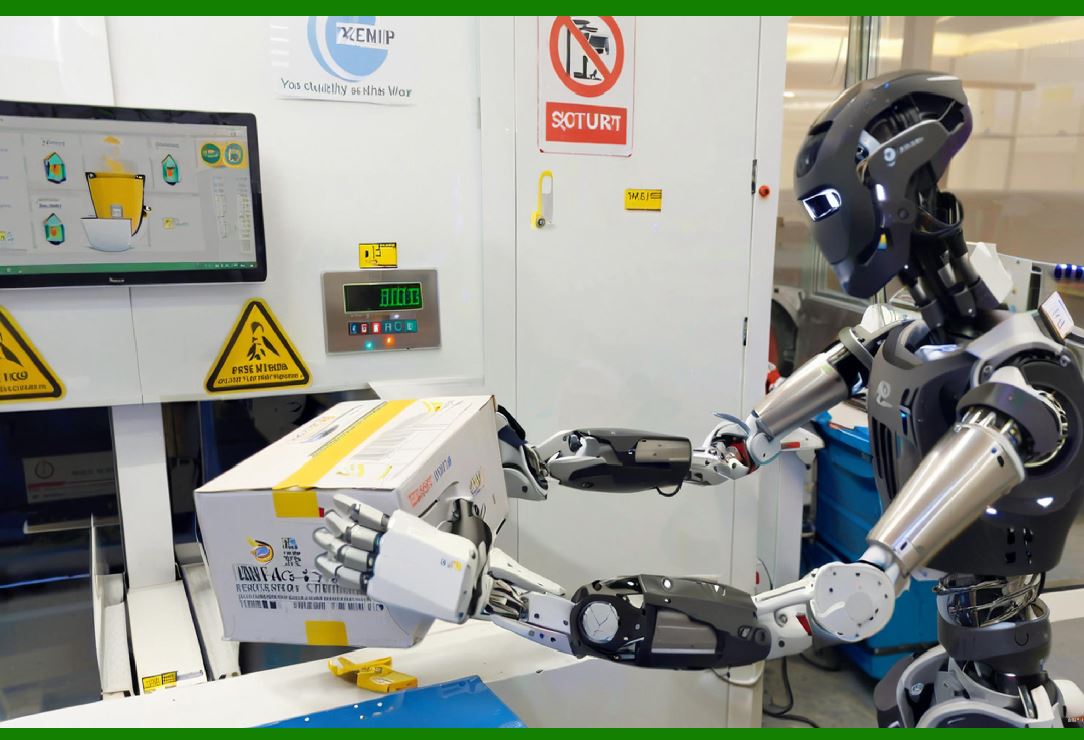
Logistics and warehousing are high-volume, high-speed operations. Force control is used in tasks such as bin picking, packing, and palletizing. For example, a robot that picks items from a bin must be able to handle different shapes and weights. Force control allows the robot to grip the item with the right force and place it without dropping it. A robot that packs items into a box must be able to press them in without crushing them. A robot that palletizes boxes must be able to place them precisely and securely. |
In logistics, force control is also used for quality control. For example, a robot can test the force required to open a package or the force required to press a button. This ensures that the product meets specifications. |

|
28.17 Force Control in Research and Education |
Force control is a common topic in robotics research and education. Universities use force-controlled robots to teach students about control theory, dynamics, and human-robot interaction. Research laboratories use force control to study manipulation, locomotion, and haptics. The availability of affordable force sensors and collaborative robots has made it easier for students and researchers to experiment with force control. |
In education, force control is used to teach students how to program robots to perform tasks such as assembly and polishing. Students learn how to tune force control parameters and how to handle uncertainty. This prepares them for careers in robotics and automation. |
|
28.18 Choosing the Right Force Control Approach |
Choosing the right force control approach depends on several factors. The first is the task. Assembly tasks often require precise force control and fast response. Polishing tasks require constant force and smooth motion. Compliant part handling requires gentle force and adaptability. The second factor is the environment. If the environment is structured and predictable, position control may be sufficient. If the environment is unstructured and variable, force control is necessary. The third factor is the part. If the part is rigid and expensive, force control is essential to prevent damage. If the part is compliant and inexpensive, force control may be less critical. The fourth factor is the cycle time. Force control can be slower than position control, so it may not be suitable for high-speed applications. The fifth factor is the budget. Force torque sensors and force control software add cost. The engineer must decide whether the benefits justify the expense. |
In practice, many applications use a combination of approaches. A robot may use position control for rapid movement, force monitoring for approach, and force control for contact. This hybrid approach provides the best of both worlds. |
|
28.19 Programming and Tuning Force Control |
Programming a force-controlled robot is different from programming a position-controlled robot. The programmer must define not only the path but also the force profile. The force profile specifies how much force to apply at each point in the task. For example, during insertion, the force might start at zero, increase to a small value to detect contact, and then increase to a larger value to seat the part. The programmer must also define the compliance, which determines how the robot responds to force errors. |
Tuning force control is often done by trial and error. The programmer adjusts the stiffness, damping, and force limits until the robot performs the task reliably. This can be time-consuming, but modern software provides tools to help. Some systems use automatic tuning, where the robot learns the optimal parameters from a few trials. Others use adaptive control, where the robot adjusts its parameters in real time based on the task. |
Safety is a critical consideration. Force control can generate large forces if it is not tuned properly. The robot must have limits to prevent damage. It must also have a way to detect faults and stop safely. In collaborative applications, the robot must be able to detect contact with a human and stop immediately. |

|
28.20 Common Pitfalls and How to Avoid Them |
There are several common pitfalls in force control. The first is poor calibration. If the force sensor is not properly zeroed, the robot may apply the wrong force. The second is sensor drift. Force sensors can drift over time, especially with temperature changes. Regular calibration is necessary. The third is unstable control. If the control loop is too aggressive, the robot may oscillate. The fourth is excessive compliance. If the robot is too compliant, it may not be able to apply enough force or may be too slow. The fifth is ignoring friction. Friction can cause the robot to stick and slip, which can make force control difficult. The sixth is inadequate filtering. Force sensors are noisy, so filtering is necessary. But too much filtering can make the robot slow to respond. The seventh is lack of operator training. Force control requires a different mindset than position control. Operators and programmers need to understand the principles and the limitations. |
To avoid these pitfalls, engineers should follow best practices. They should use high-quality sensors and calibrate them regularly. They should design the task to minimize uncertainty. They should test the system thoroughly before production. They should provide training for operators and maintenance staff. They should monitor the system in production and make adjustments as needed. |

|
28.21 The Future of Force Control |
The future of force control is bright. As sensors become cheaper and more accurate, and as controllers become faster and more powerful, force control will become more common. It will enable robots to perform tasks that are currently done by hand, such as delicate assembly, polishing, and food handling. It will also enable new applications, such as robots that work alongside humans in unstructured environments. |
One trend is the integration of force control with machine learning. Machine learning can help the robot learn the force profiles for different tasks and adapt to variations. For example, a robot can learn to insert a connector by watching a human do it. It can then use force control to repeat the task with different connectors. |
Another trend is the development of soft robotics. Soft robots are made of flexible materials and are inherently compliant. They are well suited for handling delicate objects and for interacting with humans. Force control is essential for soft robots because their motion is not precisely controlled by position. |
A third trend is the use of force control in mobile robots. Mobile robots, such as autonomous ground vehicles and drones, are beginning to use force control to manipulate objects. For example, a drone can use force control to perch on a branch or to pick up a package. A ground robot can use force control to open a door or to climb stairs. |
A fourth trend is the standardization of force control interfaces. Currently, force control is often proprietary. In the future, standards may allow force-controlled robots from different manufacturers to work together. This would make it easier to integrate force control into existing production lines. |

|
28.22 Detailed Summary |
This chapter has explained force control and compliance as essential performance metrics for industrial robots. It began by showing why position control alone is insufficient for tasks that involve contact. It then defined force control, compliance, impedance control, and force monitoring in plain language. It described the main hardware approaches, including wrist force torque sensors, joint torque sensing, passive compliance, and vision-force fusion. It discussed the control challenges, such as coupling, unknown environments, speed, and calibration. It then surveyed applications across many industries. In assembly, force control is used for inserting connectors, valves, shafts, gears, and delicate electronic components. In deburring and chamfering, it maintains a constant force to remove burrs without gouging. In grinding and polishing, it maintains the optimal force for consistent material removal. In compliant part handling, it handles rubber, plastic, fabric, and wire without damage. In collaborative robots, it provides safety and flexibility. In remote and hazardous environments, it enables teleoperation and haptic feedback. In food processing, it handles soft and irregular products. In medical robotics, it enables delicate surgery and rehabilitation. In aerospace and defense, it assembles and repairs expensive parts. In construction and heavy industry, it controls forces in welding, demolition, and forging. In agriculture, it picks delicate produce. In logistics, it handles diverse items. In research and education, it teaches control and manipulation. The chapter then discussed how to choose the right approach, how to program and tune force control, common pitfalls, and future trends. The key message is that force control extends the feasible range of robotic tasks. It allows robots to do work that requires touch, feel, and adaptability. As technology improves, force control will become more common and more capable. It will be a central part of the next generation of industrial robots. |
 cs@easiersoft.com