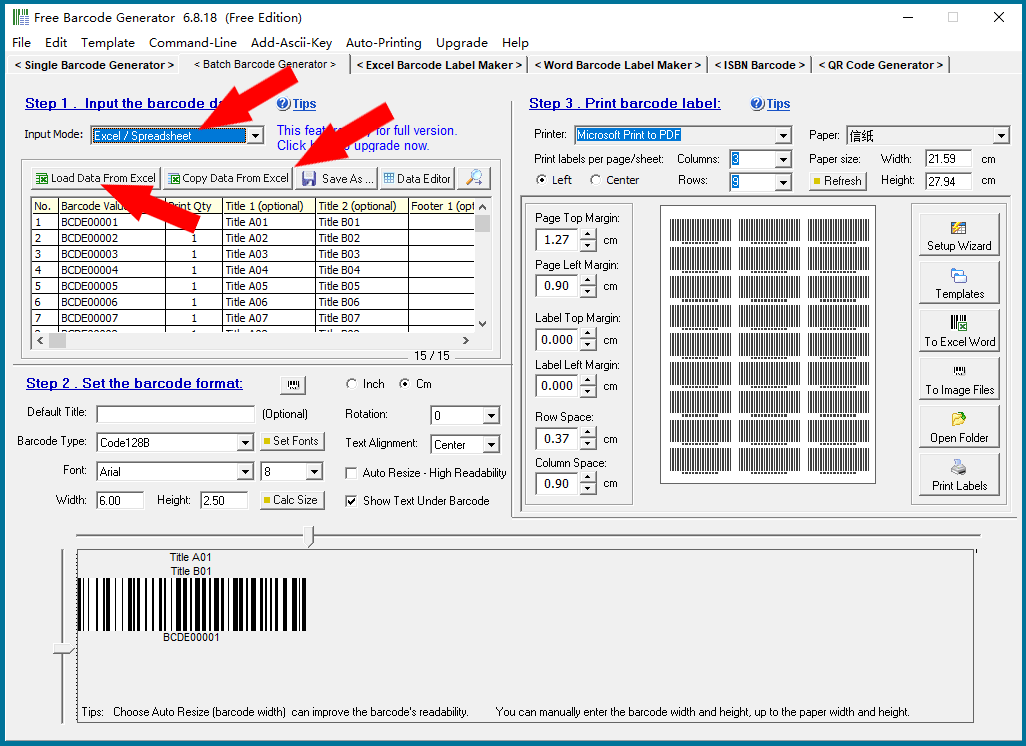
Import data from on e or more Excel file, then generate bulk barcodes and print labels. |
This program can only support it's predefined format Excel sheet. If you have Excel file with different format, we suggest to copy and paste data to this program's predefined format data file. Or you can also choose to: Copy data column by column from the Excel file. ----- Please click on the links "Back to Directory" to view other articles. |
|
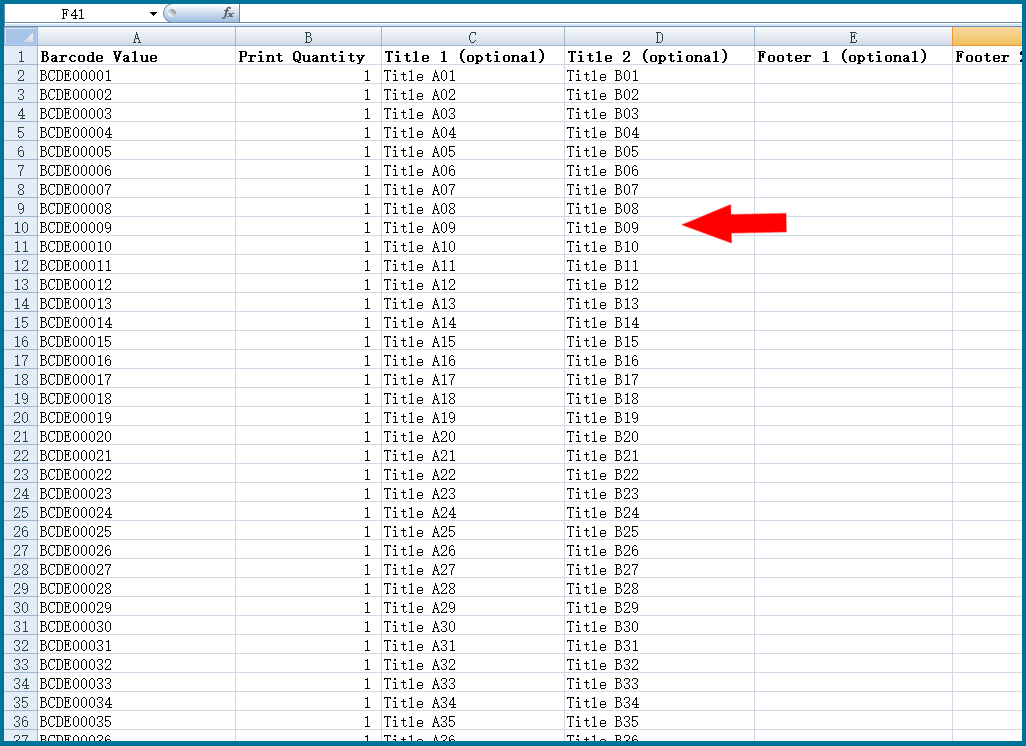
This program can generate blank predefined format Excel files for input data. This program's predefined format Excel sheet is like below: |
|
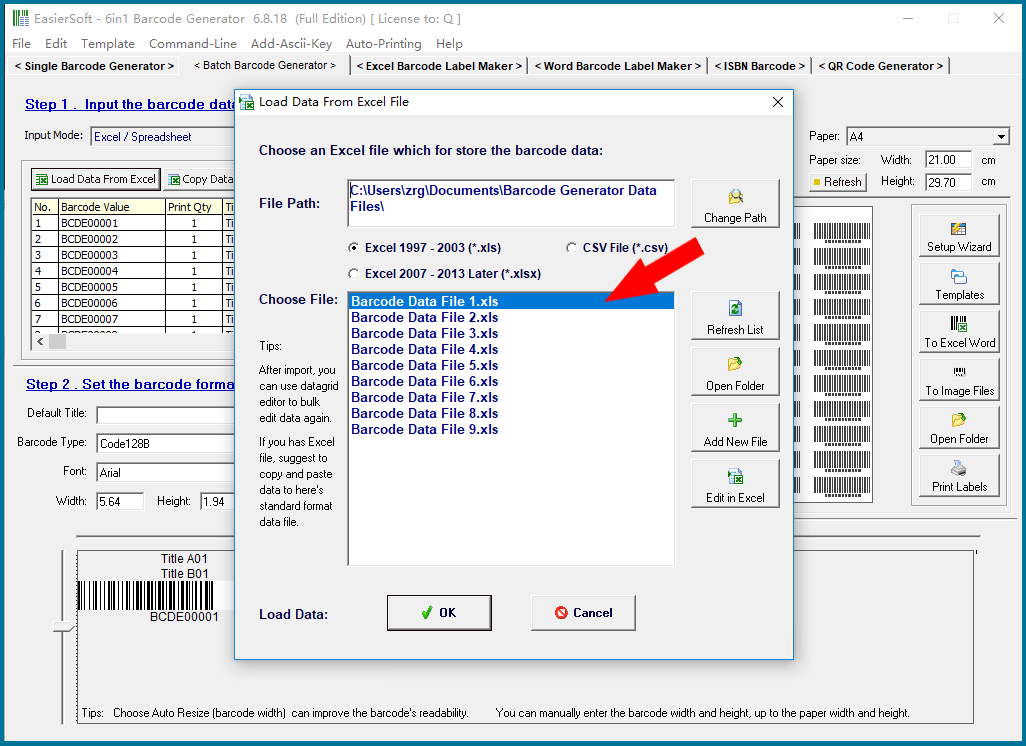
Choose an Excel file which for store the barcode data, then click OK button. |
|
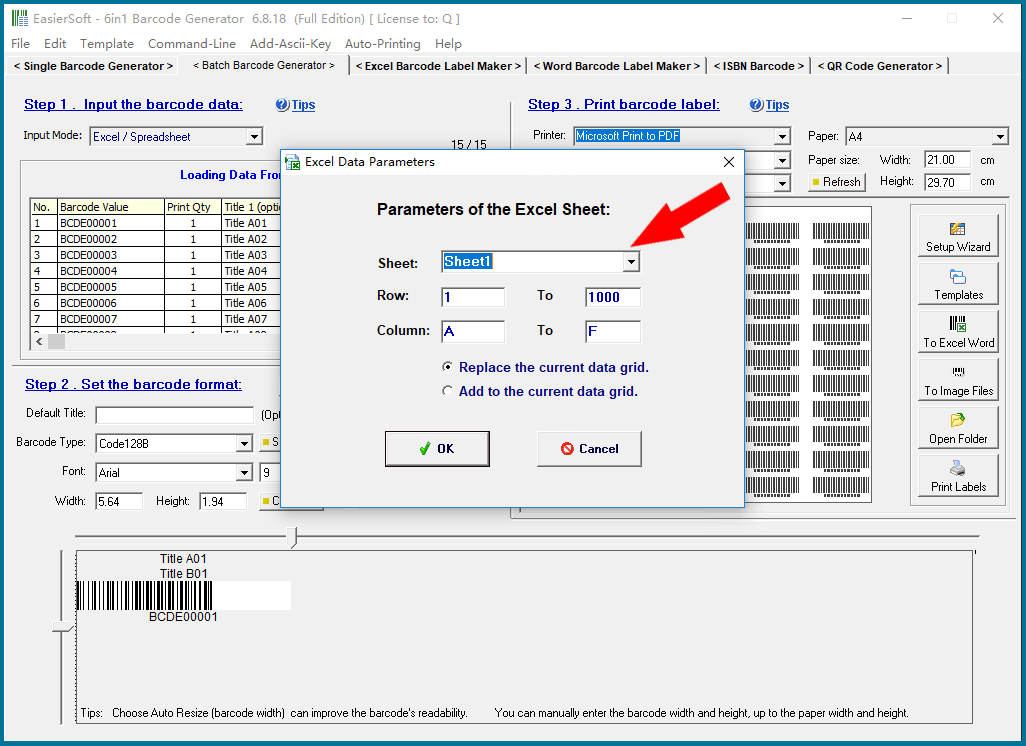
Parameters of the Excel Sheet. If you need to import data from multiple Excel file, choose the option "Add to the current data grid." |
|
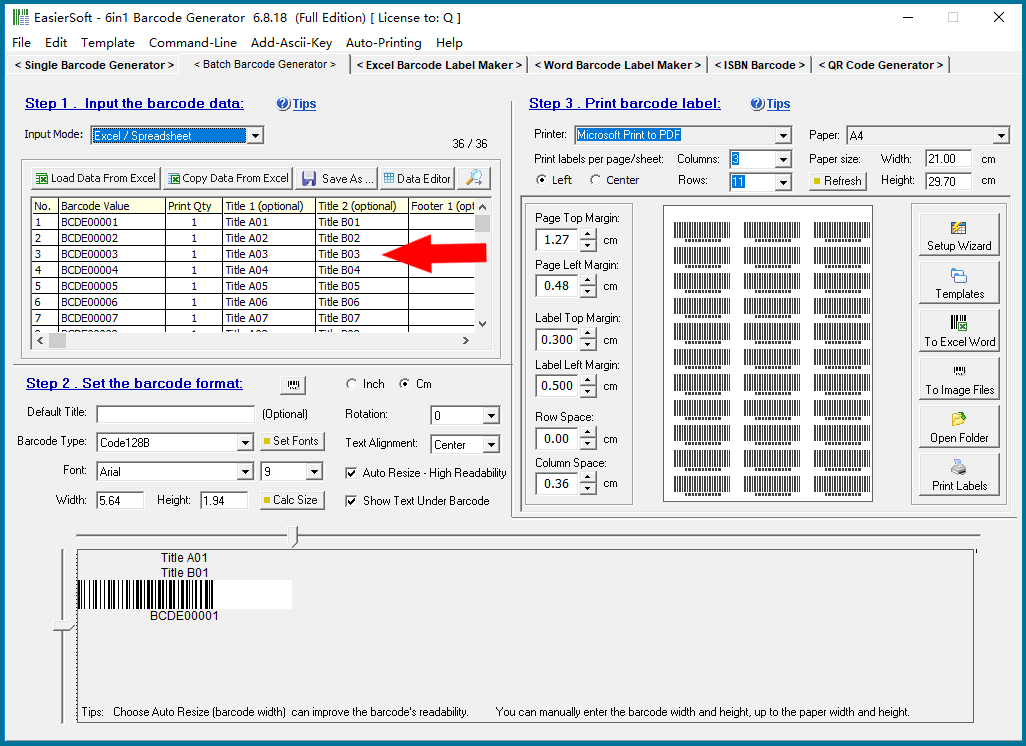
Tips: When loading a big Excel sheet, the Print function are locked temporarily. Please wait a moment until all data are be loaded. |
|
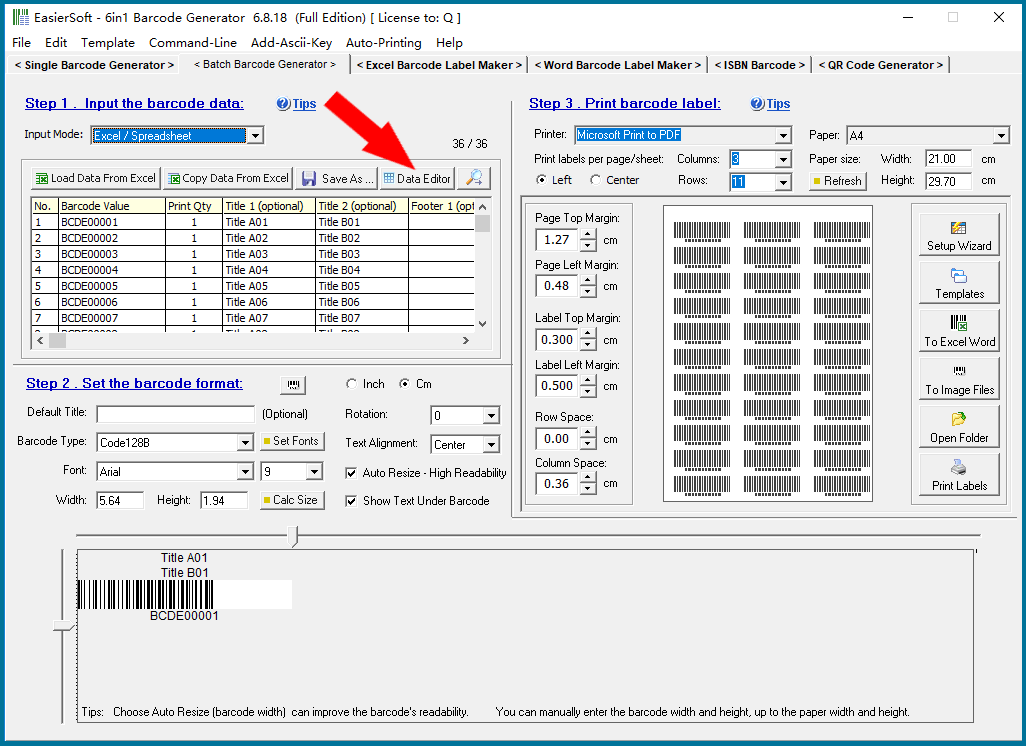
After the data are be loaded, you can click the Data Editor button the edit the data in a datagrid. |
|
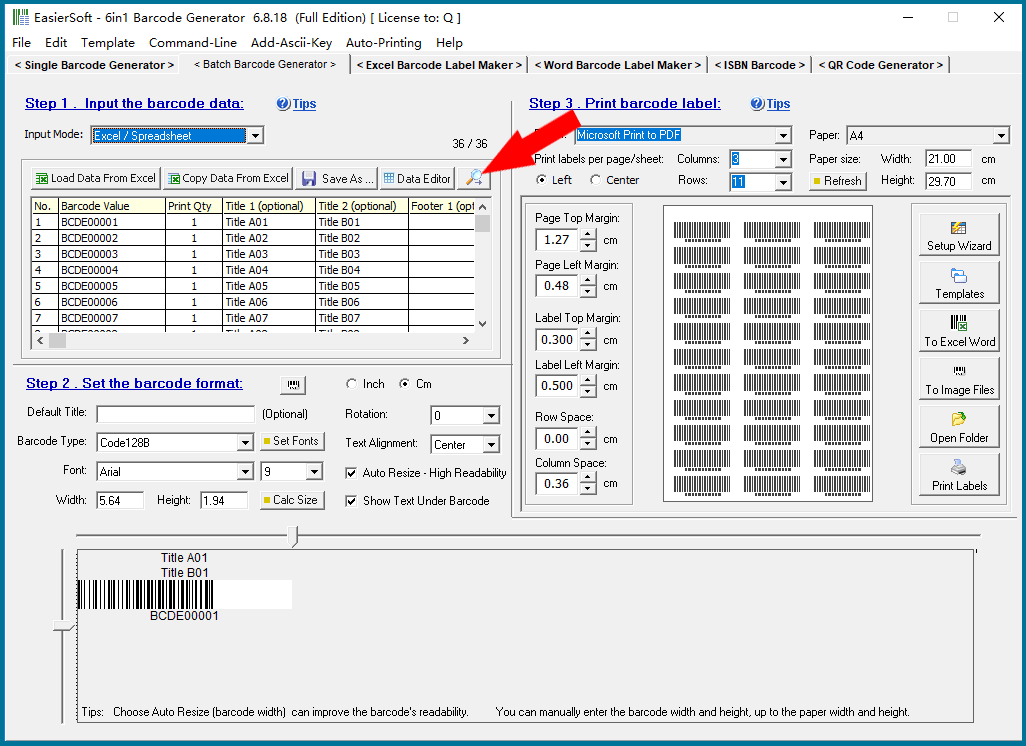
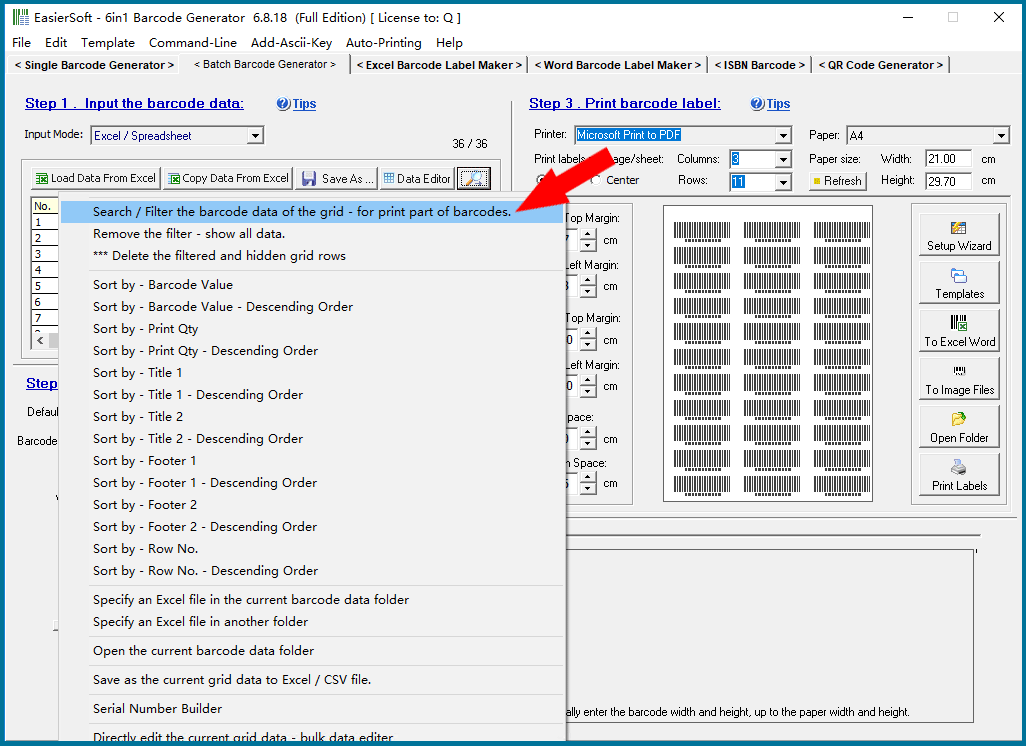
When printing barcode labels, you can choose to use all the data for printing barcodes, or you can use the filter function of this program to select only a part of the data you need to print barcode labels. |
|
This program has a unique "multiple filter" function. ----- Please click on the links "Back to Directory" to view other articles. |
|
 cs@easiersoft.com