EasierSoft Bulk Barcode Generator and Label Printing Software |
Data Editor - Editing a Single Row of Data in the Form |
This software includes a built-in Data Editor that functions similarly to an Excel worksheet. You can use this editor to enter or manage large volumes of data, making it easy to generate and print batches of barcode labels. |
|
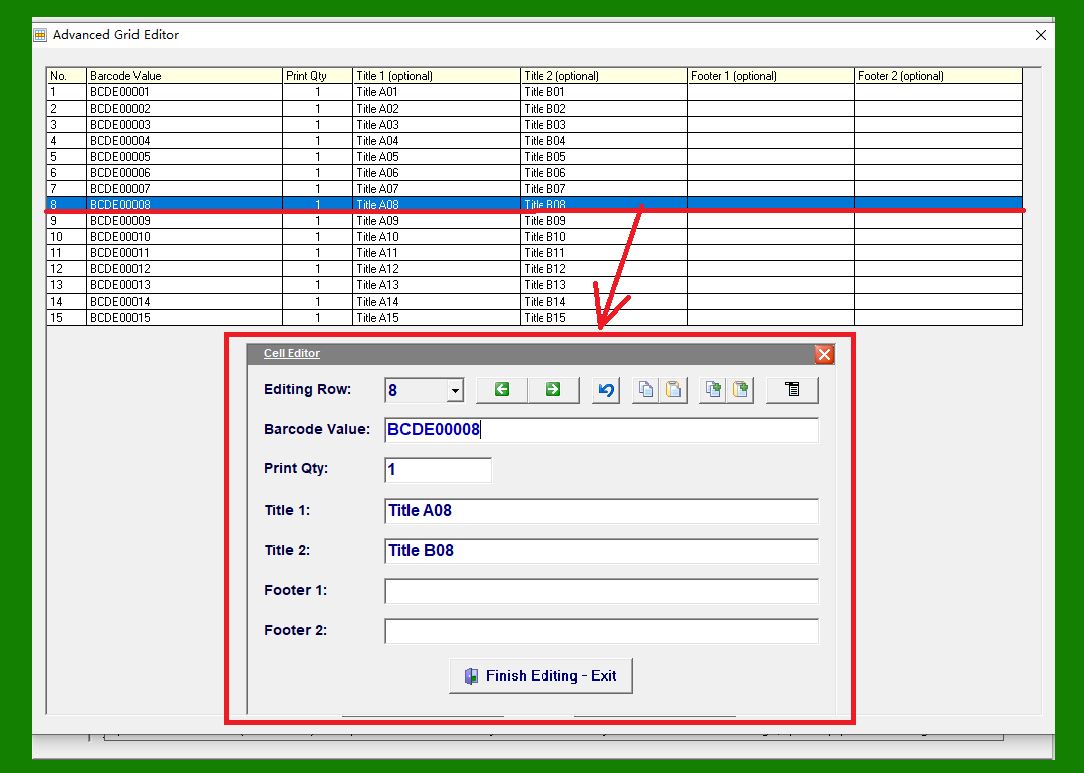
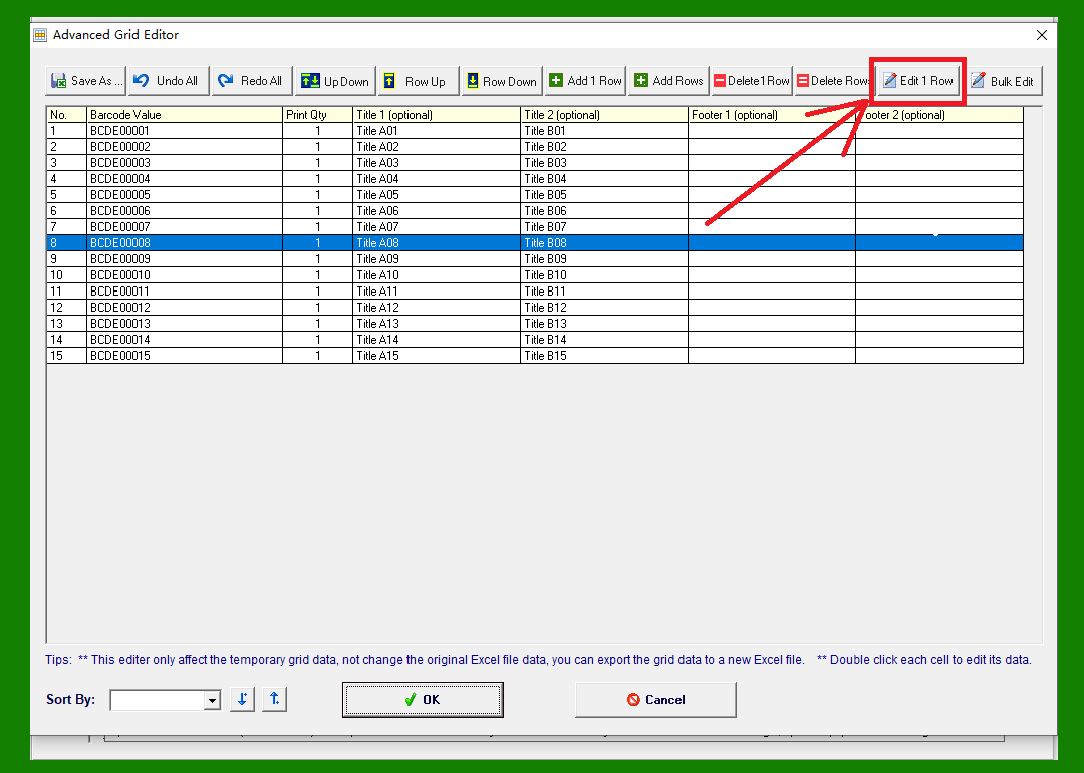
Click this button to open the Data Editor form. The form displays the data stored in the currently selected row. |
|
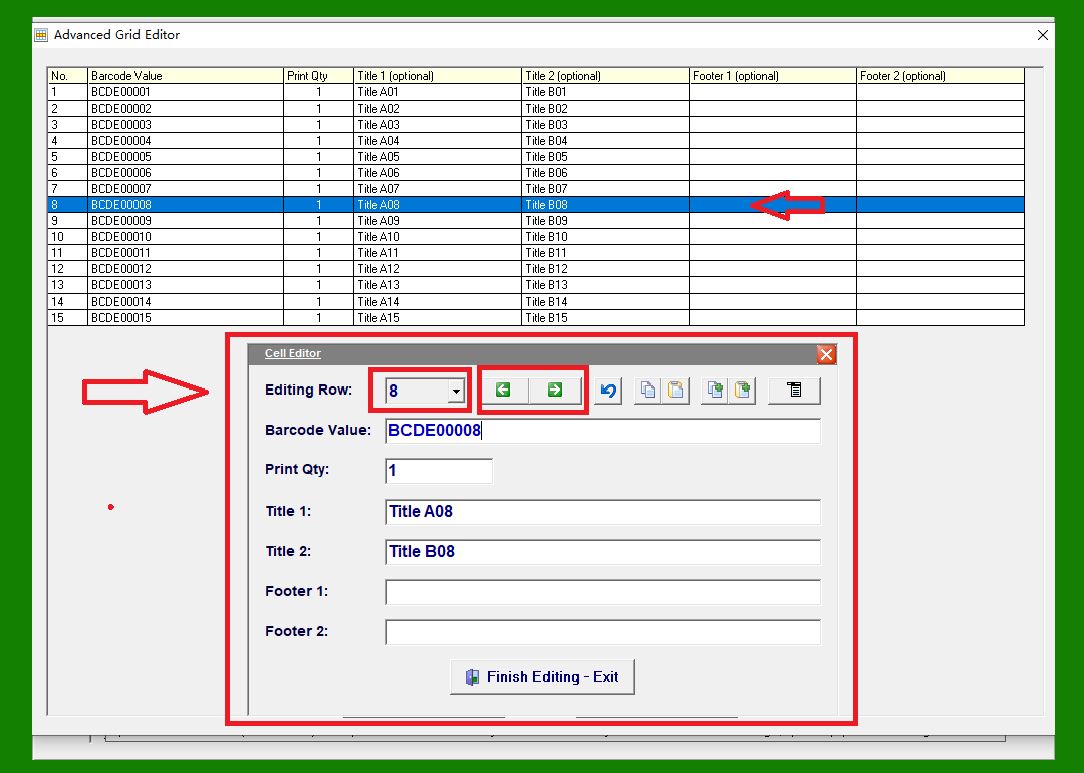
Row Selector: |
Use the drop-down list on the left to choose a specific row number. Once a row is selected, the form automatically displays the corresponding data. The two navigation buttons on the right allow you to move to the previous or next data row. |
|
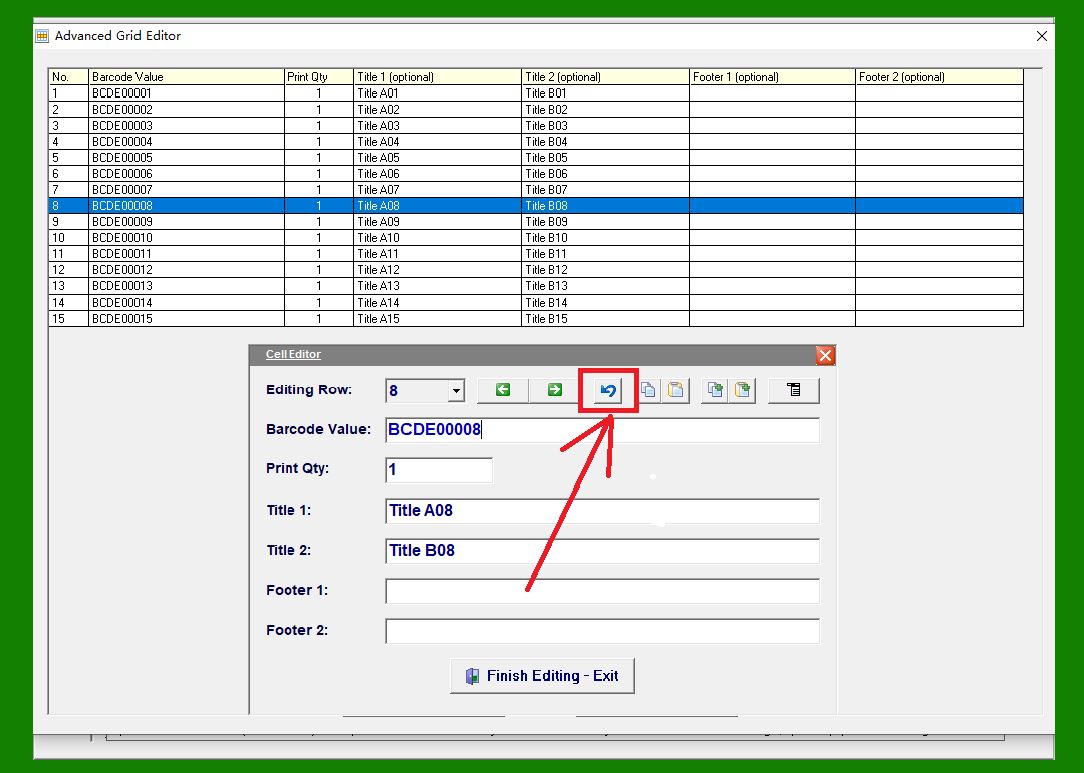
Undo: |
Reverts the most recent changes made within the form. |
|
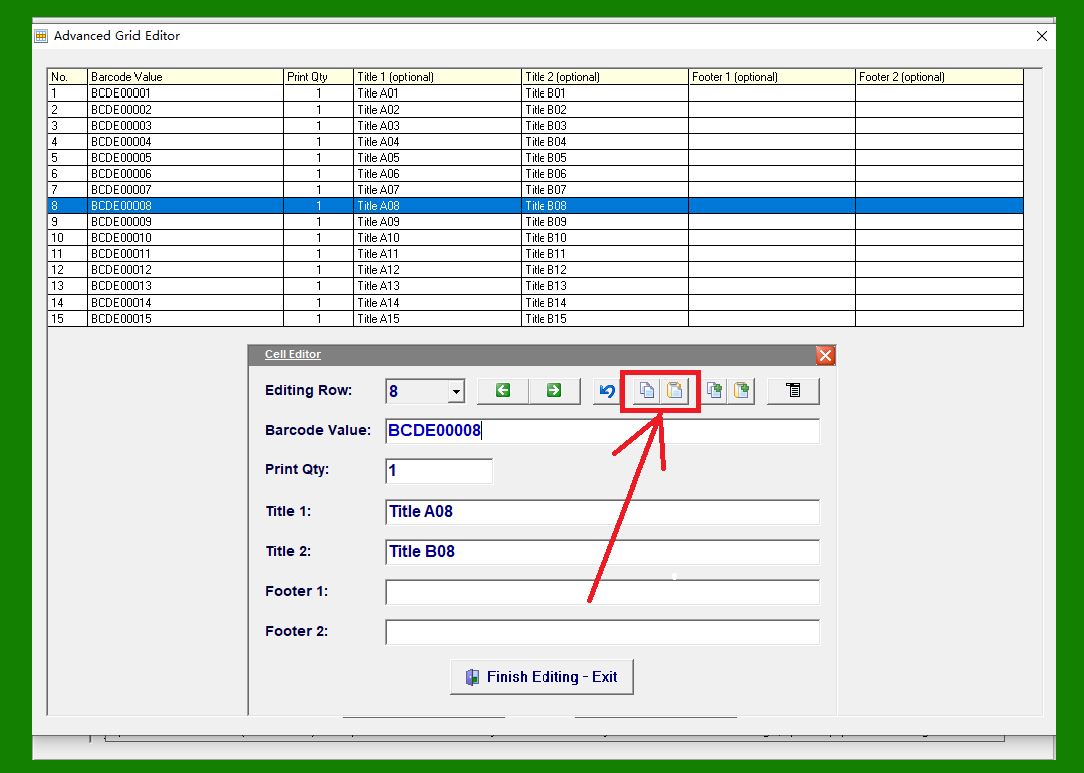
Copy and Paste: |
Copies and pastes the contents of the currently active text box. |
|
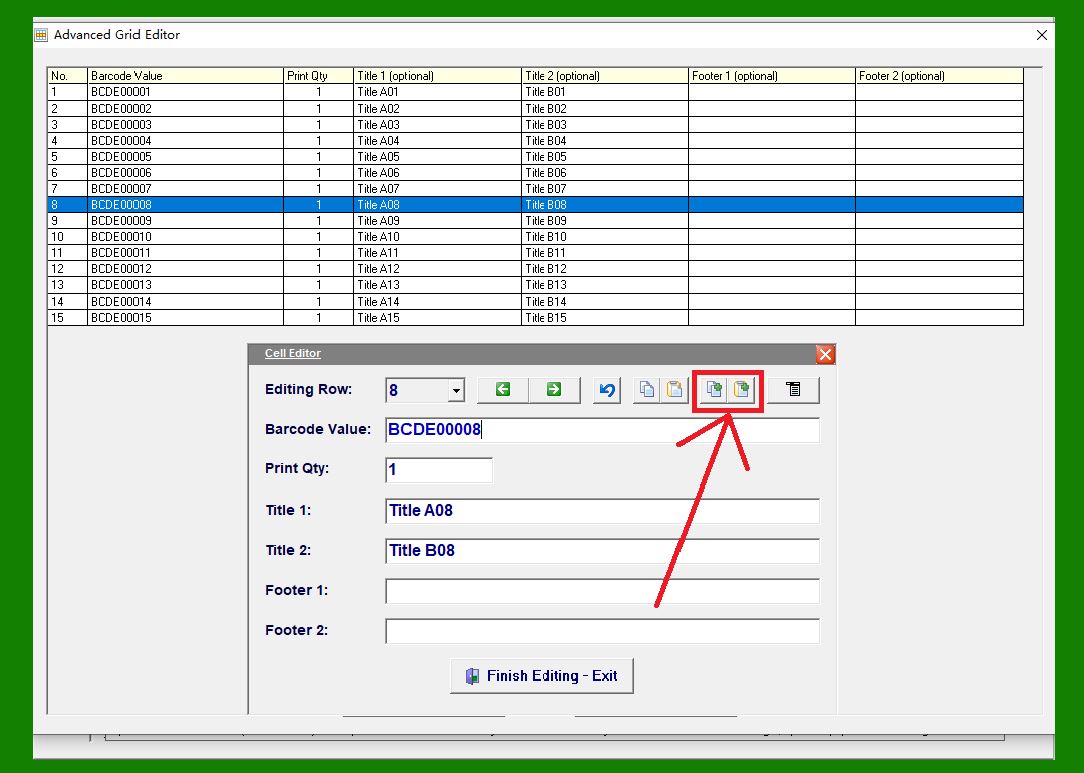
Copy and Paste Entire Form: |
Allows you to copy all fields in the form at once and paste them into another form, making it easy to duplicate or transfer data. |
|
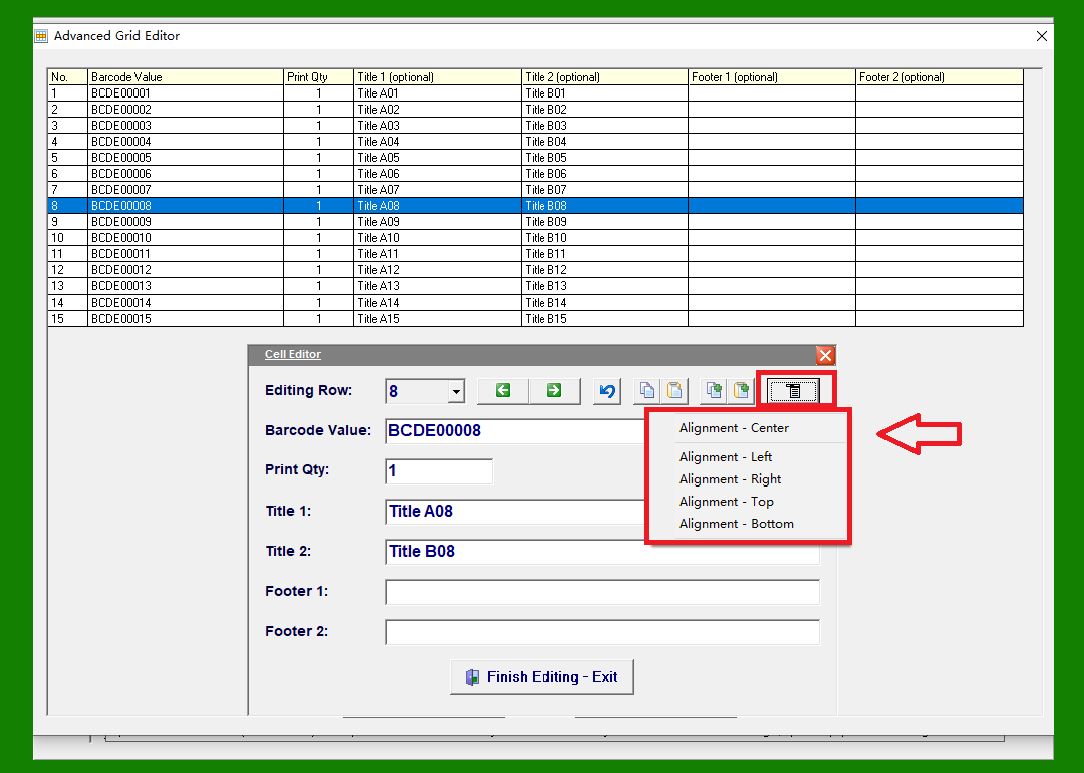
Use this menu to move the form window up, down, left, or right. |
|
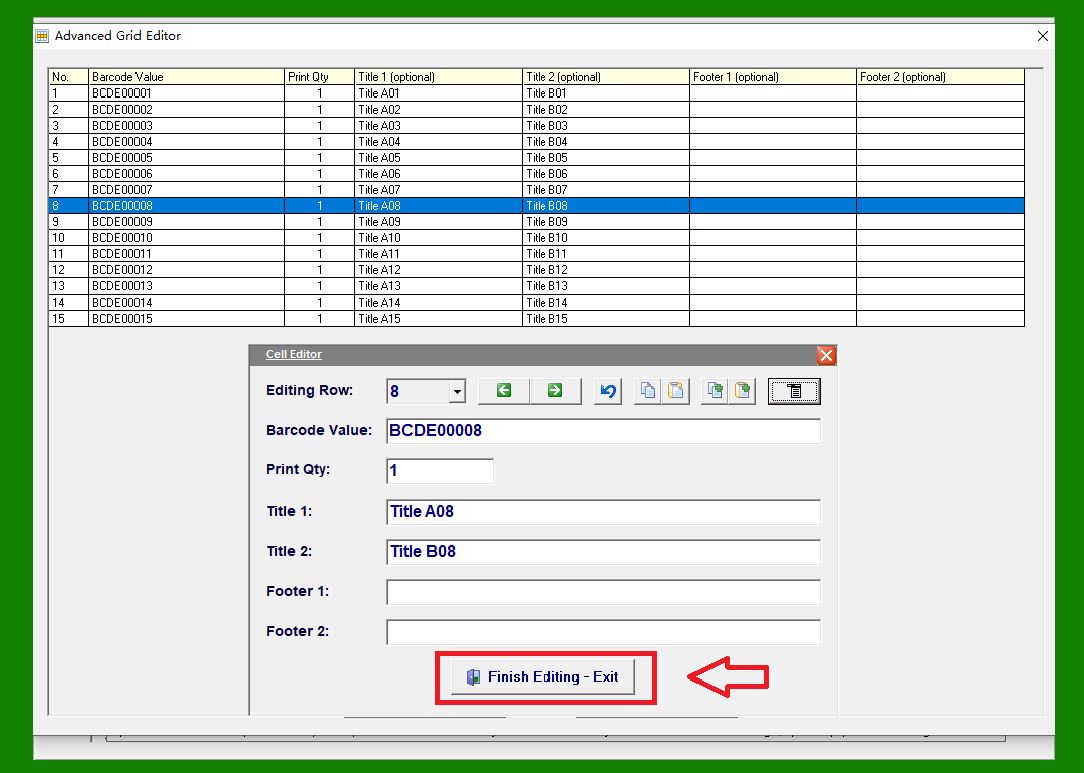
Click the Close button to exit the Data Editor and return to the main interface. |
|
 cs@easiersoft.com