Standard Version, Main Form Details |
Multiple Line Text |
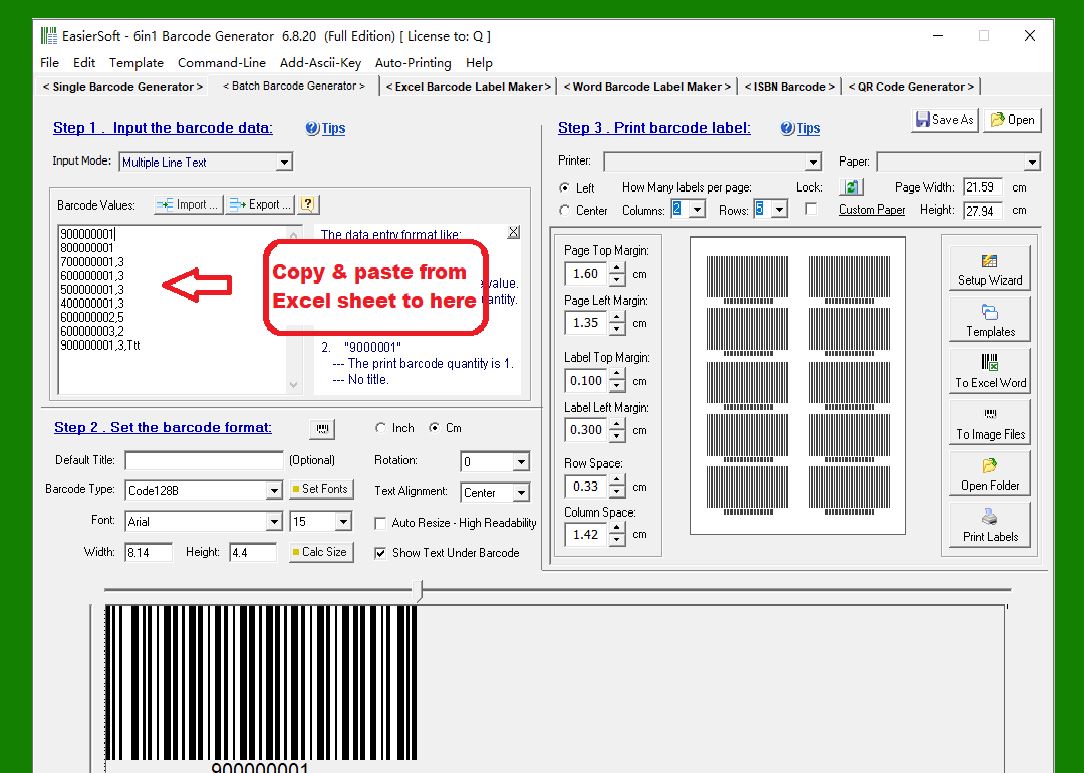
1. Barcode Value: Allows you to enter multiple lines of barcode values. Each line contains the entire label content, in the following order: barcode value, number of barcodes to print, first header line, second header line, first footer line, second footer line. |
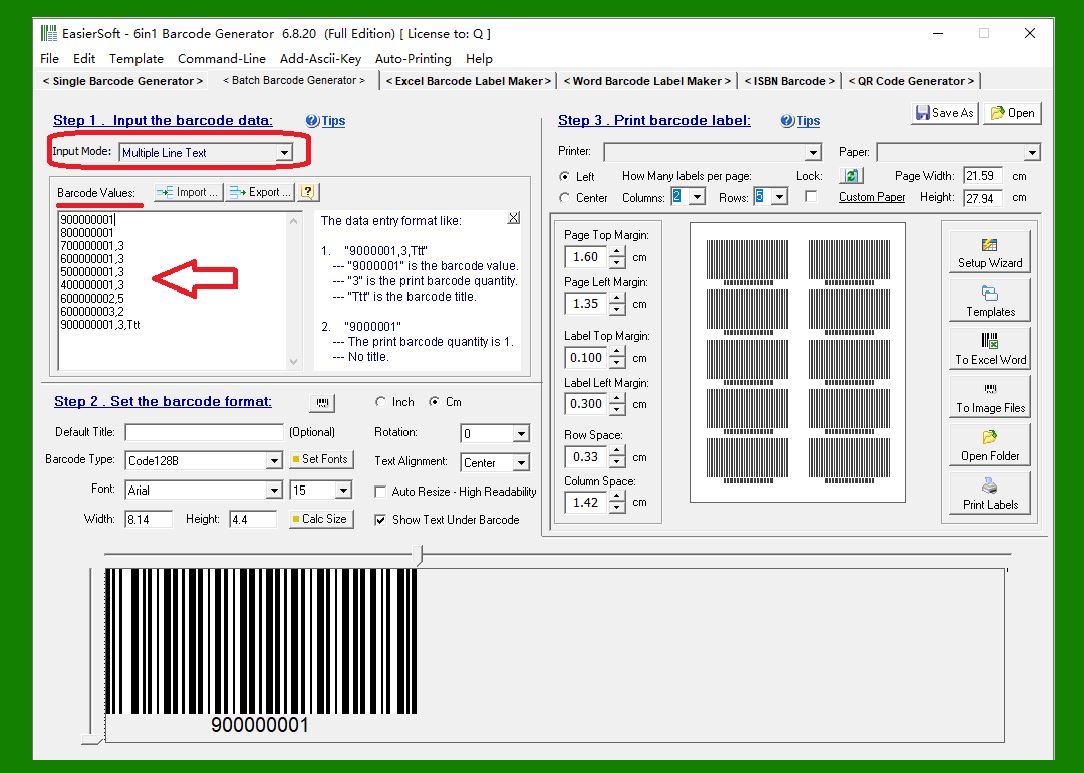
|
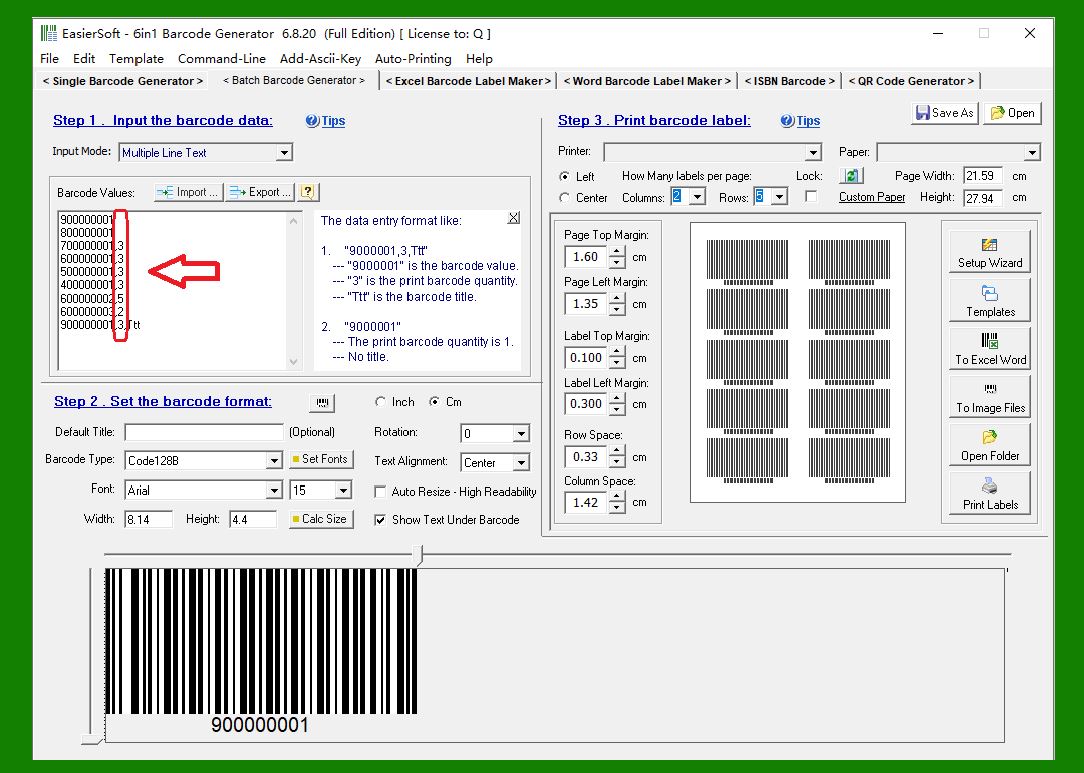
2. Print Quantity: This determines how many barcode labels you want to print. As shown in the image below: the first and second lines print 1 barcode, lines 3-6 print 3 barcodes, line 7 prints 5 barcodes, line 8 prints 2 barcodes, and the last line prints 3 barcodes. |
|
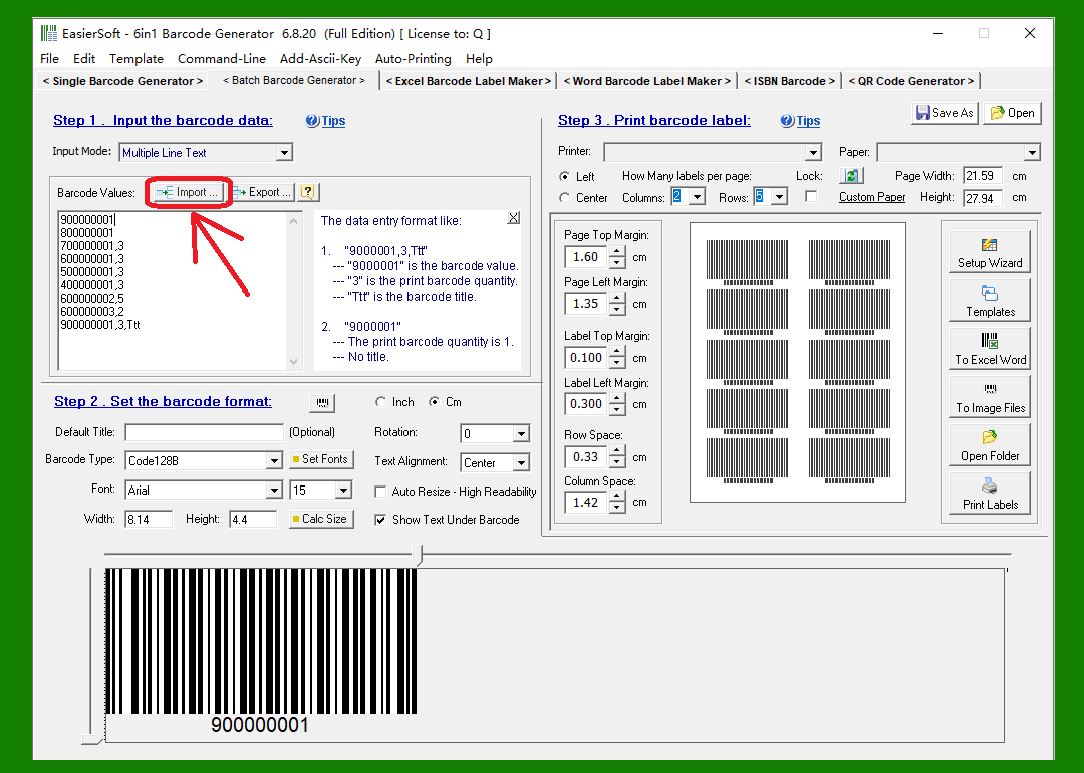
3. 'Import' Button: Imports data from a txt or csv file into this form for batch printing of barcode labels. |
|
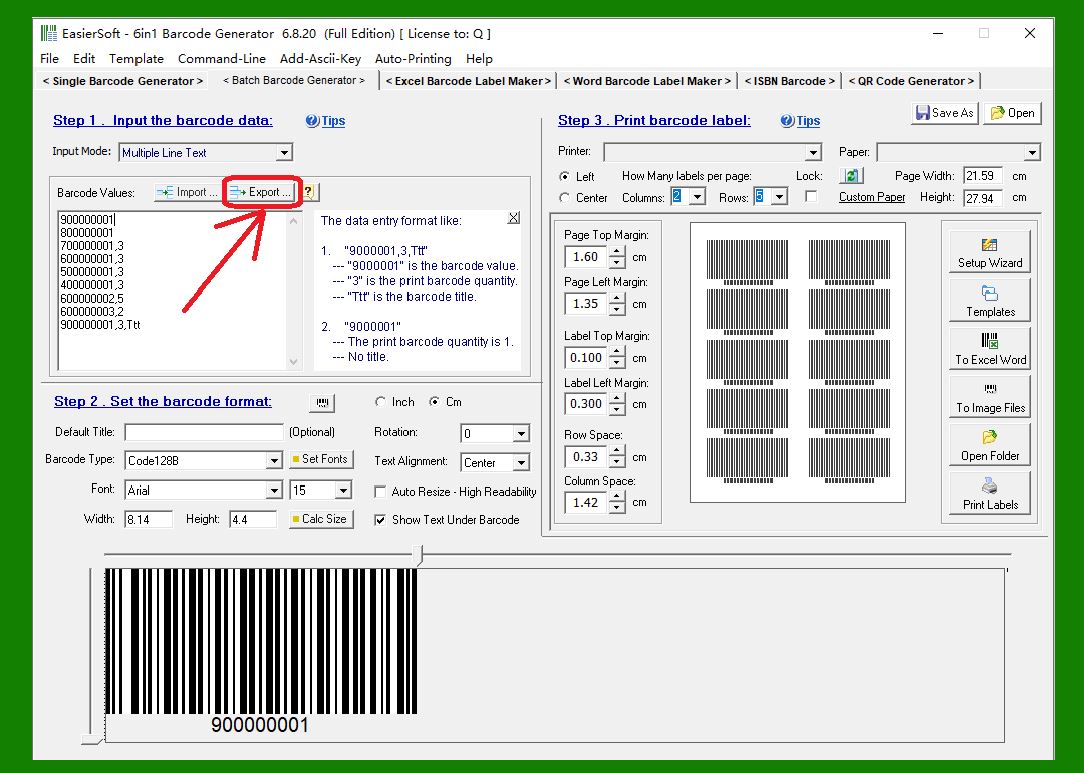
4. 'Export' Button: Exports the barcode value content from this form to a txt or csv file. Data can be imported from these files into this form later when needed. |
|
5. The contents of the Excel sheet can be directly copied and pasted into this form for batch printing of barcode labels. |
|
 cs@easiersoft.com