How to Start

Input Data

Import Excel Data

Save Template

Output Word Excel

Barcode Format

Print Barcode

All Screen Shot

Label Designer

Export Barcode Image

Barcode Software Help Documentation

<<< Back to Directory <<<    Download - Free Barcode Generator Software

Output barcodes to Word or Excel

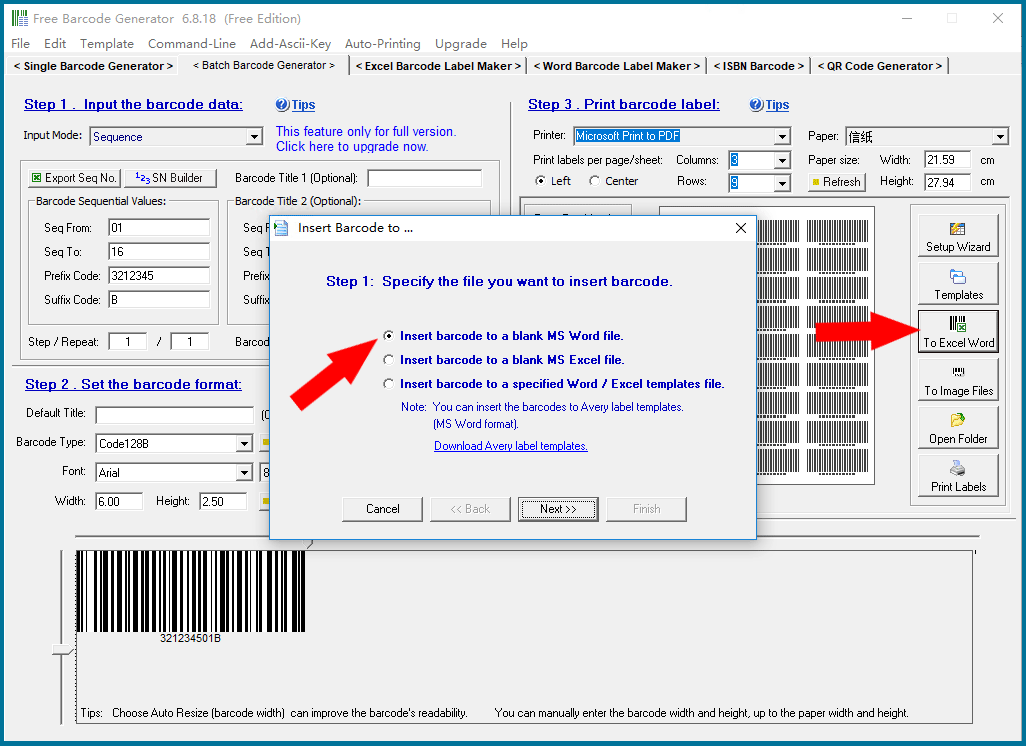
Output barcodes to Word or Excel files

This is an unique function:

The complex barcode label can be manufactured with the cooperative work between Barcode Generator and MS Excel or Word.

A lot of contents are contained in some bar code labels such as shipping label, including shipping address, supplier information, the company's LOGO, etc.

You can designing and print this kind of bar code labels with MS Excel or Word.

Because most of the people are skillful at applying Excel or Word, so it is not necessary to learn those complex and professional bar code label design software.

Excel and Word are feasible, and its document format editing and printing function are very strong.

The complex and exquisite label template can be manufactured with Excel or Word.

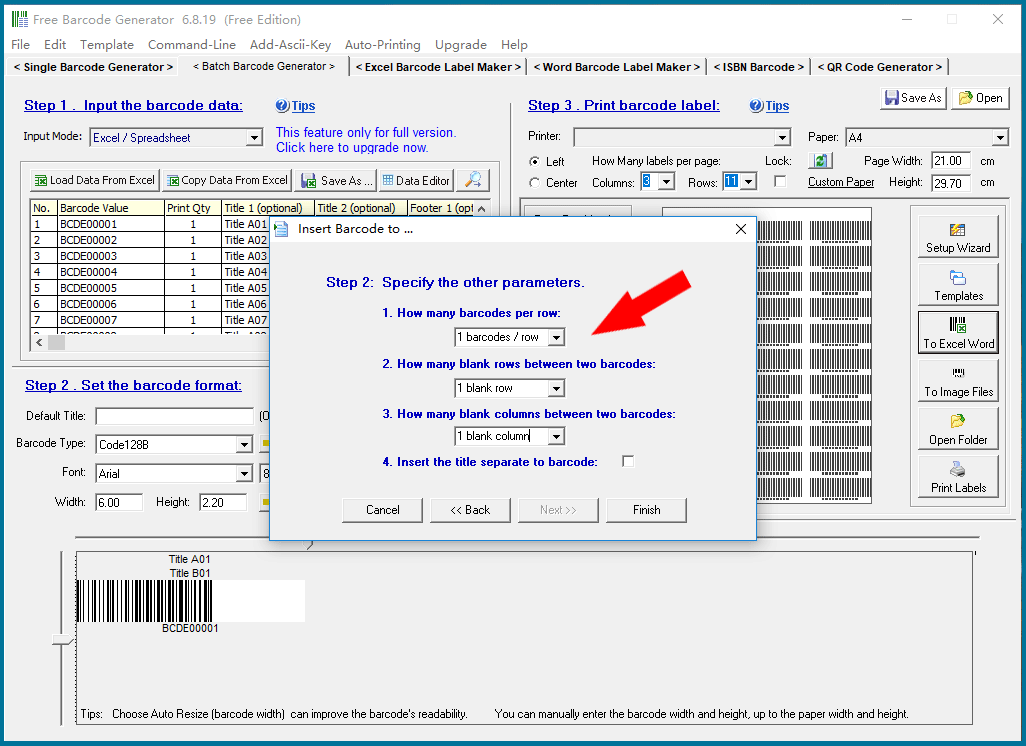
We want to export the barcode image to a word or Excel table, so we need to set which rows or columns of the table to export to.

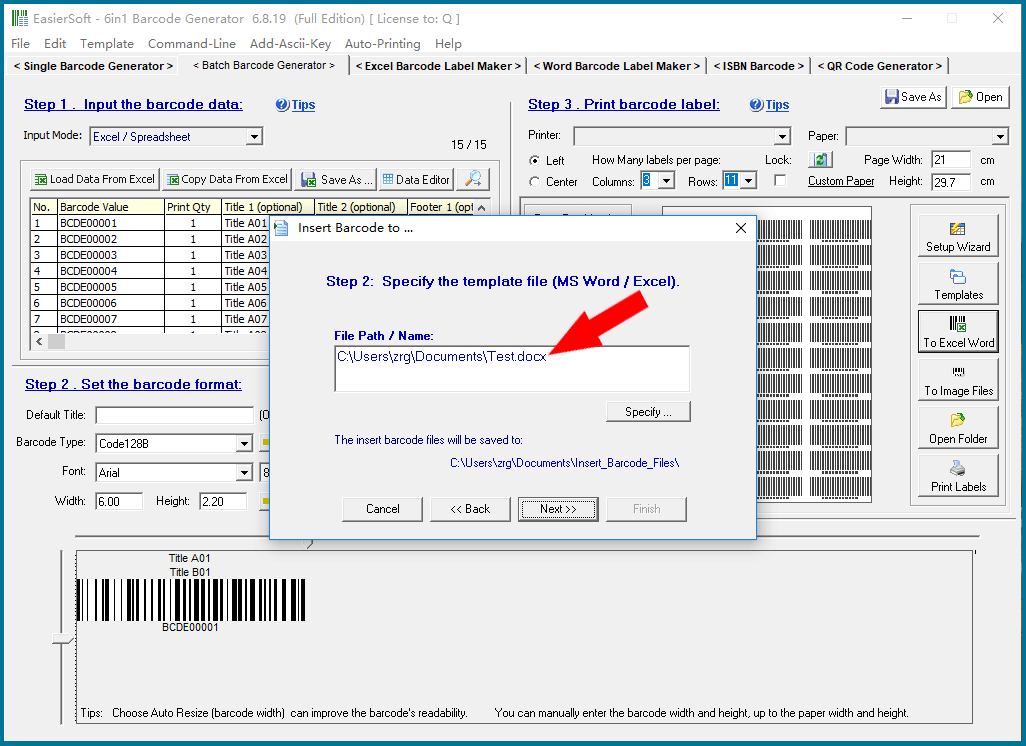
Before exporting the barcodes, we need to first design a label template file using Word or Excel, then specify this file in the program and export the barcode images to this file.

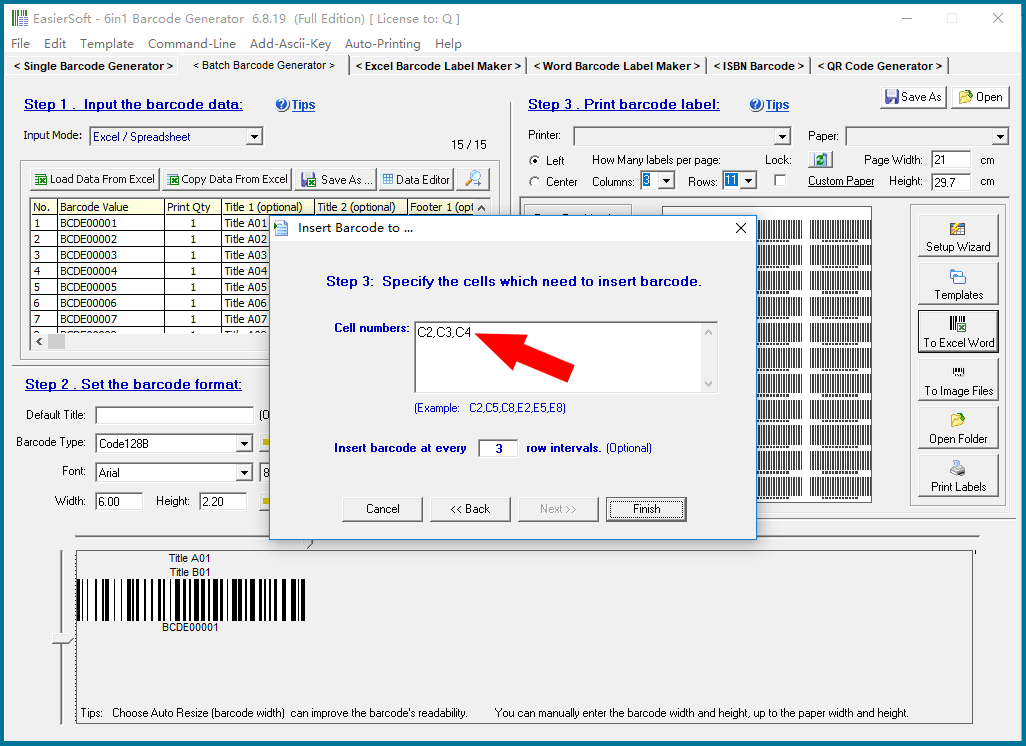
If you are exporting to Excel, you also need to specify which cells you want to export the barcodes to.

For details, please click "Back to Directory" to view other articles.


CONTACT

cs@easiersoft.com

If you have any question, please feel free to email us -- Barcode Software Support Team


https://free-barcode.com


<<< Back to Directory <<<     Barcode Generator     Barcode Freeware     Privacy Policy